

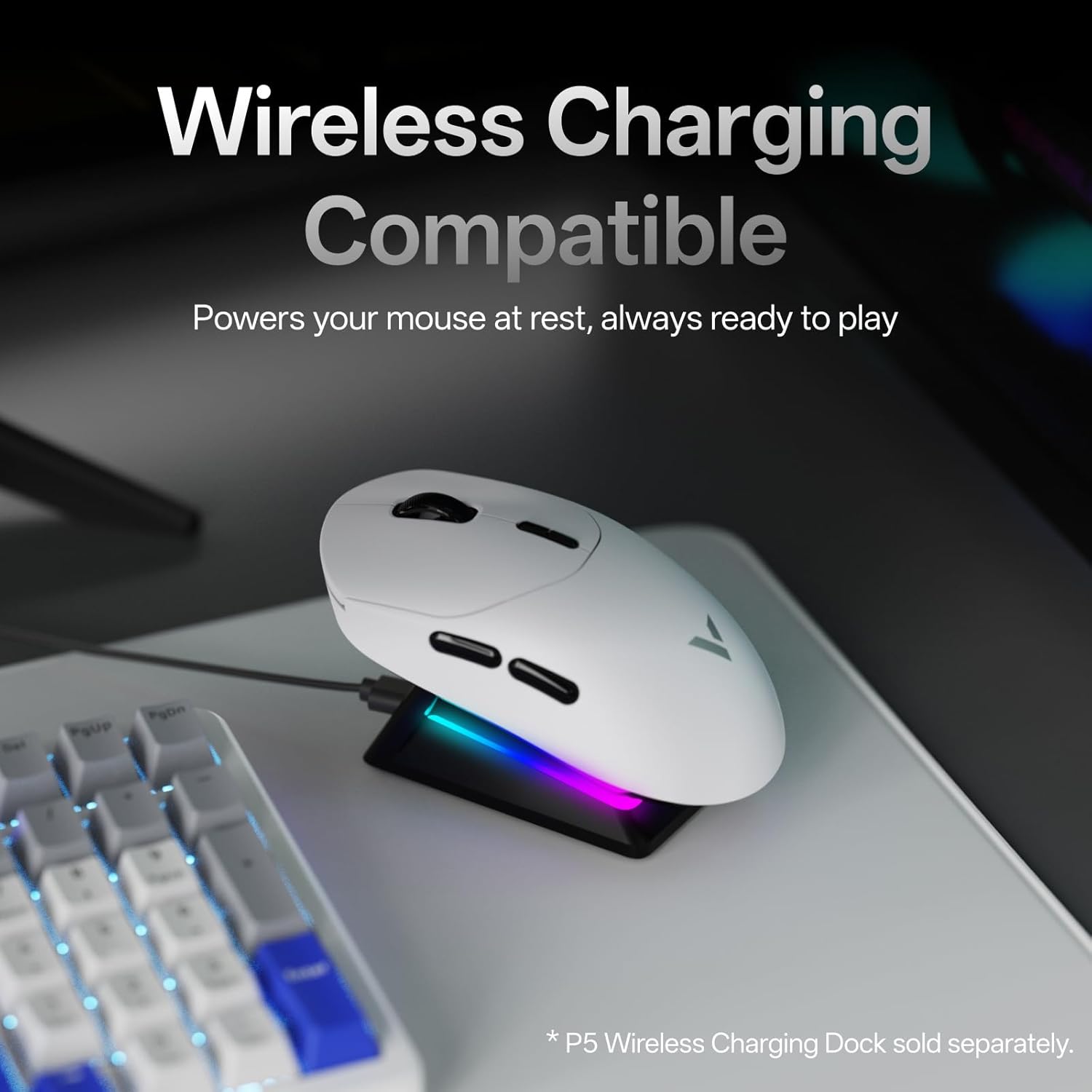
Rapoo VT2 Wireless Gaming Mouse
Product description
What it is and who it’s for
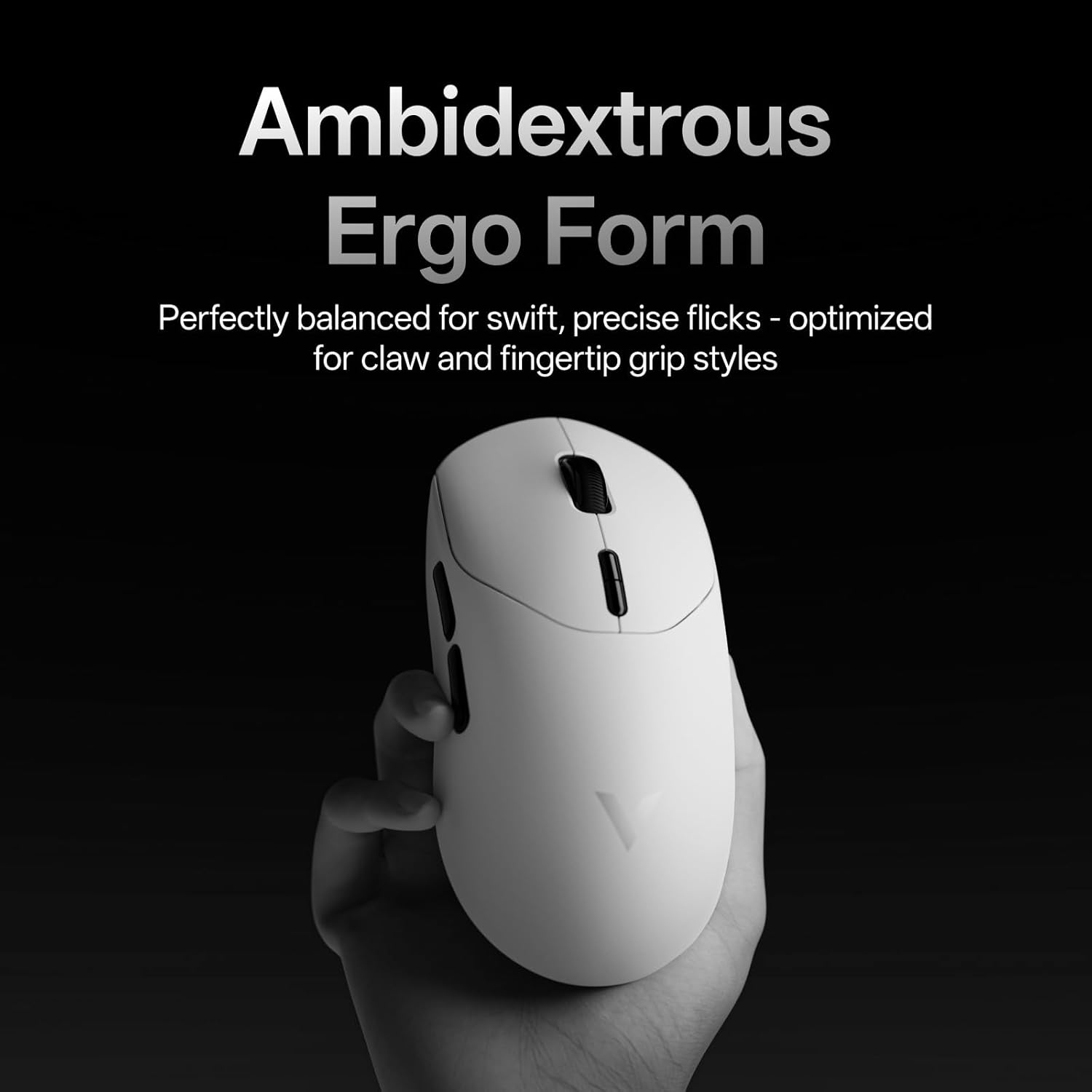
The Rapoo VT2 is a lightweight wireless gaming mouse designed for players who want long battery life, high polling accuracy and a low-fatigue grip. At 53g, it aims to reduce strain during extended sessions, while a 26K DPI sensor and independent X/Y DPI controls offer precise on-the-fly adjustments. If you prioritise a compact, low-weight setup with a rich macro and button configuration, the VT2 may fit that needs.
How it feels in use
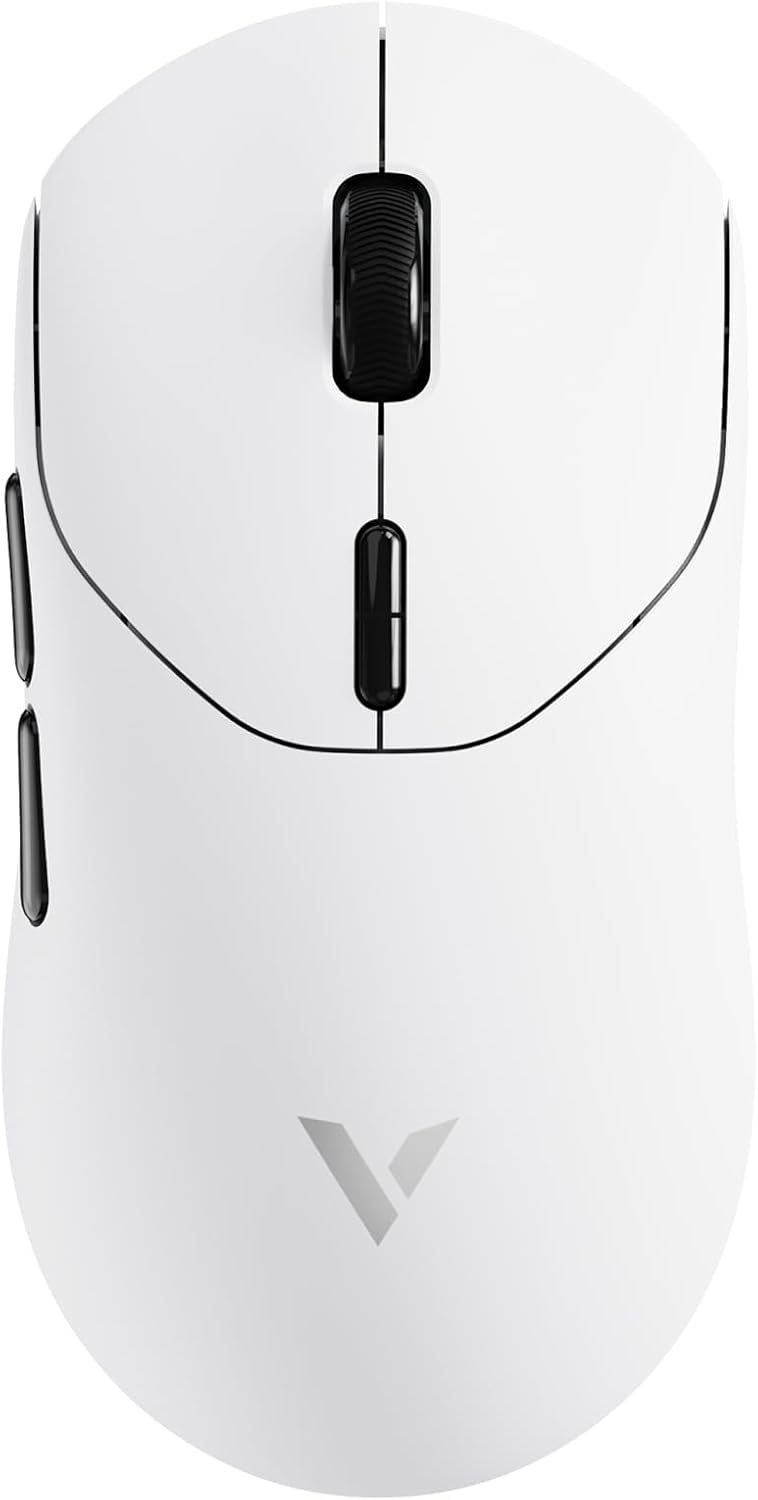
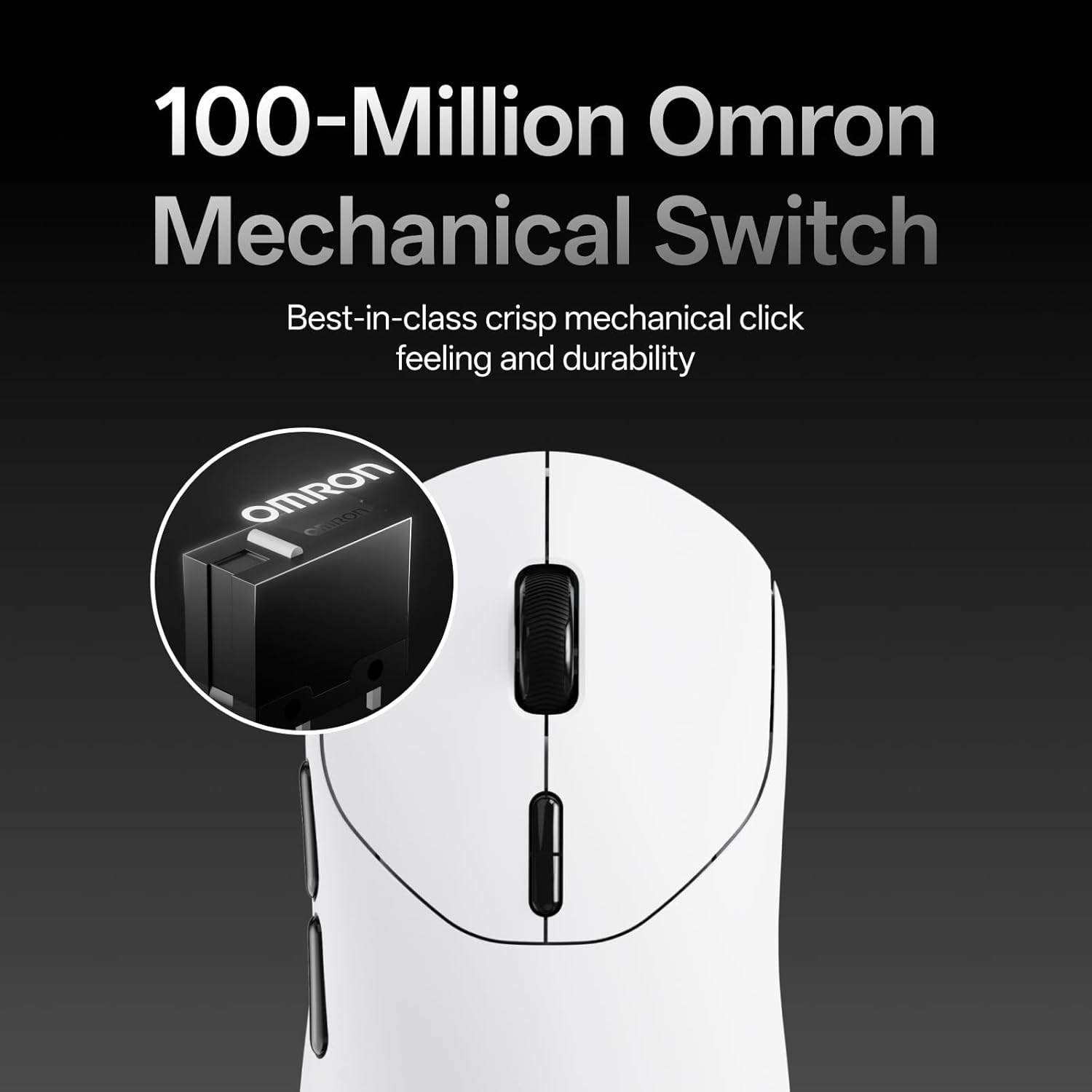
On paper, the VT2 balances high performance with endurance. The 100-million mechanical switches promise familiar click feedback, though some grip styles may influence how the click feels over time. The 750 hours of battery life (at 1000Hz) could mean fewer interruptions for charging during long sessions, depending on how aggressively you use it and the polling rate setting.
What stands out

Two standout aspects are the true 8K wireless polling and the sizeable DPI range. Native 8000Hz wireless polling aims to deliver responsive input without the reliance on dongles or software smoothing, which can matter in tournament environments with wireless interference. The 26K DPI provides pixel-precise control and the ability to set individual DPI levels for X and Y axes helps tailor sensitivity to display size and in-game needs. The onboard memory and compatible driver support for Windows and Mac OS via A HUB keep your customised mappings consistent across devices.
Where it may fall short
No product is perfect for every setup. The VT2 uses mechanical switches rather than optical ones, which some players prefer for reduced actuation force or differing lifespan characteristics. While Rapoo claims up to 100-million cycles, real-world wear can vary with pressing style. If you prioritise absolute noise reduction or the latest optical switch tech, you might find alternatives more suitable. Additionally, the driver and future browser-based Web 2.0 driver version are mentioned for on-device programming, if you value plug-and-play without drivers, you’ll want to verify how seamless the driver-free experience becomes.
Ideal user and use case

This mouse seems aimed at gamers who want a lightweight, feature-rich option with long battery life and a high polling rate—especially those who value macro capability and custom button layouts. It suits players who play across Windows and Mac OS and who appreciate onboard memory to retain settings between devices. It’s a reasonable pick if you need a precise sensor, multiple programmable buttons and the flexibility of independent X/Y DPI adjustments for different display setups.

When it makes sense to buy
Consider the VT2 if you expect to game for long sessions away from a charger, and you want a main mouse with strong macro support and a broad DPI range. The combination of 53g weight, high polling rate, and 100-million mechanical switches positions it as a thoughtful choice for mid-to-high intensity gaming where responsiveness and customisation matter more than a purely ultralight build.
When to pass
If you prioritise the absolute quietest click, or you value optical switches for their alleged longevity and wear characteristics, the VT2 MAX (with 120-million optical switches) might align better with your preferences. If you rarely use macros or you don’t need high-precision independent DPI control, there are simpler, lighter or cheaper options that could be a better fit.
What to check before buying
- Confirm you’re comfortable with a mechanical switch feel and its tolerance over time.
- Ensure your computer supports the driver you’ll use (A HUB for Windows/Mac and potential browser-based driver future release).
- Think about your typical display and whether 26K DPI is useful or excessive for your needs.
- Check how you’ll use the high 1000Hz polling in your environment, in very noisy wireless environments, the true 8K wireless polling can be beneficial, but real-world gains depend on setup.
Practical usage example
Imagine you’re practising a precision shooter in a fast-paced title. You’ve set an X/Y DPI split that mirrors your monitor’s resolution, programmed mid-game macros to map complex sequences, and you rely on a connected profile that stays with you across Windows and Mac. The VT2’s weight stays comfortable, the battery endures through multi-hour sessions, and you don’t have to pause to swap batteries or reconnect mid-game.
FAQ (where data allows)
- How does the 8K wireless polling benefit gameplay? It aims to provide low-latency input with minimal software smoothing, useful in competitive environments.
- Can I use the VT2 without drivers? The product mentions a driver (A HUB) and a future driver-free browser option, initial use may require installing software to access full macro features.
- Is the VT2 suitable for Mac users? Yes, it’s described as compatible with Windows and Mac OS via A HUB.
Final decision
Is it worth it? Worth considering if you value a lightweight build, long battery life, and extensive macro/customisation options with a high polling rate. If you prioritise ultra-quiet switches or plug-and-play simplicity, you may want to compare with models offering optical switches or driver-free configurations. The VT2 seems to bridge high-end features with practical usability for serious gamers who want control across devices.