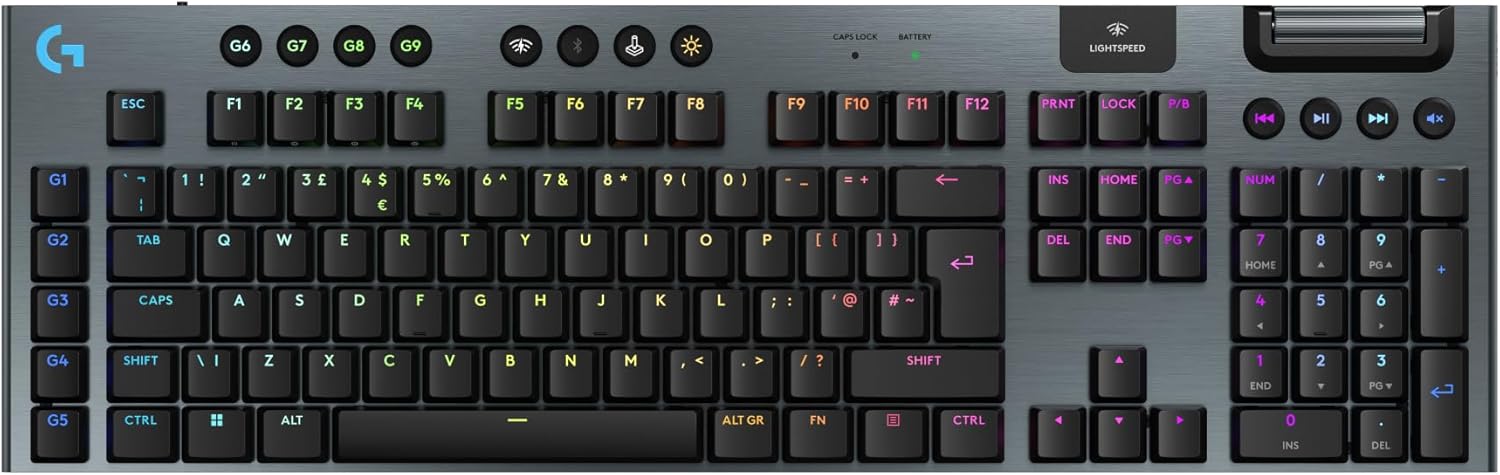
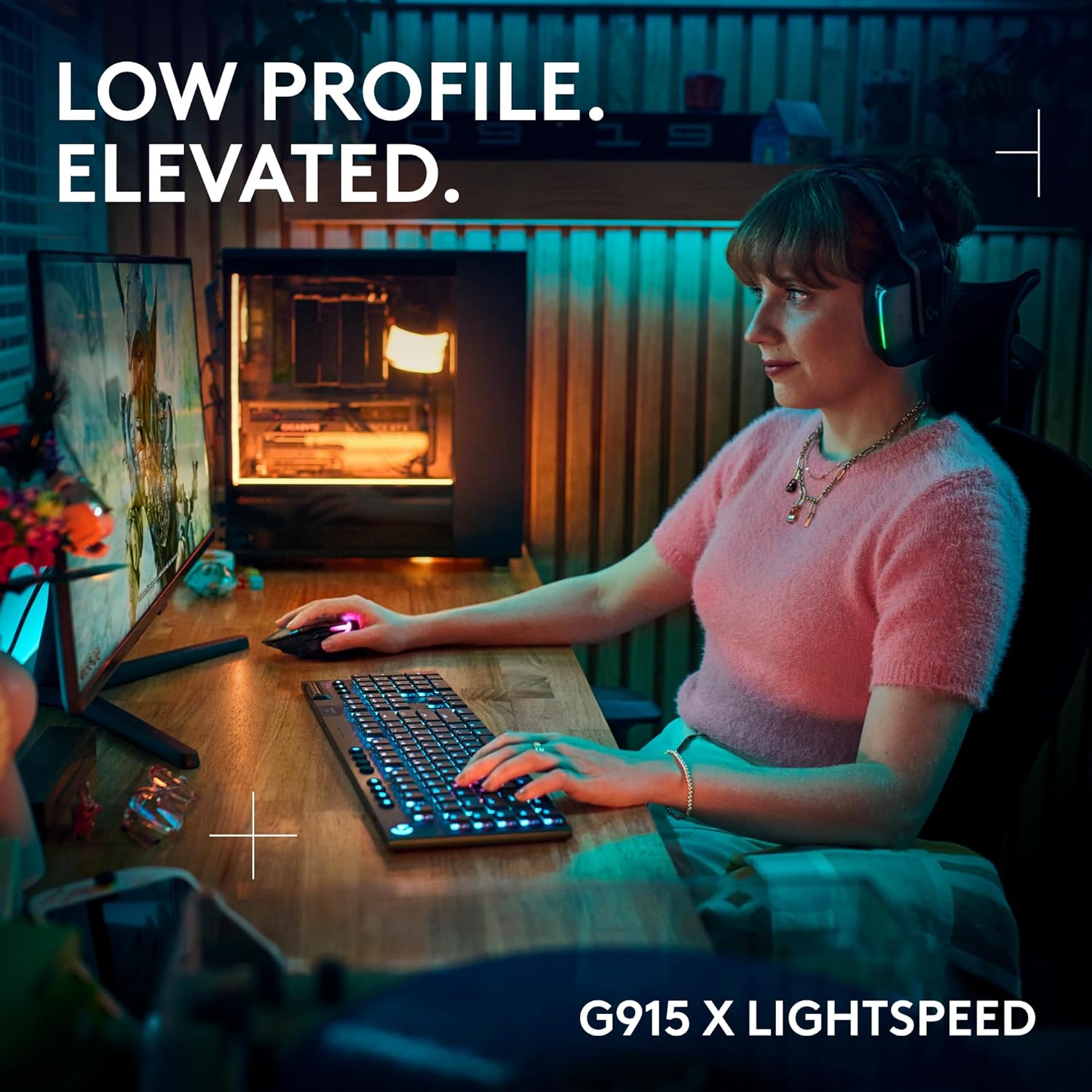
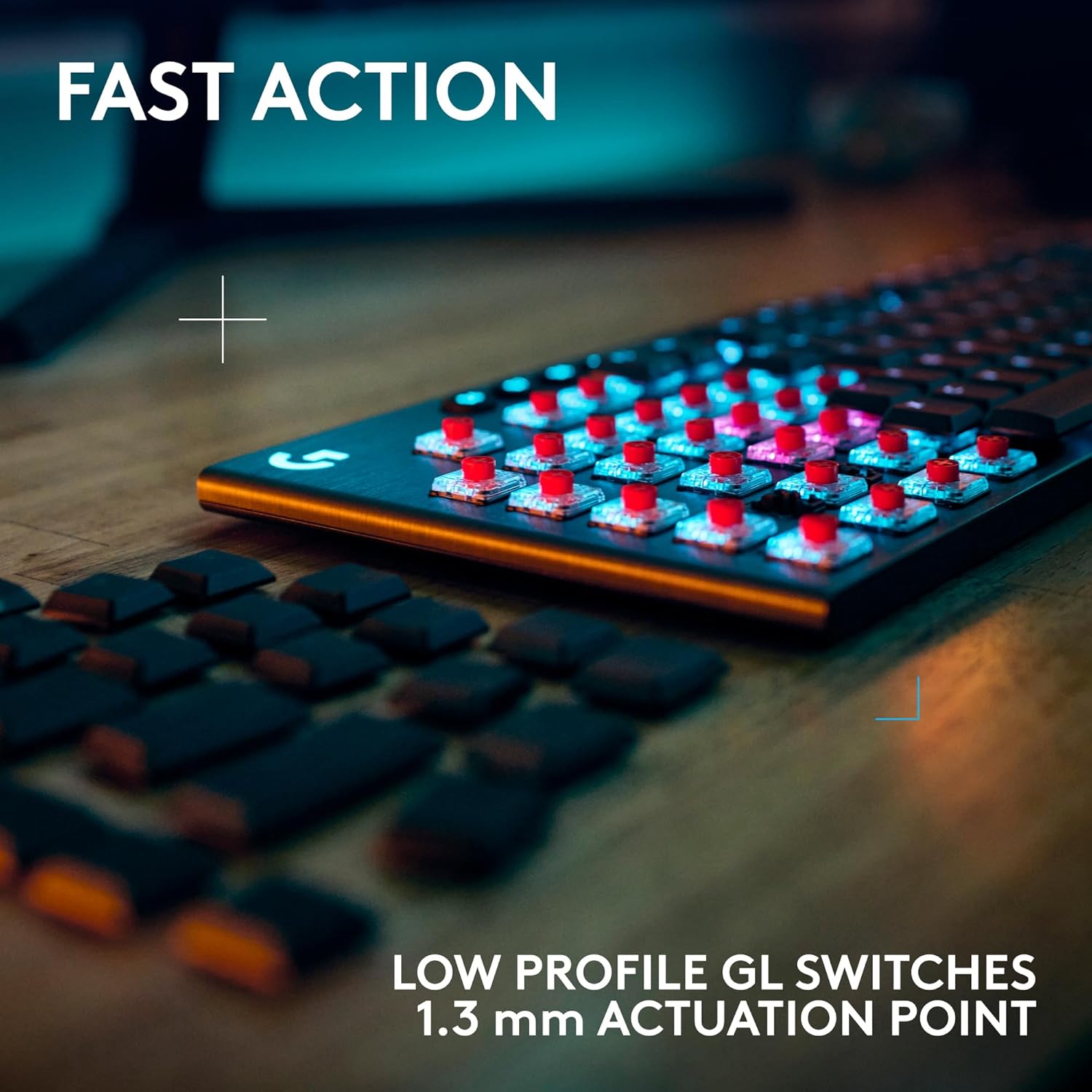
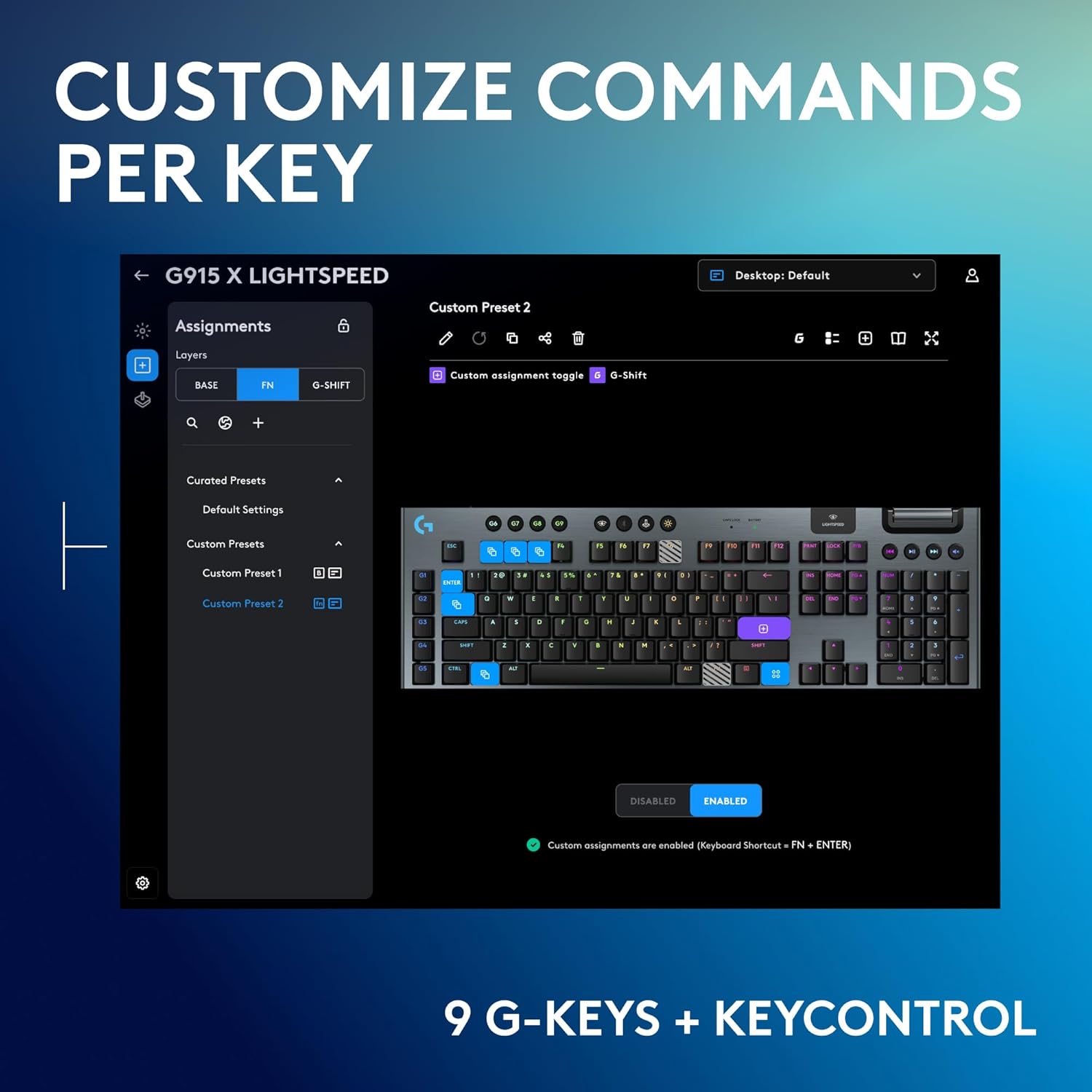
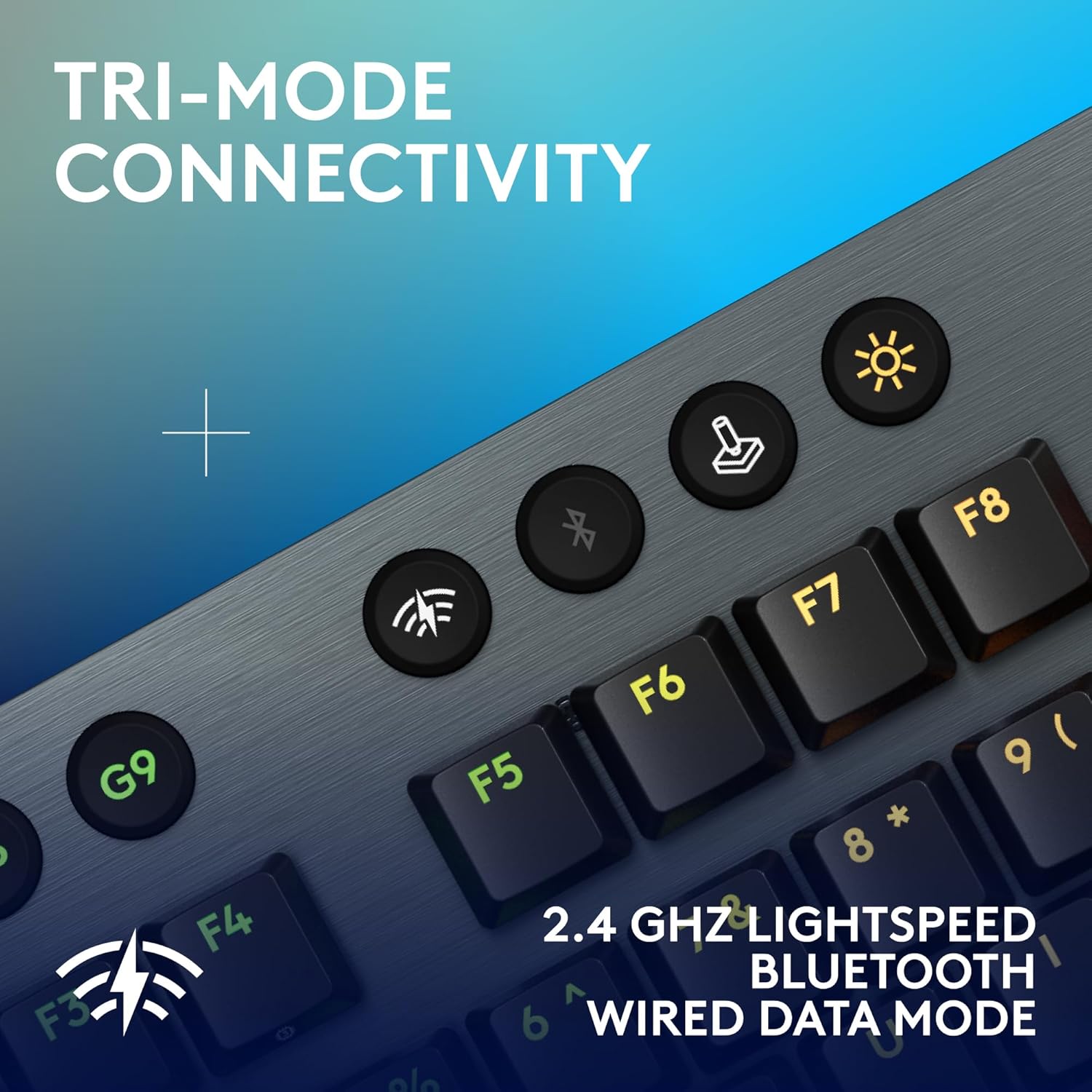
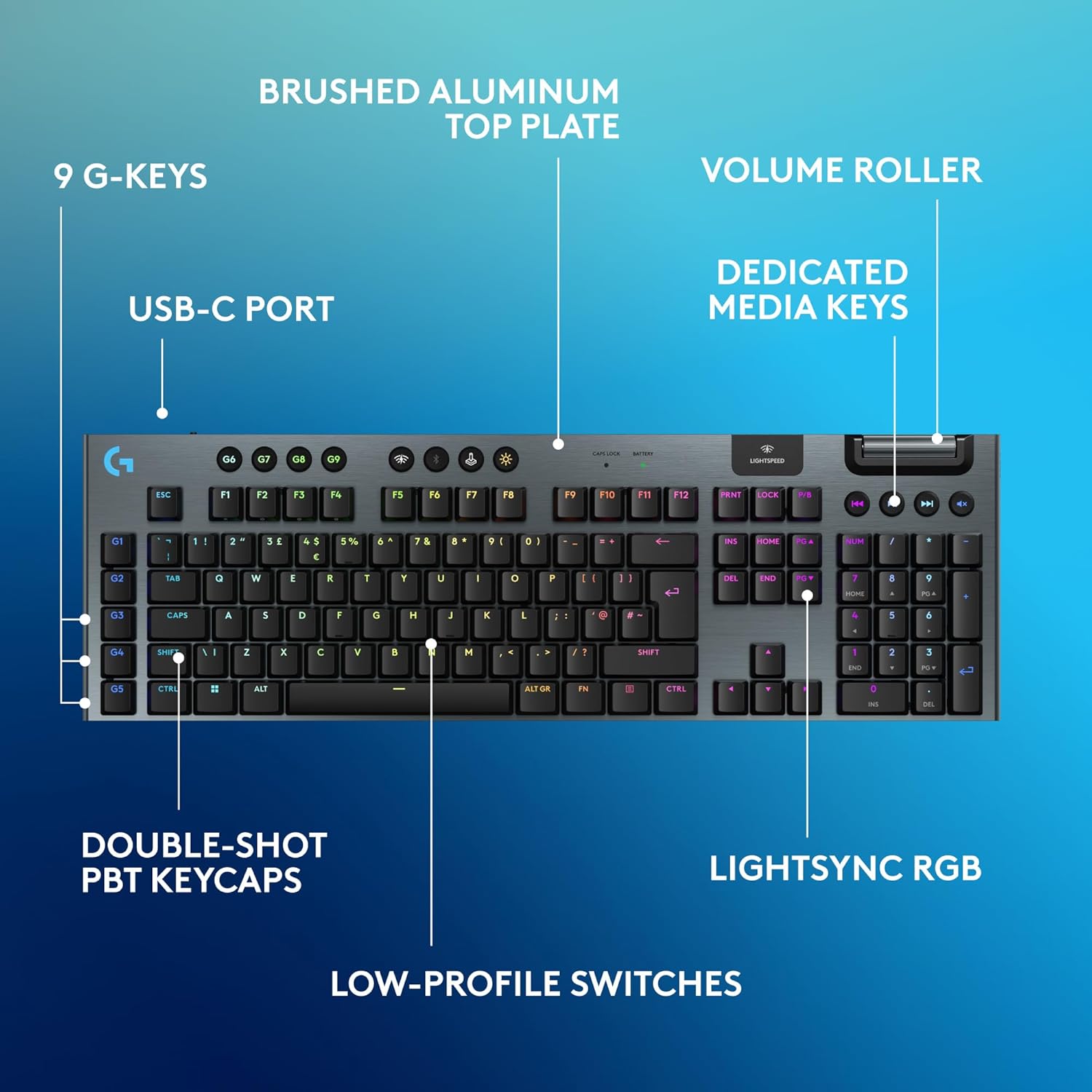
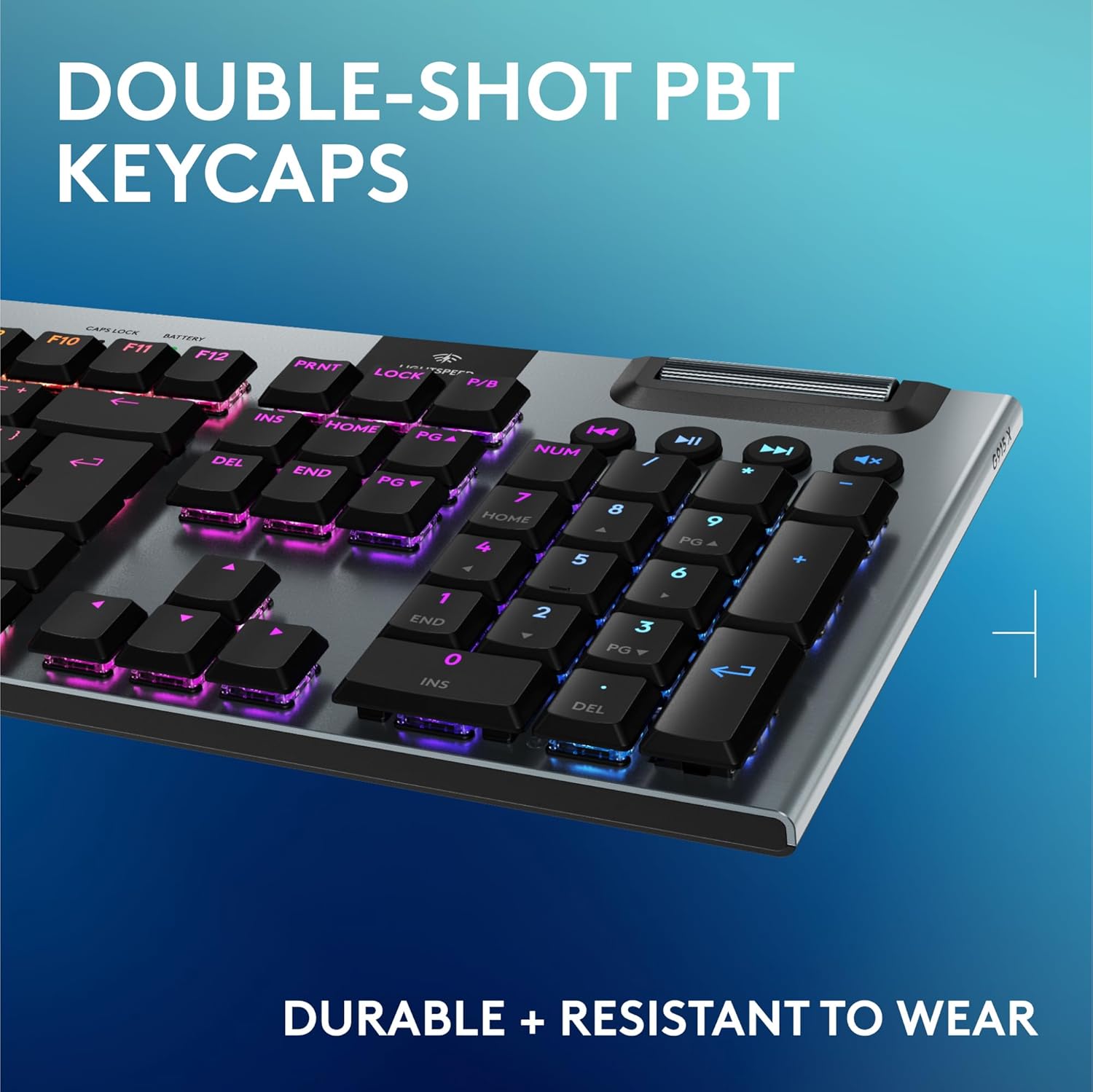
What it is and what it solves\nThe Logitech G915 X LIGHTSPEED is a full‑size wireless gaming keyboard designed to combine speed, precision and a premium typing experience. It aims to reduce clutter on the desk while offering responsive control for gaming and everyday work. If you prioritise a slim profile without sacrificing key functionality, this keyboard seeks to deliver that balance.\n\n## Build quality and design\nA brushed aluminium top plate and double-shot PBT keycaps give the layout a sturdy, tactile feel that should withstand heavy use. At around 23mm in height, the low-profile chassis is meant to blend into the desk setup while maintaining a conventional key layout, including a dedicated numpad and media controls.\n\n## Connectivity and power\nThe G915 X LIGHTSPEED supports tri‑mode connectivity: LIGHTSPEED 2.4 GHz wireless, Bluetooth, or USB‑C wired. Switching between these modes is designed to be quick, helping with different setups or devices without swapping keyboards. Battery life is significant: up to 36 hours with RGB at 100%, up to 90 hours at 50% RGB, and up to 800 hours with RGB off. It can be used while charging via USB‑C, which is handy during long sessions.\n\n## Typing and feel\nThe keyboard uses low‑profile GL mechanical switches with a 1.3 mm actuation point and 3.2 mm total travel. For those who value a tactile response, the GL Brown switches aim to provide a smooth click without being loud. The keycaps are durable and designed to stay legible over time.\n\n## Lighting and software\nRGB backlighting supports around 16.8 million colours and can be customised to match themes or other Logitech G gear via G HUB. The lighting is not merely cosmetic, it can help in low light gaming and keyboard visibility for key commands.\n\n## Who it is for\nIf you want a wireless keyboard with serious features in a slim form, this model suits gamers and productive users who appreciate a premium build, dedicated media controls, and programmable keys. It’s especially appealing when desk space is at a premium and you value the convenience of tri‑mode connectivity.\n\n## What may hold you back\nIt isn’t a pure mechanical full‑size with a traditional height, some users may prefer a higher actuation or a different feel from their previous mechanical switches. The 1.3 mm actuation is designed for speed, but if you’re after a heavier throw or a noisier click, the GL Brown may not be ideal. Also, the price point will be a consideration for those evaluating value for money against more entry‑level setups.\n\n## Key considerations before buying\nCheck your primary connection method: if you rely on Bluetooth for a secondary device, ensure the pairing and latency meet your needs, if you’re chasing maximum RGB battery life, be aware that high brightness drains the battery faster. Confirm compatibility with your PC or Mac workflow and whether you’ll benefit from the dedicated media controls and the volume roller.\n\n## Practical use examples\nIn practice, you might use it for long gaming sessions where you want quick macro access via the nine G keys and a tactile, quiet switch feel. In daily tasks, the low profile helps reduce wrist extension and the backlighting assists adapting to dim environments.\n\n## FAQ (based on available data)\n- What is the actuation point? 1.3 mm.\n- How long does the battery last with RGB on? Up to 36 hours at 100% RGB.\n- Can it be used wired? Yes, via USB‑C.\n\n## Is it worth it?\nWorth considering if you want a high‑end, low‑profile wireless keyboard with programmable keys, tri‑mode connectivity and durable construction. If you place a premium on desk aesthetics and long battery life with RGB, it offers a compelling package, however, if you prioritise a traditional height or a heavier switch, you might want to weigh alternatives.\n