

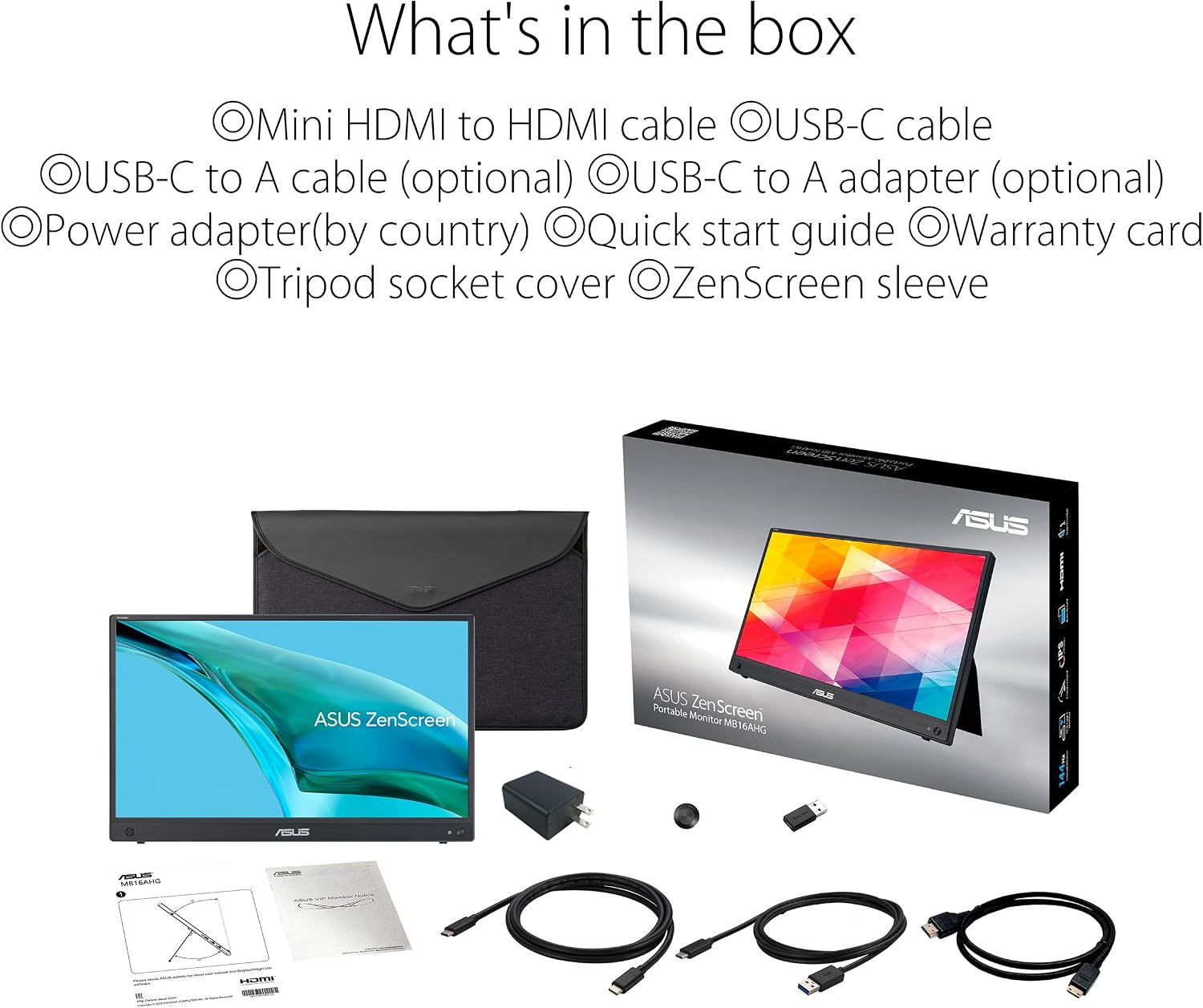
ASUS ZenScreen MB16AHG Portable Monitor: 15.6-inch Full HD IPS, 144Hz, USB-C & Mini-HDMI
Product description
What it is
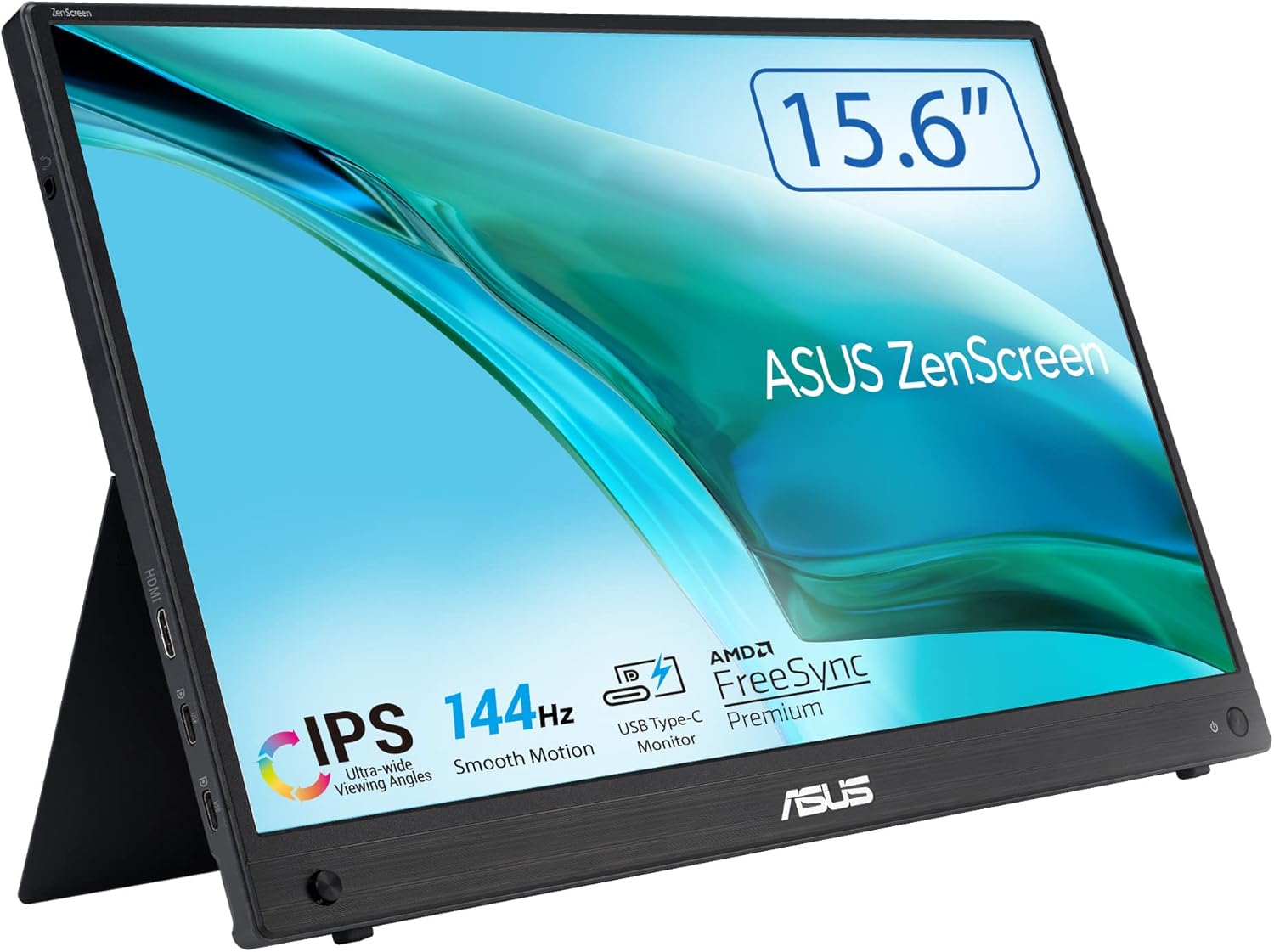
The ASUS ZenScreen MB16AHG is a 15.6-inch portable monitor designed to extend or mirror your laptop, phone or gaming device with a single pair of cables. It uses a 1920x1080 IPS panel and promises wide viewing angles, so you can share or work from different positions without obvious colour shifts. The monitor is light and slim enough to slot into a bag, making it a sensible companion for travel, remote work or gaming on the move.
The need it addresses
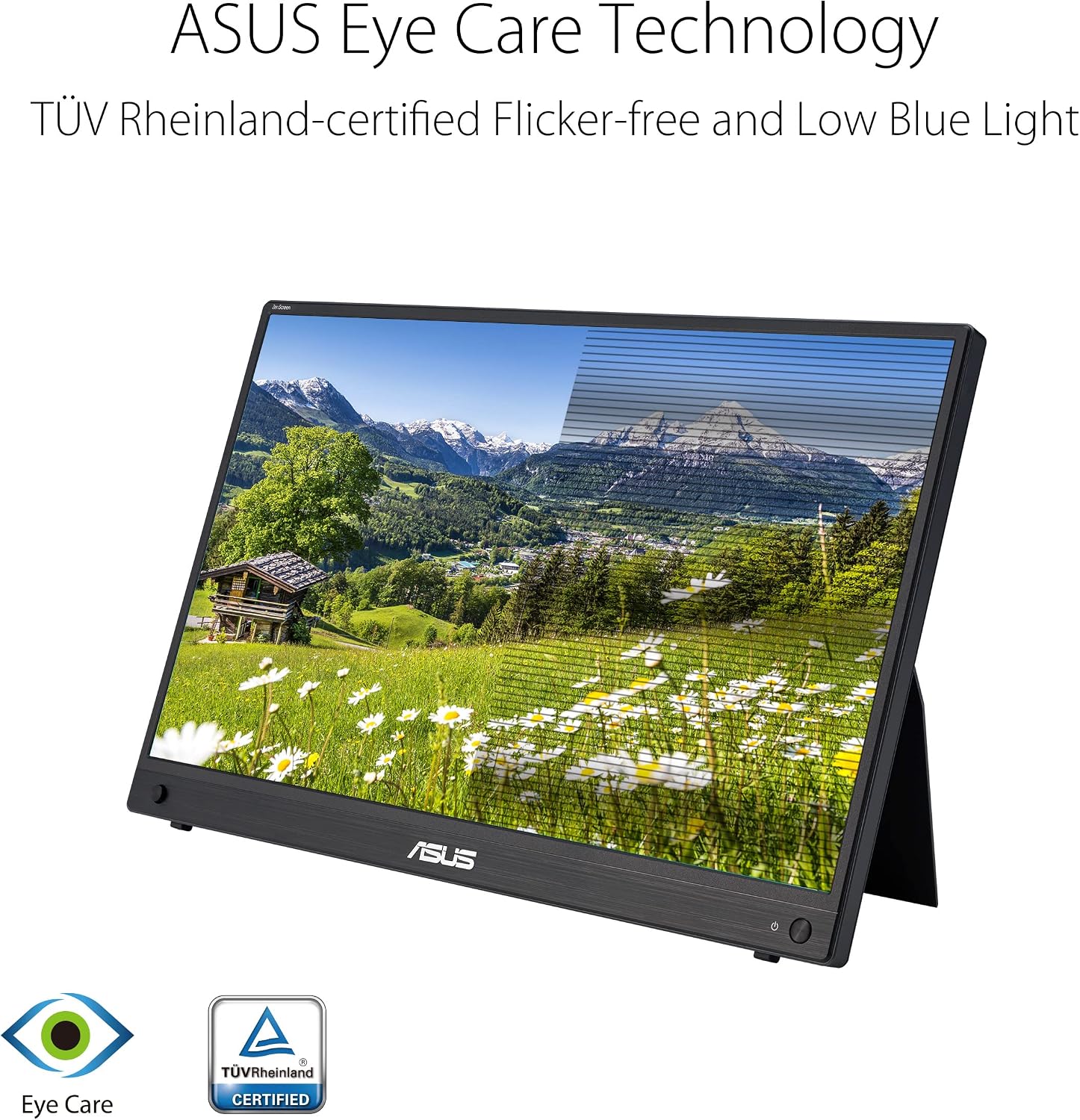
If you frequently switch between locations, attend meetings on the go, or want a dedicated display for gaming or streaming from a handheld device, a second screen can boost productivity and immersion. This model aims to offer a compact form factor without requiring a heavy desktop setup, while still delivering comfortable viewing with features like Flicker Free and Low Blue Light.
What stands out in use
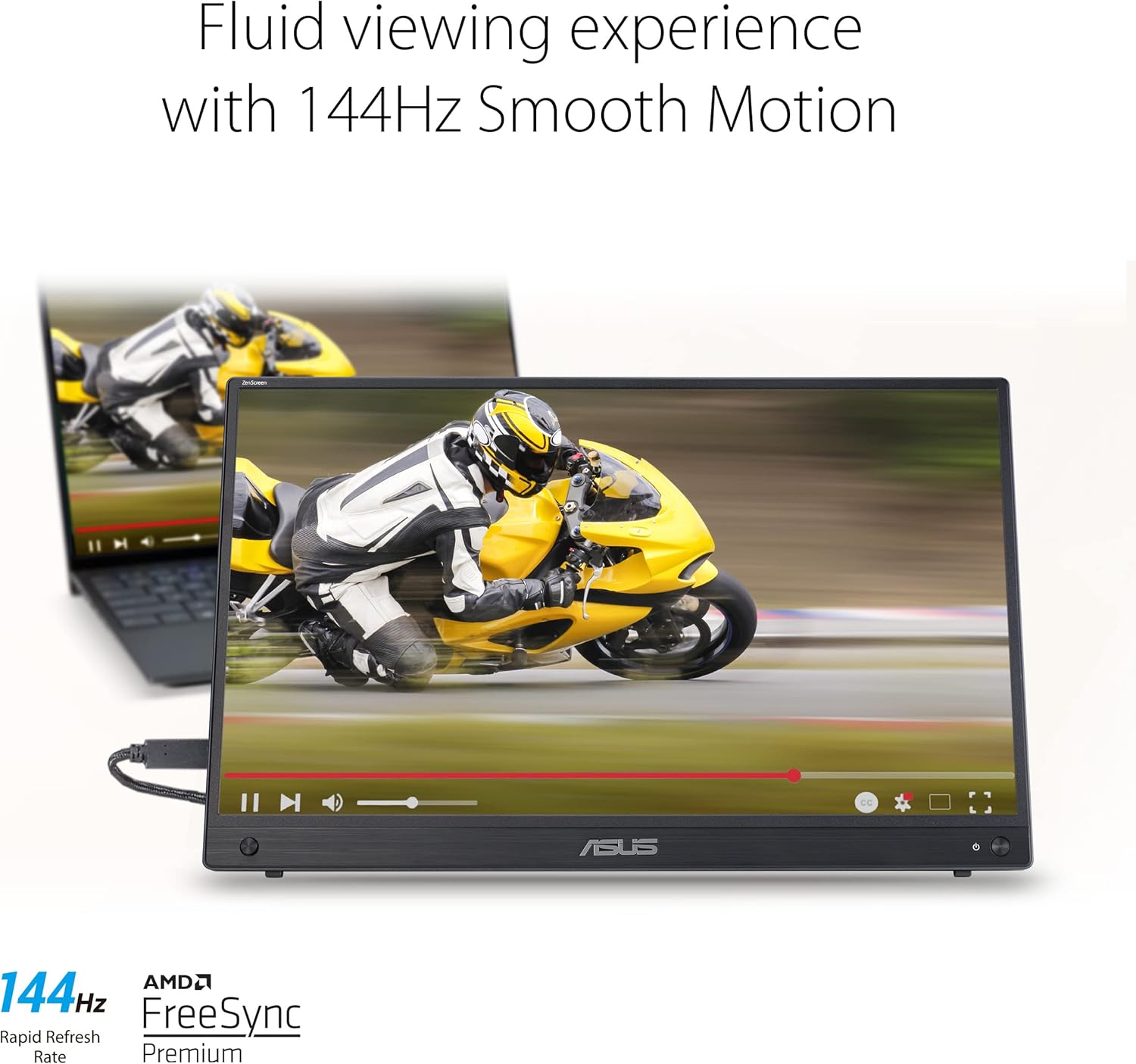
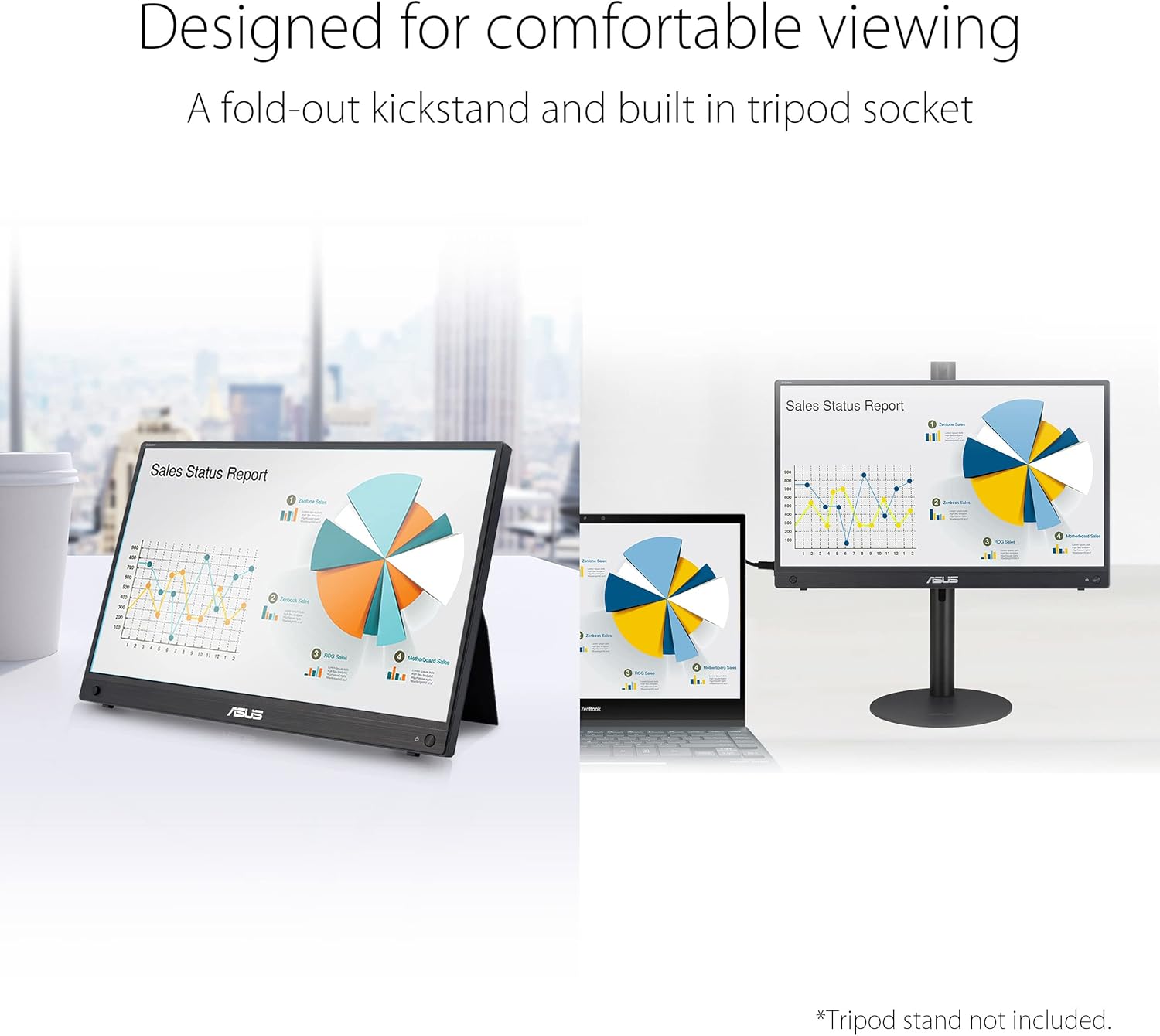
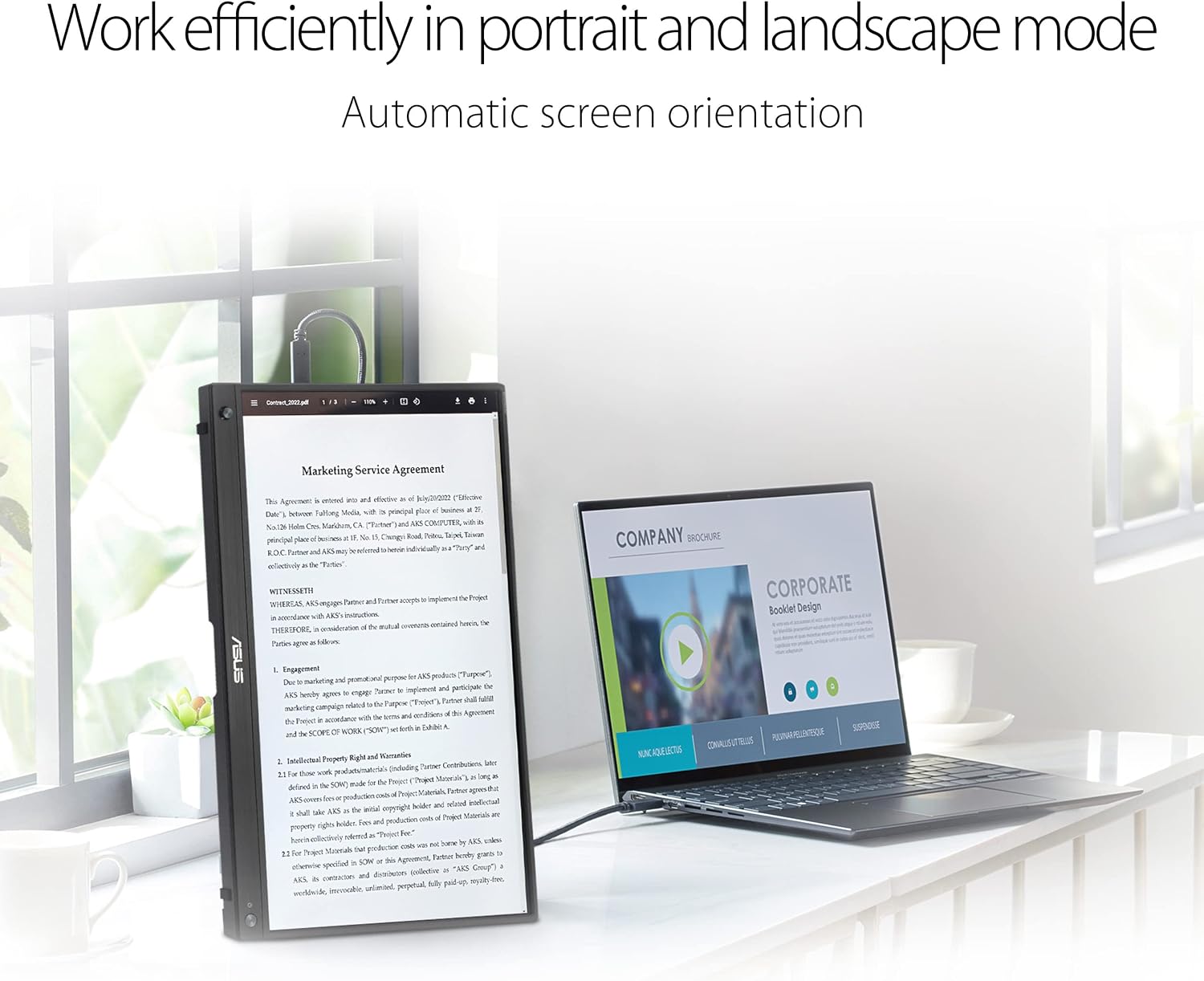
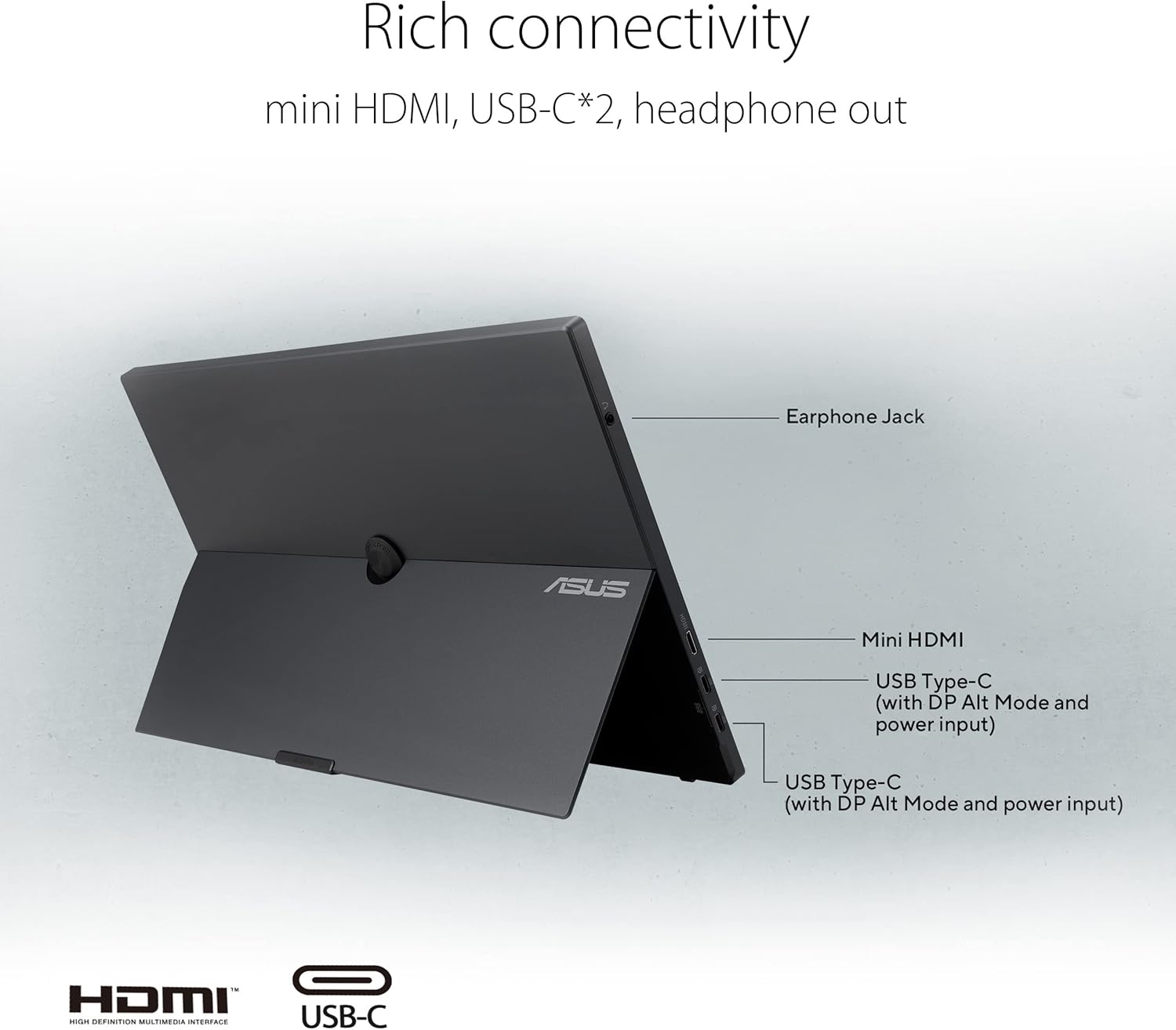
On paper, the MB16AHG combines several elements that are useful in everyday scenarios: - 15.6-inch, 1920x1080 IPS panel with a wide 178° viewing angle helps you see content clearly from different distances and angles. - USB-C and Mini-HDMI provide flexible connectivity. You can connect to laptops, phones, consoles and more without diving into drivers, which simplifies setup. - The 144Hz refresh rate is pitched as beneficial for smoother motion when gaming or scrolling through fast-moving content, enhanced further by FreeSync Premium support for tear-free visuals. - An Ergo kickstand allows portrait or landscape orientation on most surfaces, and there’s a tripod socket for more versatile mounting. - TÜV Rheinland certification for Flicker-Free and Low Blue Light aims to reduce eye strain during longer sessions.
What you’ll notice day to day
In practical terms, you’ll likely appreciate the portability combined with a reasonably capable display. The built-in stand and flexible stand options can make it convenient to set up a temporary dual-monitor workspace or a compact gaming station where a full desktop monitor would be impractical.
The drawbacks and limits
No product is perfect, and a few points are worth noting: - The 15.6-inch size with Full HD resolution is comfortable for many tasks, but you may notice the curved feel of a larger ultrawide when working with dense spreadsheets or multiple windows side by side. - While 144Hz is advertised, the real-world benefit depends on the GPU, game titles and drivers you pair with it, some users may not notice a dramatic difference unless they’re gaming at higher frame rates. - The device relies on external power and source devices for most setups, if you require a truly standalone monitor with its own power delivery or a built-in battery, this model won’t fit that need. - As with any portable display, glare and reflections can affect contrast in bright environments, so an occasional shade or screen hood may help in sunny or open spaces.
Who it’s for
This monitor suits people who value flexibility and mobility—remote workers, students, travellers, or casual gamers who want an extra screen without committing to a larger desktop setup. It’s particularly handy if your workflow benefits from a secondary display for chats, references, or console gaming while using a laptop.
Who it isn’t ideal for
If you’re after a large, stationary upgrade with a high-resolution panel, or if you need a battery-powered portable display, this model might feel limited. For hardcore competitive gaming on a compact device, you’ll want to test how the 144Hz real-world experience translates with your specific hardware and titles.
When it makes sense to buy
Consider this monitor if you prioritise portability without sacrificing too much screen real estate, and you frequently connect via USB-C or HDMI to a mix of devices. It’s a practical companion for those who want smoother motion in compatible games and a comfortable, eye-friendly display for extended sessions.
What to check before purchasing
- Ensure your primary device supports USB-C display output or HDMI output and that the required cables are available.
- Consider your usual lighting conditions, lighting-friendly settings can help with visibility and minimise glare.
- If you plan to use it as a second screen for a laptop, verify desk space and stance so you can comfortably view content without neck strain.
How it compares to other approaches
If you primarily work with a single laptop on the go, a compact docked setup or a single portable monitor can be more efficient than a larger desktop. The ZenScreen MB16AHG sits in a middle ground—portable enough to move but with a feature set that supports both productivity and light gaming. It’s sensible for users who want a step up from a tablet or a basic laptop screen, yet aren’t chasing a high-end, fixed multi-monitor rig.
Practical usage example
Imagine you’re travelling for work and need to reference a long document while drafting an email. You set up the ZenScreen beside your laptop, switch to landscape for work, then rotate to portrait when you need to skim a long article. The USB-C connection keeps things tidy, and the 178° viewing angle means a colleague can glance at the screen from the side without losing clarity.
FAQ (brief)
- Does it work with USB-C laptops without USB-C DisplayPort Alt Mode? Yes, the monitor supports USB-C connections for display output, subject to device compatibility.
- Can I use it with a gaming console? The Mini-HDMI input allows connection to consoles like PS4 or Switch, enabling a secondary display for gameplay.
- Is it easy to carry between meetings? Yes, its slim profile and light weight are designed for frequent transport.
- Do I need drivers to use it? No driver installation is typically required.
Is it worth it?
Worth considering if you value a compact, flexible second screen for a mix of productivity and light gaming. It may not be the best choice if you require a larger, permanently tethered display or a battery-powered solution. For those who prioritise portability and simple setup, this ZenScreen model offers a practical balance of features and form.