

Yodoit Laptop Screen Extender 14" FHD
Product description
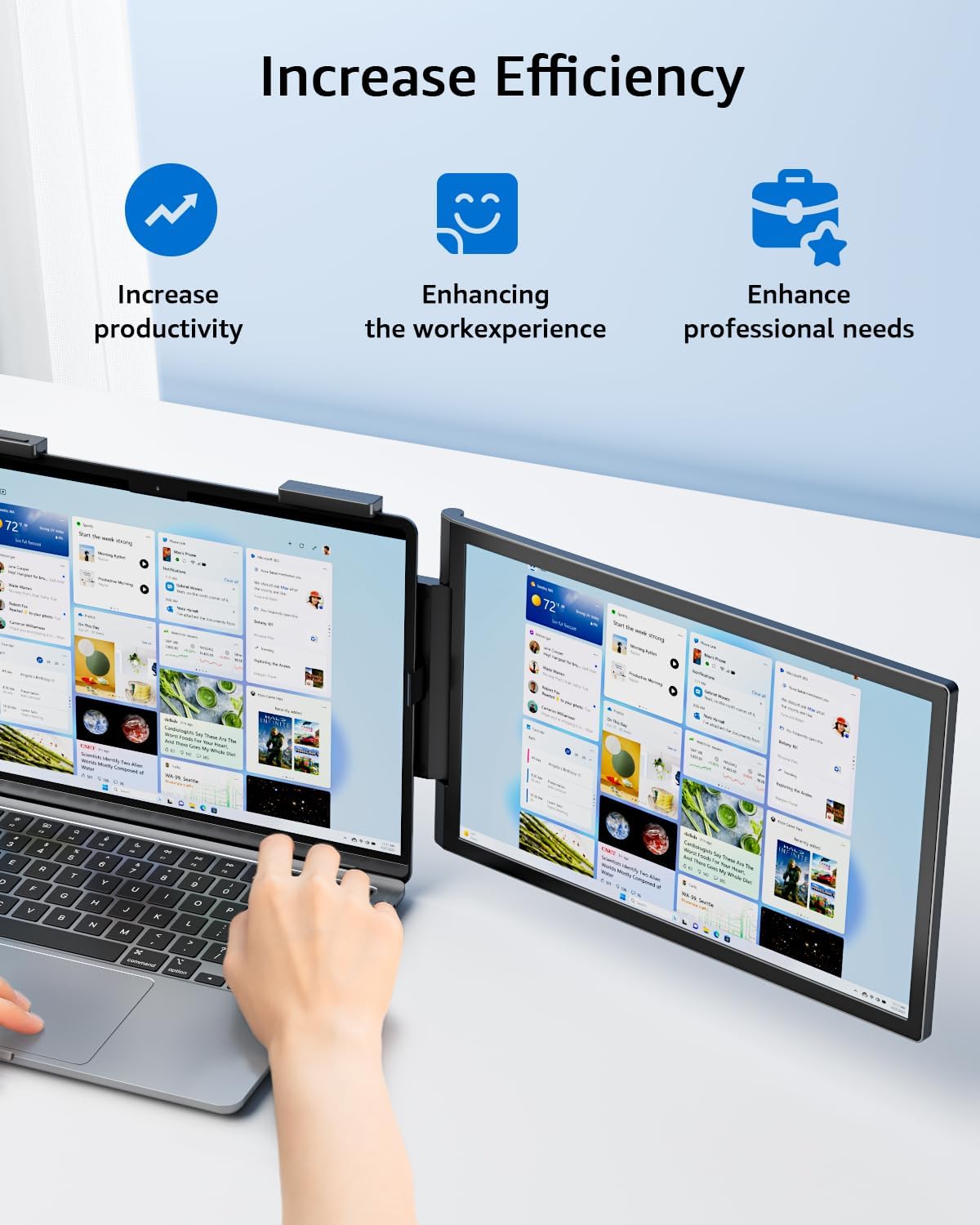
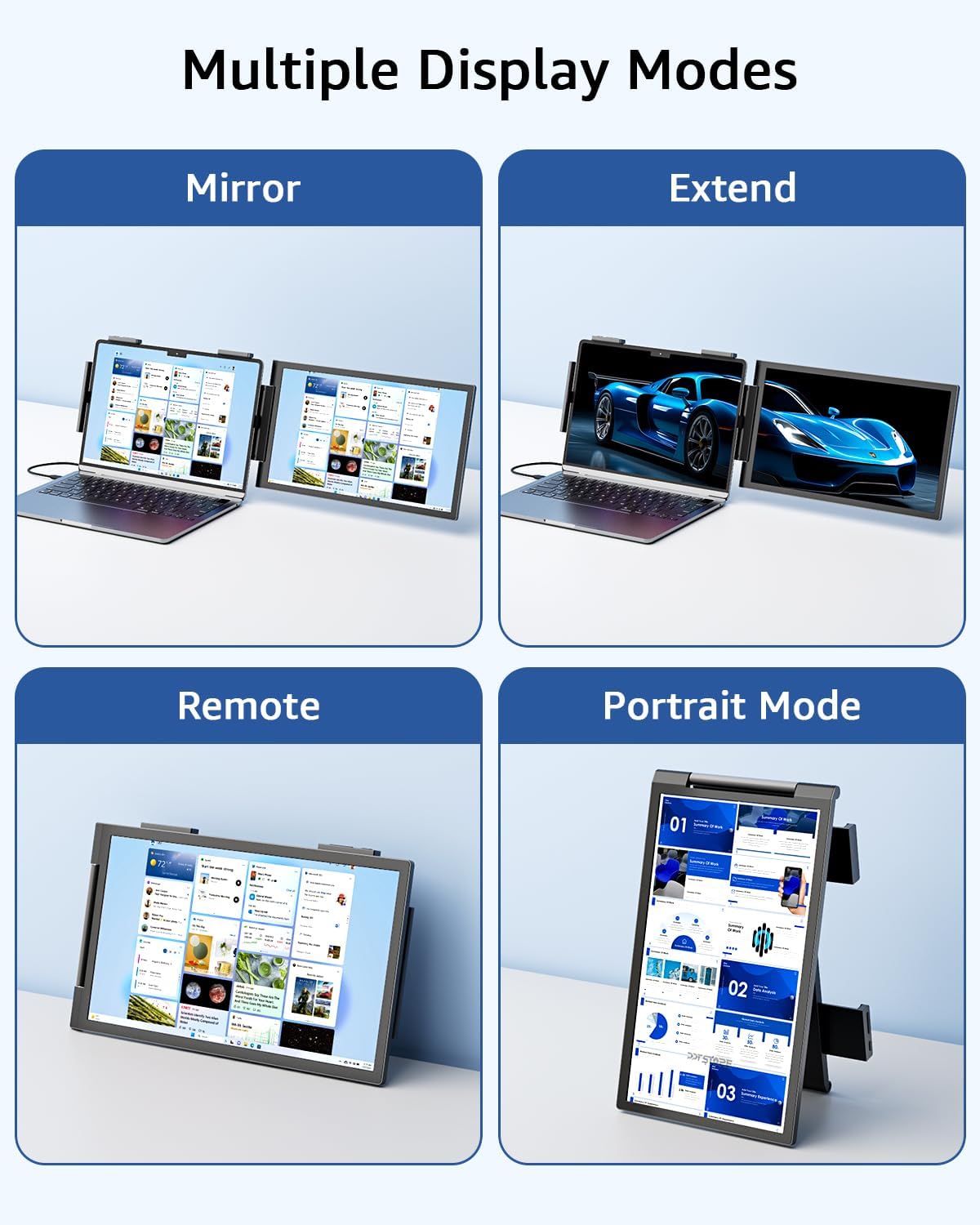
Extend your workspace with a compact travel monitor that keeps things simple and productive. The Yodoit Laptop Screen Extender is a 14 inch FHD portable monitor that helps you run two apps side by side, mirror presentations or add a secondary view for gaming and streaming while on the move. With plug and play connection it reduces fiddly setup and helps you focus on the task at hand.
Key points
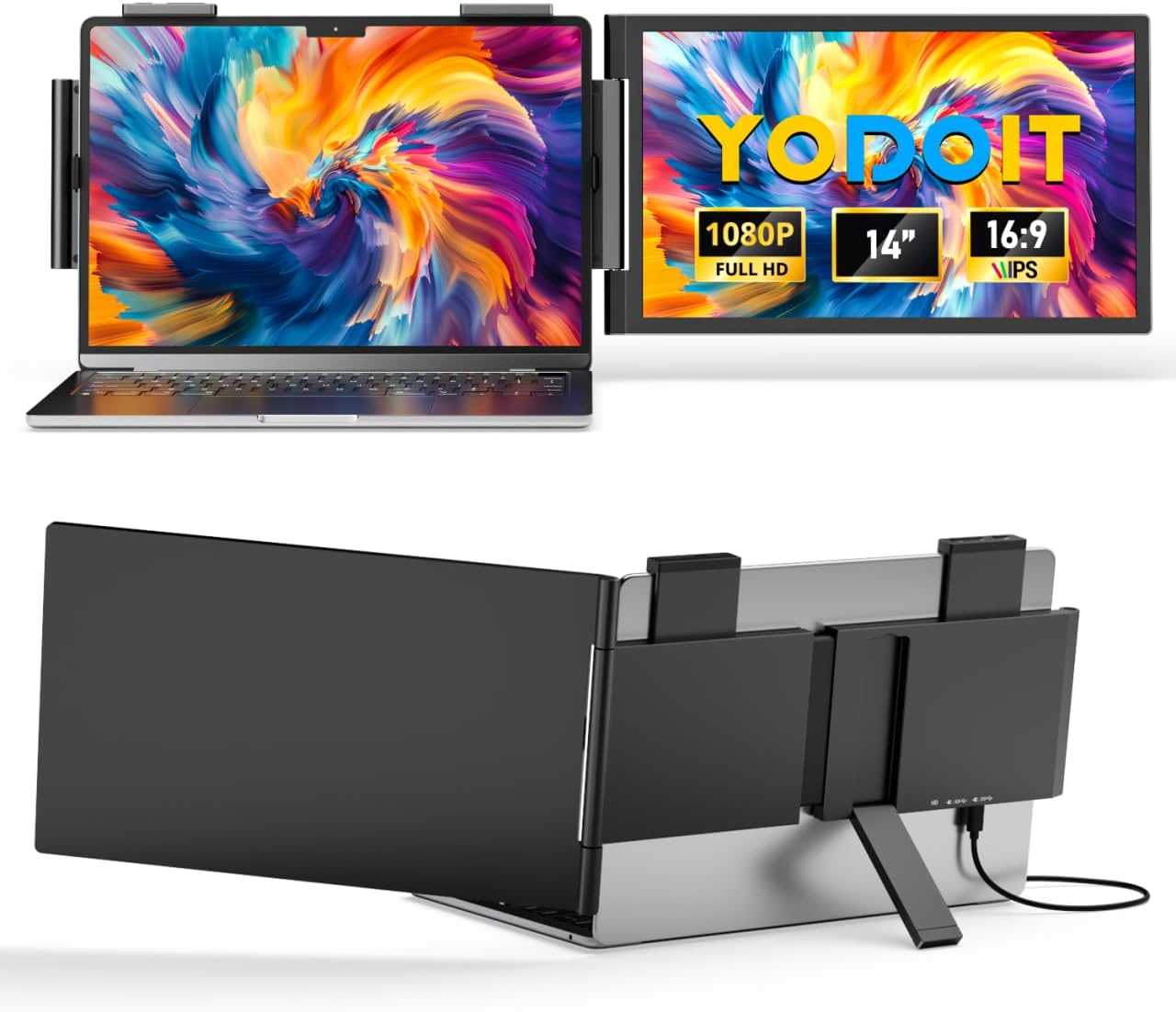
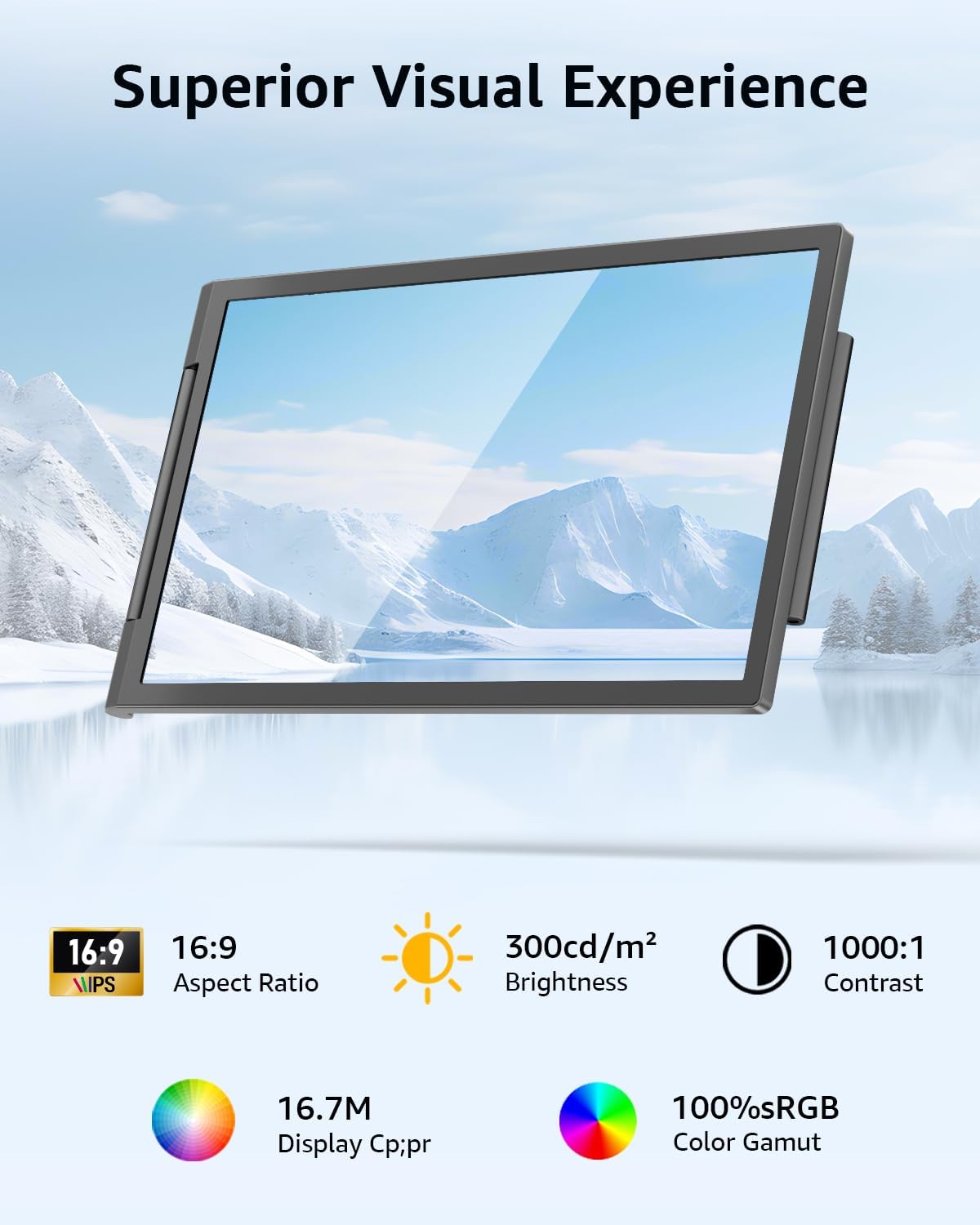
This portable 14 inch IPS monitor delivers 1920×1080 resolution and wide 178° viewing angles for consistent colour and clarity across the panel. It weighs about 1.1kg and measures roughly 2cm in thickness, so it slips into a laptop bag without adding much bulk. HDR support improves contrast for darker scenes and highlights, and low blue light modes reduce eye strain during longer sessions.
Tech specs
- Name: Yodoit Laptop Screen Extender
- Size: 14"
- Resolution: 1920×1080
- Display: IPS
- Weight: 1.1kg
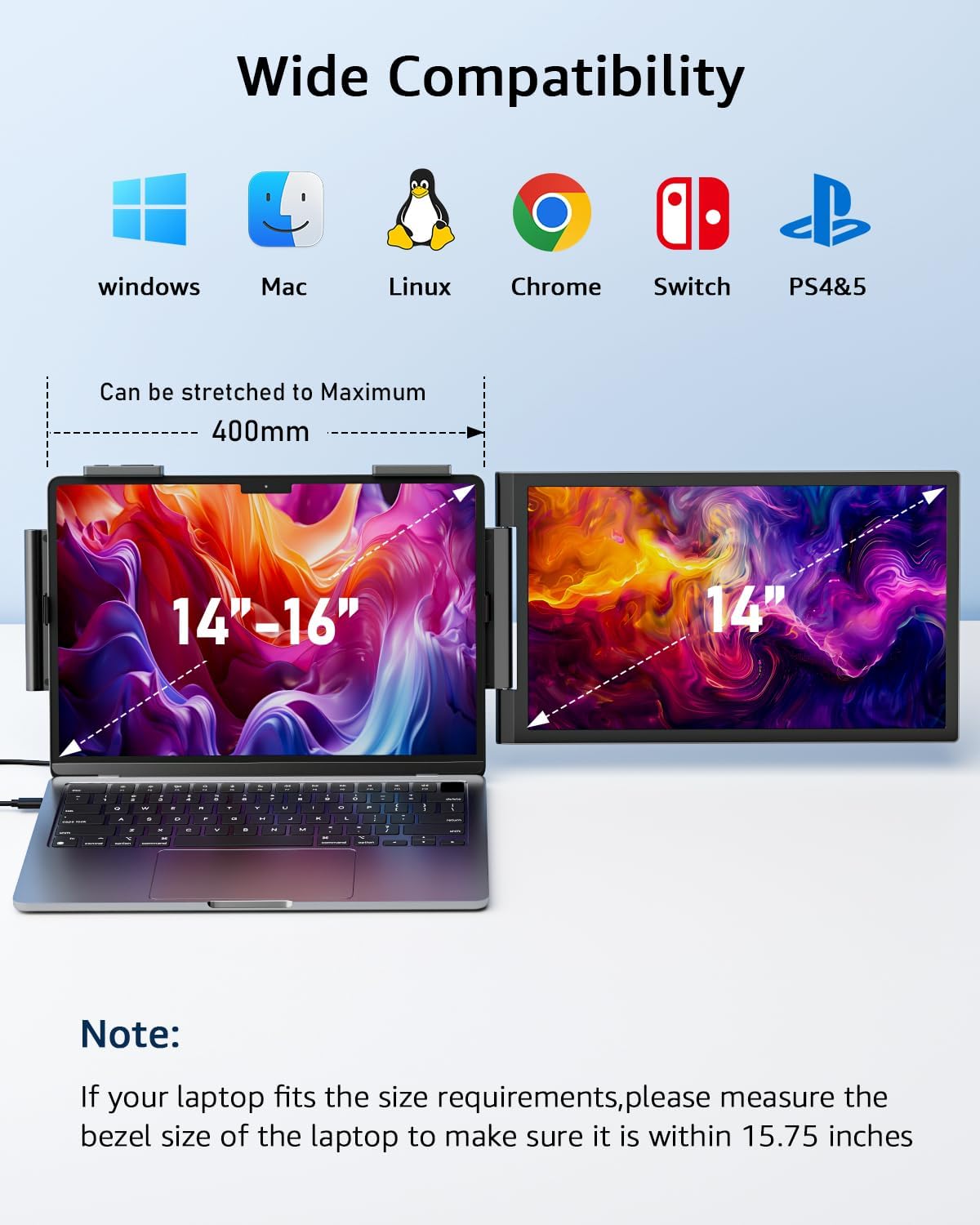
- Format: USB Type C, mini HDMI
Why it’s worth it
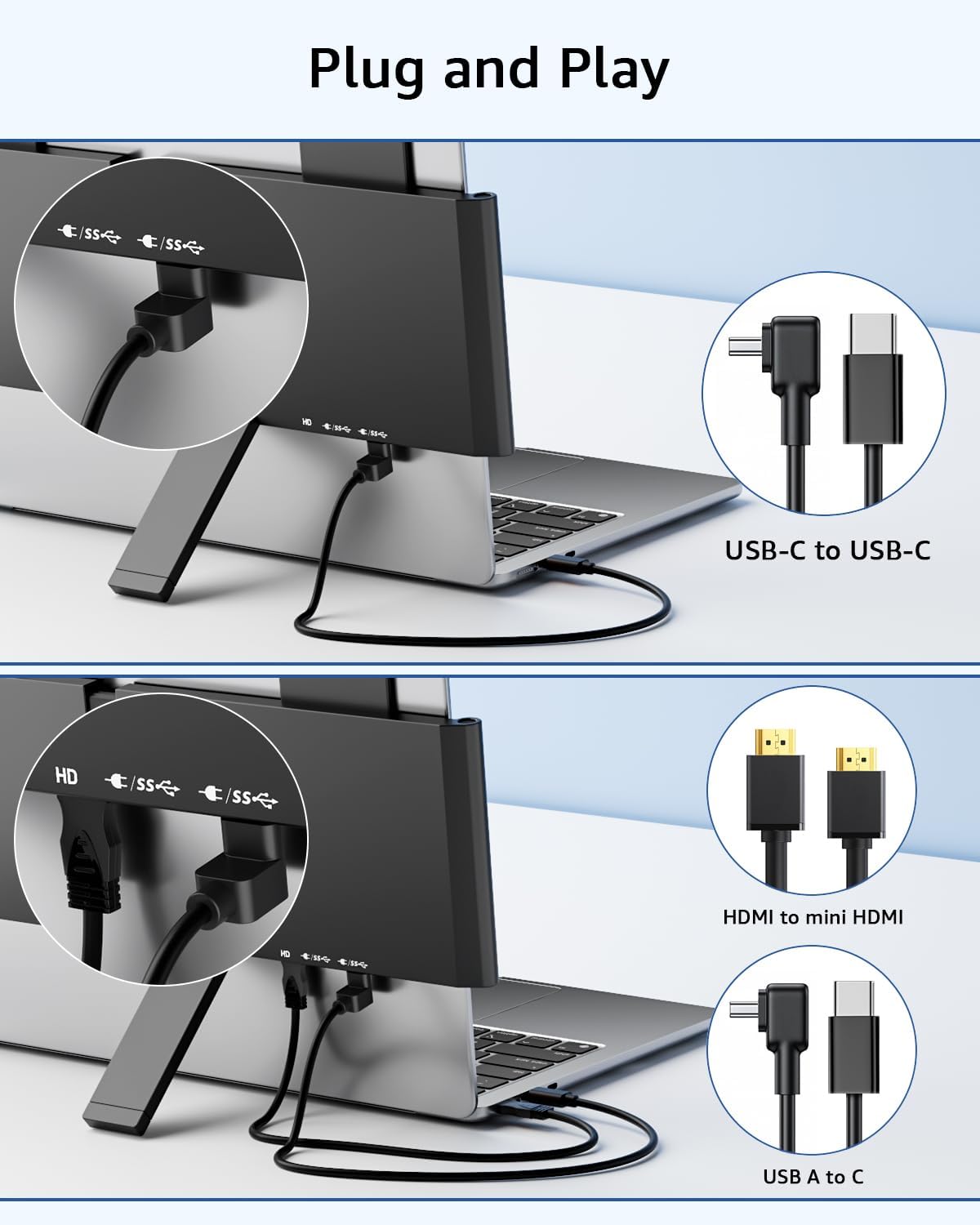
The monitor is designed for straightforward portability and broad compatibility, working with laptops, PCs, MacBooks, smartphones and game consoles that support video output over USB-C or mini HDMI. It is especially useful for business travellers who need an extra screen for reports and video calls, and for casual gaming when a second display helps keep chat or guides visible. Bear in mind that some devices have USB-C ports without DisplayPort or HDMI Alt support, so check your device specification before relying on USB-C video output.
Getting the most from it
Use the monitor in landscape for spreadsheets or presentations, or flip to portrait where supported by your device for long documents. If you connect by C2C cable make sure you use the supplied video-capable cable, or buy a compatible video C2C cable if you need a different length. It’s a good fit if you want a lightweight, plug and play secondary display that balances portability and image quality.
Yodoit Laptop Screen Extender appears one in use above, and the monitor’s FHD panel and HDR are highlighted to help you judge suitability for work or entertainment. ⚙️💼🎮.