

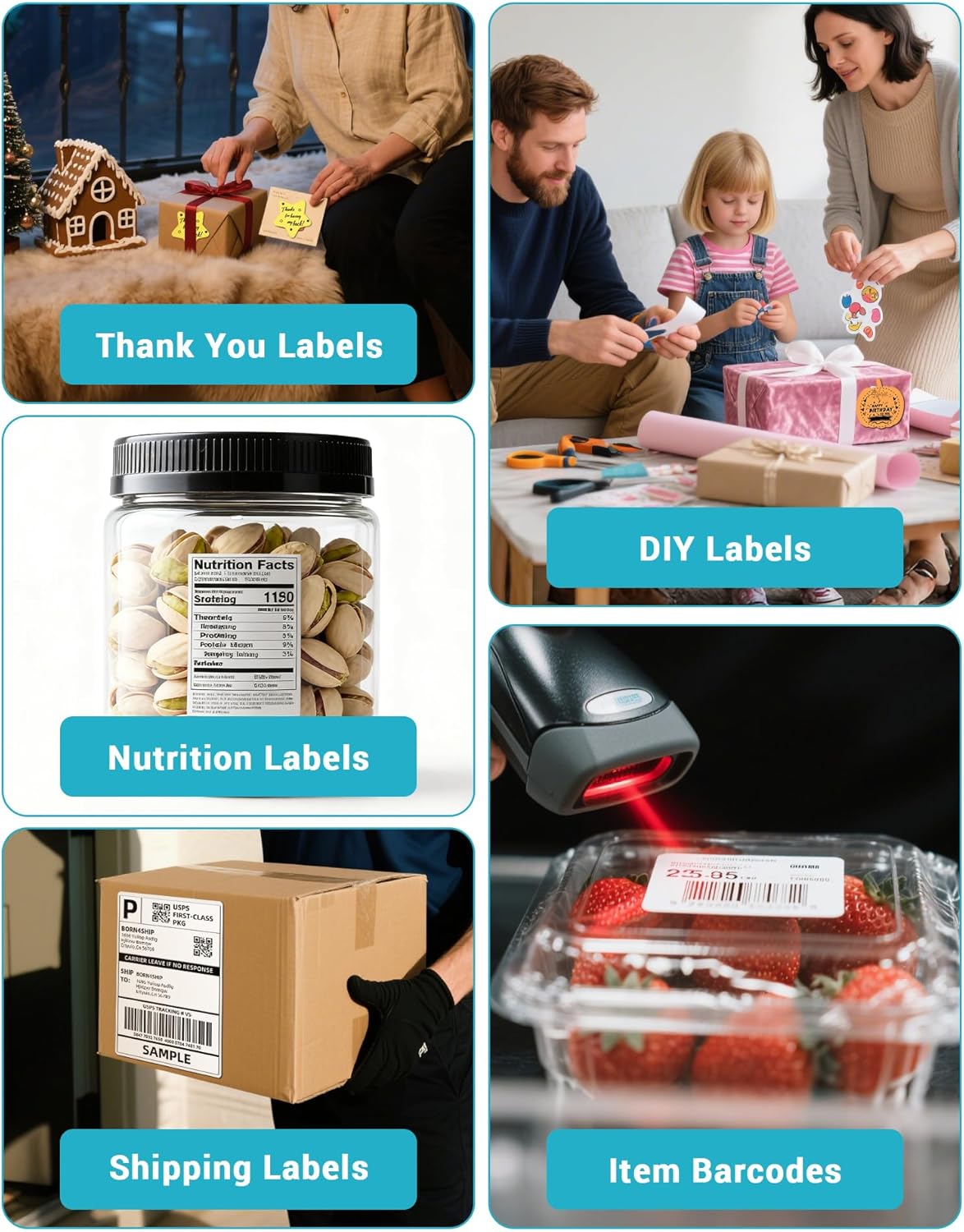
BORN4SHIP 4x6 USB Thermal Printer for Shipping Labels
Product description
What it is and why it exists
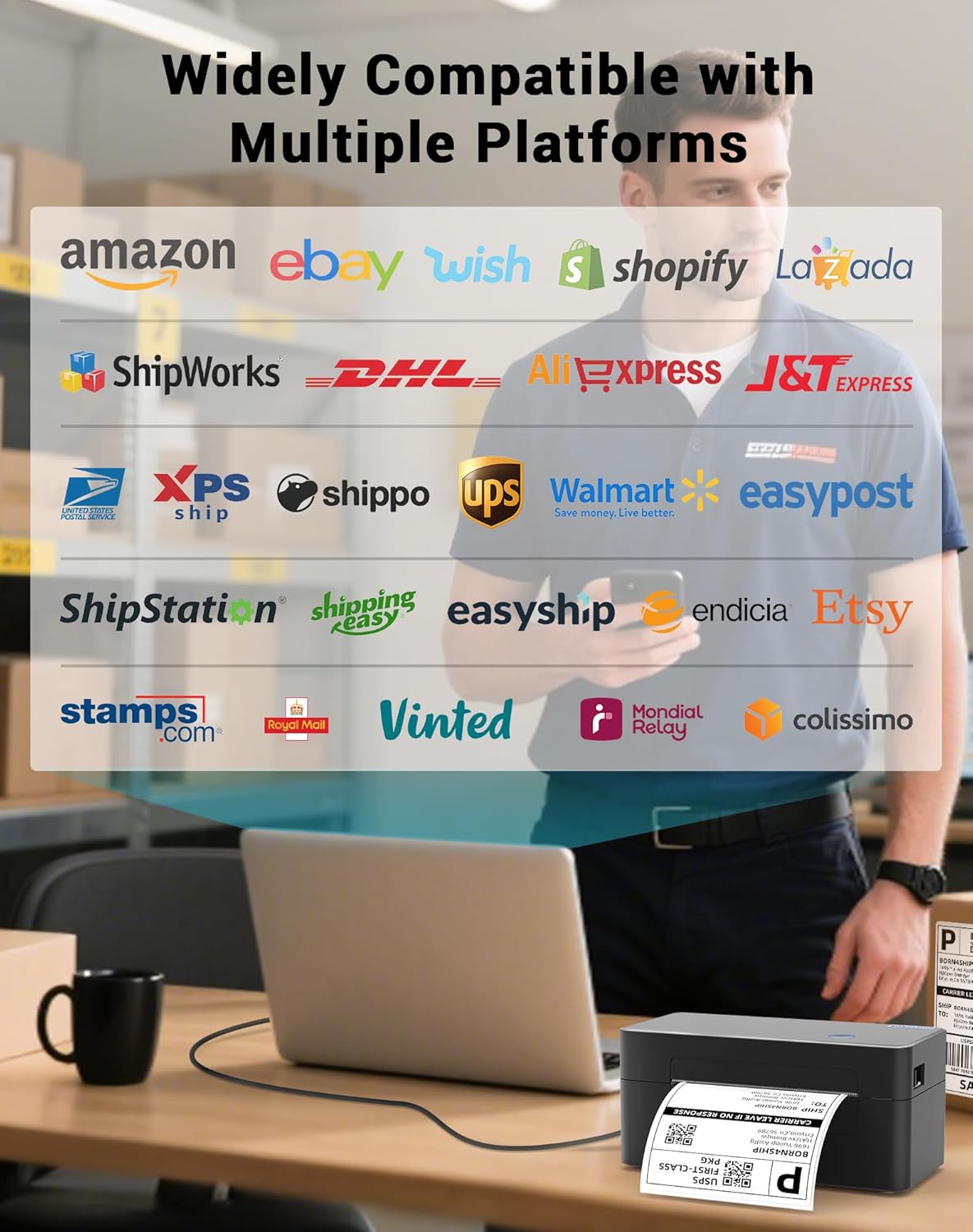
The BORN4SHIP 4x6 Thermal Printer is a compact, USB-only label printer designed to produce 4x6 shipping labels without ink or toner. It targets everyday ecommerce setups where straightforward label printing is needed for parcels sent via DHL, amazon, Etsy, and UPS. On paper, its USB-only approach keeps things simple and avoids Bluetooth or wireless connections that can complicate setups.
How it fits into a shipping workflow
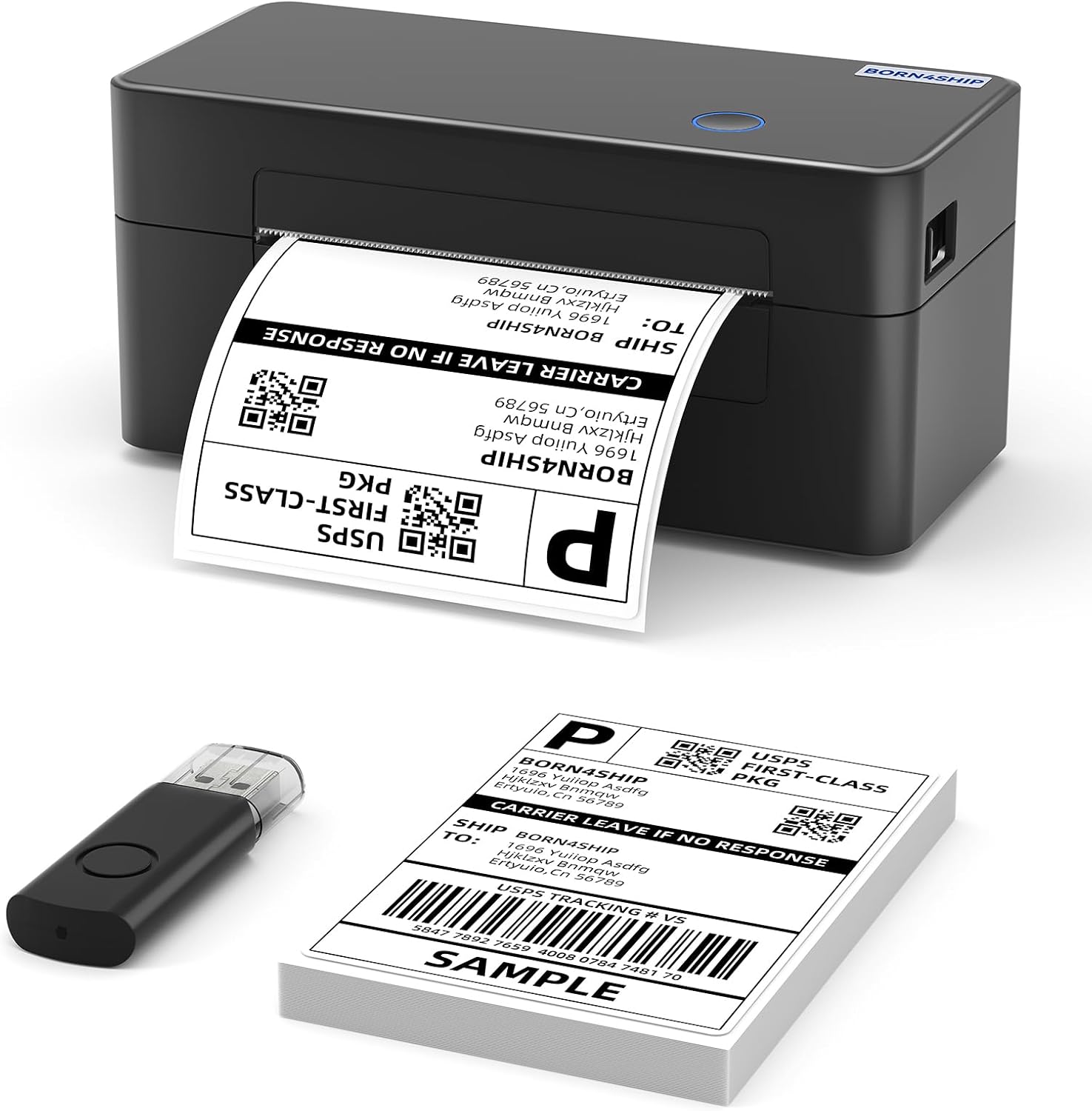
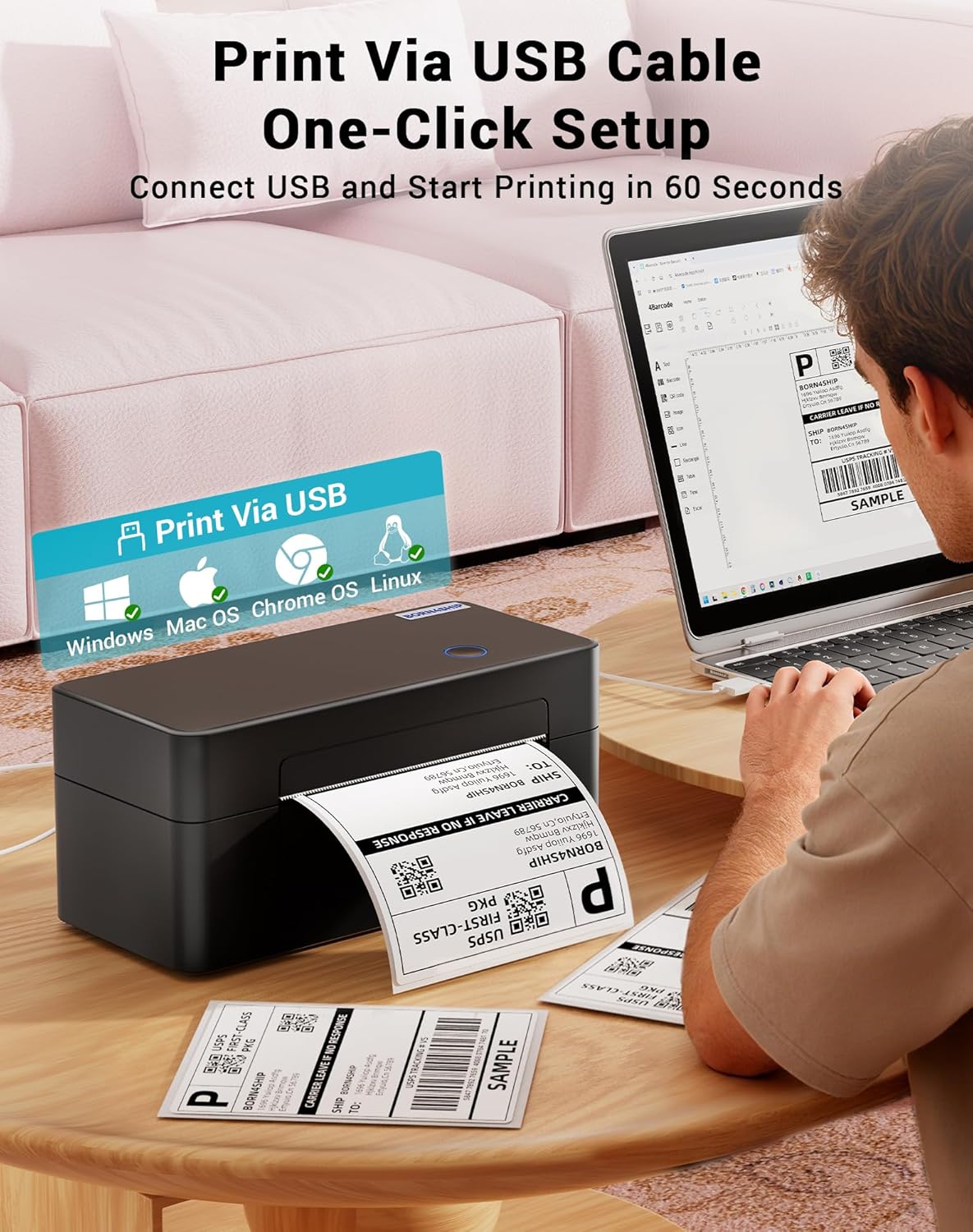
If you run an online shop, this device slots into a desk-friendly corner and, with plug‑and‑play installation, gets you printing quickly. The claim of one-minute setup aligns with a practical, low-friction experience: connect to a PC, select the label size, and print. It supports Windows, Mac OS and Linux, which makes it a flexible option whether you use a dedicated business laptop, a home computer, or a shared workspace that runs varied operating systems.
What stands out in use
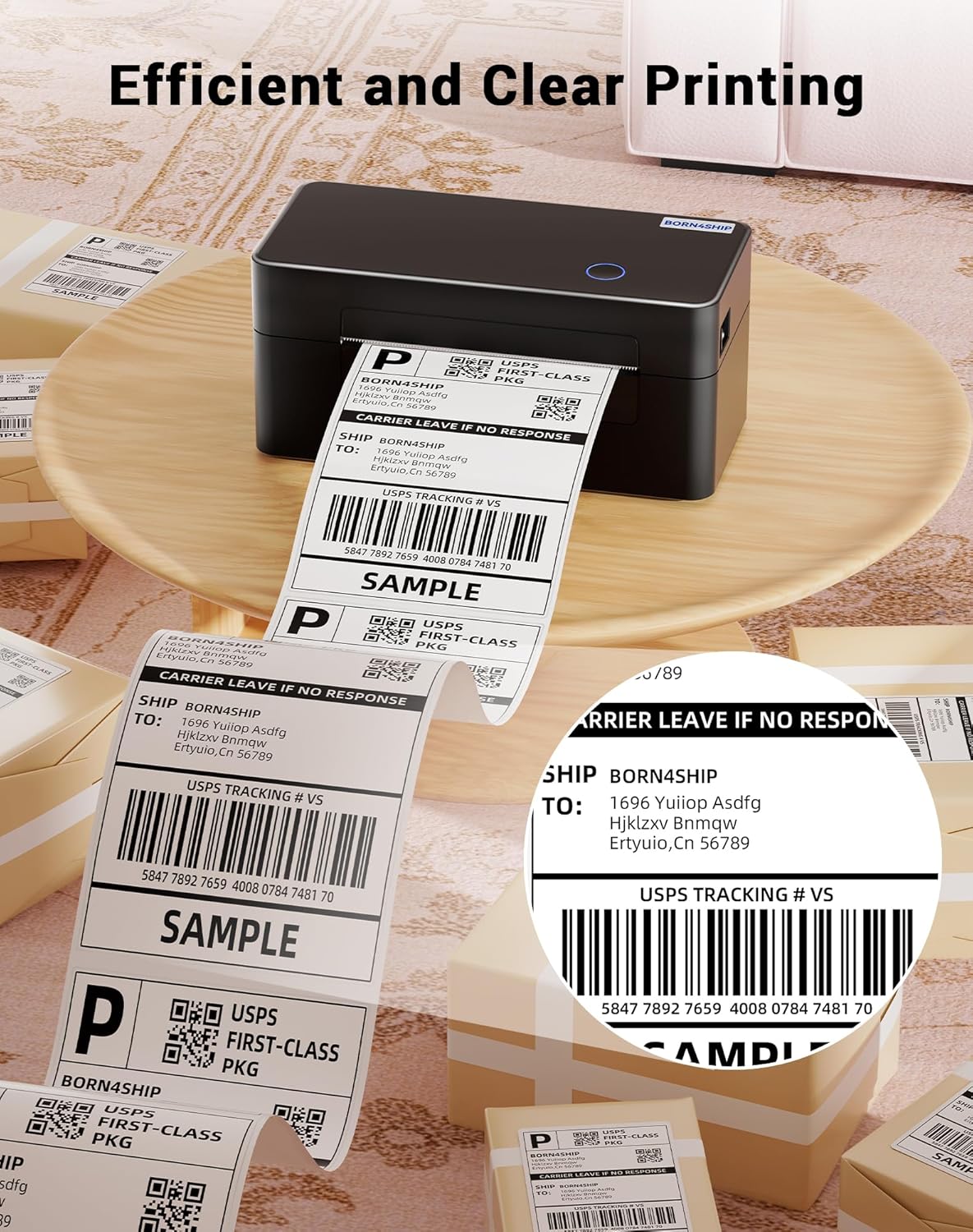
The key benefit is thermal printing—no ink or toner to manage. For many sellers this means predictable running costs and less maintenance. The 4x6 label format is a common standard for shipping, which helps streamline label creation with compatible carrier templates. The device is described as space-efficient, so it should fit on crowded desks or small offices without crowding the workflow.
Limitations and caveats
It’s explicitly not available via Bluetooth, so if you need wireless printing from a tablet or phone, this model won’t fit. The claim of “compatible with Windows, Mac OS and Linux” is useful, but real-world driver availability and ecosystem integration can vary depending on your setup. Also, the base description mentions DHL labels and package documentation, if your workflow relies on other carriers or specialised documentation, you’ll want to confirm compatibility before purchase.
Who it’s for
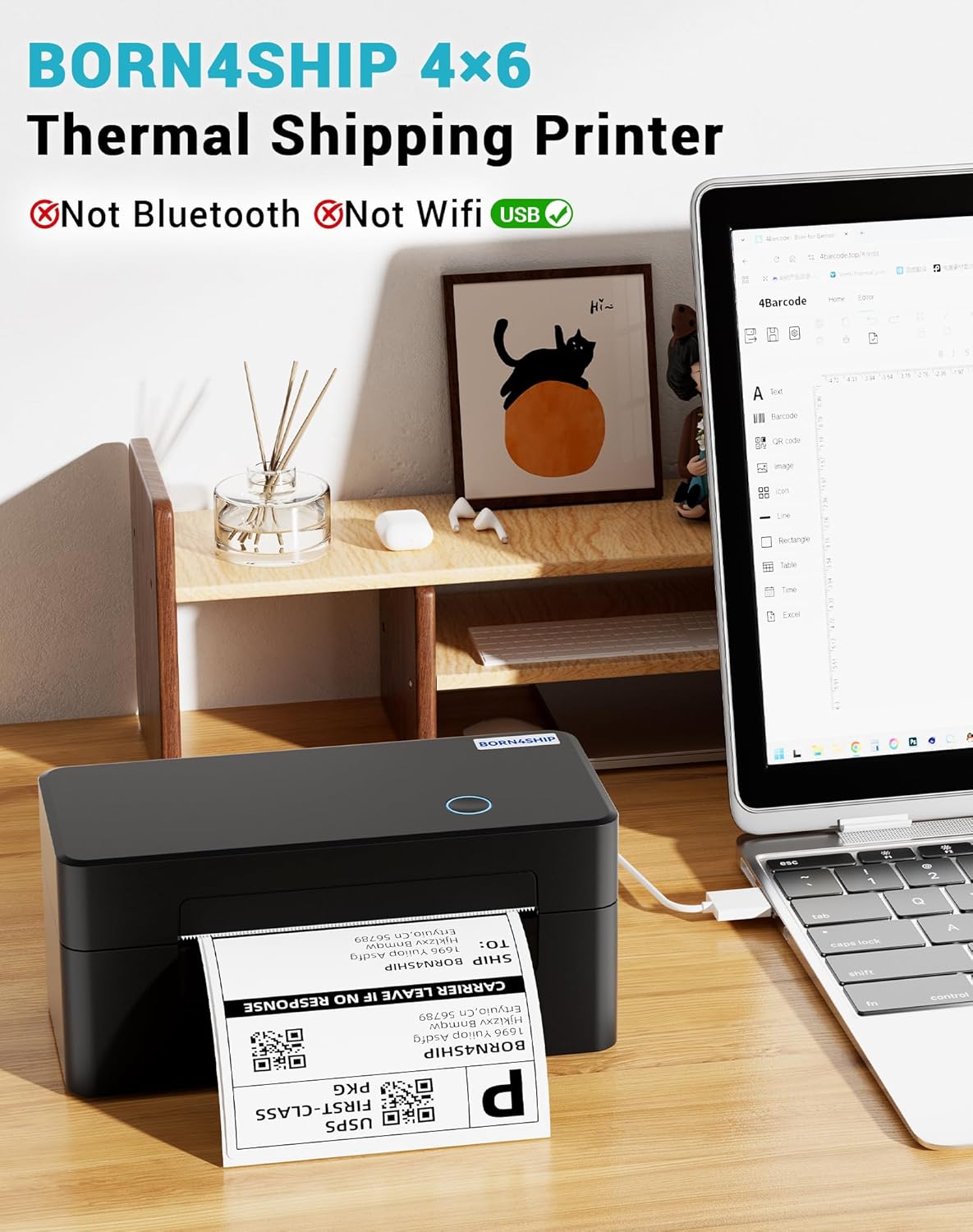
This printer seems well-suited to small to medium ecommerce sellers who print a steady stream of 4x6 labels and want a dedicated, plug‑and‑play USB device. It can be a practical upgrade for businesses seeking predictable print costs and a compact footprint. If your current setup relies on wireless printing or requires integration with a broader label management system, you may want to assess whether USB-only meets your needs.
Who it isn’t ideal for
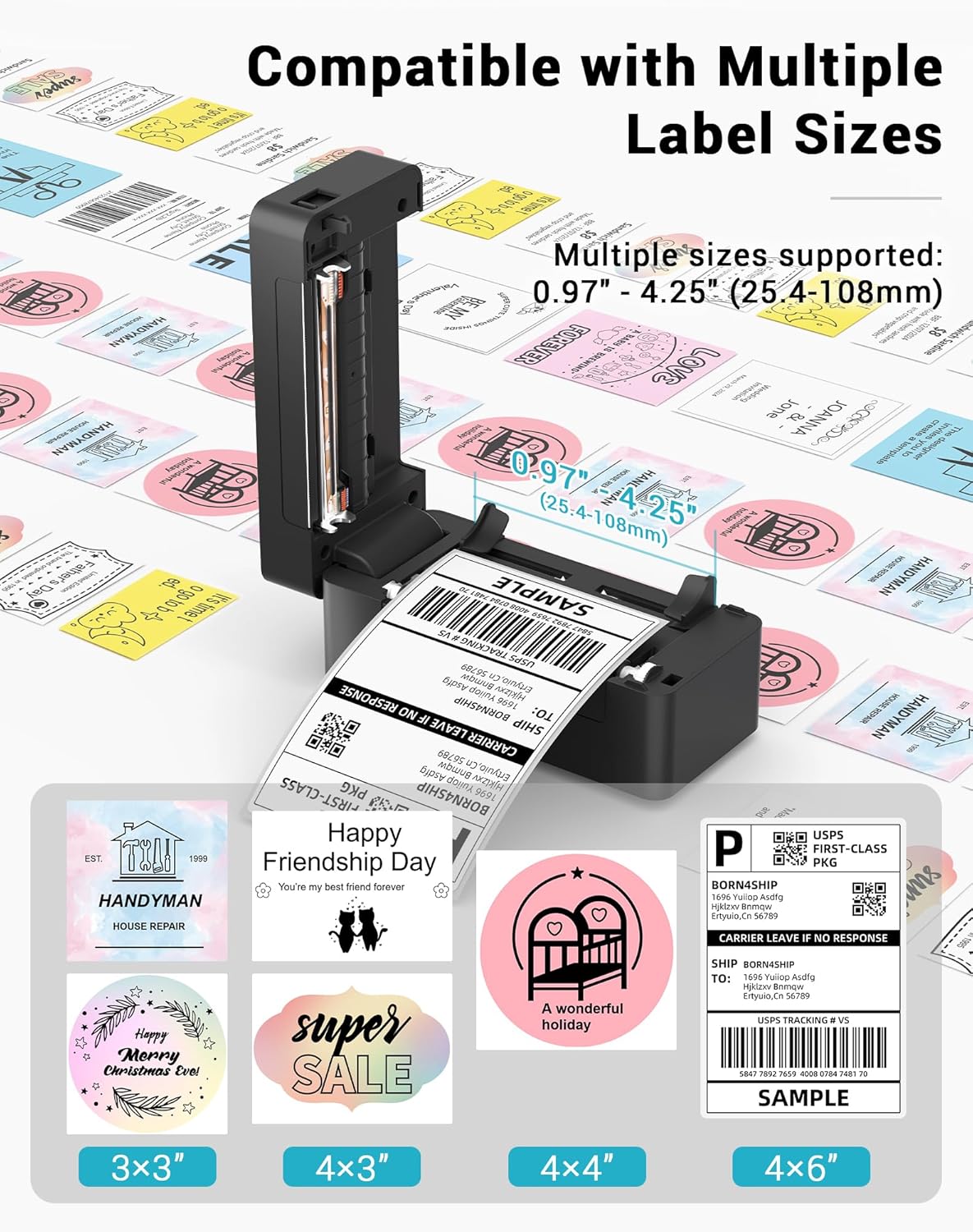
Not ideal for users requiring Bluetooth or networked printers, or for those who need multi-size or multi-format label printing beyond 4x6. If your operation scales to very high volumes and needs advanced queue management or batch processing across multiple workstations, a more robust setup could be preferable.
When it makes sense to buy
Consider this printer if you prioritise a simple, reliable 4x6 label solution that’s easy to install and works across Windows, Mac OS and Linux. If your labels are overwhelmingly 4x6 and you value a no-fuss setup with minimal ongoing maintenance, this unit could offer good value.
What to check before buying
- Confirm you will operate in a USB-only environment (no Bluetooth or networked printing).
- Ensure your carrier labelling templates and workflow can be generated in 4x6 format.
- Double-check your computer setup supports the printer’s drivers on Windows, Mac OS or Linux.
Practical example of use
Imagine processing a day’s orders: you print each DHL or UPS label directly from your order management screen, with no ink changes or jam-prone printers. The compact footprint leaves room for a tidy desk, and the lack of messy cables or extra software keeps the setup lightweight.
How this compares to other approaches
If you’re weighing between a USB 4x6 thermal printer and a more feature-rich networked model, consider your environment. USB-only devices work well for a single workstation and straightforward needs, but a networked option could be better if multiple team members need to print from different PCs or devices.
Is it worth it?
Should you buy it? A practical pick if you want a dedicated, inexpensive 4x6 USB printer that plays nicely with Windows, Mac OS and Linux and requires minimal fuss. It may not be the best choice if you require Bluetooth, wireless printing, or high-volume batch capabilities. For many small businesses, it strikes a sensible balance between simplicity and function.
FAQ
- Does it use ink or toner? No, it prints thermally.
- Is Bluetooth supported? No, it’s USB-only.
- Which carriers are explicitly supported for labels? DHL is mentioned, verify other carriers align with your label templates before purchase.