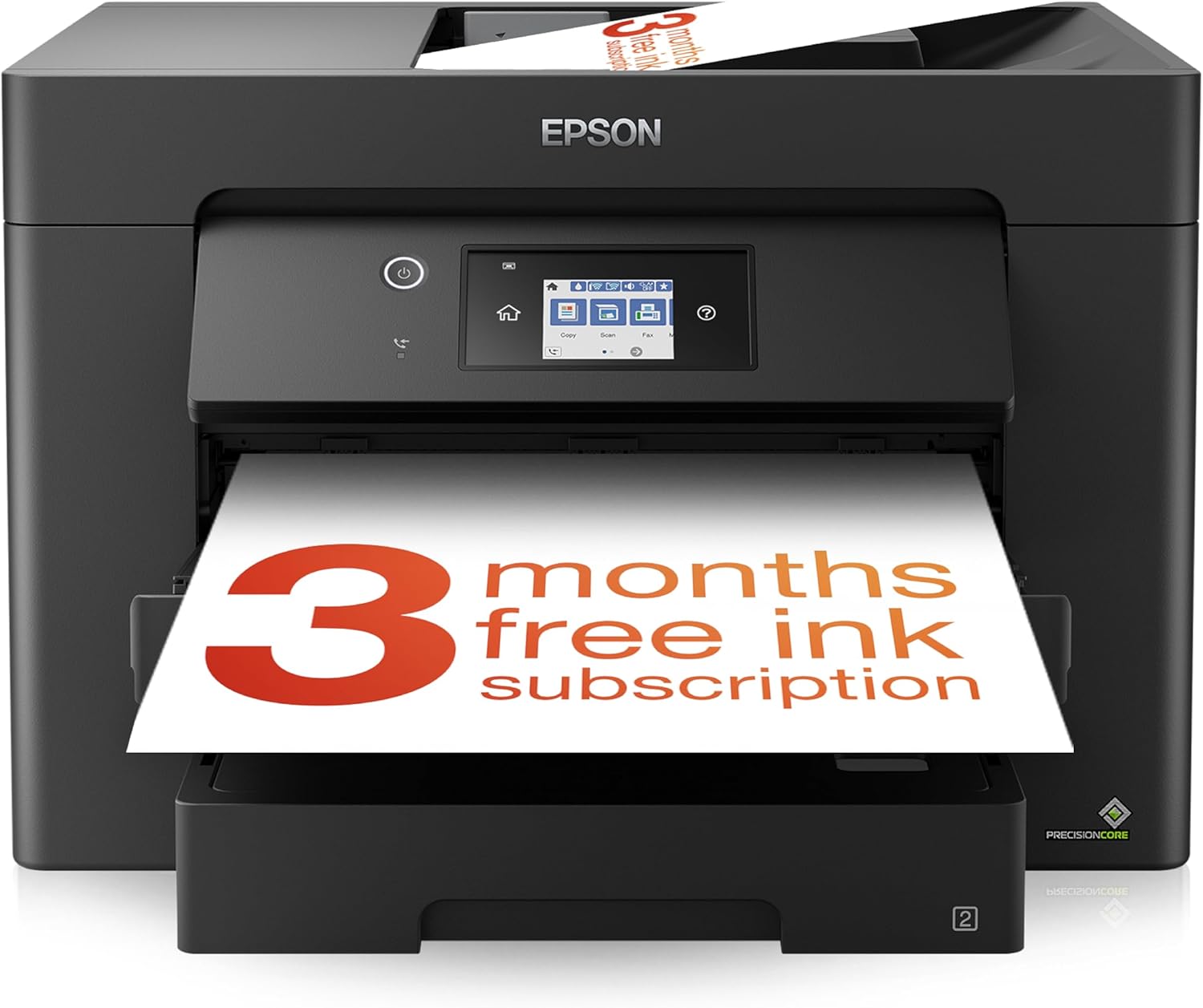
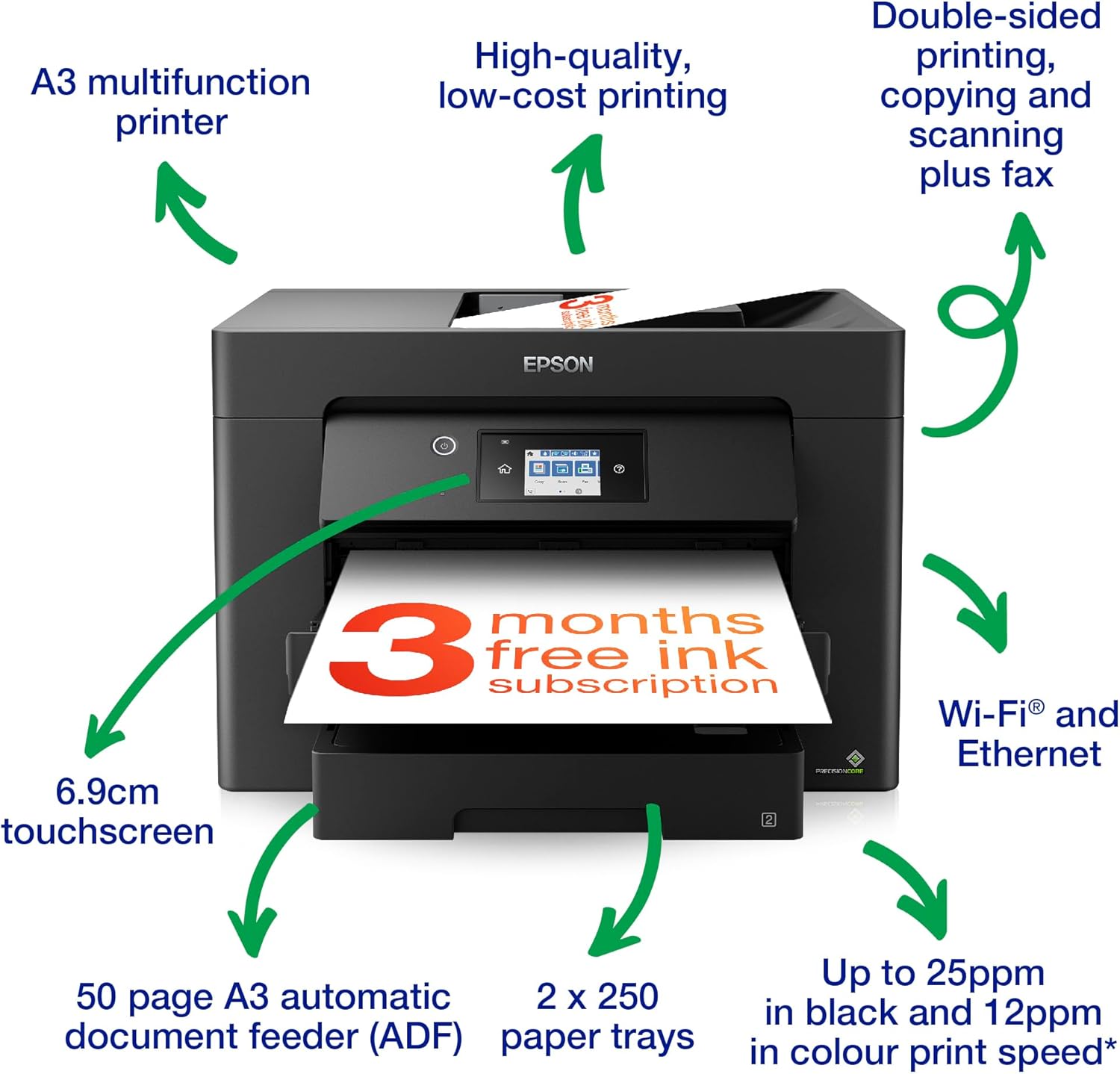
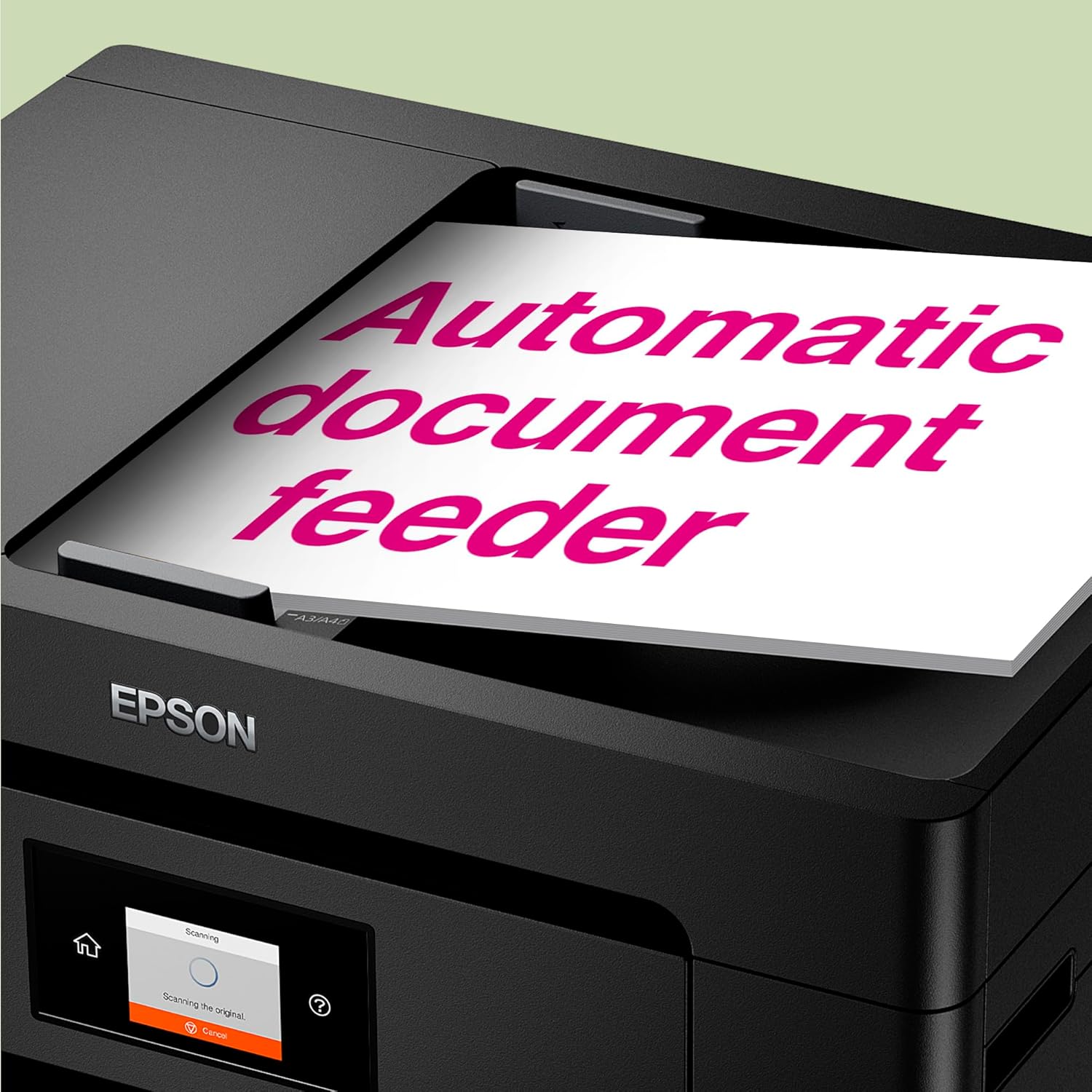
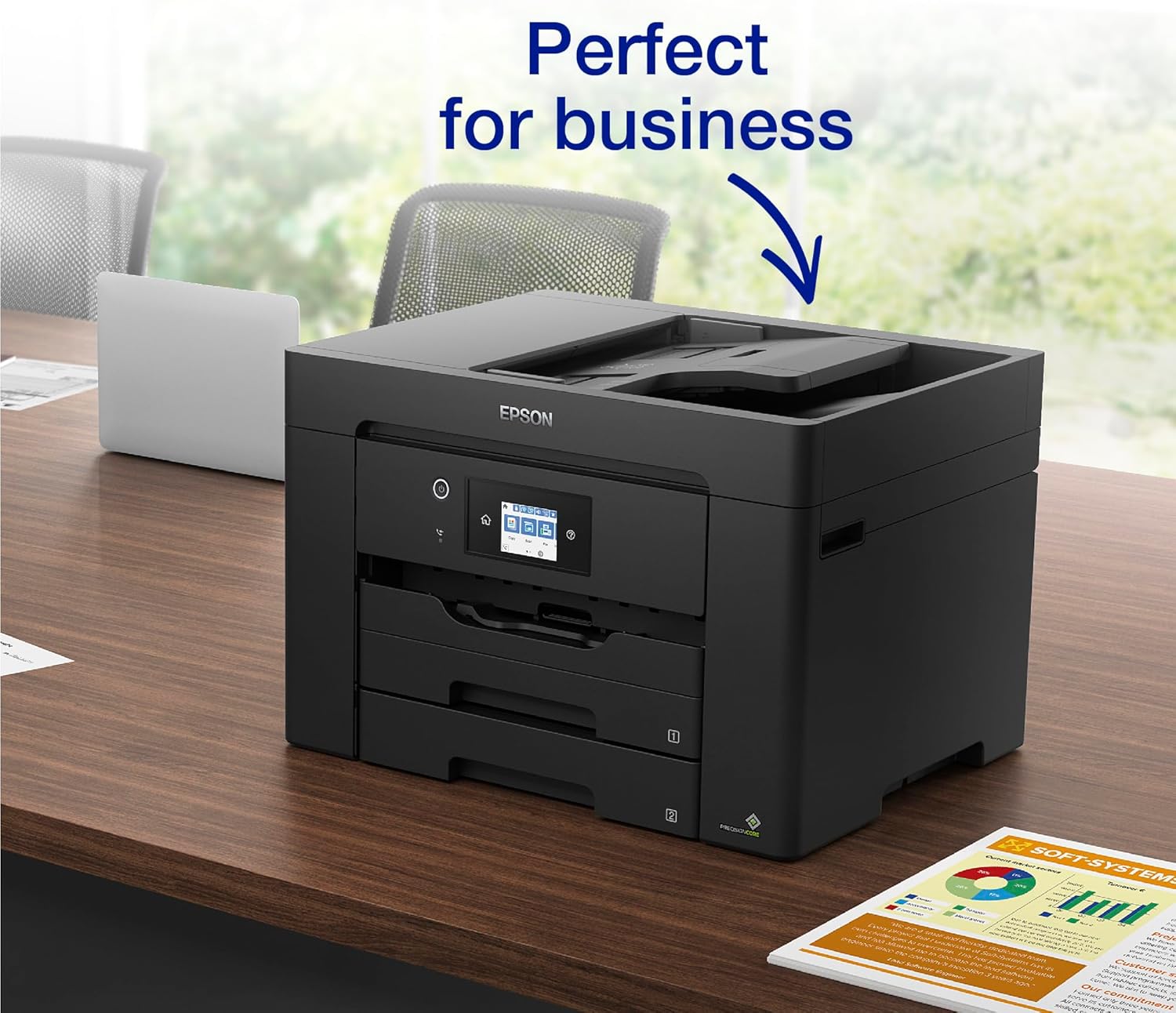
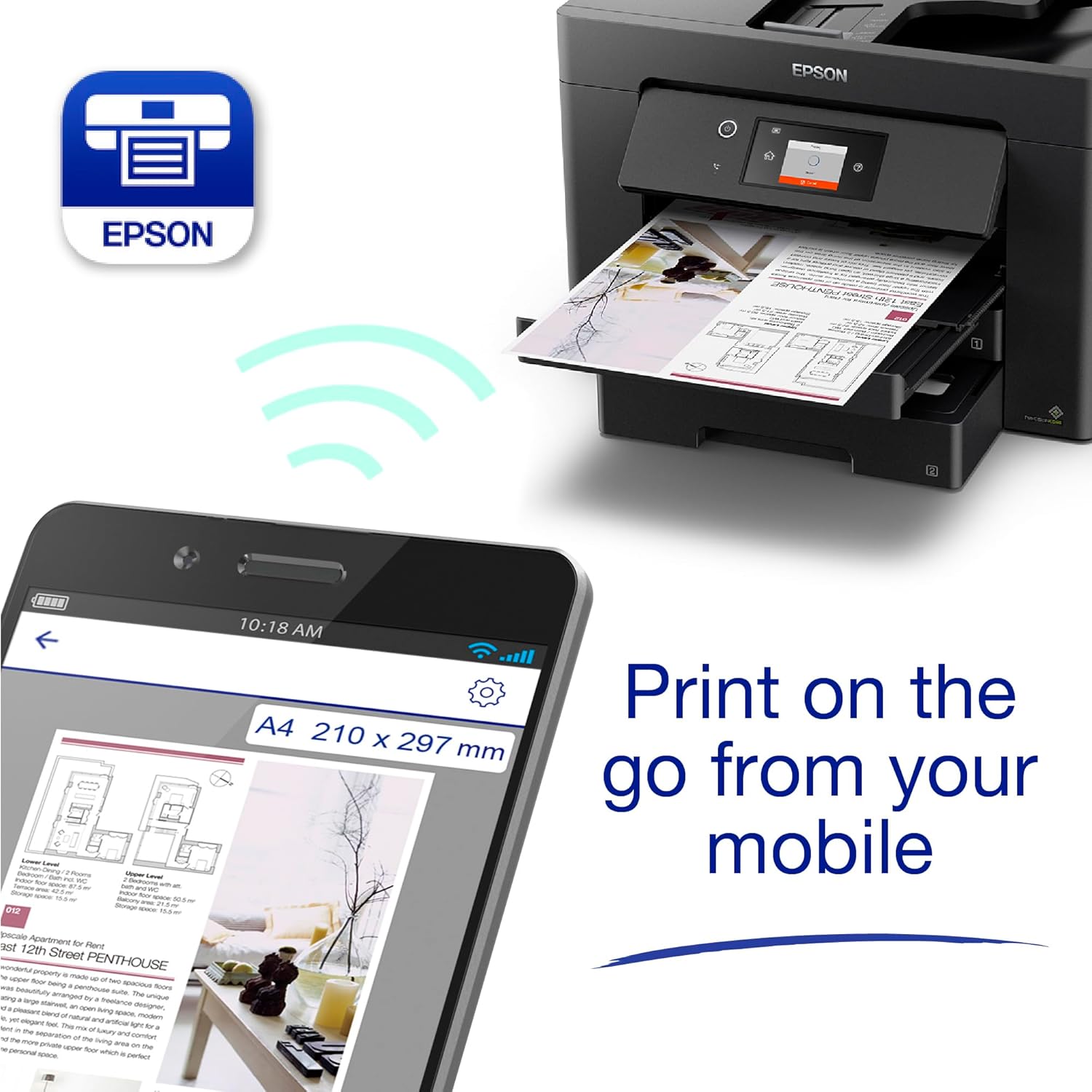
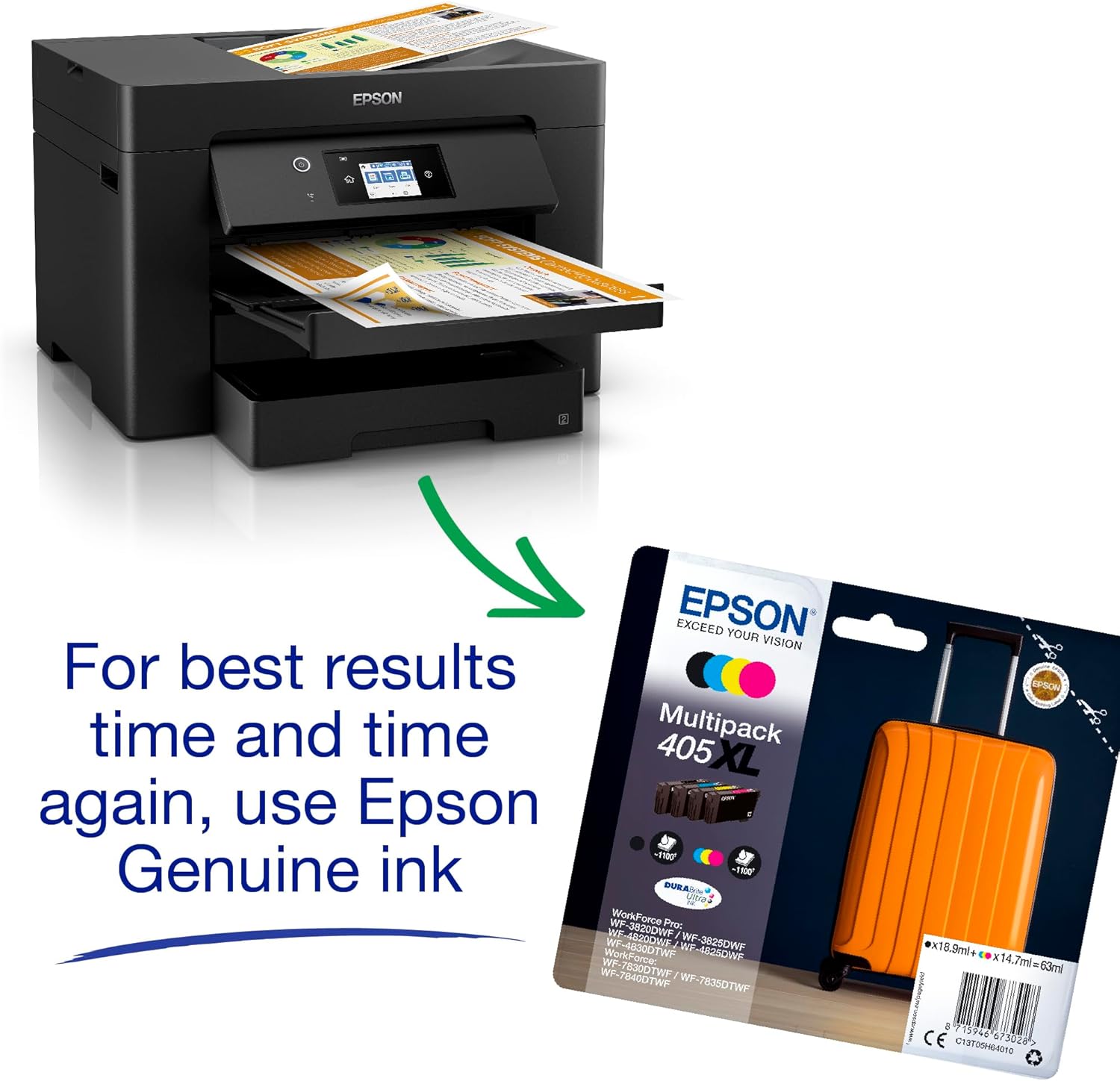
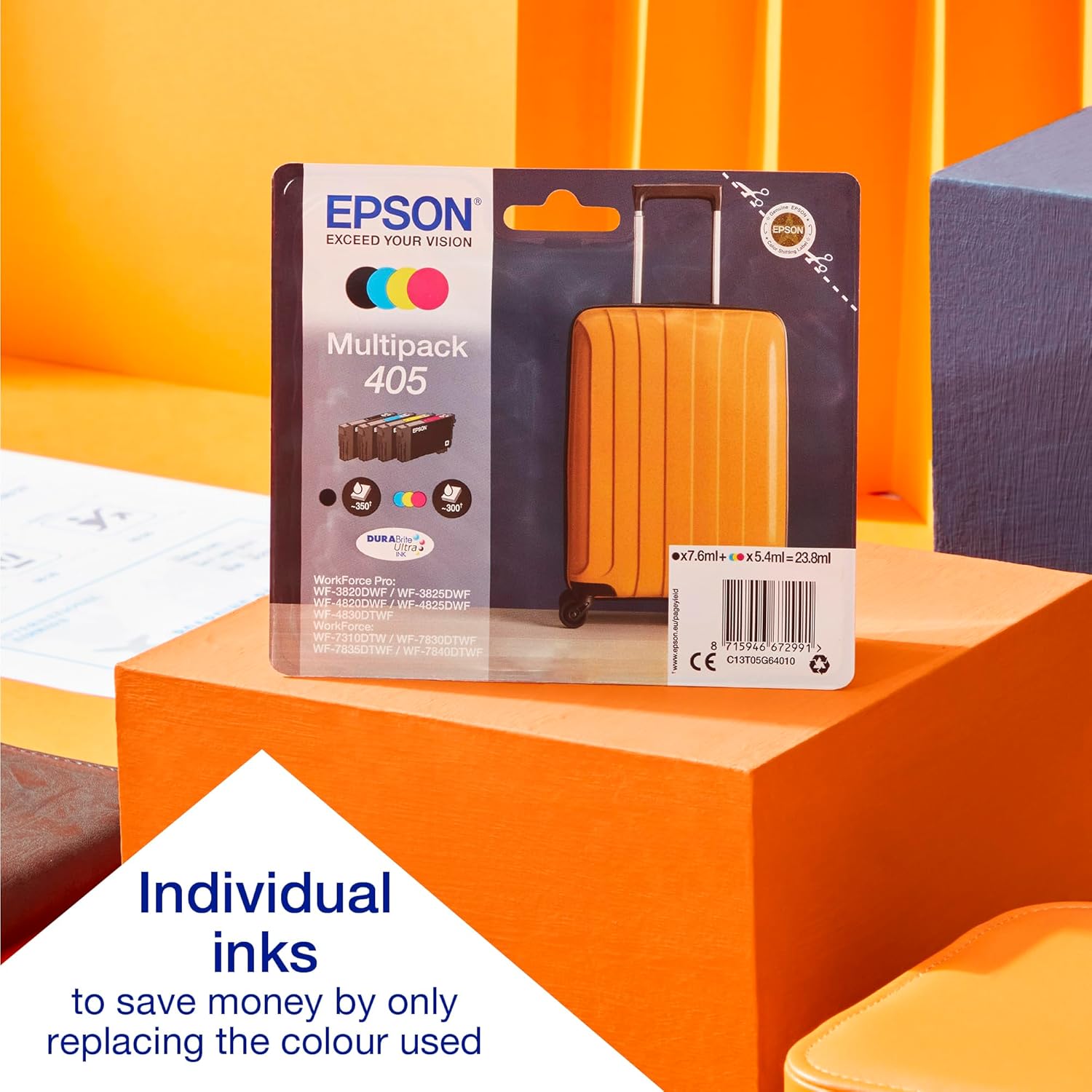
What it is\nThe Epson WorkForce WF-7830 is an all-in-one printer designed to handle A3 size tasks, combining print, scan, copy and fax in a single unit. It’s aimed at small to medium offices or home offices that need the flexibility to produce larger-than-A4 documents without stepping up to a full-scale plotter. On paper, it promises business-quality output at a reasonable speed and with individual ink cartridges to help manage running costs.\n\n## Who it’s for\nIf you frequently work with A3 documents, engineering or architectural drafts, posters or need a compact alternative to a dedicated large-format printer, this model can cover those needs. It’s also suitable for teams that want to print in colour occasionally while retaining a degree of efficiency thanks to individual ink bottles rather than a tri-colour cartridge bundle.\n\n## Performance you can expect\nThe WF-7830 markets itself as able to print up to 25 pages per minute in black and 12 pages per minute in colour, with double-sided printing to save paper. For many office tasks, that’s brisk enough to keep workflows moving, though colour print speed sits clearly behind mono. Scanner and fax capabilities add to its all-in-one practicality, while the ADF (automatic document feeder) helps with multi-page scanning and copying.\n\n## Cost of running\nEpson positions the cartridges as individually replaceable, which can reduce waste and cost for pages that mostly use one colour. The claim that inks are 50% more efficient than traditional tri-colour cartridges can be appealing for price-conscious buyers, especially in environments with frequent colour printing. It’s worth noting, though, that real-world running costs depend on ink prices, print volumes and the mix of black and colour pages.\n\n## Connectivity and features\nThis model is built for modern networks: Ethernet, Wi‑Fi and Wi‑Fi Direct are supported, with options to print or scan to cloud services. The inclusion of Scan-to-Cloud is useful for teams that want to drop scanned documents into cloud folders without a computer intermediary. The device also supports fax functionality and has an ADF for easier handling of multi-page jobs.\n\n## What could hold you back\nIf your work is primarily colour-heavy, the 12ppm colour speed means you may encounter longer waits for large colour batches. Also, A3 printing adds footprint to the desk, so ensure you have space. While the printer supports wireless printing, many buyers still rely on Ethernet for stable office performance, so ensure your network aligns with the intended use.\n\n## How it works in practice\nIn an everyday scenario, you might print a batch of A3 marketing sheets in black, then scan a dozen A4 receipts in one go via the ADF to a cloud folder, all without swapping cables. It’s not a dedicated plotter, but for mixed-office tasks, this all-in-one approach can streamline workflows and save space.\n\n## The decision\nIs it worth it? It makes sense if you need legitimate A3 capability in a compact, networked all-in-one with flexible printing, scanning and fax, and you value adjustable ink costs through separate colour cartridges. It may not be the best option if you prioritise ultra-fast colour output or if your space is extremely tight.\n\n## Practical FAQ\n- Can it handle A3 paper? Yes, it supports A3 size.\n- How fast is colour printing? Around 12ppm for colour, slower than mono.\n- Does it support cloud scanning? Yes, Scan-to-Cloud is available.\n