

Epson Expression Photo XP-970 A3 printer
Product description
This compact Epson 3-in-1 inkjet brings A3 photo printing into the home while keeping everyday document tasks straightforward. It targets photography enthusiasts who want glossy, long-lasting prints plus basic scan and copy functions without needing a dedicated studio device. The first paragraph includes the long-tail keyword Epson Expression Photo XP-970 A3 Multifunction Wireless Inkjet Printer to match search intent and highlight the main benefit: high-quality photo output with flexible media handling.
Key features
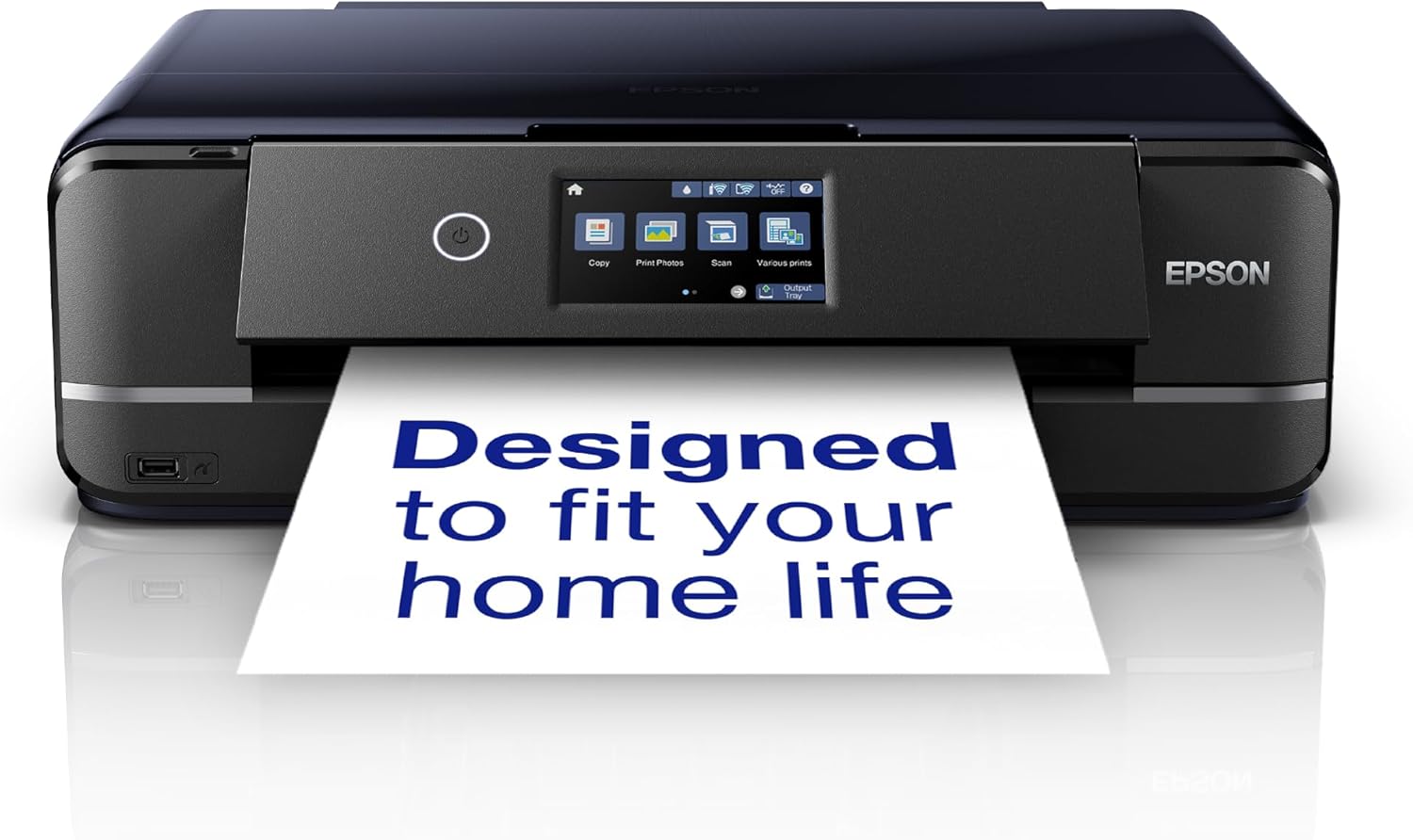
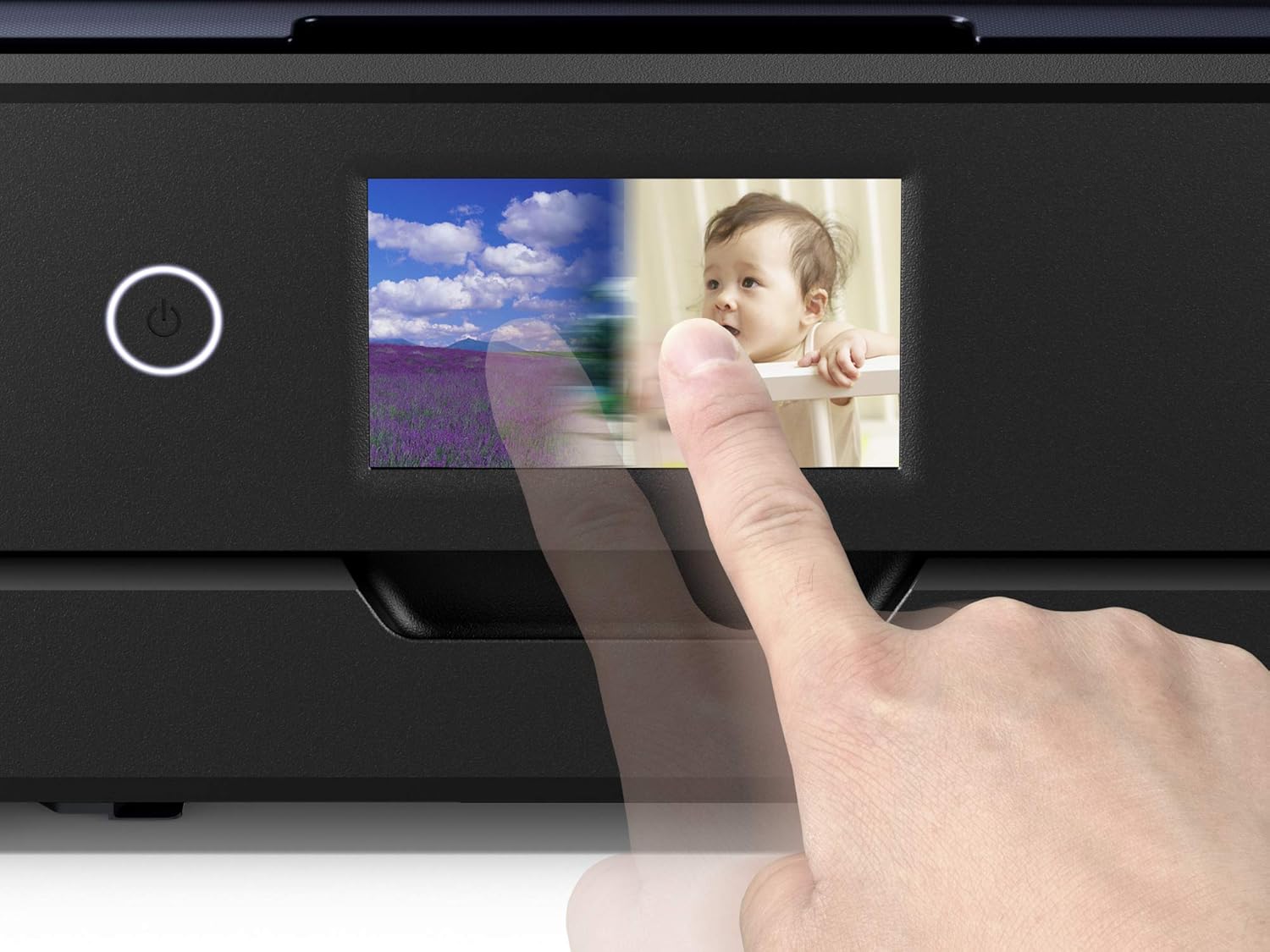
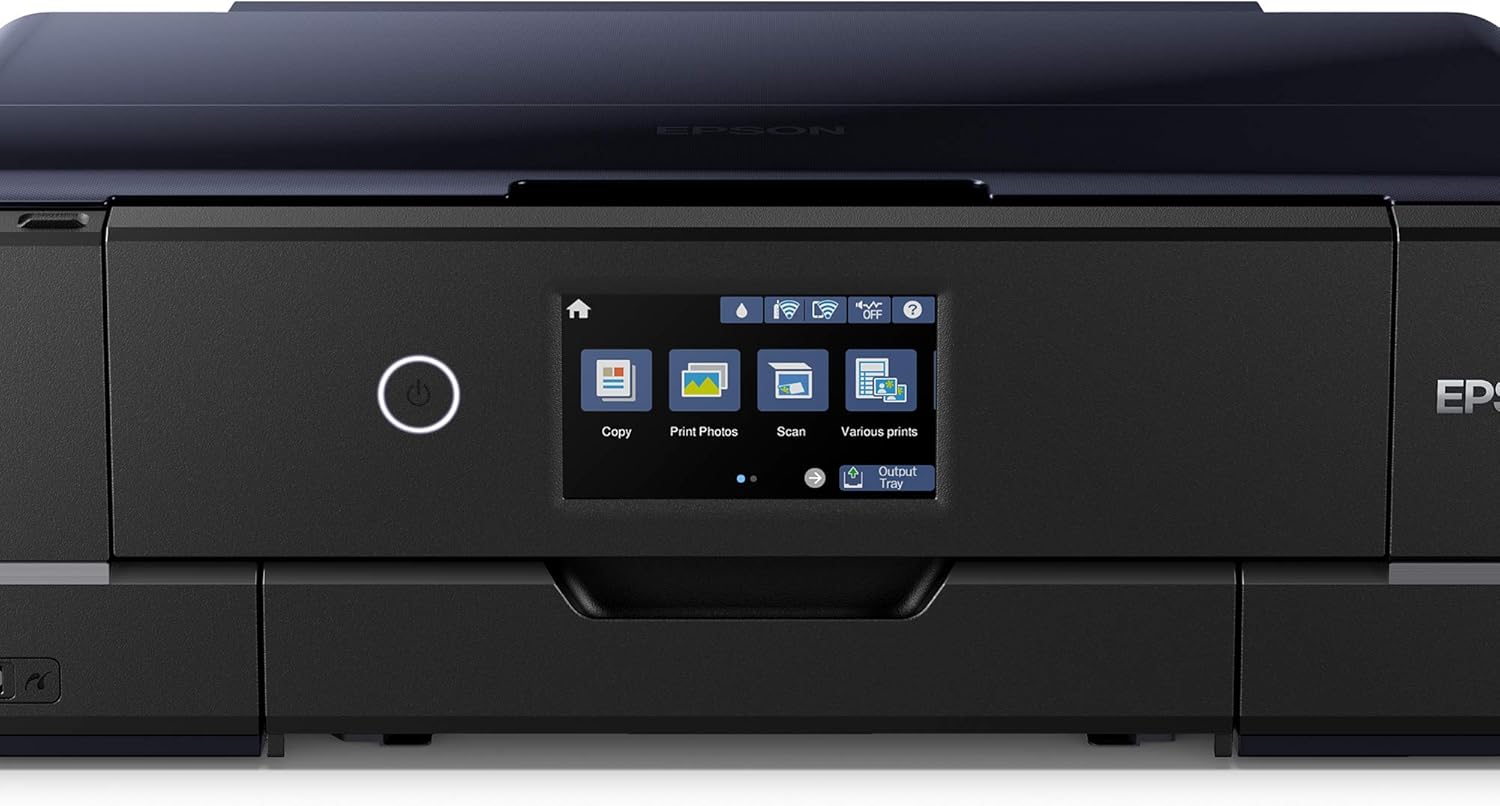
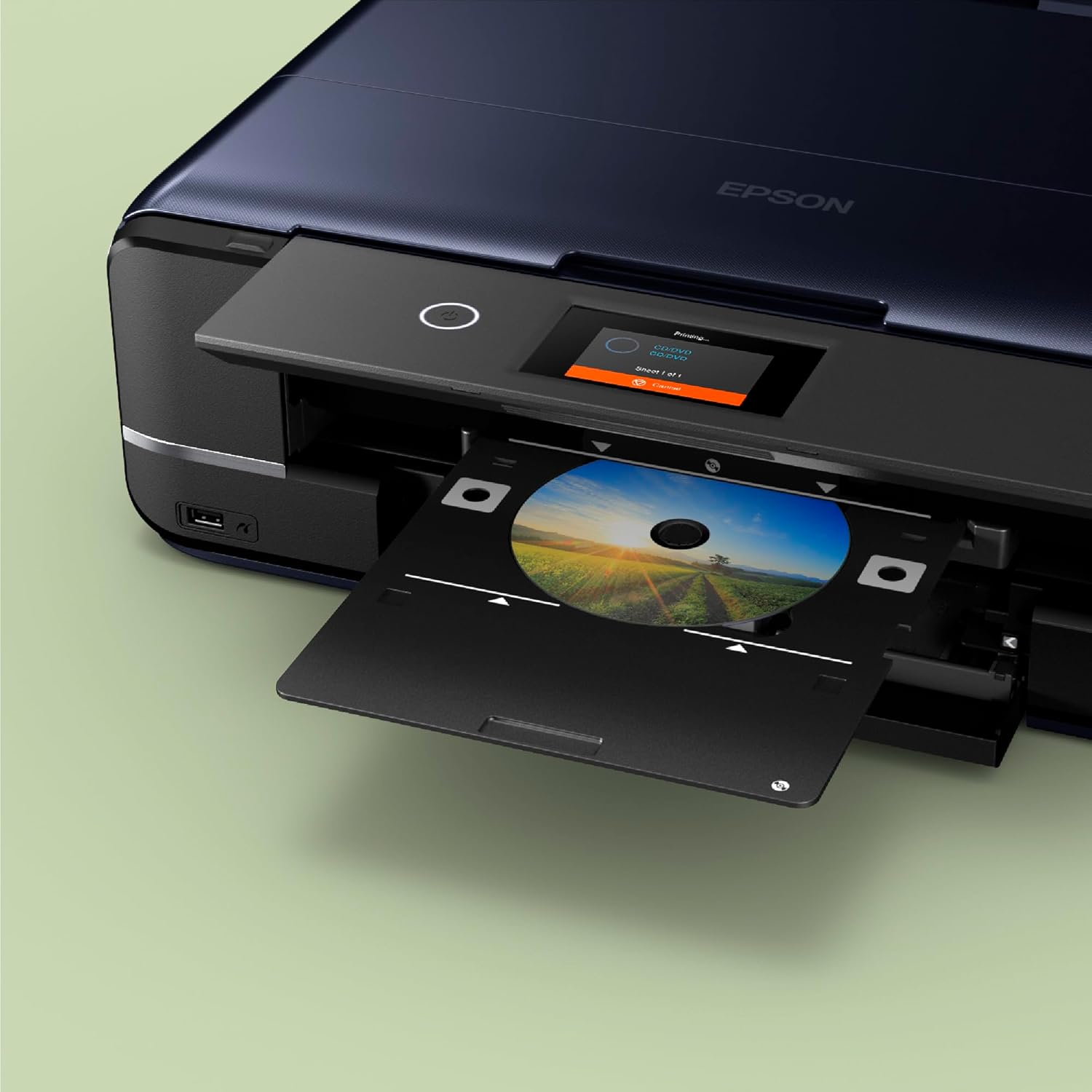
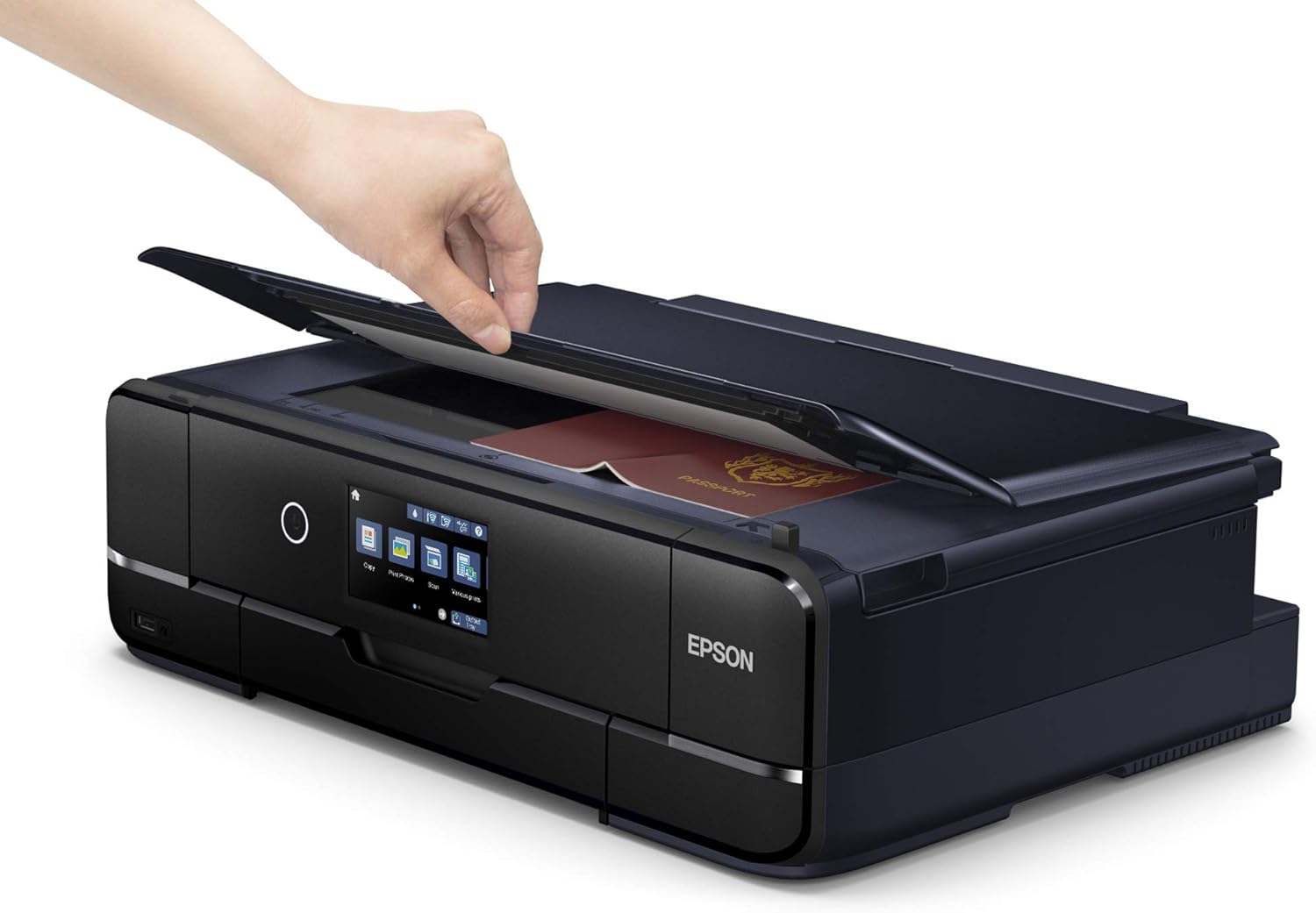
The XP-970 produces photo-quality prints using a six-colour Claria Photo HD ink set, which the manufacturer states is formulated for longevity in albums. A3 printing is supported for wider layouts and craft projects, while scanning and copying remain limited to A4 size. Wireless printing from mobiles and tablets is available via Epson iPrint, and the Creative Print app lets you turn images into books, cards or collages. The control surface is a 10.9 cm touchscreen that also reads memory cards, so you can preview and print without a PC. Do bear in mind that heavy daily office workloads are beyond its intended use, this model is optimised for occasional document printing and higher-quality photo work.
Specifications
- Name: Epson Expression Photo XP-970 A3 Multifunction Wireless Inkjet Printer
- Type: 3-in-1 inkjet
- Size: A3 printing supported, A4 scan and copy
- Display: 10.9 cm touchscreen
- Colour: available in compact finishes
- Format: wireless printing via Epson iPrint and Creative Print
Getting the most from it
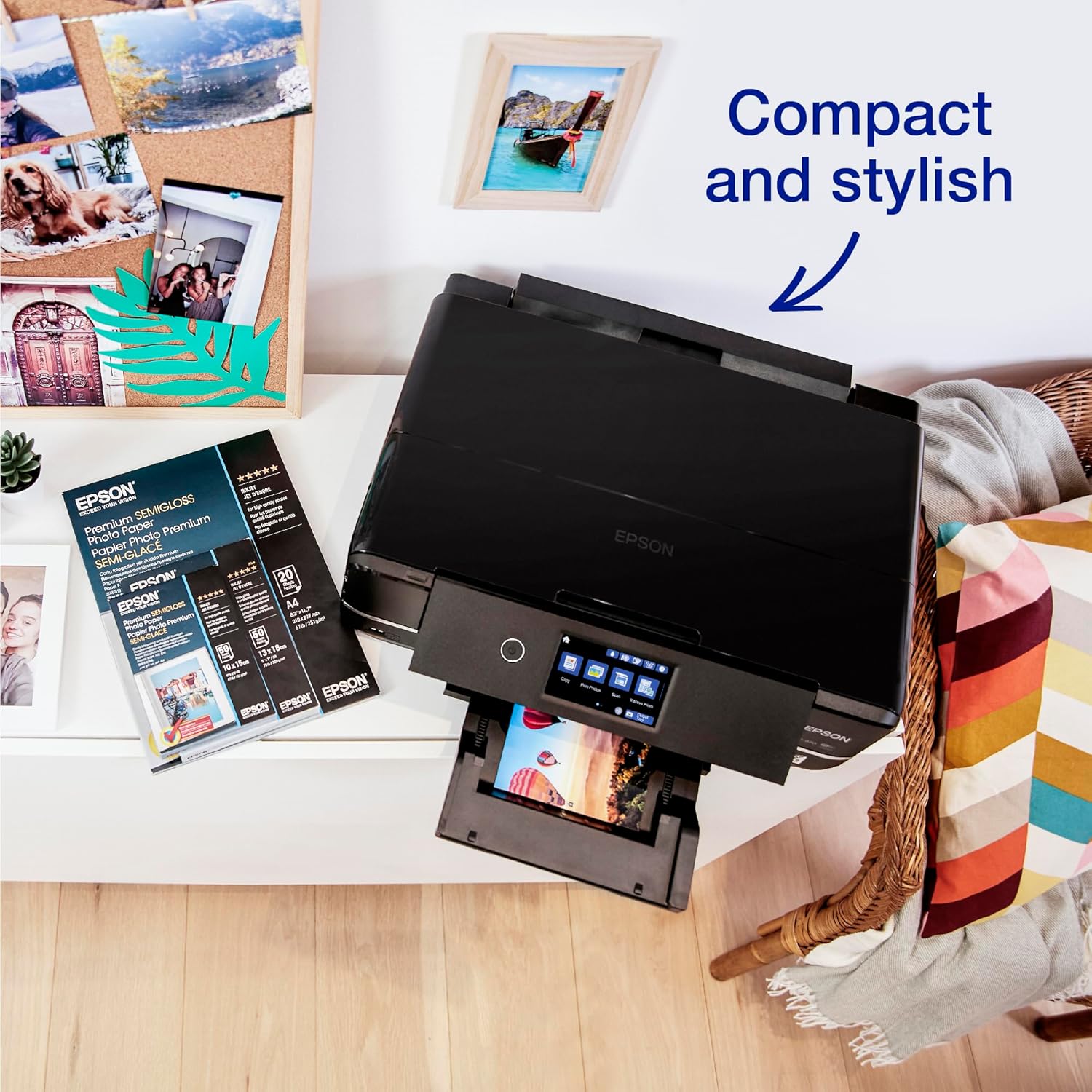
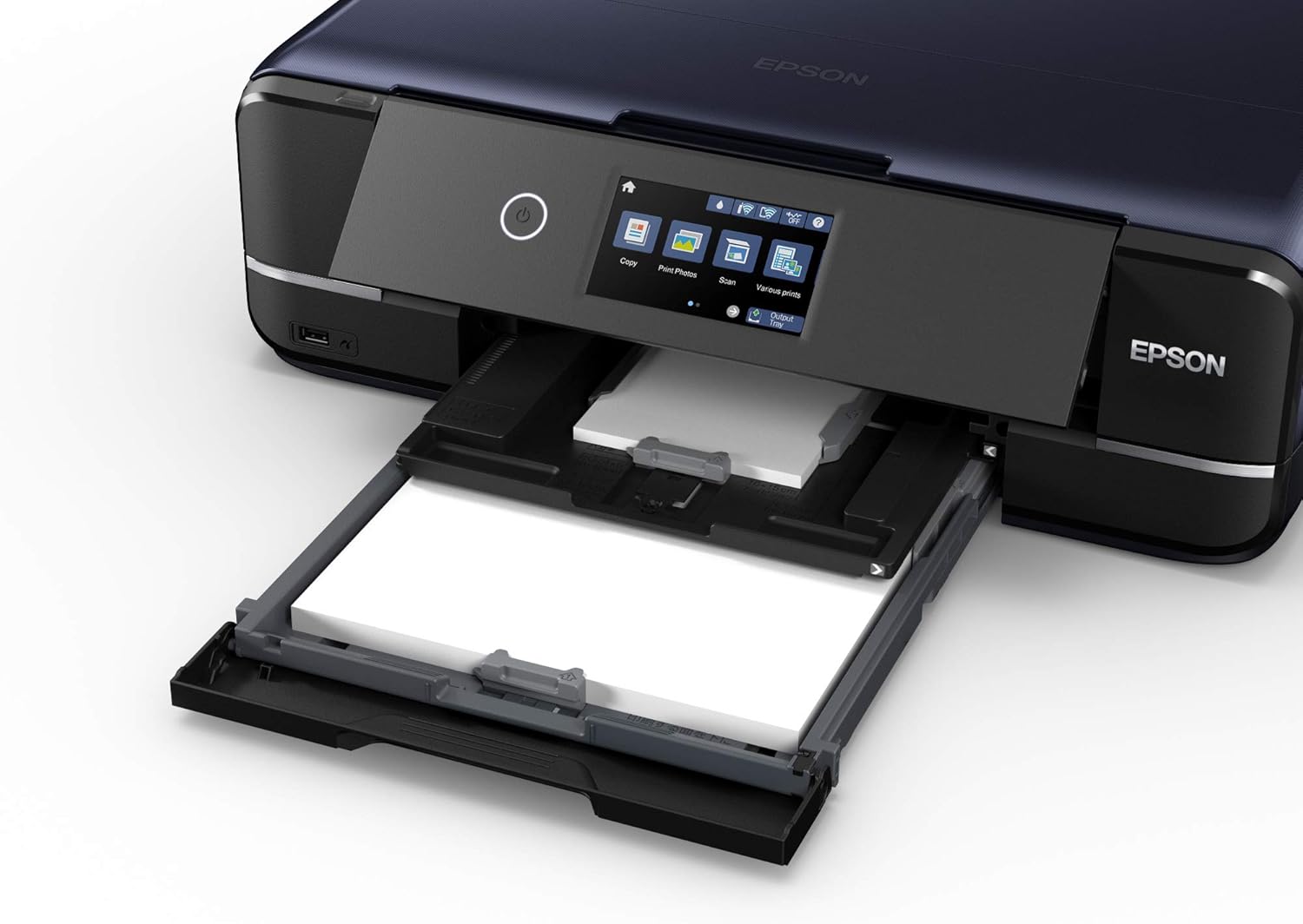
It’s a good fit if you print family photos, craft projects or small photo books at home and want archival-looking results. For best output use high-quality photo media and store prints correctly to match the ink longevity claims. If you prioritise very high monthly volumes or enterprise features, consider a different class of device. The printer’s dual front trays and rear speciality feed make swapping media simple, and the motorised output tray reduces handling when printing photos.
Care & maintenance
Keep the print head active by running occasional nozzle checks and small prints to avoid clogging, especially if you print intermittently. Replace inks with genuine Claria Photo HD cartridges as recommended by Epson to preserve colour balance and longevity. Store unopened ink cartridges in a cool place and avoid leaving the printer idle for extended periods.