

AULA SC580 Wireless Gaming Mouse — Tri-Mode, 12000 DPI, 81g, Programmable Buttons
Product description
What it is
The AULA SC580 is a wireless gaming mouse that supports tri-mode connectivity (2.4G, BT5.0, and Type-C wired). It’s designed to switch between devices quickly, so you can move from laptop to desktop or tablet without unplugging. It aims to balance lightweight handling with practical gaming features, all without the bulk of a traditional wired setup.
How it performs
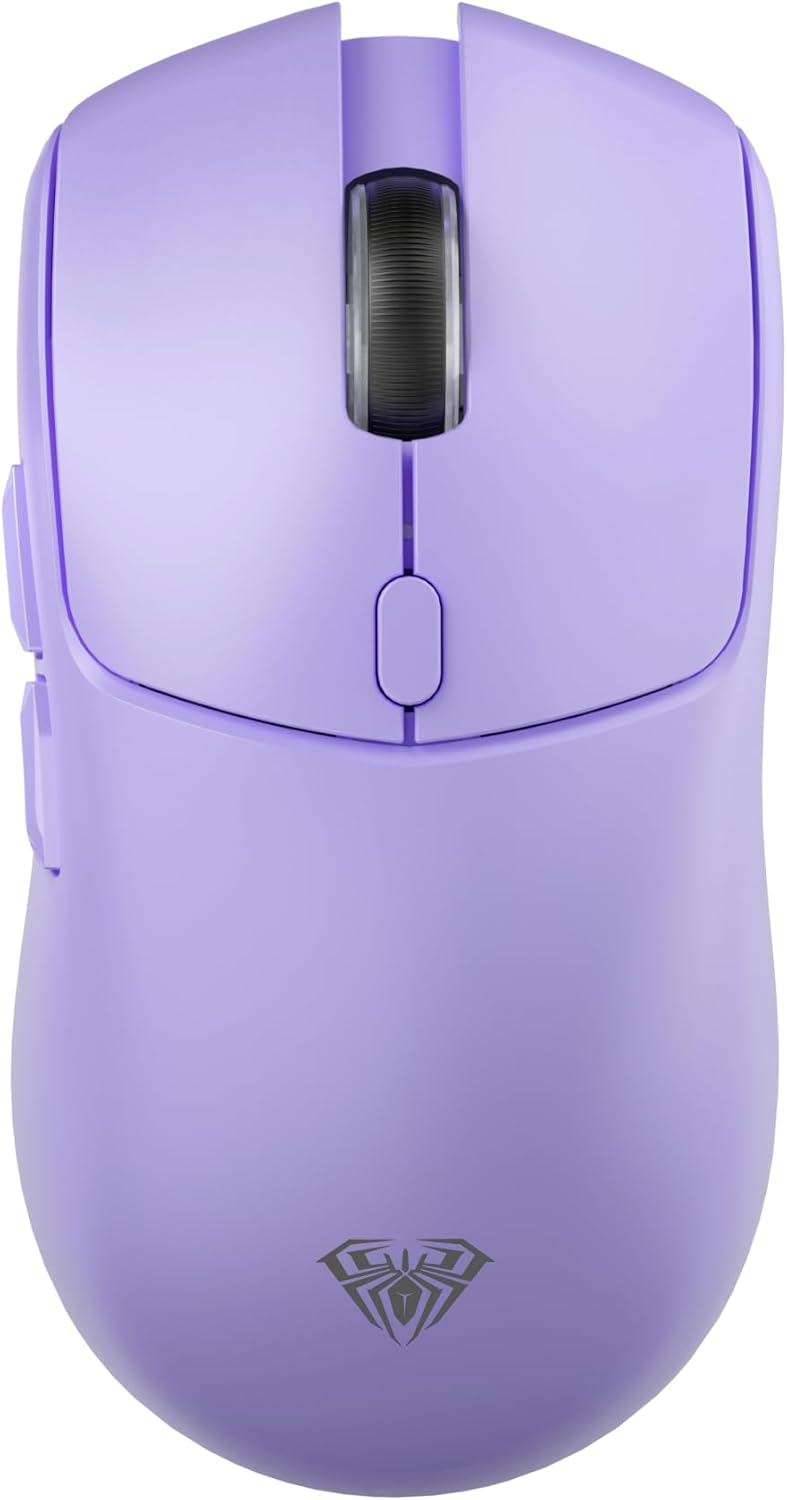
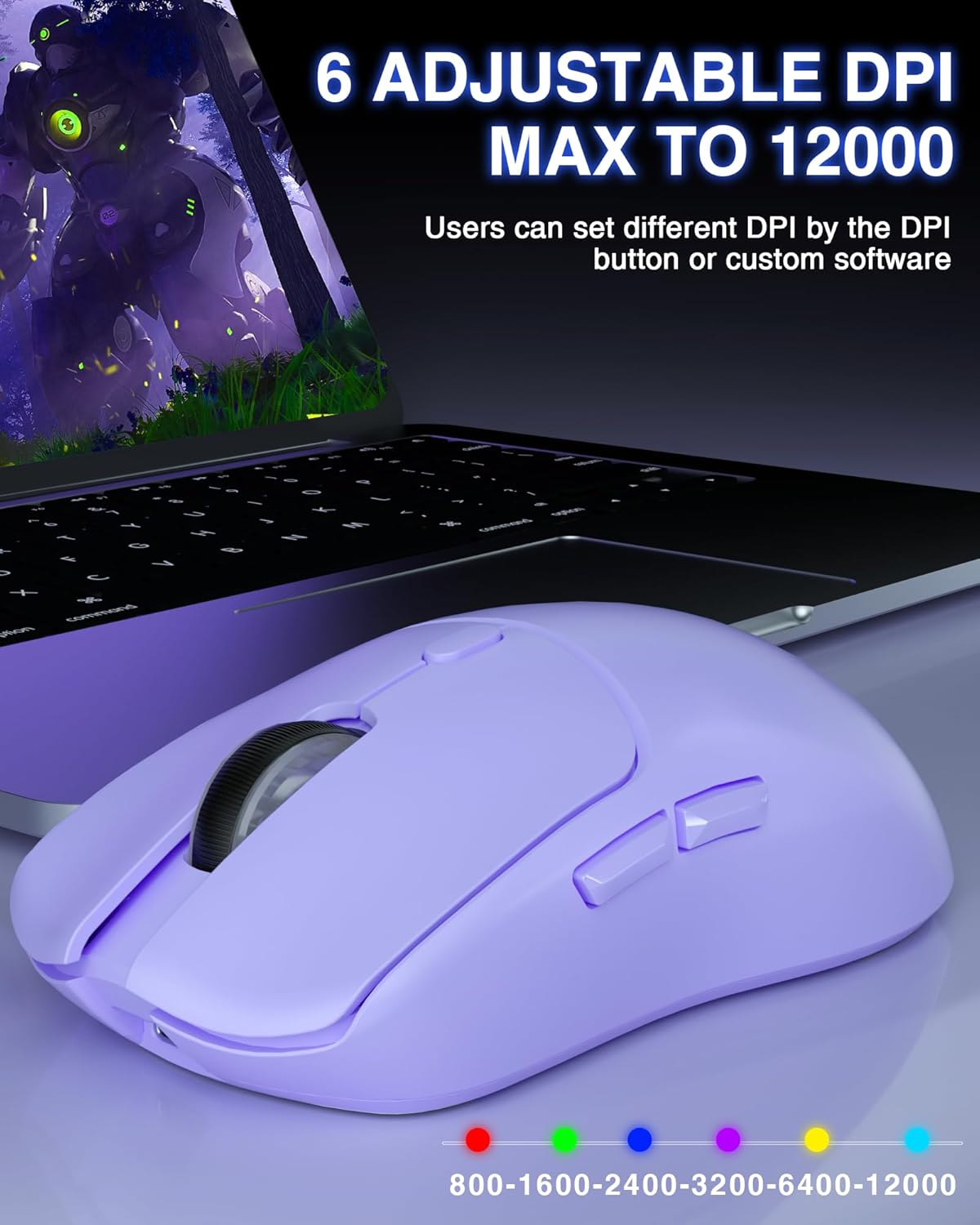
On paper, the SC580 offers up to 12000 DPI across six adjustable levels (12000, 6400, 3200, 2400, 1600, 800) and a polling rate up to 1000Hz. In practice, this setup caters to both precise sniping in games and smooth navigation for everyday tasks. The 500 mAh rechargeable battery provides a wired-to-wireless bridge when you’re away from a desk, and the Type-C charging cable helps top up the power between sessions.
Key features
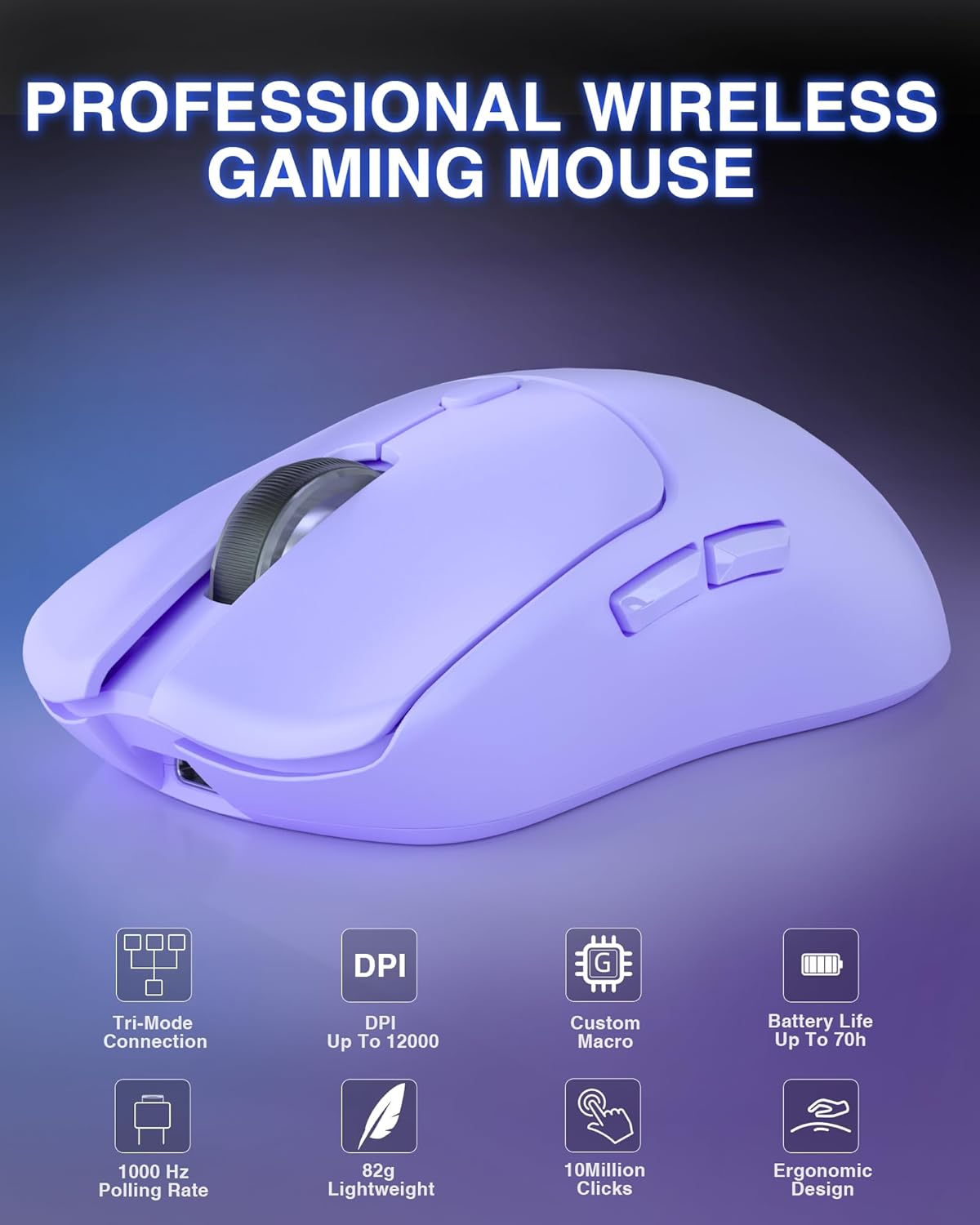
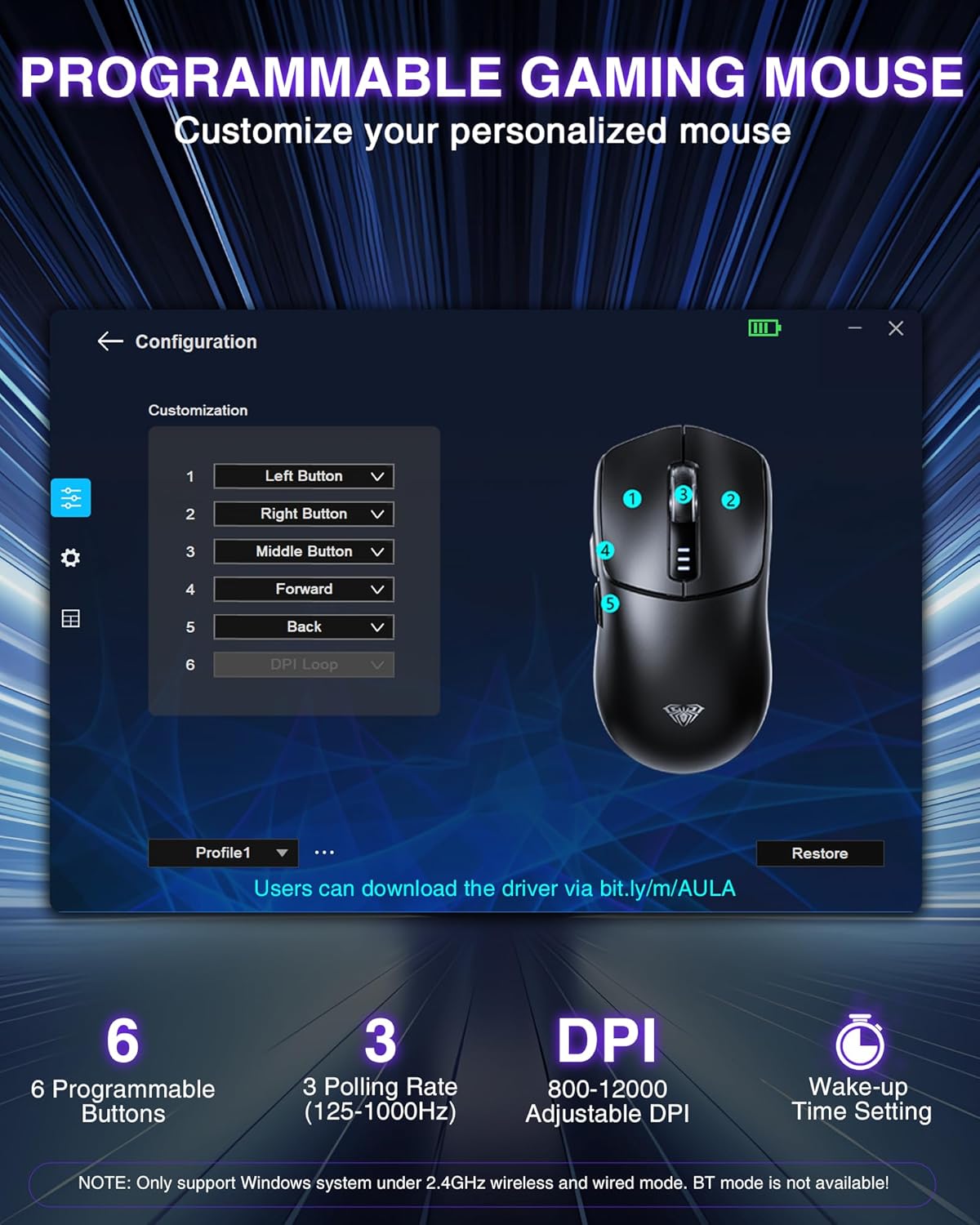
The mouse weighs around 81g, which keeps it light enough for extended play but robust enough for quick, reactive movements. It includes six programmable buttons, allowing you to map in-game actions or productivity shortcuts to speed up your flow. A note on software: the configuration is handled via a Windows-only software suite, and the first login to the software must be done in wired mode.
Practical tips for use
If you value flexibility across devices, the SC580’s ability to connect up to five devices simultaneously can reduce cable clutter. The tri-mode setup means you can game in 2.4G or BT5.0 and switch to wired when you need uninterrupted power. The light design makes it comfortable for long sessions, but as with any lightweight mouse, some users may notice a different feel compared with heavier models.
What stands out and what to watch
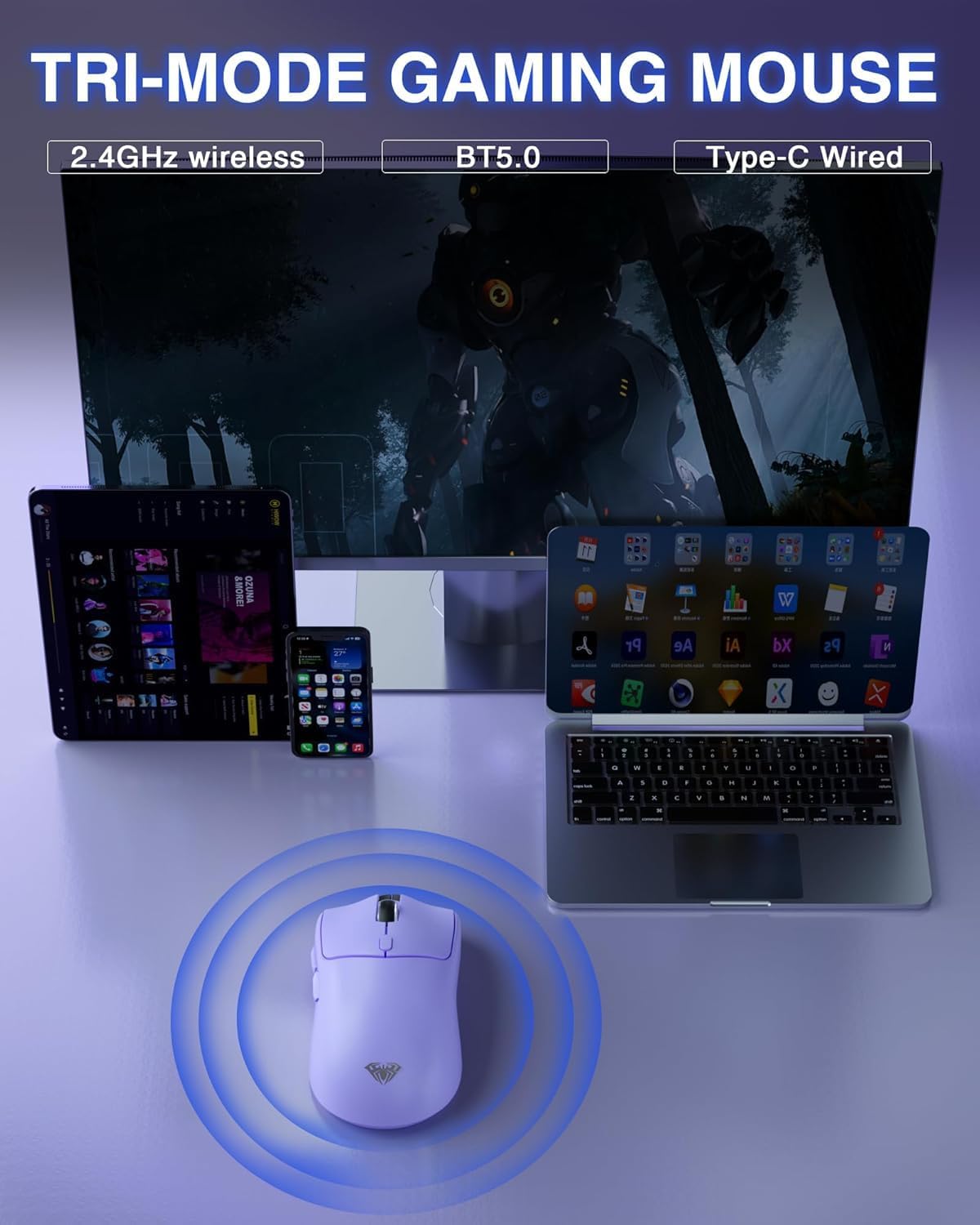
What stands out is the multi-device connectivity and the high DPI ceiling, which is useful for aggressive APM play or high-resolution displays. On the flip side, the Windows-only software could be a limitation for macOS users, and the first software login requirement adds a small hurdle for new setups. If you prefer plug-and-play with no software, this might not be the best match.
Who it’s for
This mouse is a sensible option for gamers who operate across multiple devices or workstations and want a lighter, nimble feel without sacrificing programmable controls. It also suits buyers looking for a rechargeable wireless option with a native high DPI range for both gaming and precise cursor movement.
Who it isn’t for
If you rely on macOS or need dedicated software cross-platform compatibility, the Windows-only software limitation could be a deal-breaker. It’s also worth noting that some users may prefer a heavier, sturdier feel for certain genres.
Before you buy: what to check
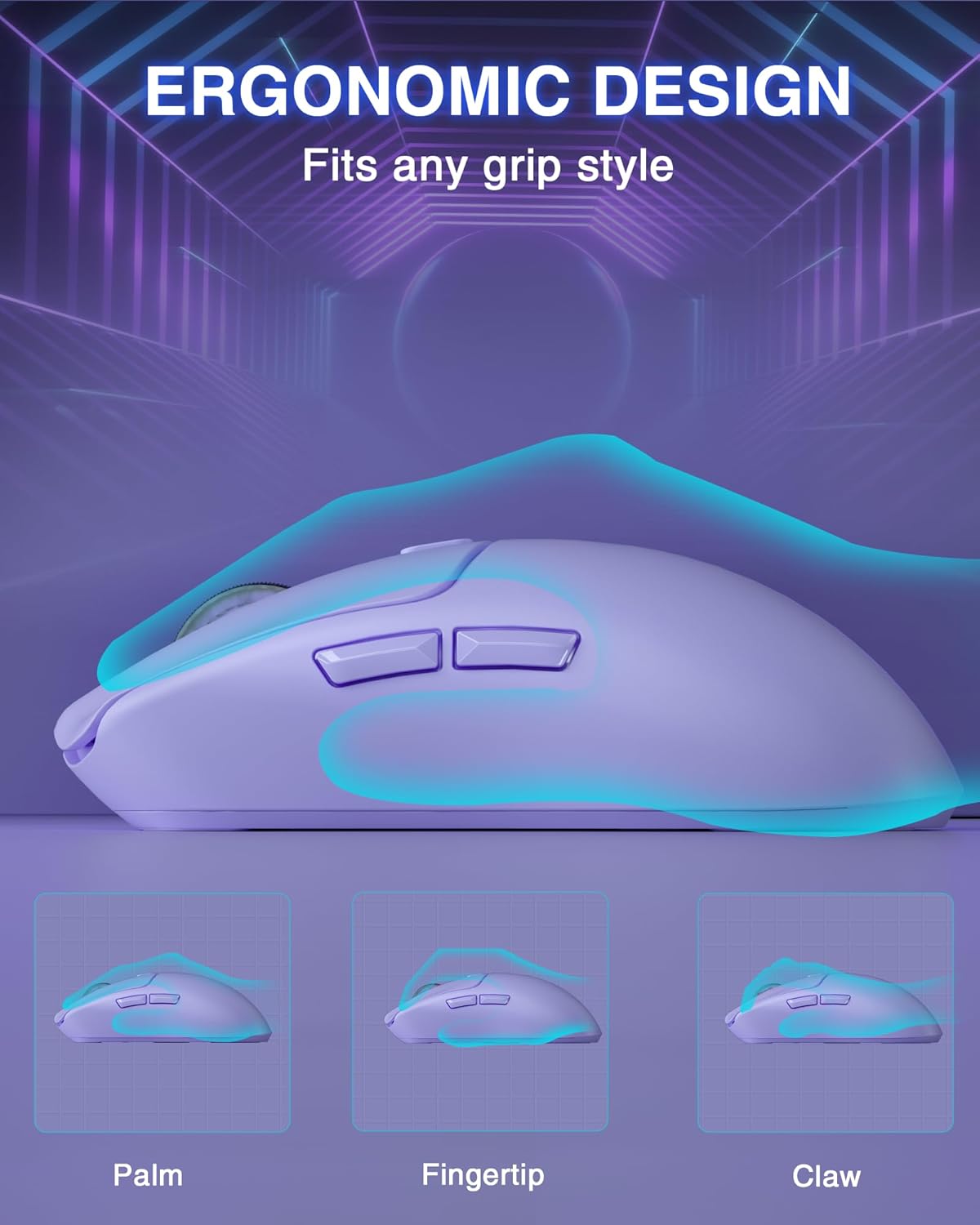
Consider whether you need multi-device switching in a single setup and whether you’re comfortable installing Windows software for button programming. Check how the 81g weight feels in your grip style (palm, claw, or fingertip) and whether you’ll be using the device primarily wired or wirelessly.
Practical comparison
If you’re weighing this against a basic wired mouse or a dedicated high-end kit, the SC580 offers flexibility and lighter weight at the potential cost of cross-platform software compatibility and more complex initial setup. For everyday use or cross-device gaming, it can be a practical middle-ground that reduces desk clutter without compromising on programmable controls.
Is it worth it?
The decision hinges on your need for tri-mode connectivity and cross-device use. If you prioritise lightweight design, a wide DPI range, and programmable keys within a Windows-driven setup, it’s worth considering. If you mainly work on macOS or want plug-and-play without software, you may want to explore other options.
Frequently asked questions
- How many devices can it connect to at once? It supports up to five devices simultaneously.
- Do I need to install software to use it? Yes, for button programming and DPI settings, and the software is Windows-only.
- Can I use it while charging? Yes, you can use it in wired mode while charging via the Type-C cable.