

Pencil for iPad (2018-2026): USB-C Fast Charging Stylus with Tilt Sensitivity
Product description
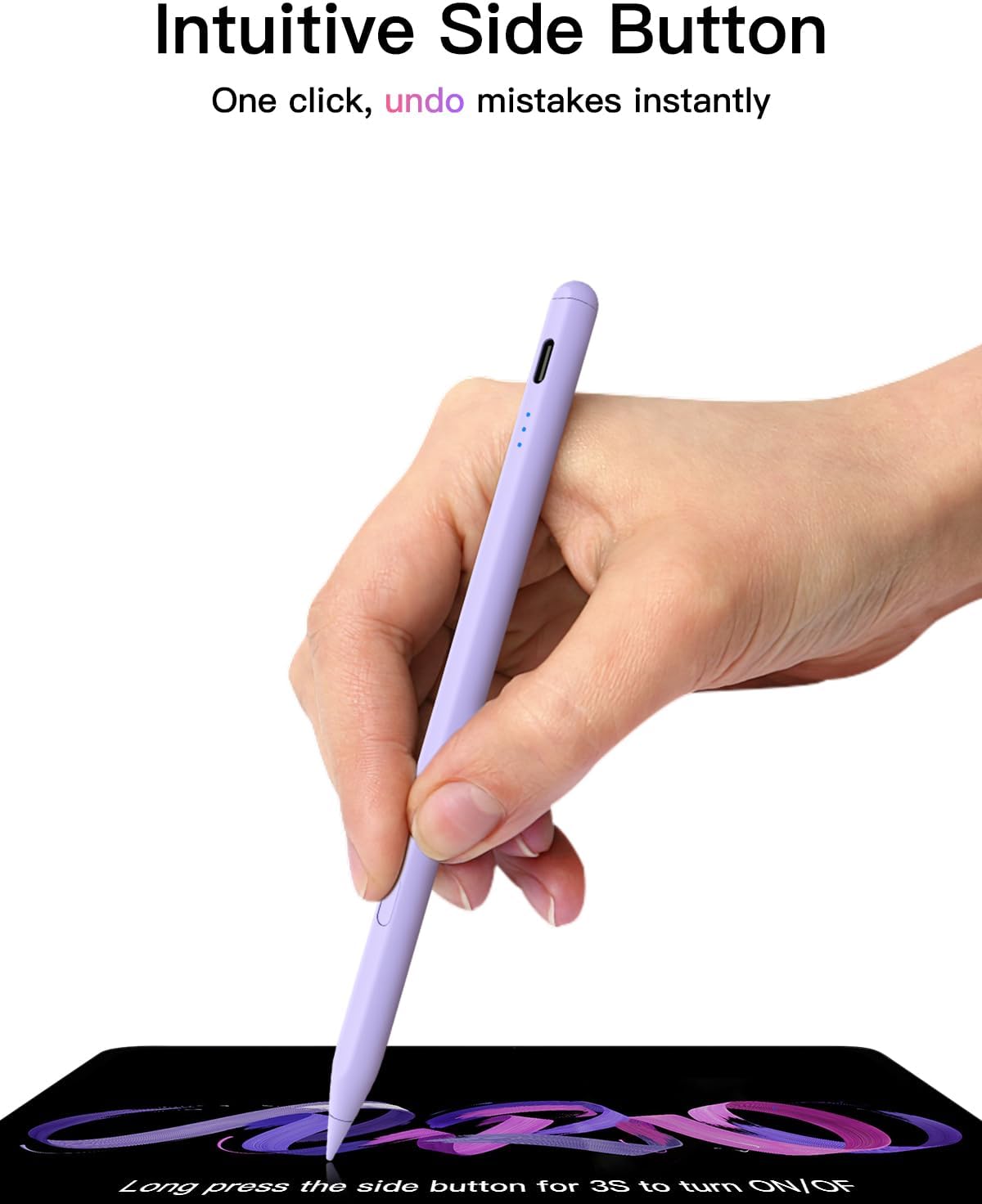
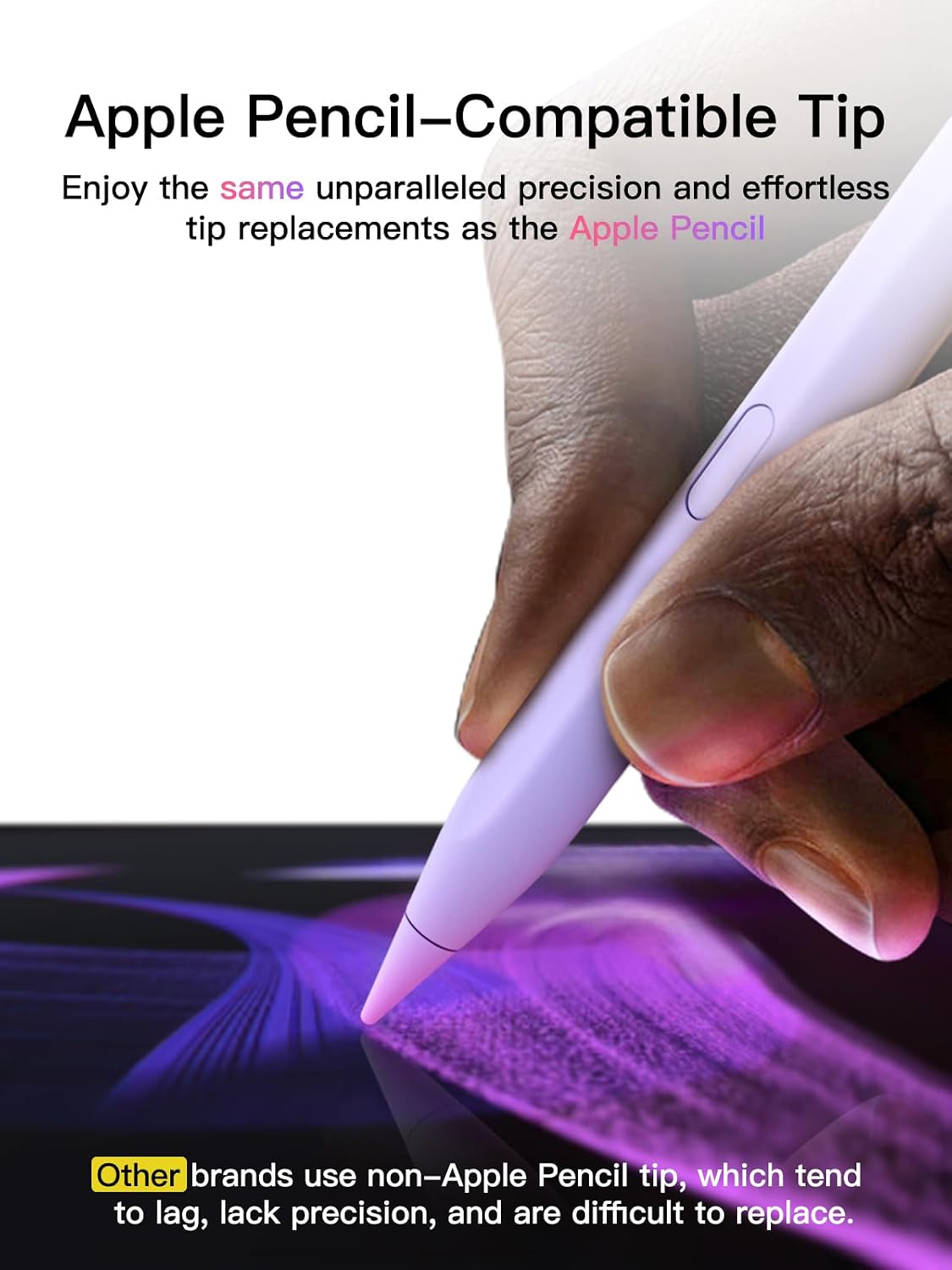
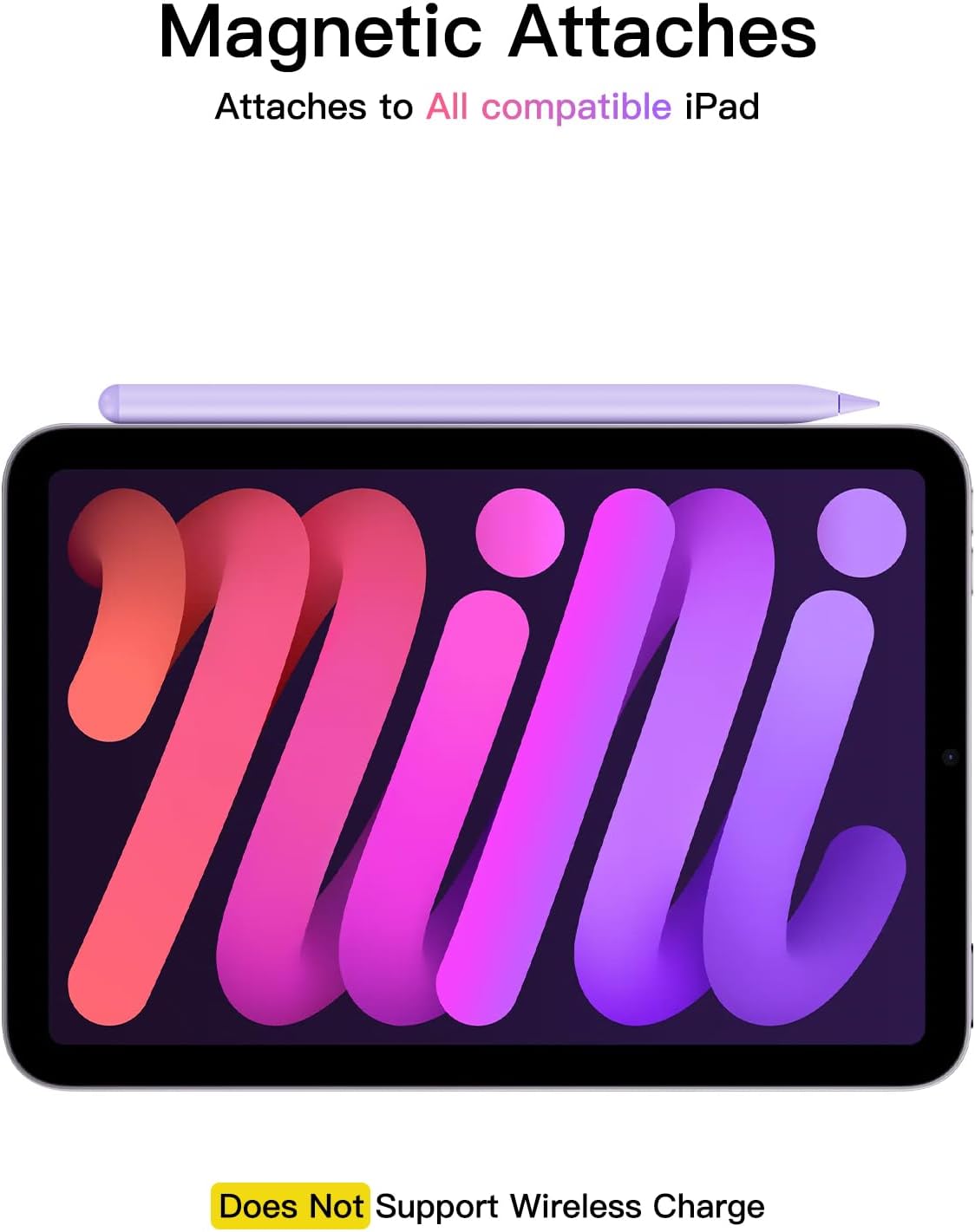
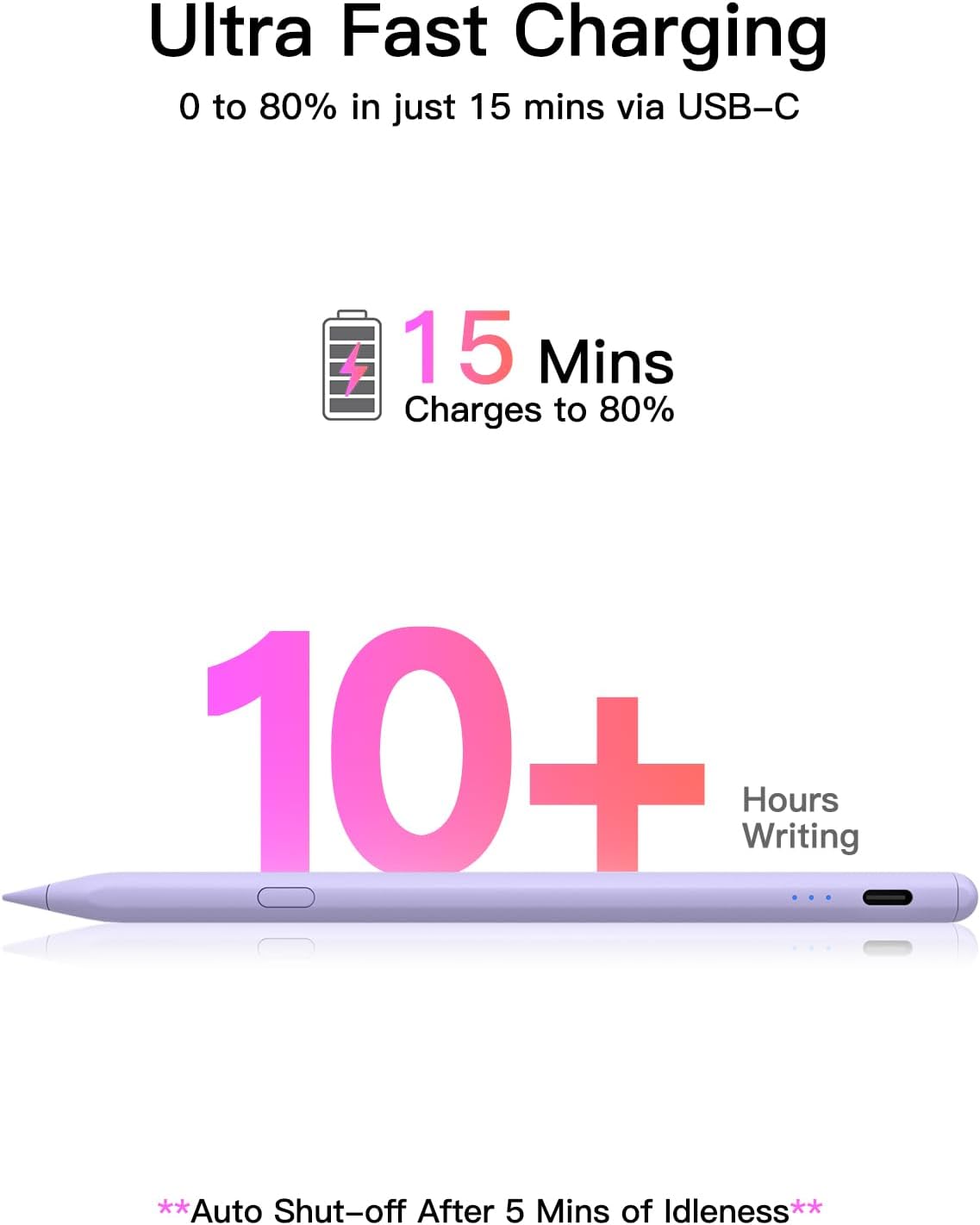
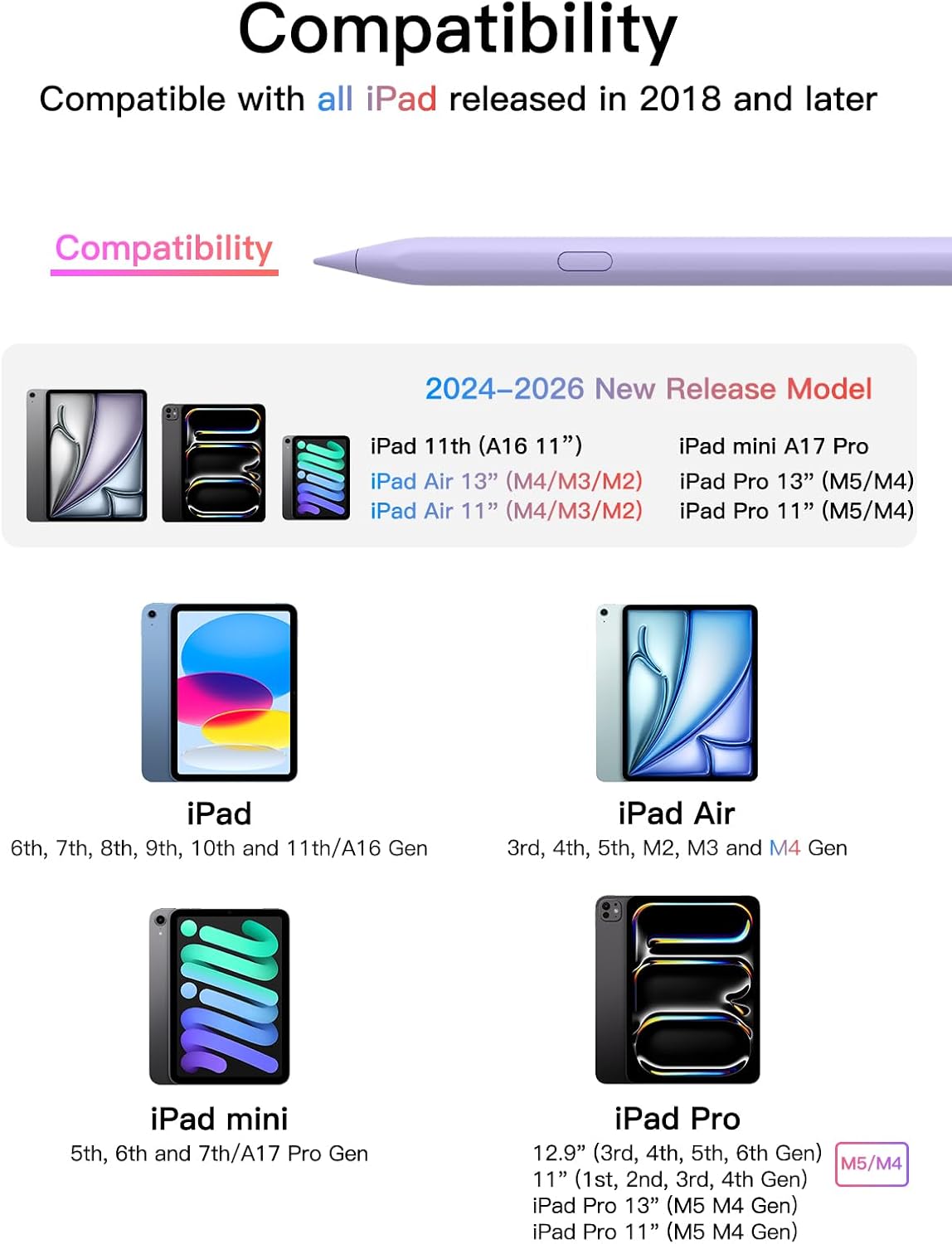
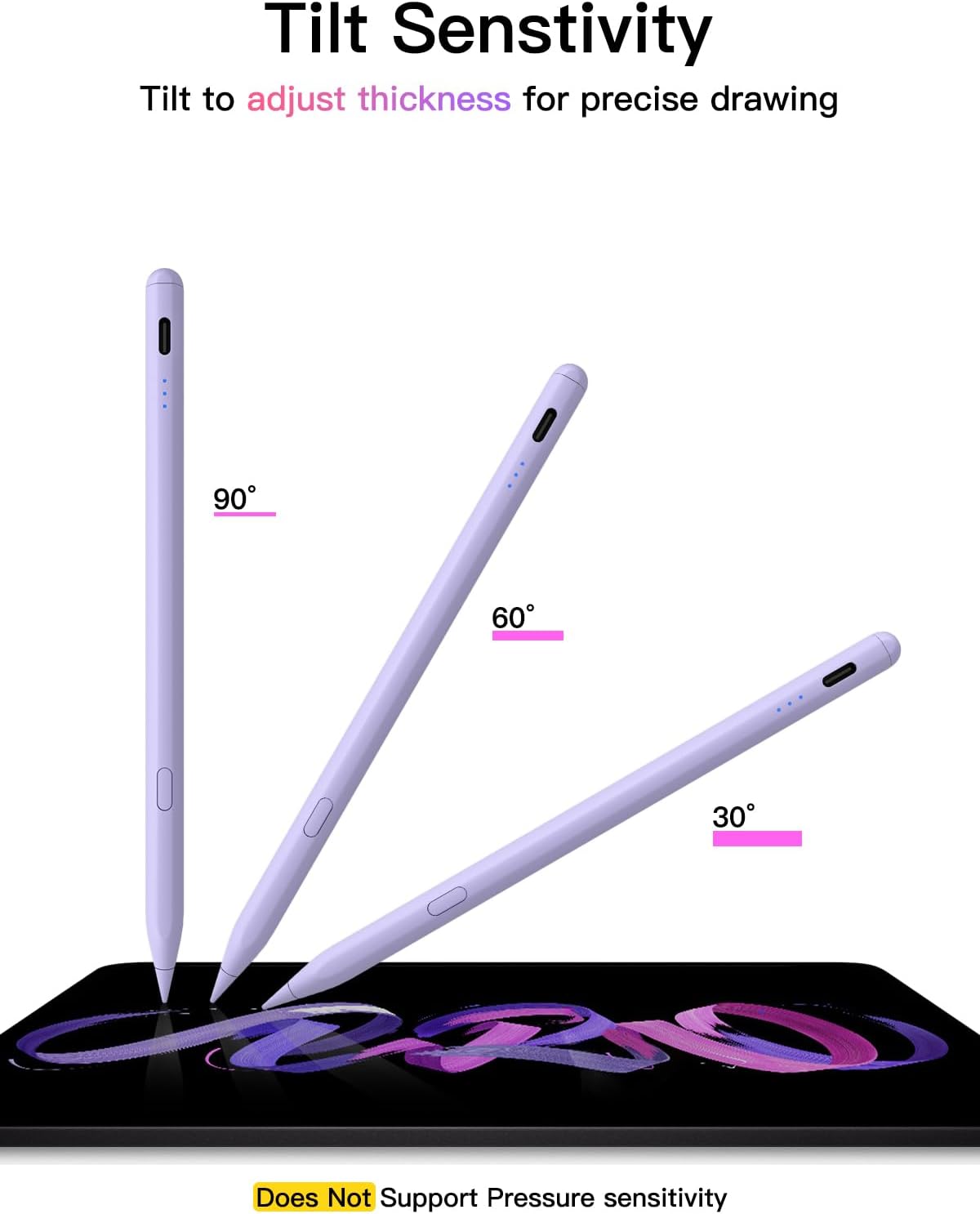
What it is and what it solves\nThis is a USB-C rechargeable stylus designed for a wide range of iPad models released from 2018 onwards. It aims to replace or complement the Apple Pencil by offering fast charging, tilt-aware drawing, and pixel-precise input for note-taking, sketching, colouring and PDF markup. On the surface, it looks like a straightforward input tool, but the real value comes from how quickly you can get going and how naturally the pen feels in everyday tasks.\n\n## How it powers up and uses\nA short press of the control button powers the pen on or off, a flashing light indicates Bluetooth discovery. When connected, you can see the pen’s battery level on your iPad and access a shortcut function. If Bluetooth connection hiccups occur, the guide suggests a quick reset route via Settings > Bluetooth to re-pair. You can also use the pencil without Bluetooth, though some shortcut features won’t be available. Charging is notably fast: a full top-up in about 30 minutes, with up to 10 hours of continuous use. An automatic sleep timer kicks in after five minutes of inactivity to save power.\n\n## Compatibility: what you can expect\nCompatibility targets all iPads released in 2018 or later. The list includes iPad A16/A17 family devices, iPad mini, iPad Air and various iPad Pro generations across screen sizes. If you’re unsure of your model, the guidance to confirm your iPad’s model before ordering is prudent. This is not a generic claim, it’s about avoiding mismatches that would prevent feature access.\n\n## Precision and feel in use\nThe stylus ships with a replaceable Apple Pencil tip plus three extra tips, delivering pixel-accurate input with low latency. Tilt sensitivity enables more natural shading and nuanced strokes, which is particularly helpful for drawing and note-taking. It’s important to note that this pen does not include pressure sensitivity, which may be a deciding factor if you rely on pressure curves for thicker lines or shading.\n\n## What’s strong, what could be better\nOn the plus side, you get rapid charging, a long runtime, and straightforward Bluetooth shortcuts that show battery status and enable undo with a long press. The tip exchange option is convenient for longevity, and tilt support adds to the realism of drawing. On the downside, the absence of pressure sensitivity means it won’t replicate every pressure nuance of some high-end styluses, and some users may prefer deeper integration with certain apps or workflows that rely on pressure curves.\n\n## Who this is for\nIf you want a practical, fast-charging stylus with reliable tilt-based input for everyday drawing, note-taking and markup on a broad swath of iPad models, this is worth considering. It’s likely more fitting for users who don’t require pressure sensitivity but still want solid accuracy and ergonomic handling. It may not be the best choice if you need pressure-sensitive strokes or specific app integrations that depend on that feature.\n\n## When to buy and when to hold off\nBuy it if you value quick top-ups, long battery life, and a plug‑and‑play approach that works across multiple iPad generations. Hold off if your work relies on pressure dynamics or you’ve got a restricted budget and want the most feature-rich stylus with pressure support.\n\n## What to check before you buy\n- Confirm your iPad model compatibility to access full features.\n- Decide how important shortcut functions are to your workflow and whether you’ll use Bluetooth features versus a direct connection.\n- Consider whether you need pressure sensitivity, if yes, this might not meet that specific requirement.\n\n## Practical usage example\nImagine sketching a quick architectural plan on an iPad during a meeting: you lift the pen, tilt slightly to shade, and in moments you can undo a stroke with a long press. The tip feels responsive without an overly heavy hand, and a 30-minute top-up keeps you productive through several sessions without frequent recharging.\n\n## FAQ (quick answers)\n- Does it require Bluetooth to work? You can operate without Bluetooth, but shortcut features depend on the connection.\n- How long does a full charge last? Up to 10 hours of continuous use.\n- Is there pressure sensitivity? No, the device does not include pressure sensitivity.\n
Is it worth it?
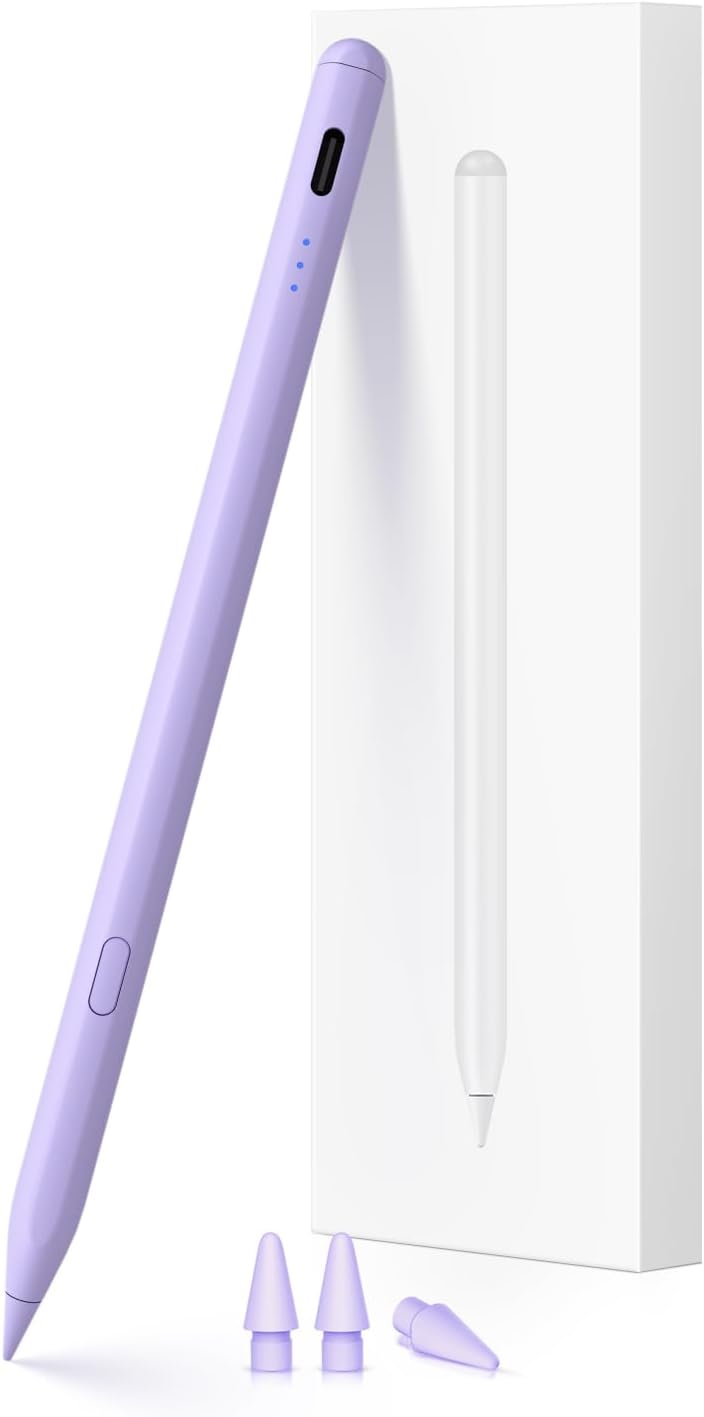
A solid pick if you prioritise quick charging, long battery life and tilt-sensitive input across multiple iPad generations, while accepting the lack of pressure sensitivity as a limitation for more advanced drawing work.