

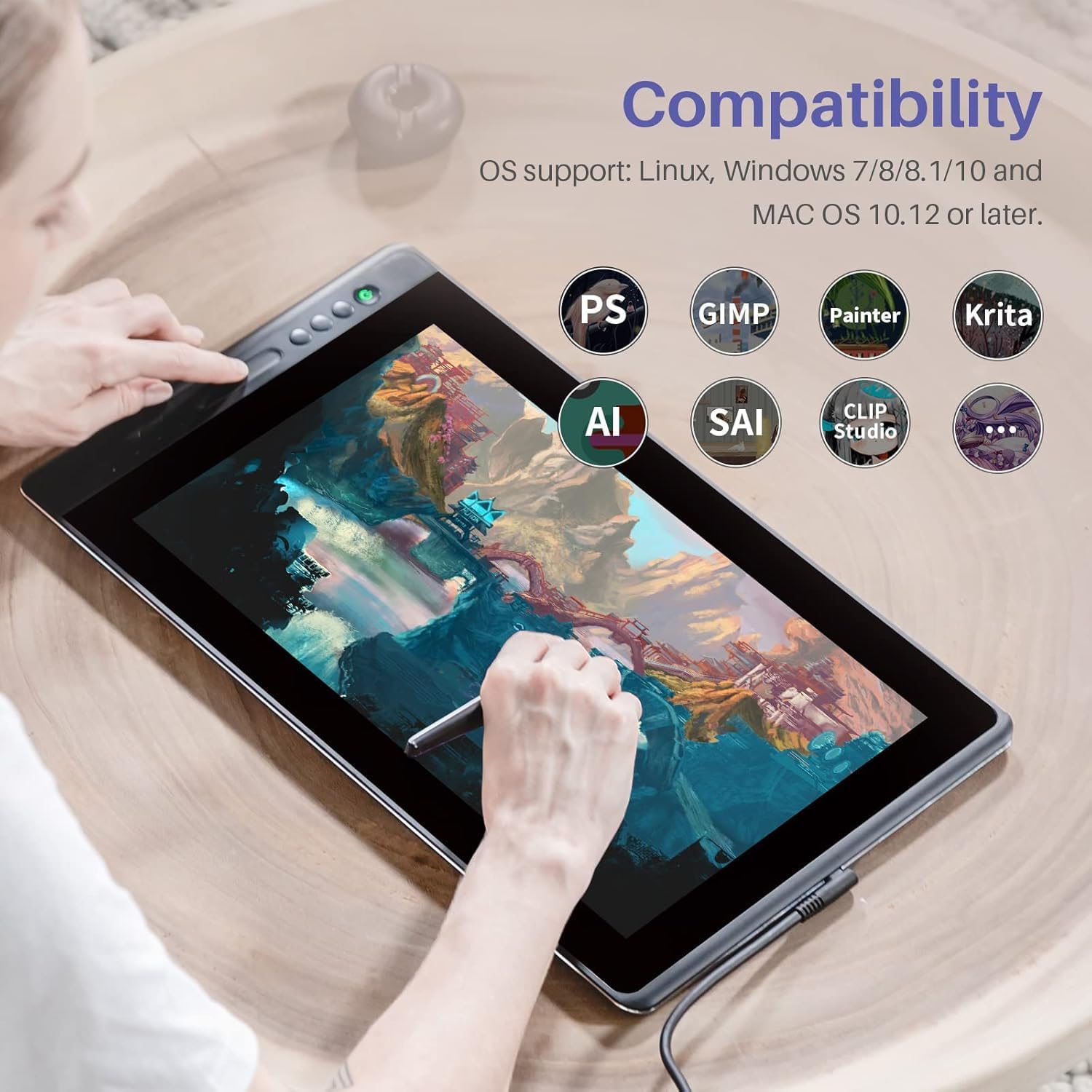
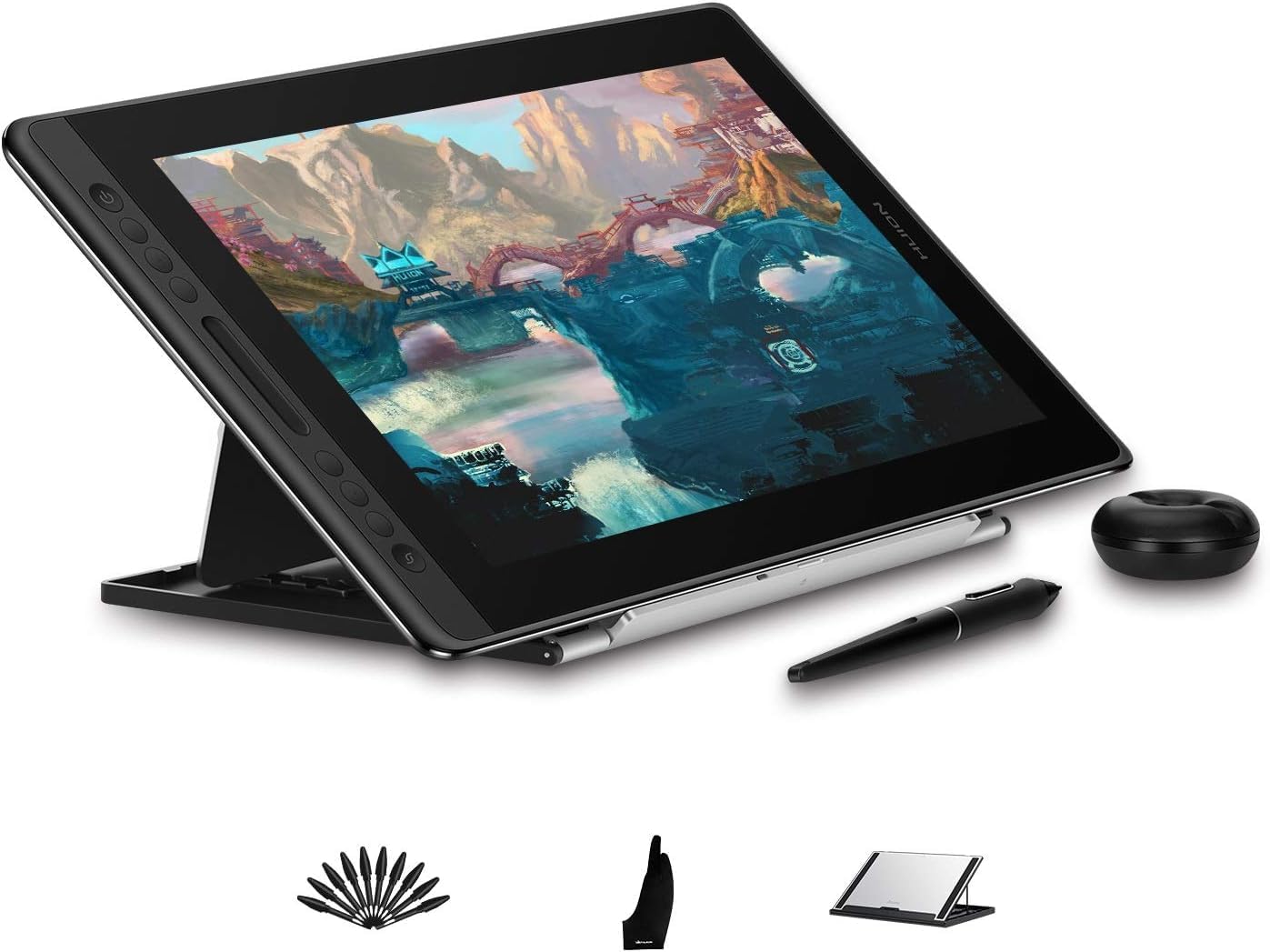
HUION KAMVAS Pro 16 15.6-inch drawing tablet with screen (pen display) and battery-free stylus
Product description
The essentials (for what you’ll actually do)
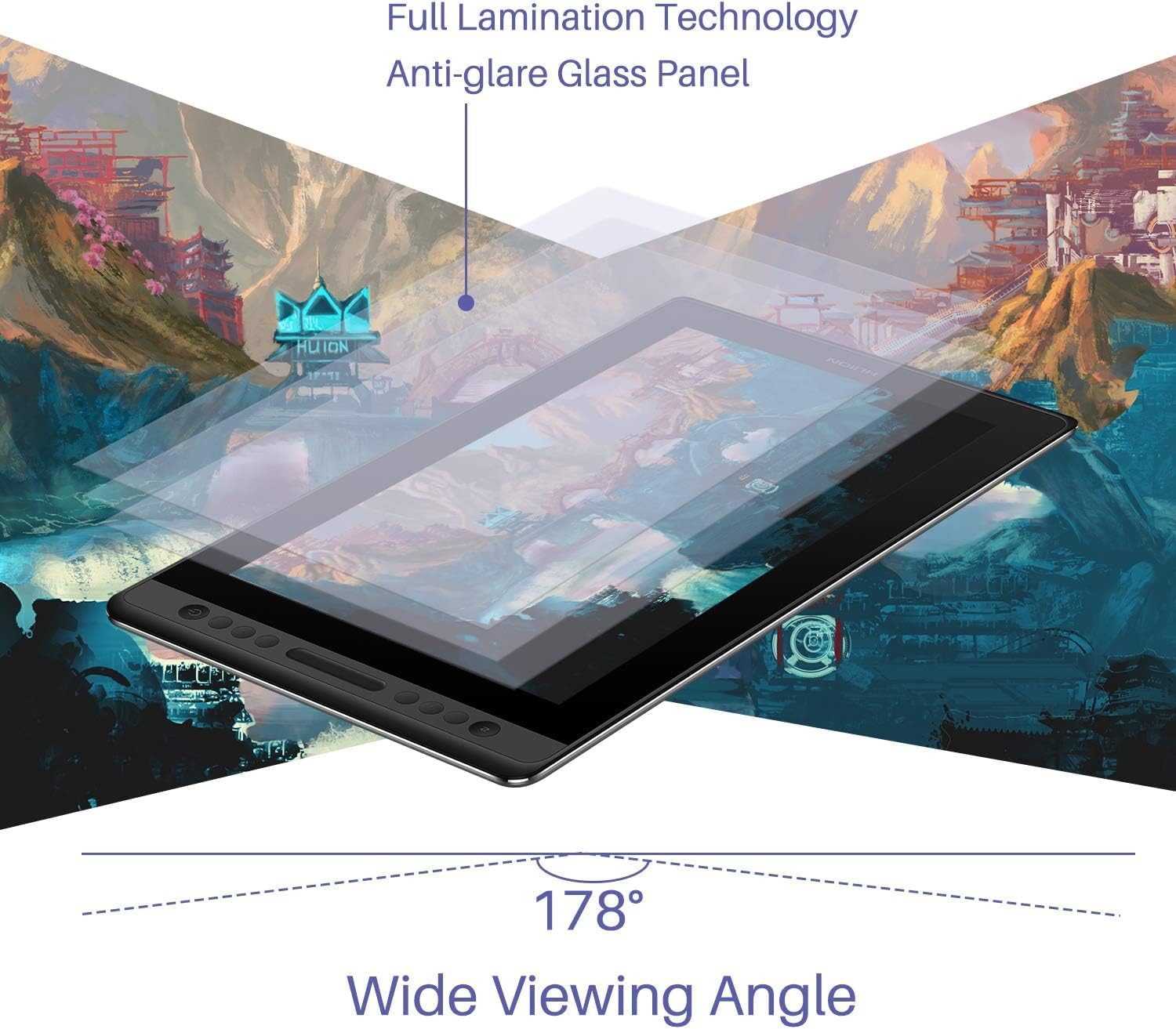
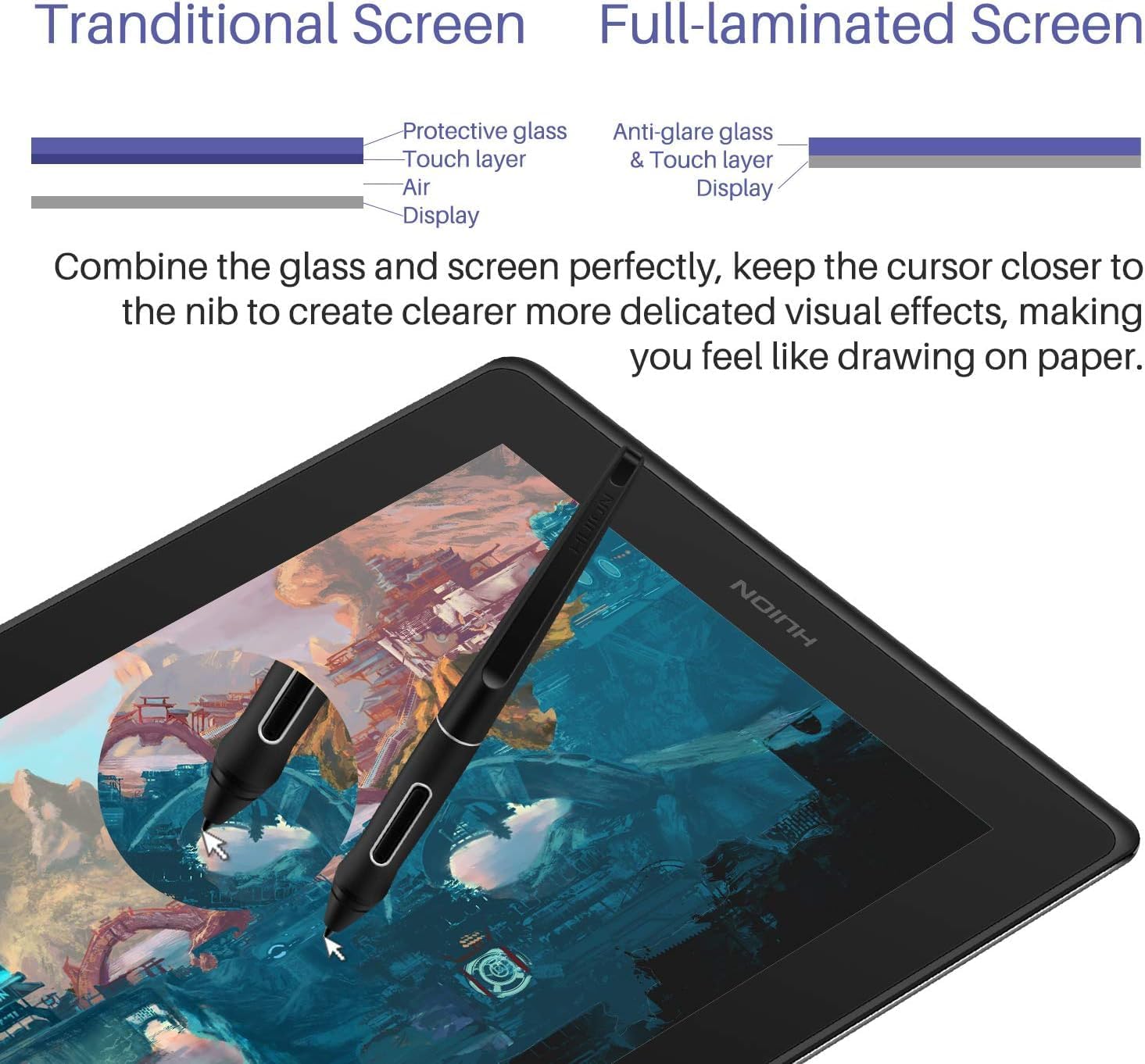
The HUION KAMVAS Pro 16 is a pen display aimed at people who want to draw directly on-screen, rather than using a separate graphics tablet. With a 15.6-inch full-laminated screen and anti-glare glass, the idea is straightforward: reduce the “where’s my pen?” mismatch and make long drawing sessions feel more natural.
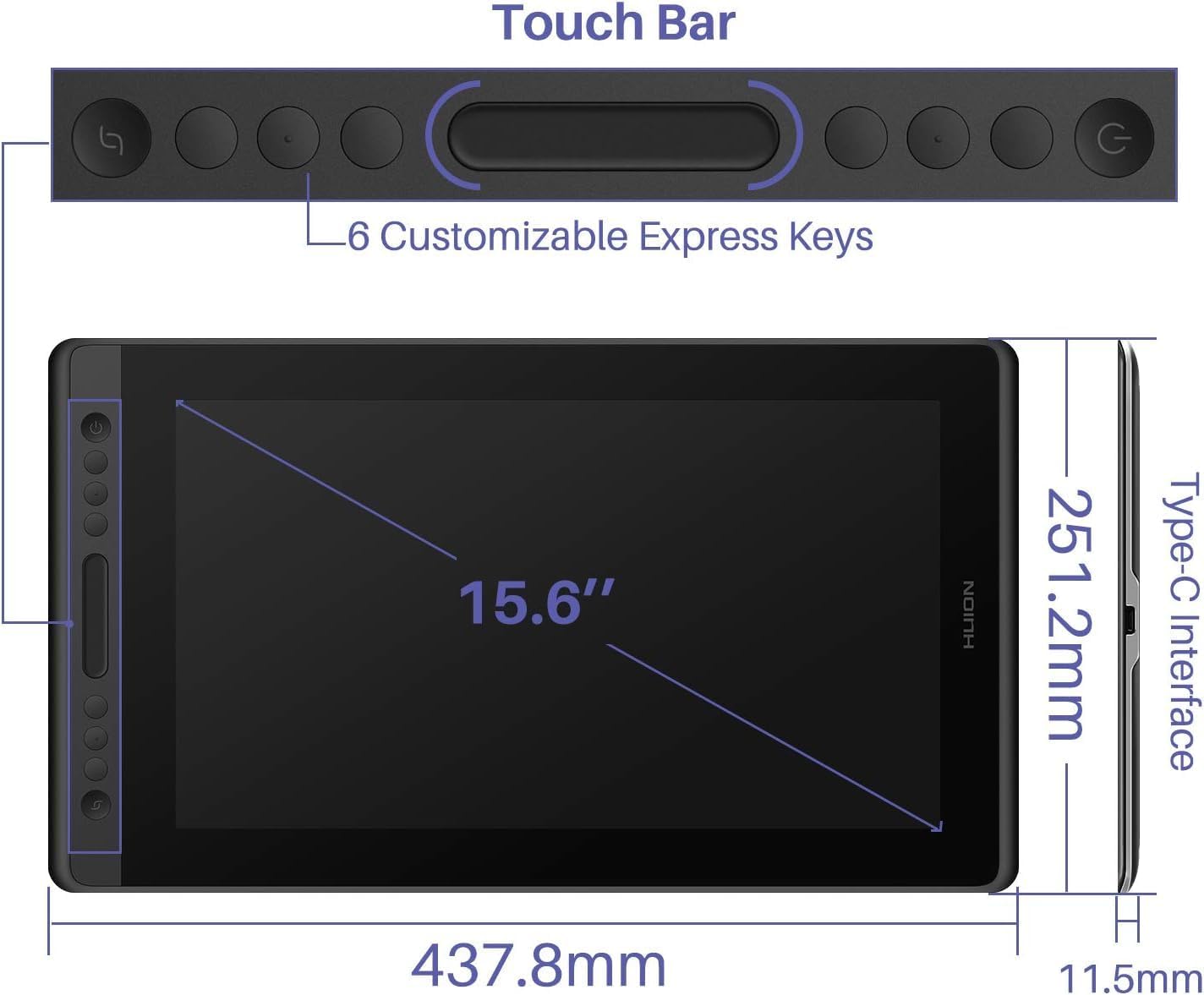
On paper, it’s built for a more comfortable workflow too. There’s a touch bar plus six express keys for shortcuts, which can matter if you’re constantly switching tools, changing brush size, zooming in and out, or triggering other actions with minimal time at the keyboard.
Key visuals and display behaviour
If you care about seeing your work clearly, the spec highlights are what most buyers look for first. The display is described as 15.6-inch full-laminated with anti-glare glass, plus “slight” texture for a drawing feel.
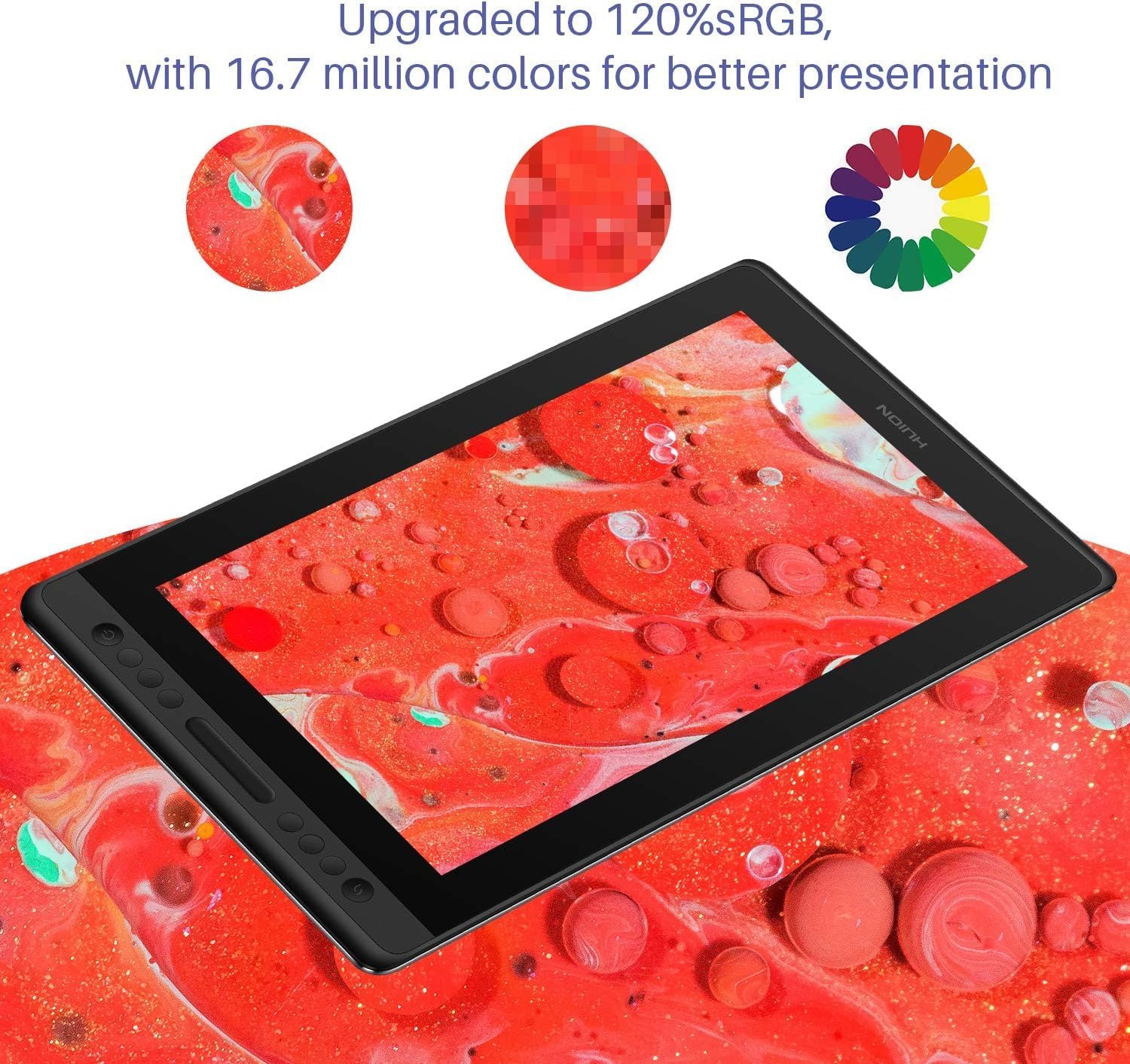
The colour numbers given are encouraging for creators who want more accurate-looking results: 120% sRGB (92% AdobeRGB) gamut volume, alongside 16.7 million 8-bit colour and a 1000:1 contrast ratio. In real-world use, these figures tend to translate to more confident mid-tones and sharper shadow separation than very basic pen displays—though it’s worth remembering that your final look will still depend on your software, calibration habits and what you’re comparing against.
It’s also good to note the anti-glare angle: it’s helpful if your desk has lights that reflect off screens. That said, anti-glare doesn’t remove reflections completely, so if you work under strong overhead lighting, you’ll still want sensible screen positioning.
Where it stands out day to day
The biggest “workflow” pitch here is that you’re not limited to the stylus alone. The tablet includes: - 6 customised express keys - a touch bar for quick access to shortcuts and actions
Depending on your setup, that can shave off a surprising amount of friction. For example: you’re sketching portraits, you use the touch bar to jump between zoom levels while your express keys toggle between brush sizes or custom tools. Instead of breaking your momentum to reach for menus, you can keep your hands on the pen more often.
There’s also an adjustable stand (ST200) with a 20 to 60 degree range, which is one of those details you only appreciate after you’ve had a few evenings of neck/shoulder strain. Even if you’re not aiming for perfect posture, being able to match the viewing angle to how you draw and type can help make the experience less tiring.
Pen performance and comfort
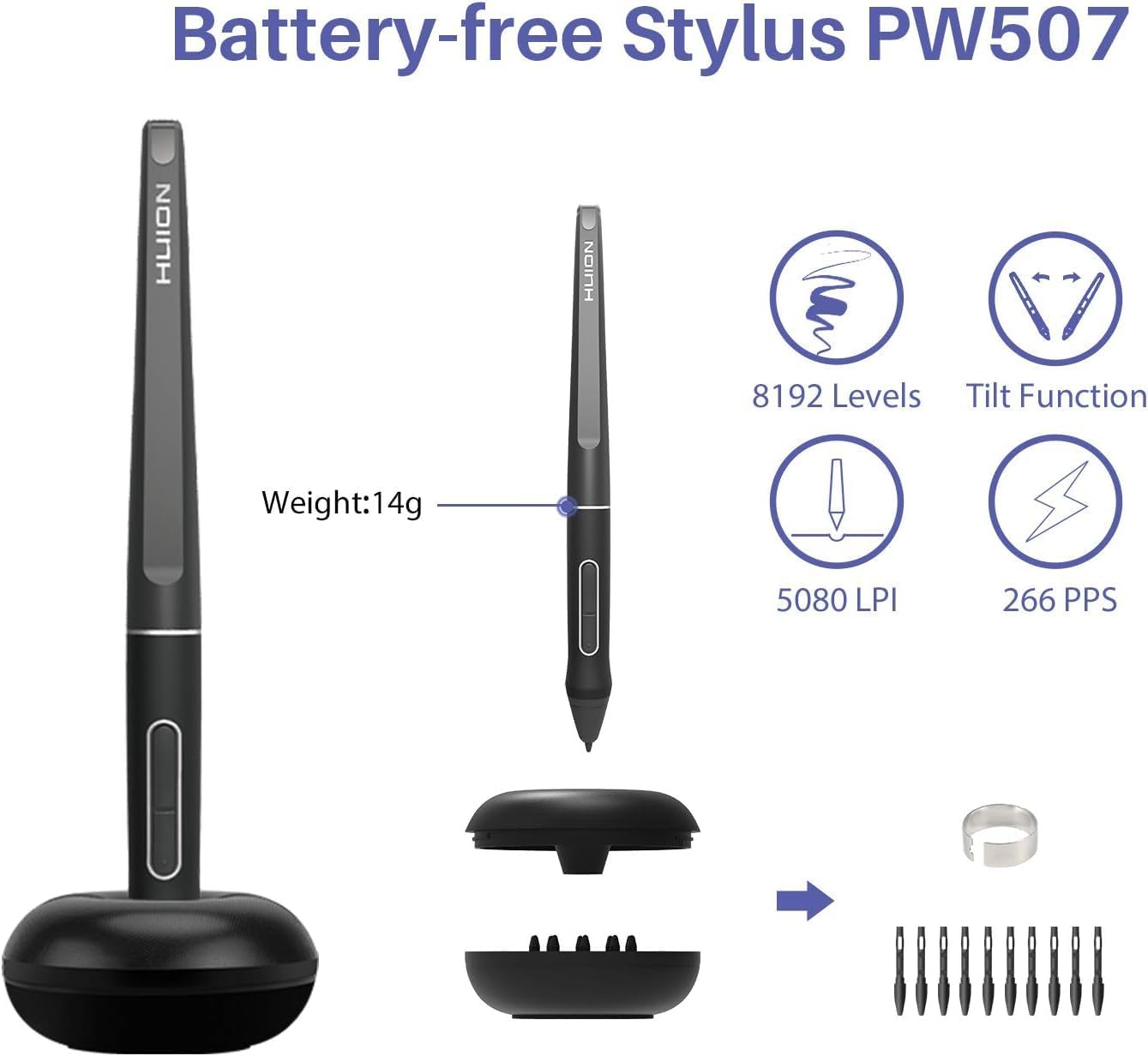
HUION’s battery-free stylus approach is usually a big convenience win: no charging, and no battery to replace. This one is described as providing accurate, responsive performance with virtually lag-free tracking, plus 60° tilt recognition.
There are also two side buttons on the pen that you can programme to software shortcuts. That’s the kind of setup detail that often matters more than people expect, because it lets you keep your drawing hand in control of common actions—like switching tools—without reaching over to the keys.
One limitation to keep in mind: the entry information mentions the pen’s tilt and tracking behaviour, but it doesn’t spell out aspects like pen sensitivity settings or replaceable tip details. So if your workflow depends heavily on very specific pen feel and tip options, it’s worth double-checking what’s available before committing.
Tech summary (what to check before buying)
Tech specs
- Screen size: 15.6 inch
- Display: full-laminated graphics drawing monitor
- Glass: anti-glare
- Colour gamut: 120% sRGB (92% AdobeRGB)
- Colour depth: 16.7 million (8-bit)
- Contrast ratio: 1000:1
- Controls: 6 express keys and a touch bar
- Stand adjustment: adjustable ST200 stand, 20 to 60 degrees
- Stylus: battery-free, with 60° tilt recognition
- Pen buttons: 2 side buttons (programmable)
If you’re comparing alternatives, also consider what matters most to you: do you mainly want a comfortable drawing surface and shortcuts, or are you more focused on colour performance and visual clarity? This model leans into both, but like most pen displays, it won’t satisfy every niche preference equally.
Who it suits best (and who should pause)
This is a sensible choice if you want a screen-based drawing tablet for digital art, sketching or creative workflows where shortcuts and on-screen drawing reduce friction.
It may not be the best match if you’re after a premium, no-compromises studio setup (especially if your expectations go beyond what’s provided here, such as advanced colour management, included calibration details, or deeper pen ecosystem specifics). It can also feel like overkill if you only draw very occasionally and would rather keep your budget lower with a simpler tablet.
It’s also worth pausing if you’re set on a very particular ergonomic setup. The adjustable stand helps, but your desk space and how you position the tablet will still affect comfort.
Mini FAQ
Frequently asked questions
Is the stylus battery-free? Yes. The pen is described as battery-free.
Does it support pen tilt? It’s stated to recognise 60° tilt.
What’s the touch bar for? The touch bar is positioned as a shortcut-friendly control for accessing actions like zooming and adjusting brush size.
Will the screen help with reflections? The glass is described as anti-glare, so it should help in brighter rooms, but you may still want to manage lighting angles.
Does it come with an adjustable stand? Yes, the adjustable stand ST200 can move between 20 and 60 degrees.
Final verdict
Is it worth it? Buy it if you want a 15.6-inch pen display with a full-laminated, anti-glare screen, plus a shortcut-driven workflow using 6 express keys and a touch bar. The battery-free stylus with tilt recognition also fits well if you want drawing comfort without the hassle of charging.
You may want to skip it if your priorities are very specific beyond what’s stated here (for example, deep pen ecosystem details, calibration expectations, or ultra-high-end workflow requirements). It’s a capable, mid-to-serious creator-focused pen display on paper, but it’s not perfect for every specialist use case.