

HUION Inspiroy 2 S graphics tablet with PW110 battery-free pen, 8192 levels, 6 shortcut keys and scroller (Pink)
Product description
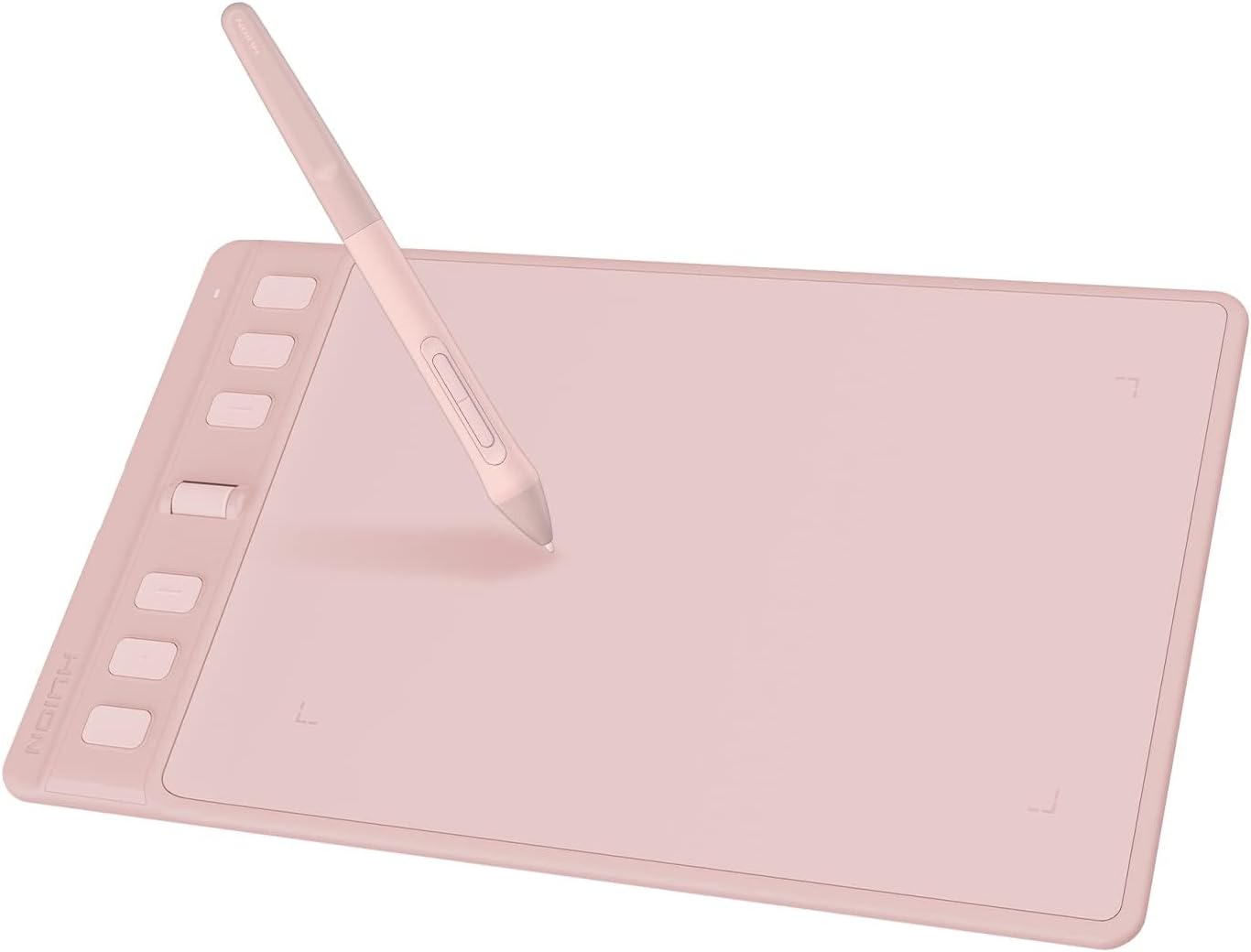
If you like the feel of drawing with a pen but want the convenience of a graphics tablet, the HUION Inspiroy 2 S is aimed squarely at that middle ground. It’s a portable, battery-free pen tablet with 8192 pressure levels, plus 6 press keys and a customisable scroller to keep your workflow moving.
It’s not trying to be a big-screen “designer workstation”. Instead, it focuses on making sketching and digital inking on a desk (and even on the move) feel straightforward. That makes it interesting if you’re learning, doing regular art sessions, or you just want something practical without overthinking setup.
The essentials
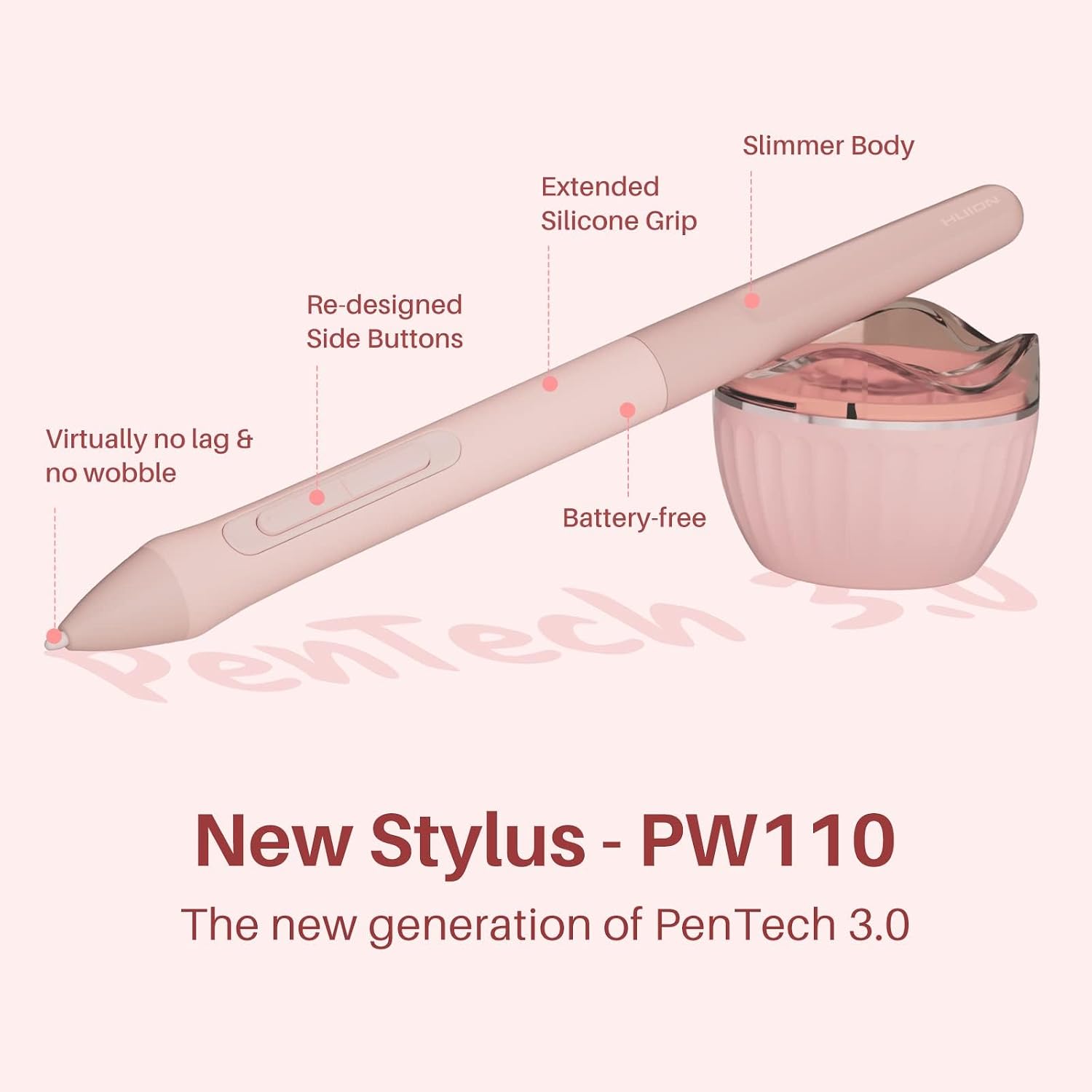
The Inspiroy 2 S is a compact graphics drawing tablet for PC use, built around HUION’s Advanced PenTech 3.0 for “precision & control”. The company also positions the included stylus (PW110) as something that behaves more like a standard pen, with an emphasis on no noticeable lag & wobble as a key claim.
On paper, the big day-to-day wins are:
- Battery-free digital pen (so you’re not hunting for charging cables mid-session)
- 8192 levels for pressure sensitivity, which matters when you want line weight and brush response to feel more natural
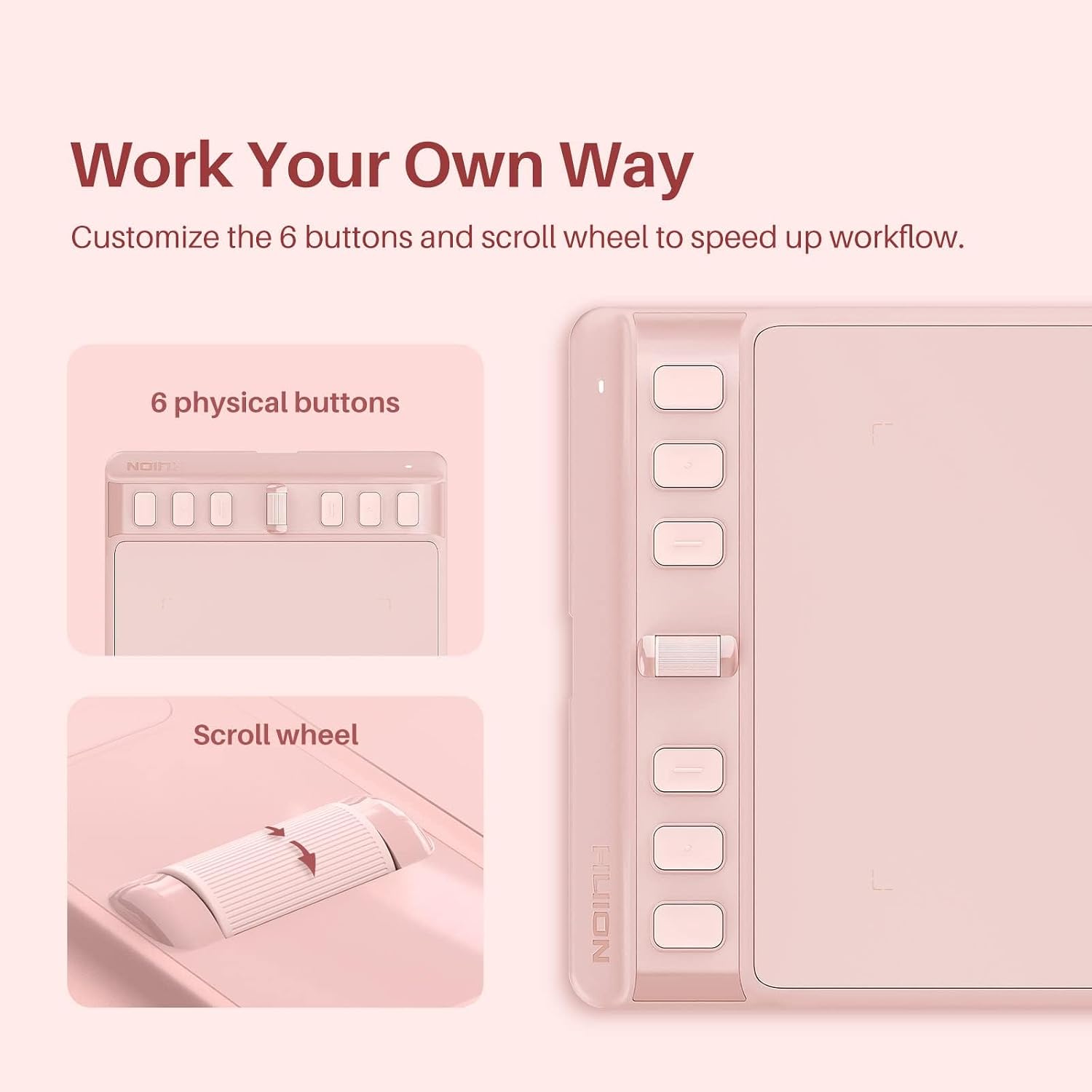
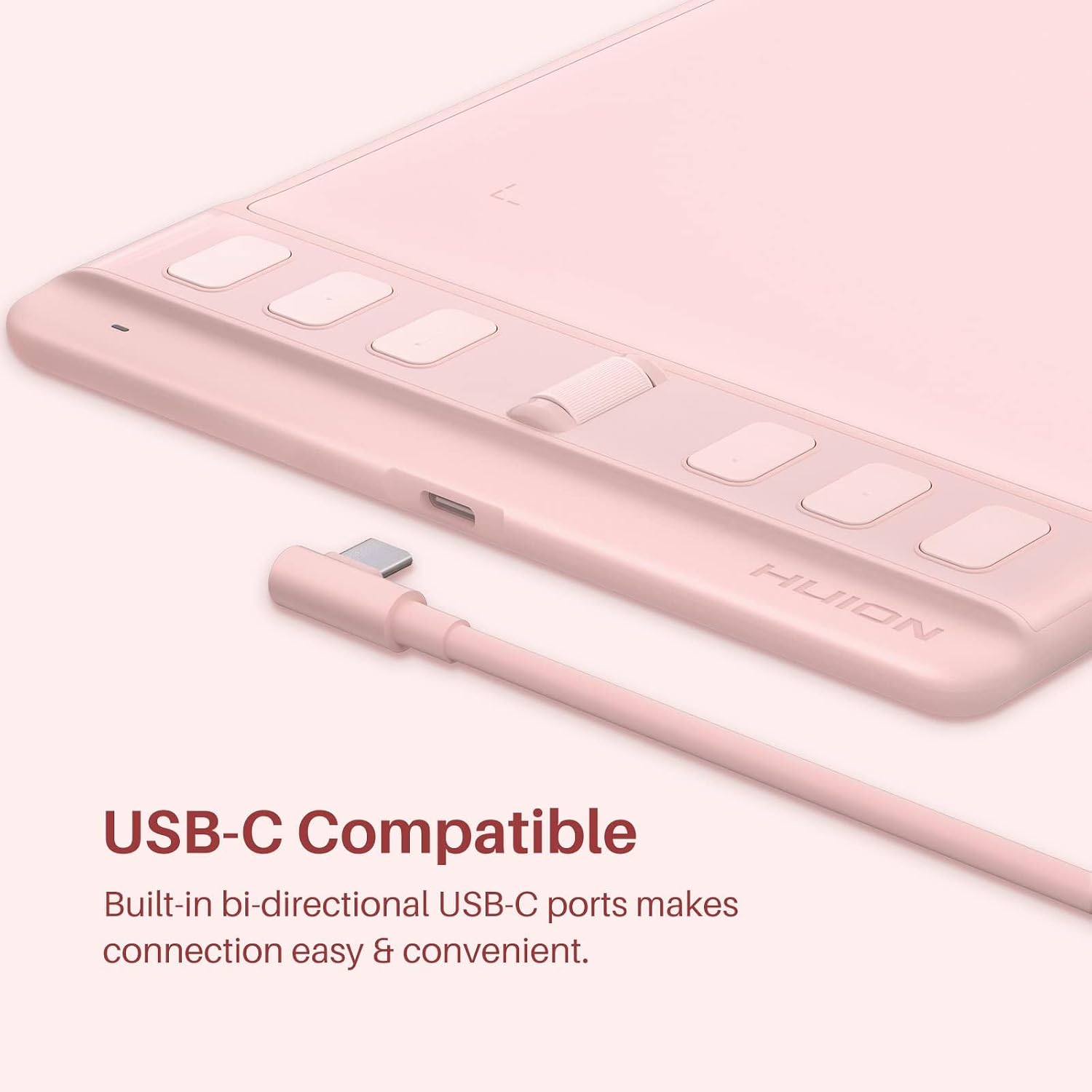
- 6 programmable press keys + a scroller so you can map shortcuts you actually use
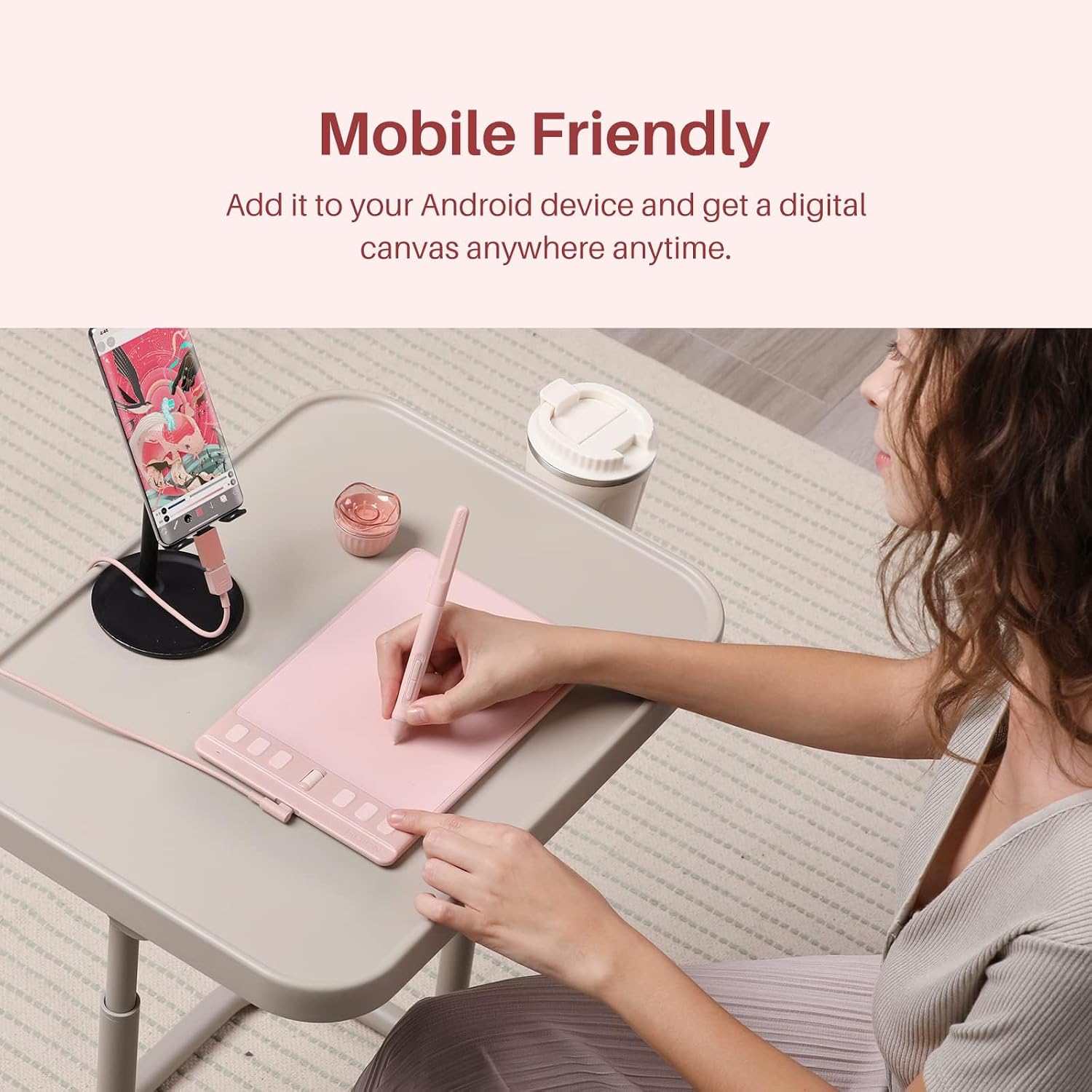
- Mobile friendly support for drawing on an Android smartphone or tablet (OS version 6.0 or later)
There’s also mention that it’s available for left-handed users, which is a useful inclusion if you’ve ever found tablet controls awkward.
What you’ll notice in use
A portable tablet lives or dies by how quickly you can get from “setup” to “drawing”. With this model, the positioning is clear: you use the tablet for input, then rely on your software/app for the visuals.
In practical terms, the scroller and keys are meant to help you avoid constant hand switching. For example, you could set the scroller for zoom or brush size, and map the keys to Undo/Redo or tool changes, so your left hand stays near the tablet while you draw with the pen.
You also get a pressure-sensitive pen experience via 8192 levels. That should help if you’re aiming for more than just basic outlines—think shading passes, sketch-to-line refinement, or adjusting pressure to vary strokes.
One limitation to keep in mind: because it’s a compact tablet (listed as 6.3 x 3.9 inch), it may feel restrictive if you’re used to very large drawing areas. For tight work and focused sessions it can be fine, but it might not suit larger, more gestural styles.
Key features that matter for buying
This tablet’s most buyer-relevant features are about control and convenience rather than flashy extras.
First, Advanced PenTech 3.0 is the headline for responsiveness. If you care about consistency—smooth lines, minimal jitter, and control—this is the core reason to consider it.
Second, the PW110 ergonomics details (slimmer body, soft silicone grip, and accessible side buttons) are there to support comfort over longer drawing sessions. It’s the kind of stuff you only really appreciate once you’ve done an hour or two, rather than after a five-minute try.
Third, the programmable controls are useful for streamlining. The fact you can change settings for different apps suggests it’s designed for people who use more than one creative tool, not just a single workflow.
Multi-OS compatibility: where it fits
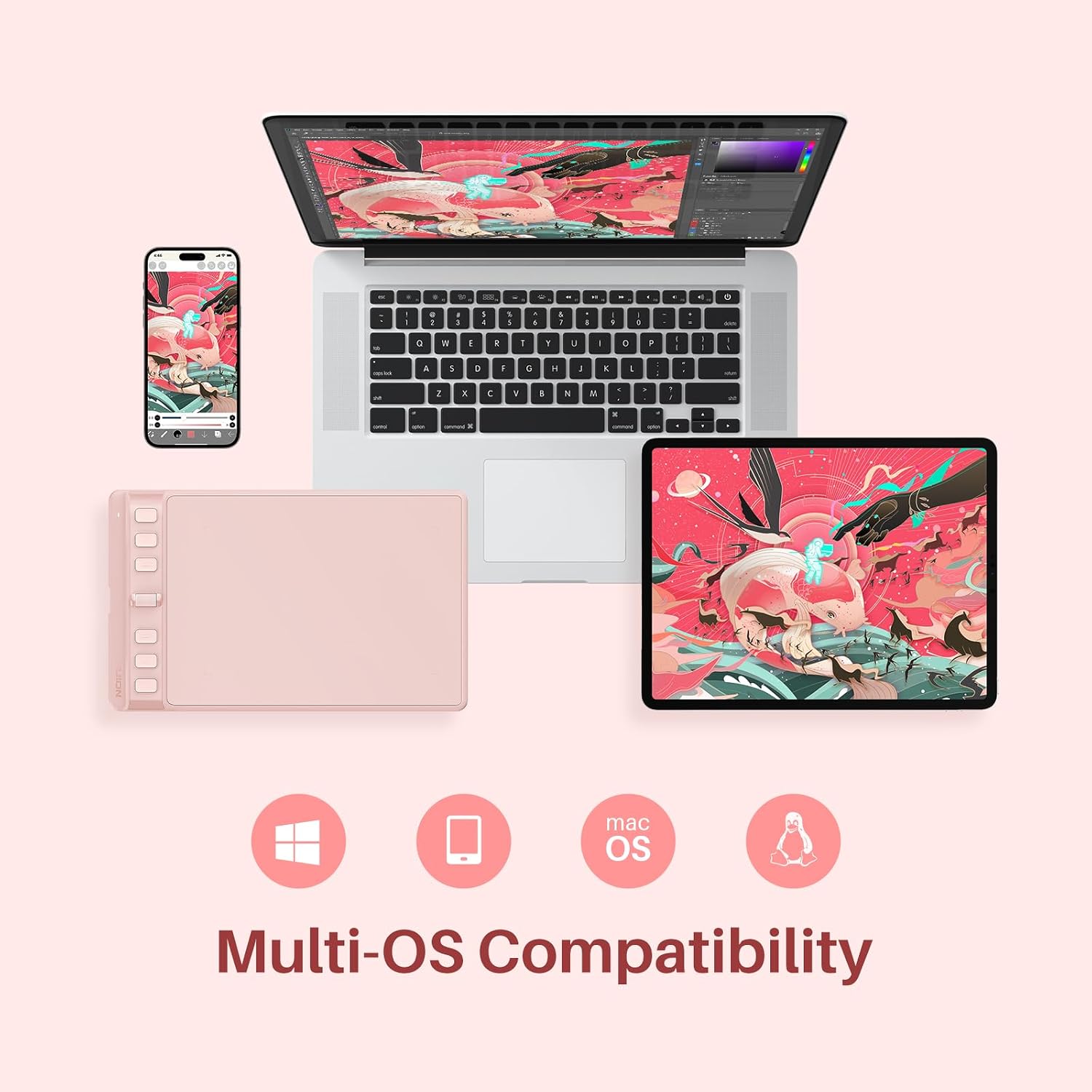
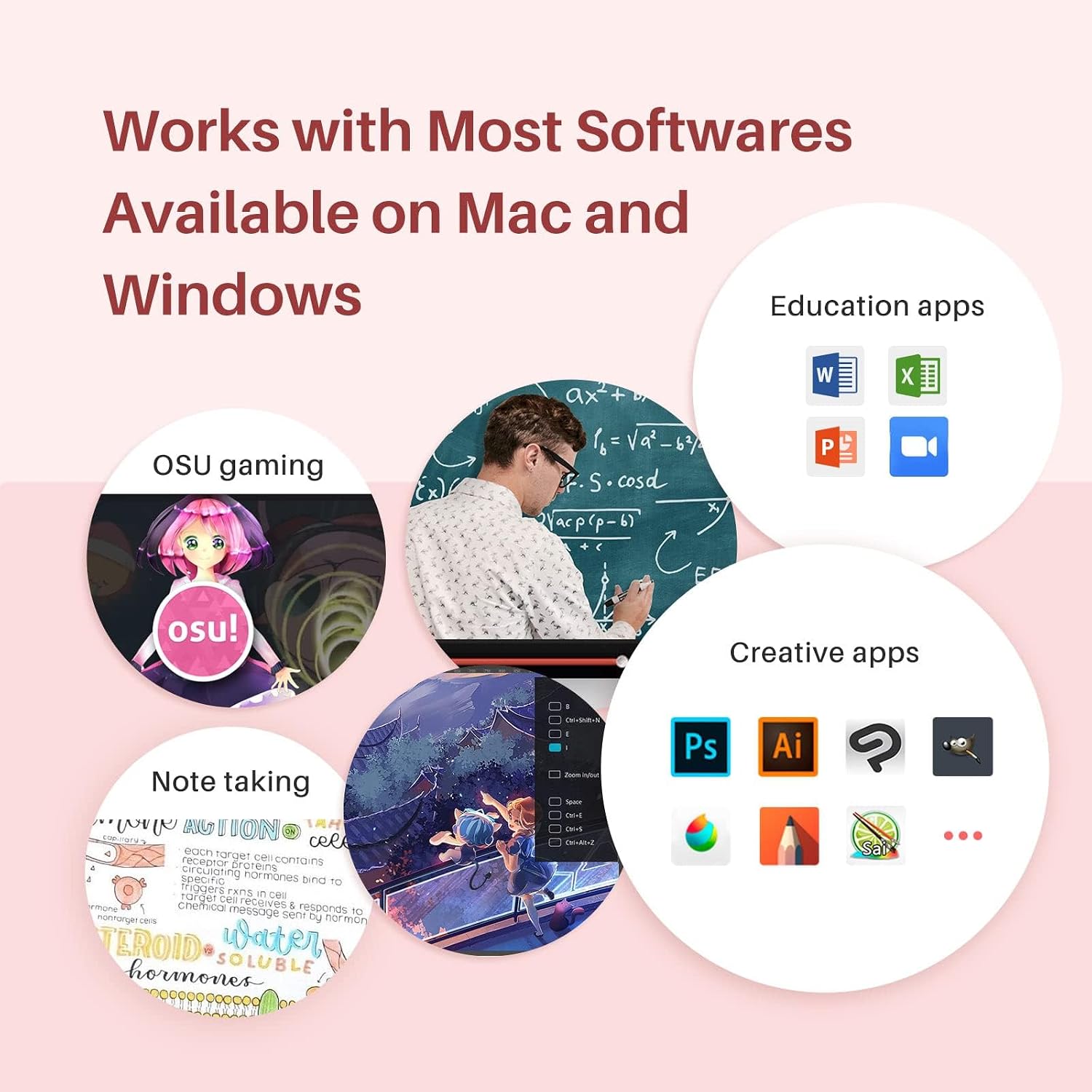
If your setup isn’t one single device, compatibility becomes part of the value. The Inspiroy 2 S is listed as working with:
- Windows 7 or later
- macOS 10.12 or later
- Linux (Ubuntu)
- Certain Android devices, with OS version 6.0 or later
- ChromeOS is mentioned as part of the supported ecosystem
That’s broader than “PC only”, which can be a big deal if you move between a desktop, laptop, and a tablet/phone for sketching.
There’s also a practical nuance: mobile drawing depends on the Android OS version being at least 6.0 and on “certain devices”, so if you’re planning to use it with a specific phone/tablet, it’s worth checking your device situation before committing.
Who it’s for (and who should skip it)
It makes sense if you want a portable pen tablet that brings pressure sensitivity, programmable shortcuts, and battery-free pen convenience into a compact form. It’s a solid pick if you’re:
- learning digital drawing and want pressure levels to respond more naturally
- doing regular sketching/inking and want shortcuts to speed up common tasks
- someone who uses more than one platform and values multi-OS support
- looking for a left-handed option
It may not suit you if you:
- need a very large drawing surface for bigger strokes (the active area is small by design)
- expect it to replace a full pen display (it’s still a tablet where you look at your screen)
- rely on very specific Android hardware and can’t verify compatibility ahead of time
Technical details (the parts you should verify)
Here are the confirmed specs mentioned in the product information:
- Name: HUION Inspiroy 2 S graphics tablet
- Type: Portable drawing tablet with battery-free digital pen
- Size: 6.3 x 3.9 inch
- Pen: PW110 battery-free stylus
- Pressure levels: 8192 levels
- Controls: 6 press keys + scroller
- Compatibility: Windows 7 or later, macOS 10.12 or later, Linux (Ubuntu), certain Android devices with OS 6.0 or later, ChromeOS
It’s also worth noting that the mobile draw feature is tied to Android OS version, so if your device is older, you could be stuck using it as a PC/Mac/Linux tablet only.
Is it worth it?
The HUION Inspiroy 2 S looks like a sensible buy if you want a compact pen tablet with 8192 pressure levels, battery-free pen convenience, and programmable shortcuts that can make your workflow feel less fiddly. For many people, that’s the sweet spot between “basic mouse-style input” and “big, expensive display tablet”.
Buying it is easiest to justify if you’re planning to use it regularly for drawing, sketching, or digital inking on Windows, macOS, Linux, and possibly on Android too. The promise of responsive PenTech 3.0 and the ergonomics of the PW110 pen are the type of details that can matter more than you’d think.
You may want to skip it if you need a larger canvas, or if your priority is mobile compatibility with a specific Android device you can’t confirm. In that case, the small active area and “certain Android devices” wording could become the limiting factor.
Mini FAQ
Does it need a pen battery?
No—this kit includes a battery-free digital pen (PW110), so you shouldn’t need to charge it.
How many pressure levels does the stylus support?
The pen is listed as supporting 8192 levels, which is designed to provide pressure sensitivity for more expressive strokes.
Can it be used with phones or tablets?
It’s described as mobile friendly for Android devices with OS version 6.0 or later, but it’s also noted as working with “certain Android devices”, so it’s worth double-checking your exact device.
What operating systems is it compatible with?
Compatibility is listed for Windows 7 or later, macOS 10.12 or later, Linux (Ubuntu), certain Android devices (OS 6.0+), and ChromeOS.
Are the buttons on the tablet configurable?
Yes. The 6 press keys and scroller can be customised, and the information suggests you can adjust settings for different apps.