

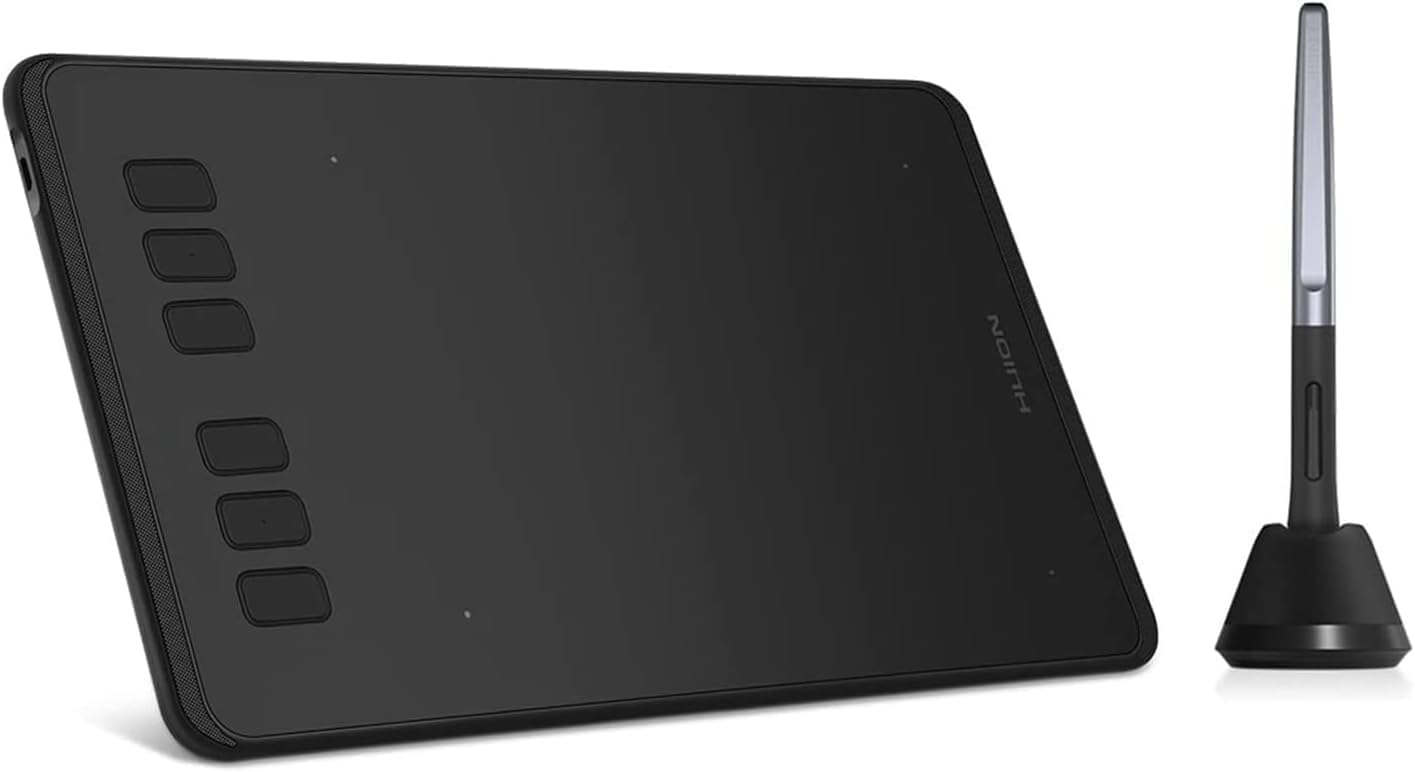
Huion Inspiroy H640P drawing tablet with battery-free PW100 stylus for Windows, Mac, Linux, Android
Product description
If you’re after a pen tablet for drawing and notes without fiddling with charging the stylus, the Huion Inspiroy H640P is the sort of kit that makes sense on paper. It’s designed around a battery-free PW100 pen, pressure sensitivity up to 8192 levels, and a fairly light, portable footprint.
That combination is especially appealing if you bounce between devices (PCs and mobile) or you’re doing a mix of creative work and “real life” tasks like signing and marking up documents. Still, it’s not a luxury, high-end pen display, so the experience depends a lot on whether you already like drawing on a tablet surface rather than directly on a screen.
What to know before you buy
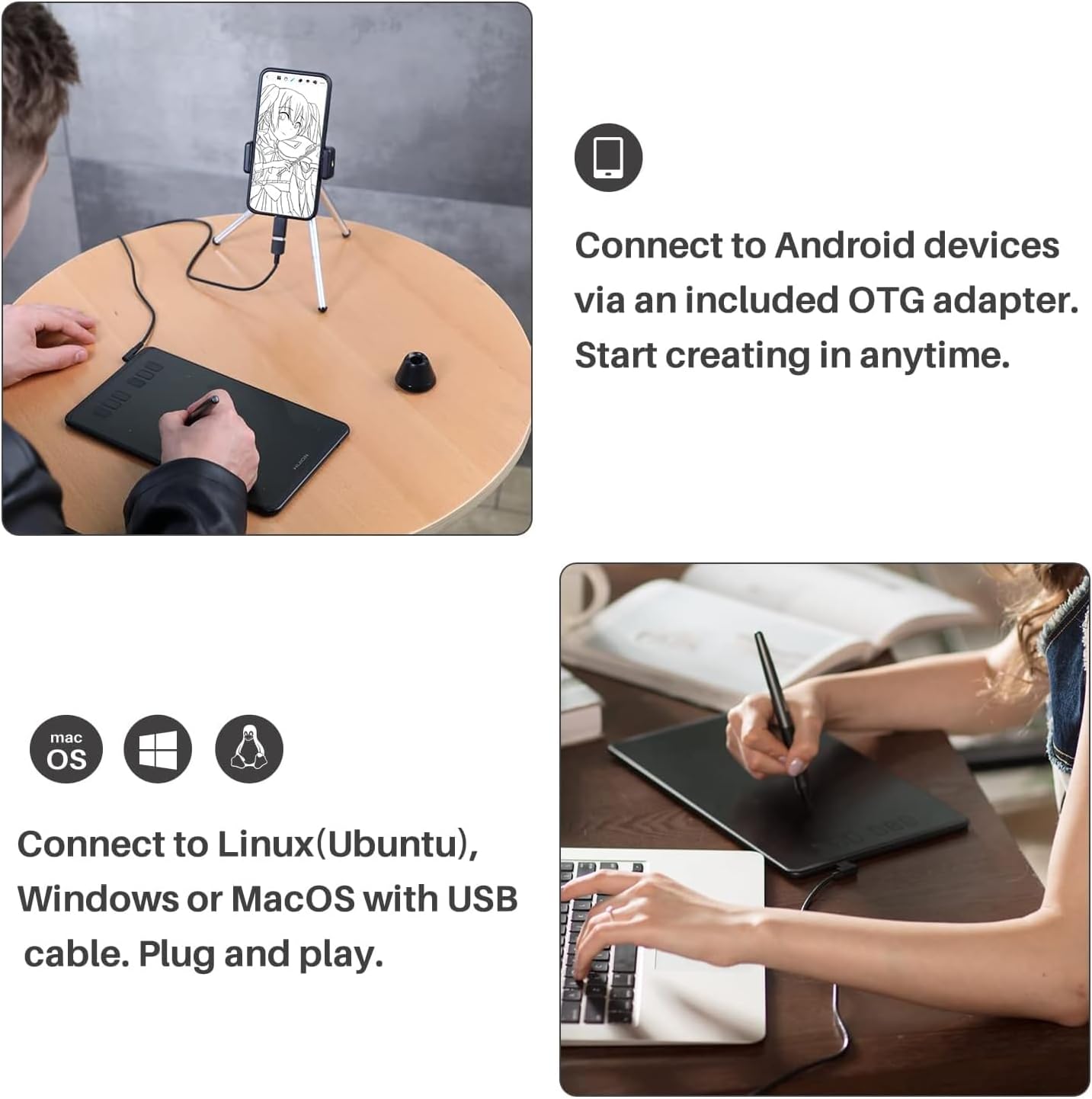
The H640P is a digital graphics pad (a pen tablet), meaning the pen senses input on the drawing area while your artwork appears on your computer or supported device. It’s built to work across several platforms: Linux (Ubuntu), Mac, and Windows, and it also supports Android 6.0 or later using an included OTG adapter.
There’s a practical twist for portability: at 277g it’s easy to slip into a bag for teaching, sketching on the go, or quick creative sessions away from your desk.
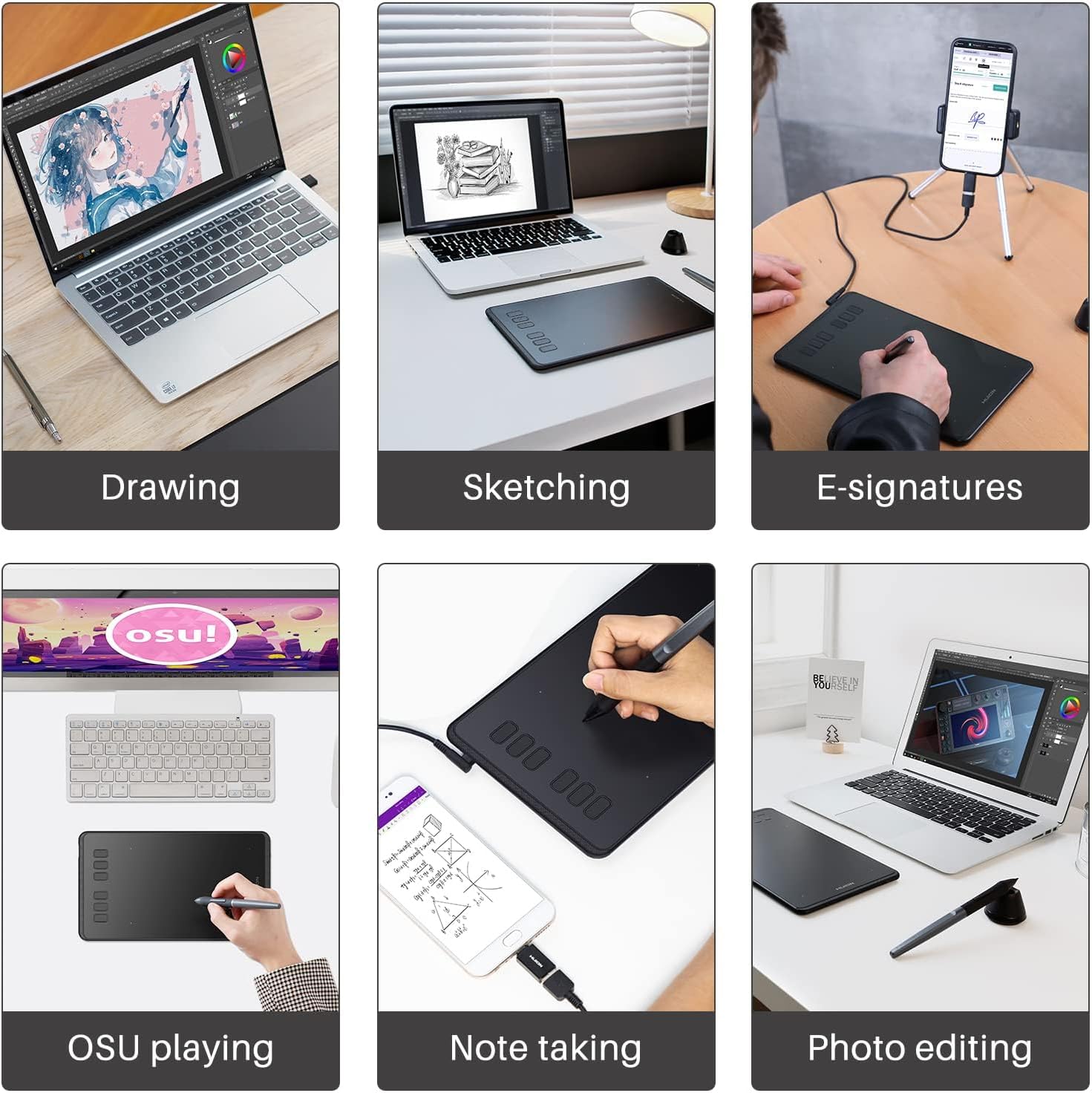
Where it fits best is “everyday creation” and learning workflows—drawing, animation basics, photo editing, design tasks in common apps, and handwritten notes.
Key features that matter in real use
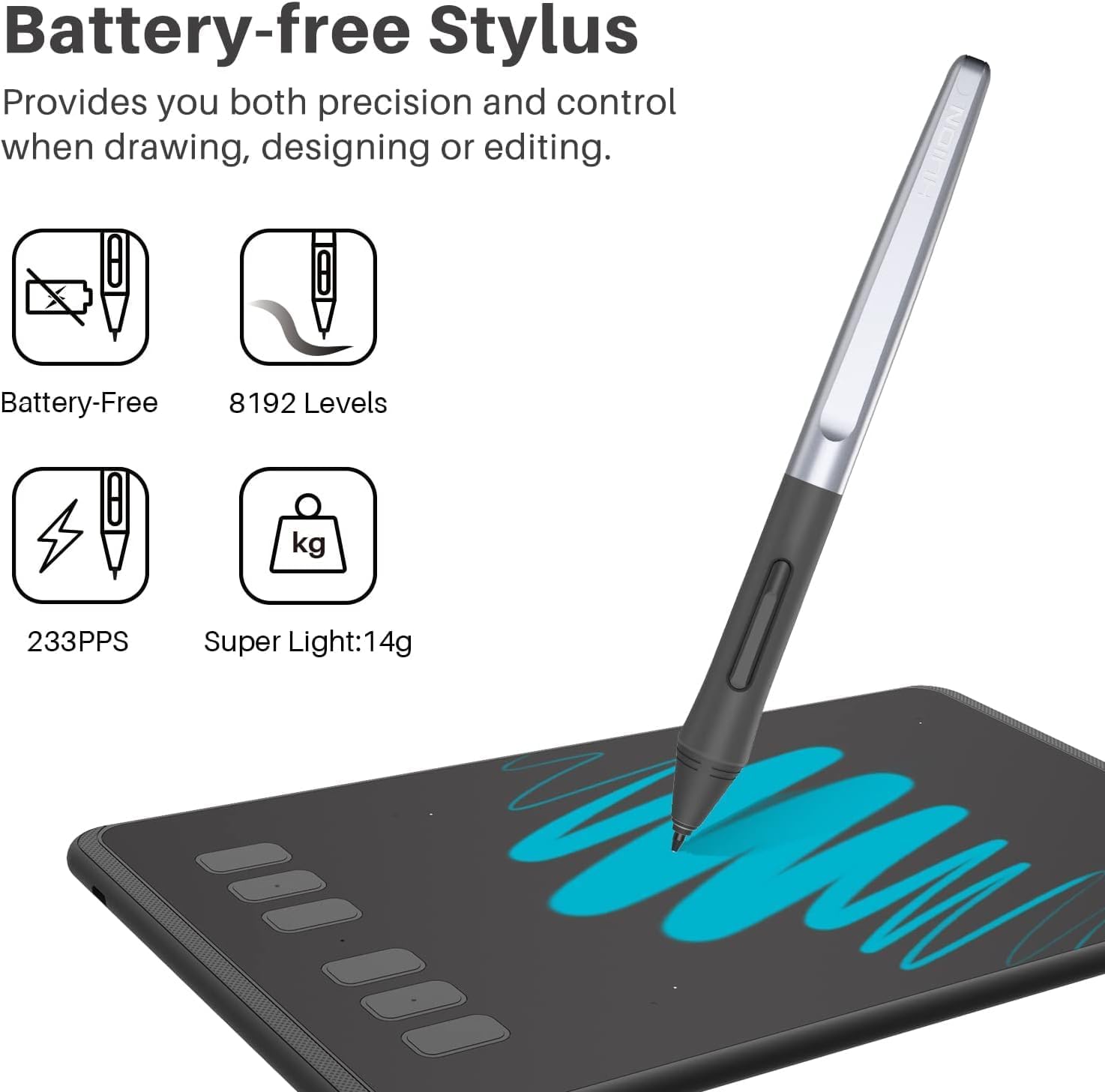
The headline feature is the battery-free stylus PW100. In day-to-day use, that means you’re less likely to lose momentum because the pen needs charging. You also get a pen holder PH03 that includes a nib extractor, which is handy because you’ll eventually want replacement nibs on a tablet pen.
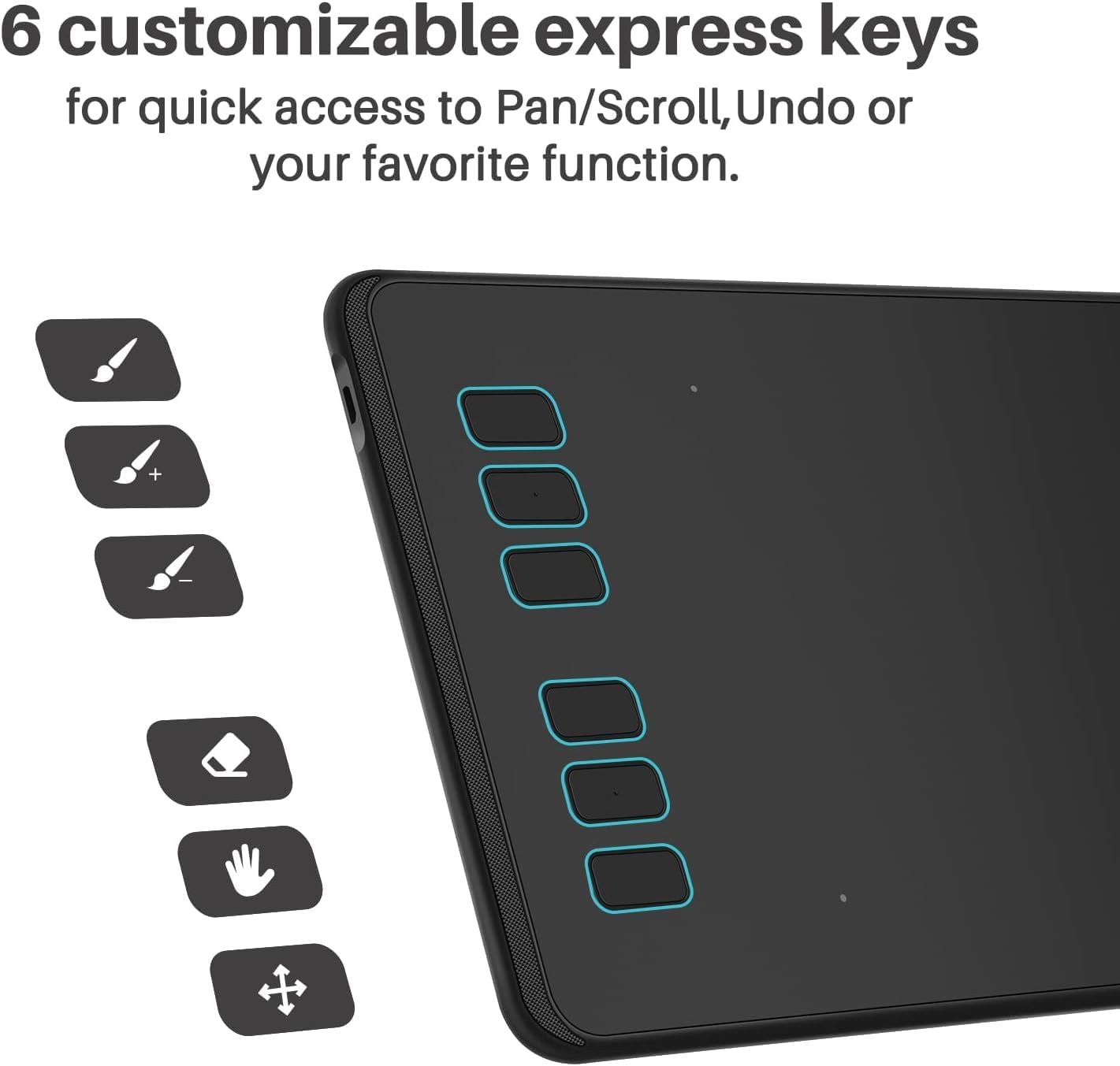
On the control side, there are 6 customizable function keys. In a lot of creative apps (or when you switch between tools), having shortcut keys within reach saves time compared with constantly moving to the keyboard.
For drawing responsiveness, the tablet is listed with 8192 pressure sensitivity levels. In practice, pressure sensitivity is what helps you vary line weight, which can feel closer to traditional pen-and-paper techniques—assuming the software settings are set up to use pressure.
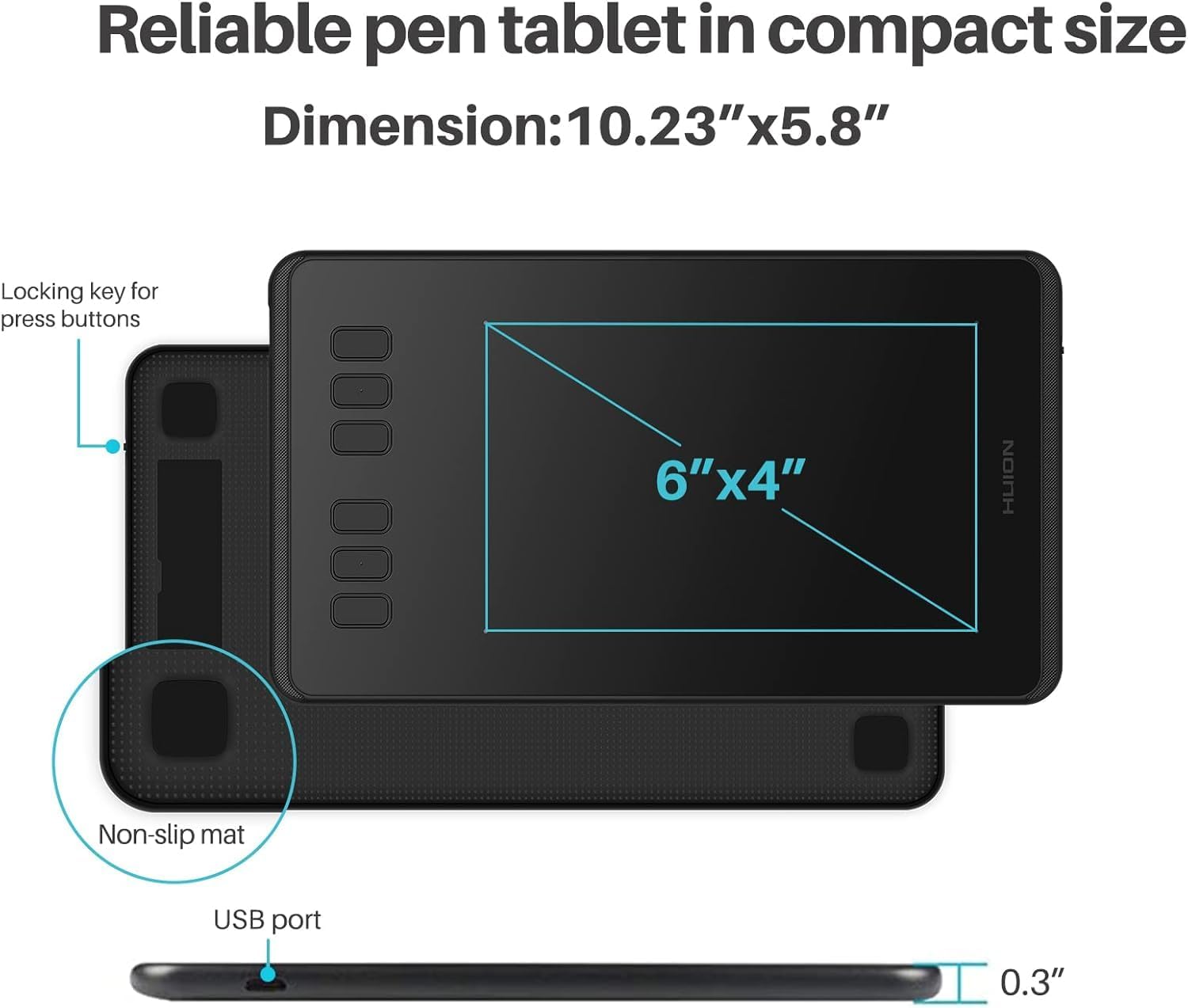
A couple of other numbers included by the brand are 5080LPI resolution and a 233PPS report rate. You’ll typically notice these more in smoothness and how quickly the tablet registers movement rather than as something you “measure” visually.
And yes, there’s the mobile angle: the drawing area for mobile phones is given separately (2.46 x 3.94 inches), which is useful if you plan to use your tablet stylus with a phone for quick sketches or notes.
What stands out for the kind of tasks it’s aimed at
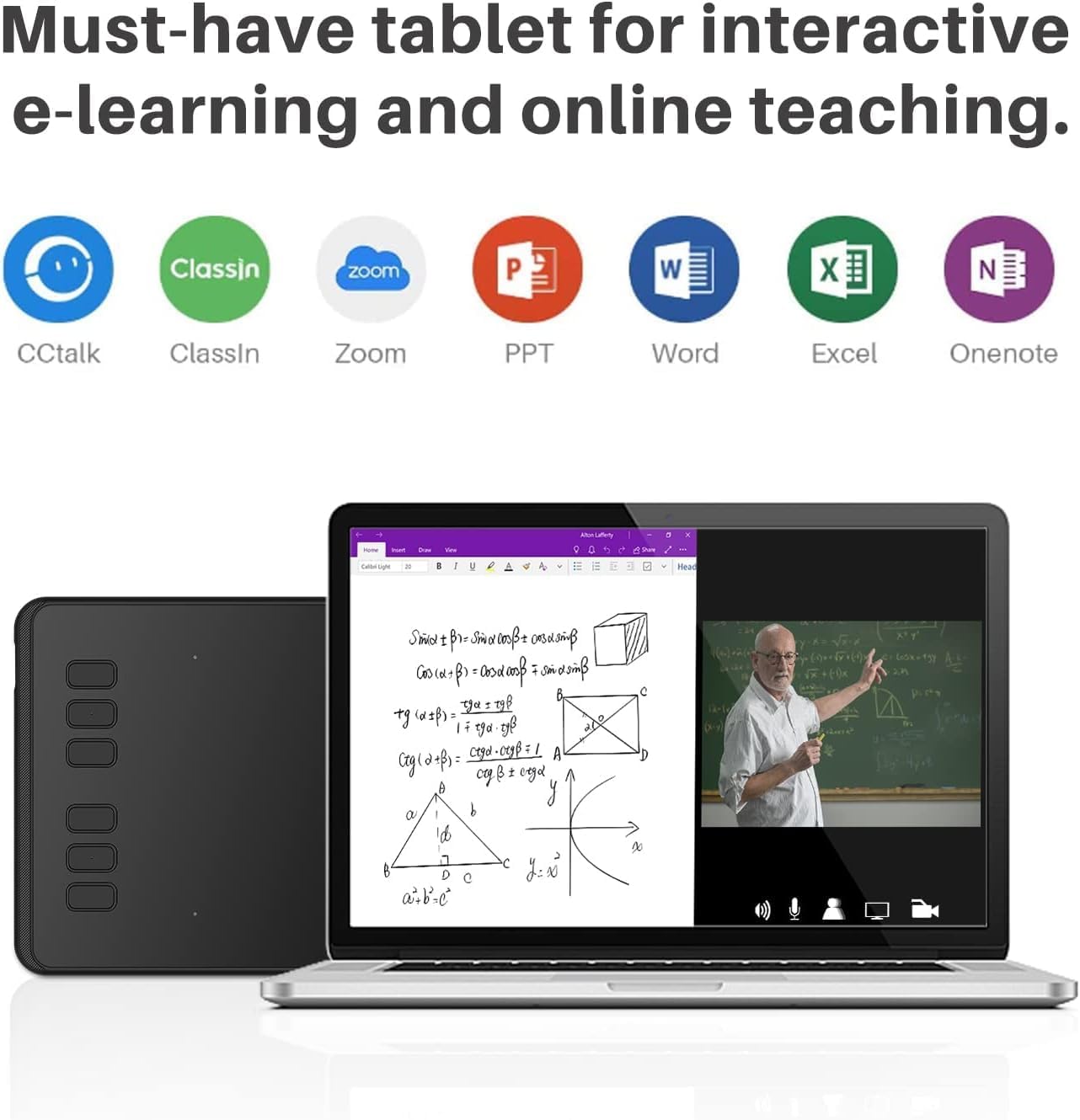
This tablet is pitched as a good match for kids and beginners, and it also fits well when you’re doing web conferencing or online education.
For example, if you run remote lessons or you need to capture handwritten notes during meetings, you can use the pen tablet alongside Microsoft Office apps such as Word, PowerPoint, and OneNote to present signatures or handwriting more clearly than typing.
It’s also the kind of setup you’d consider for mixed creative work—sketching in Sketchbook-style workflows, doing edits in software like Photoshop, or using it alongside design tools such as Illustrator. The point isn’t that it’s the most powerful tablet on the market, it’s that it’s broadly usable across the programs mentioned and across multiple devices.
One limitation to keep in mind: if you’re expecting “screen-like” drawing, this doesn’t replace a pen display. You’ll still be looking at a monitor while drawing on the tablet surface, which can be a learning curve if you’re used to drawing directly on a screen.
Compatibility & requirements
Support is a main selling point here. The H640P is described as compatible with Linux (Ubuntu), Mac, and Windows, and it supports Android 6.0 or later with an included OTG adapter.
Before you commit, it’s worth checking that your exact Android device supports OTG and that the app you plan to use on Android can accept pen input as expected. The tablet is clearly intended to be flexible, but Android support often depends on the specific app and how it handles stylus input.
Tech specs
- Type: Digital graphics pad (pen tablet)
- Pen: Battery-free stylus PW100
- Pressure sensitivity: 8192 levels
- Report rate: 233PPS
- Resolution: 5080LPI
- Working area (PC): 6.3 x 3.9 inches
- Working area (mobile phones): 2.46 x 3.94 inches
- Shortcut keys: 6 customizable function keys
- Weight: 277g
- OS support: Linux (Ubuntu), Mac, Windows, Android 6.0 or later via included OTG adapter
Pros
- Battery-free stylus helps avoid “dead pen” moments
- Pressure sensitivity up to 8192 levels for more natural line variation
- 6 customizable shortcut keys to speed up tool switching
- Cross-device support (PC platforms plus Android via OTG)
- Lightweight at 277g for teaching, travel, or desk-to-desk work
Cons
- It’s not a pen display, so you’ll be drawing without the pen on a screen
- Mobile drawing area is much smaller than the PC area, which can feel restrictive if you plan long sessions on a phone
- Some Android setups depend on OTG support and app handling, so it may not feel identical across every device
When it makes sense
It makes sense if you want a pen tablet that covers both creative drawing and practical note-taking, ideally across Windows/Mac/Linux and also Android (via OTG). A battery-free stylus is a particularly convincing reason to choose it if you’re the type who forgets to charge gadgets.
It might not be the best match if you primarily want direct, screen-on-screen drawing, or if you expect the mobile experience to feel like full-size desktop drawing.
Mini FAQ
What apps is the Huion Inspiroy H640P said to work with?
The description mentions common creative and design tools such as PhotoShop, Illustrator, Sketchbook, paint tool sai, Corel draw, and Corel painter, plus Microsoft Office apps like Word, PowerPoint, and OneNote for notes and signatures.
Does the stylus need charging?
No—the PW100 stylus is described as battery-free, and the pen is said to work smoothly without charging.
Can I use it on Android?
It’s listed as supporting Android 6.0 or later via an included OTG adapter, but you may want to check your Android device supports OTG and that your chosen app can make use of pen input.
Is it suitable for beginners?
On the given information, it’s aimed at kids and beginners for drawing, animation, photo editing, and design work.
Final verdict
A solid pick if you want a portable pen tablet with a battery-free stylus and pressure sensitivity up to 8192 levels, especially if you need flexibility across Windows, Mac, Linux (Ubuntu), and Android. You may want to skip it if you’re specifically chasing the feel of a pen display or you know you’ll rely heavily on mobile phone drawing for long, detailed sessions.