

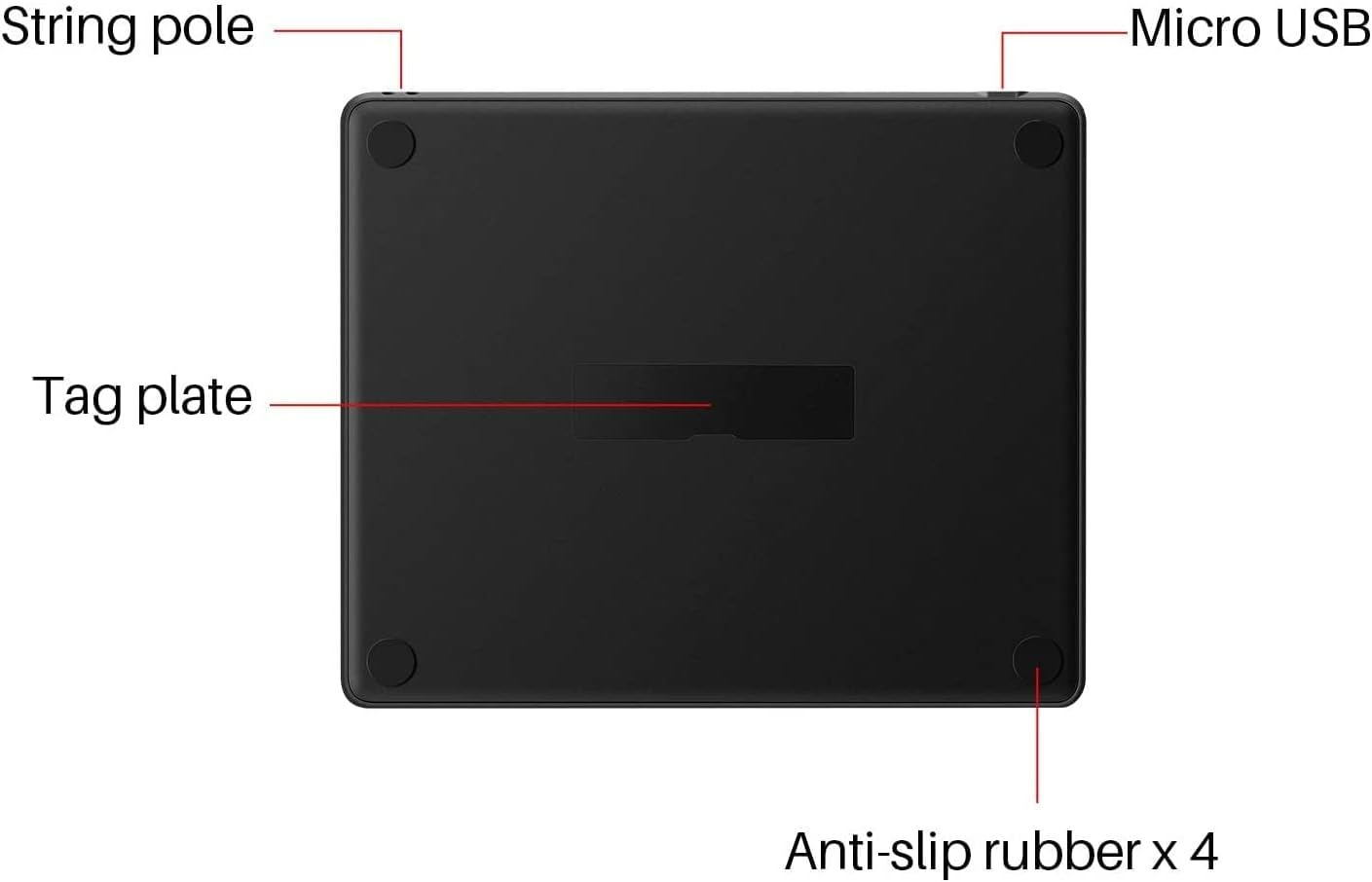
HUION HS64 graphics tablet with 8192 levels
Product description
If you want a dependable way to draw and annotate on a desk or on the move, the HUION HS64 graphics tablet is a strong, practical choice. It comes with a battery-free stylus and supports 8192 levels of pen pressure sensitivity, helping you create smoother, more controlled strokes with less fuss. With a work area sized for both laptop and mobile use, it suits everyday sketching, note taking, and creative sessions across multiple devices. 🖊️
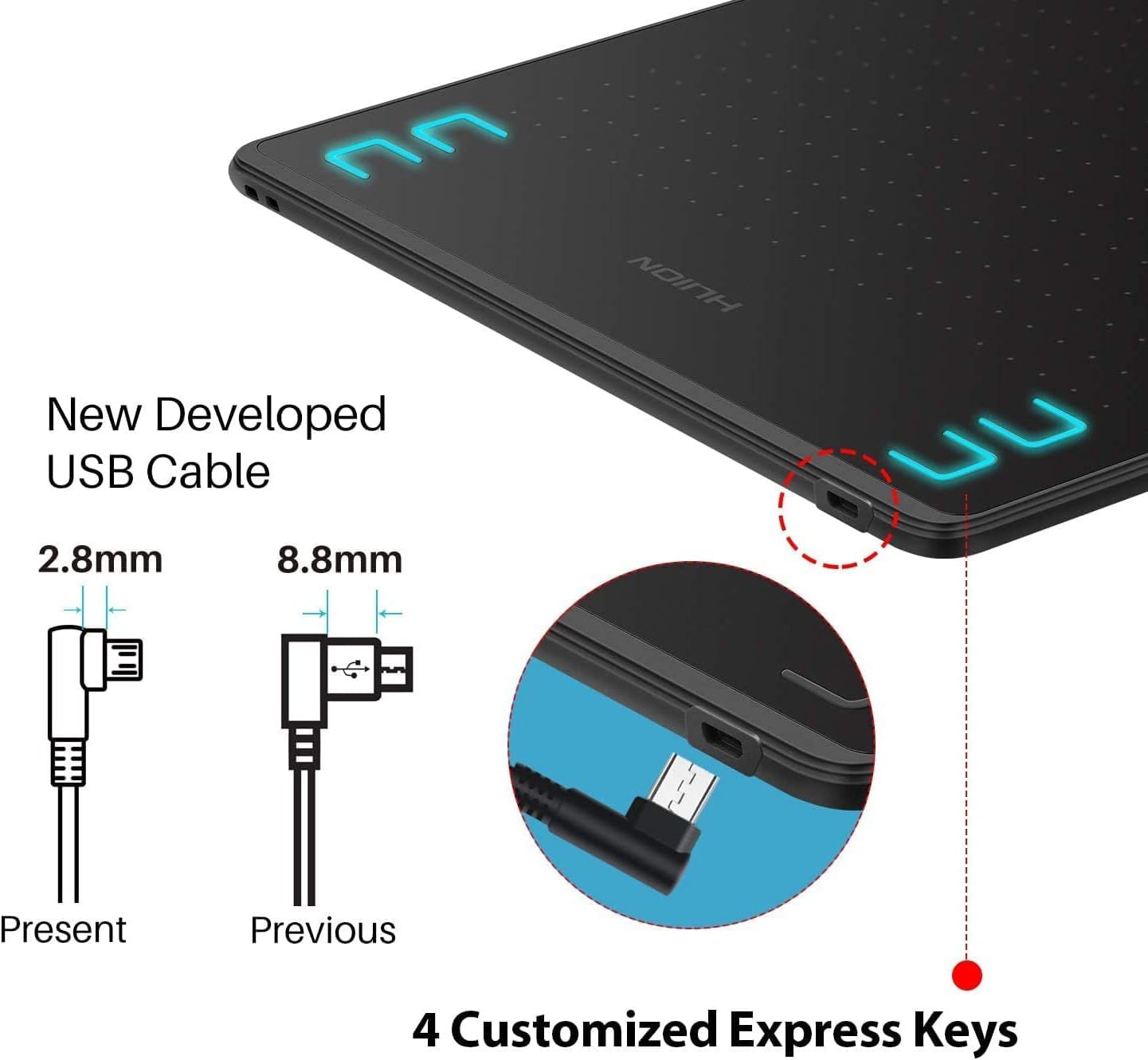
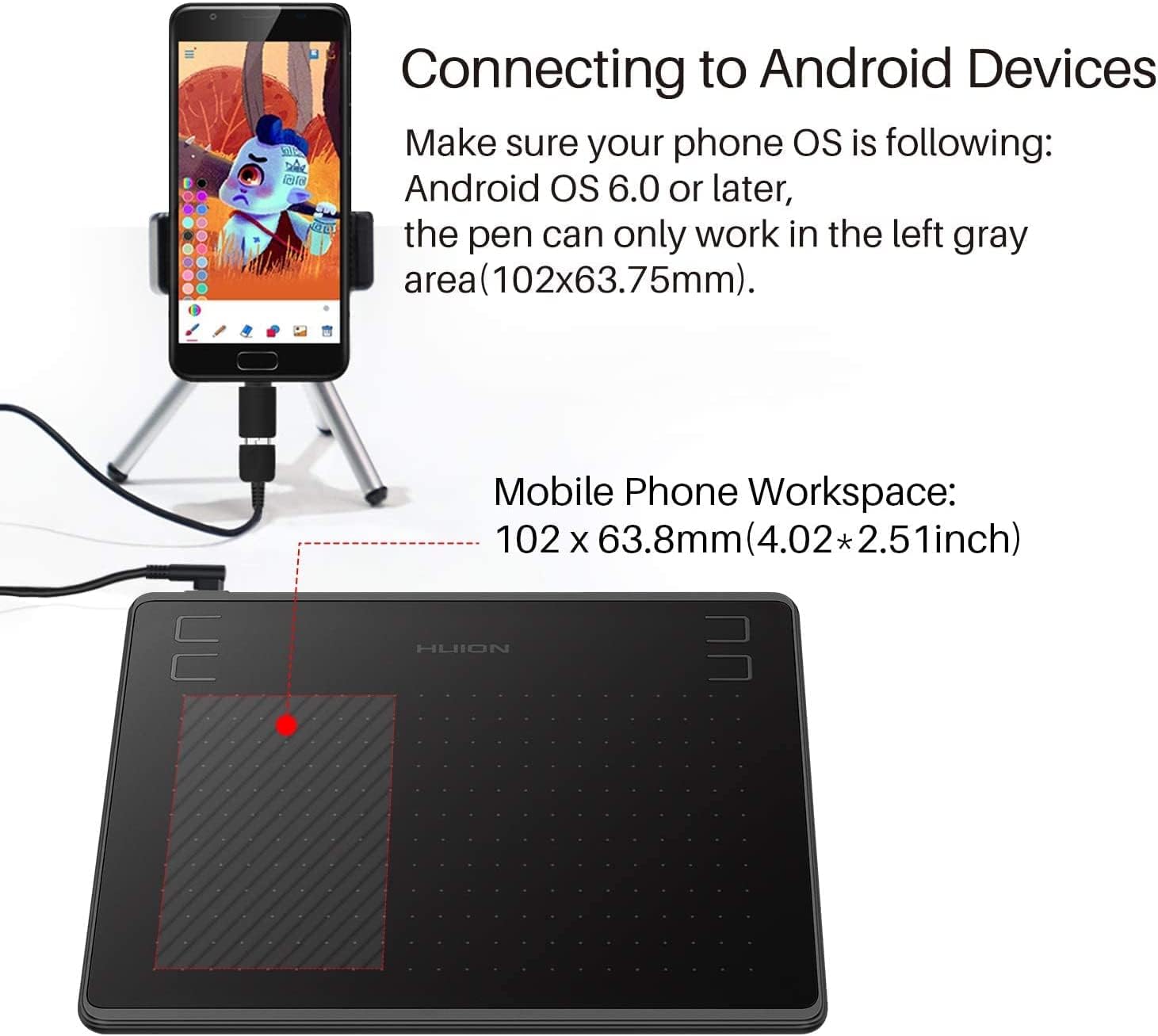
The HS64 is built around convenience and portability. It also supports Android 6.0 with OTG, so you can connect your phone to the tablet and keep your workflow compact. Add in 4 customizable press keys for quick shortcuts, and you can reduce repetitive reaching for menus while you work. 🧩
Key features
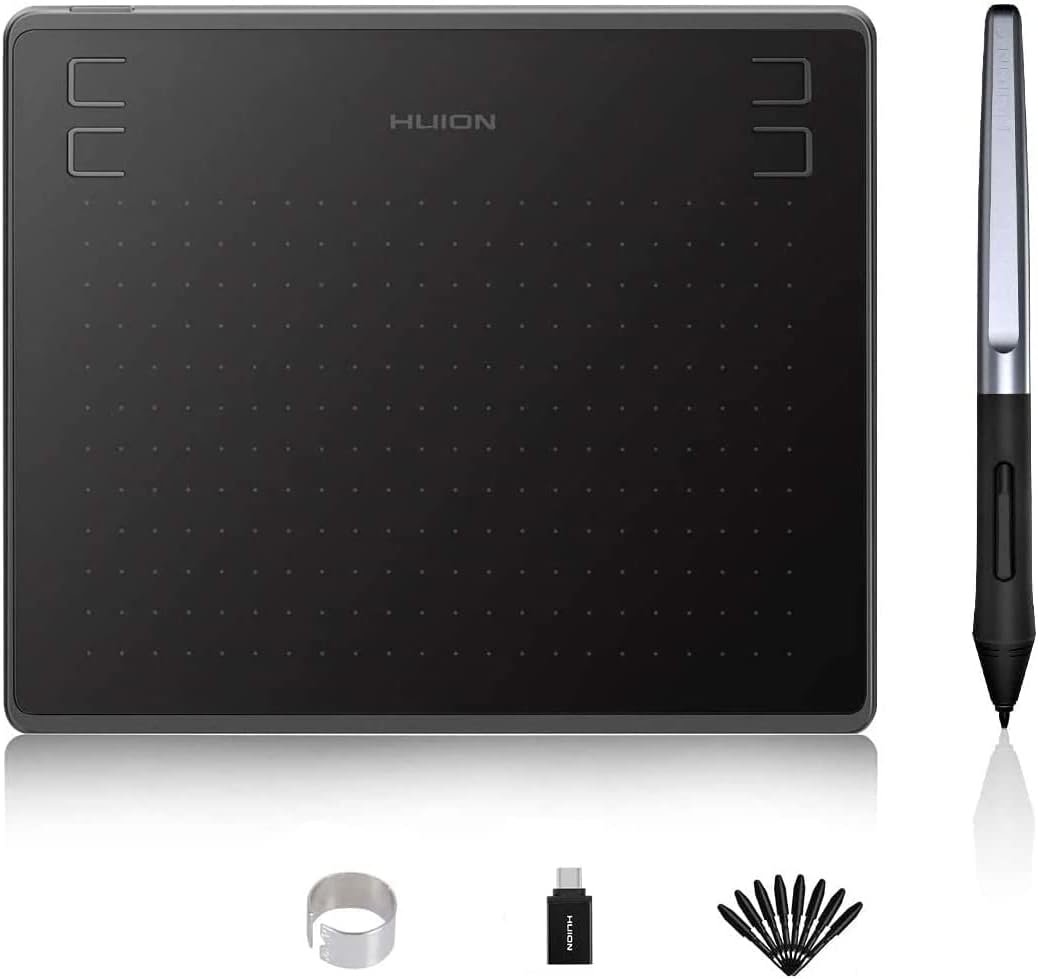
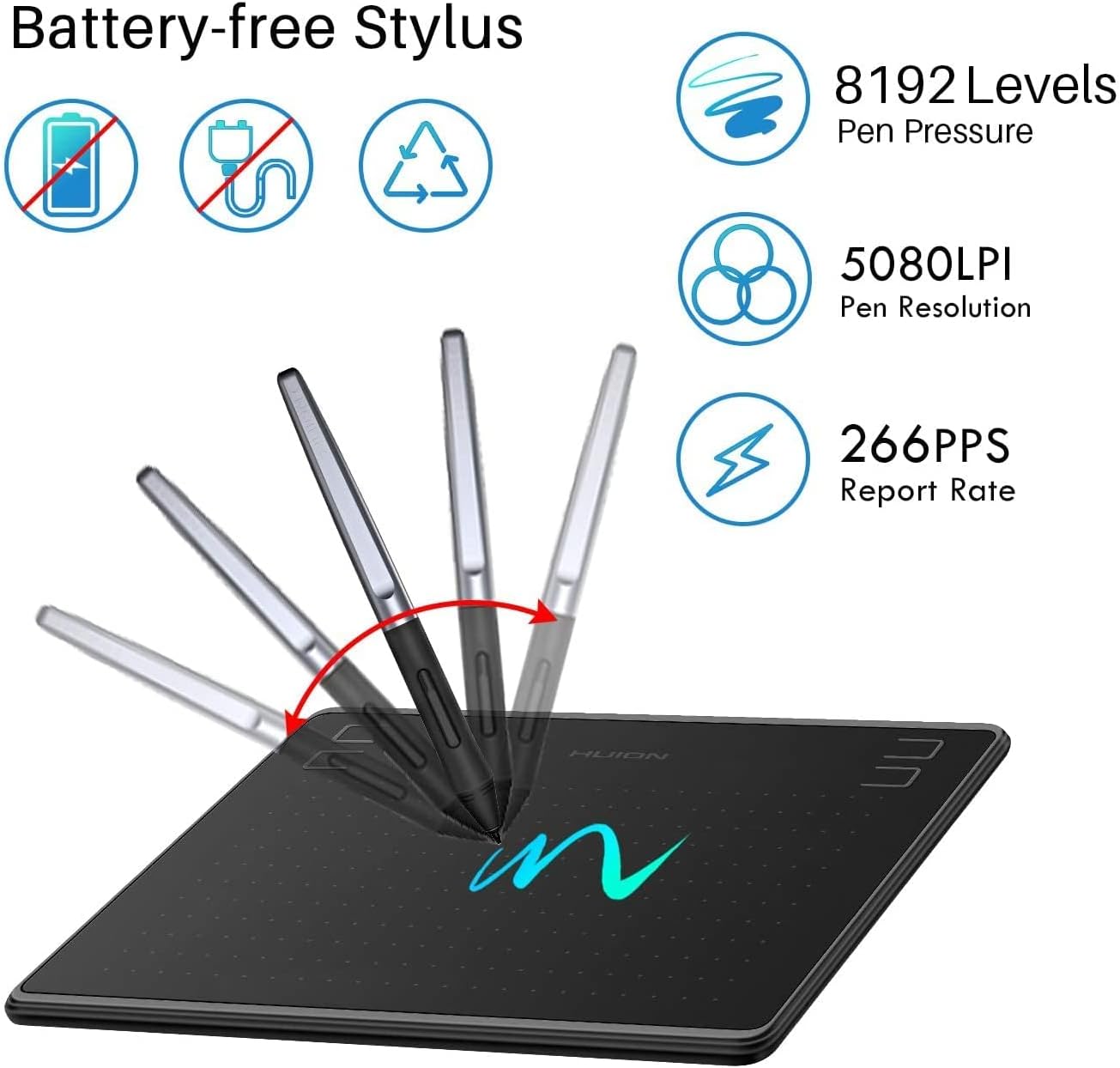
This tablet focuses on a natural drawing feel, starting with its PW100 battery-free stylus. Since it does not rely on charging, you avoid the usual “ready when it’s charged” problem and can pick up the stylus whenever inspiration strikes. The 8192 levels of pen pressure sensitivity are designed to support finer control over line weight, which helps when you are shading, outlining, or adding details.
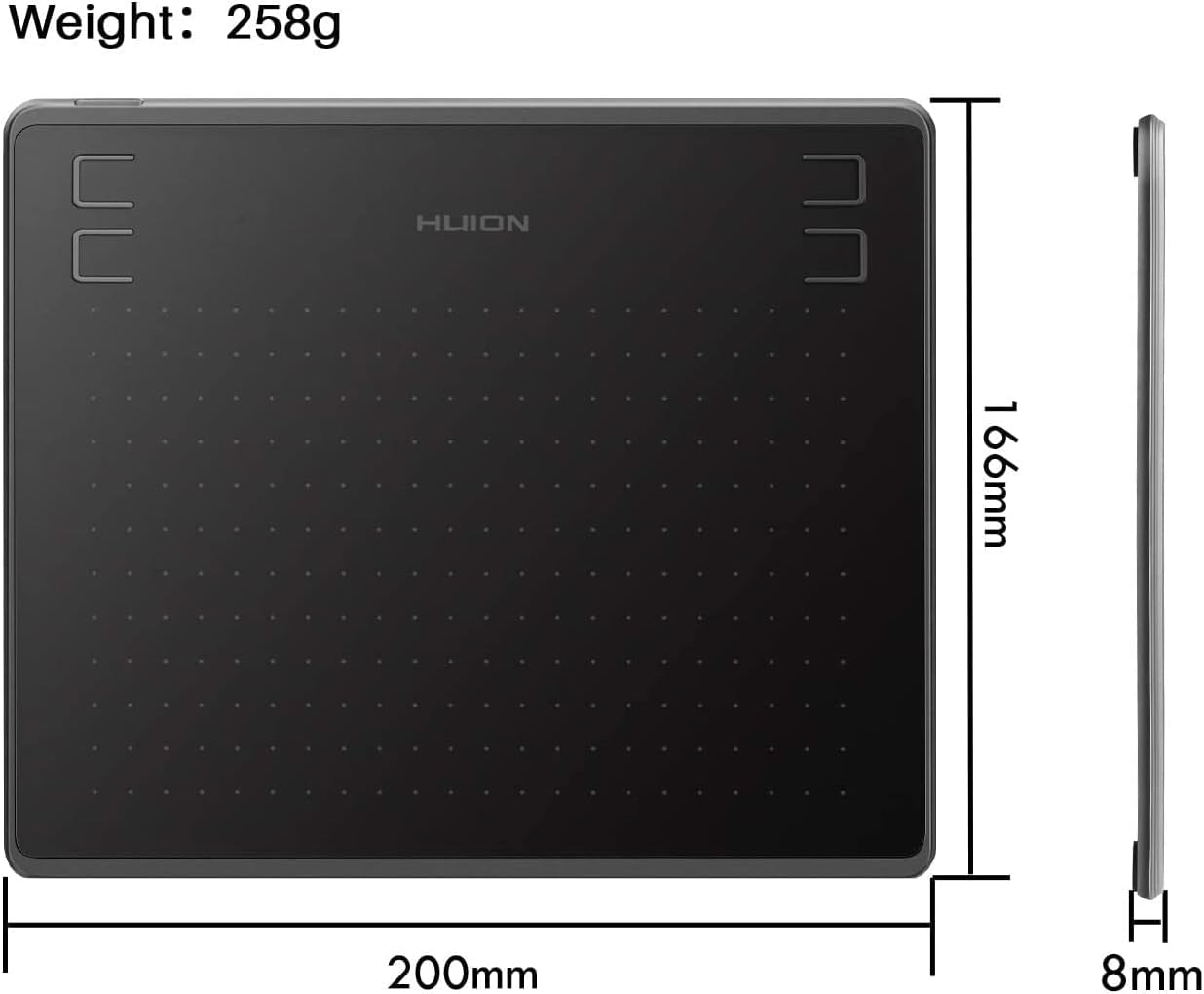
For productivity, the 4 press keys provide user-defined express shortcuts. Instead of using on-screen controls every time, you can set the shortcuts you actually use and keep your hand on your work. There is also a clear benefit to having different work area sizes, because desk drawing on a PC is not the same as quick edits on a phone or tablet.
Portability matters too. According to the provided specs, you can work on a PC or laptop with a 160 x 102 mm area, and you also have a smaller 102 x 63.8 mm area when using a mobile phone or tablet. That makes the HS64 suitable for light creative tasks away from the desk, such as marking up documents or drafting ideas during travel.
Tech specs
- Name: HUION HS64 Graphics Drawing Tablet Battery-Free Stylus 8192 Levels 266 PPS Pen Tablet with 4 Press Keys Support Mac, PC and Android Devices 6.3x4 Inch
- Type: Graphics drawing tablet with battery-free stylus
- Pressure levels: 8192 levels
- Work area for PC or laptop: 160 x 102 mm
- Work area for mobile phone or tablet: 102 x 63.8 mm
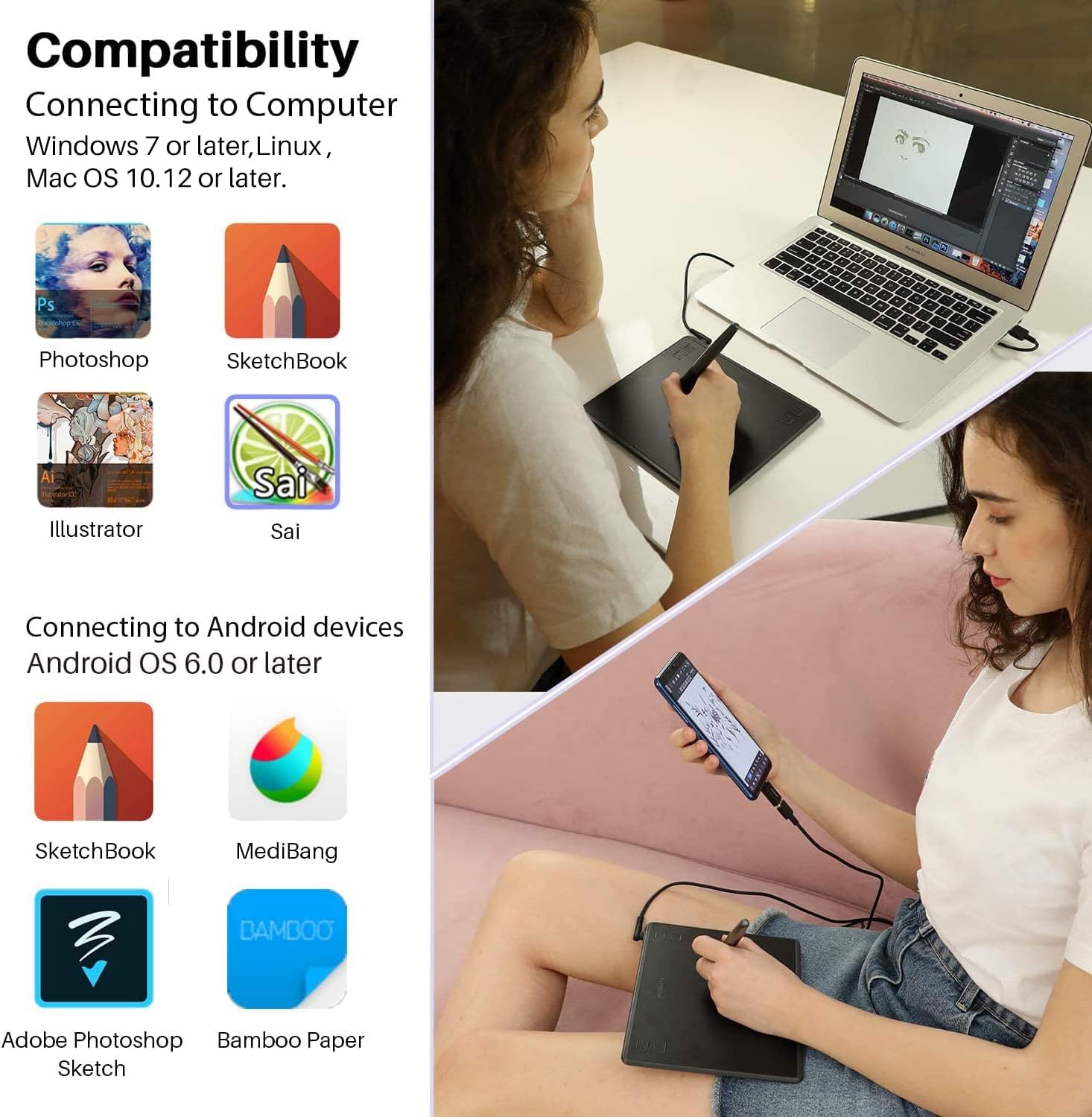
- OS compatibility: Windows 7 or later, macOS 10.12 or later, Android 6.0 or later, Linux
- OTG support: Supported for Android 6.0
What matters most
Compatibility is a major part of day to day usefulness, and the HS64 covers the big three desktop ecosystems plus Linux. If you use a Windows PC, macOS machine, or a Linux setup, it is aligned with the stated minimum requirements, which reduces the risk of surprises after you plug it in. On the mobile side, the provided Android 6.0 support includes OTG, enabling a more portable workflow.
There is also a practical learning curve advantage. Because the stylus is battery-free, you do not need to manage pen power or think about charging routines, which keeps the experience simple for long sessions. The presence of 4 customizable keys helps you streamline tasks you repeat often, such as switching tools or opening common shortcuts during drawing.
If you prioritise flexibility across devices, this model makes sense. It suits people who want one tablet they can use at home on a laptop and also bring along for on the go sketching and annotation on a phone or tablet.
It may not suit you if your workflow depends on features not mentioned in the provided details. For the best outcome, it helps to confirm your device meets the stated OS requirements, especially for Android OTG use.
Who it’s for
You’ll like the HUION HS64 if you want a battery-free stylus experience and pressure sensitive drawing without extra charging steps. It suits students, designers, hobby artists, and anyone who enjoys taking notes or editing quickly using pen input. The mix of a larger PC work area and a smaller mobile work area makes it flexible for different environments.
It also makes sense if you value shortcut control while drawing. With 4 customizable press keys, you can align the tablet to your preferred workflow and reduce interruptions. If your setup includes Windows 7 or later, macOS 10.12 or later, Android 6.0 or later with OTG, or Linux, this tablet is set up for that kind of cross device routine.