

XPPen Deco 640 drawing tablet 170 g
Product description
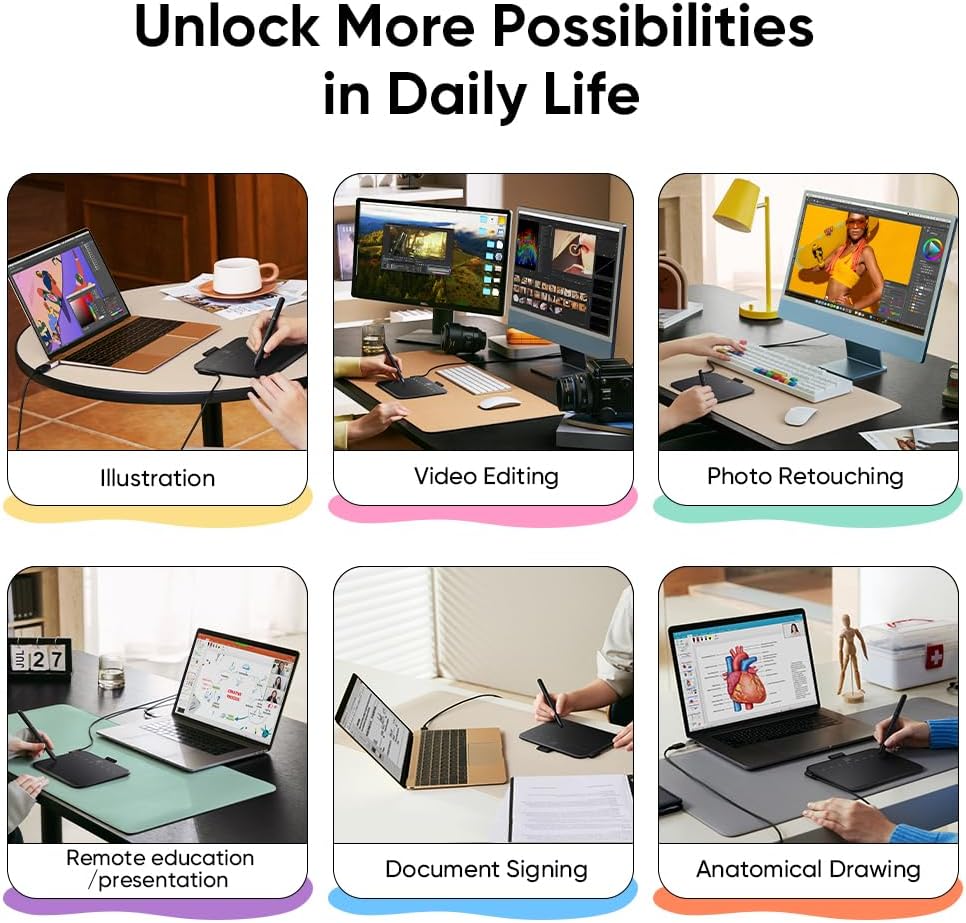
If you want a portable drawing tablet that feels responsive for everyday sketching, teaching and creative work, the XPPen Deco 640 is a practical choice. It is built around clear stylus performance, with 16K pressure levels and fine pen resolution, so your line work can feel more natural during illustration, retouching or signing. With an ultra thin design and low weight, it is also easy to take to a classroom or studio desk without it becoming a hassle.
Key features
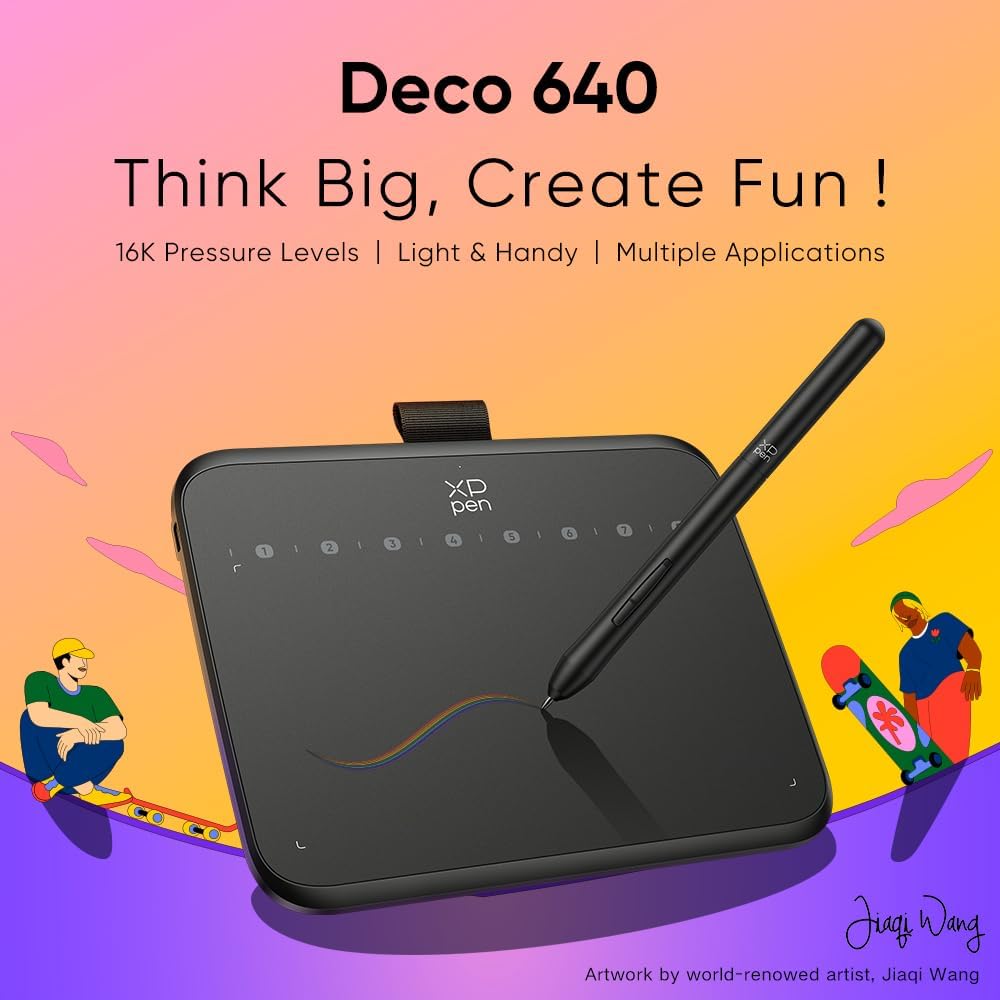
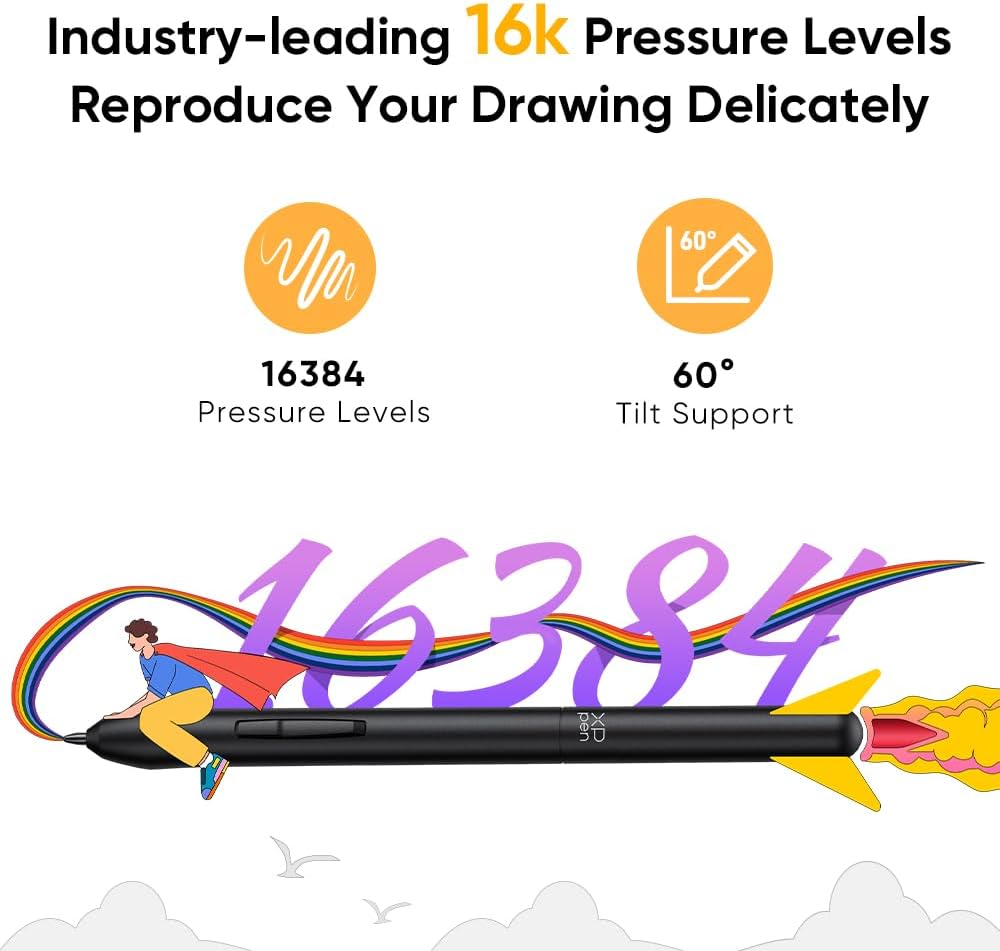
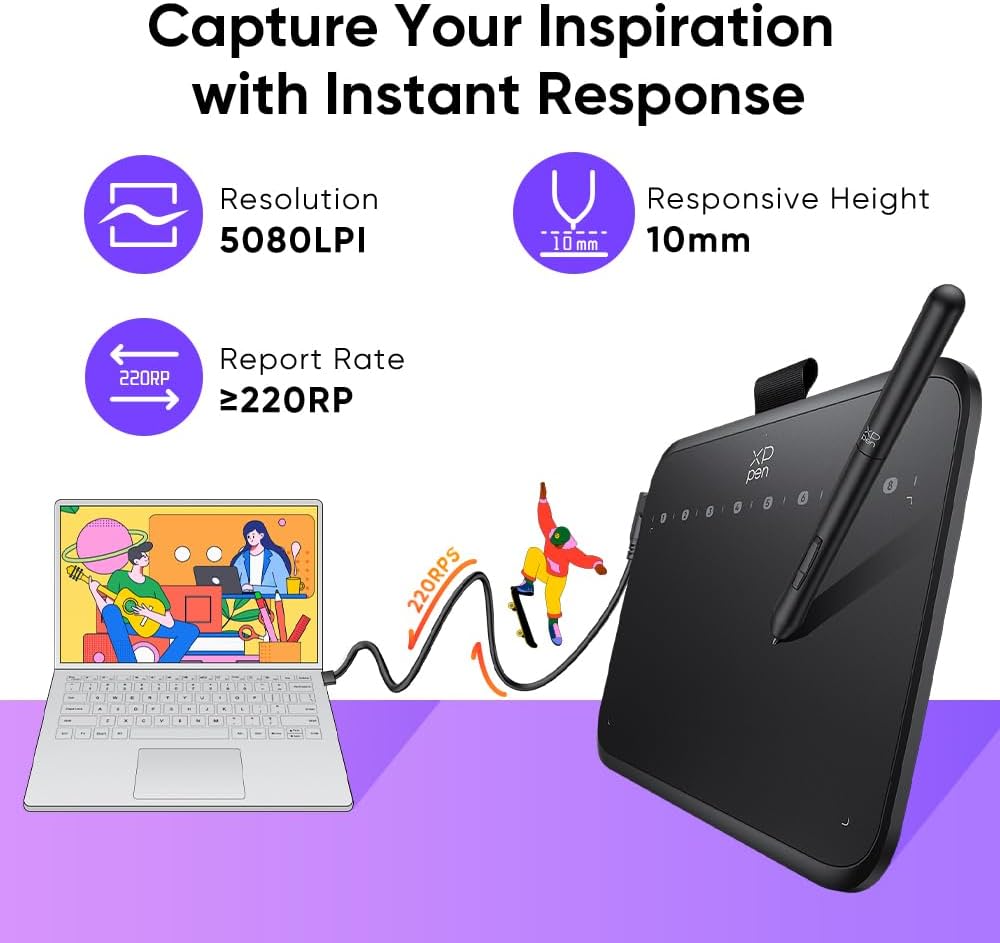
The Deco 640 brings pressure sensitive drawing into a compact format, using 16,384 pressure levels to help your strokes reflect how hard you press. The pen resolution is rated at 5080 LPI, which can help with detailed line drawing and smoother control when you are doing graphics design or photo touch ups. There is also support for pen tilt up to 60 degrees, so shading and line variation can feel more expressive while you work.
There is a strong focus on responsiveness, too. According to the manufacturer, there is no notable delay between your pen movement and the on screen cursor, which matters when you are refining sketches or following fast brush workflows. For teaching and distance learning, that responsiveness can help learners stay engaged, because you are not fighting lag while demonstrating techniques. 🎨
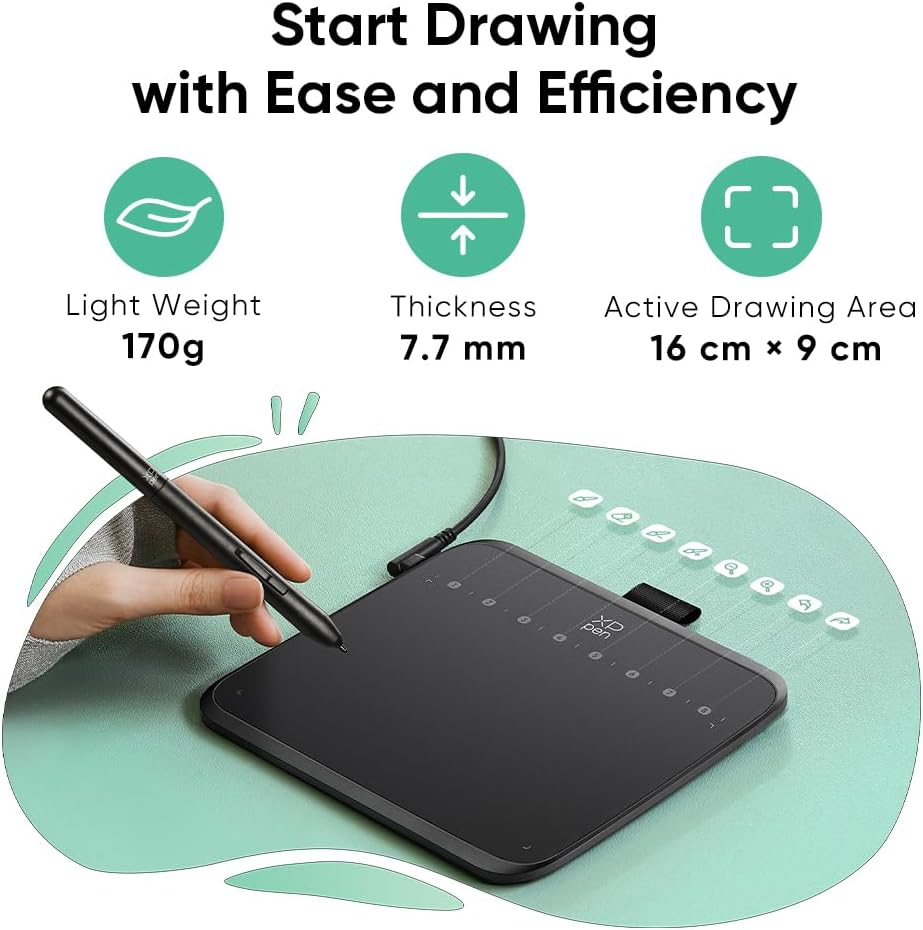
Portability is one of the most noticeable benefits. At just 170 g and 7.7 mm thick, the tablet is light enough to keep on your desk or pack into a bag for office use. The edge design is described as ultra narrow and curved, creating a more spacious drawing area and helping reduce wrist fatigue during longer sessions. 🙂
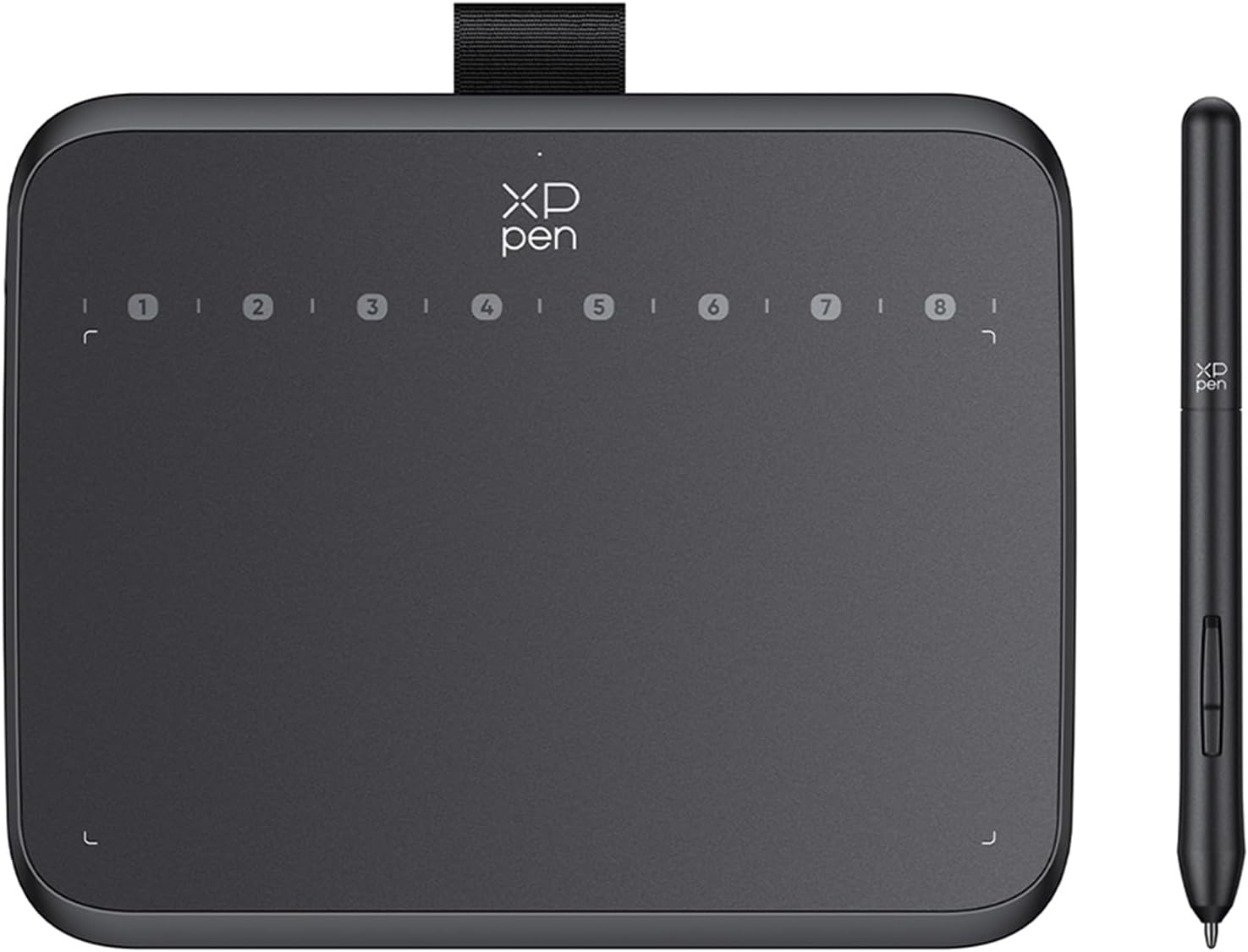
For practical shortcuts, the tablet includes 8 shortcut keys. These can support faster hand to control changes during tasks like signing, gaming workflows and routine editing, so you spend less time switching tools on screen. It also comes with a manageable pen, making it easier to get started with drawing and handwriting style work.
If you work across different devices, compatibility is also a key point. The Deco 640 is described as compatible with Windows, macOS and Android, which makes it easier to use in multi device setups. It is also stated to work with major drawing and design software, so you can use it for illustration, graphics design, online education and video editing style tasks. ✍️
Tech specs
- Pressure levels: 16,384
- Pen resolution: 5080 LPI
- Report rate: 220 RPS
- Tilt support: 60 degrees
- Weight: 170 g
- Thickness: 7.7 mm
- Shortcut keys: 8
What stands out
The XPPen Deco 640 is designed for people who want dependable digital drawing without overcomplicating setup. The manufacturer states that it offers strong compatibility with Windows and macOS and supports major drawing and design software, which helps when you already have an established workflow. That matters if you are switching between creative work and education tasks, or if you need a tablet that fits around your existing tools.
A key strength is how it balances detail and comfort in a portable form. The pressure and resolution figures, along with the 60 degree tilt support, are aimed at giving more control over line weight and shading. At the same time, the ultra narrow curved edge and low thickness are intended to reduce strain during longer drawing sessions. If you do repeated pen work such as signing documents or classroom demos, those comfort details can add up over time. ✅

It also supports uses beyond standard illustration. The product description highlights online learning and distance education, which suggests it can be used for writing, annotation and creative demonstrations in a classroom or office environment. For gaming, it is presented as a companion for OSU!, where fast response can be important for an immersive experience. 🎮
When choosing a drawing tablet, it helps to match your expectations to the way you plan to use it. If you prioritise portability for lessons or travel, the 170 g weight and 7.7 mm thickness are concrete advantages. If you mainly need ultra precise pressure nuance and fine control, the 16K pressure levels and 5080 LPI spec are central to that goal.
The essentials
It makes sense if you are looking for a thin, lightweight drawing tablet that supports pressure sensitive sketching, quick shortcuts and practical compatibility. You’ll like it if you draw regularly for illustration, photo retouching or signing, and you want fewer obstacles between picking up the pen and seeing results. It might not be a great match if you are expecting information that goes beyond the listed pressure, resolution, report rate, tilt support and physical dimensions, since those are the core details provided here.