

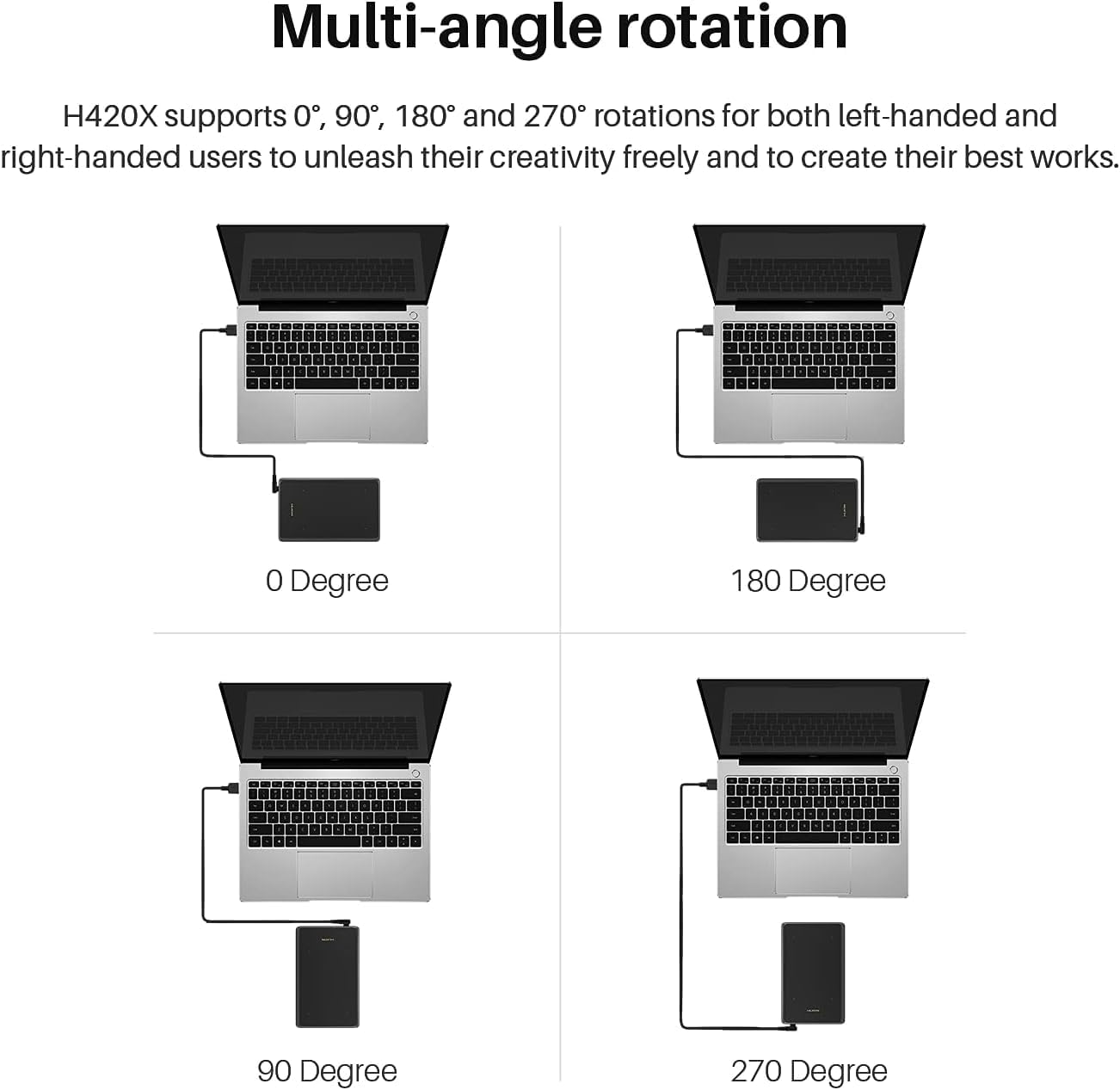
HUION H420X OSU Drawing Tablet (battery-free stylus, 8192 pressure levels)
Product description
If you want a drawing tablet that’s easy to live with on a desk, the HUION H420X is aimed at that kind of everyday use. It’s thin and light, and it comes with a battery-free pen with 8192 pressure levels, plus a couple of side buttons for quick actions.
That said, it’s not a “no-thought” purchase for everyone. It’s built around a specific style of input (pen-to-tablet drawing, not pen-on-screen), and the compact active area may feel tight if you prefer larger workspaces.
The essentials
The HUION H420X is a battery-free graphics drawing tablet designed for people who want to draw, take notes, and even play OSU-style games without the faff of charging a stylus. On paper, the headline points are the thin, portable build, the matte writing surface, and a pen that supports 8192 pressure levels. The tablet also leans into speed and responsiveness with a stated report rate of 300 PPS, which is meant to help lines feel quicker and smoother.
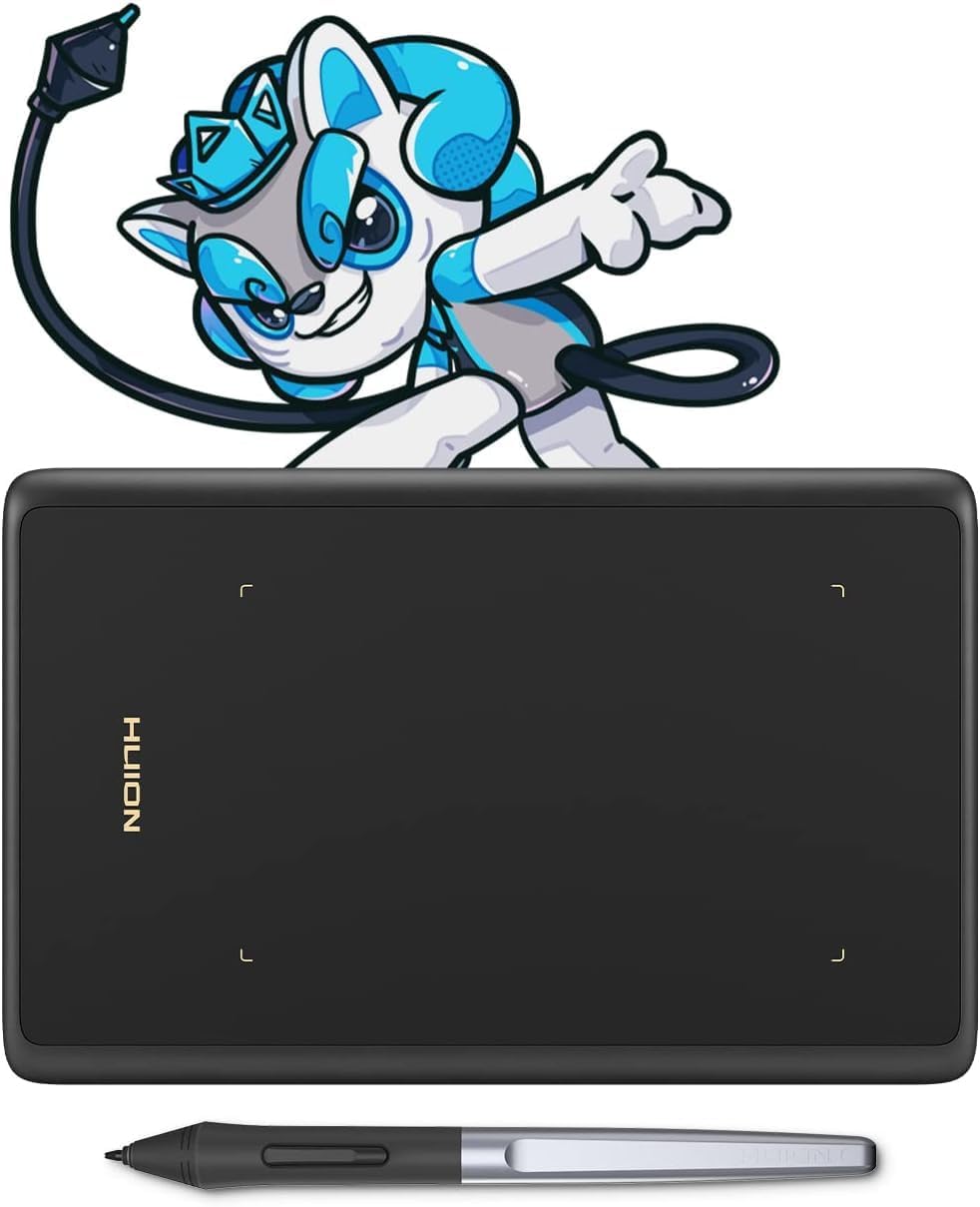
There’s also a practical “day-to-day” angle: the pen has two programmable buttons. If you’re switching between pen and eraser (or right-click style actions) often, having those controls on the stylus is genuinely convenient. The tablet itself has a narrow palm rest and rounded corners to help reduce fatigue during longer sessions, and it uses a USB Type-C connection for plug-in and out.
Key features that matter in use
Where the H420X makes sense is in the workflow. The surface is described as matte to mimic a more natural pen-on-paper feel. If you’re coming from mouse drawing, a pen tablet like this usually feels like a noticeable step up for sketches, inking, and general digital writing.
The thin profile is also more than marketing. At a stated 7 mm thick and 167 g, it’s the kind of tablet you can comfortably move between a home desk and a study/work area. The active area is given as 4.17 x 2.6 inches, so it’s compact rather than expansive—great for smaller projects, but you may find yourself zooming and repositioning more than you would with a larger pad.
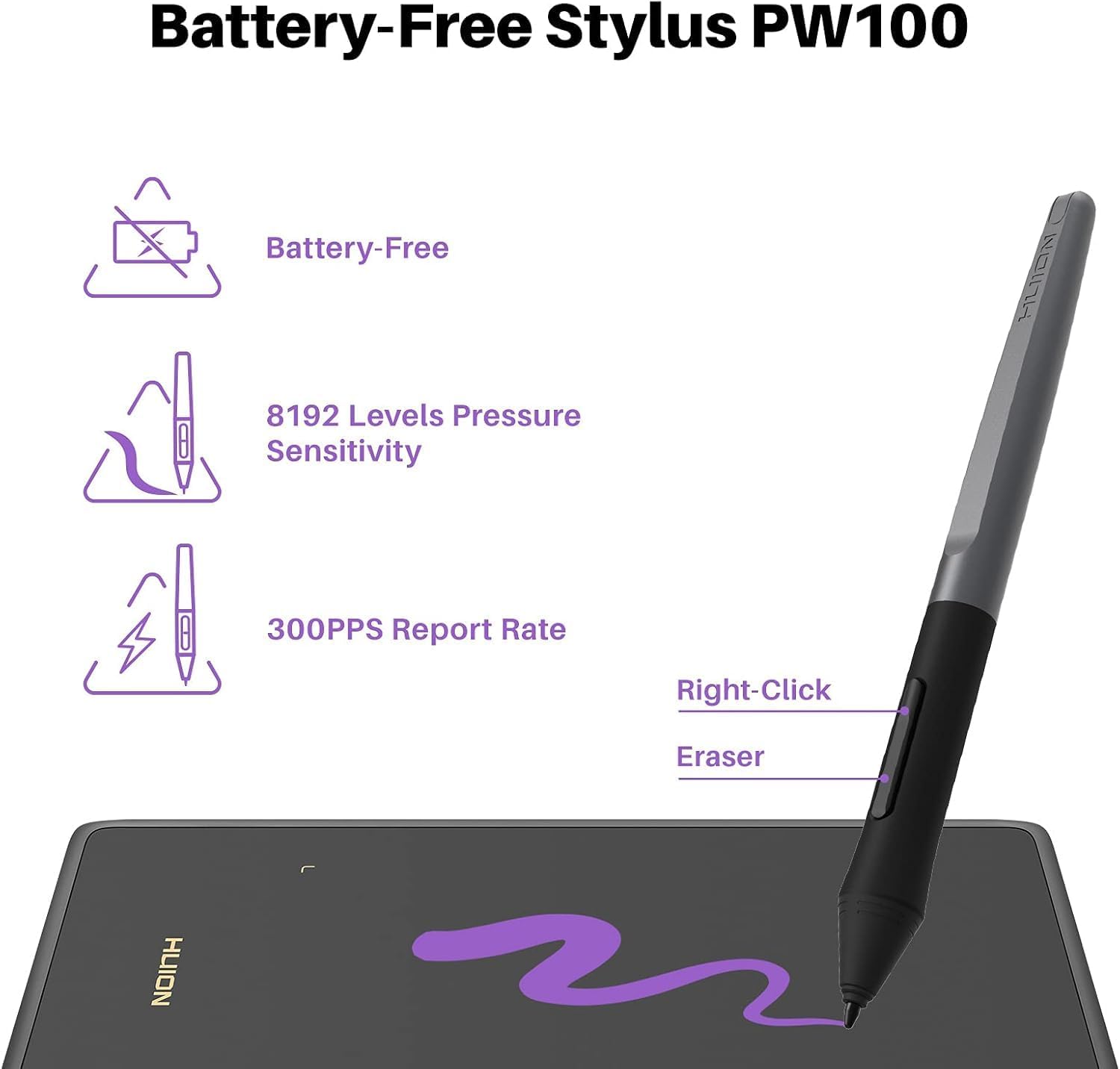
One more usability note: the design is described as “without hotkeys” and specifically mentions comfort for OSU. That’s good if you don’t want extra buttons getting in the way, but if you rely on dedicated shortcuts outside of OSU, you might wish for more direct controls.
Tech specs (quick look)
- Name: HUION H420X OSU Drawing Tablet Upgrade Version of HUION 420 Drawing Pad
- Type: Digital writing tablet / drawing tablet
- Pressure levels: 8192 levels
- Pen power: battery-free stylus (no charging required)
- Report rate: 300 PPS
- Connection: USB Type-C
- Active area: 4.17 x 2.6 inches
- Thickness: 7 mm
- Weight: 167 g
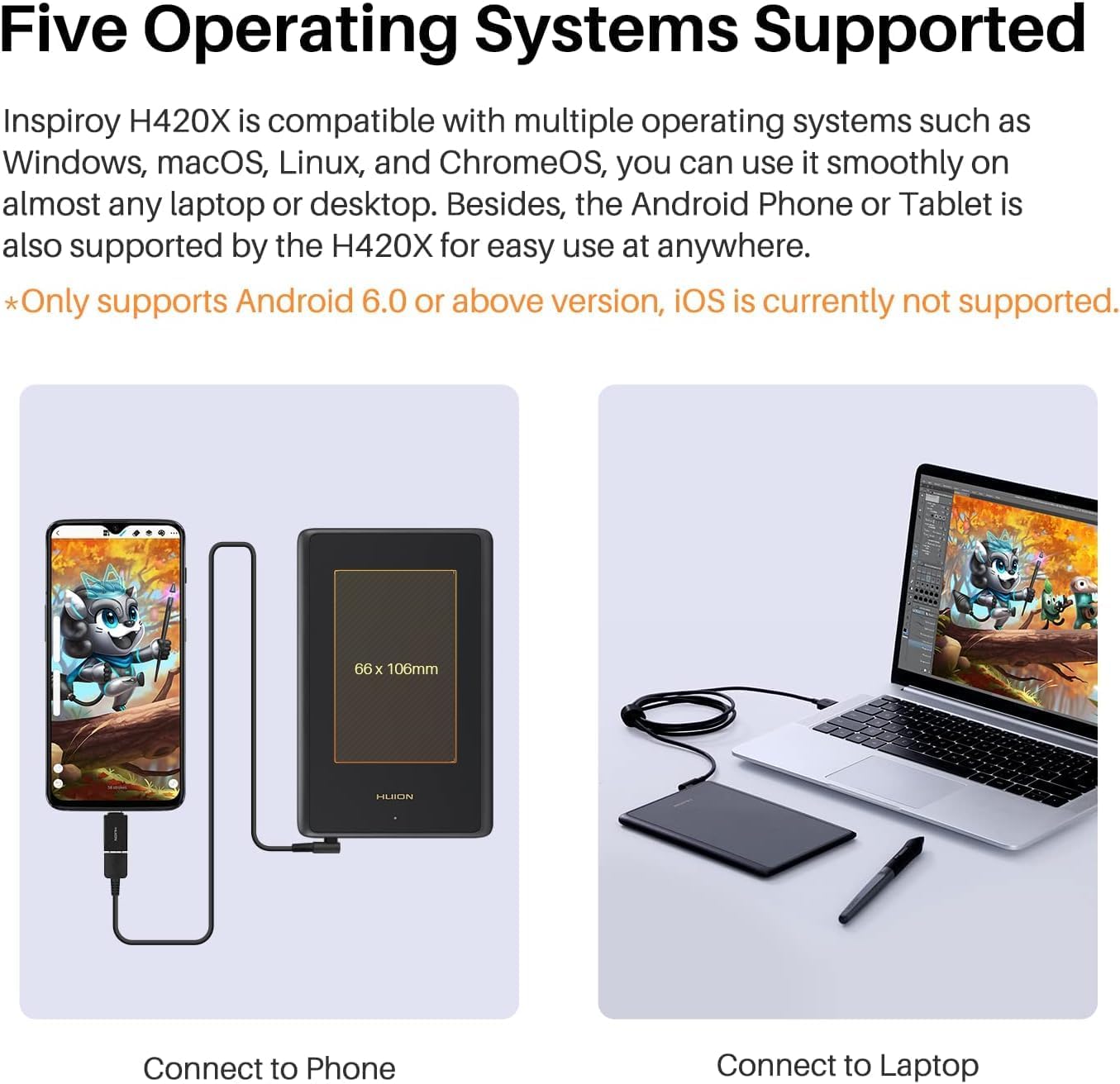
- Compatibility (systems mentioned): Windows 7 and later, Mac OS 10.12 and later, Chrome OS 88 and later, Android 6.0 and later
Compatibility and what to expect
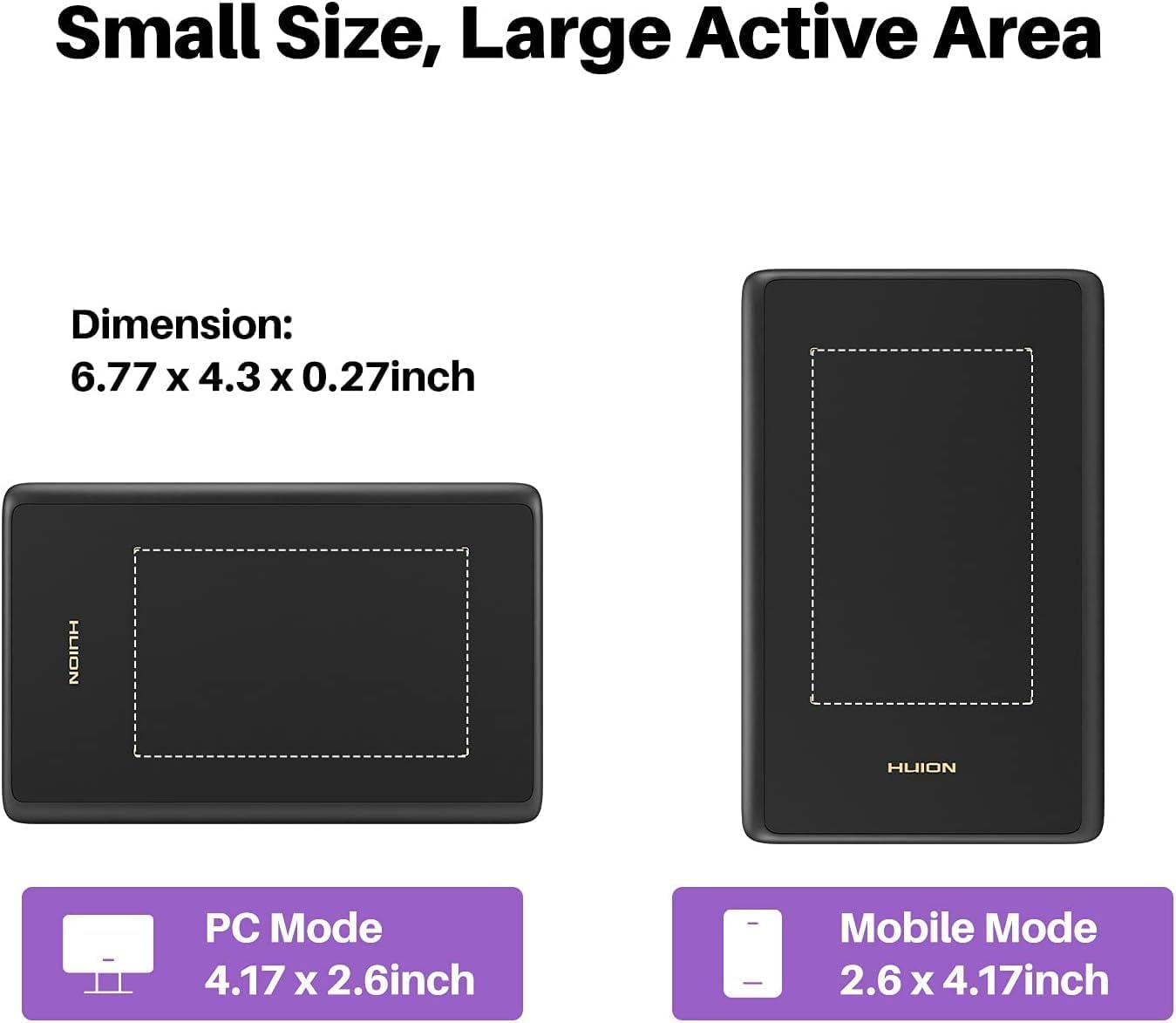
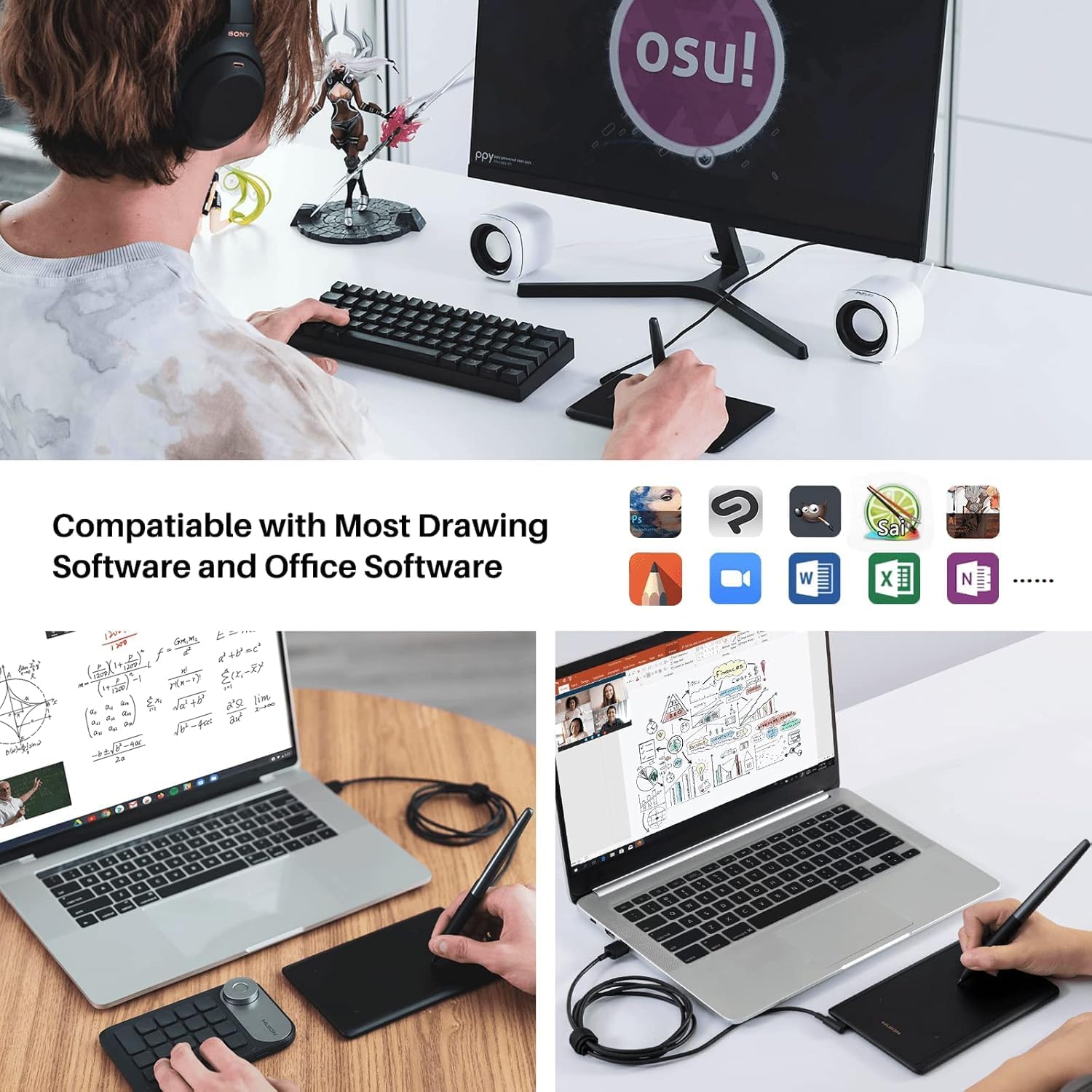
The HUION H420X is positioned as broadly compatible across Windows, Mac, Chrome OS and Android (with the OS versions listed above). It also states it works with many drawing applications, naming tools such as Adobe Photoshop, Paint tool SAI, Corel Painter, CorelDraw, Illustrator, Sketchbook, Manga Studio/Clip Studio paint, and more.
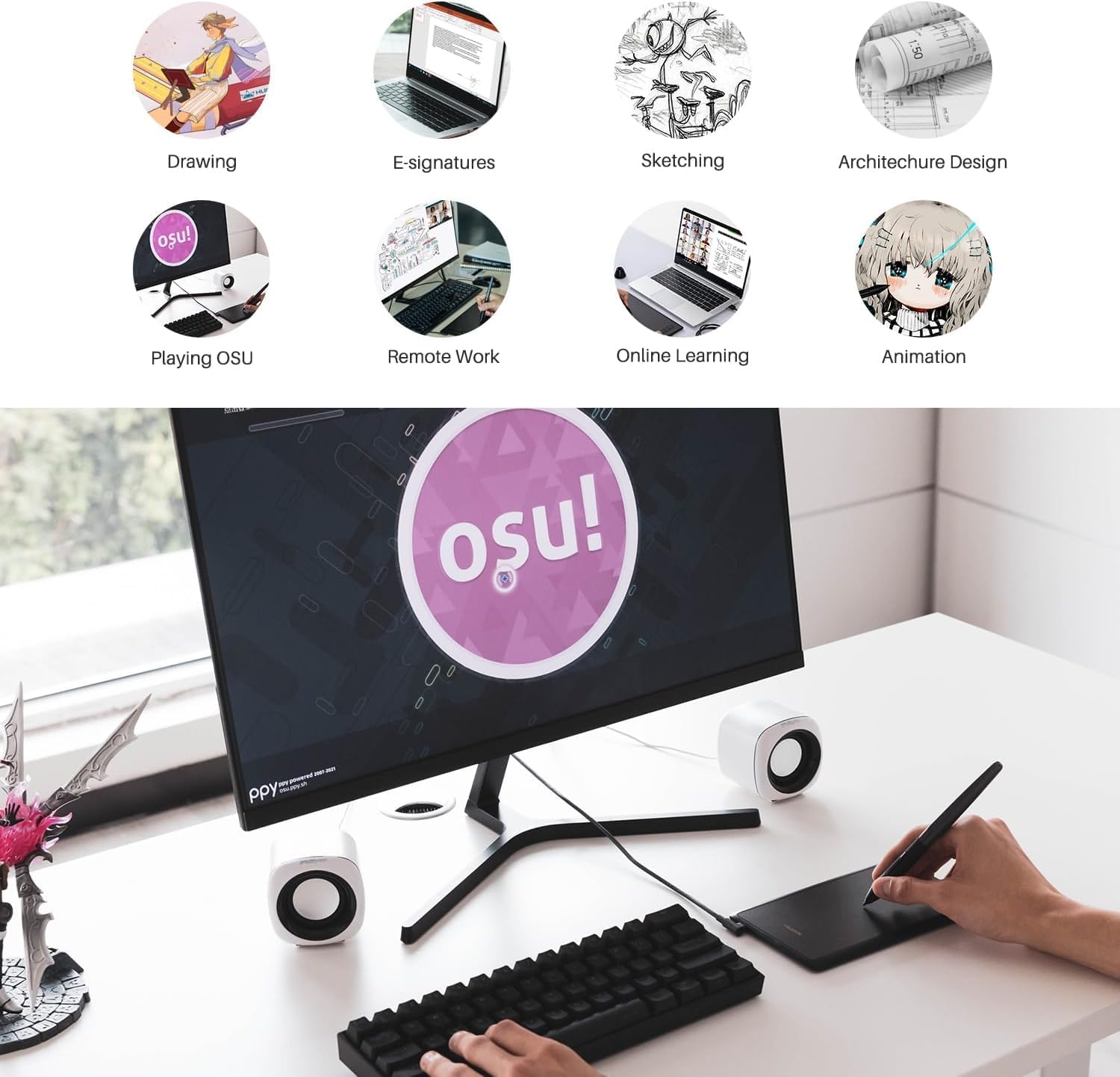
It also explicitly mentions OSU as a use case, alongside signing documents and note-taking. In practice, that usually means it’s built for people who want one device to cover school/work tasks and creative work, rather than something strictly focused on one single creative app.
Still, take a moment to align expectations: this is a drawing pad (not a pen display). If your “dream tablet” is one where you draw directly on the screen, this won’t match that preference.
Who it suits best (and who should think twice)
It’s a good fit if you want a portable drawing tablet for sketching, handwriting-style notes, and occasional OSU gaming, and you prefer a battery-free pen so you’re not remembering to charge anything.
It makes sense if your desk space is limited and you don’t mind working within a compact active area. Also, if you like the idea of swapping between pen and eraser/right-click actions using the pen’s two side buttons, that’s where the daily convenience shows.
It might not be a great match if you’re planning very large, detailed artwork where you’d rather have more room to move your hand without constant repositioning. It may also feel restrictive if you rely heavily on on-tablet shortcut keys, since the design is described as without hotkeys.
Getting the most from it
A simple way to judge if the H420X will work for you is to test your habits: if you tend to work with smaller canvases, sketch in bursts, or write notes more than you do huge, continuous drawings, the compact active area is unlikely to bother you.
For an everyday example, imagine a short session of OSU practice or a quick line-and-shape sketch: you plug in via USB Type-C, use the pen pressure for more natural strokes, and switch between actions using the two pen buttons. If you’re doing longer sessions, the narrow palm rest and rounded corners are meant to help you stay comfortable for longer than a flat, sharp-edged tablet.
Mini FAQ
Does it need a battery for the pen?
No. The stylus is described as battery-free, so pressure support doesn’t require charging.
How fast is the tablet supposed to respond?
The report rate is stated as 300 PPS, which is intended to make lines feel quicker and smoother.
Do I need to install a controller for OSU use?
The description states that you do not need to install the driver—just connect and play for OSU.
What devices does it work with?
Compatibility is listed for Windows 7 or later, Mac OS 10.12 or later, Chrome OS 88 or later, and Android 6.0 or later.
When it makes sense
The HUION H420X is worth considering if you want a lightweight, desk-friendly pen tablet for sketching, note-taking, and OSU-style gaming, and you like the idea of a battery-free pen with 8192 pressure levels and a solid responsiveness spec (300 PPS). It’s the sort of upgrade that can feel “easy to start with”, especially if you’re used to pen input and just want something portable.
You may want to skip it if you need a pen display, want a larger drawing area for detailed work, or you specifically rely on tablet hotkeys for shortcuts. For compact workflows on compatible devices, it looks like a practical pick—just be honest about how much workspace you want to work in.