

HUION Kamvas 12 11.6-Inch Graphic Tablet with Adjustable Stand
Product description
What it is
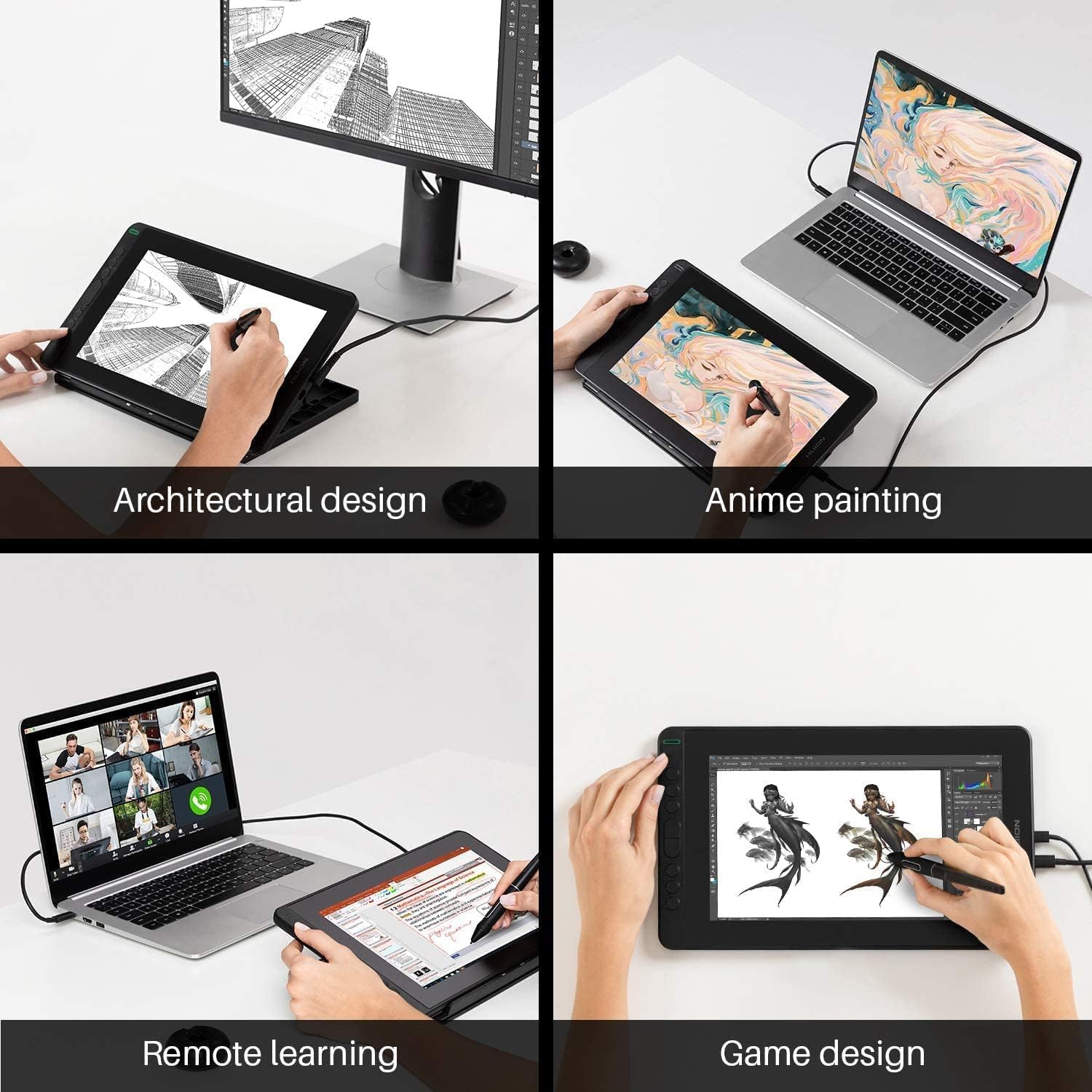
The HUION Kamvas 12 is an 11.6-inch drawing display designed to sit between a traditional tablet and a full pen display. It pairs an active battery-free pen with a full-lamination screen to deliver a more natural drawing feel and precise cursor alignment. It’s aimed at remote study, home working, and casual-to-semipro drawing tasks where a phone or laptop screen just isn’t enough for detail or comfort.
Key features
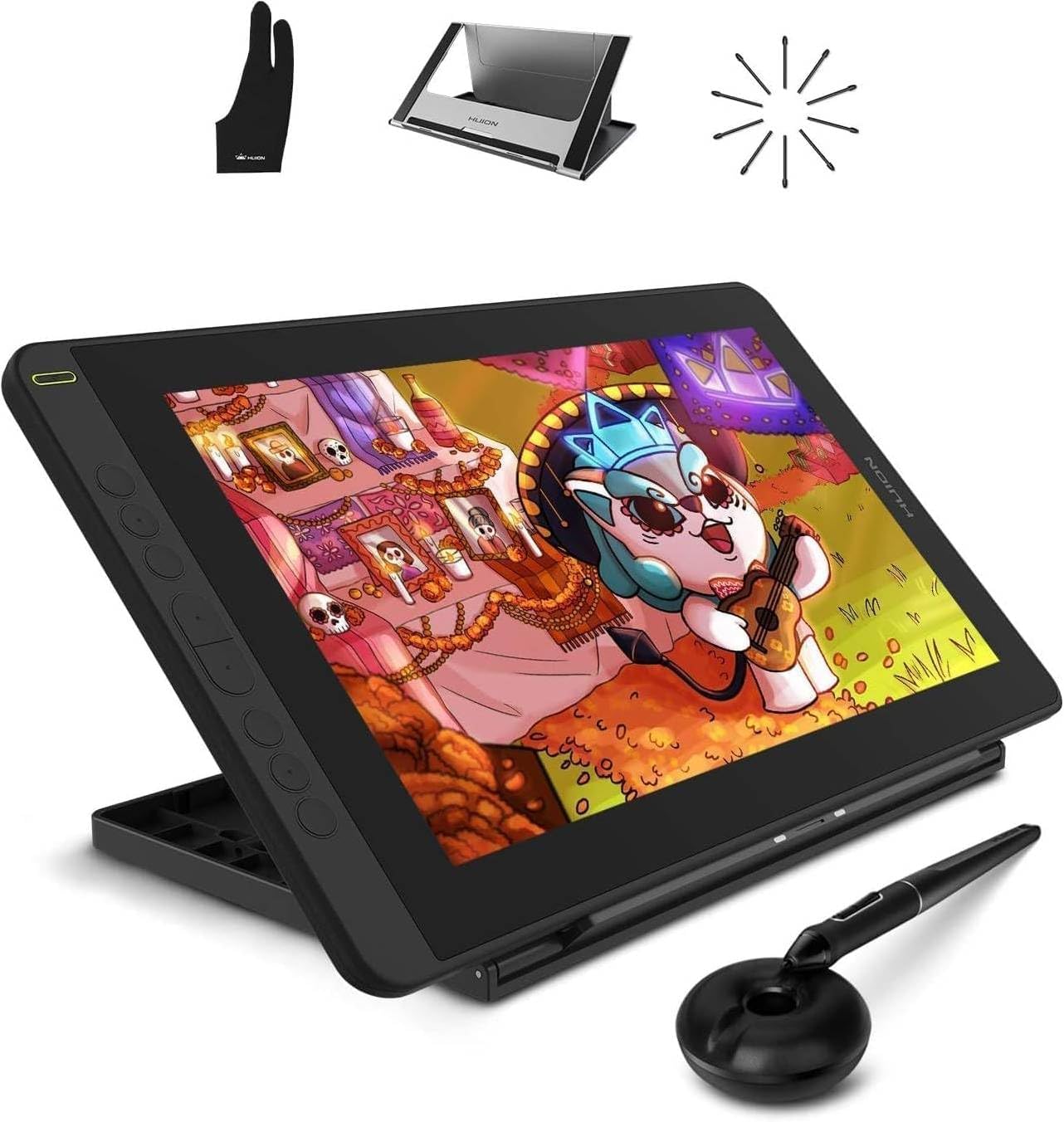
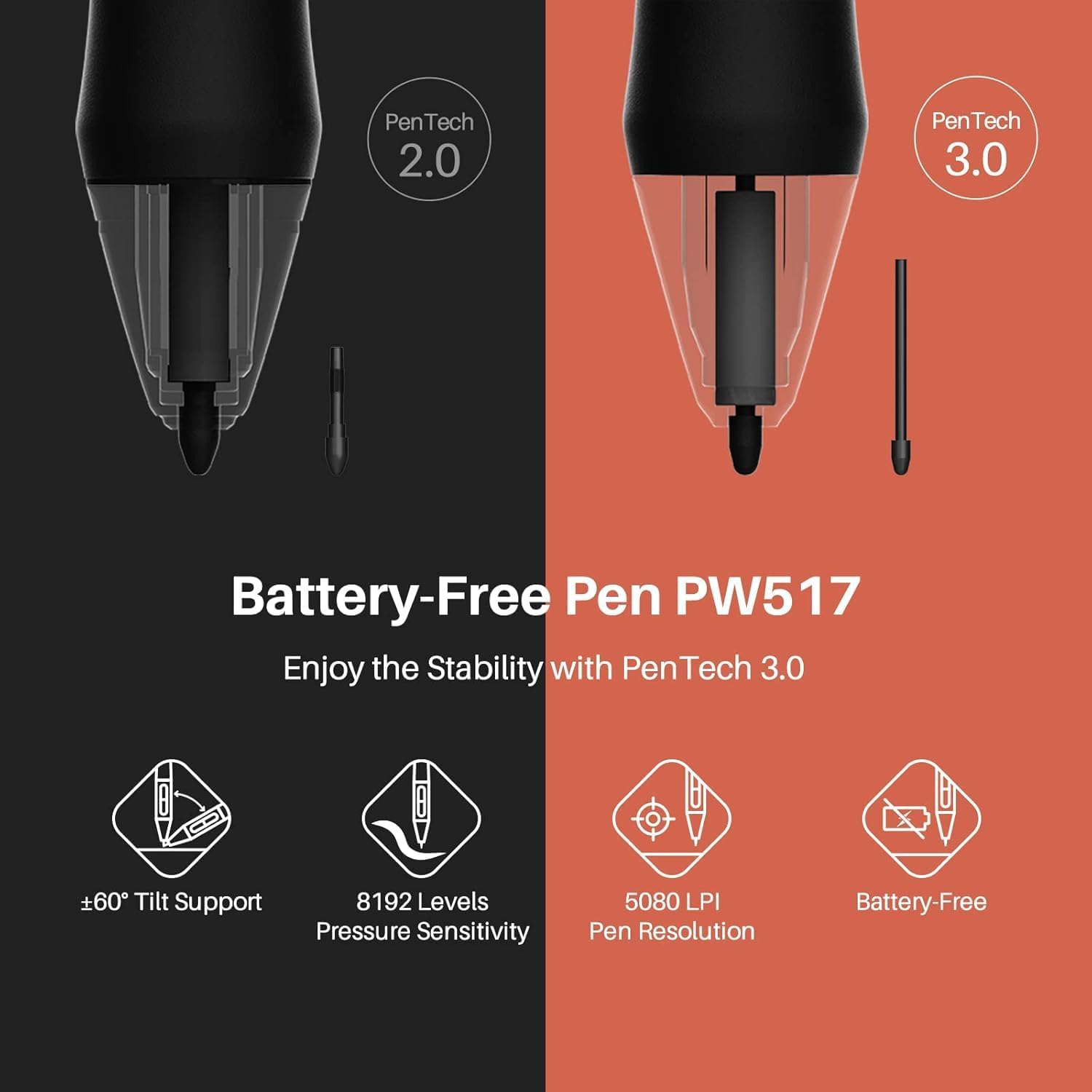
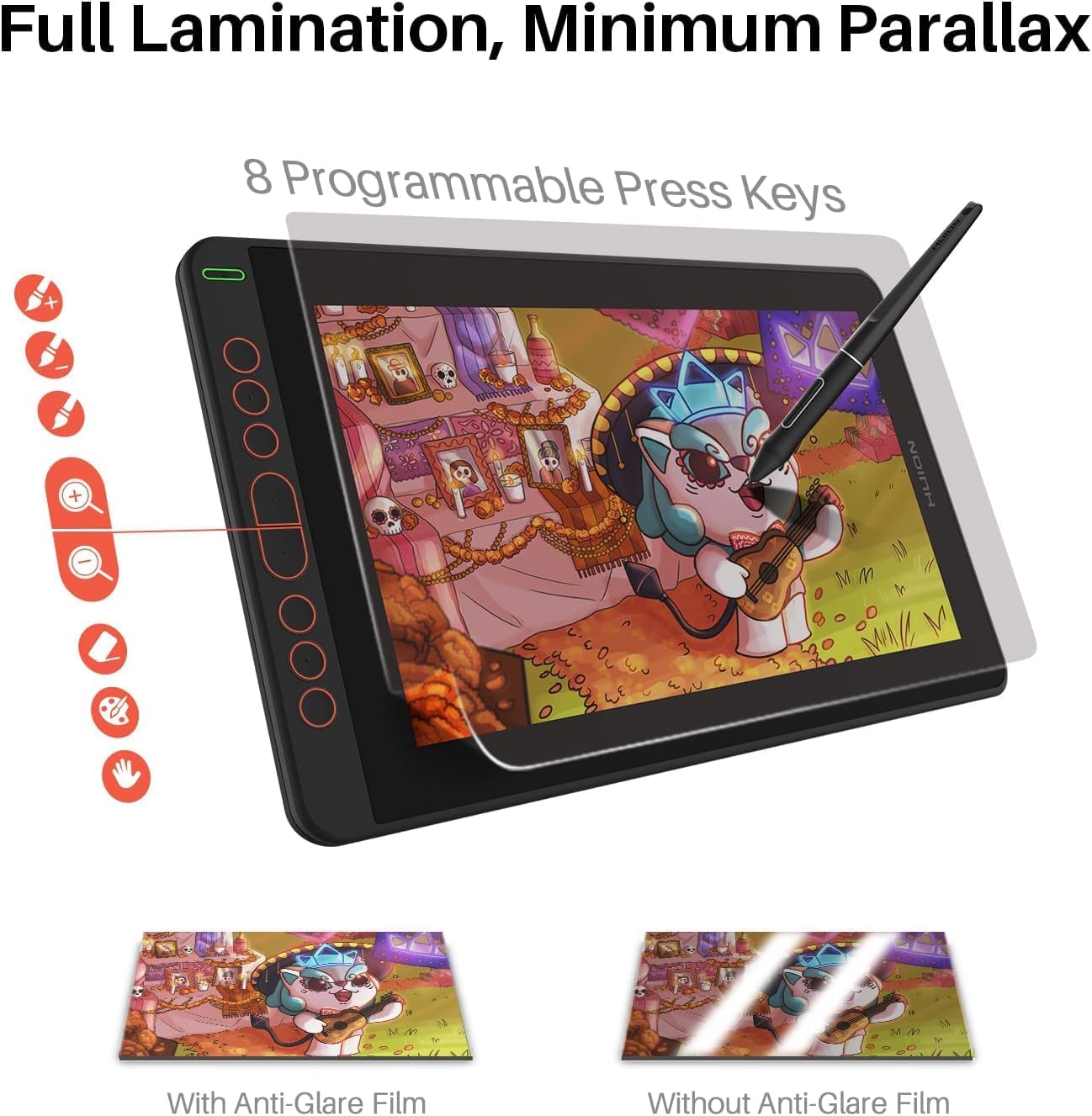
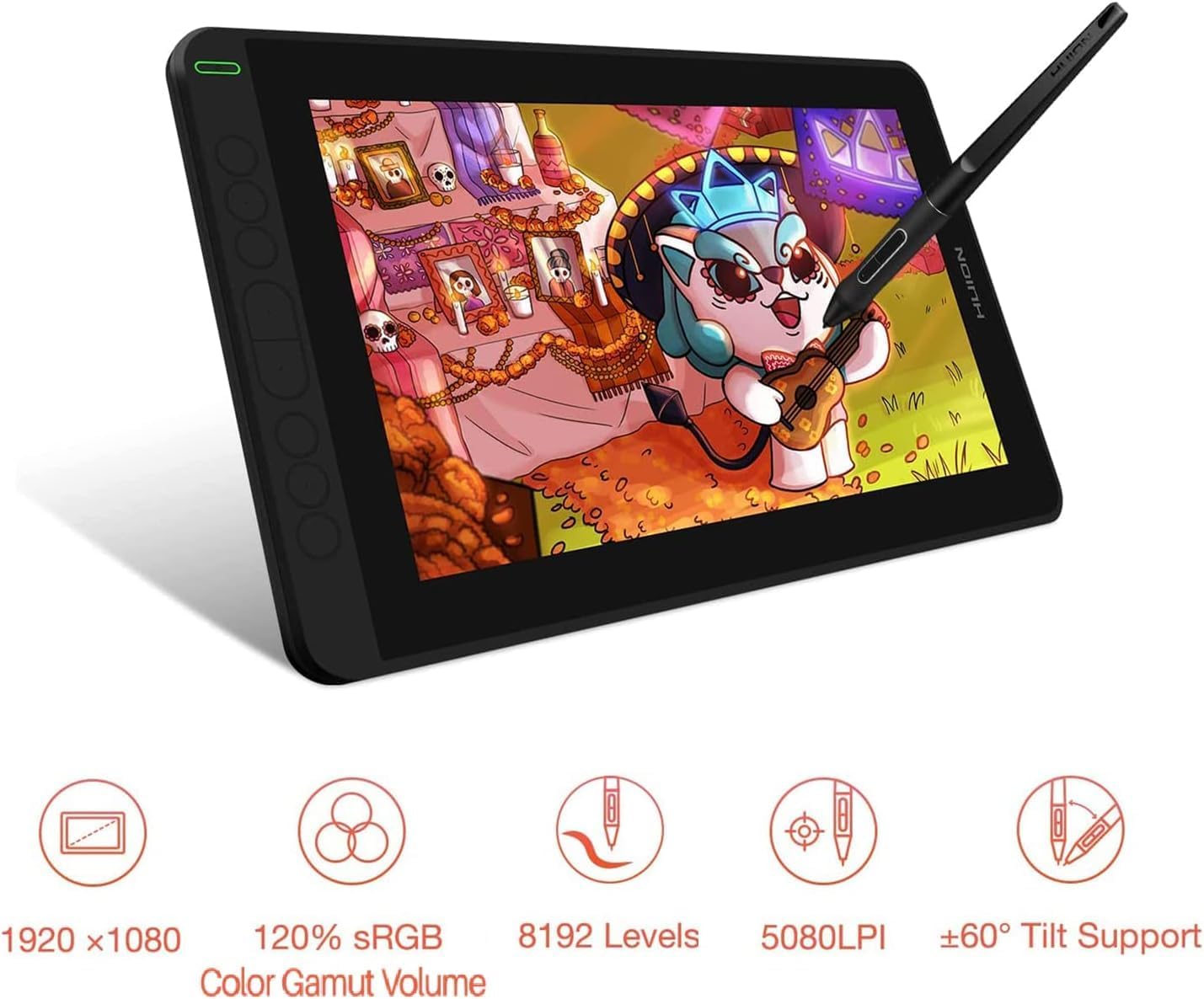
This model uses the PW517 battery-free pen with Huion PenTec3.0, offering 8192 levels of pressure, a 60-degree tilt function, and a responsive 266pps report rate. The screen is 1920×1080 with full lamination and a scratch‑resistant anti-glare film, designed to reduce parallax and reflections. There are 8 programmable shortcut keys, tipped with a concave surface and Braille markings for easier operation. The device is slim (11.8 mm) and lightweight (around 735 g), making it practical for mobile setup.
Tech specs (highlights)
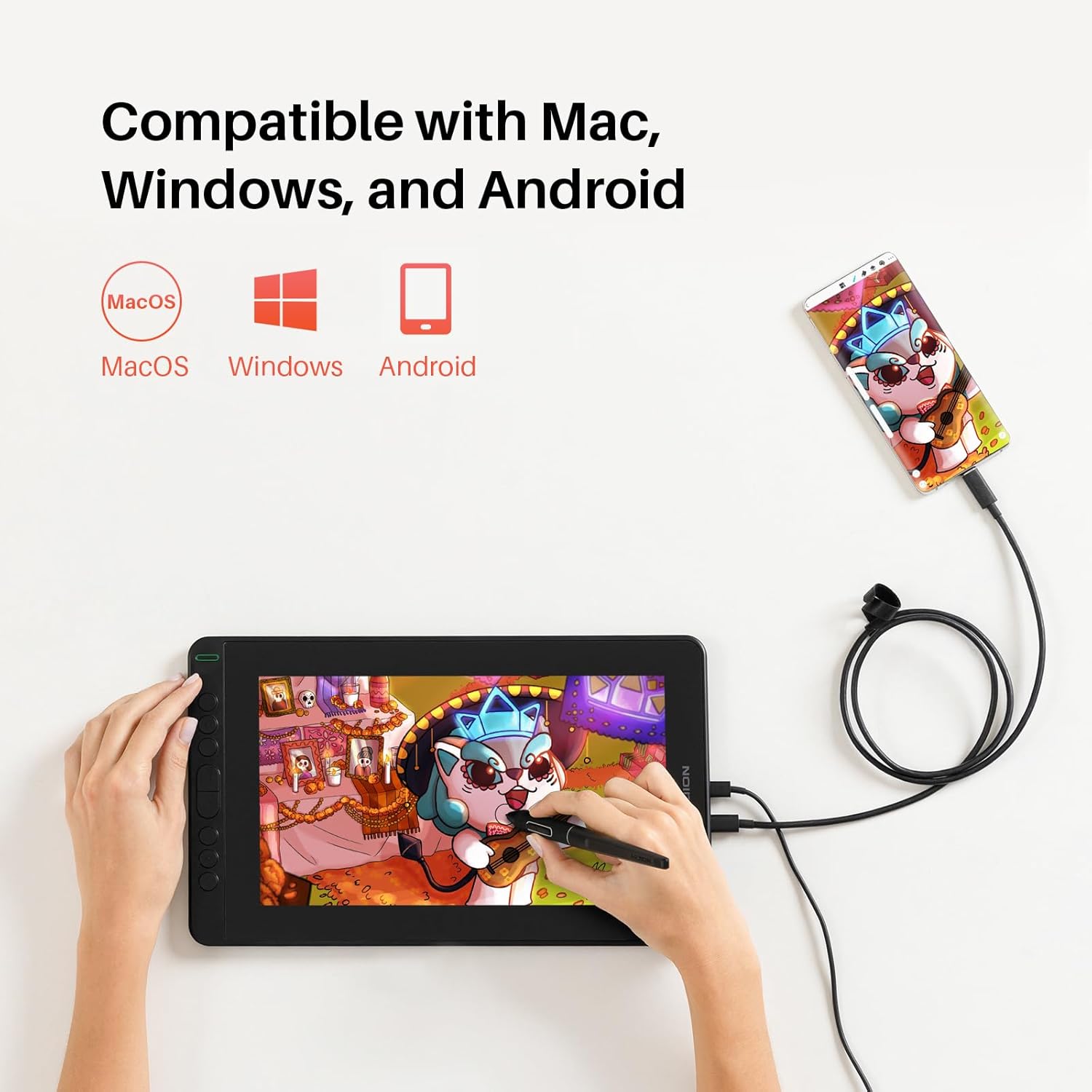
The Kamvas 12 is compatible with Windows 7 or later, Mac OS 10.12 or later, and Linux. It can connect to Android devices via a full-featured Type-C cable, acting as an extended display for web meetings and remote learning. The display supports a wide colour gamut, delivering vibrant visuals for line work and colour fills.
Who it suits
If you’re working from home or studying remotely and want a dedicated drawing surface that’s easier on the eyes than a laptop screen, this Kamvas 12 is a pragmatic option. It’s likely to appeal to students, hobbyists, or professionals who value a lower-cost pen display with reasonable screen real estate and portability, without diving into higher-end, heavier tablets.
Practical use and what to expect
In day-to-day use you’ll notice the natural pen feel thanks to the laminated screen and the stable tracking from the PW517 pen. The 8 shortcut keys can be customised to quick-access commands, which helps speed up common tasks in drawing software or presentation preparation. The build feels solid for a device of this size, but as with many compact displays, you may find it preferable to place it on a stable stand or desk to keep it at a comfortable angle for long sessions.
Pros and considerations
Pros: natural drawing feel, responsive pen with tilt support, full lamination reduces parallax, compact and portable, Android and desktop compatibility, useful side controls. Cons: screen resolution is 1080p on a smaller panel, which might be a trade-off if you require ultra-high resolution for large prints, performance relies on compatible drivers and software, and some users may want more shortcut keys or a larger drawing area.
Limitations and caveats
The device is designed as a mid-range drawing display. If your work demands the highest pen accuracy or absolutely cycles through advanced features, you might encounter some limitations compared with higher‑end models. Also, while Android connectivity is supported via Type-C, real-world stability can depend on the specific host device and software used.
Before you buy
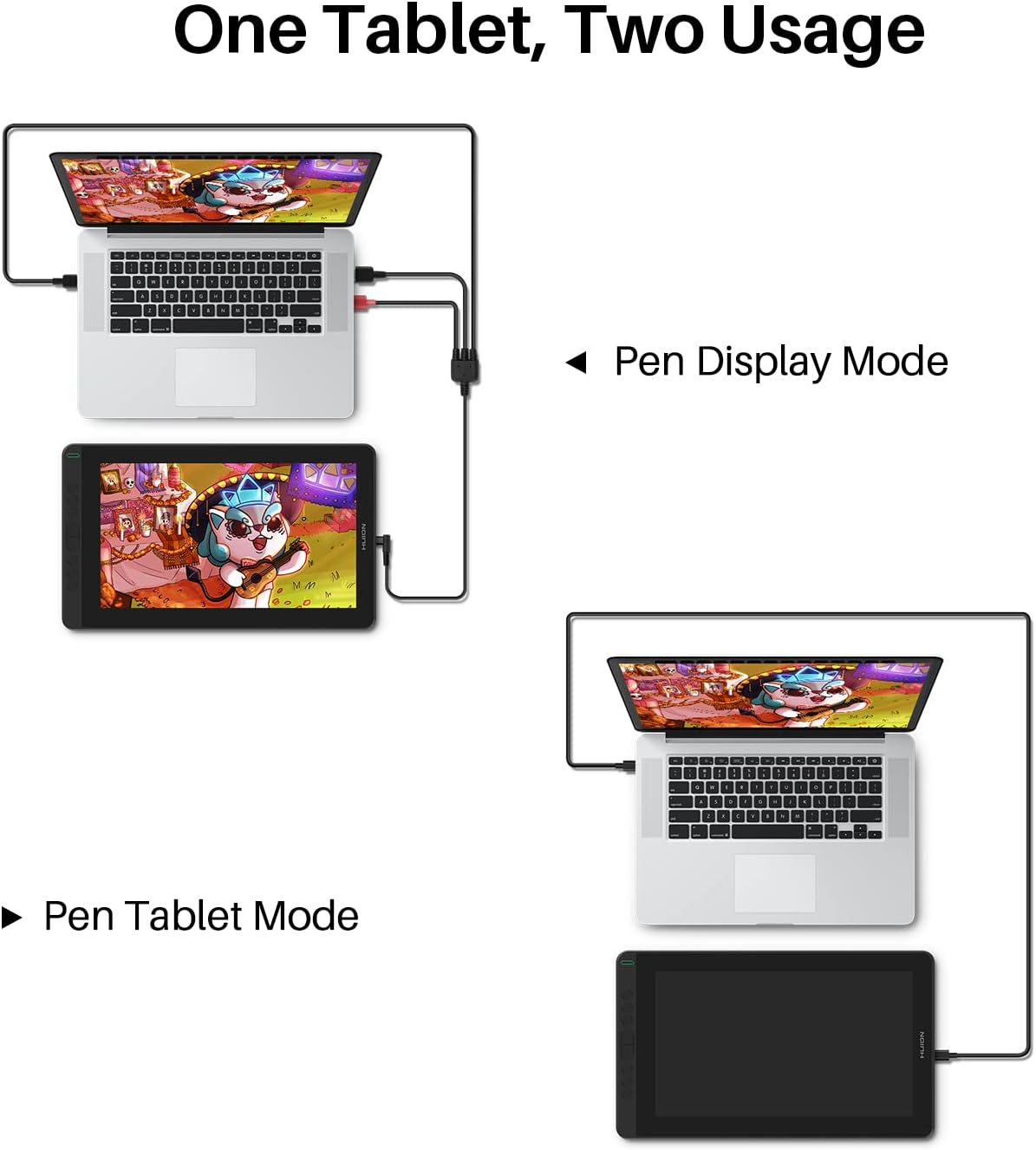
Consider your typical working surface: will you be comfortable with an 11.6‑inch drawing area, and can you place it where you can reach the 8 keys without cramping? Check that your computer or tablet supports the required OS version and that your software (e.g., Photoshop, Clip Studio, Paint Tool Sai) runs smoothly with Huion drivers. If you frequently work on very high‑resolution projects, you may notice the 1080p panel limits.
In use: how it compares to other approaches
This Kamvas 12 sits in the entry-to-mid tier of pen displays. If you mainly need a second screen for note‑taking and occasional drawing, a smaller, more affordable model could suffice. If you prioritise colour accuracy, larger drawing areas, or very high detail work, you might opt for larger displays with higher resolution and more programmable keys. For those who value a straightforward setup and decent portability, Kamvas 12 offers a sensible balance.
Is it worth it?
Buying verdict: Worth considering if you want a compact, battery-free pen display that fits into a home office or student setup, with solid pen performance and helpful shortcut keys. It may not be the best fit if you require extreme colour accuracy, the largest possible drawing area, or ultra-high resolution.
FAQ
- Can it run with my Android phone? Yes, via the Type-C connection, when the host device supports it.
- Do I need a separate pen nib? The pen includes nibs, but you may wish to check availability from your supplier for replacements.
- Is it good for remote teaching? It can serve as an extended display for notes and demonstrations, subject to software compatibility on your device.
Final note
If you prioritise portability, cost-efficiency, and a natural drawing feel in a compact panel, the Kamvas 12 is a reasonable option to explore for home or remote work and study.