

HUION Kamvas Pro 16 4K drawing tablet
Product description
If you want a screen graphics tablet that helps your artwork look sharp and consistent, the HUION Kamvas Pro 16(4K) is built for that everyday workflow. It combines a high resolution display with a battery-free PW517 pen, so you can sketch, paint, edit photos, or sign documents directly on screen. With a 15.6-inch anti-glare design and pen performance tuned for accuracy, it is a practical choice for PC, Mac, and compatible Android setups, all focused on reducing visual friction while you work.
Key features
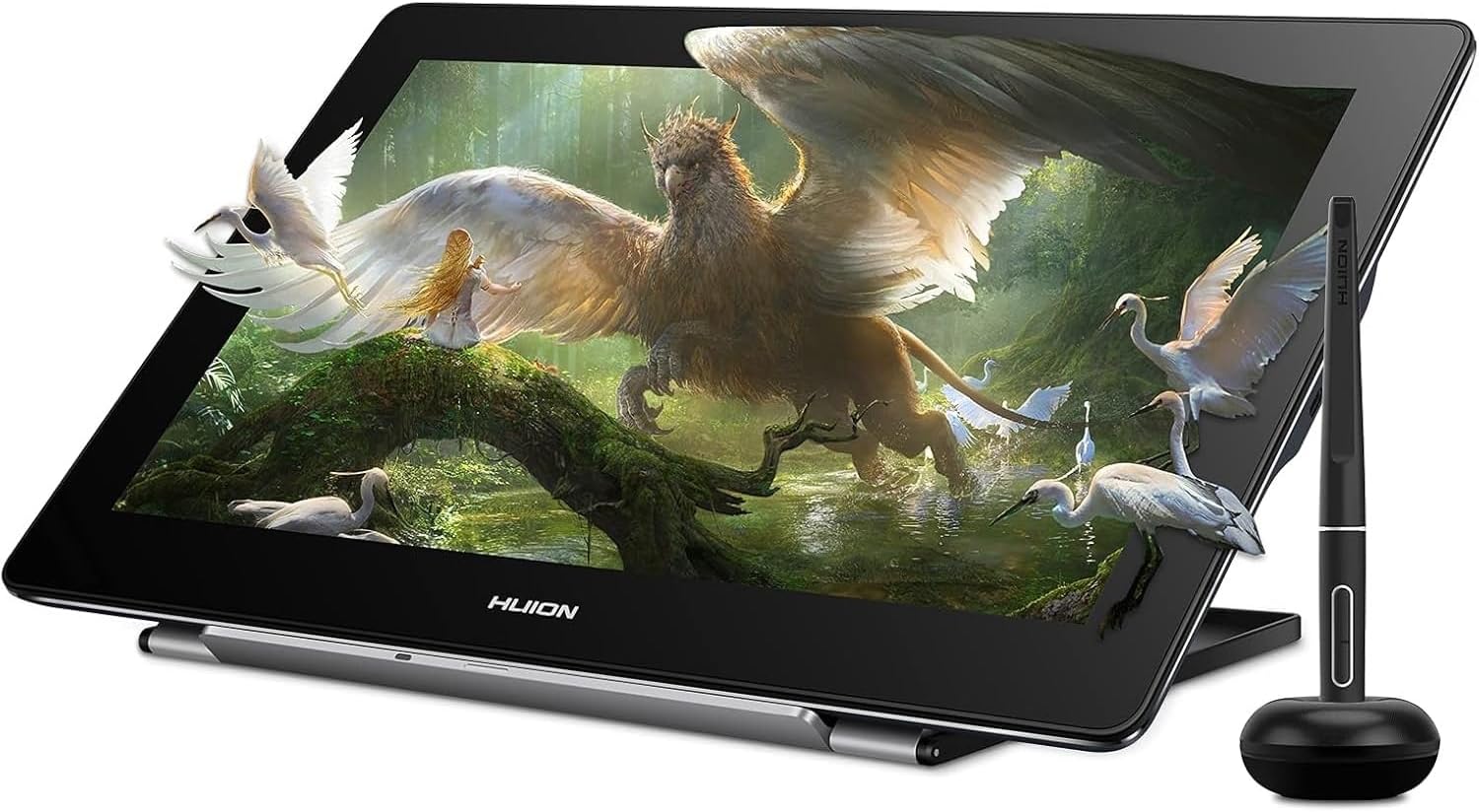
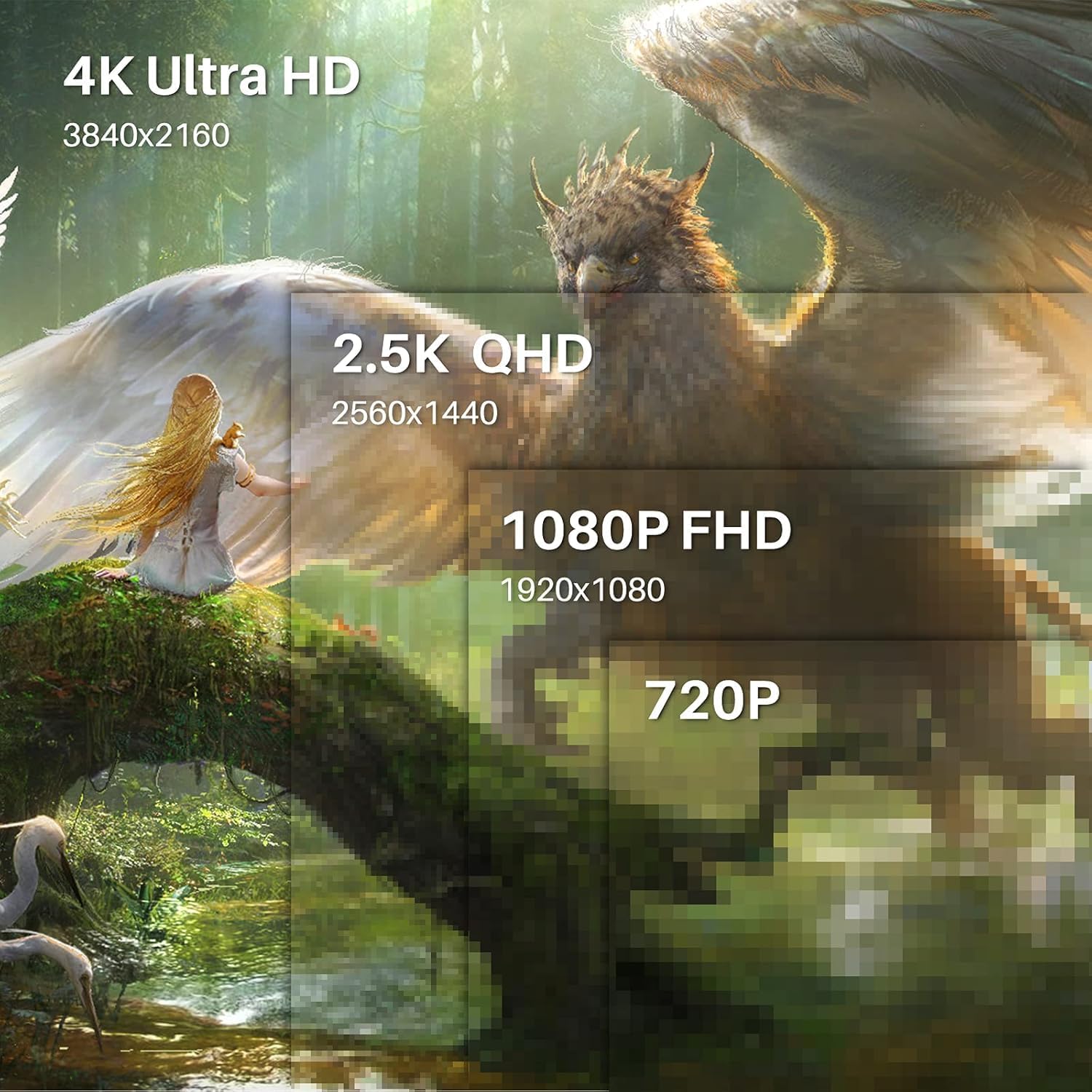
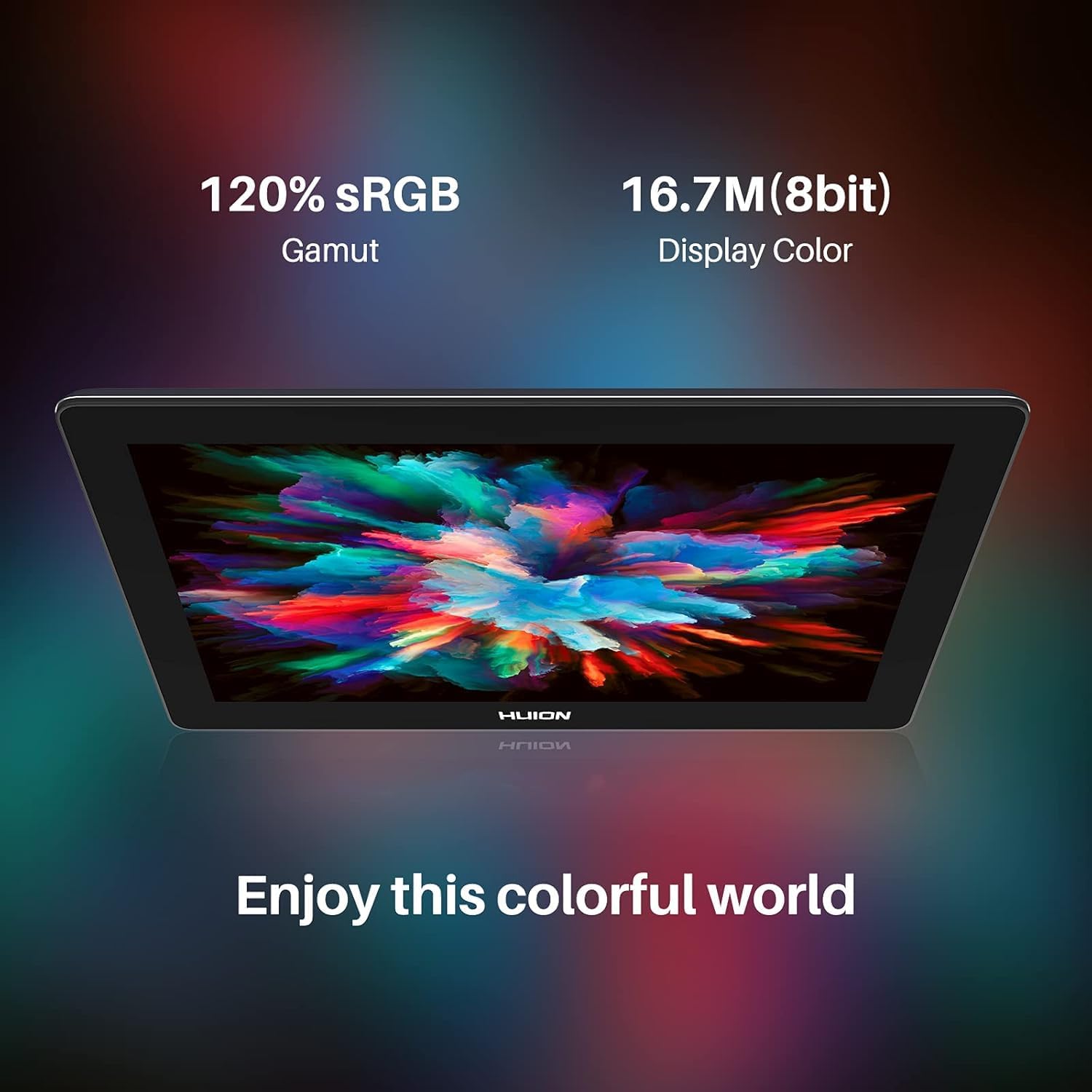
The Kamvas Pro 16(4K) focuses on image clarity and comfort while you draw. According to the manufacturer, the 4K display delivers a resolution four times that of a Full HD 1080p screen, packing in more than 8 million pixels. That higher pixel count helps UI elements like icons, menus, and text appear sharper, which can make a difference when you are doing detailed graphic design work. The display also uses a 120 percent sRGB colour gamut and supports 16.7 million display colours, aiming to make your output feel more vivid when you create and edit.
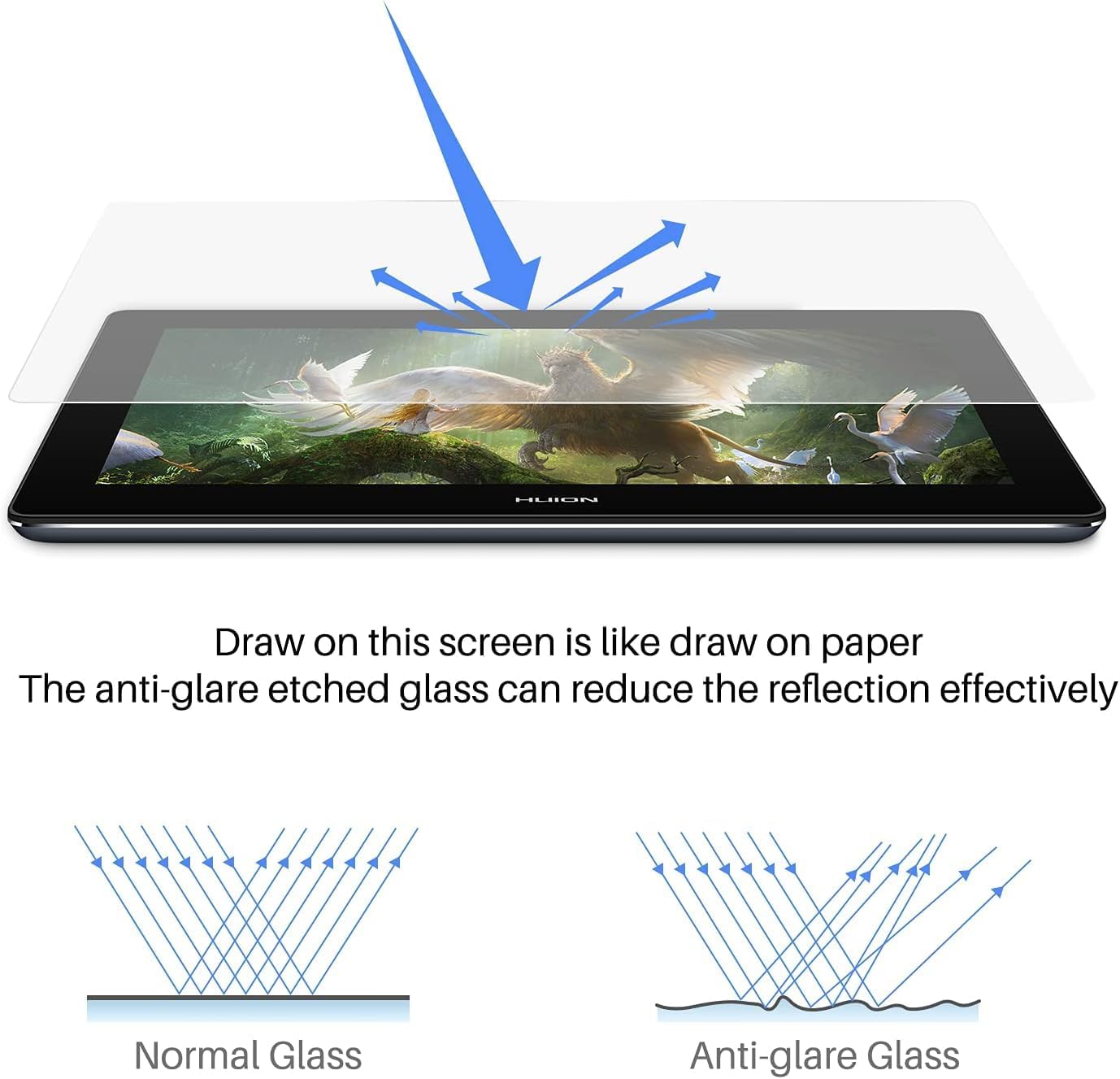
Another key part of the experience is how the screen sits in real use. The full-laminated anti-glare screen is designed to reduce reflections and limit eye strain, and it keeps the visual gap between pen tip and cursor minimal, which can help your hand and eye stay in sync. An IPS panel is used, and the manufacturer highlights wide 178 degree viewing angles, so the image quality is maintained when you move around the screen or share what you are working on.
Tech specs
- Display: 15.6-inch monitor
- Resolution: 4K, four times Full HD 1080p, per manufacturer
- Colour gamut: 120% sRGB, per manufacturer
- Pen type: battery-free digital pen PW517
- Pen accuracy: ±0.3mm, per manufacturer
- Pen tilt recognition: ±60°, per manufacturer
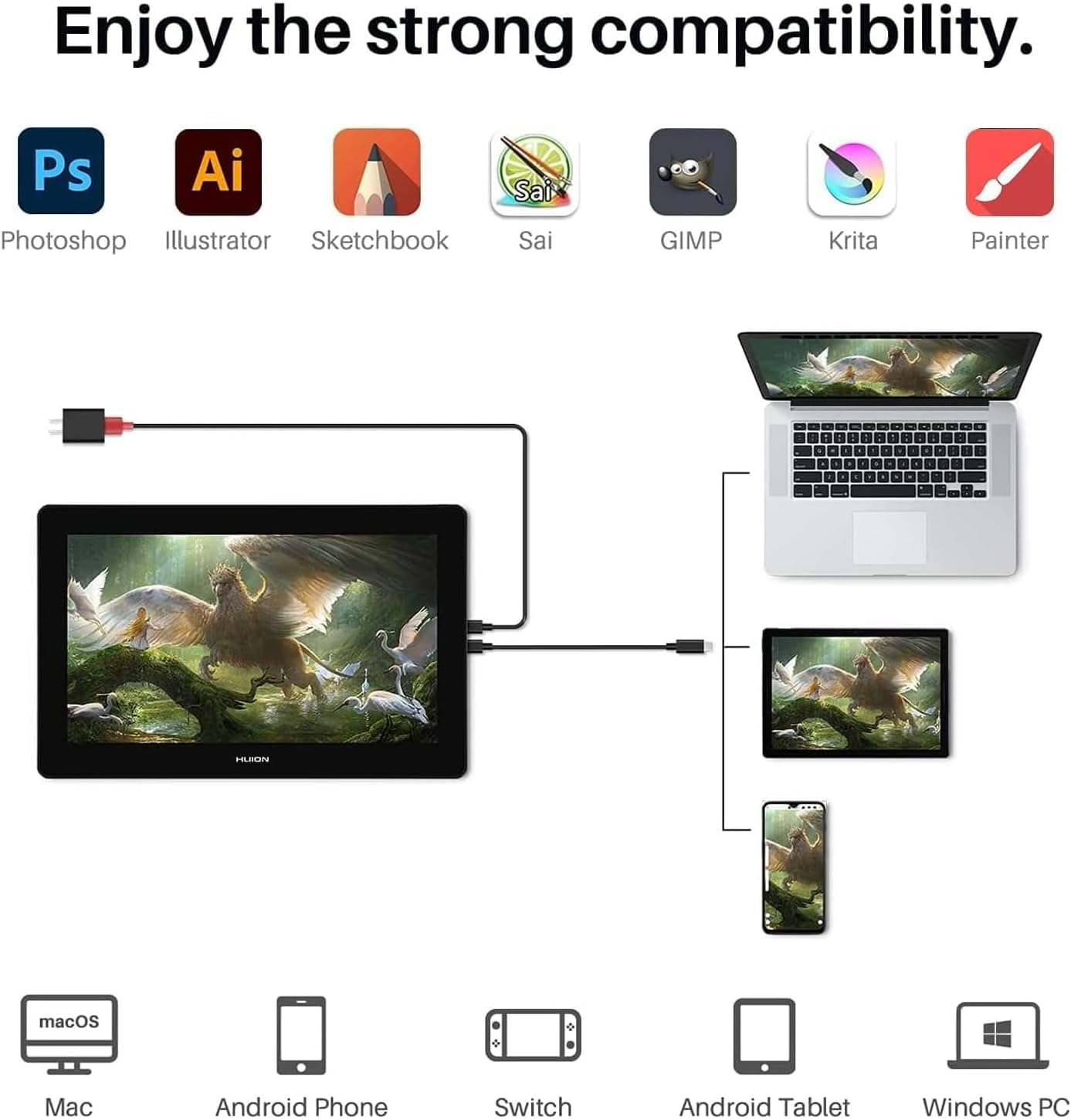
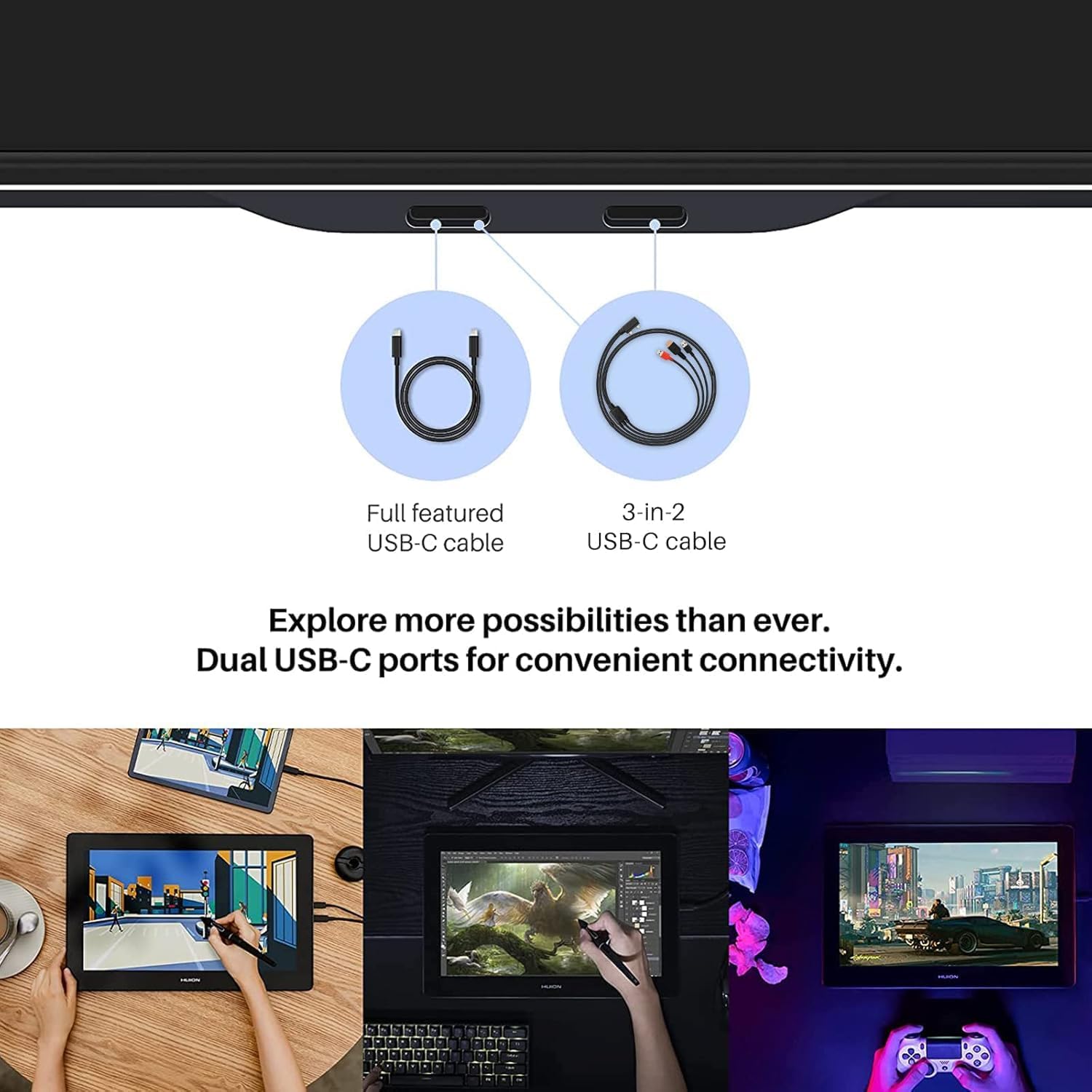
- Connectivity: dual USB-C ports plus HDMI option with 3-in-1 HDMI cable, per manufacturer
What stands out
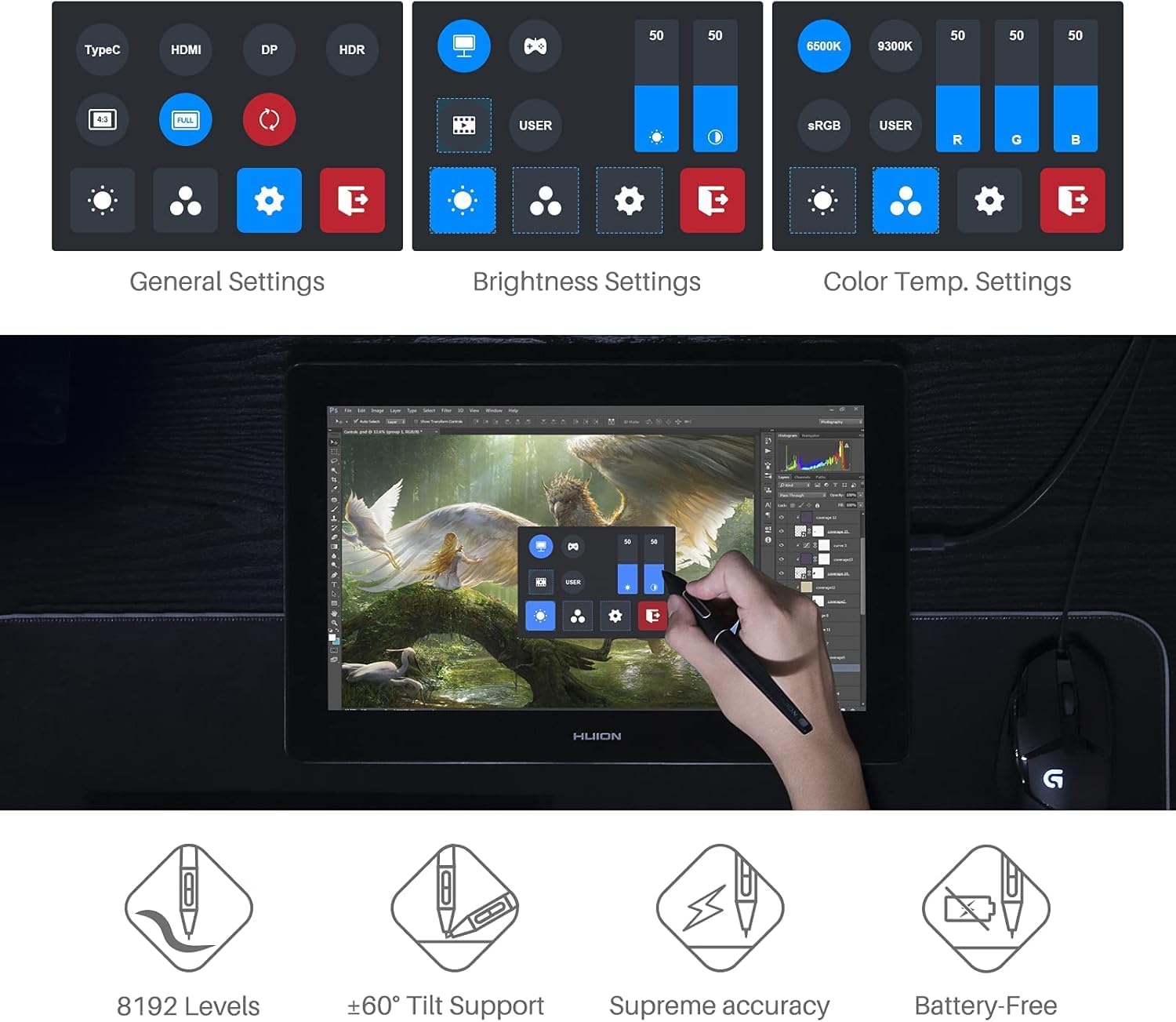
Pen performance and display behaviour work together here. The PW517 pen features PenTech3.0, and the manufacturer claims better accuracy of ±0.3mm to help you place lines and details with more control. It also supports ±60° tilt recognition and is described as virtually lag-free for tracking, so your strokes can feel responsive while you draw, ink, or refine shapes. If you like customising your working environment, the digital pen can also adjust OSD settings such as brightness and colour temperature, which is useful when you shift between different tasks.
Connectivity is designed to stay flexible across different devices. The Kamvas Pro 16(4K) offers dual USB-C ports, with support for connecting to PC, Mac, and compatible Android devices. The manufacturer notes you can connect using a single 3-in-1 HDMI cable, or use a full-featured USB-C cable alongside a power cable, depending on what your setup allows. With the ability to start work on sketches, painting, photo editing, document signing, mind maps, diagrams, and notes, it is positioned as a general-purpose tool for creative and everyday workflows. It may not be suitable if your Android device does not support the stated USB3.1 GEN and DP1.2 requirements.
It’s a good fit if you prioritise accurate pen placement and a high resolution screen for detailed UI work, and you want a screen tablet that can move between multiple platforms without changing your drawing habits. It makes sense if you do long sessions and would rather use an anti-glare, full-laminated display design than a reflective panel. You’ll like it if you benefit from wide viewing angles and consistent colour display for graphic design tasks. You may want to skip it if your devices do not meet the compatibility requirements listed by the manufacturer for Windows, macOS, or supported Android connections, because connectivity is central to how the tablet functions.