

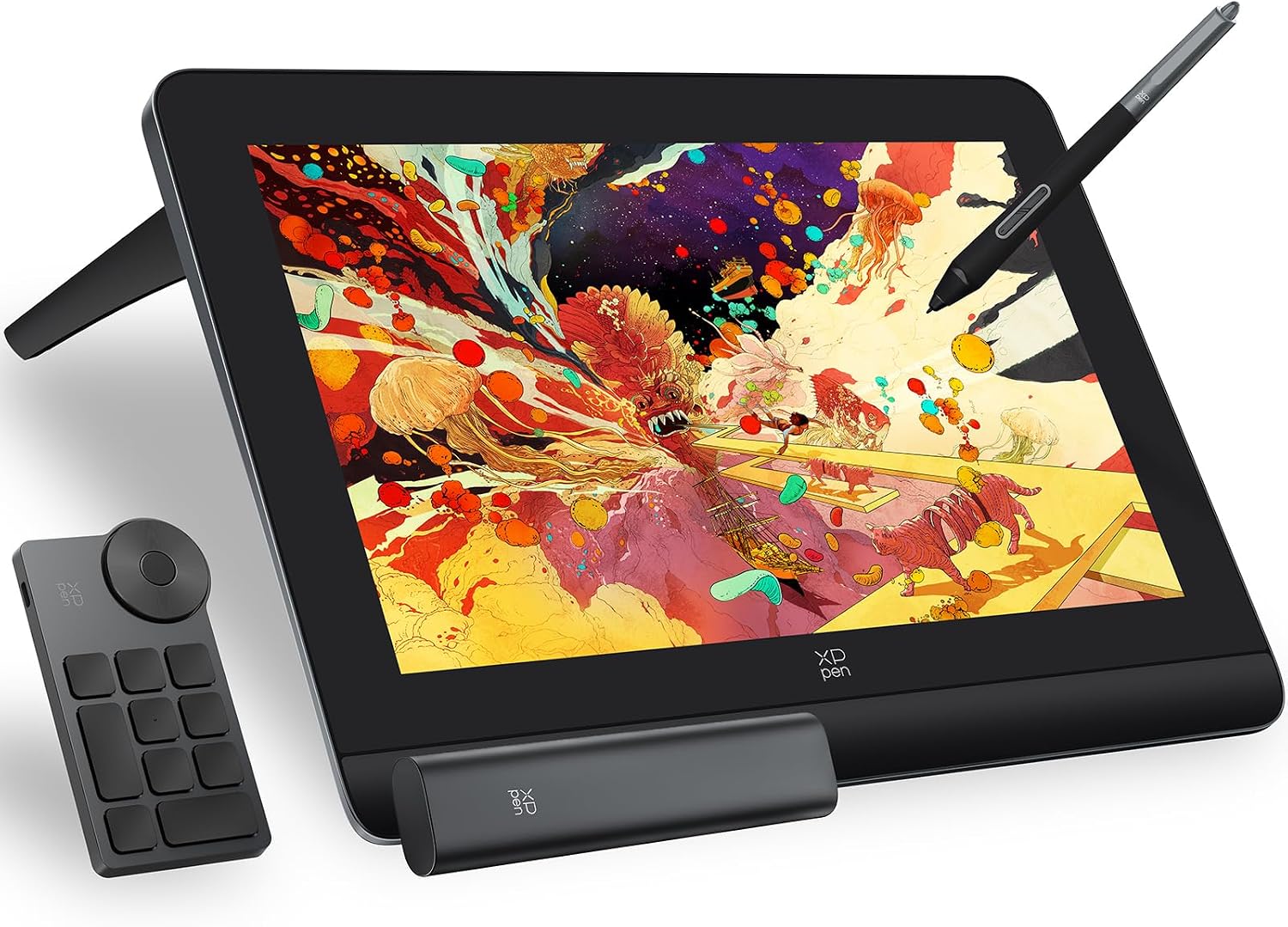
XPPen Artist Pro 14 (Gen 2) Graphics Drawing Tablet with 14-inch laminated display and X3 Pro stylus
Product description
The essentials
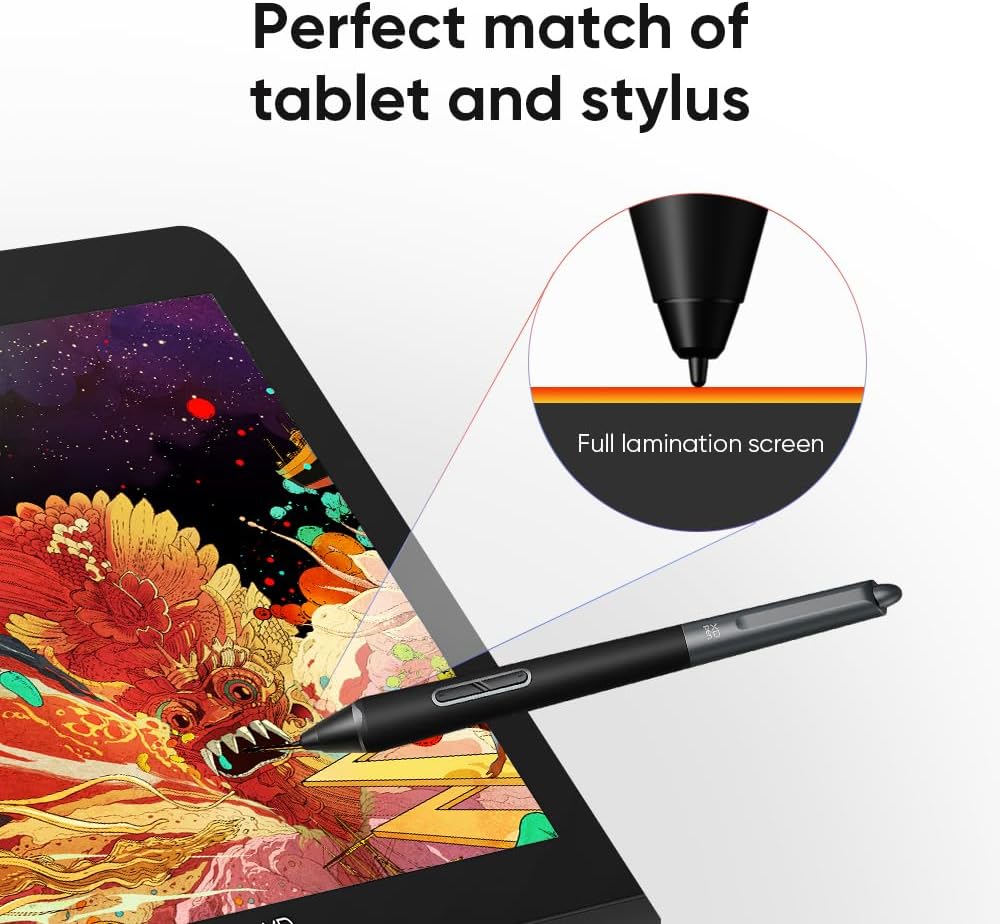
If you want a pen display that feels closer to drawing on-screen than on a trackpad, the XPPen Artist Pro 14 (Gen 2) is built around that idea: a 14-inch, full-laminated display with a stylus designed for detailed, controlled marks. On paper, it leans towards creators who care about line quality and responsiveness, not just sketching in a basic way.
The bigger appeal here is the combination of a 14-inch screen (in a 16:10 format) and an X3 Pro stylus that’s positioned as highly sensitive. It also includes a wireless shortcut remote and a foldable stand, so your most-used controls can stay close without constantly reaching for the keyboard.
That said, it’s worth being clear about the limitation: this isn’t a standalone tablet. It requires connection to a PC/laptop, so it only makes sense if you already have (or plan to use) a computer set-up.
Key features worth paying attention to
The headline details are the stylus performance claims and what they’re meant to change for real drawing.
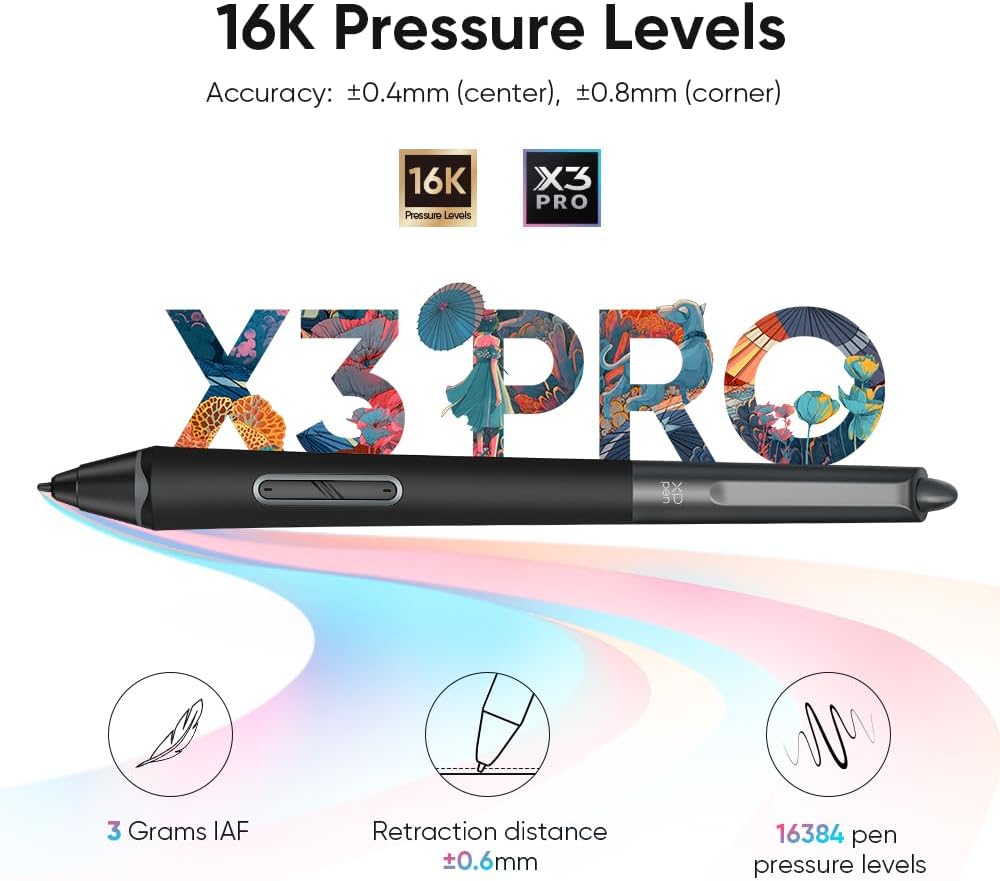
According to the product description, the X3 Pro stylus uses a smart chip and is described as offering 16K pen pressure levels, plus more precision and smoother lines with virtually no lag or broken lines. It also claims a 20% accuracy increase. Those are the types of statements that usually matter most to people who do careful inking, brushwork, or editing where “small” input differences show up on screen.
The display side is another strong angle: a 14-inch full-laminated screen with 1920×1200 resolution and an aspect ratio designed for a comfortable canvas shape. There’s also mention of reduced blue light emissions for eye comfort, plus 99% sRGB coverage for colour work. If you’re doing illustration, concept art, or photo-based editing where colours need to look consistent, those display notes are practical.
One more thing you don’t see on every pen display: extra workflow options like screen split and screen projection are referenced, and there’s even a simple way to switch the display to “tablet” mode by holding the power button for 3 seconds.
What you’ll notice day to day
In everyday use, a pen display lives or dies by how natural the physical drawing feels and how quickly you can move between tools.
Here the full-laminated 14-inch screen should help with the “draw more like glass than like a monitor” expectation, and the included foldable stand is there for comfort—especially if you’re doing longer sessions at a desk. The shortcut remote is also a genuine quality-of-life feature in practice: instead of cycling through menus, you can map and trigger common actions quickly.
A small micro-example: if you’re lining a sketch, you might set up your inking brush and eraser, then use the remote to swap tools while your hand stays on the stylus. It’s the kind of flow improvement that doesn’t sound dramatic, but it tends to reduce interruptions.
If you’re mainly using very simple apps for light sketching, you may not feel the difference as much. This model seems more aimed at users who spend time refining strokes, layers, and details.
Tech specs
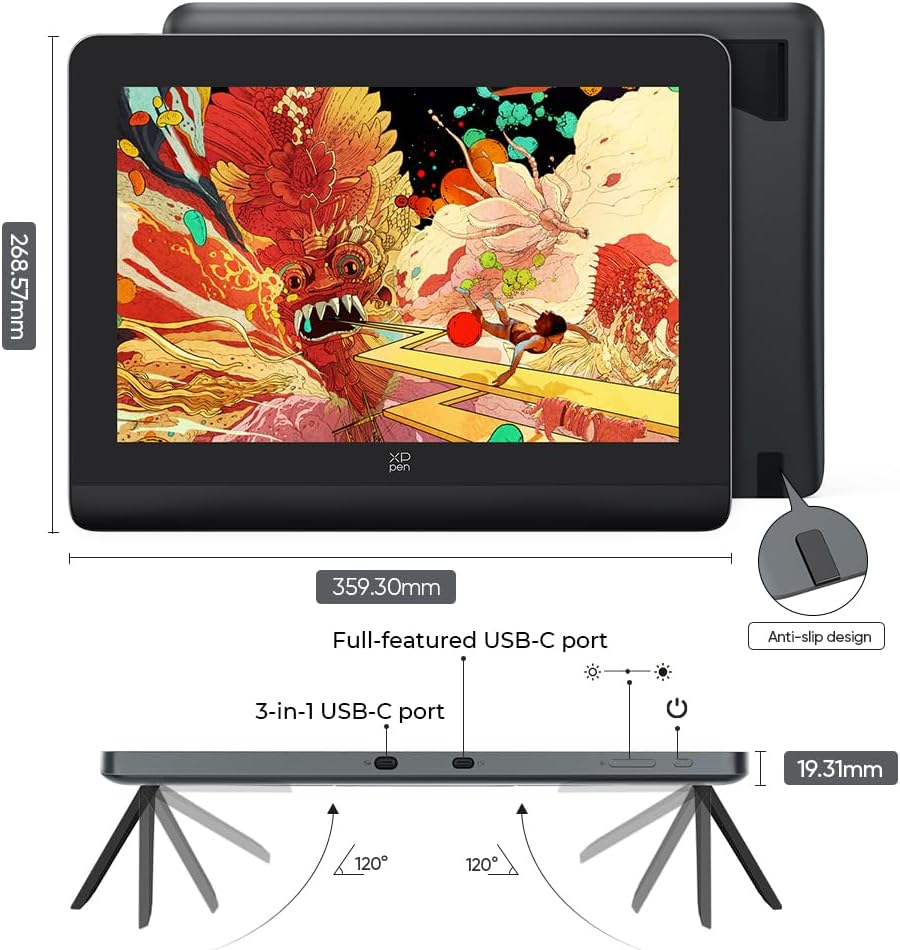
- Display size: 14-inch full laminated screen
- Aspect ratio: 16:10
- Resolution: 1920×1200
- Pen pressure: 16K levels (with X3 Pro smart chip stylus)
- Colour coverage: 99% sRGB
- Stand: built-in foldable stand
- Wireless controls: wireless shortcut remote
- Supported OS: Windows (7 or later), macOS (10.10 or later), Android (USB3.1 DP1.2), Chrome OS (88 or later), Linux
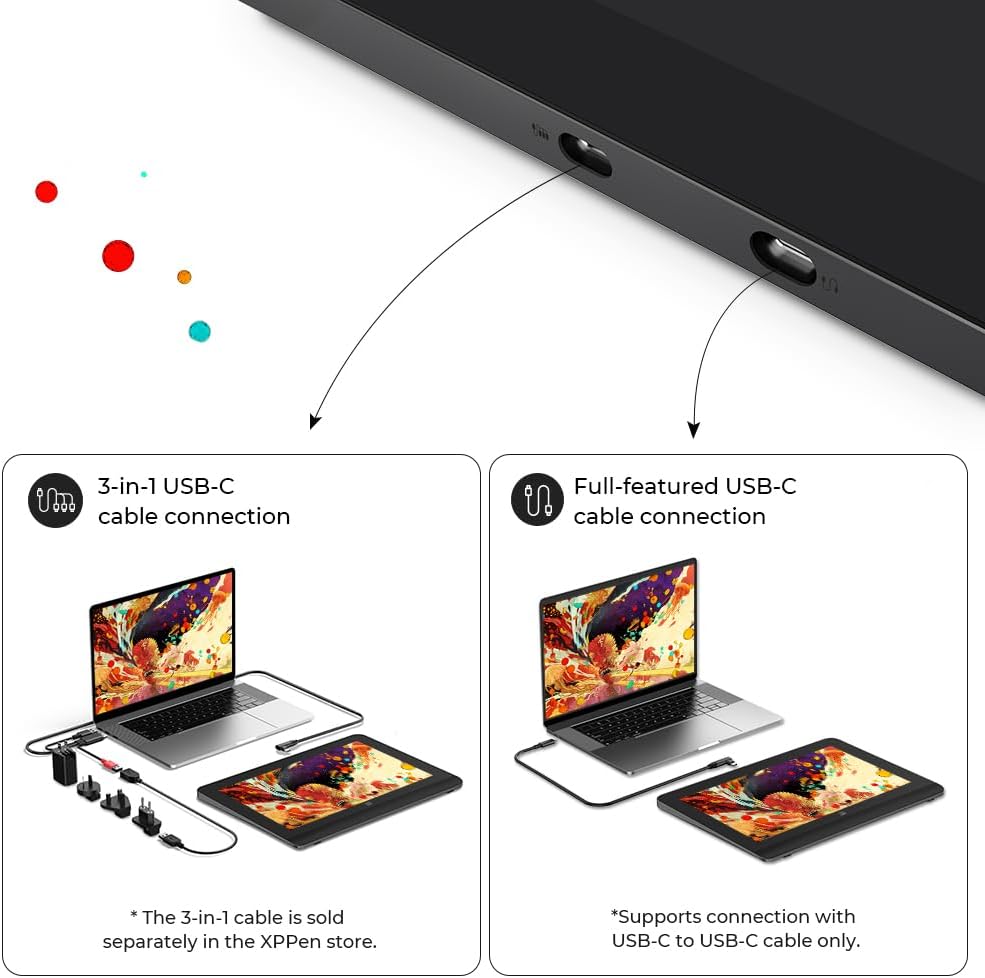
- Connection requirement: requires connection to a PC/laptop (not standalone)
Compatibility and software support
Compatibility is one of the more reassuring parts of this listing. It’s stated to work with Windows 7 (or later), macOS 10.10 (or later), Android via the stated USB3.1 DP1.2 approach, Chrome OS 88 (or later), and Linux.
It’s also described as supporting popular digital art software including Adobe Photoshop and Illustrator, plus Krita, among others. For many buyers, the practical question is less “will it run?” and more “will my workflow run smoothly?” The information you have here points in the right direction, but do bear in mind that you still need a computer connection—so check your device ports and set-up approach before committing.
Pros and cons to weigh up
What stands out
- 14-inch full-laminated screen aimed at a more natural drawing feel
- High-resolution, 16:10 canvas shape for illustration and editing work
- 99% sRGB coverage mentioned for colour accuracy
- Shortcut remote and foldable stand for a quicker, more comfortable workflow
- Screen split/projection features referenced for multi-tasking and creative use
Where you might hesitate
- Not a standalone tablet: it requires a PC/laptop connection
- Some of the “accuracy”, “no lag” and “broken lines” claims are described rather than proven in this information—so if you’re very sensitive to latency, you’ll still want to verify real-world expectations from independent feedback
- If your work is occasional and you don’t need colour accuracy or pressure depth, you might find a simpler entry-level option more cost-effective
Is it worth it?
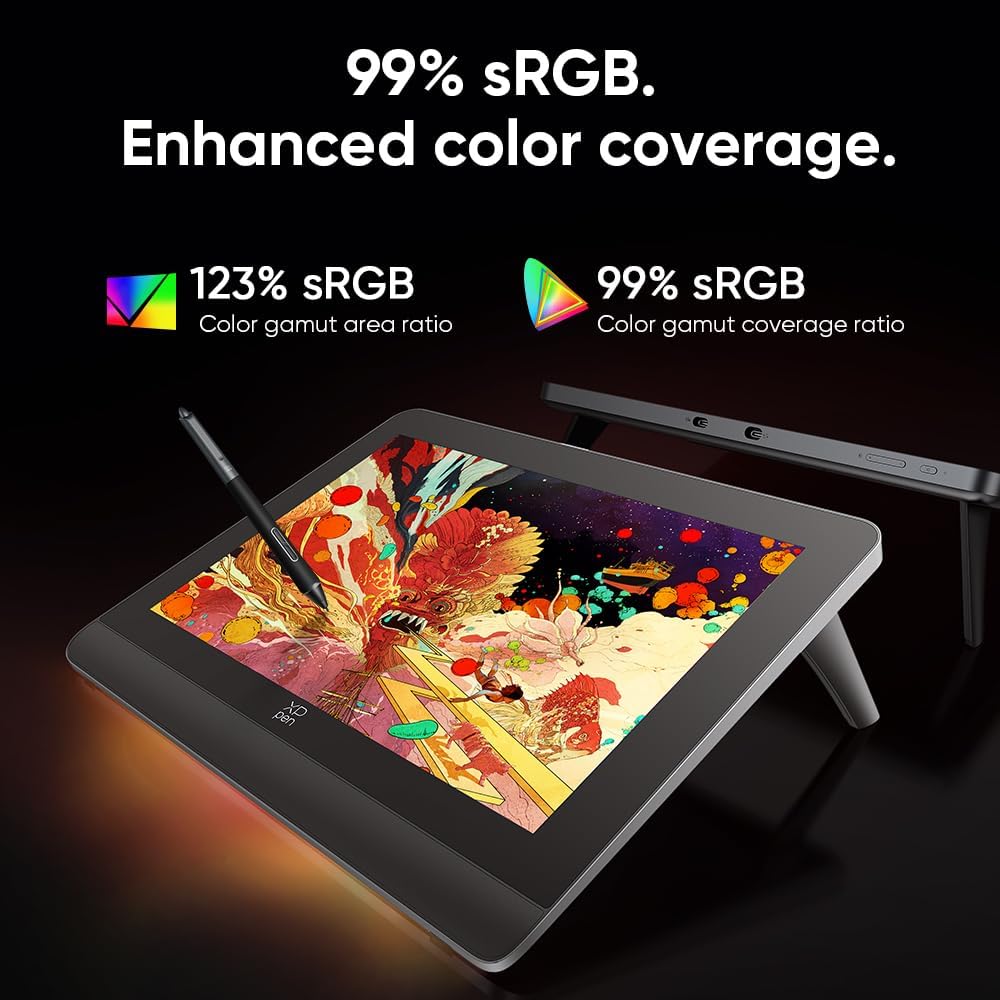
It makes sense if you’re looking for a pen display around a 14-inch, full-laminated screen and you care about smoother, more precise line work for drawing, inking, illustration, or editing. The combination of 99% sRGB coverage, an X3 Pro stylus aimed at 16K pressure, and the wireless shortcut remote fits well with people who spend hours tweaking detail and want a more direct control setup.
However, you may want to skip it if you need a standalone drawing device you can use without connecting to a PC/laptop. Also, if you mainly do lightweight sketching where performance differences won’t matter much, this may sit a bit above what you really need.
Mini FAQ
Frequently asked questions
Do I need a computer to use this pen display?
Yes. The listing notes it requires connection to a PC/laptop and is not a standalone tablet.
What screen size and resolution does it have?
It has a 14-inch full-laminated display with 1920×1200 resolution and a 16:10 aspect ratio.
Which operating systems does it support?
It’s listed as supporting Windows (7 or later), macOS (10.10 or later), Android (USB3.1 DP1.2), Chrome OS (88 or later), and Linux.
Does it include any extra controls?
Yes, it includes a wireless shortcut remote, and it also references built-in stand support for posture.
What kinds of creative work is it aimed at?
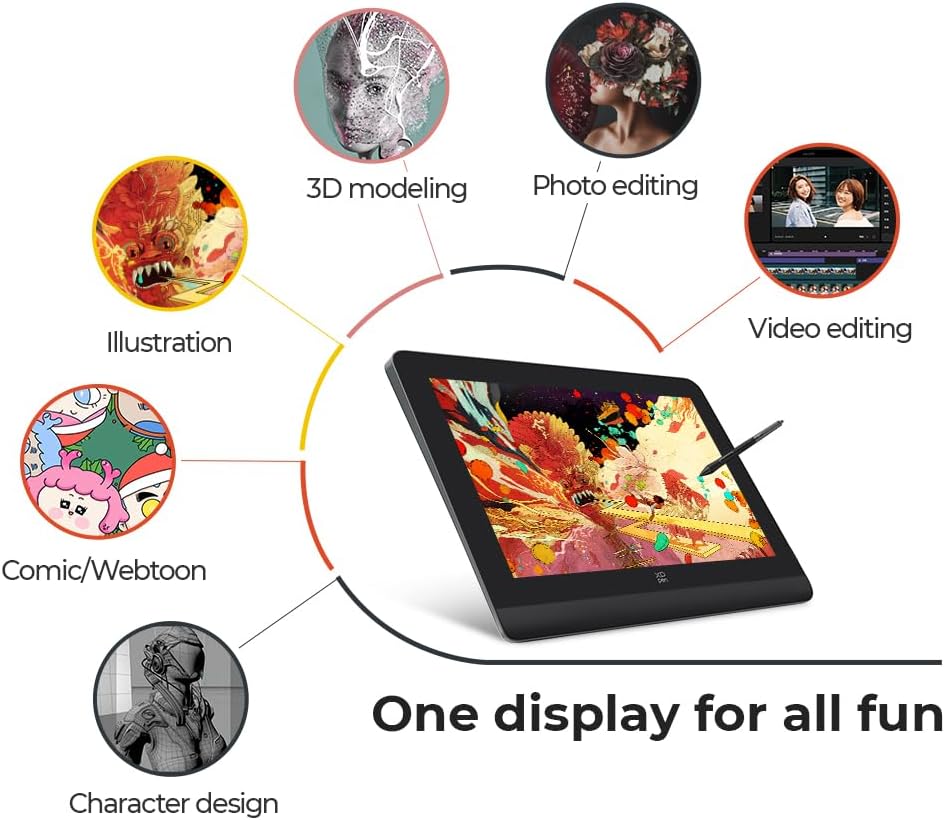
The description mentions creation, games, movies and entertainment, and it’s positioned for digital art workflows with software such as Photoshop, Illustrator and Krita.