


Apple Pencil Pro precision stylus
Product description
Quick overview
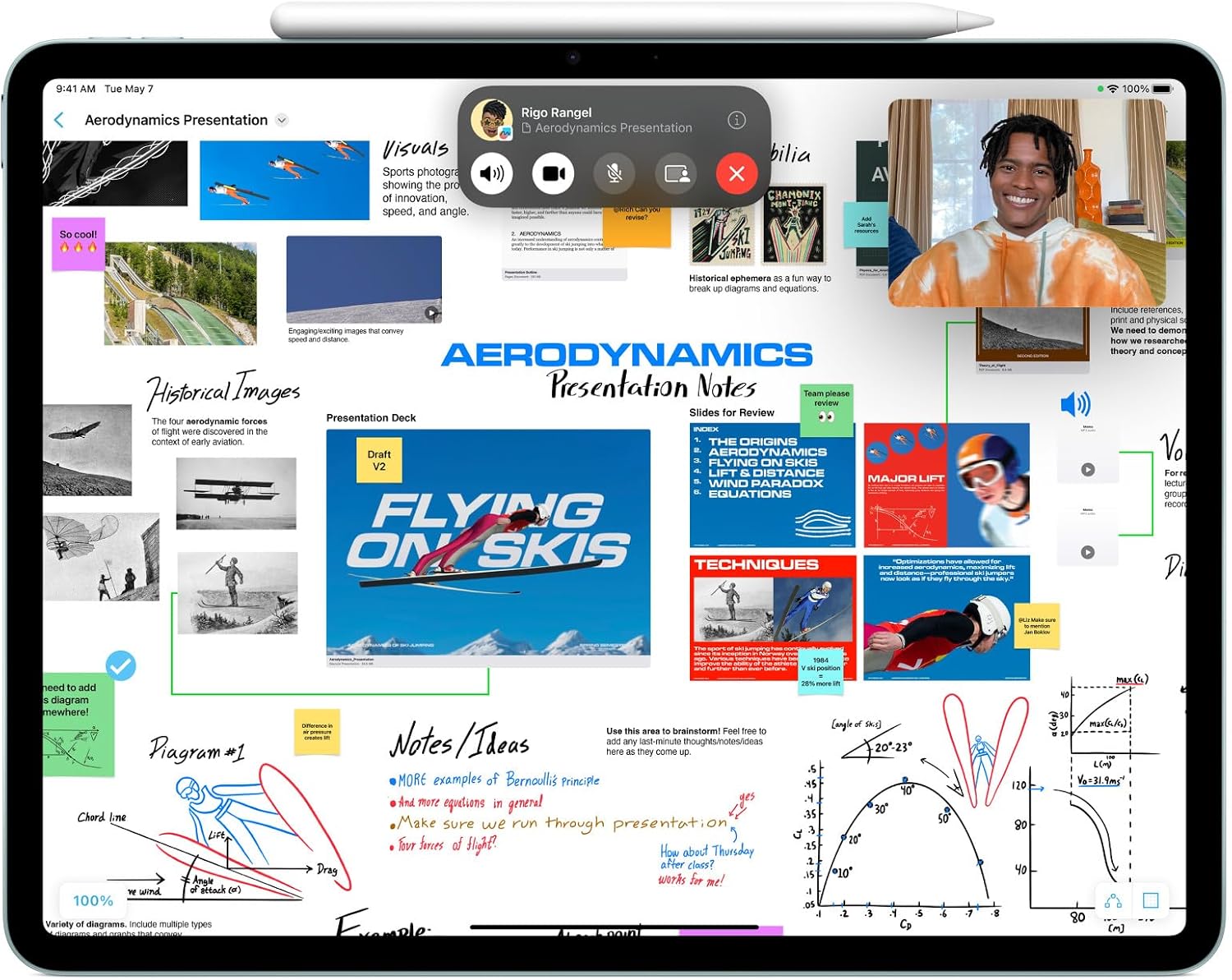
This stylus brings pixel-perfect control to sketching and note-taking on supported iPad models, combining natural input with intuitive gestures for a smoother workflow. The Apple Pencil Pro is aimed at creative users and prosumers who want responsive tilt and pressure sensitivity, and it works magnetically with compatible iPads for pairing and charging. If you need a precision stylus for iPad, this model focuses on responsiveness and practical tool access right at your fingertips.

Tech specs

- Name: Apple Pencil Pro
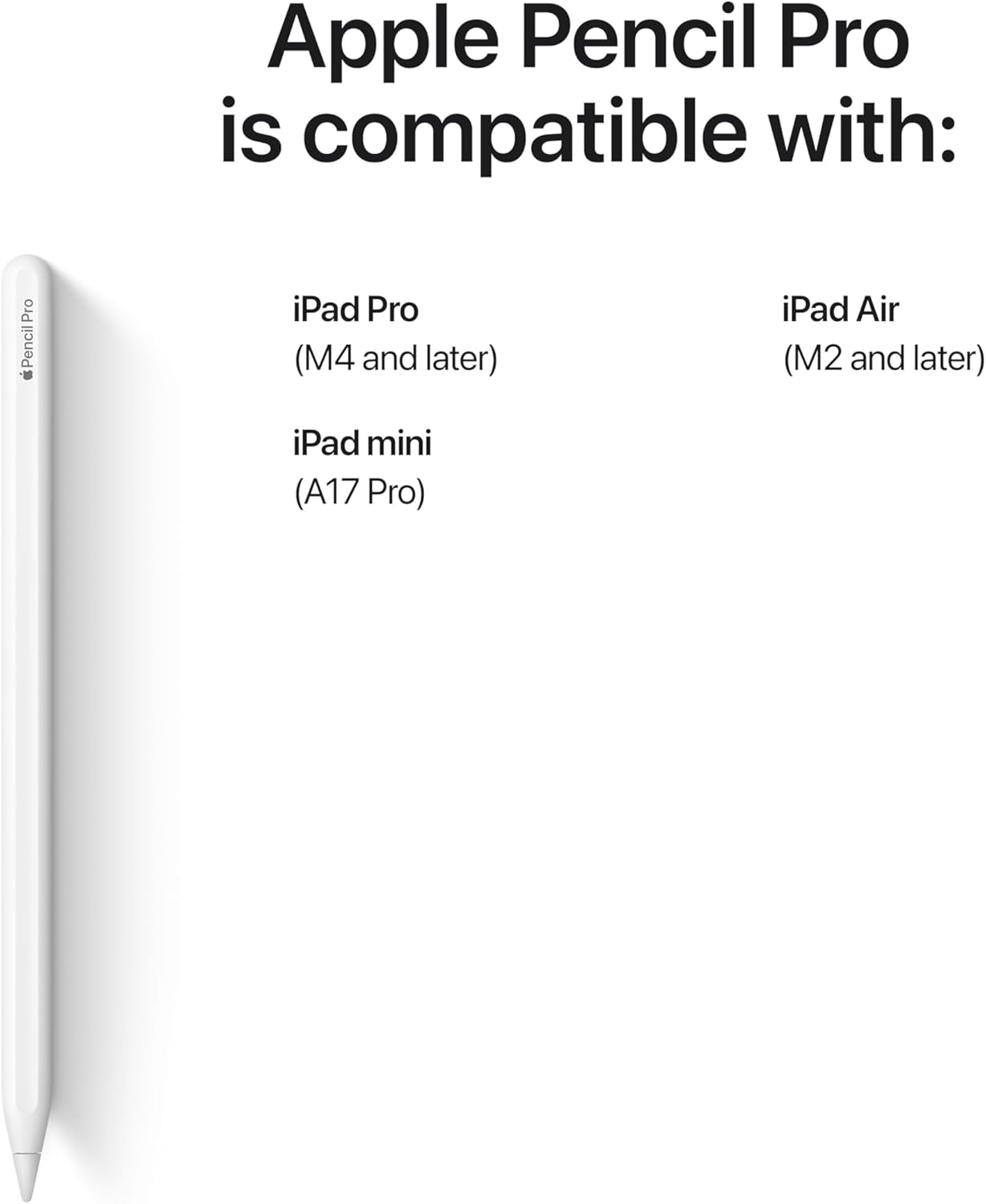
- Compatibility: iPad Pro 13-inch (M4), iPad Pro 11-inch (M4), iPad Air 13-inch (M2), iPad Air 11-inch (M2), iPad mini (A17 Pro)
- What’s included: Apple Pencil Pro
- Battery life: according to manufacturer
Who it’s for
Apple Pencil Pro suits creatives who sketch, annotate or mark up documents and value quick tool changes and subtle control. It’s useful when working on detailed illustrations or taking rapid notes where tilt and pressure sensitivity make a visible difference. You’ll also find it convenient for on-the-go editing thanks to its magnetic attach, pair and charge workflow, which keeps it ready without cables. 🎨
Not everyone needs advanced gestures and haptics though. You may want to skip it if you use a basic stylus for occasional note-taking and prefer a lower cost option, or if your device is not listed among the compatible models. Does the gesture set genuinely speed up your routine in practice? For many users the answer is yes, but that depends on your workflow and the apps you use. ✍️
Benefits
The design balances subtle hardware and software interaction, allowing tool switching via a flat edge and offering haptic feedback when shapes snap into place. Pixel-perfect precision helps with fine strokes, while tilt and pressure sensitivity give natural variation to lines. Low latency is emphasised by the manufacturer, which helps drawing feel immediate and reduces perceptible lag. The Pencil Pro also supports hover preview on newer iPad models so you can see marks before committing them. ⚡