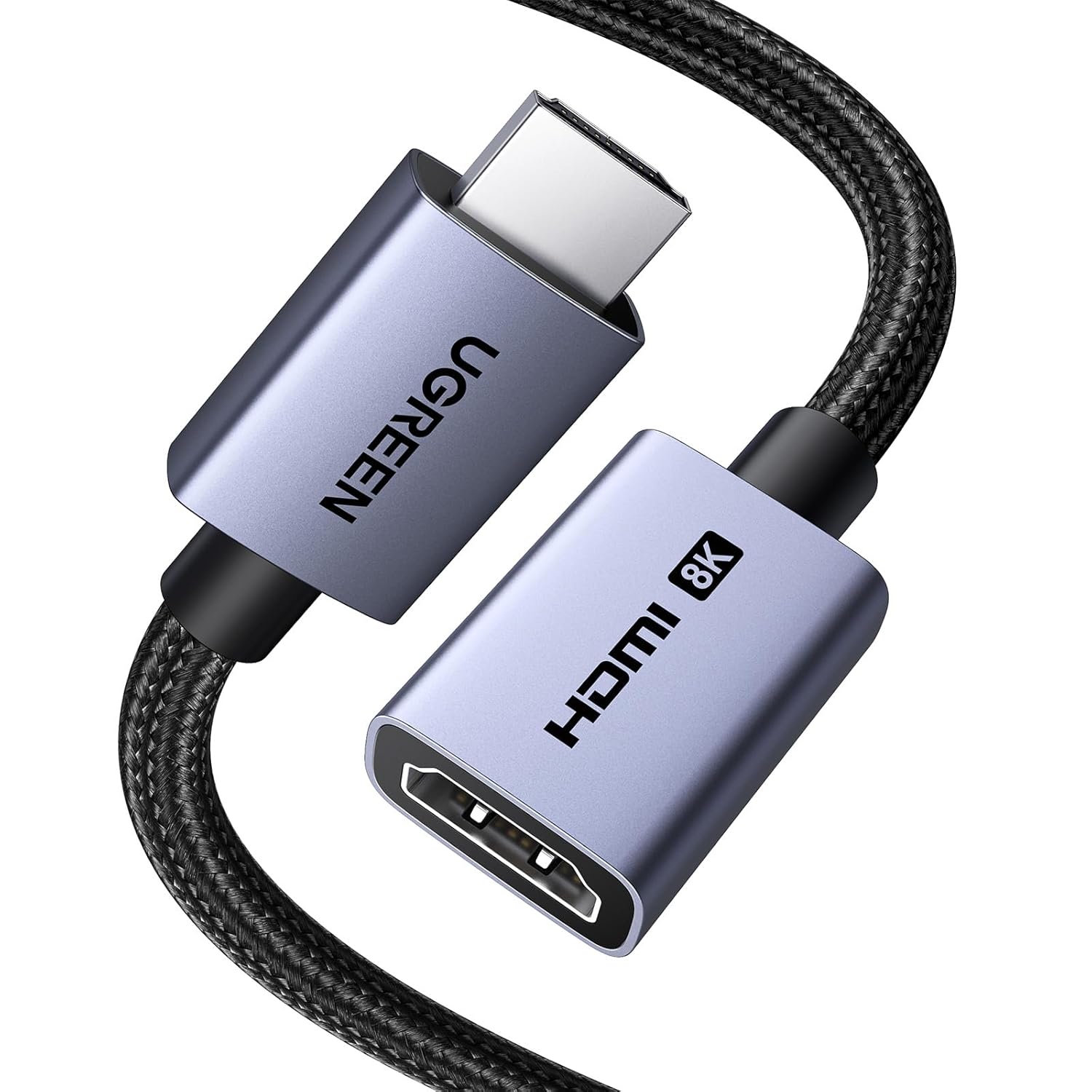
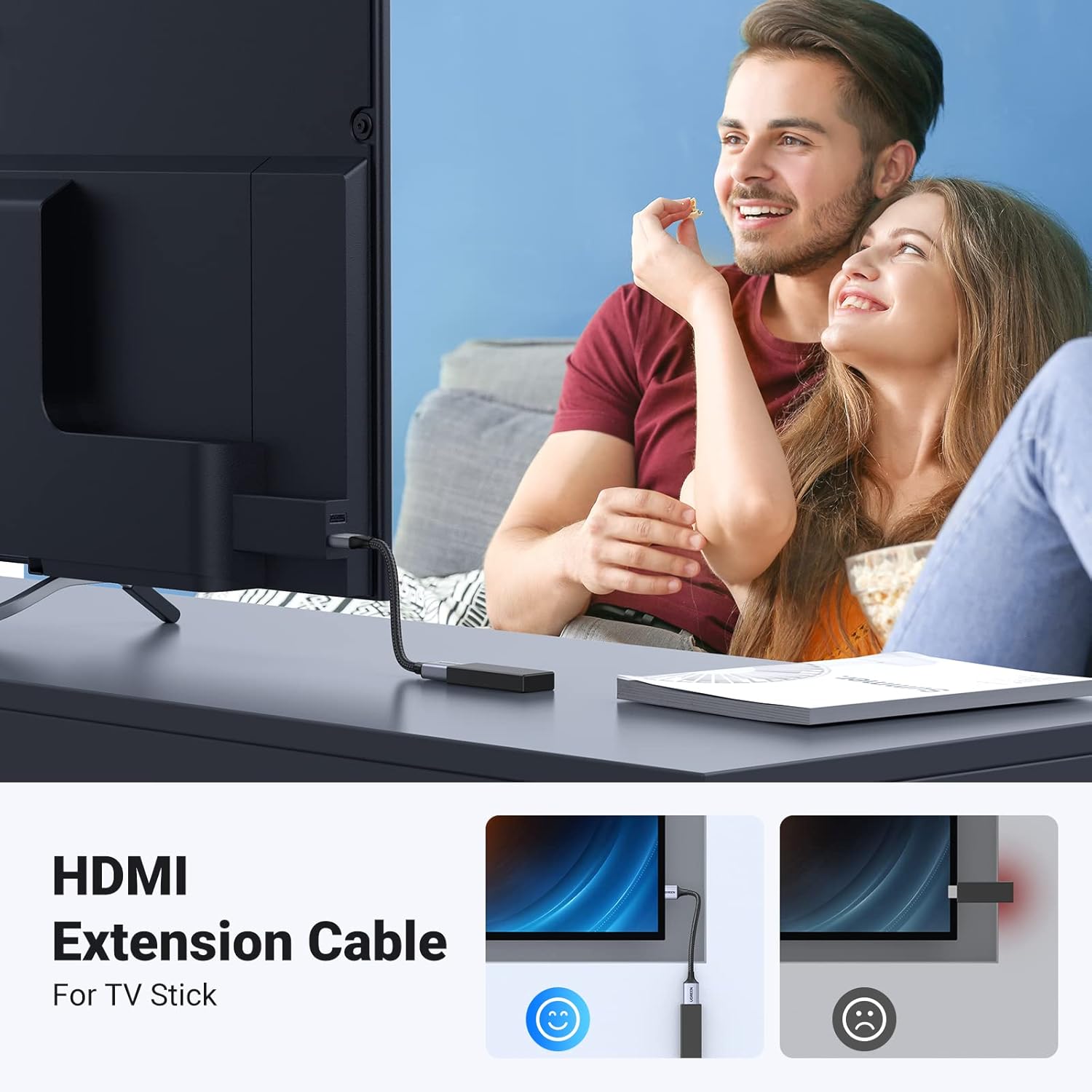
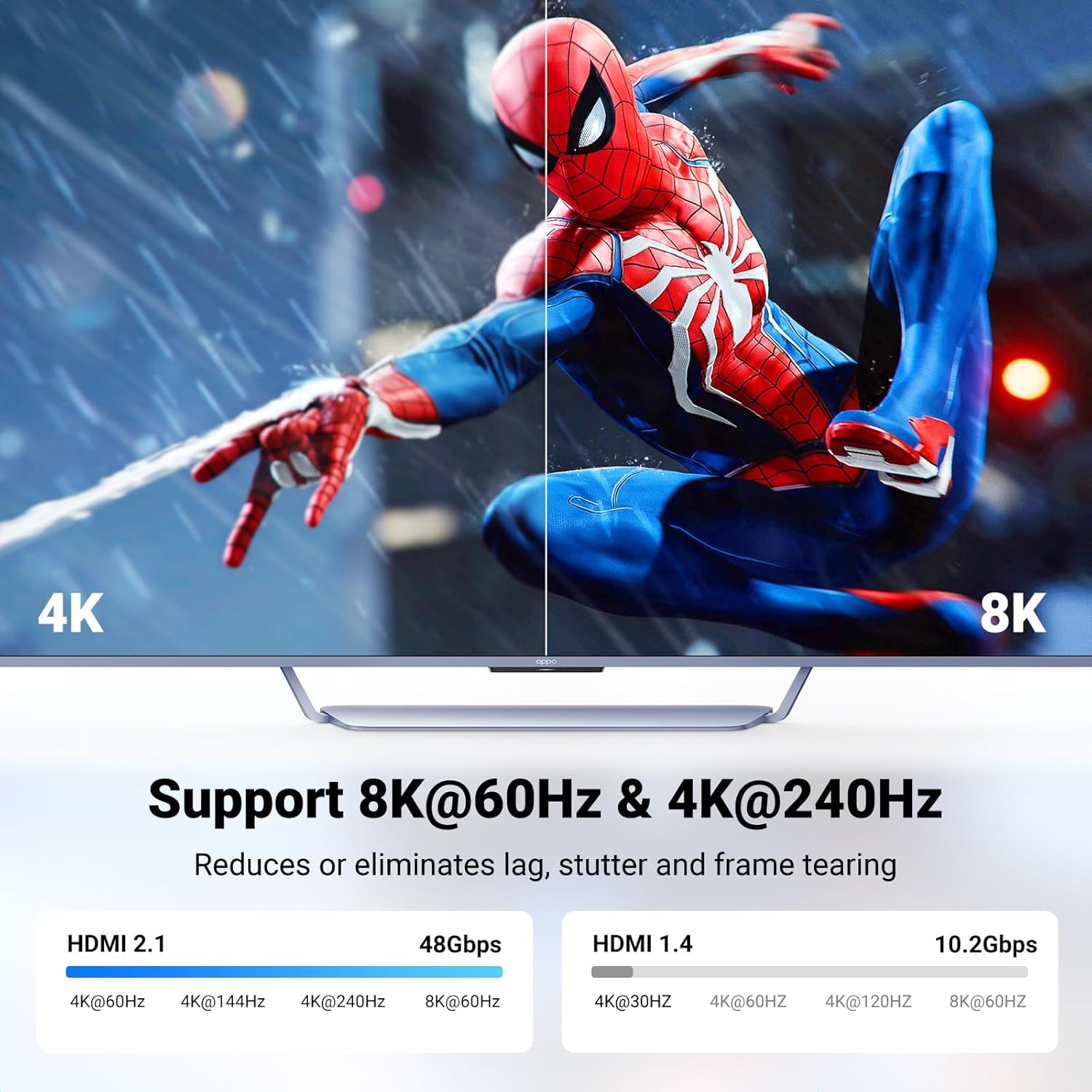
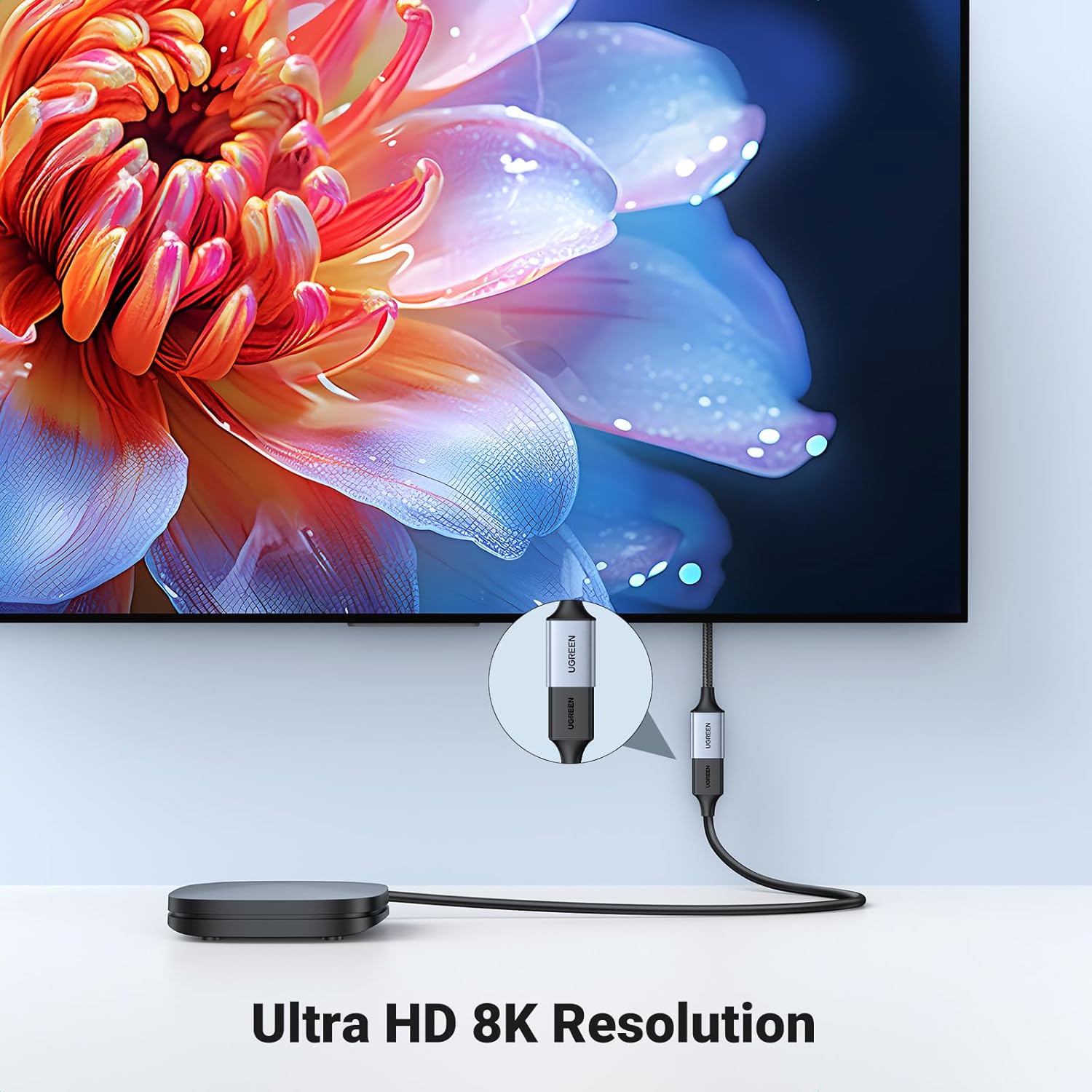
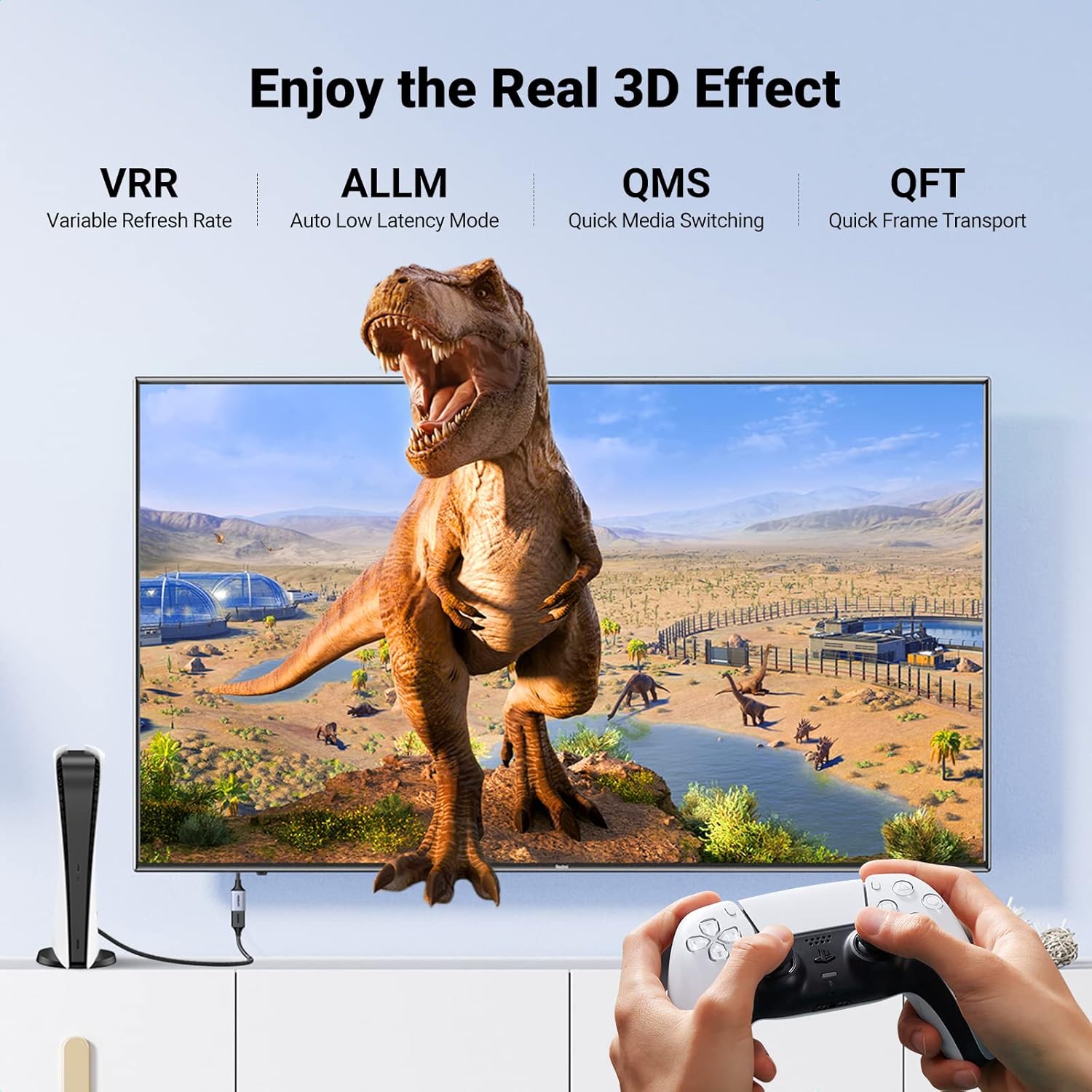
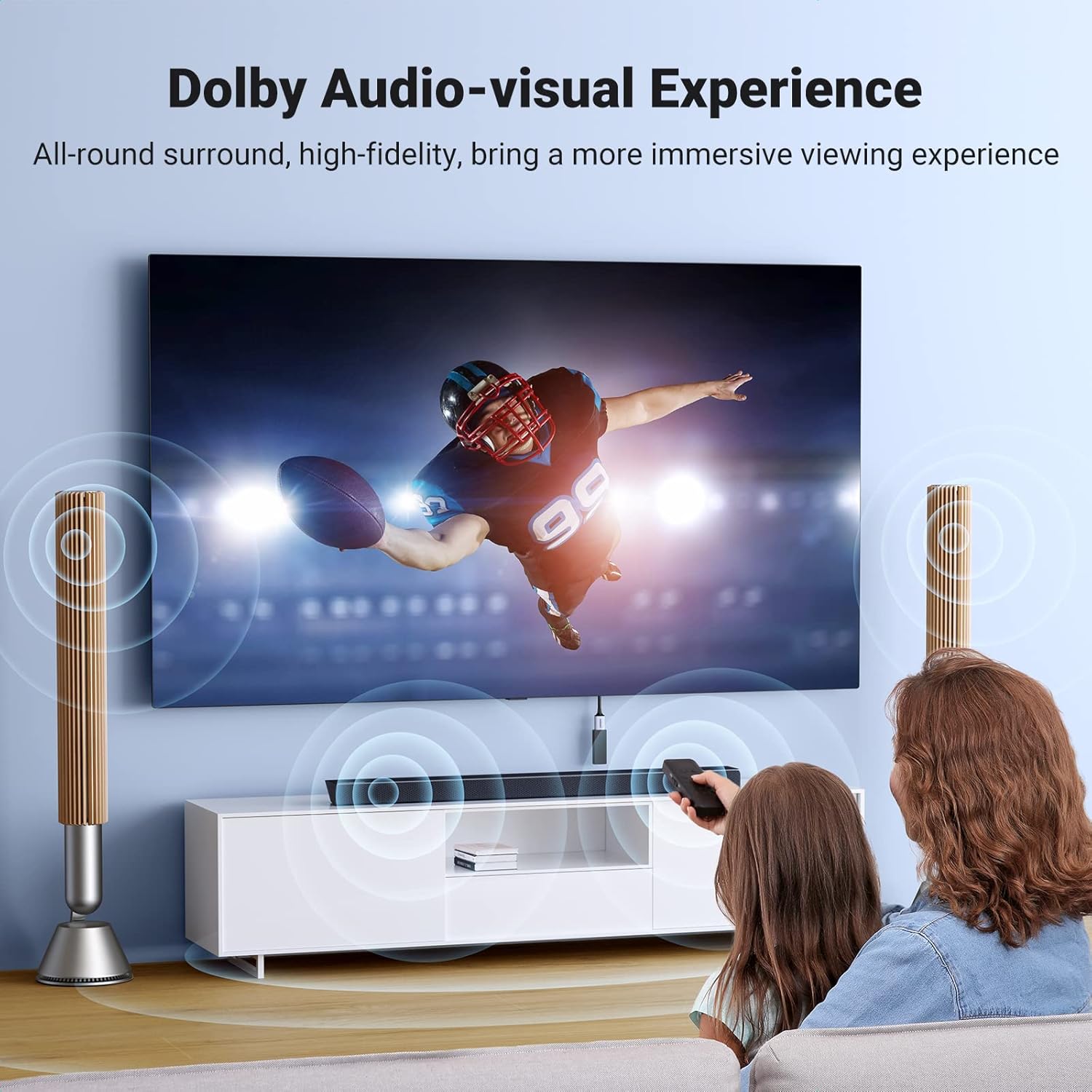
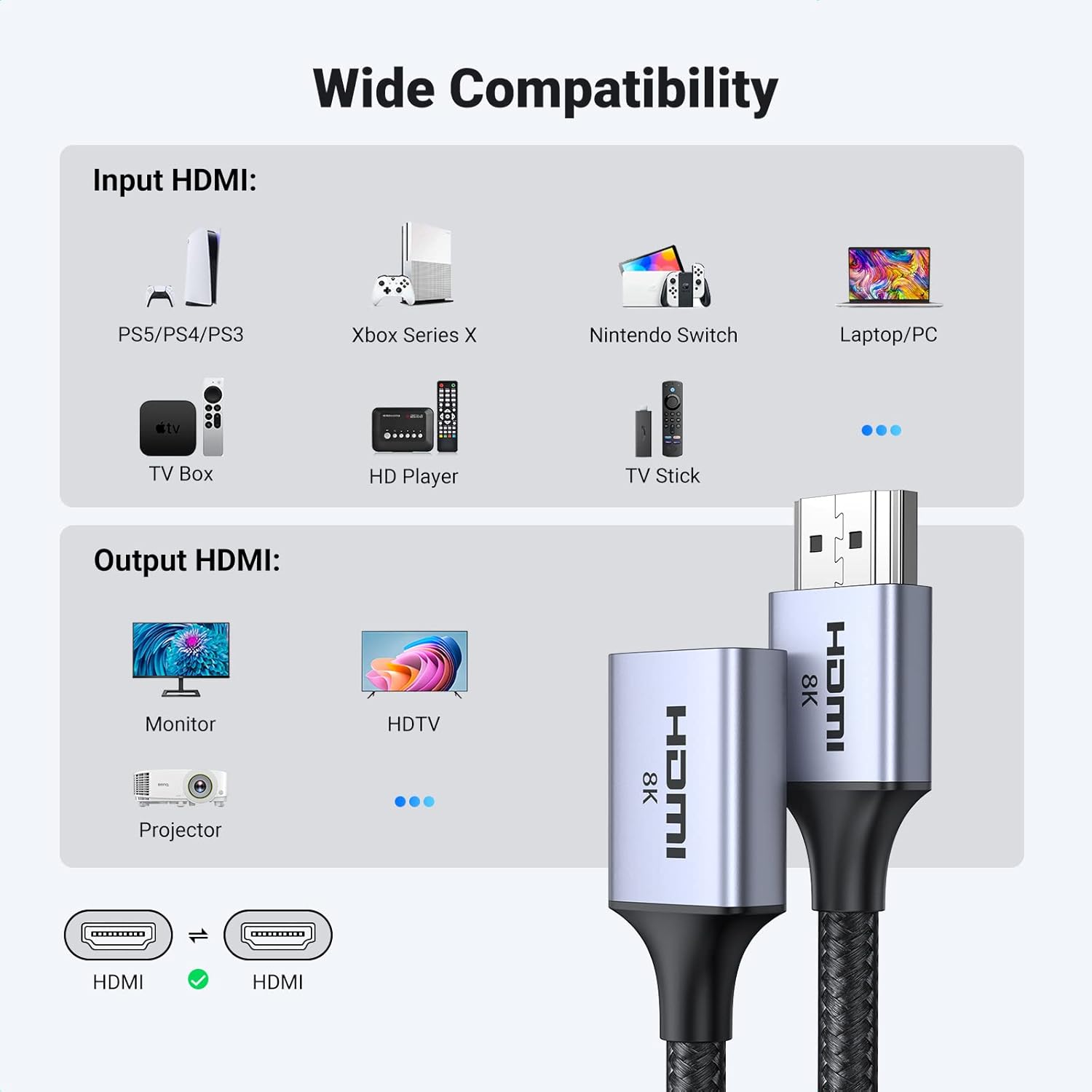
What this is and what it solves\nThe UGREEN HDMI 2.1 Extender is a male-to-female HDMI extension cable designed to increase reach between devices such as a TV stick and a mounted television. It aims to protect HDMI ports from wear by letting you connect from a more convenient position, while supporting high bandwidth and high refresh rates. On paper, it offers a broad bandwidth (up to 48Gbps) and compatibility with a wide range of devices, from consoles to laptops and AV equipment. It isn’t a standalone video processor, but a physical link meant to preserve signal integrity over extended distances.\n\n## How the features map to real-world use\nIf you’re setting up a wall-mounted TV and need to reach the back-facing HDMI ports without stressing the connectors, this extender acts as a sturdy bridge. The braided jacket, aluminium shell and nickel-plated plugs suggest durability in daily use and a degree of shielded performance against external interference. In practice, you may notice crisper set-ups where the HDMI port isn’t directly accessible, reducing plug-and-unplug wear.\n\n## Strengths worth noting\nOn the page, the extender promises high resolutions and fast refresh rates—up to 8K@60Hz and 4K up to 240Hz. For gamers and casual streamers, the spec implies smoother movement in fast-action scenes and less chance of flicker when gaming or watching high-frame-rate content. The presence of HDR, eARC and VRR suggests better compatibility with modern audio formats and dynamic picture adjustments. The broad compatibility list means it’s not restricted to a single brand or ecosystem, which is useful if you’re mixing devices.\n\n## Limitations and caveats\nThere’s no price or tested performance data in the description, so you’re relying on the stated bandwidth and feature set without independent verification. Real-world results depend on other link characteristics (source device, display, HDMI version on both ends, and cable length). If you prioritise very short latency for competitive gaming, remember that an extension cable can add another link in the chain, ALLM and VRR are helpful but not a guarantee of perfect performance in every scenario.\n\n## Who it’s for\nThis extender is well-suited for households with mounted TVs, streaming sticks, game consoles, laptops or desktops that need a little extra reach to access HDMI ports comfortably. It may suit buyers who value protecting their HDMI sockets and who want a flexible, longer link rather than a rigid fixed cable. If you already have a direct, clean HDMI run with no risk of unplugging, the benefit is less pronounced.\n\n## Who might want to skip it\nIf you’re not using devices that benefit from a high-bandwidth 48Gbps link, or if your setup already has straightforward access to HDMI sockets, the extra extension could be unnecessary. Likewise, if you need guaranteed low latency for ultra-competitive gaming, consider testing in your own configuration before committing.\n\n## Before you buy: what to check\nConfirm that your source and display support HDMI 2.1 features you expect (8K/4K at high refresh rates) and that the cable length aligns with your layout. Ensure the extender is used as an intermediate link rather than a primary source for short runs. Monitor your setup for any signal degradation, especially if you have a long chain of devices or multiple adapters.\n\n## How it compares to other approaches\nCompared with a fixed short HDMI lead, an extender offers flexibility and reduces wear on mounted ports, which is a practical long-term consideration. If you prioritise absolute simplicity and the shortest possible path, a single direct HDMI cable is likely to perform slightly more consistently, provided it reaches.\n\n## Practical usage example\nImagine mounting a TV on a wall and needing to connect a streaming device from a desk. The extender lets you reach the HDMI port neatly without bending connectors or forcing the device into awkward positions. In a living room with a soundbar and a gaming console, you’d set up the link so the signal path stays tidy and the ports remain protected through regular use.\n\n## Is it worth it?\nFinal verdict: it’s worth considering if you need extra reach to protect HDMI ports and you expect to use high-bandwidth content from 4K/8K sources. If your layout already provides easy access to the ports, you might not gain much and could prioritise a shorter, possibly more cost-effective solution.\n\n## Frequently asked questions\n- Can this be used with any HDMI 2.1 device? Yes, it is described as compatible with devices supporting HDMI 2.1/2.0/1.x variants, subject to the end-to-end chain quality.\n- Does it guarantee 8K@60Hz? The specification states support up to 8K@60Hz, but actual results depend on the full signal path.\n- Is it marine-grade durable for frequent plugging? The build uses braided jacket, aluminium shell and nickel-plated plugs, which are designed for durability, though real-world wear will vary with usage.\n- Will it improve sound quality with eARC? It is listed as supporting eARC, which helps compatibility with certain object-based audio formats when the rest of the chain supports it.