

ATTACK SHARK R5 Ultra HyperSpeed Wireless Gaming Mouse (Ultra Carbon Fibre, PixArt PAW3950MAX, 8K, 2.4G/BT/USB-C) – Red
Product description
The essentials
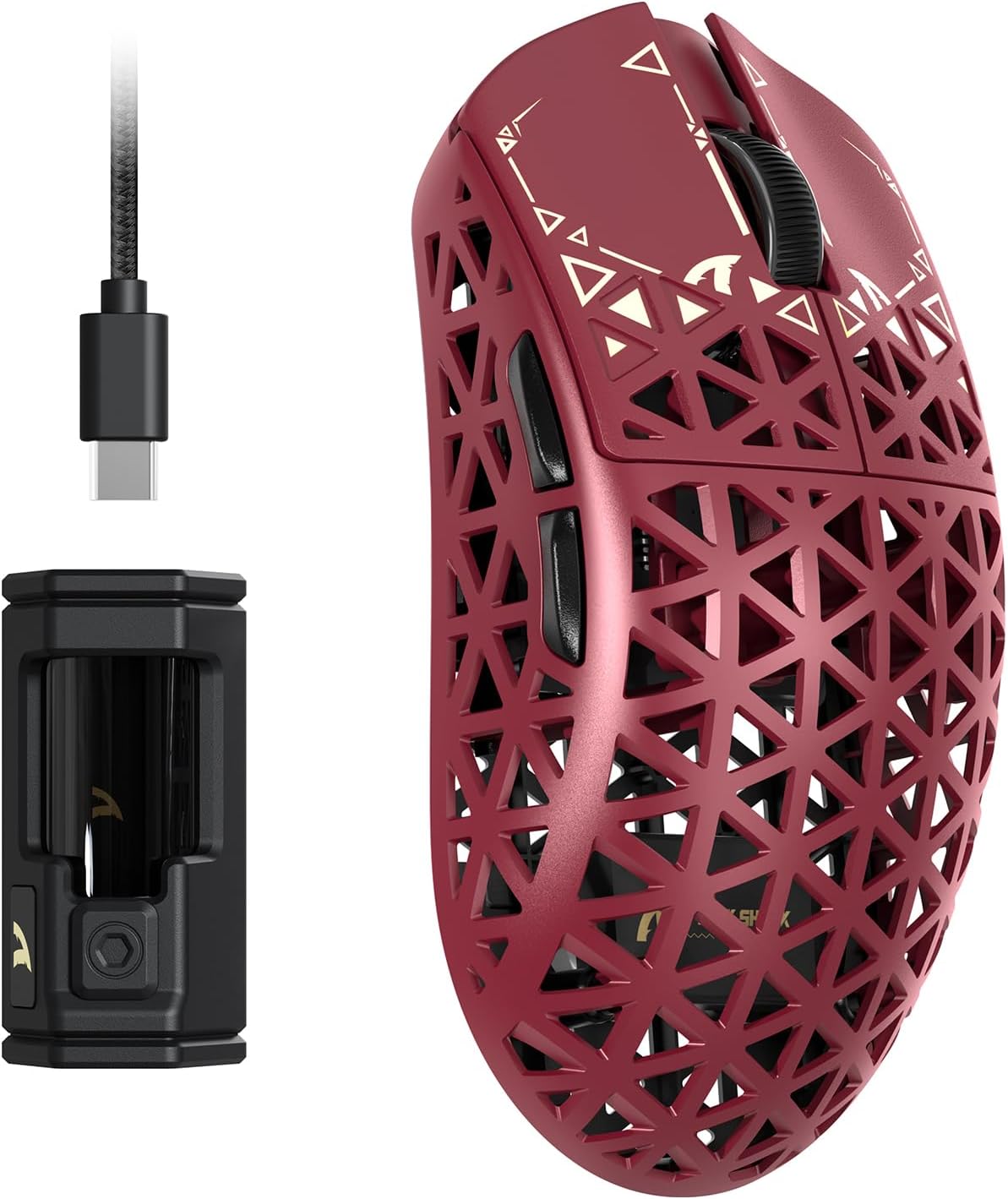
If you’re shopping for a lightweight FPS-style mouse that can switch between wireless and wired modes quickly, the ATTACK SHARK R5 Ultra is one of those “spec-led” options. On paper it leans into competitive gaming: ultra-light carbon fibre construction, a PixArt PAW3950MAX sensor, and an 8K wireless polling setup with a custom receiver.
That combo is the headline. But what’s also worth taking seriously is the build philosophy: drop-and-bash resistance “for what else you throw at it”, plus PTFE glide feet and removable anti-slip grip pads. It’s not trying to be a soft, comfort-first mouse for office work, it’s more aimed at people who want fast flicks and precise aiming.
What you’ll notice day to day
The R5 Ultra is designed around speed and agility. A hollow style carbon fibre approach is meant to keep the mouse manoeuvrable, which matters if you play games where you’re constantly adjusting aim—think quick flicks for FPS, or the frequent targeting changes you get in MOBA and Battle Royale.
In practical terms, a mouse like this is about feel and responsiveness. Pair the low response time claim (0.2 ms) with the 8K wireless capability, and the intention is clear: tighter tracking during rapid-fire moments and smoother micro-adjustments when you’re tracking moving targets.
Worth noting: this kind of high polling focus is most beneficial when your setup can take advantage of it (PC performance, settings, and matching wireless configuration). If you’re mostly doing low-intensity, general browsing or casual play, you may not feel the difference as clearly.
Sensor, polling rate and DPI: the competitive setup
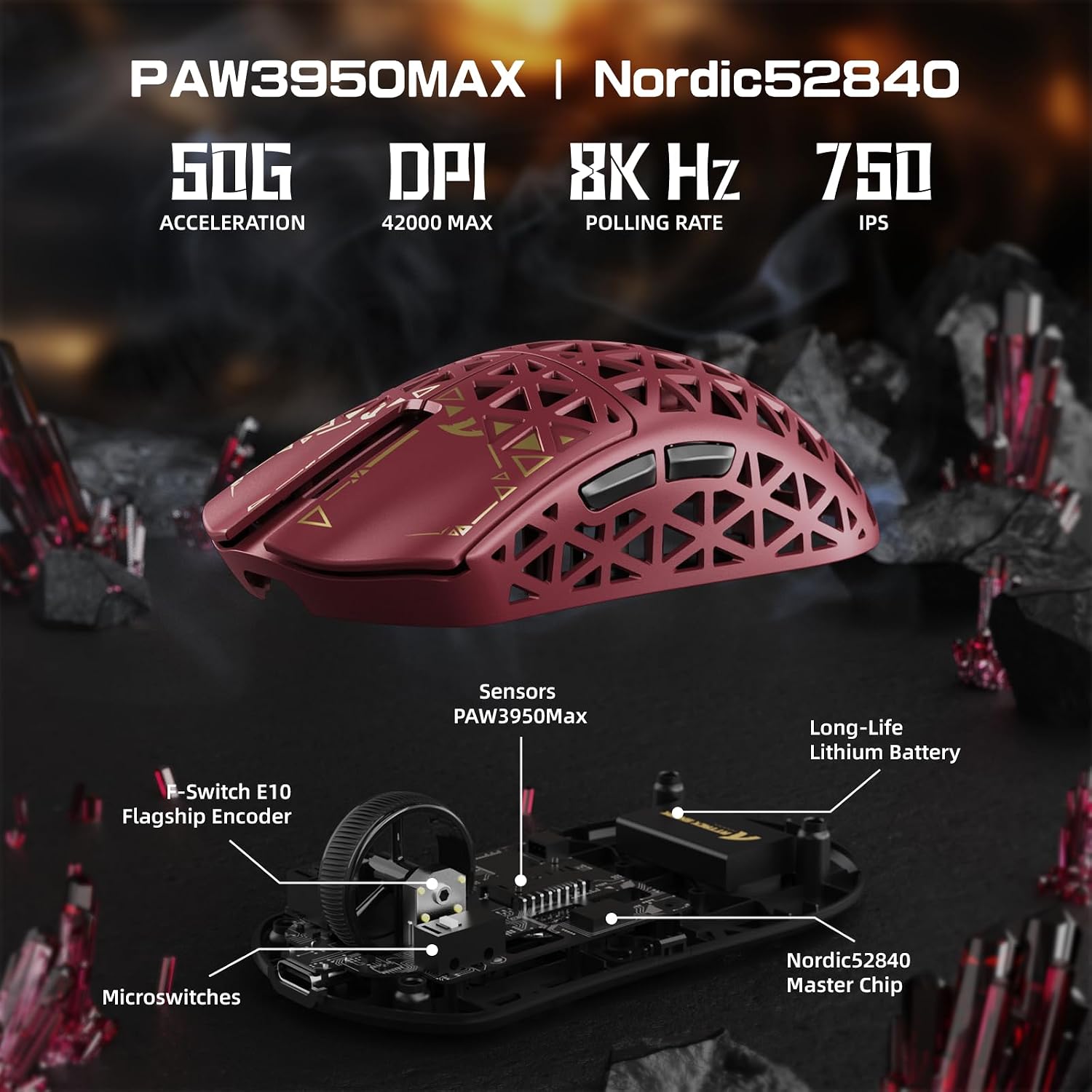
The ATTACK SHARK R5 Ultra uses a PixArt PAW3950 MAX sensor alongside a Nordic52840 chip. It’s described as offering “zero-lag” tracking via 8K wireless (through the custom receiver) and 1K wired mode.
A few other numbers you can anchor on:
- Up to 42,000 programmable DPI
- 650 IPS speed
- 50g acceleration
For shooters this is the kind of range that suits different playstyles—higher DPI for wide sweeps or shorter desk space, lower DPI for steadier headshot lining. For MMO-style play, the focus shifts from raw speed to consistency while you cast precise spells or manage hotbars.
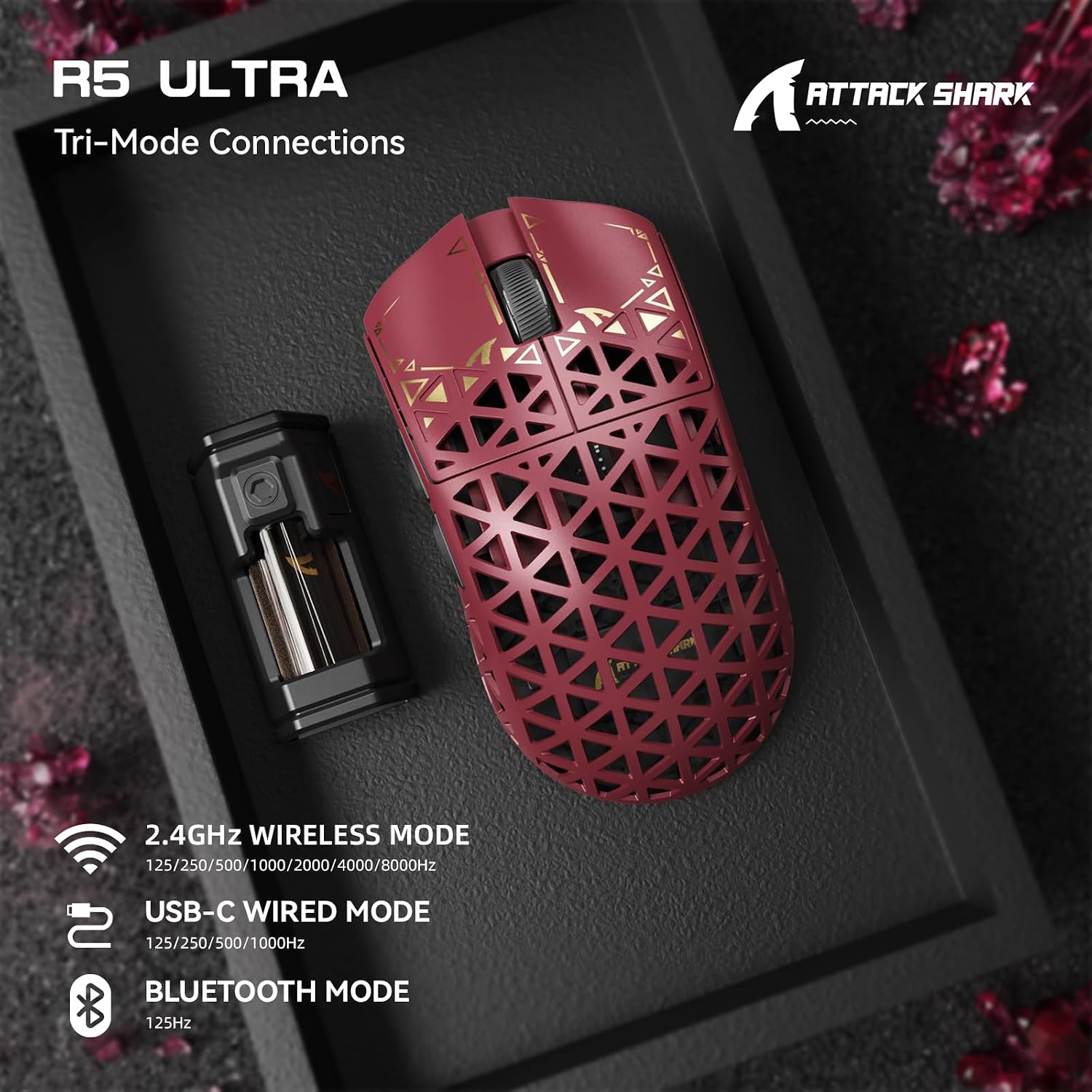
If you like to switch modes depending on the session, this mouse is built for that. You can swap between 8K wireless, Bluetooth, and USB-C wired using a button on the back.
Connectivity and compatibility, without the fuss
Tri-mode connectivity is a big part of why the R5 Ultra could suit more than one device. The base description states it works across Windows and macOS systems, and it’s intended for PCs, laptops, and also tablets.
The useful bit here is convenience: switching between 8K wireless, Bluetooth, and wired in seconds means you’re not locked into one approach. For example, if your battery life concerns you during a long grind, you can drop to USB-C wired. Or if you want a simpler connection flow for a different device, Bluetooth is there.
One limitation to keep in mind: the 8K wireless mode is tied to the custom receiver, so if you’re buying this for a plug-and-play expectation, you’ll want to confirm you have everything you need for that connection mode.
Build and durability: carbon fibre, PTFE feet, and clicks
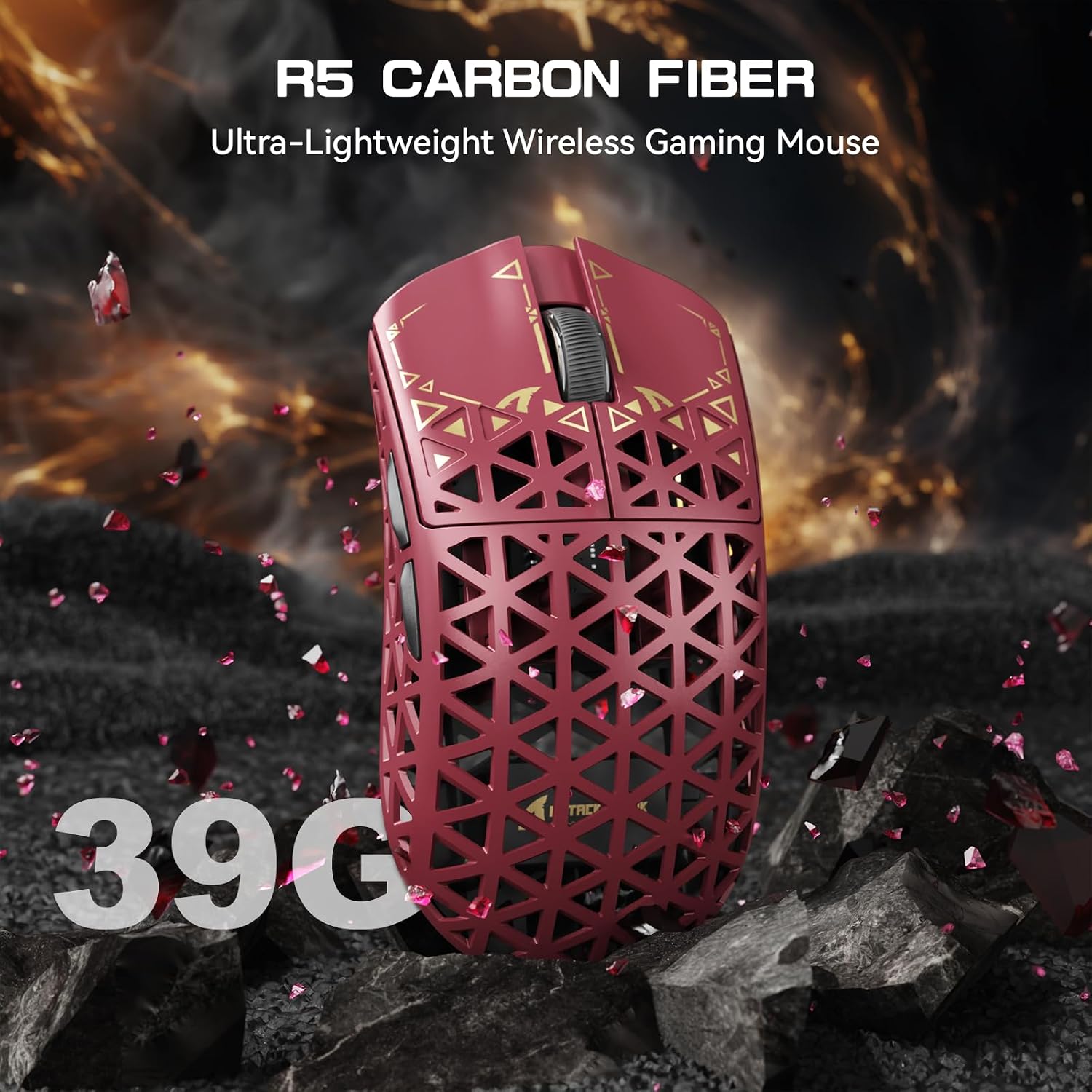
Lightweight doesn’t have to mean fragile, and the R5 Ultra is positioned as “built like a tank” despite being ultra-light. The carbon fibre construction is described as injection-moulded and designed to resist drops and bashes.
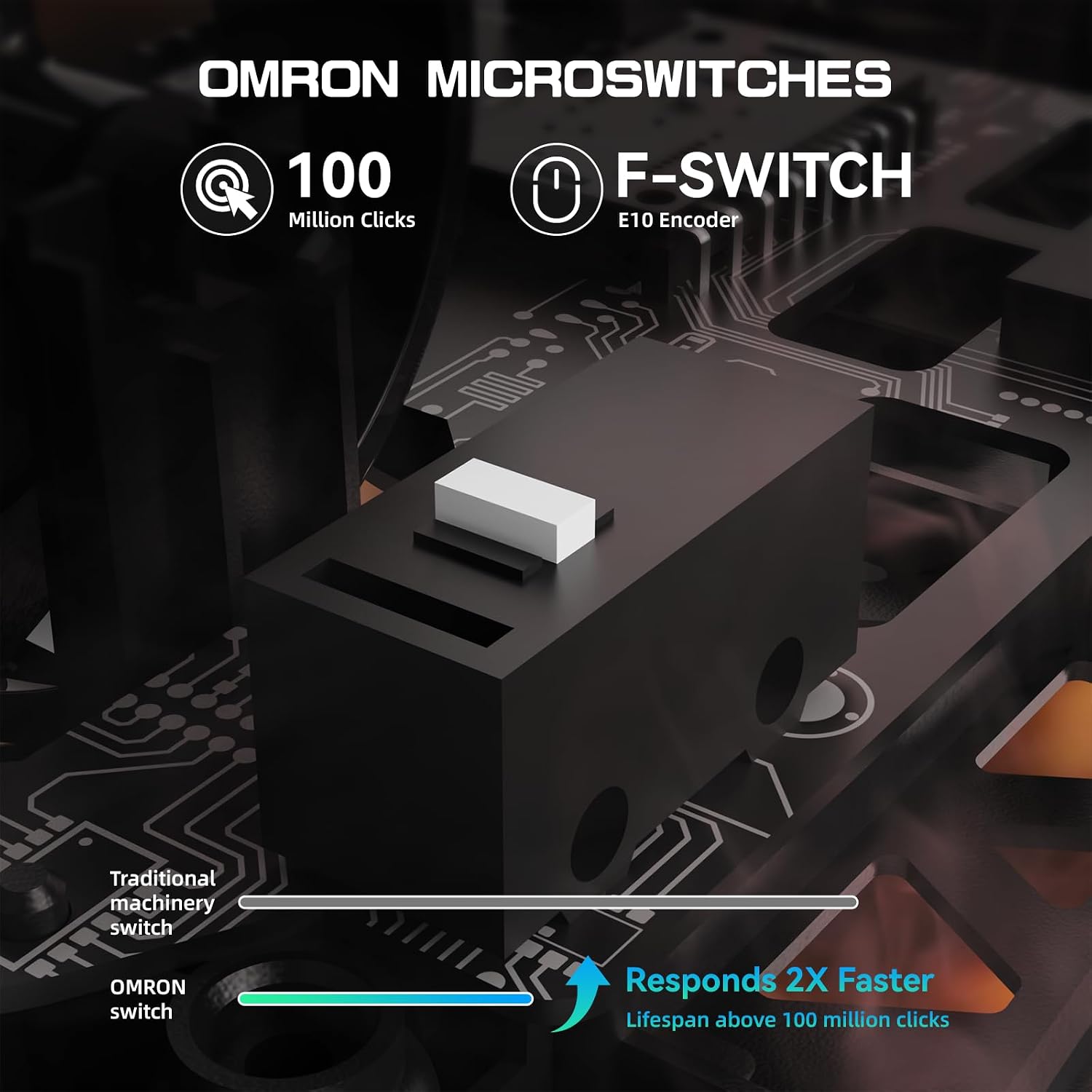
Click reliability also gets attention: microswitches are stated to last up to 100 million clicks, which is the kind of assurance you start caring about once you’ve had a double-click issue before.
For movement consistency, the PTFE glide feet are paired with removable anti-slip grip pads. If your hands sweat or you change grip styles depending on the game, being able to refresh the grip feel can be a practical advantage.
Cloud driver and customisation
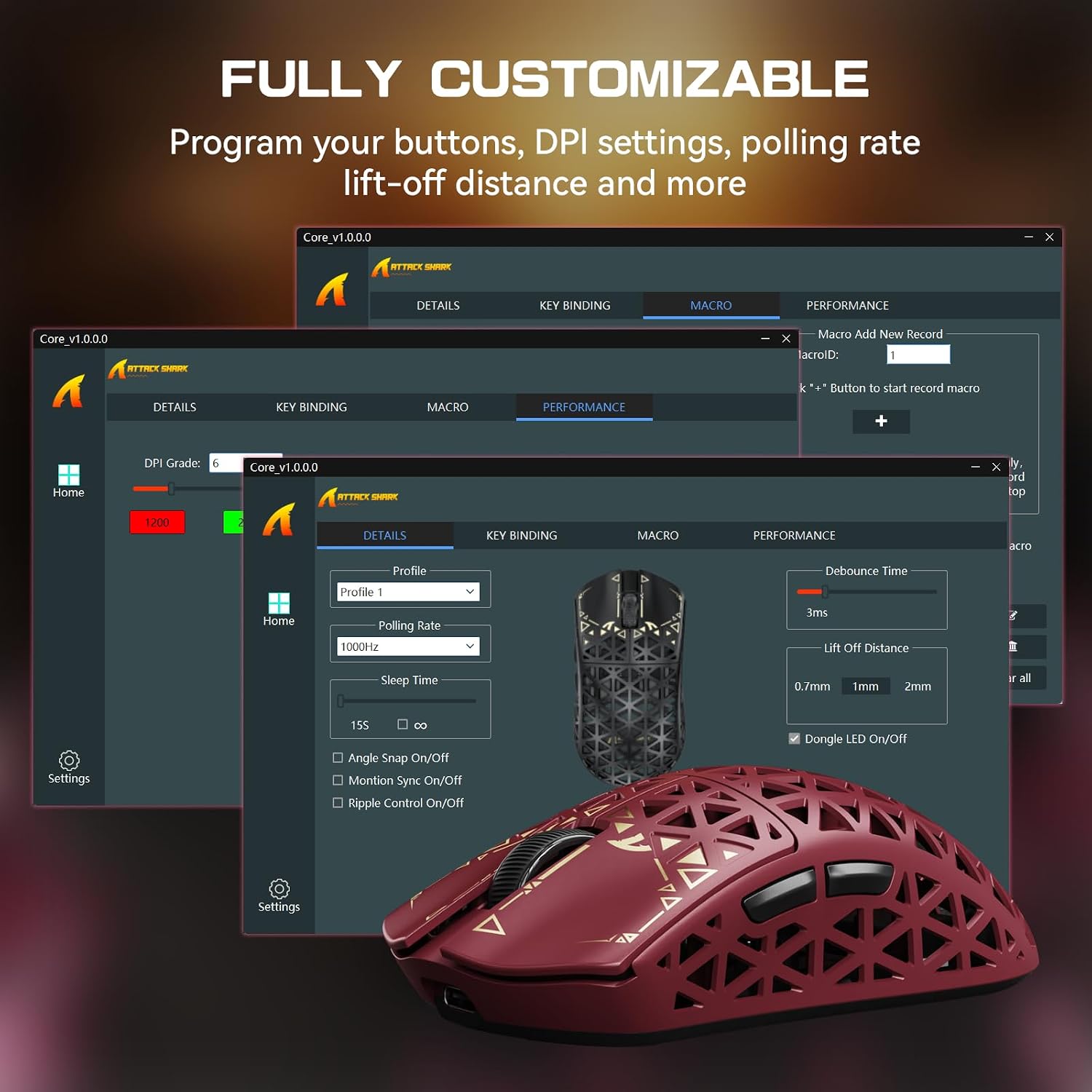
The mouse is described as supporting an AI-driven cloud driver with web-based auto-detection, and crucially “no downloads required”. The driver is said to cover DPI adjustment, return/rate settings, competitive mode, button customisation, macro recording, and personalised key mapping.
That’s a decent approach if you don’t want another installer sitting on your system. The catch is that web-based configuration depends on your browser and access to the driver setup, it’s not the same as having everything permanently stored locally.
Who it’s for (and who should skip it)
It makes sense if you prioritise competitive responsiveness: high polling wireless (8K), a high-end sensor (PixArt PAW3950 MAX), and fast switching between wireless and wired. It also suits players who want lightweight movement and don’t mind tuning DPI and settings for their playstyle.
It may not suit you if you’re mainly after an easy, general-purpose mouse for everyday tasks, because the focus here is clearly on gaming performance and customisation. You may also want to skip it if you prefer a simple, single-connection setup and don’t want to think about wireless vs Bluetooth vs wired modes.
Tech specs
- Sensor: PixArt PAW3950 MAX
- Chip: Nordic52840
- Connectivity: 2.4G wireless, Bluetooth, USB-C wired
- Wireless polling: 8000Hz (8K wireless, via custom receiver)
- Wired polling: 1K wired mode (stated)
- DPI: up to 42,000 programmable DPI
- Speed: 650 IPS
- Acceleration: 50g
- Stated response time: 0.2 ms
- Clicks: up to 100M clicks (microswitches)
- Material (construction): ultra carbon fibre construction
- Weight: 39g
- Colour: Red
Buying verdict

If you’re chasing an ultra-light wireless gaming mouse with a high-end sensor and tri-mode switching, the ATTACK SHARK R5 Ultra is a compelling “on paper” package: carbon fibre build, 8K wireless support, and a click durability rating that targets common frustration points.
However, it’s not the most straightforward pick if you only need a basic mouse for casual use, or if you don’t want to manage different connection modes and configuration through a web-based driver. For competitive players who will actually use DPI tuning, macros, and the wireless vs wired flexibility, it looks like a solid fit.
Mini FAQ
Does it work wirelessly and via cable?
Yes. The mouse is described as tri-mode, switching between 8K wireless, Bluetooth, and USB-C wired in seconds.
What sensor does the R5 Ultra use?
It’s equipped with the PixArt PAW3950 MAX sensor, paired with a Nordic52840 chip.
Is 8K wireless included?
8K wireless is described as available via a custom receiver, so you should ensure that receiver is part of what you’re getting.
Do you need to install software?
The description says the cloud driver is web-based and “no downloads required”, with auto-detection for the device.
What kind of games is it aimed at?
The base description points to fast-paced competitive titles such as FPS, MMO, RPG, MOBA, and Battle Royale.