

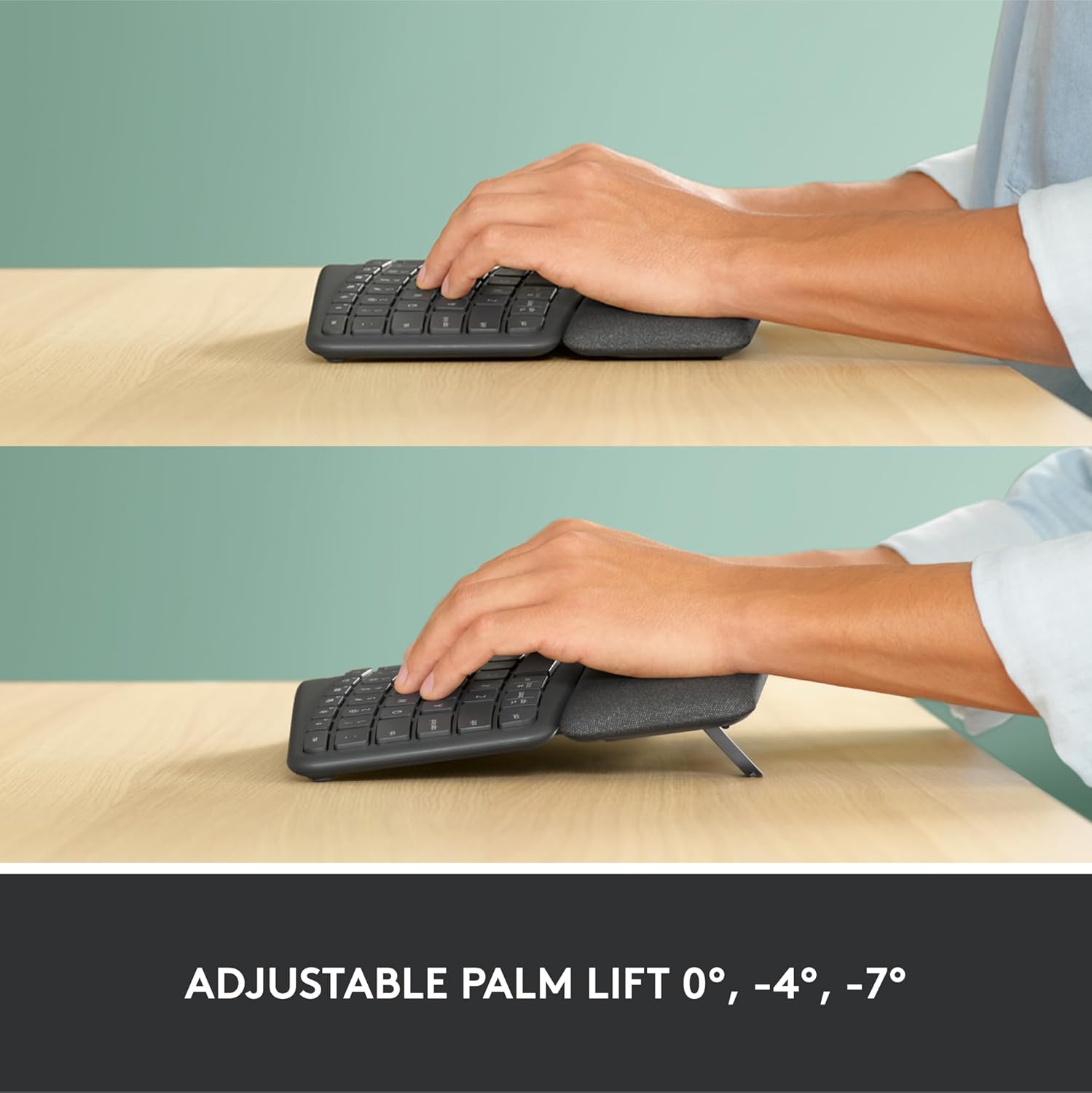
Logitech ERGO K860 Wireless Ergonomic Keyboard with split layout (UK QWERTY), Grey
Product description
What this is
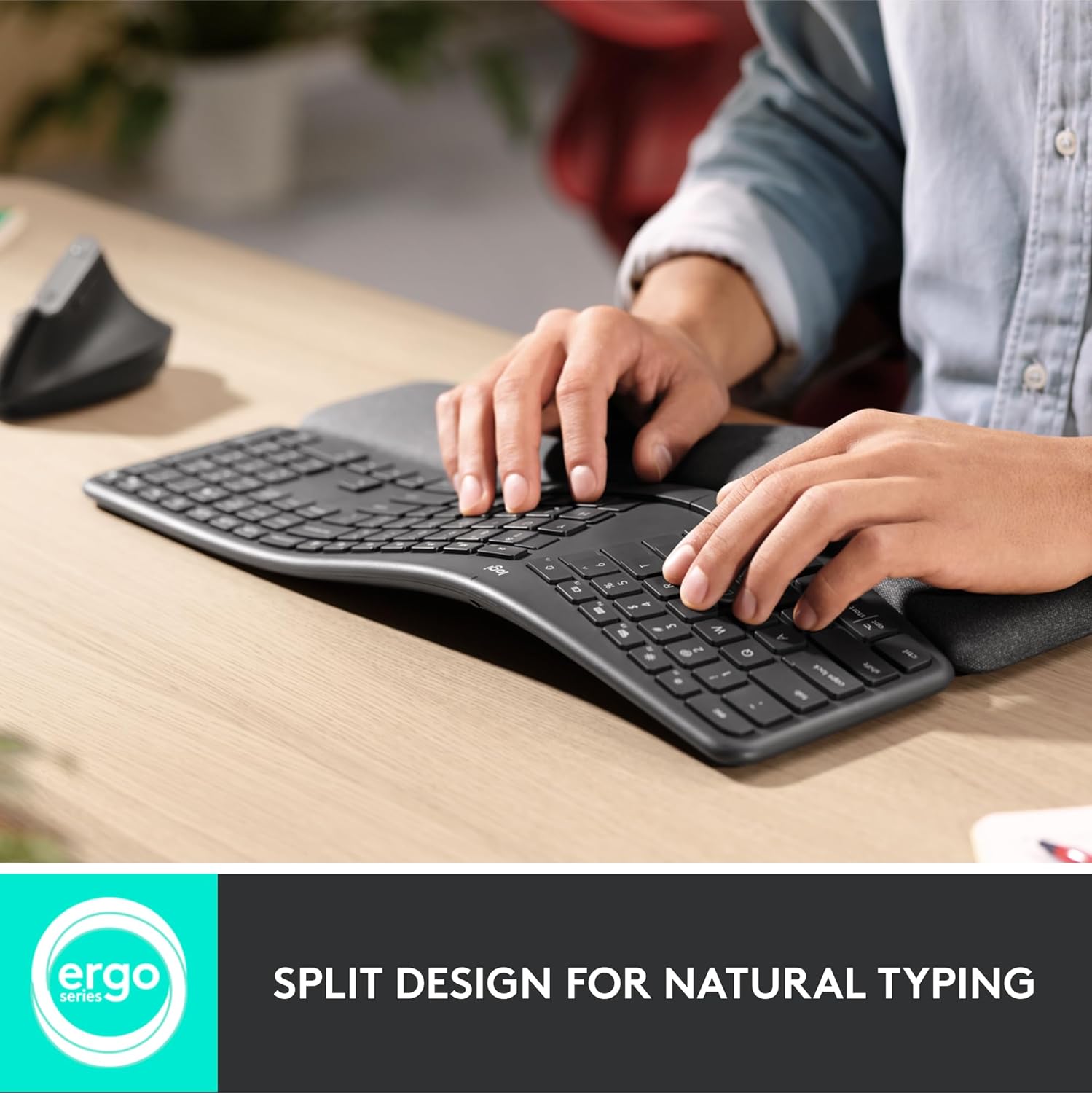
The Logitech ERGO K860 is a wireless ergonomic keyboard designed to promote a more natural typing posture. It features a curved, split keyframe and a gently sloped design paired with a pillow-style memory foam wrist rest. The aim is to reduce muscle strain on the wrists and forearms while maintaining a full-size layout for comfortable daily use.
How it helps your typing posture
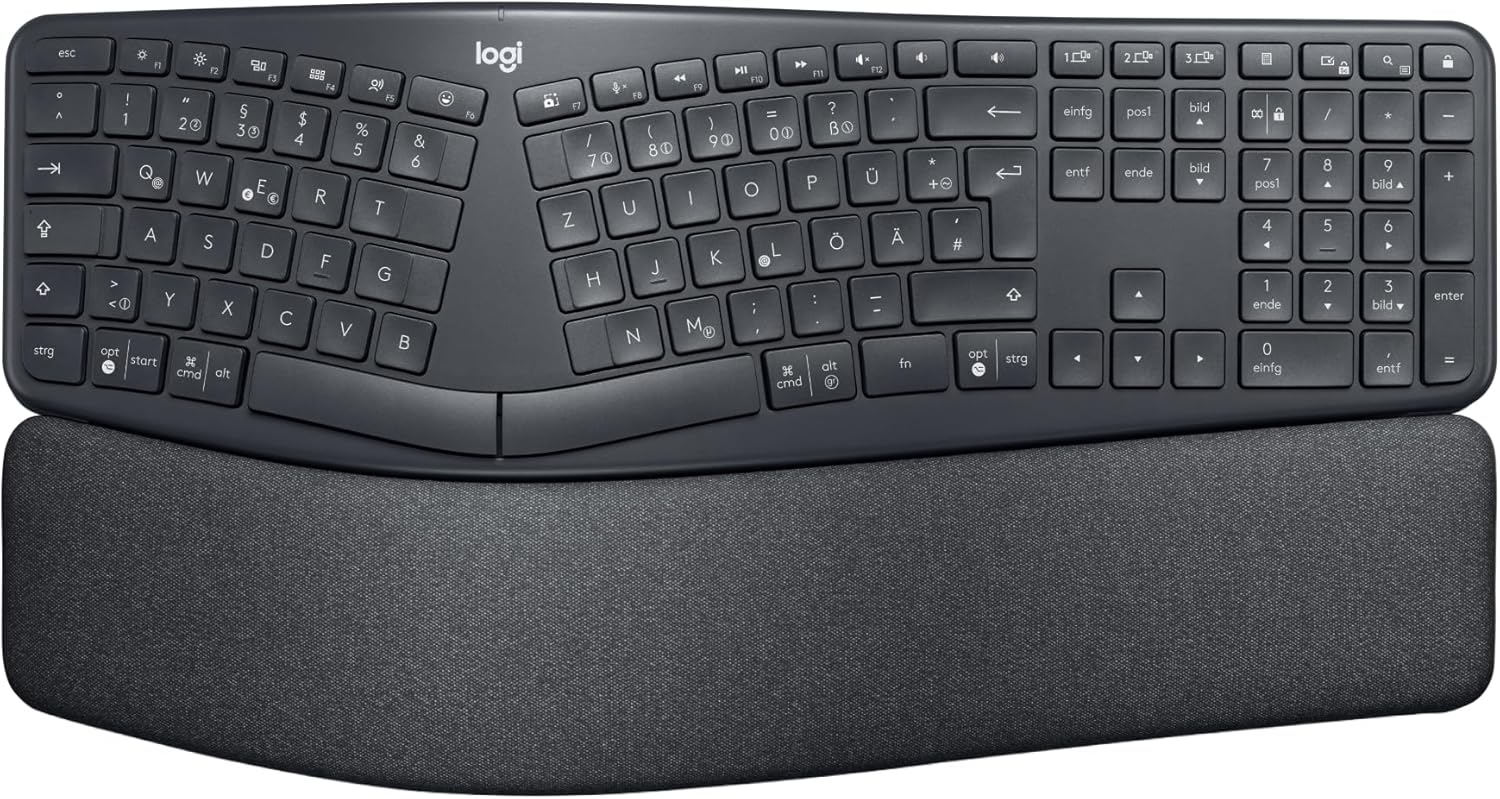
On paper, the split layout and the adjustable tilt legs (0°, -4°, -7°) encourage a more neutral wrist position whether you’re seated or standing. The curved keyframe, together with scooped keys, is intended to align with how fingertips rest, which can support a calmer, more fluid typing rhythm over long sessions. It’s not a gimmick—ergonomists have certified it as a posture-improvement option, offering a clear contrast to more traditional flat keyboards.
What stands out in daily use
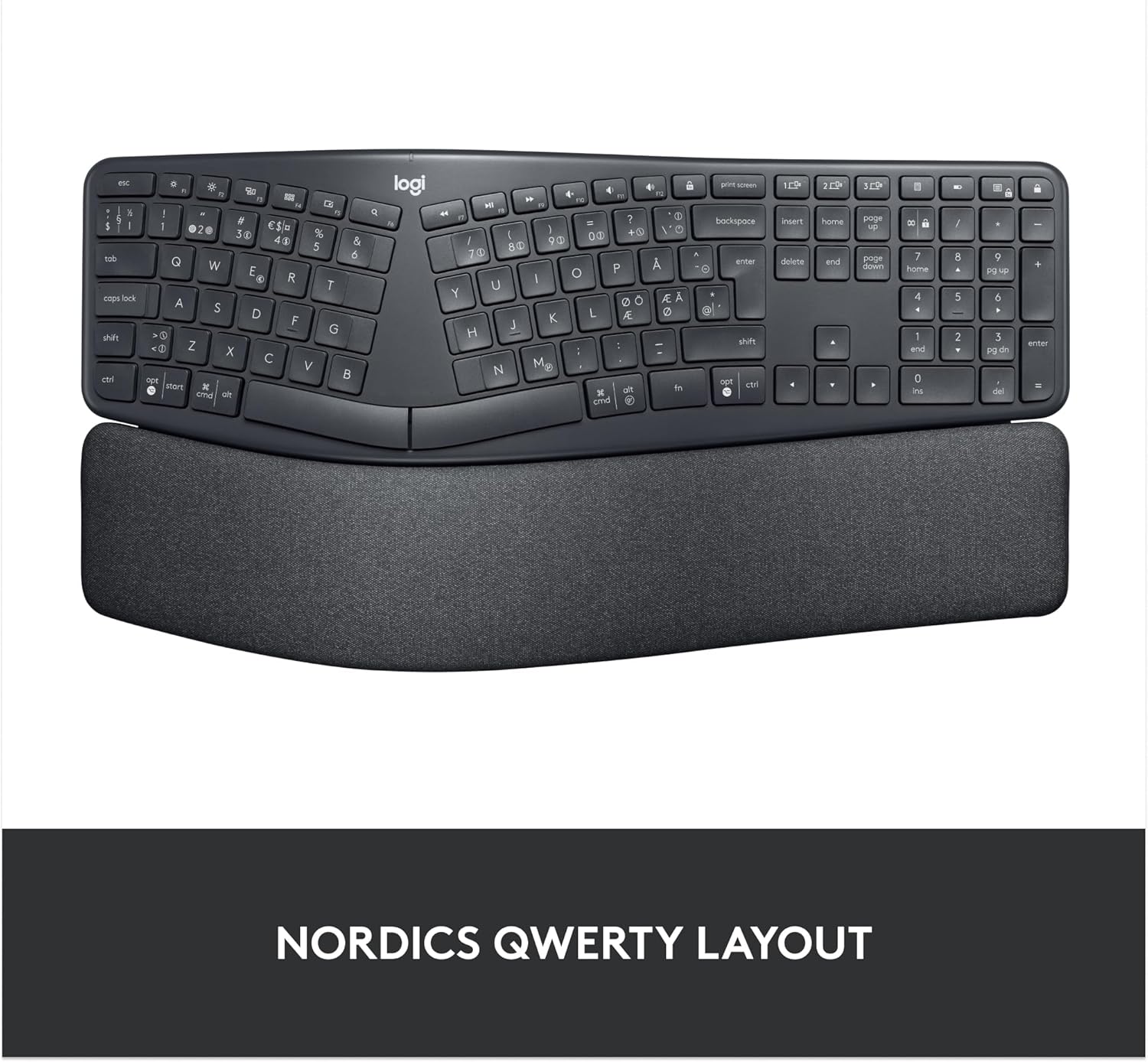
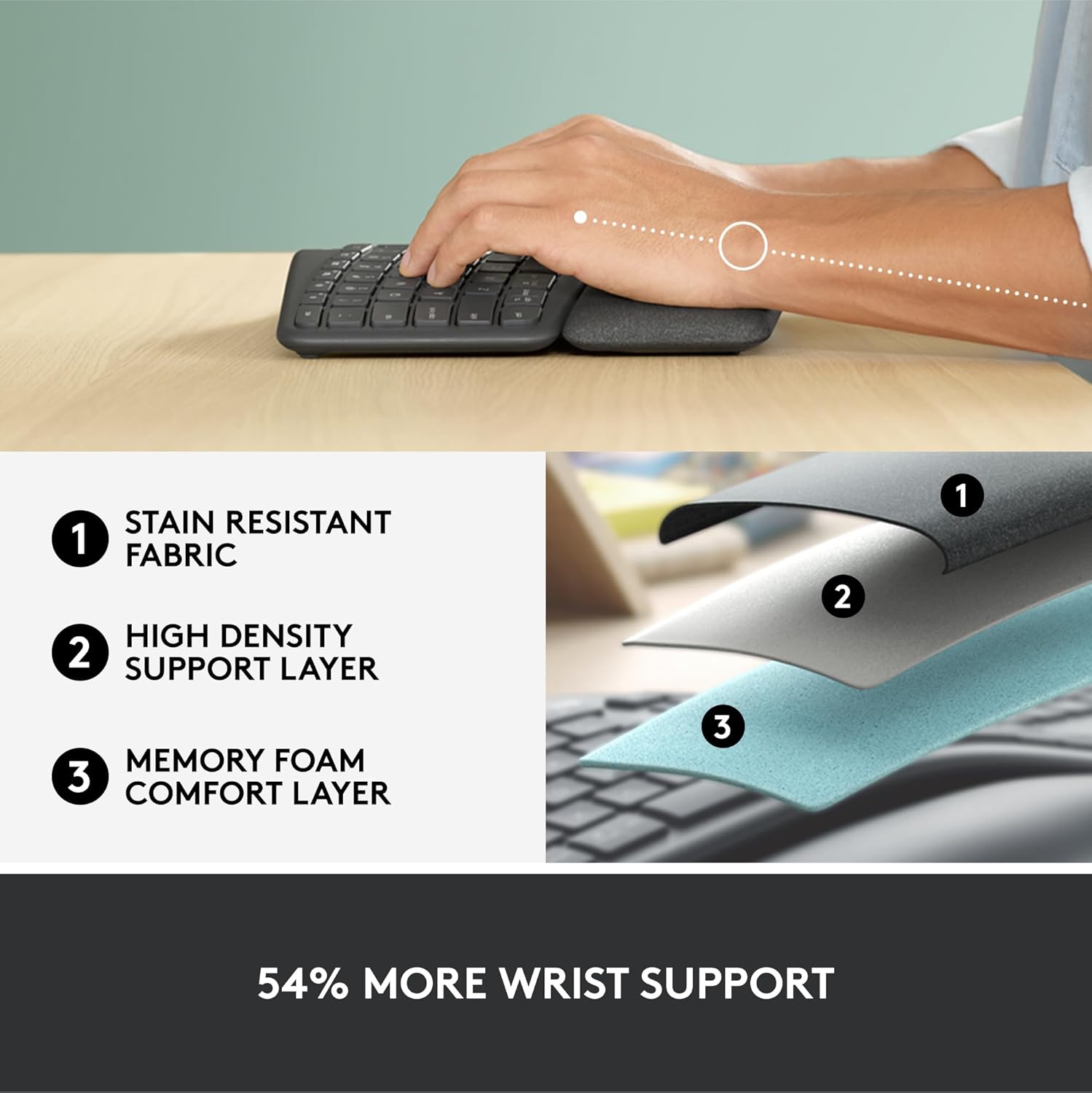
The pillow wrist rest adds a substantial amount of support, described as offering 54 per cent more wrist support and 25 per cent less wrist bending than a typical keyboard without a palm rest. The keys are designed to feel quiet and precise, which helps in shared or quiet work environments. Connectivity is flexible: you can use Bluetooth or the USB receiver, and Logitech Options software lets you customise Fn keys and create shortcuts while giving battery-life notifications.
Limitations and things to consider
This is a large, full-size keyboard with a specific ergonomic form. If you are accustomed to a compact layout or prioritise portability, the ERGO K860 may feel oversized and heavier than standard keyboards. The description notes a stain-resistant fabric surface, which is practical for everyday office life, but it’s worth considering how the fabric feels to the touch and how it ages with use.
Who this is for
It suits desk-based users who spend long hours typing and want to encourage a healthier posture without compromising full-size familiarity. If you value customisable function keys, quiet keystrokes, and a blend of Bluetooth and USB connectivity, this model aligns with those needs. It may appeal to those who appreciate a recognised ergonomic approach and are willing to invest in a dedicated input device.
Who it isn’t ideal for
If you prioritise compactness, ultra-lightweight options, or an all-plastic, minimal aesthetic, this keyboard might feel too bulky. Also, if you need a keyboard primarily for travel or very short work bursts, the ARGR K860’s size could be a drawback.
When it makes sense to buy
If your priority is promoting better typing posture during long writing sessions and you want a full-size, feature-rich wireless keyboard with a comfortable wrist rest, the ERGO K860 is a sensible option to consider. It’s a pragmatic choice for home or office setups where durability and ergonomic support are valued over extreme portability.
What to check before buying

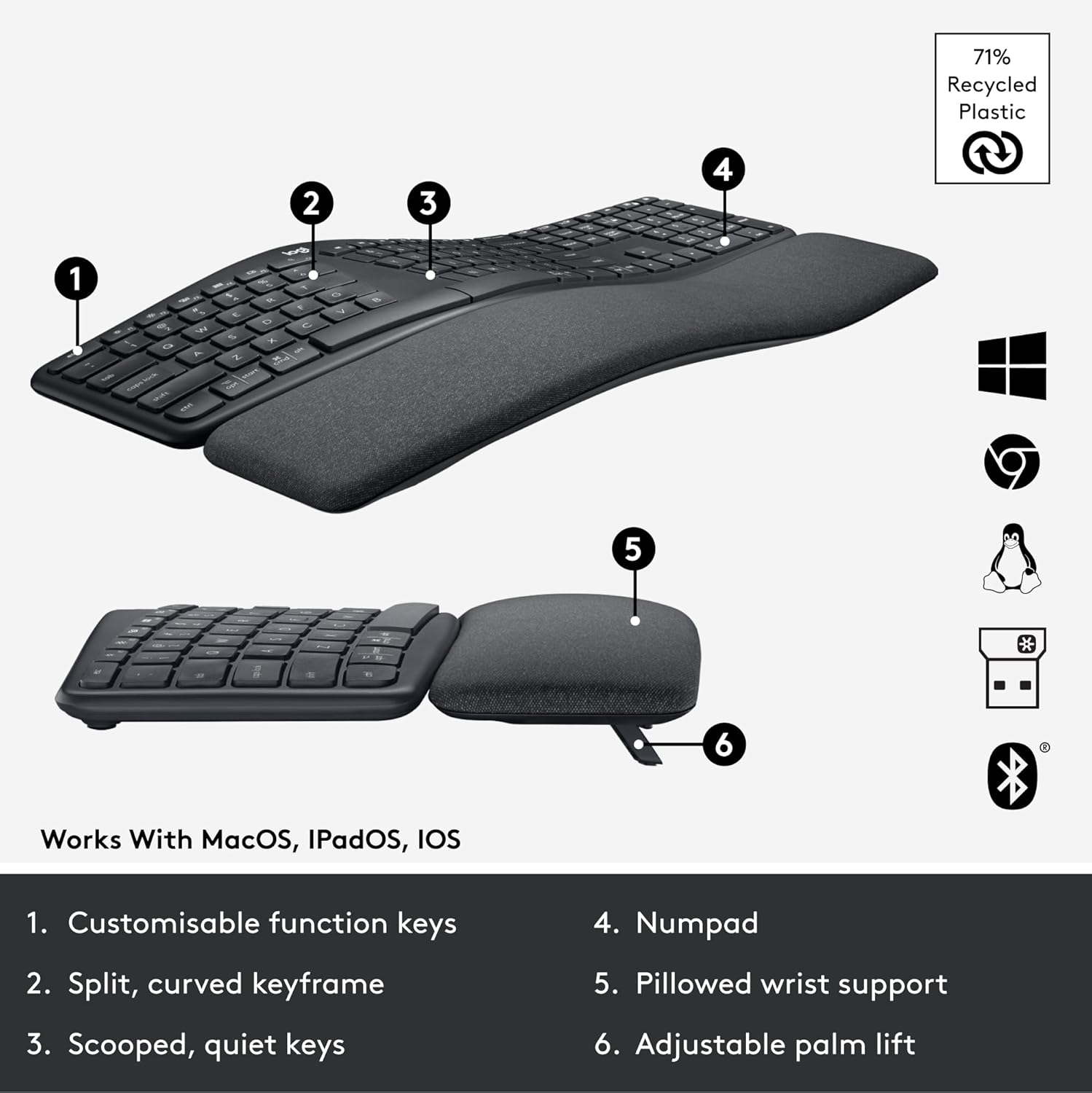
- Confirm your preferred connectivity (Bluetooth vs USB receiver) is compatible with your setup.
- If you use a UK English layout, ensure the model’s layout matches your expectations (QWERTY UK English).
- Consider whether you want an ergonomic keyboard with a focus on wrist comfort and a built-in palm rest, and whether the weight or footprint fits your workspace.
How it compares to common alternatives
Compared with traditional flat keyboards, the ERGO K860 offers a more defined ergonomic stance and a palm-rest-driven comfort profile. If you prioritise compactness or minimal desk footprint, you might lean toward a more standard ergonomic split layout or a smaller design. For users who want a full-size, comfortable typing experience with reliable wireless options and customisable keys, this model fills a practical niche rather than chasing novelty.
Final decision
Is it worth it?
Worth considering if you prioritise posture-friendly typing, a full-size layout, and flexible connectivity for daily long-form typing.
FAQ
- Does it work with both Windows and Mac? Yes, it is listed as compatible with Windows and Mac.
- Can I use it without the palm rest? The palm rest is integral to the ergonomic design, but you can use it with or without adjusting the tilt legs.
- Is the fabric surface easy to clean? The description notes stain-resistant fabric, which should help with everyday cleaning, though specific maintenance guidance isn’t provided here.