

TECKNET Ergonomic Vertical Mouse (Bluetooth Rechargeable, 6-button) — Right-handed, 4800 DPI, Silent clicks
Product description
What it is and why it matters
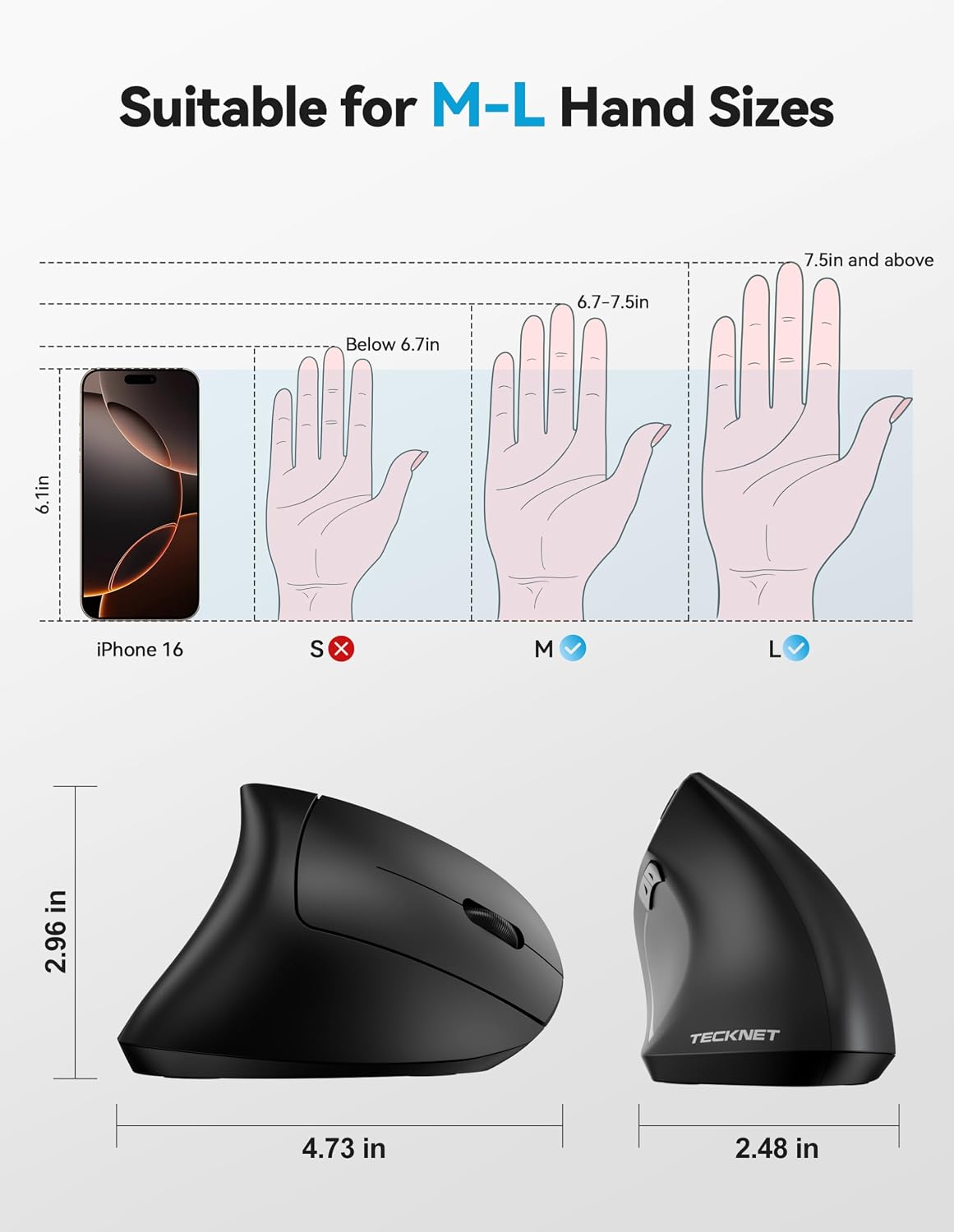
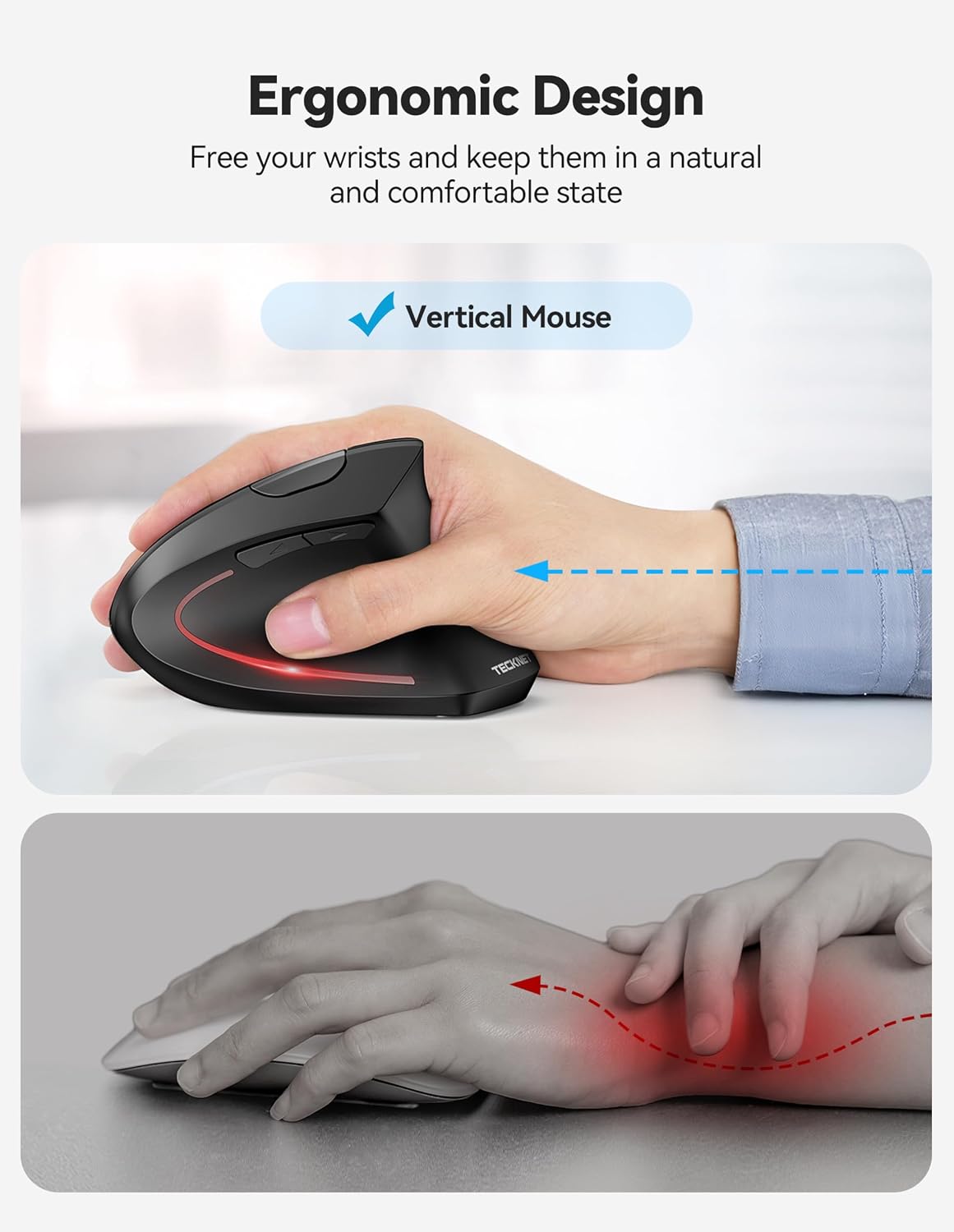
The TECKNET ergonomic vertical mouse is designed around a simpler goal: keeping your wrist and hand in a more natural position during longer sessions. Instead of the typical flat, sideways mouse shape, it uses a vertical, right-handed ergonomic layout with a stated 52° tilt angle. On paper, that’s the kind of change that can reduce fatigue if you’re prone to wrist strain or general discomfort from using a standard mouse for work, study, or gaming-adjacent browsing.
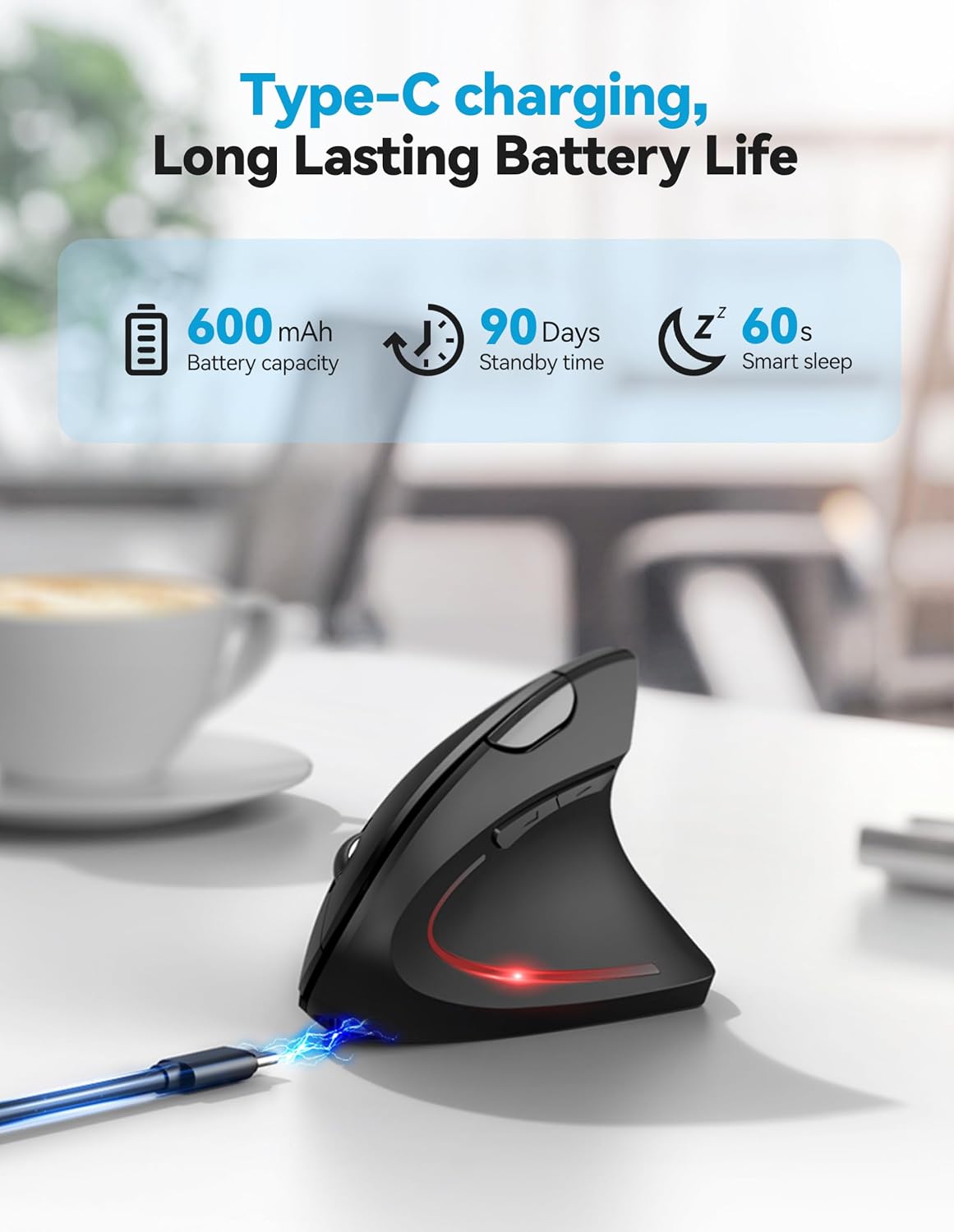
It’s also rechargeable and wireless, which makes the day-to-day experience less fiddly than with batteries. The included Type-C charging cable tops up the built-in 600mAh lithium battery, and the manufacturer quotes up to 60 days of use and 90 days on standby from a full charge. That won’t suit every heavy user equally, of course, but the battery figures are clearly part of the pitch.
Key features in plain English
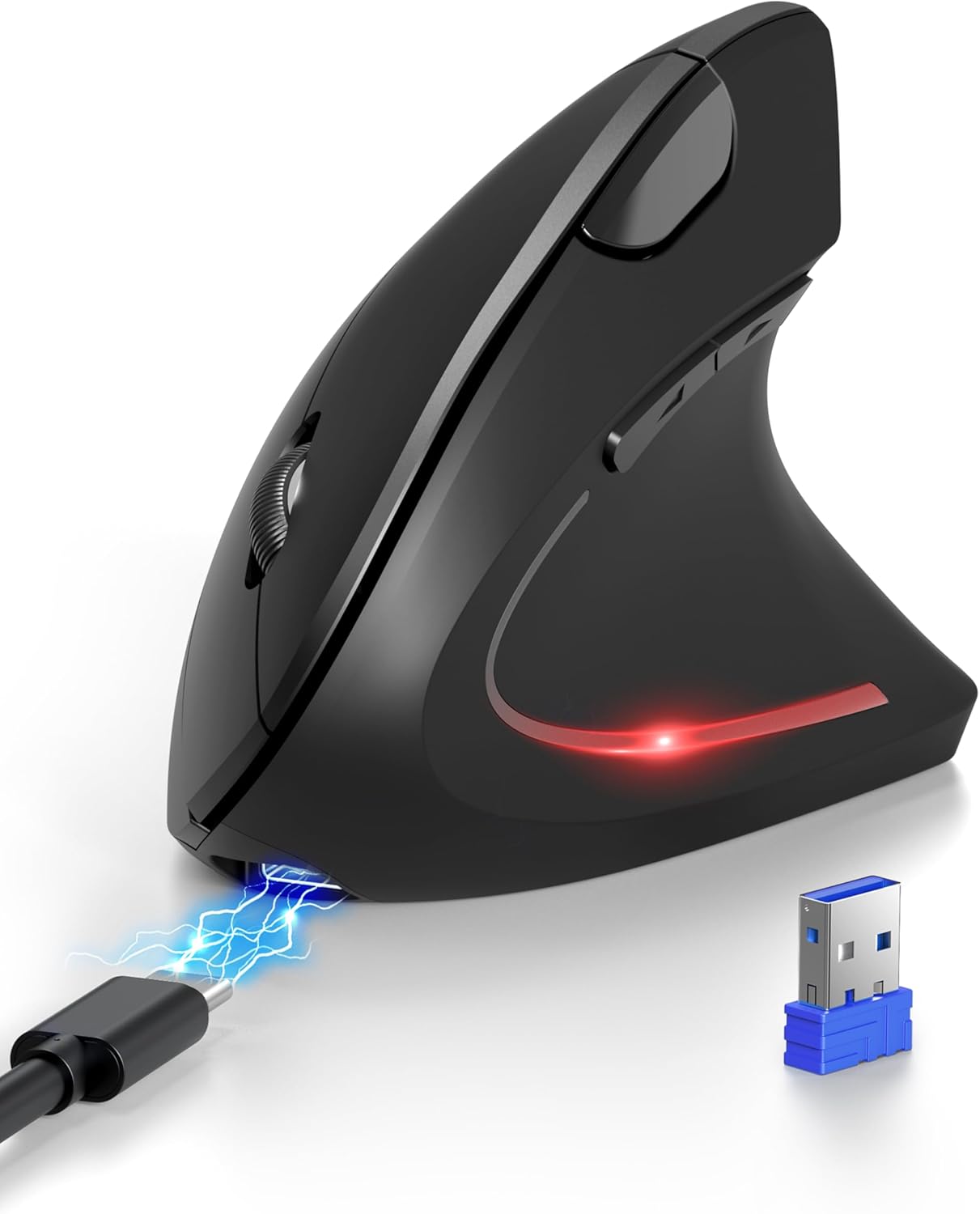
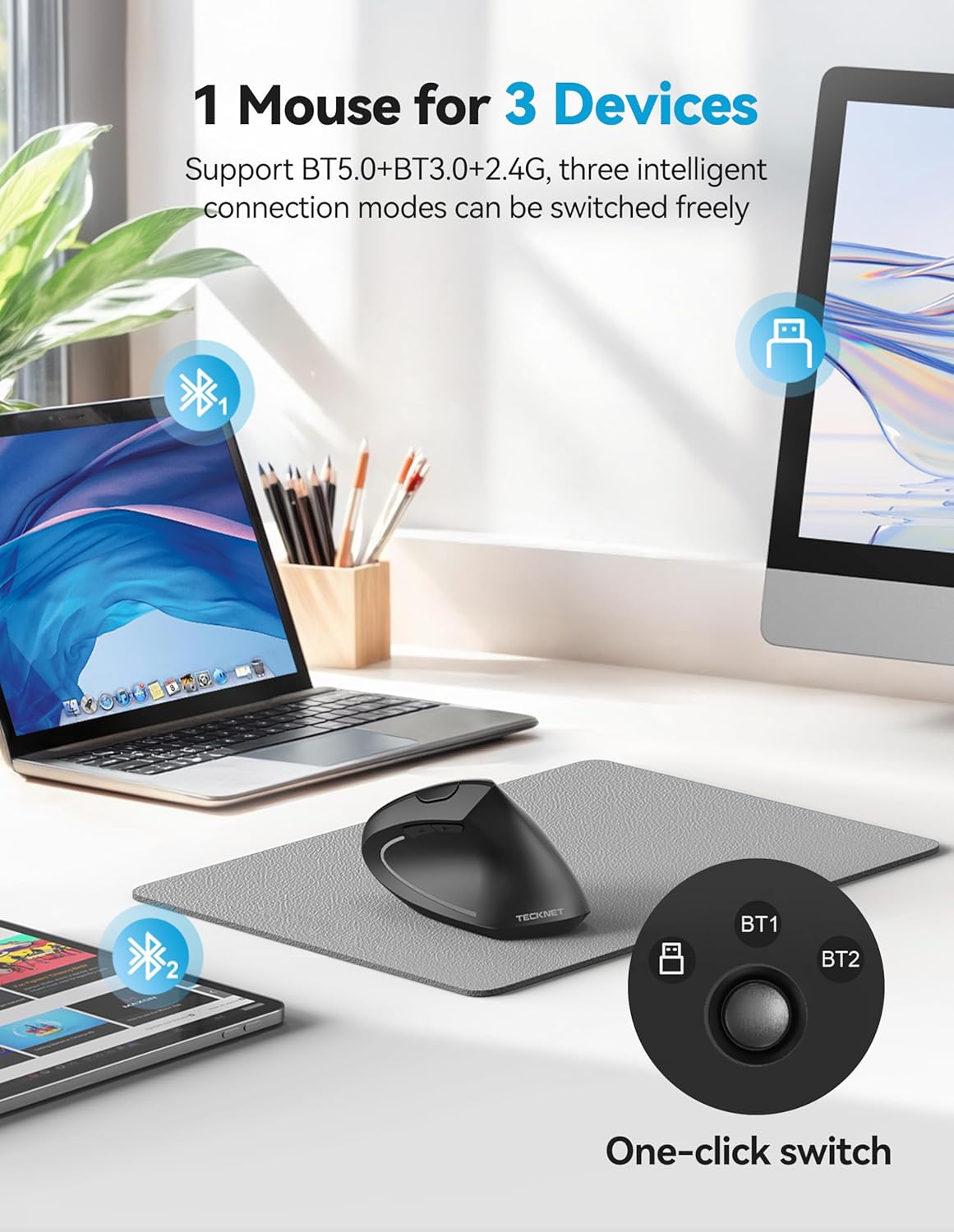
Connectivity is where this mouse aims to be flexible. It supports multiple ways to connect: Bluetooth 5.0, Bluetooth 3.0, and a USB-A receiver mode. There’s a “built-in” 2.4GHz receiver located at the bottom of the mouse, and the back button lets you switch between Bluetooth (including simultaneous connections to two devices) and the receiver mode.
If your setup is the kind that constantly switches between laptop and desktop, or you’re using a device without a convenient USB port, this multi-mode approach can be genuinely useful. It’s not magic, but it’s the sort of convenience that saves time when you don’t want to keep re-pairing.
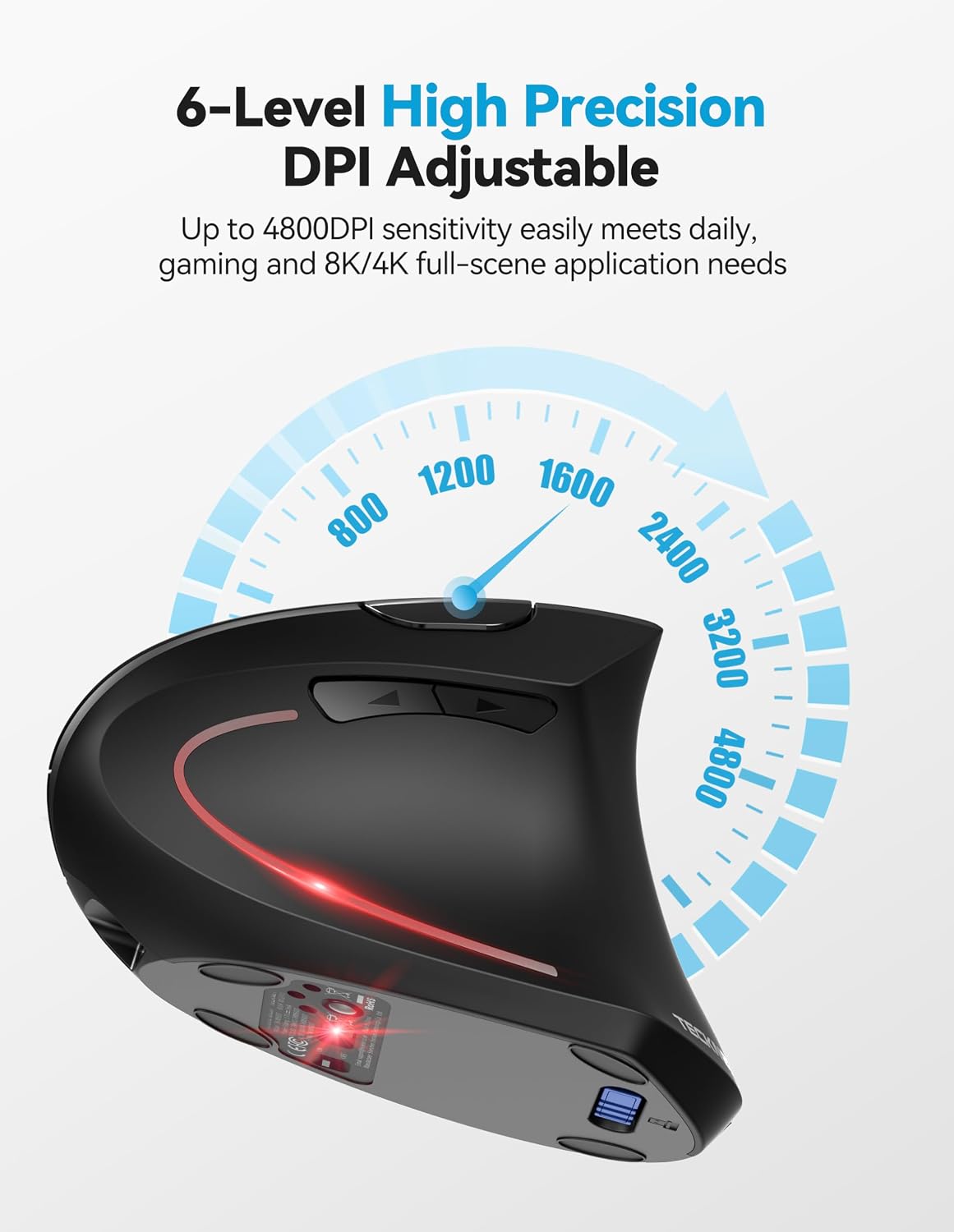
For tracking control, it offers six adjustable DPI levels: 4800/3200/2400/1600/1200/800. The mouse also indicates DPI changes by flashing a light corresponding to the selected level.
What you’ll notice day to day
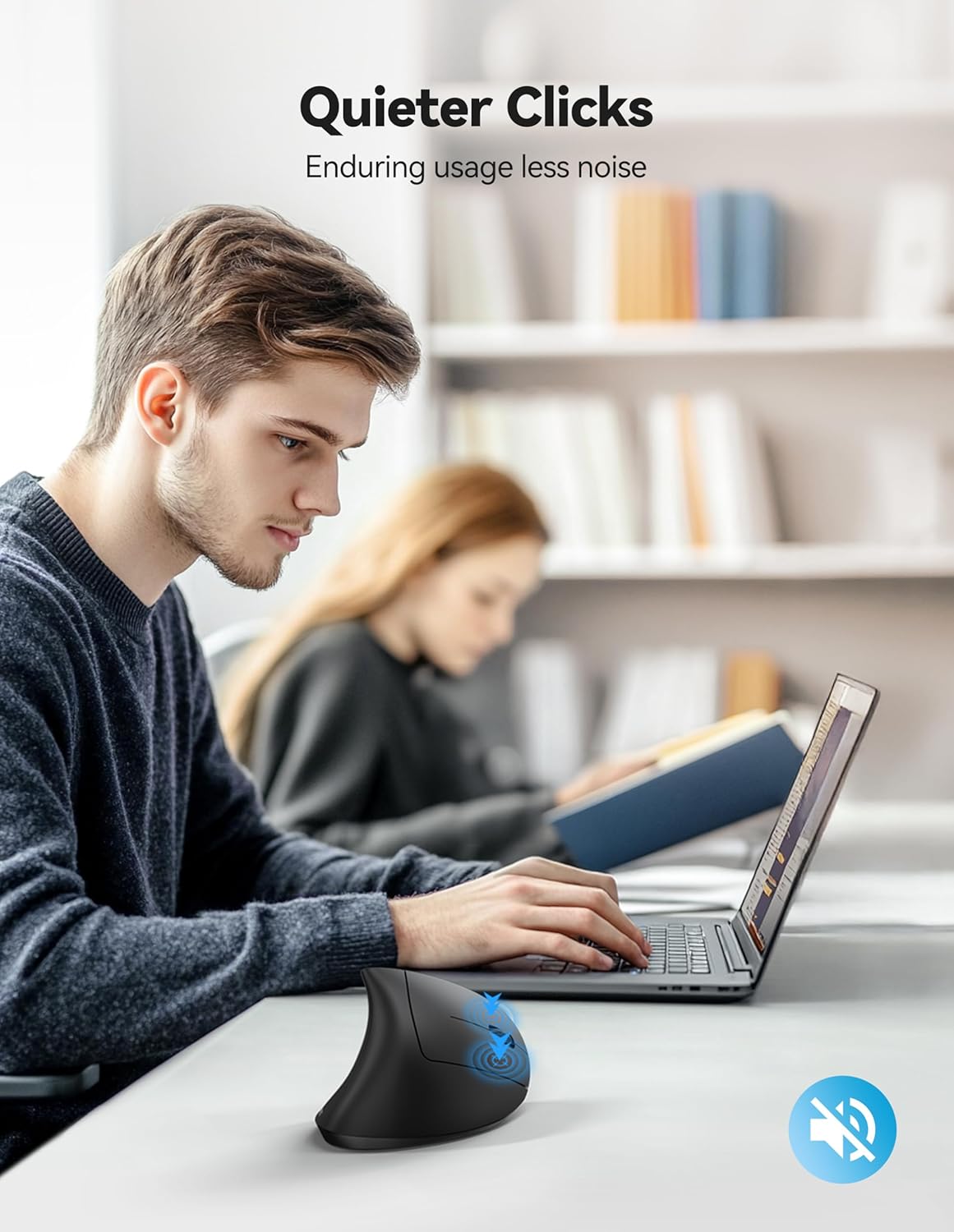
The click experience is one of its standout claims. The left and right click buttons are described as “nearly silent”, so you can work without constantly announcing clicks to everyone nearby. It’s worth noting the limitation: only the left and right clicks are silent, and the other function buttons aren’t silent.
There’s also an energy-saving approach. The mouse is stated to enter a power-saving mode that cuts off power after about 8 minutes of inactivity, and you can wake it by pressing the left or right button. An ON/OFF switch and intelligent sleep mode are also mentioned as part of the power-saving strategy.
Where it shines vs where it can fall short
This mouse makes the most sense if you’re buying for comfort during long sessions, plus a quieter click for shared spaces. The vertical, right-handed design is the heart of the product: if you’re right-handed and you’re trying to move away from traditional mouse posture, it’s the right concept.
That said, it isn’t for everyone. First, it’s designed for right-handed use only, so if you’re left-handed (or you need a symmetrical shape), you’ll likely be disappointed. Second, the silent-click claim is limited to the main left/right buttons, so it’s not a “silent everywhere” solution.
Also, some macOS expectations may not match your setup. The description notes that the side buttons are not programmable, and that side buttons are invalid in macOS. If you rely on side buttons for page navigation on a Mac, you may want to skip this.
Specs that affect buying decisions
You’re essentially choosing three things with this model: connectivity, sensor control, and battery life.
- Connectivity: Bluetooth 5.0, Bluetooth 3.0, and USB-A receiver mode, with the ability (over Bluetooth) to connect to two devices at once.
- Sensor control: 6 DPI levels up to 4800, with visible feedback when changing.
- Power: rechargeable via Type-C, with quoted battery life up to 60 days of use and 90 days standby, plus an auto sleep/power-saving behaviour after inactivity.
One practical point to consider: the product is positioned as a rechargeable wireless office-style mouse, not something aimed at competitive esports precision. The DPI range is there, but your results will still depend on how it feels in-hand and your surface.
Quick FAQ before you buy
Is it easy to switch between devices?
Yes, the mouse supports Bluetooth (Bluetooth mode is said to allow simultaneous connections to two devices) and also USB-A receiver mode. There’s a back button to switch modes.
How long does the battery last?
The manufacturer quotes up to 60 days of use and 90 days standby on a full charge. Actual life will depend on how frequently you use it and which connection mode you’re on.
Are the side buttons useful?
The side buttons are described as helping with browsing and turning pages, but they are not programmable and are stated to be invalid in macOS.
Are the clicks fully silent?
Not fully. The left and right clicks are described as nearly silent, while other function buttons aren’t silent.
What should I check if I’m buying for comfort?
Make sure you’re right-handed and comfortable with a vertical mouse layout with the stated 52° tilt. If your current comfort problems don’t relate to wrist angle, the ergonomic design may not fix everything.
When it makes sense
This is a solid pick if you want a rechargeable vertical mouse for right-handed use, value quieter left/right clicks for shared environments, and like the convenience of switching between Bluetooth and a USB-A receiver. It suits office work, home study, and general daily browsing where you’ll spend enough time at a desk for comfort and ergonomics to matter.
It might not be a great match if you’re left-handed, you need programmable or working side buttons on macOS, or you’re looking for a “silent” mouse beyond just the main clicks.
Final verdict
The TECKNET ergonomic vertical mouse is one of those buys that can pay off when your priority is comfort and low-distraction clicking rather than chasing premium features. Just be mindful of the right-handed-only design and the macOS note about side buttons, and you’ll be buying into the idea that a more natural hand position is worth paying attention to.