

LG Monitor 32U631A review: 32-inch QHD IPS with USB‑C, 100Hz for everyday tasks
Product description
What it is
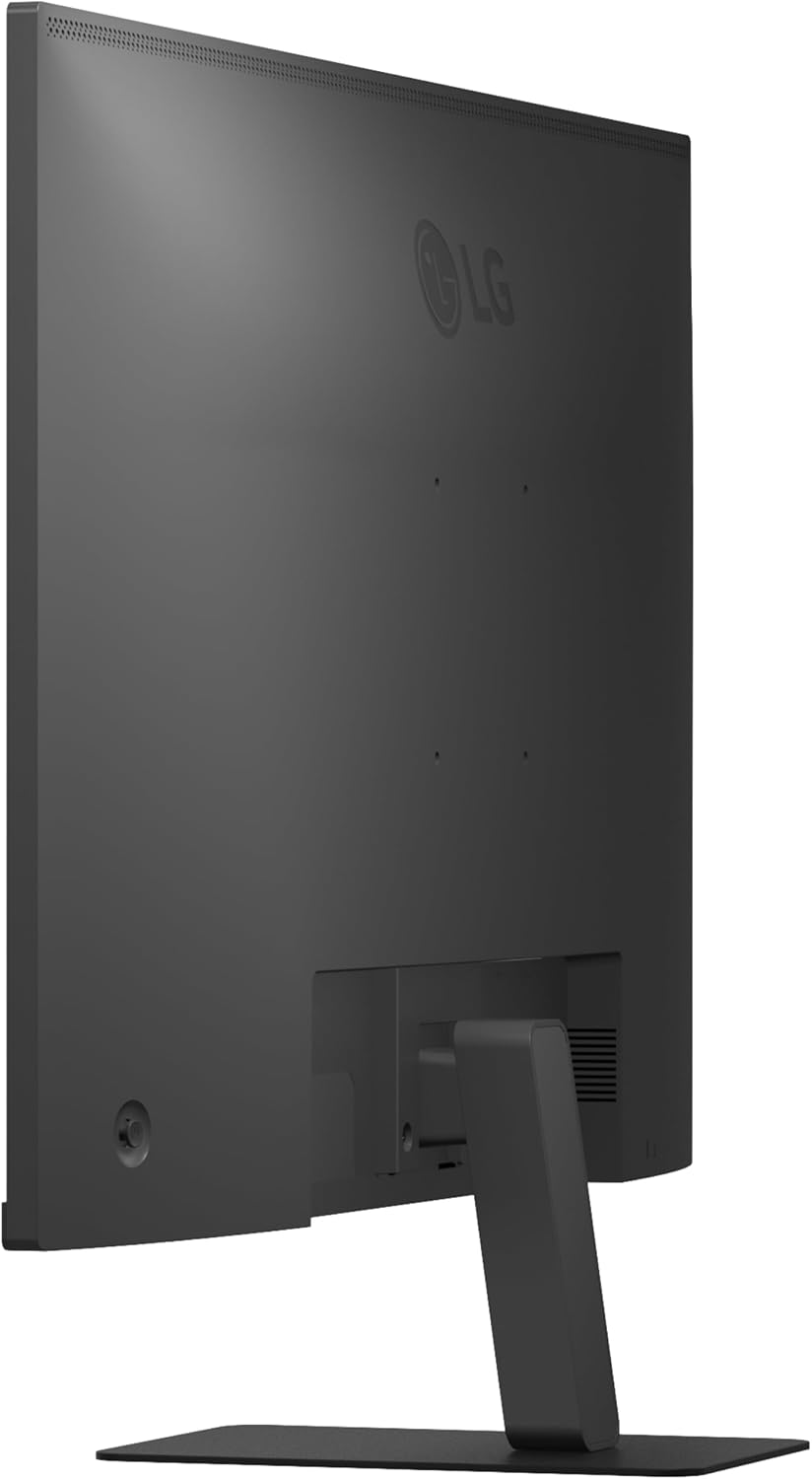
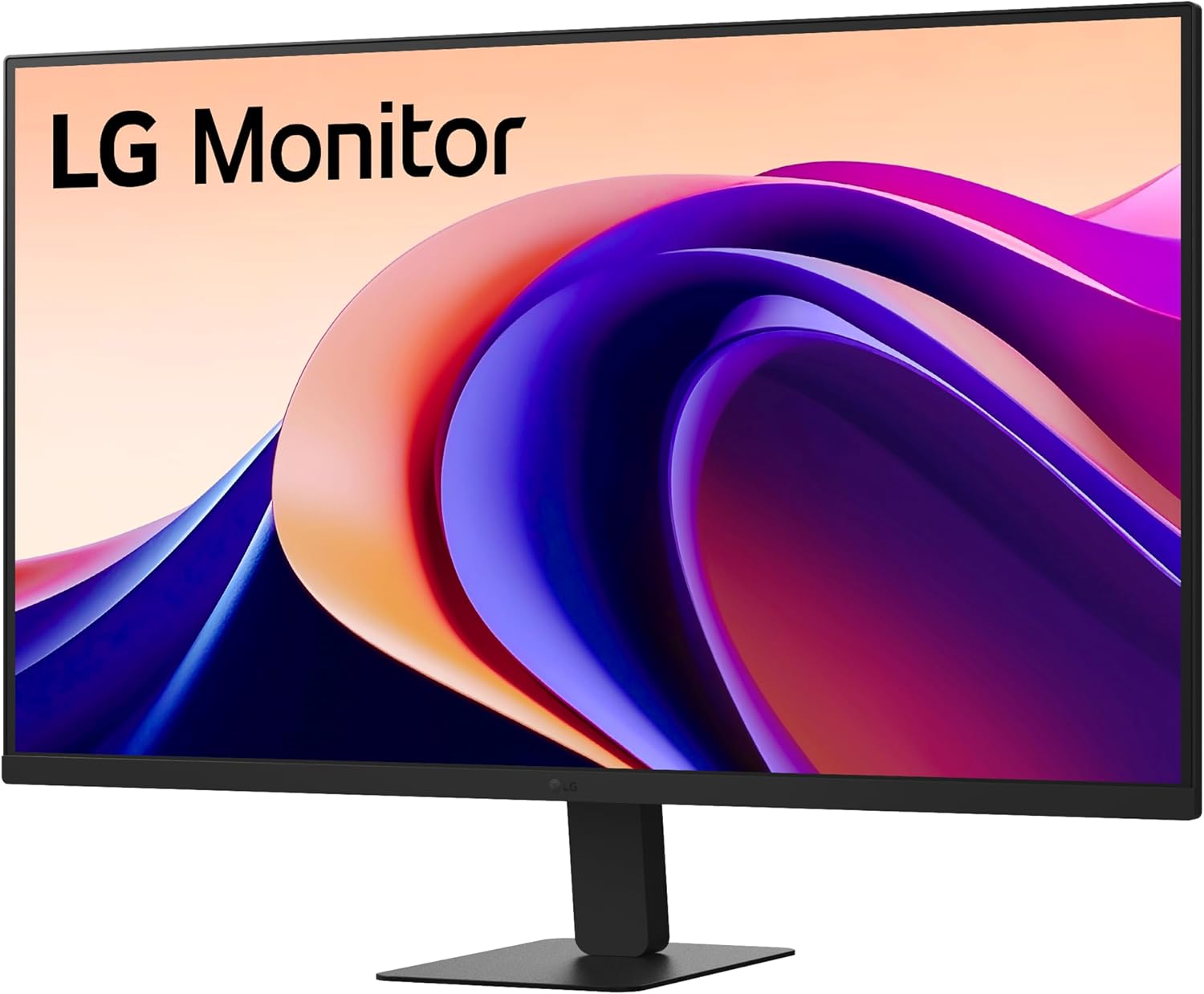
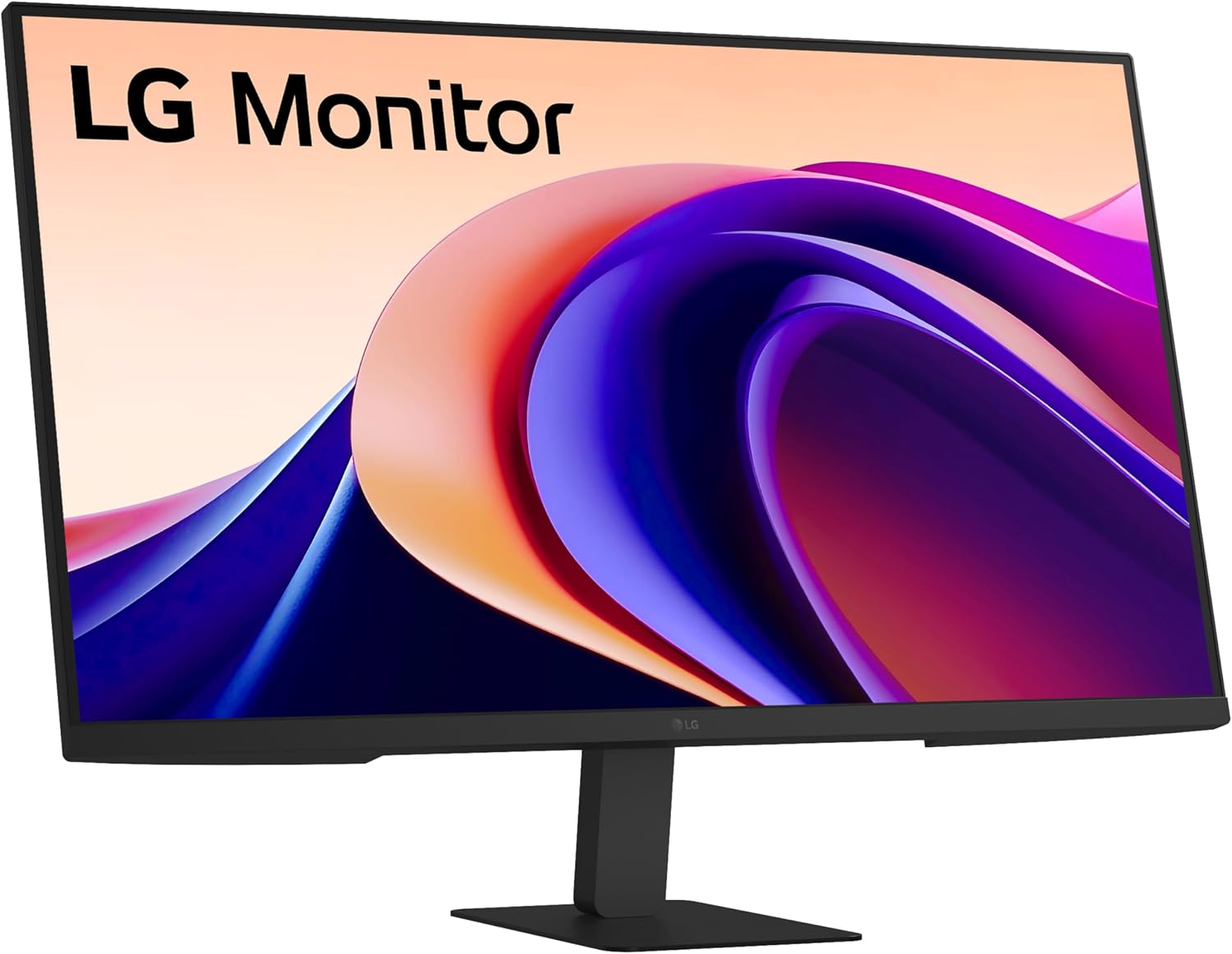
The LG 32U631A is a 32-inch desktop monitor aimed at a balanced mix of productivity and casual gaming. It delivers a QHD 2560×1440 resolution via an IPS panel, offering wide viewing angles and solid colour accuracy for everyday work, photo viewing and light creative tasks. With a 100Hz refresh rate and a 5ms response time, it aims to feel smoother than standard 60Hz panels when switching between documents, browsing, and occasional gaming. The design is understated, with a slim three-sided bezel and a matte black finish that won’t scream for attention in a typical home office.
How it’s laid out for real use
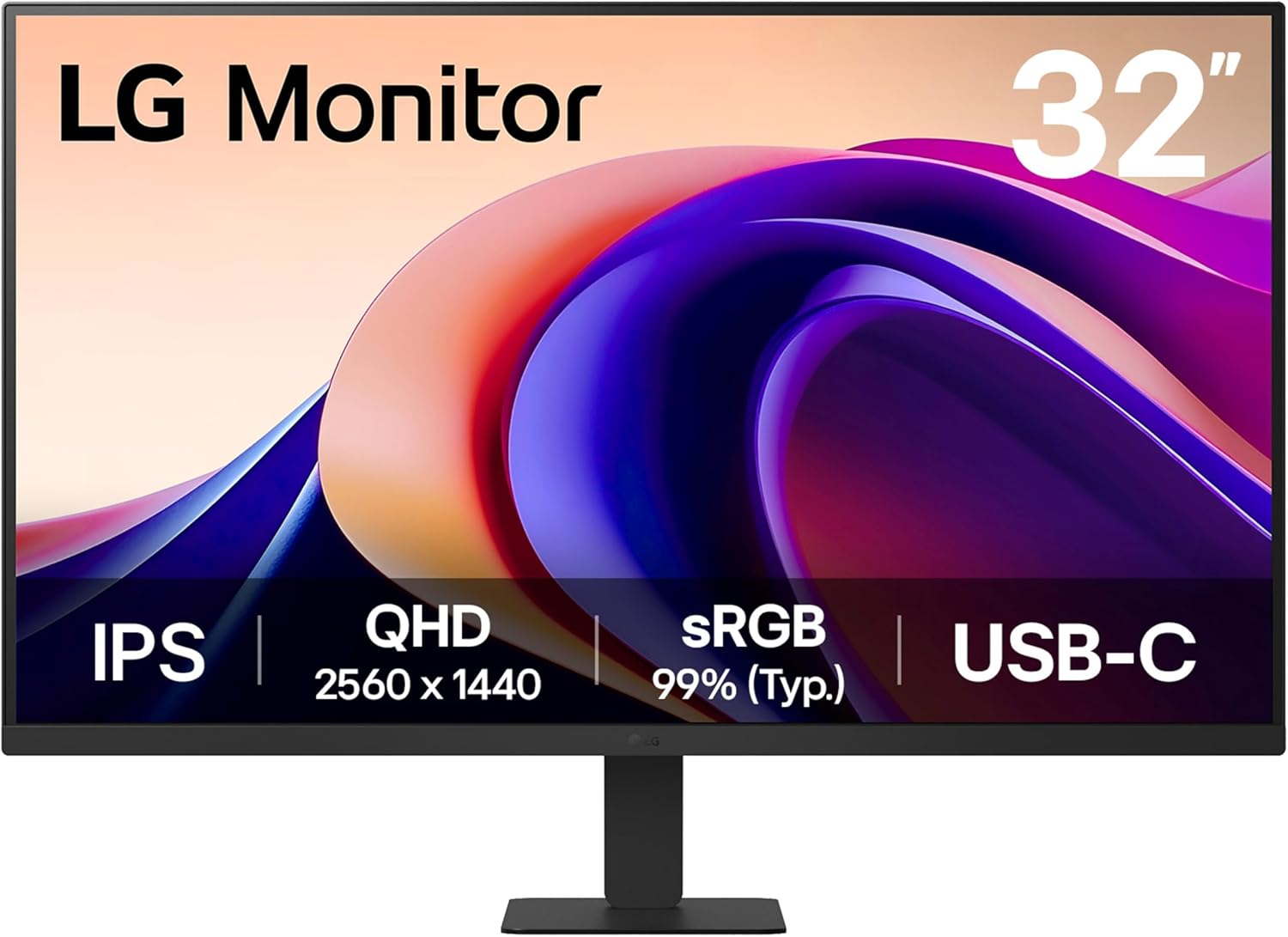
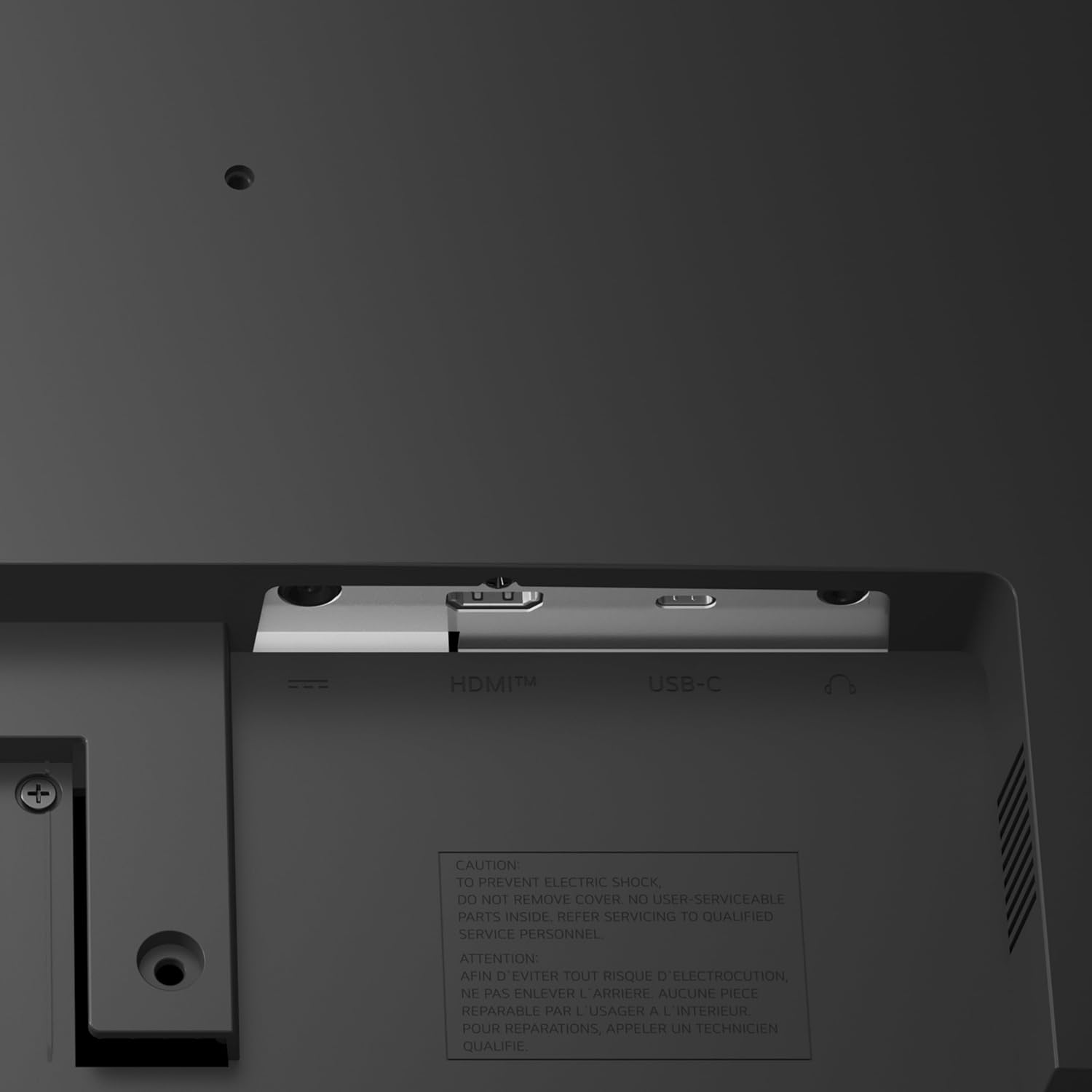
If you frequently switch between documents and web apps, the extra screen real estate of 32 inches makes a difference. The 100Hz refresh can help with motion in fast-paced UI transitions and some light gaming, though it isn’t pitched as a high-end gaming monitor. For those who rely on colour accuracy for content work, the IPS panel claims a broad colour gamut, covering a large portion of the sRGB spectrum. In practice, that usually translates to pleasant, natural skin tones and crisp images for everyday tasks. The USB‑C connection is a handy touch for laptop users, delivering up to 15W of power and a direct single-cable workflow for compatible laptops.
What stands out in daily use
The Flicker Safe feature aims to reduce eye strain during long sessions, and Reader Mode adjusts colour temperature and brightness for more comfortable reading and longer screen time. If you’re conscious about eye comfort after hours of screen use, these add-ons can matter more than flashy specs. The lack of hardware side speakers keeps the footprint small and the focus on display clarity, which is fine for most desk setups.
Pros and what could be better
What you’ll notice first is the size and the clear, sharp image at QHD resolution. The IPS panel helps with viewing from off-centre angles, which is useful if you share the screen with colleagues or family. The 100Hz refresh feels smoother than a standard monitor when scrolling or dragging windows, though it won’t compete with high-end gaming panels in terms of motion clarity or feature sets like adaptive sync at ultra-high frame rates.
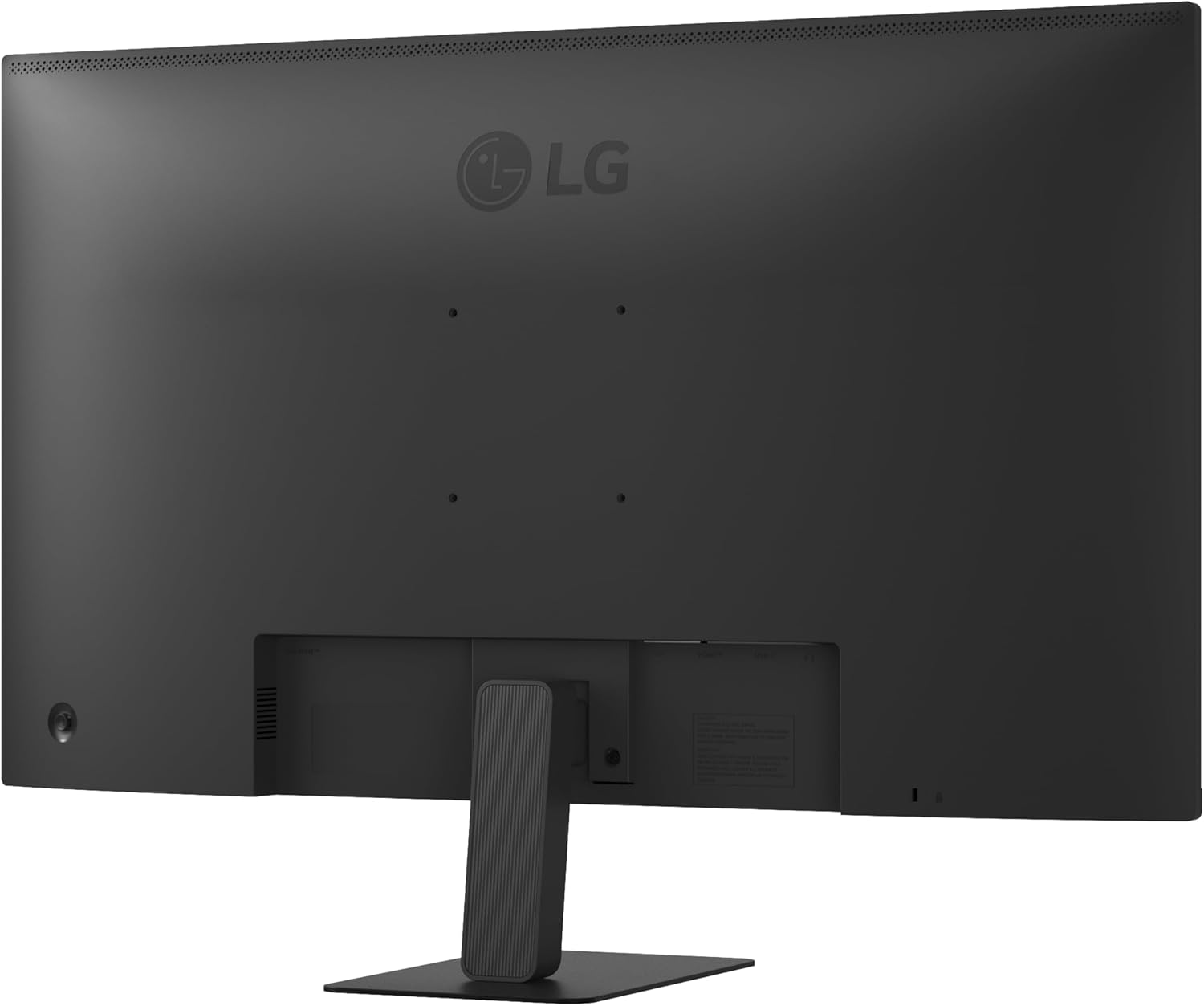
On the downside, the specification doesn’t reveal HDR support or a higher peak brightness, which matters for bright office rooms or HDR content. The built-in stand offers tilt adjustment, but there’s no mention of height adjustment in the data provided, so ergonomics might be more limited than full-height adjustable models. If your work hinges on precise colour or you want a monitor geared toward professional photo/video workflows, you may want to confirm the exact colour gamut and calibration options before buying.
Who it’s for
This monitor suits office users, students and light creatives who want a sizeable screen with decent colour and a smooth, responsive feel for everyday tasks. It’s a sensible option if you’re pairing a laptop via USB‑C and value a clean desk setup without extra peripherals. It also works well for casual gaming and media consumption, where the 32-inch size and 100Hz refresh can improve the overall experience without leaning into the realm of dedicated gaming gear.
Who it isn’t ideal for
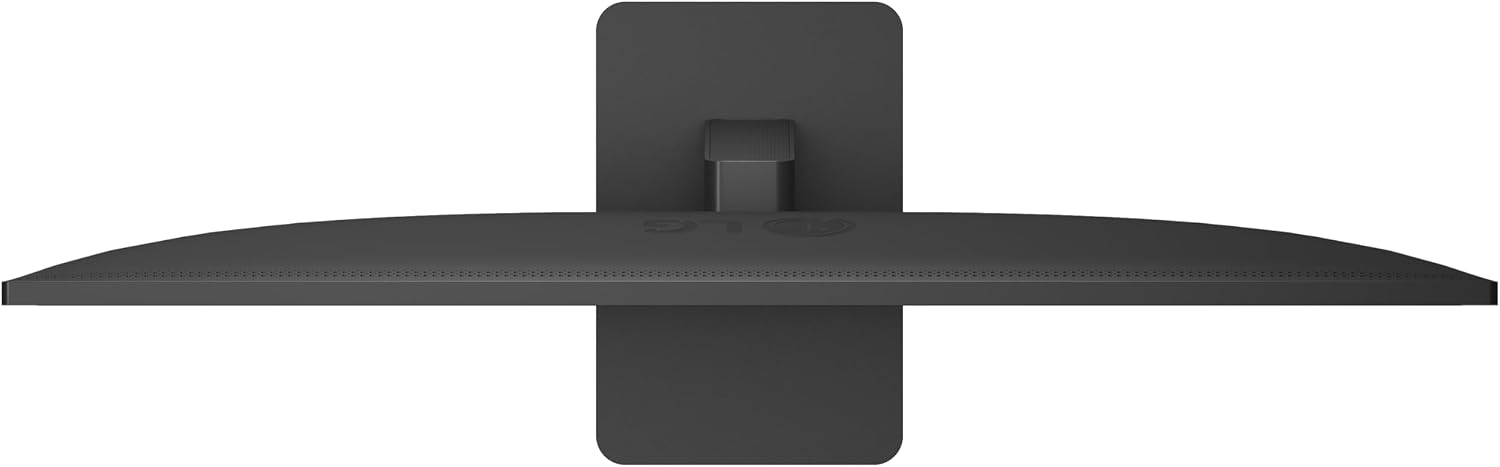
If your priority is professional colour-critical work, or you need a stand that offers full ergonomic adjustment (height, swivel, pivot), this model might feel a little short of expectations. Likewise, if you want high-end gaming performance with adaptive sync across a wide variety of titles, you may be better off looking at monitors explicitly designed for gaming. In bright rooms with strong ambient light, the absence of HDR and uncertain brightness levels could reduce impact in certain content.
When it makes sense to buy
Choose this LG when you want a large, sharp screen for general use, with a straightforward USB‑C setup that keeps desk clutter down. If you prioritise a calm, reliable display for long work sessions, and you don’t require advanced colour workflow tools or peak brightness ahead of everything else, this could offer good value for money without a premium price tag.
What to check before buying
- Confirm USB‑C compatibility with your laptop, especially whether you’ll get up to 15W power delivery and video through a single cable.
- If you rely on colour-critical tasks, verify the factory colour accuracy and whether you’ll need to calibrate after purchase.
- Check your desk space and ventilation, a 32-inch monitor will be substantial on smaller desks, and ergonomics depend on the stand's tilt range.
- Consider whether you need built‑in speakers, this model’s data does not mention audio hardware, so a separate solution might be necessary.
How it compares in practice
Compared with smaller or lower‑resolution displays, the 32U631A offers more workspace and a crisper image at a similar price point to general-purpose 27–32 inch IPS panels. For those who balance work and light gaming, the 100Hz refresh and IPS clarity can feel like a practical upgrade over basic 60Hz LCDs, without stepping into the higher cost and complexity of premium gaming or professional colour monitors.
FAQ snapshot
- Is USB‑C sufficient for charging and display? The model supports up to 15W power delivery over USB‑C, which is suitable for some laptops but may not power larger machines at full load.
- Does it support HDR? No information is provided indicating HDR support.
- Can I use it for photo editing? The IPS panel with broad sRGB coverage suggests reasonable colour performance for casual editing, but exact calibration would depend on your needs.
- Is there height adjustment? The data mentions tilt adjustment but does not specify height adjustment.
Decision: Is it worth it?
A solid pick if you prioritise screen real estate, decent colour, and a simple USB‑C setup for everyday use. It’s not the best option if you need precise professional colour workflow, enterprise-grade ergonomics, or high-end gaming features. If those gaps matter to you, you may want to explore alternatives with calibrated colour support, HDR, or full-height/tilt/pivot stands.
Quick use case
Imagine editing a photo while having your browser and reference material open side-by-side. The 32-inch canvas feels more relaxed and the IPS panel keeps viewing angles forgiving when you glance up from a document. You’re not chasing cutting-edge gaming performance, but the 100Hz refresh helps with smoother scrolling and window transitions during a productive afternoon.