

KingSpec 512GB NVMe SSD review: solid, fast, and compatible for everyday builds
Product description
Introduction
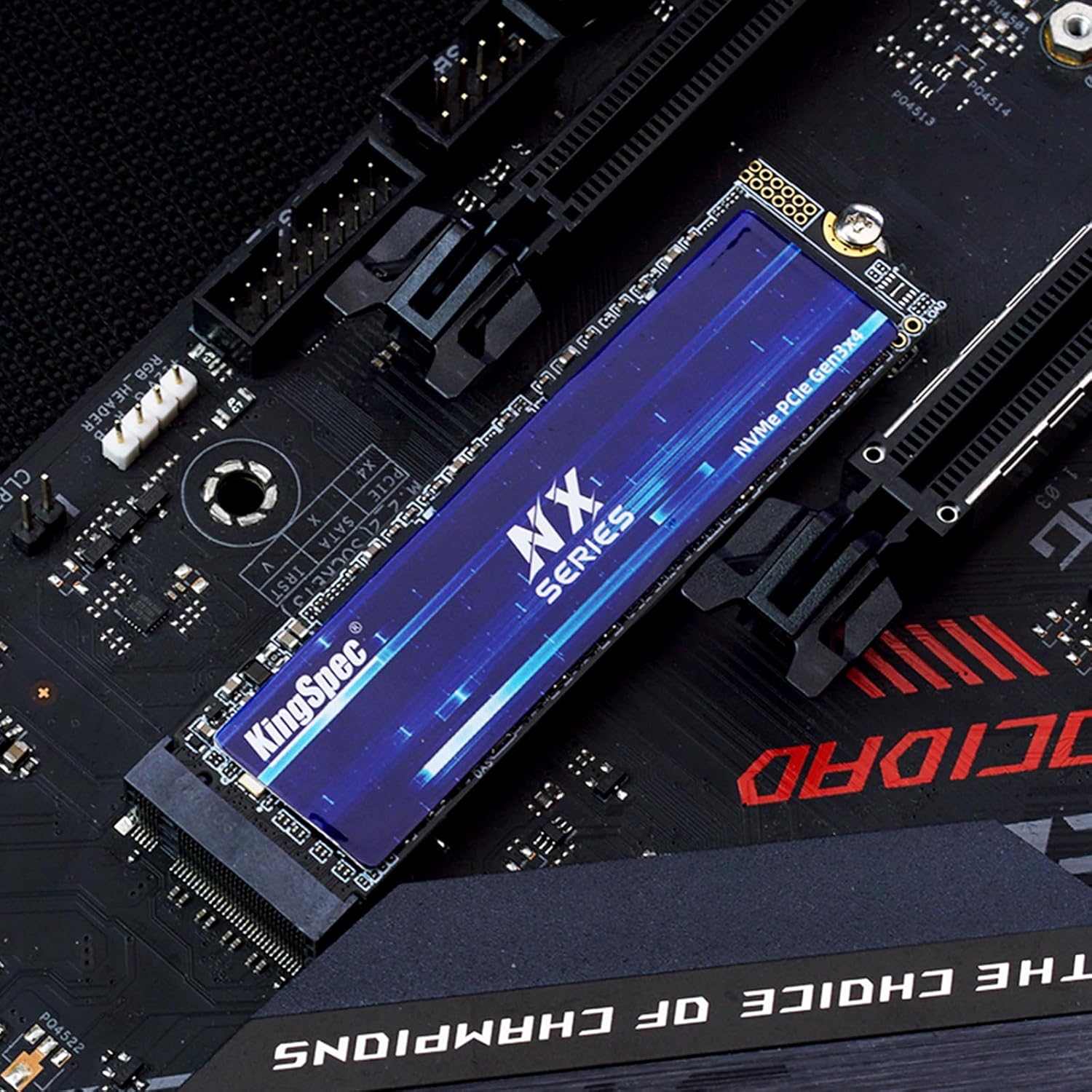
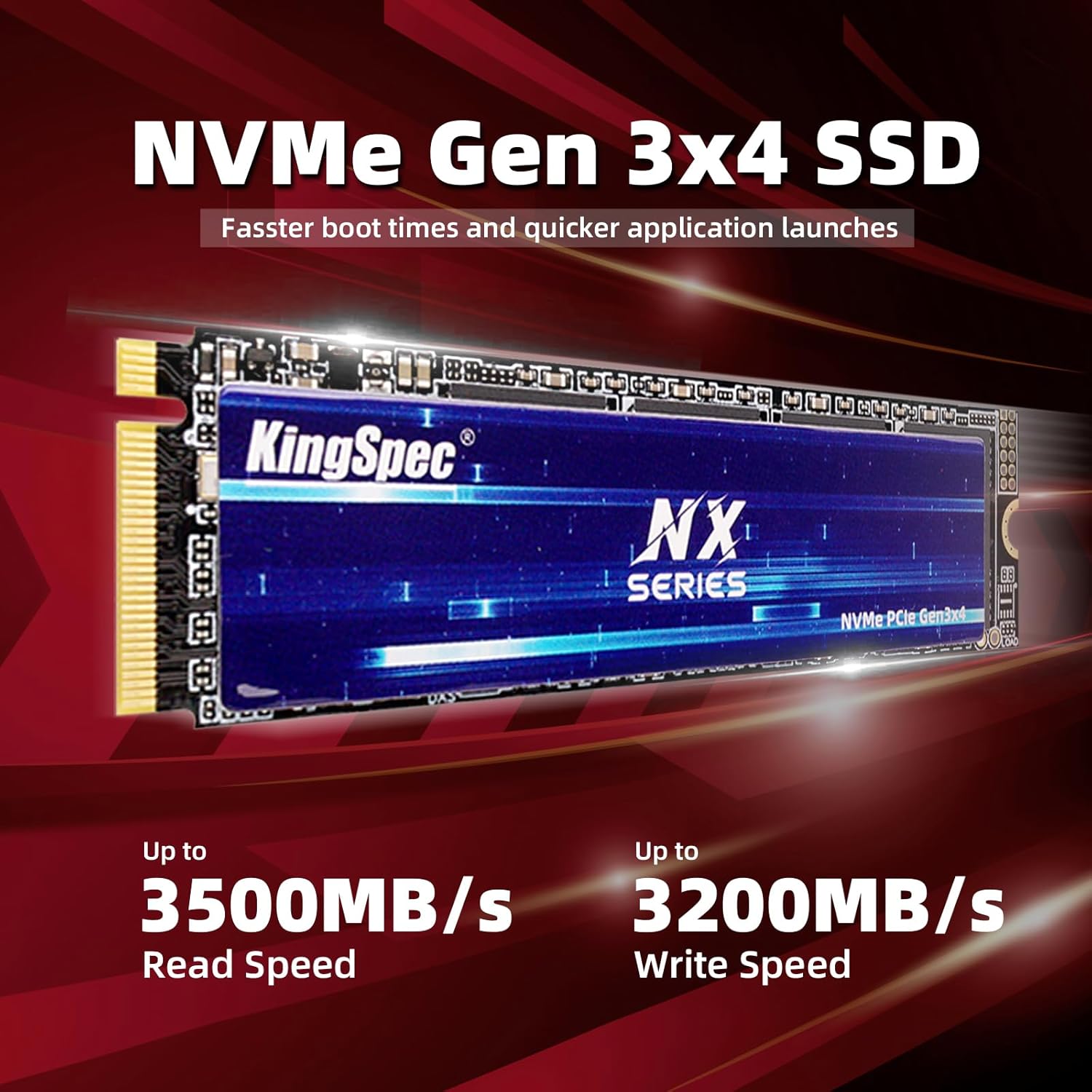
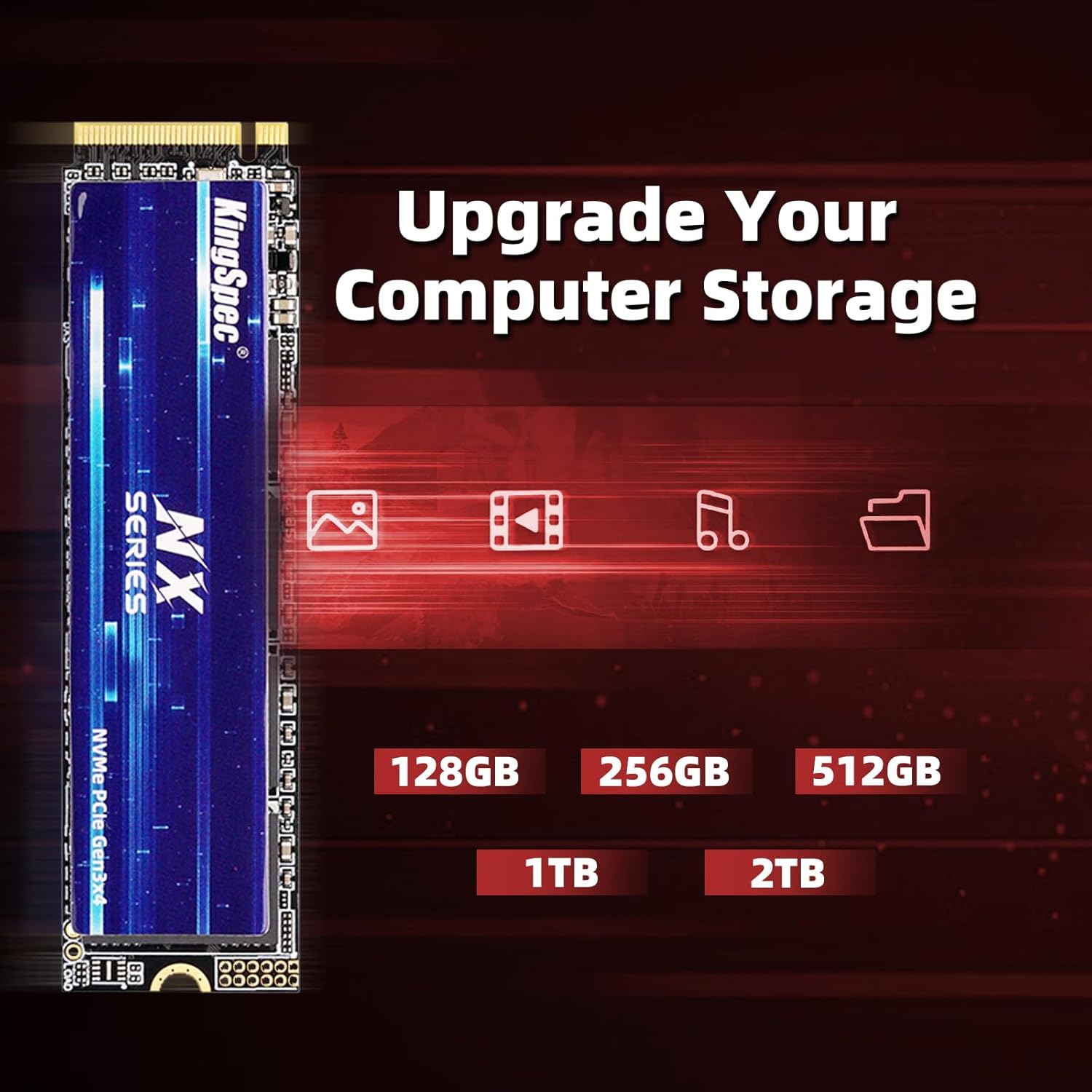
The KingSpec 512GB NVMe SSD is an internal solid-state drive designed for desktops and laptops that feature an M.2 2280 NVMe slot. It plugs into the PCIe Gen3 x4 interface and offers read speeds rated up to 3500 MB/s. On paper, that level of performance can translate into quicker boot times, snappier file transfers, and a more responsive overall system for gaming, productivity, and daily computing tasks. However, as with any storage upgrade, the real‑world benefit depends on your current setup and what you prioritise in a PC build.
What it is and what it isn’t
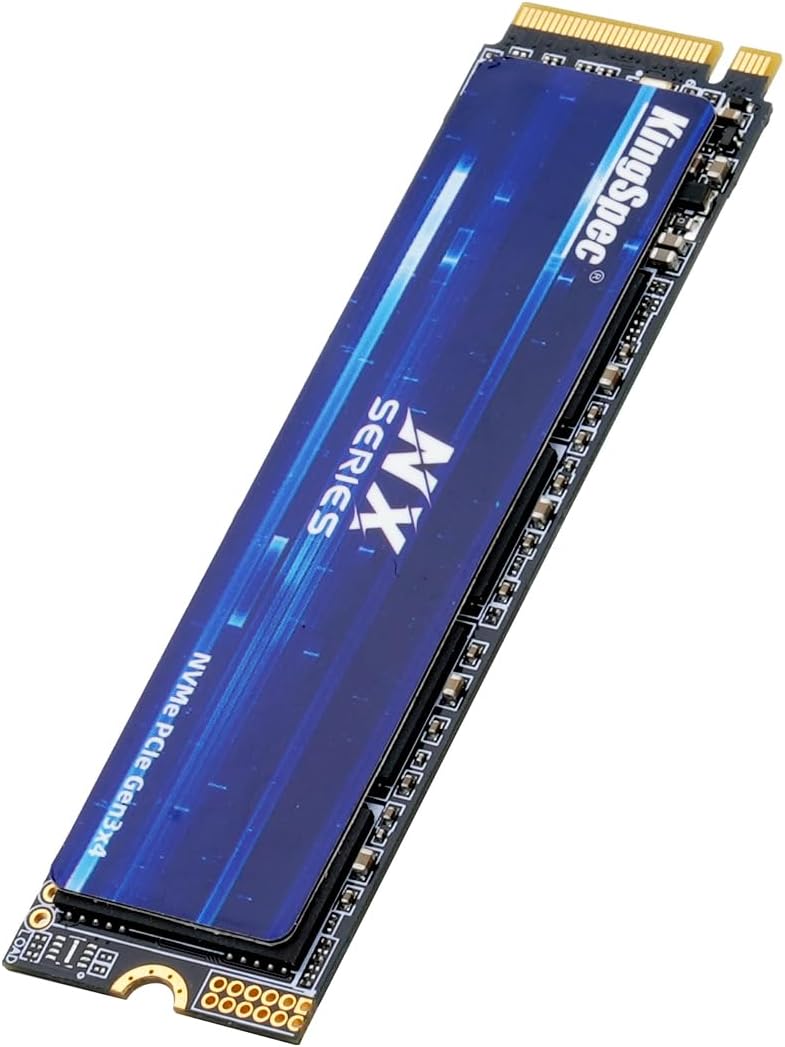
This is a compact M.2 2280 SSD that relies on 3D NAND flash memory. It’s not a DRAM‑less budget model, and it sits in the same general performance tier as other Gen3 x4 NVMe drives. It is not a PCIe Gen4 option, so if you already own a Gen4‑capable system or you’re chasing the absolute fastest NVMe speeds, you may find Gen4 or Gen5 options more aligned with your needs. If you’re upgrading an older machine or building a new one with a sensible budget, this drive presents a practical path to faster storage without overpaying for newer interface generations.
Performance and reliability on paper
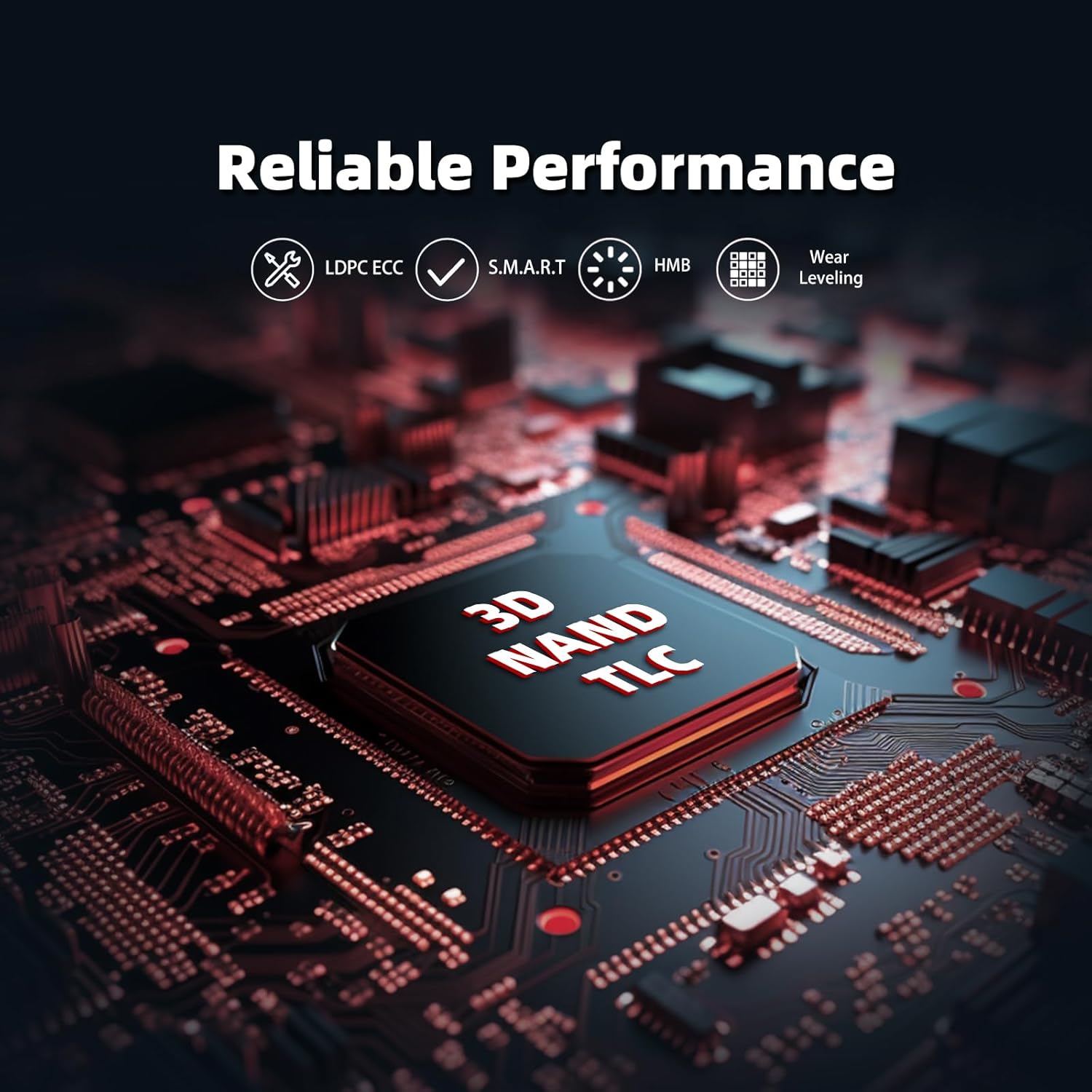
The drive advertises up to 3500 MB/s sequential read speeds. Real‑world speeds will vary by host controller, workload, and thermal conditions, but the specification signals strong performance for typical tasks such as OS boot, app launches, game load times, and large file transfers. It uses 3D NAND and includes features aimed at longevity and stability: S.M.A.R.T. monitoring, TRIM support, wear levelling, and over provisioning. These technologies are commonly found on mid‑range NVMe drives and help sustain consistent performance over time and reduce the risk of drive‑level slowdowns.
Capacity and practical use
With 512 GB of raw capacity (and up to 2 TB in the product family, though this model ships at 512 GB), it should handle a reasonably sized OS partition plus a handful of frequently used programmes or a modest game library. For content creators or users with large media caches, you may soon feel the pinch of space unless you pair it with additional storage. In practice, 512 GB is often best suited to a primary OS and essential software, with a separate larger volume for media and project files.
Compatibility and installation notes
The drive is intended for systems with an M.2 2280 NVMe slot. Compatibility is described as suitable for Windows 7/8/10/11, Linux, and selected gaming systems. As with any SSD upgrade, you should verify your motherboard’s support for NVMe and the presence of an M.2 slot, plus any firmware updates that could improve compatibility or performance. If you’re upgrading a laptop, check BIOS/UEFI options and make sure the NVMe slot is accessible and not shared with other functions that could limit performance.
What to watch for before buying
- Ensure you have an NVMe M.2 slot that supports PCIe Gen3 x4, as the stated speeds rely on this configuration.
- Consider whether 512 GB will meet your needs or if you’d benefit from higher capacity, noting that larger drives may come at a premium and could require more robust cooling in laptops.
- Examine your current storage setup: if your system is already using a fast NVMe for the OS and frequently used apps, this drive could serve well as a dedicated gaming or software cache drive rather than replacing a primary drive.
- Confirm the warranty: a 3‑year limited warranty is mentioned, which is not universal across all budget NVMe options. Factor in that support and RMA processes can influence overall ownership experience.

How it compares to broader options
If you’re choosing between entry‑level NVMe and more premium alternatives, this KingSpec drive represents a pragmatic balance of performance and cost for typical users. It isn’t the fastest Gen3 option on the market, and it won’t match Gen4/Gen5 accelerations, but for a system that needs a noticeable upgrade in responsiveness without a big budget, it’s a sensible bet. In scenarios where space and speed are both priorities, a larger capacity NVMe card or a Gen4 upgrade could be more fitting—especially for modern multitaskers, content creators, or gamers who rely on rapid texture loading and fast game installs.
Who it’s for
- Users building or refreshing a mid‑range PC who want a noticeable boost in boot times and app responsiveness without over‑investing.
- Laptop owners with an available M.2 NVMe slot looking to improve system speed and storage efficiency.
- People managing a dual‑drive setup where the OS and core applications live on an NVMe drive for snappier everyday performance.
Who it isn’t ideal for
- Power users chasing the absolute fastest load times with Gen4/Gen5 interfaces or requiring multi‑terabyte local libraries in one drive.
- Those who need more than 512 GB of fast storage in a single drive without adding secondary storage.

Practical usage example
Imagine you’re loading a modern game or launching a creative suite after a system reboot. With this NVMe, you’ll notice shorter boot sequences and quicker levels or project file access, especially if your existing storage is a slower SATA SSD or an older NVMe. It won’t magically eliminate bottlenecks from a weak CPU or insufficient RAM, but it can remove some wait times that accumulate during daily tasks.
Final considerations and buying decision
- It’s a solid pick if you prioritise system responsiveness and cost‑effectiveness in a Gen3 NVMe upgrade.
- It may not be the best choice if you expect large, ongoing storage needs or the absolute fastest NVMe performance on a high‑end build.
- If you’re unsure about capacity, weigh your current app and game library against 512 GB and consider future growth, a larger capacity option could offer more long‑term value.
- Before purchasing, verify your system’s NVMe compatibility and back up data as standard practice when handling drive upgrades.
FAQ
- Will this drive improve gaming performance? It can improve load times and level streaming on systems that are currently constrained by storage speed, but overall frame rates depend on the entire system.
- Do I need extra cooling for NVMe in laptops? In most laptops, thermal throttling is managed by the chassis, if you notice throttling or sustained heavy workloads, check temperature during use.
- Can I use this as a boot drive? Yes, provided your system supports NVMe boot, which most modern desktops and laptops do.
Decision: Should you buy it?
It makes sense if you’re upgrading a mid‑range PC or laptop and want a noticeable uplift in everyday speed without stepping up to Gen4/Gen5. If your needs are modest in terms of storage capacity, or you already own a faster NVMe solution, this model may not deliver as dramatic an improvement. Overall, it’s a pragmatic option for value‑conscious users seeking real‑world gains in boot and load times.