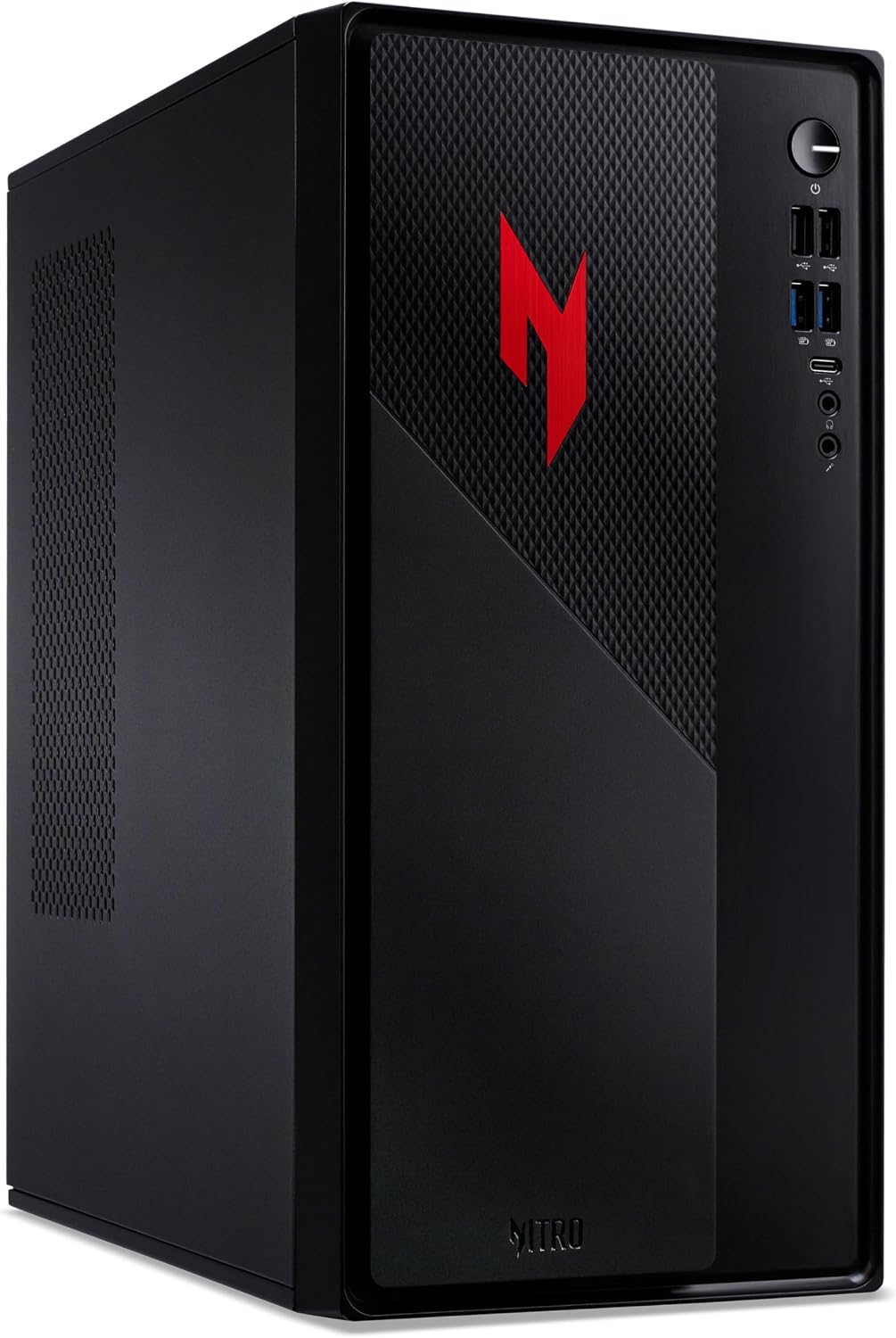
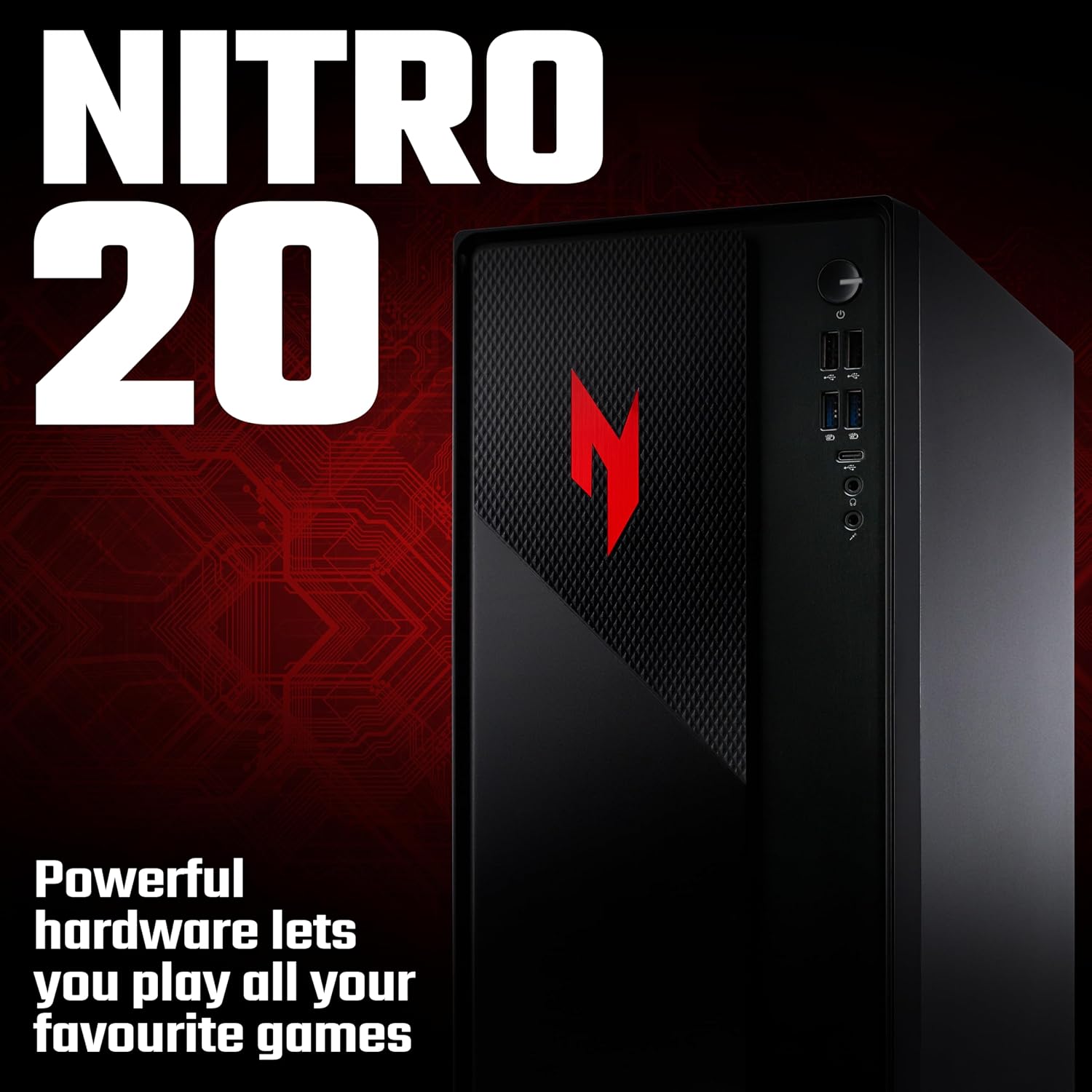
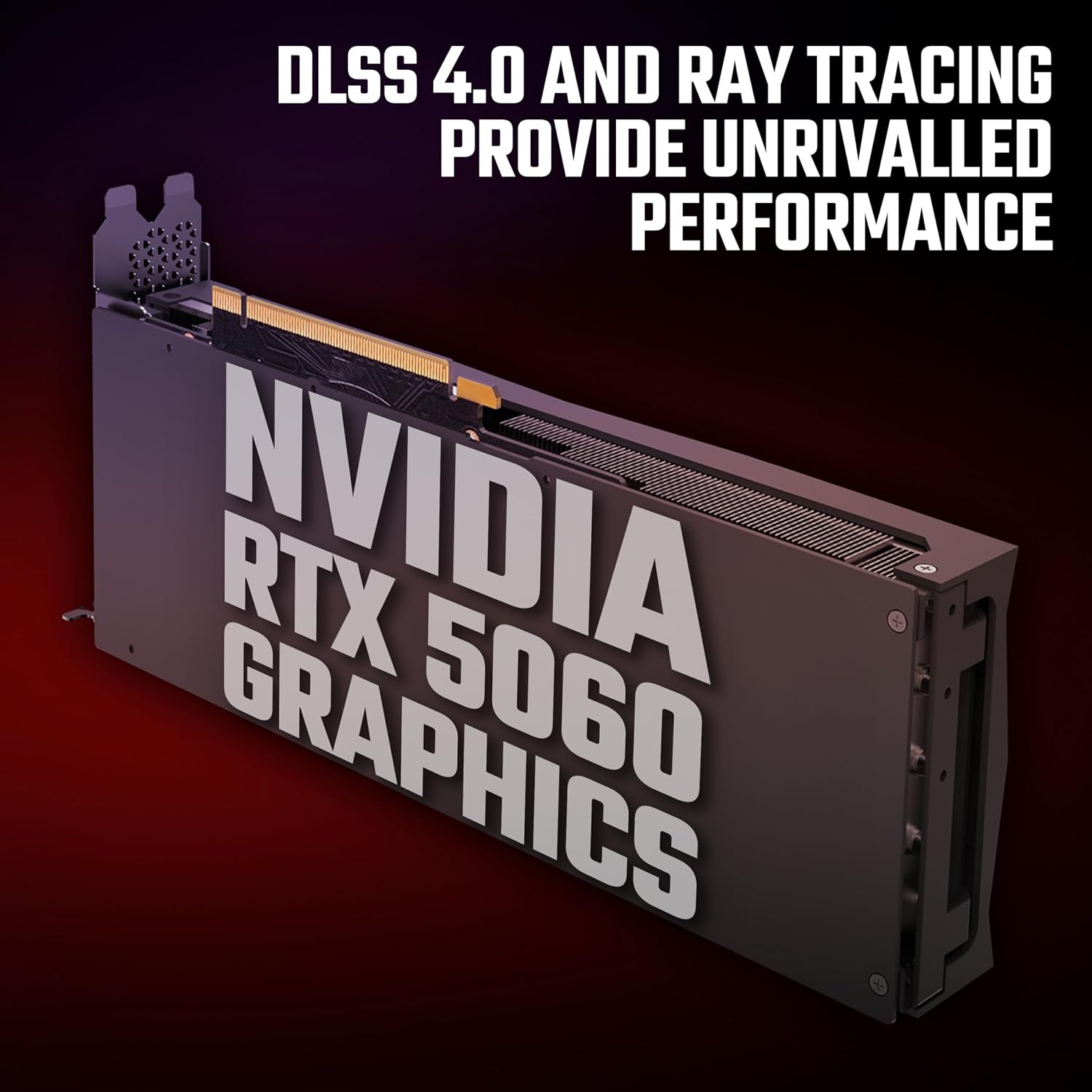
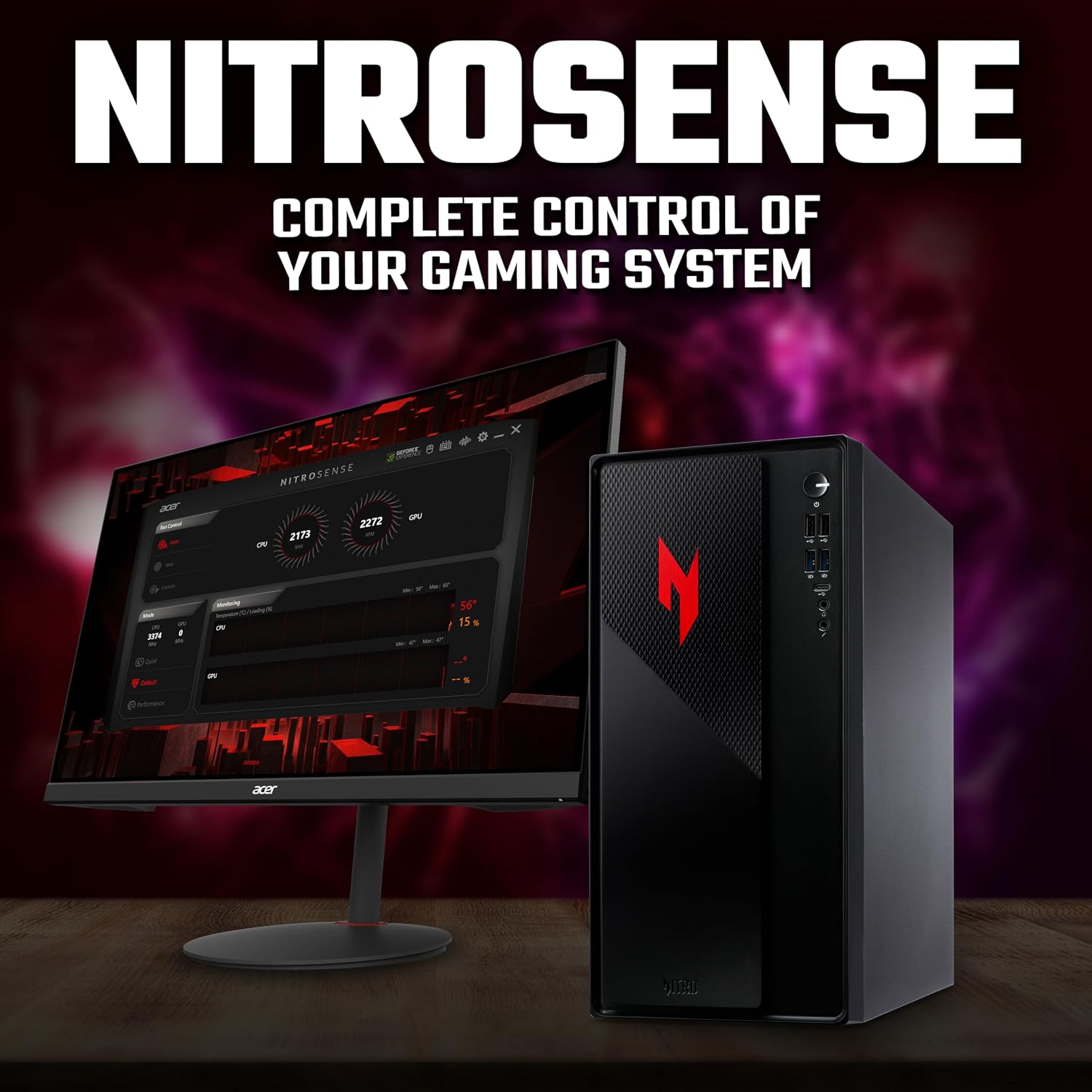
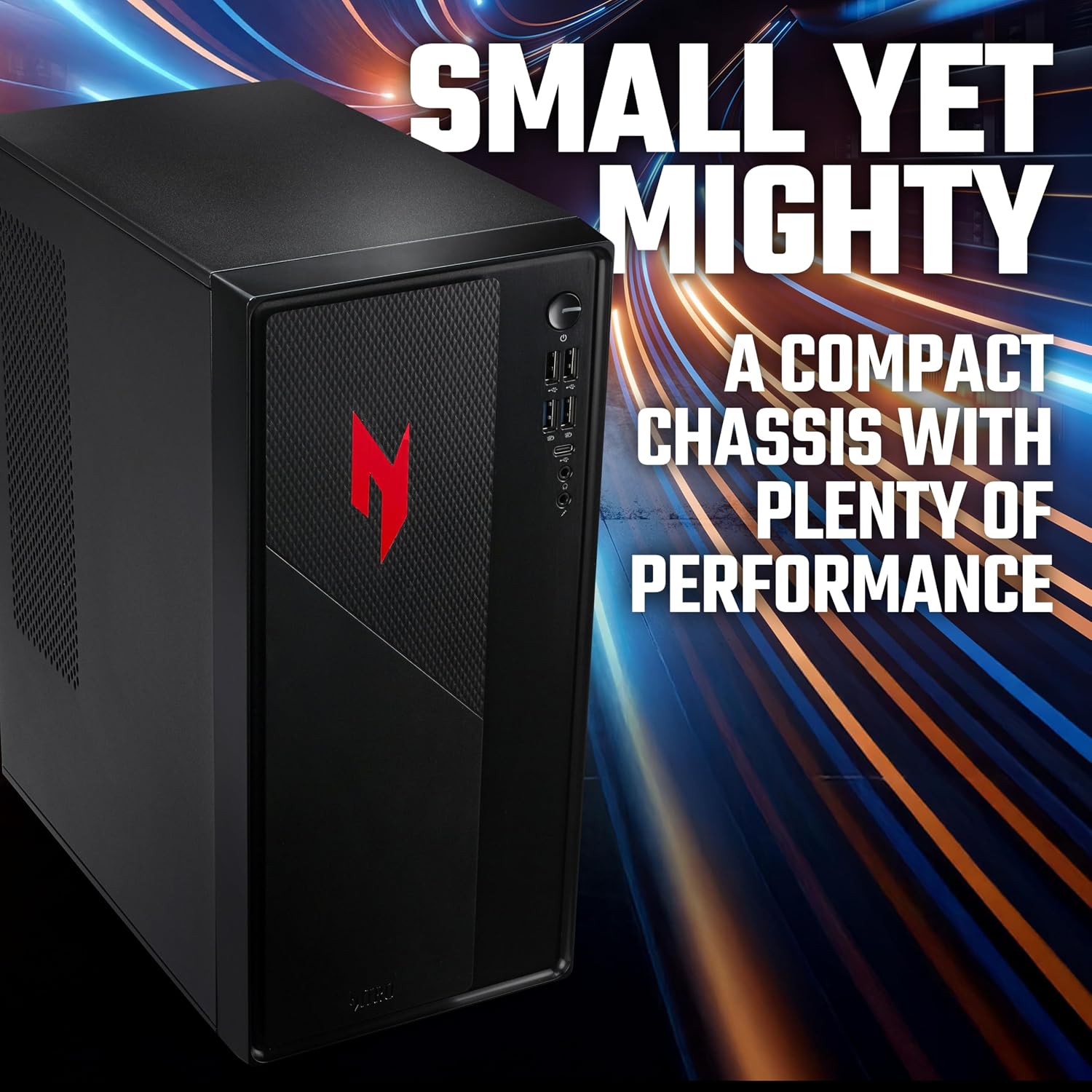
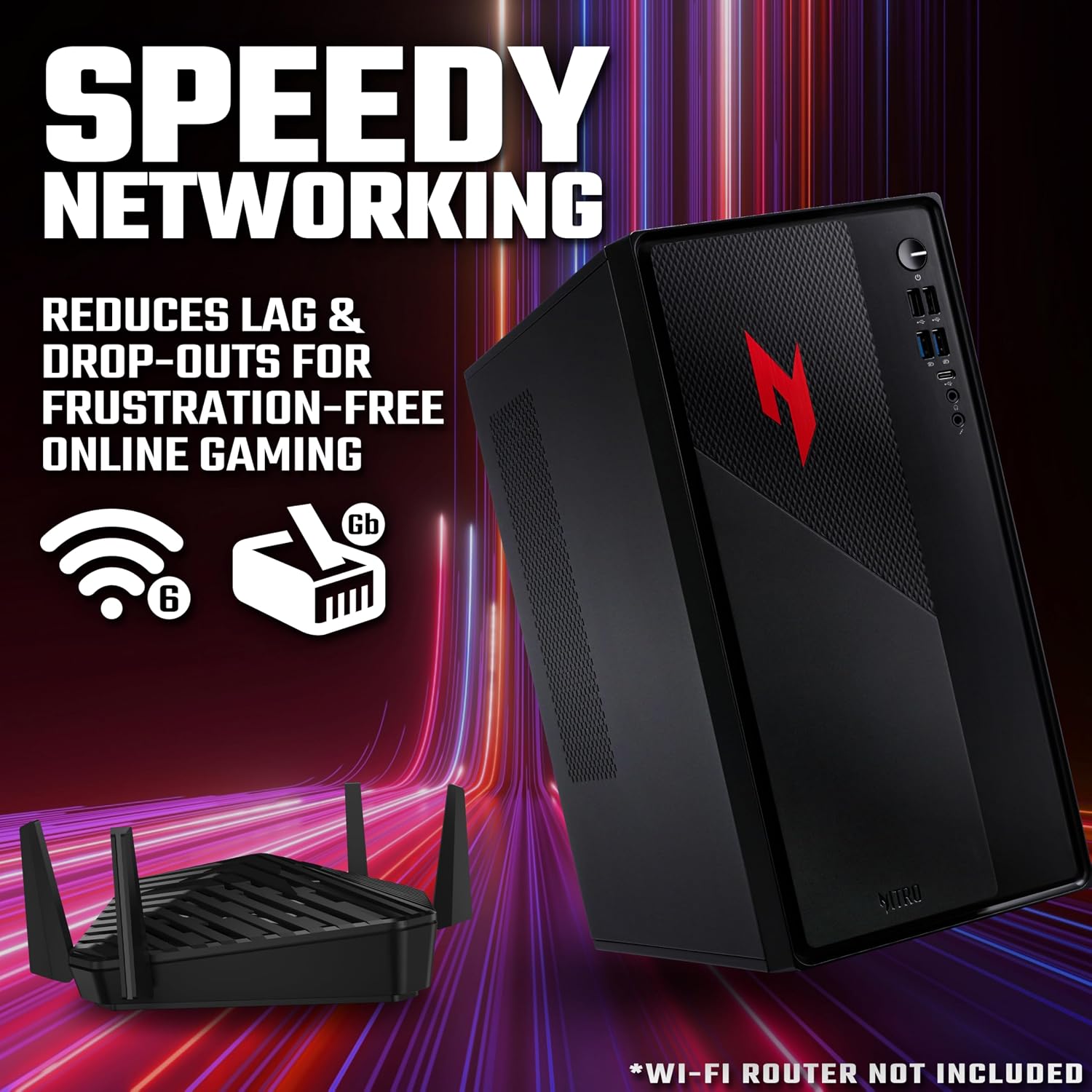
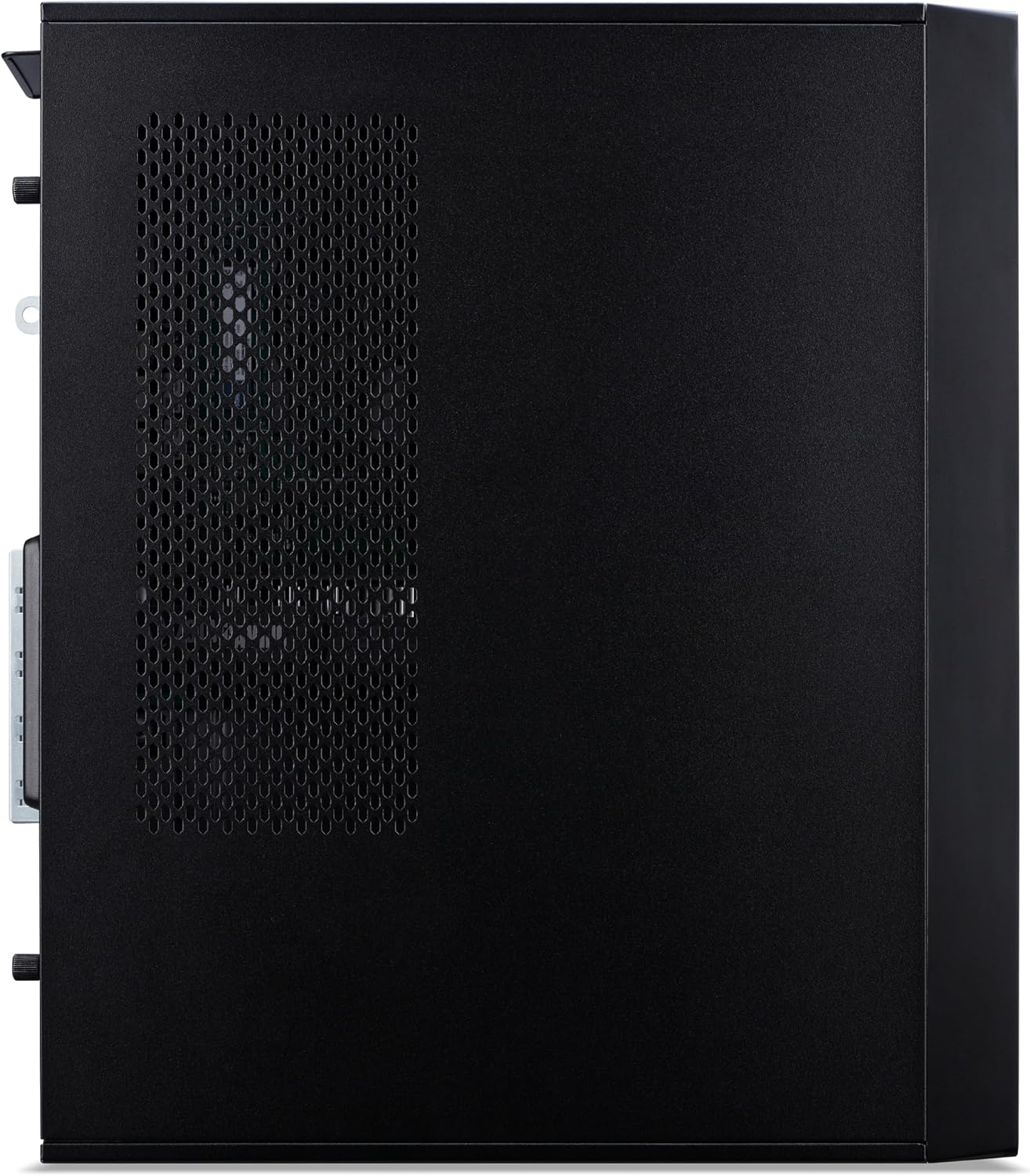
What this PC is and who it’s for\nThe Acer Nitro N20 is a compact gaming desktop designed to fit smaller desks while delivering solid 1080p to 1440p gaming performance. With an Intel Core i5-13420H processor, 16GB of RAM and a 512GB SSD, it aims to balance everyday productivity tasks with mid-range gaming. It ships without a display, so you’ll need a monitor, keyboard and mouse to complete the setup. If you’re after a space-saving PC that can handle modern titles and multitasking, the Nitro N20 is worth weighing up.\n\n## Core performance and graphics\nAt the heart of the system is the Intel Core i5-13420H, which provides adequate multi‑tasking headroom for streaming, light content creation and gaming errands. The graphics are powered by Nvidia GeForce RTX 5060, a mid-range GPU that enables AI-powered features such as frame generation and ray tracing to boost frame rates in supported titles. On paper, this makes the N20 capable of smoother gameplay in popular e-sports and mainstream titles, with DLSS-style enhancements to help achieve higher frame counts.\n\n## Memory, storage and everyday use\n16GB of RAM supports running several applications at once, which is practical for tab-heavy browsing, office suites and light media work alongside games. The 512GB SSD offers fast boot times and quick game launches, but depending on your library size you may want additional storage later. It’s not a high-capacity reveal, so plan for external or additional internal storage if you expect a growing game library.\n\n## Design, size and value\nThe Nitro N20’s 15‑litre form factor keeps the footprint small for a desktop, which helps in tight spaces or shared desks. It looks clean and understated in black, making it a versatile addition to most setups. On the downside, the compact case can limit upgrade options compared with larger towers, and there’s no bundled display, which increases the initial outlay if you don’t already own a monitor.\n\n## What to consider before buying\n- Display not included: you’ll need a monitor to use it. If you already own a screen, you’ll effectively be swapping in a capable mid-range desktop.\n- Storage can fill up quickly with a 512GB SSD, external storage or an additional internal drive may be required for larger game libraries.\n- GPU performance is solid for modern titles at a sensible resolution, but it isn’t the top-of-the-line option for 4K or ultra‑high refresh rate gaming.\n- RAM is ample for most workflows, yet future-proofing could involve checking upgrade paths if you foresee heavier multitasking.\n\n## How it compares to other approaches\nIf your priority is compact size and straightforward gaming around 1080p–1440p, this PC sits in a practical middle ground. It’s a sensible alternative to larger prebuilt towers when desk space matters, and it’s more straightforward and cost‑effective than high-end systems that push into 4K gaming or require frequent upgrades. For those who value maximum storage out of the box, you might want to budget for extra drives or cloud options.\n\n## Practical use example\nImagine you’re streaming while playing a popular multiplayer title, with a few browser tabs open and a music player running in the background. The Nitro N20 should handle this mix without obvious slowdowns, provided you keep expectations modest for the most demanding titles.\n\n## FAQ (practical answers)\n- Does it need a display? Yes, you’ll need a monitor, keyboard and mouse to complete the setup.\n- Can I upgrade storage later? The kit’s 512GB SSD is doable to expand, but check the available bays and power/space constraints if you plan upgrades.\n- Is it suitable for gaming at 1080p? For many mainstream titles at decent settings, yes, for ultra settings at high resolutions, performance will vary by title.\n\n## Final decision\nIs it worth it? The Acer Nitro N20 offers a compact, capable platform for casual to mid-range gaming and general use. It makes sense if desk space is tight and you don’t need a built-in display. It might not be the best option if you require large storage out of the box or top-tier 4K/high-refresh gaming. Consider your display needs, available budget for extra storage, and whether a compact desktop aligns with your long‑term upgrade plans.\n