

OMOTON Wired Keyboard for Mac with Number Keypad (UK Layout) – USB & Type-C Dual Interface, Full-Size, Silver
Product description
What it is and who it’s for
The OMOTON wired keyboard is a full-size Mac-focused keyboard that includes a numeric keypad and a 2-in-1 interface design (USB and Type-C). It’s intended for users who want a reliable, plug-and-play keyboard for daily Mac work without relying on Bluetooth. The UK layout and silver finish make it a sensible fit for most Mac setups in a modern office or home workspace.
How it works
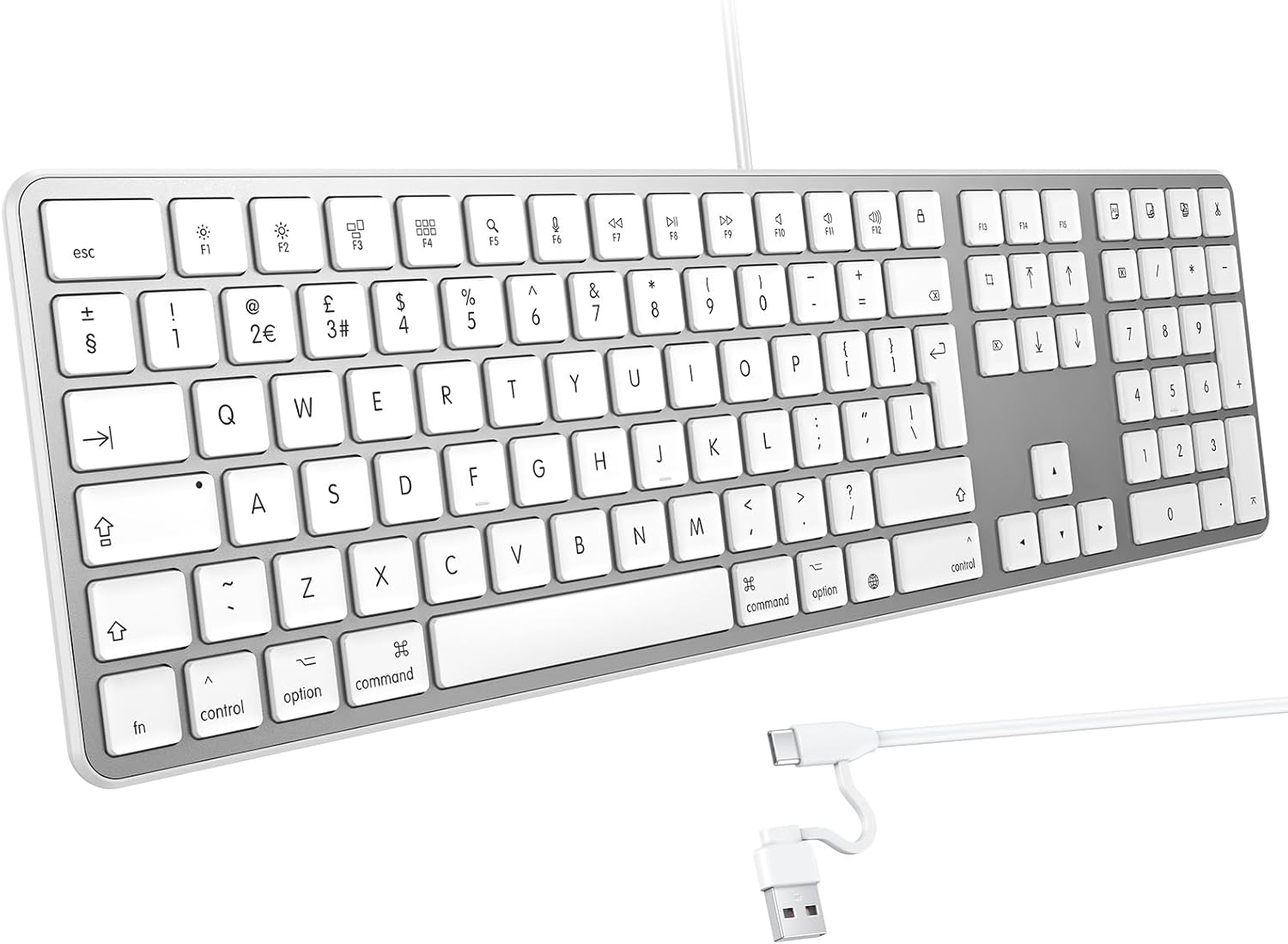
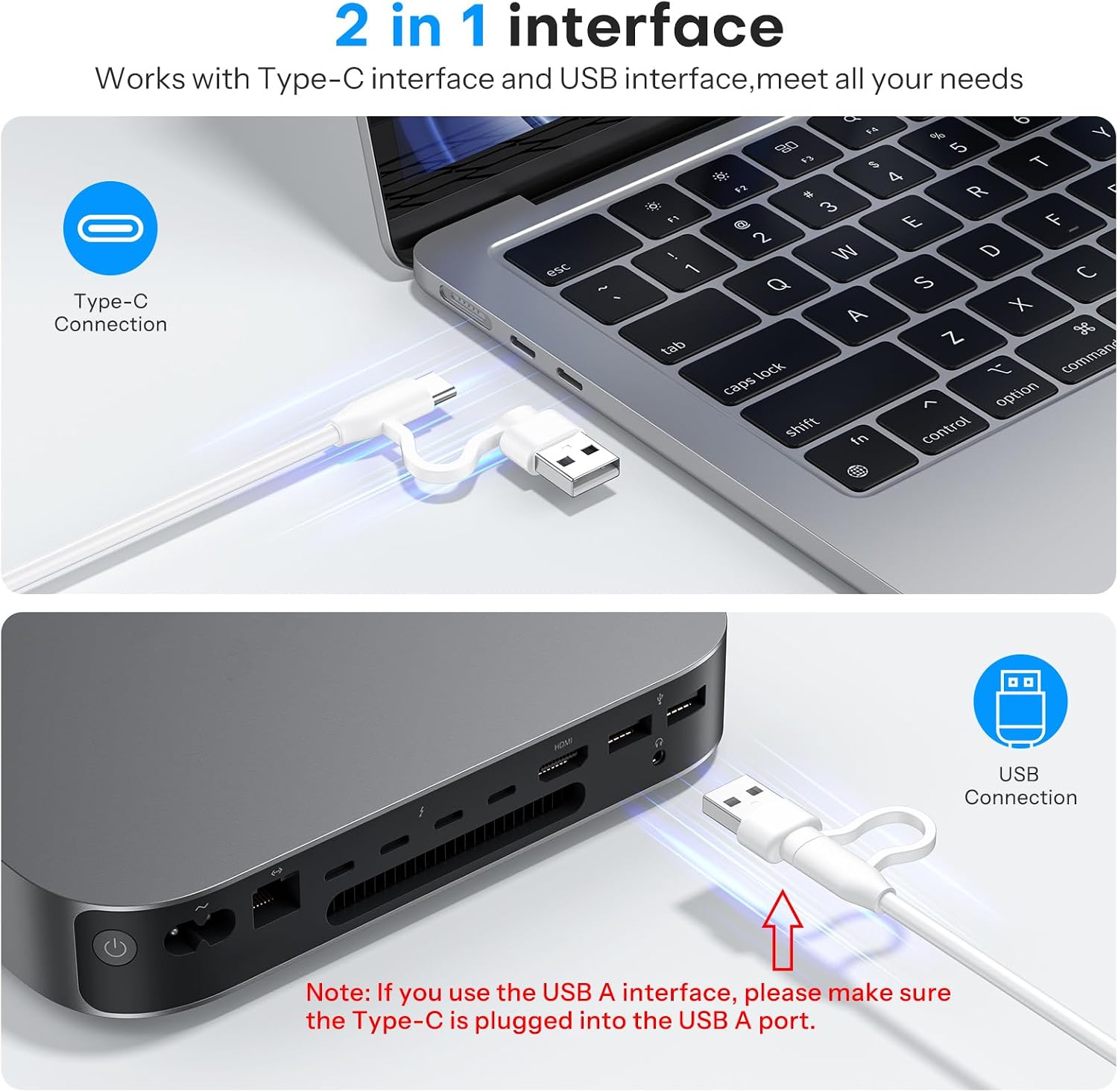
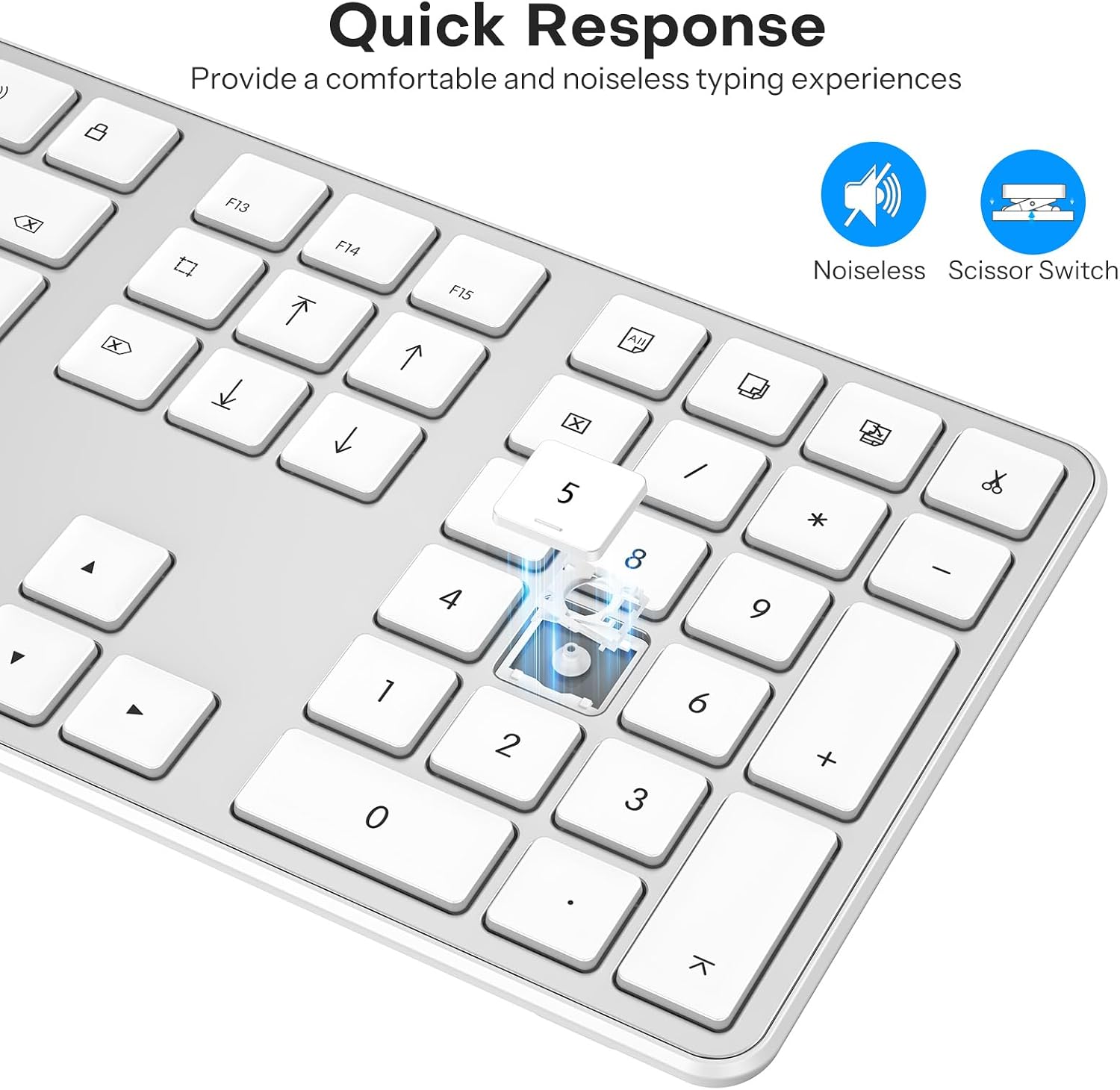
This is a wired keyboard that connects via USB, with an additional Type-C option for compatibility with newer Mac devices. There’s no battery to charge and no Bluetooth pairing to manage, which reduces the chances of connection dropouts. The keyboard uses scissor-switch keys, aiming for quiet, responsive input that won’t distract colleagues or family members during long typing sessions.
What stands out
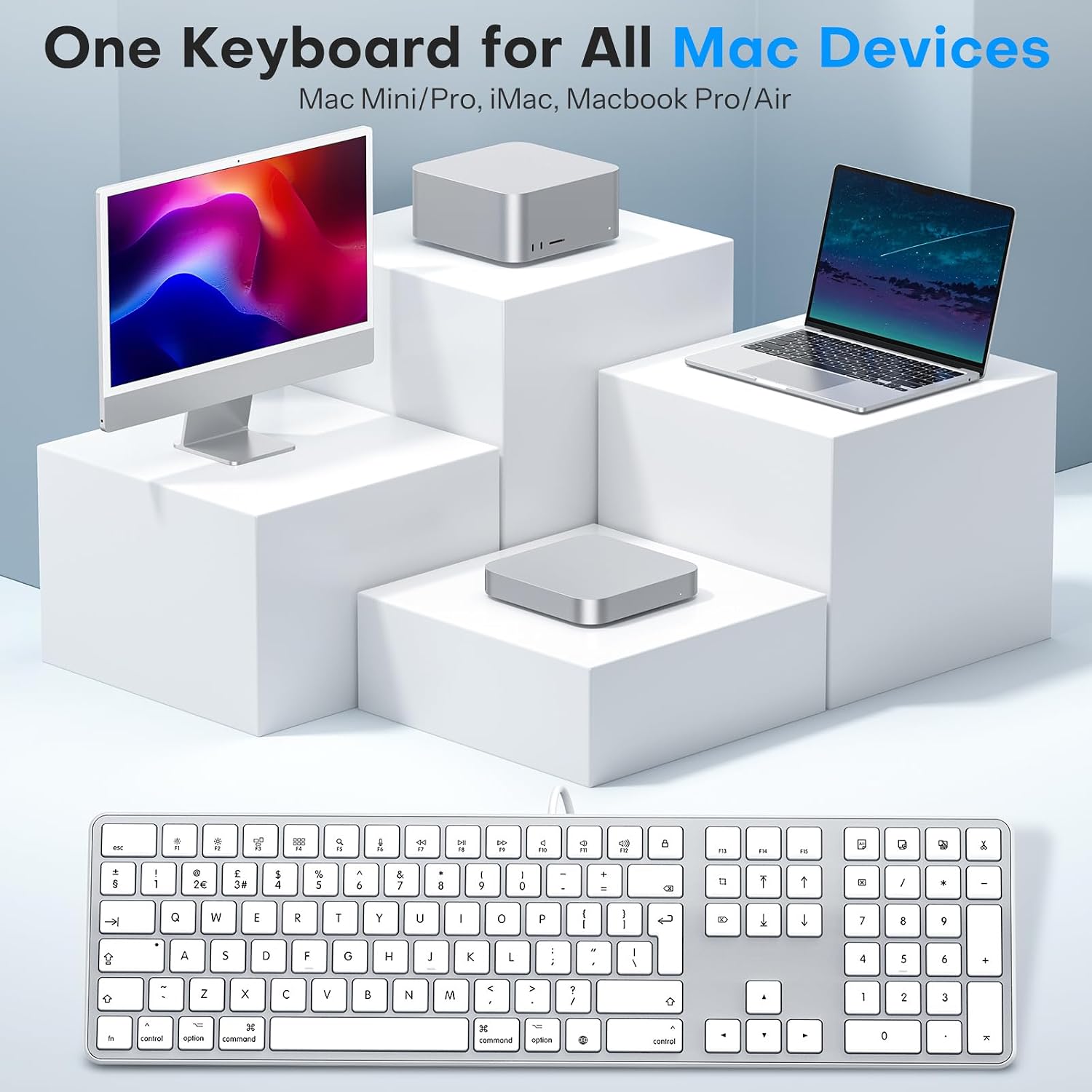
- 2-in-1 USB and Type-C interface designed to work with a range of Mac devices (including MacBook Pro/Air, iMac, Mac Mini, and more).
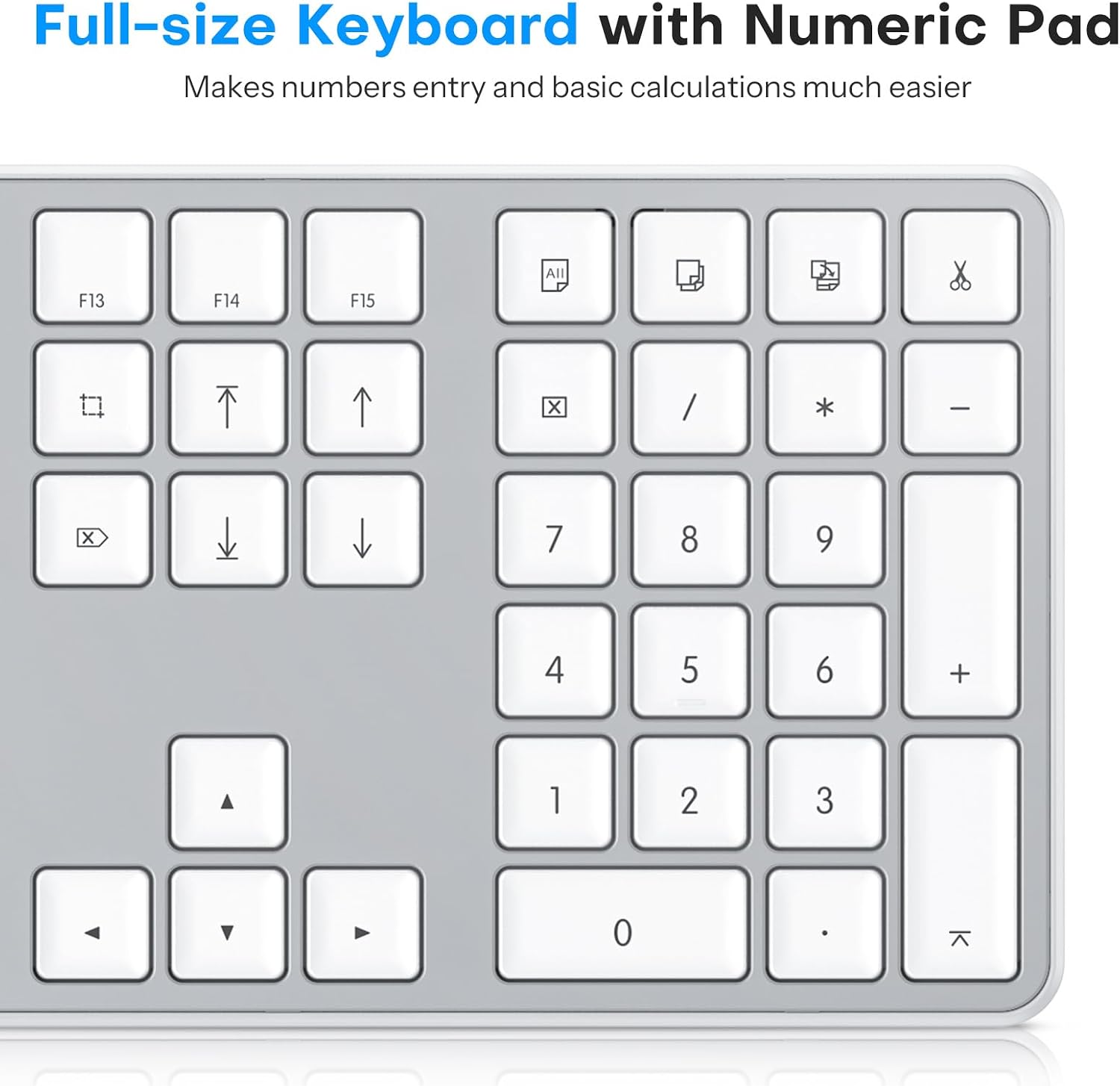
- Full-size layout with a numeric keypad, which can speed up data entry and number crunching.
- Quiet, accurate input thanks to scissor-key design, making it reasonable for shared workspaces.
- 16 shortcut keys tailored for Mac devices, intended to streamline common tasks and boost day-to-day efficiency.
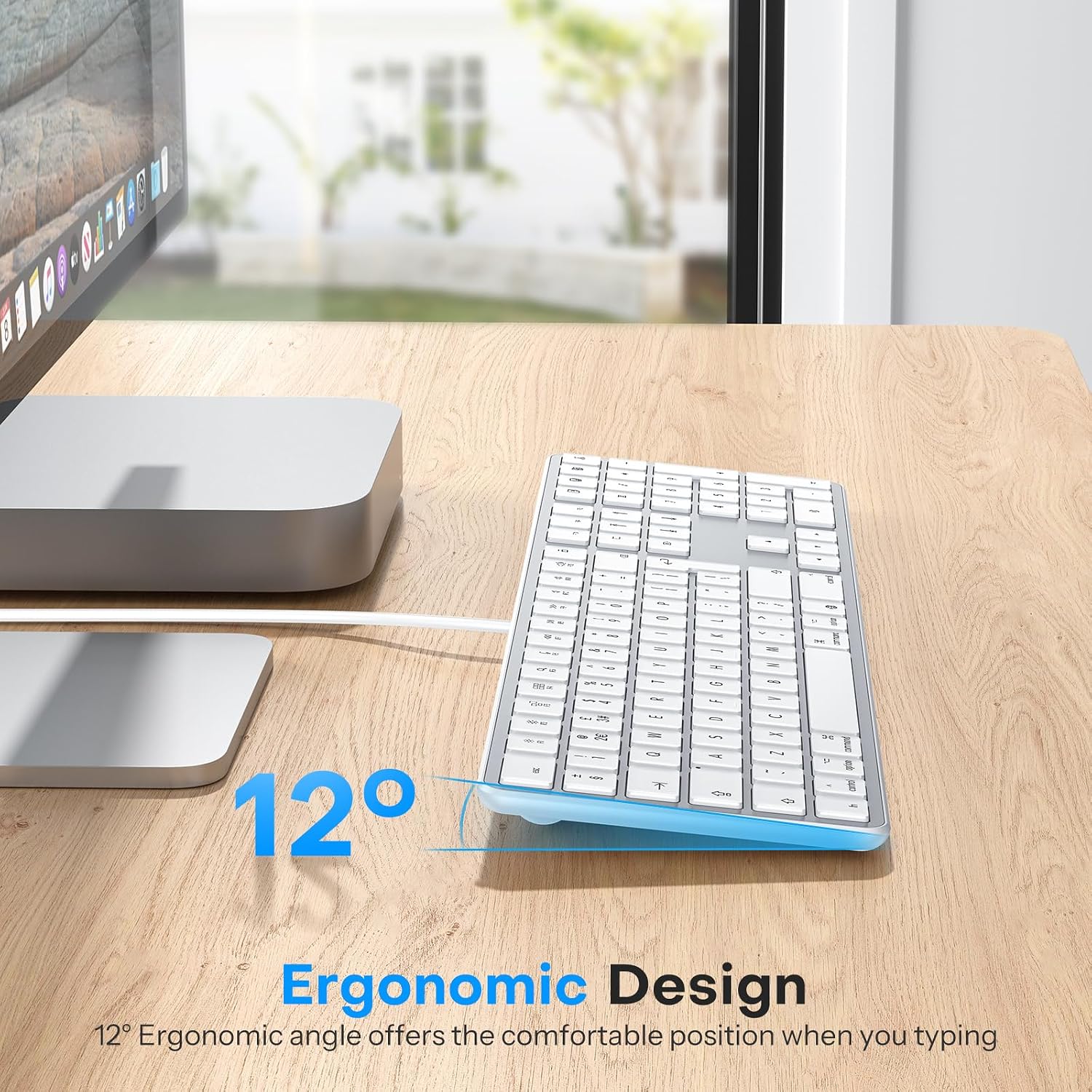
- Ergonomic considerations: a gentle tilt and non-slip rubber pads to help reduce wrist fatigue during extended use.
What to consider before buying
- It is a wired keyboard, so there’s no wireless freedom or battery life to worry about, but you lose Bluetooth versatility. If you frequently switch between devices or need a purely wireless setup, this could be a limitation.
- While it’s designed for Mac and includes Mac-oriented shortcuts, the overall feel and performance will depend on the specific Mac model and macOS version you’re using.
- The aesthetic is a practical, understated silver, which may or may not match every desk setup.
Who it’s good for
- Mac users who prefer a traditional, full-size keyboard with a numeric keypad for data entry or accounting tasks.
- Teams or individuals who value a stable, plug-and-play connection without the need to manage drivers or batteries.
- Users prioritising quiet typing and predictable key travel in an office or shared space.
Who it might not be the best for
- If you rely on Bluetooth or need a wireless option for a laptop-only workflow, this wired model won’t fit that need.
- If you require a compact footprint, the full-size layout could feel bulky.
- If you customise keys heavily or use non-Mac key mappings, the UK layout with Mac shortcuts may not align perfectly with every workflow.
When it makes sense to buy
- When you want a straightforward Mac keyboard that stays connected without pairing lags or charging cycles.
- When a numeric keypad would speed up your data entry or spreadsheet work.
- When you value quiet, reliable keystrokes and a stable USB/Type-C connection rather than wireless freedom.
What to check before purchasing
- Confirm compatibility with your specific Mac device and macOS version, especially if you rely on certain shortcut behaviours.
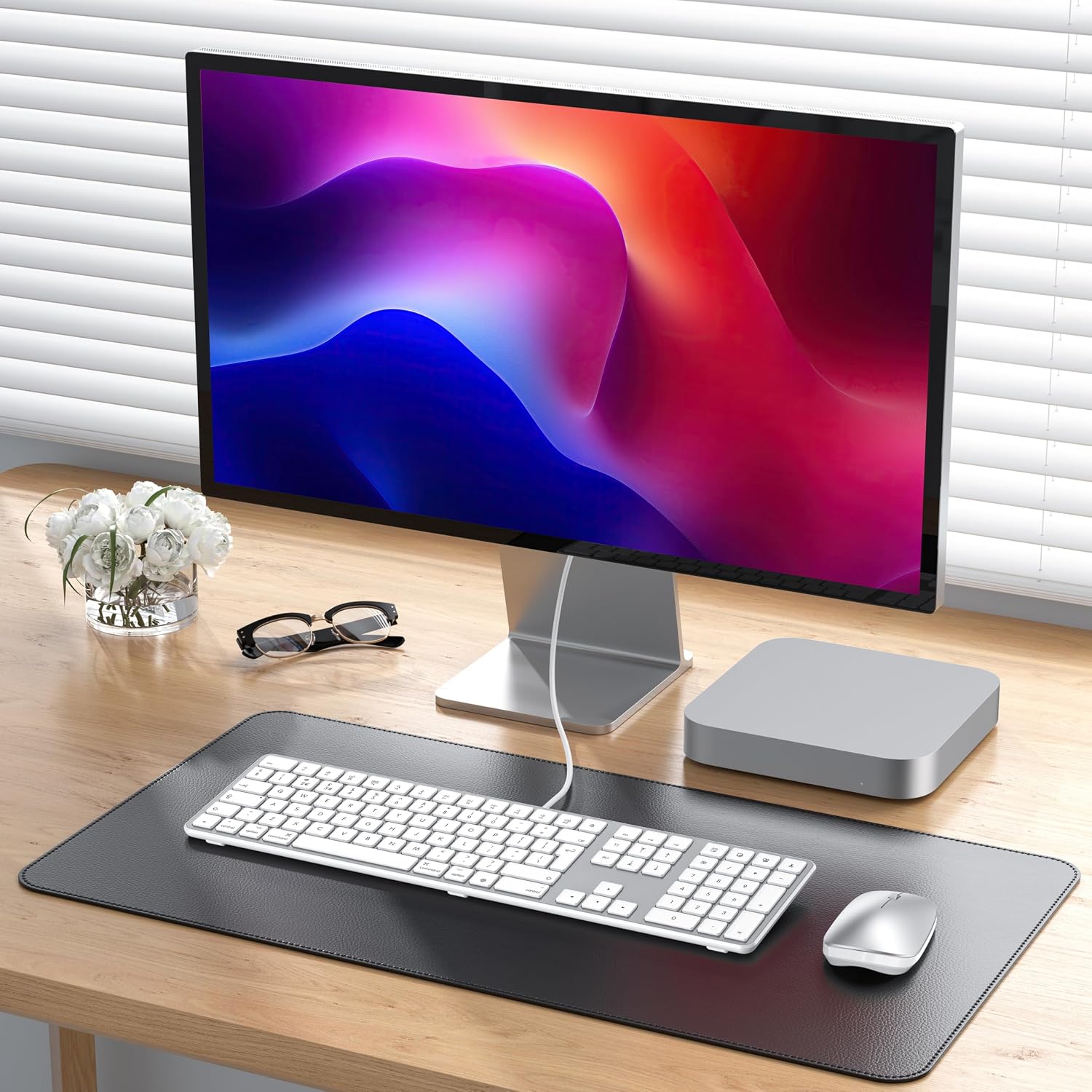
- Consider desk space: a full-size keyboard takes more room than compact options.
- If you occasionally type loudly or in shared spaces, test whether the scissor-switch feel meets your comfort needs.
Practical example of use
Imagine you’re entering invoices into a spreadsheet. The numeric keypad lets you punch in numbers faster while the USB/Type-C connection stays solid after repeated plug-ins, so you’re not fiddling with wireless reconnects mid-work. The Mac-specific shortcuts help you switch apps or adjust volume without reaching for the mouse.
Technical details
Technical details: UK QWERTY layout, full-size with numeric keypad, wired USB with Type-C dual interface, scissor-key mechanism for quiet, responsive typing, 16 Mac-specific shortcut keys, ergonomic tilt with non-slip pads, silver finish.
Is it worth it?
Worth considering if you prioritise a dependable wired connection, a full keyboard with number pad, and Mac-oriented shortcuts over wireless flexibility or a compact form factor.
FAQ
- Will this work with my MacBook Pro via USB-C? Yes, it’s designed for Mac devices and offers a USB and Type-C interface for compatibility.
- Are the keys quiet? The keyboard uses scissor switches aimed at a quieter, more accurate typing experience.
- Does it include a numeric keypad? Yes, it features a full numeric keypad for data entry tasks.