

Seenda MOU110 Wireless Bluetooth Mouse – Dual-Mode, Rechargeable with RGB Backlight
Product description
What it is and what it solves
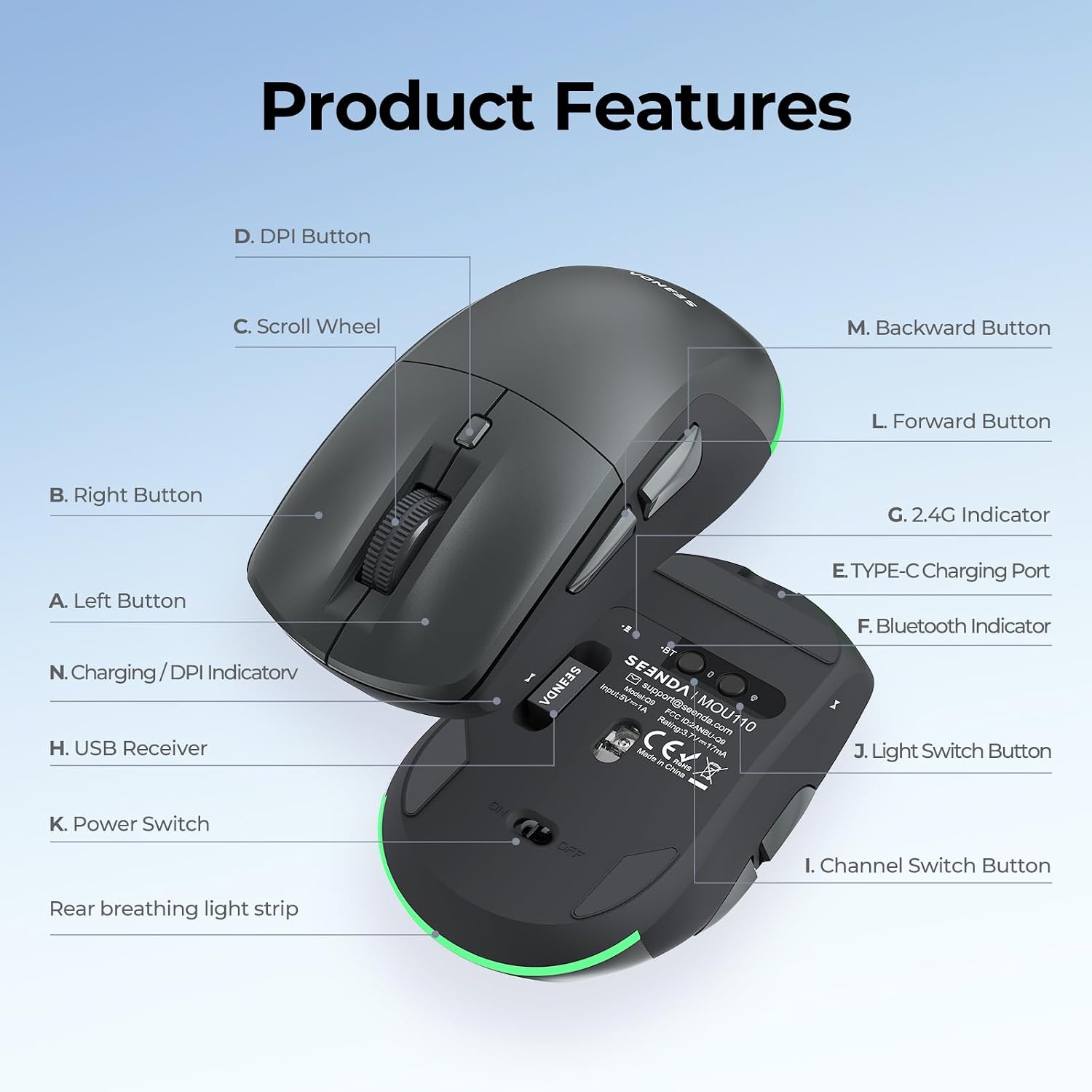
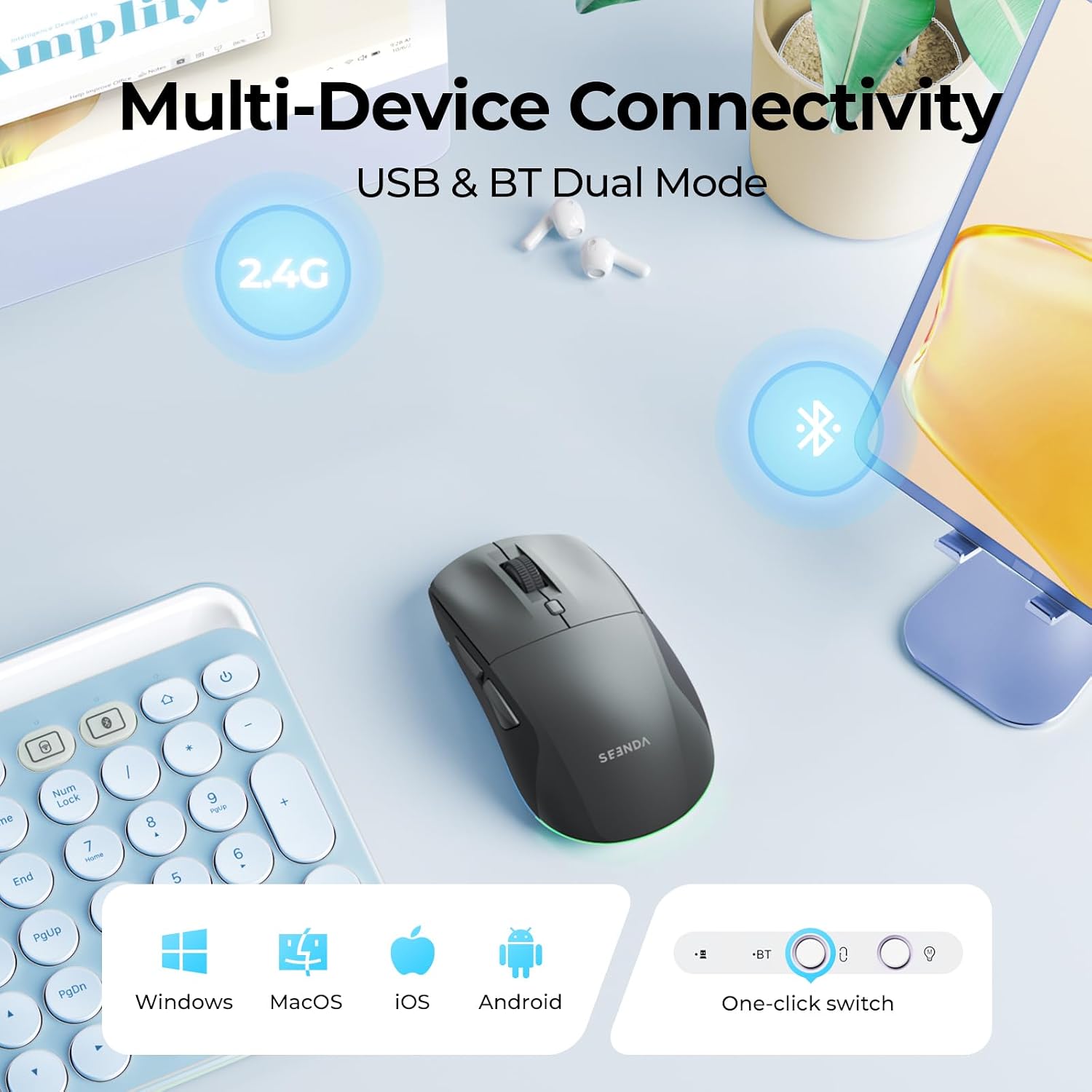
The Seenda MOU110 is a wireless mouse designed to connect to two devices at once via Bluetooth 4.0+ and a separate 2.4GHz USB receiver. It aims to simplify multi-device workflows—perfect if you switch between a laptop, PC, Mac, iPad or tablet throughout the day. The USB-C rechargeable battery and long life are pitched to reduce disposable battery waste and downtime.
The essentials
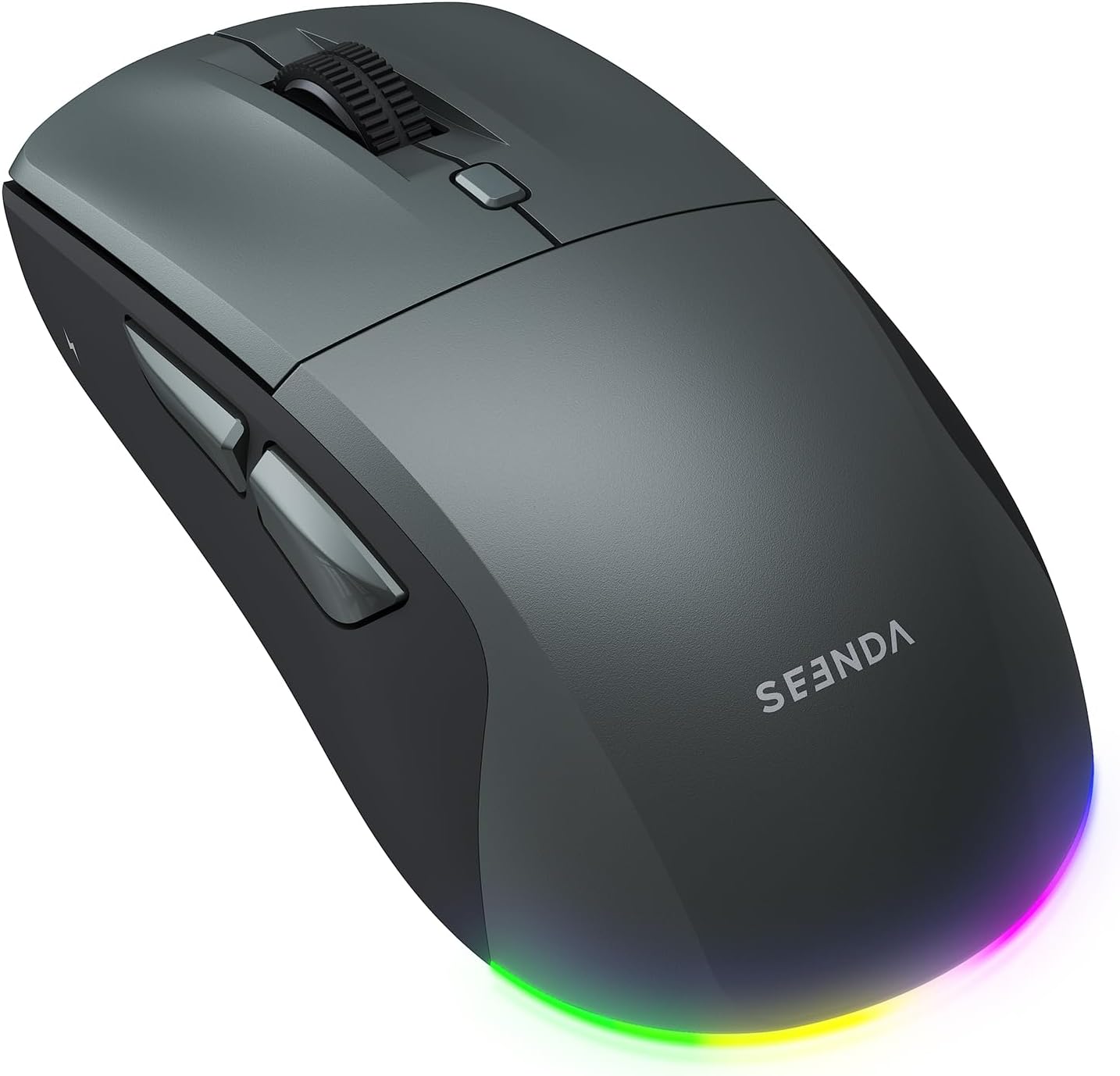
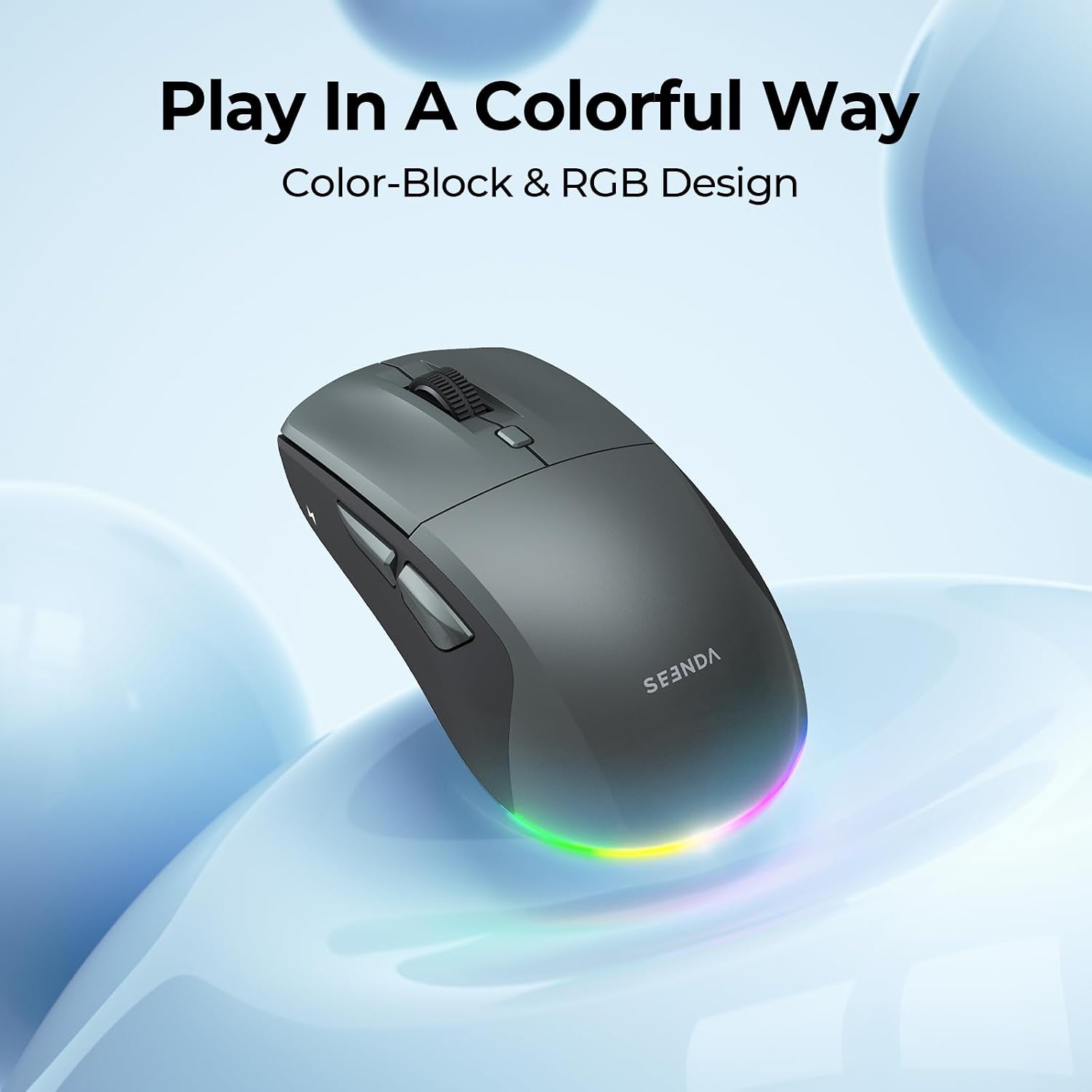
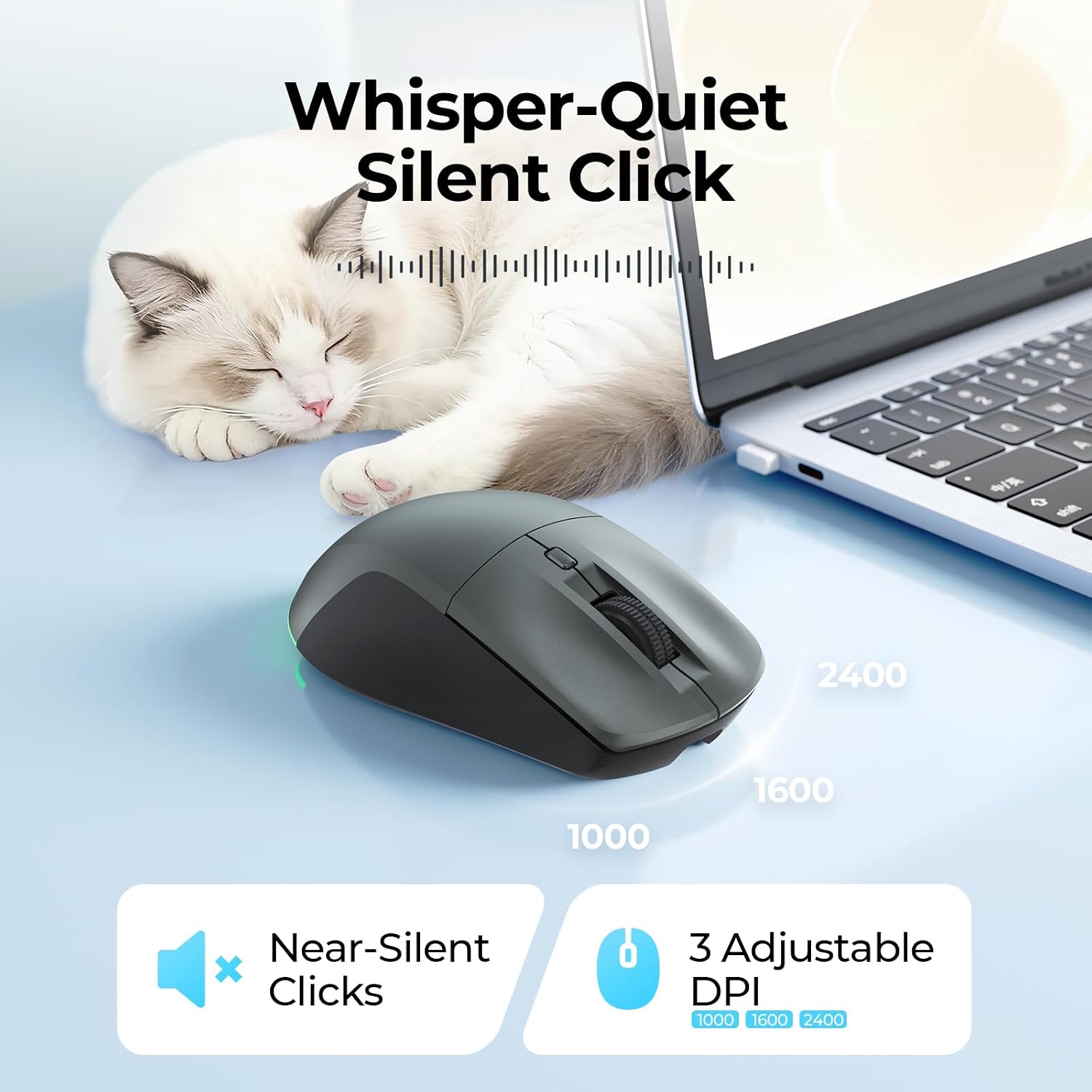
On paper it offers three DPI settings (1000/1600/2400) for different levels of precision, along with silent clicks to minimise disruption in shared spaces. The design emphasises ergonomics for right-handed use, with dedicated forward and backward buttons on the side to speed up web browsing and document navigation. A vibrant RGB backlight provides a touch of personality, with multiple modes and a switch to turn lighting off when not needed.
How it connects and what that means in practice
Dual-mode connectivity means you can toggle between devices using the two available channels. Bluetooth 4.0+ requires a device with built-in Bluetooth, while the 2.4G option uses the included USB dongle. In real-world use, this setup helps reduce the need to swap mice when working across a laptop and desktop or when giving a presentation.
Battery life and charging
The mouse houses an 800mAh rechargeable battery. A full charge takes about 2–3 hours and can last up to 15 days with the light on, or around 45 days with the light off, based on a usage pattern of about 4 hours per day. It can be used while charging via the USB-C cable. There’s an auto sleep feature and a low battery indicator to help prolong life and avoid surprises.
What stands out, and what may fall short

On the upside, the low-noise, silent-click design makes it suitable for offices, libraries or late-night sessions. The 7 backlight modes add visual appeal and a bit of personalisation. The side buttons enhance navigation for many users. On the downside, the side buttons aren’t supported on macOS and iOS, which may limit convenience for Mac users who rely on those extra controls. The RGB backlight, while nice to have, consumes power and might be a distraction if you prefer a plain setup.
Who it’s for
This mouse is a pragmatic choice for someone who works across multiple devices and wants a compact, rechargeable option with a modern look. If you value quiet clicks, multi-device switching, and a reasonable battery life without frequent battery changes, it could suit you. If you primarily use macOS or iPadOS with heavy reliance on the side buttons, you may notice some compatibility gaps.
When it makes sense to buy
Consider it if you need a dual-connection mouse for everyday tasks, light gaming or presentations, and you appreciate a rechargeable battery and soft click. It’s worth considering if you want RGB lighting for a customised workspace, but you’re not counting on it being a battery saver first.
What to check before buying
- Ensure your primary devices support Bluetooth 4.0+ for the wireless mode.
- If you rely on side button functionality in macOS/iOS, be aware it’s not supported there.
- Decide whether RGB backlighting is a priority or a potential source of small power use.
- Review your expected daily usage to gauge whether the 800mAh cell will meet your endurance needs without frequent charging.
Practical use case
Imagine a fluid workday: you draft on a MacBook, switch to a Windows PC for spreadsheet work, and need quick webpage navigation. The MOU110’s two connection options let you hop between devices with a click, while silent clicks keep noise down in shared spaces. The DPI options help you tailor cursor precision for tasks from document editing to on-screen design tweaks.

Quick comparison context
If you’re choosing between a basic mouse and one with multi-device connectivity, the MOU110 sits in the practical middle ground. It isn’t aimed at high-end gaming or exhaustive productivity suites, but it offers a sensible balance of features for everyday office and home use. If you prioritise macOS/iPadOS side controls, you may want to factor in the compatibility limitation.
Final verdict
Is it worth it?
Worth considering if you want a flexible, rechargeable wireless mouse that can work across several devices with quiet clicks and a dash of style. It may not be the best option if you rely heavily on macOS/iPadOS-specific side functions or if you prioritise purely gaming performance.
FAQ
- How many devices can it control at once? It supports two connections simultaneously (Bluetooth and 2.4G dongle).
- Does the RGB lighting affect battery life significantly? The lighting adds some drain, but there’s an on/off switch to disable it when preferred.
- Are side buttons usable on all platforms? Side buttons are not supported on macOS and iOS.