

GEEKOM 2026 IT13MAX AI Mini PC with Windows 11 Pro, 24GB RAM, 500GB SSD, AI NPU & Arc GPU
Product description
What it is and what it’s for
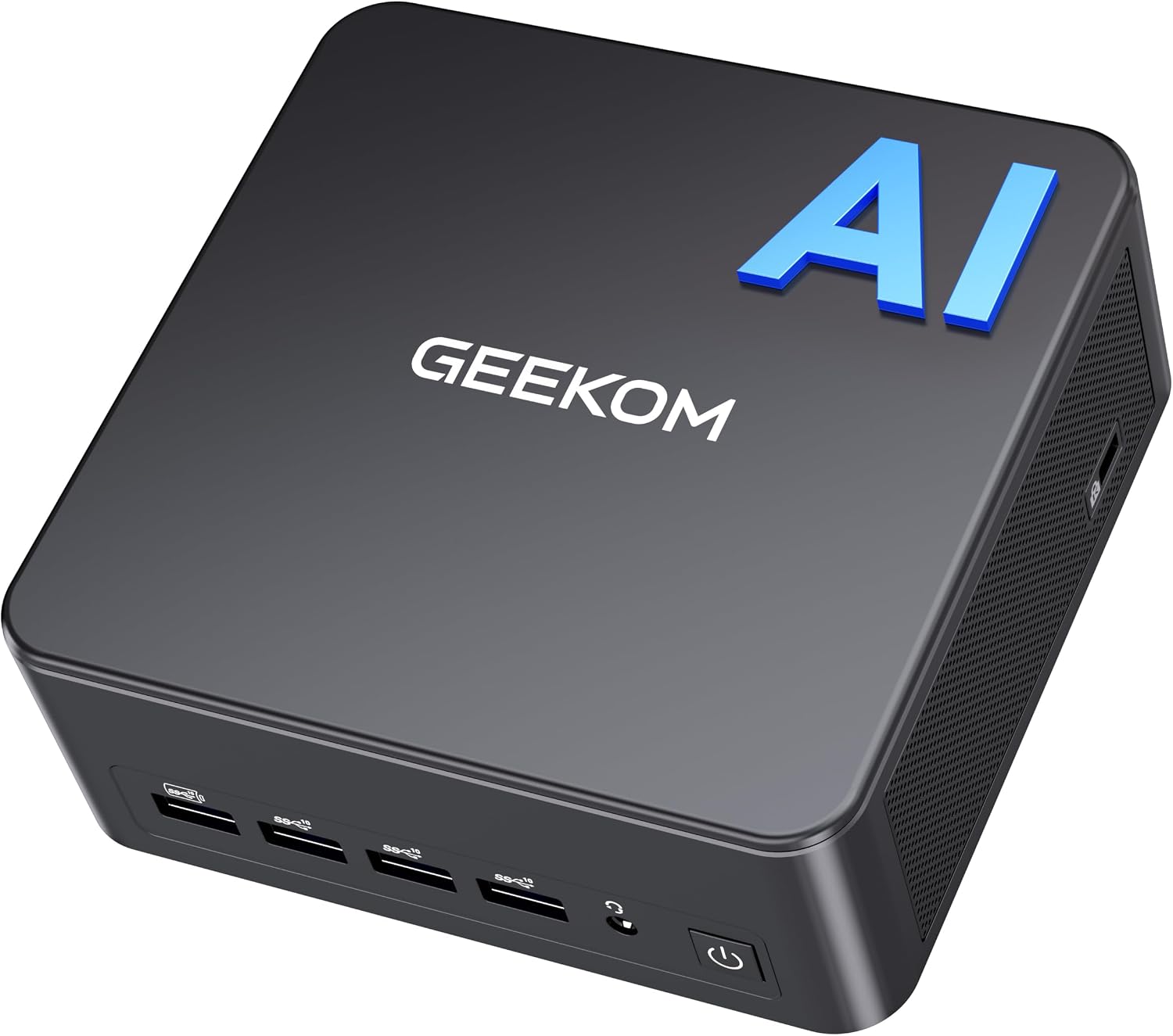
The GEEKOM 2026 IT13MAX AI Mini PC is a compact Windows 11 Pro machine designed to handle AI workloads, creative tasks, and everyday multitasking from a small desk footprint. It’s pitched as a high‑capacity mini PC that combines a modern CPU, an AI-focused NPU, and capable graphics to support design, video editing, streaming, and light gaming without needing a full desktop tower.
How it’s put together on paper
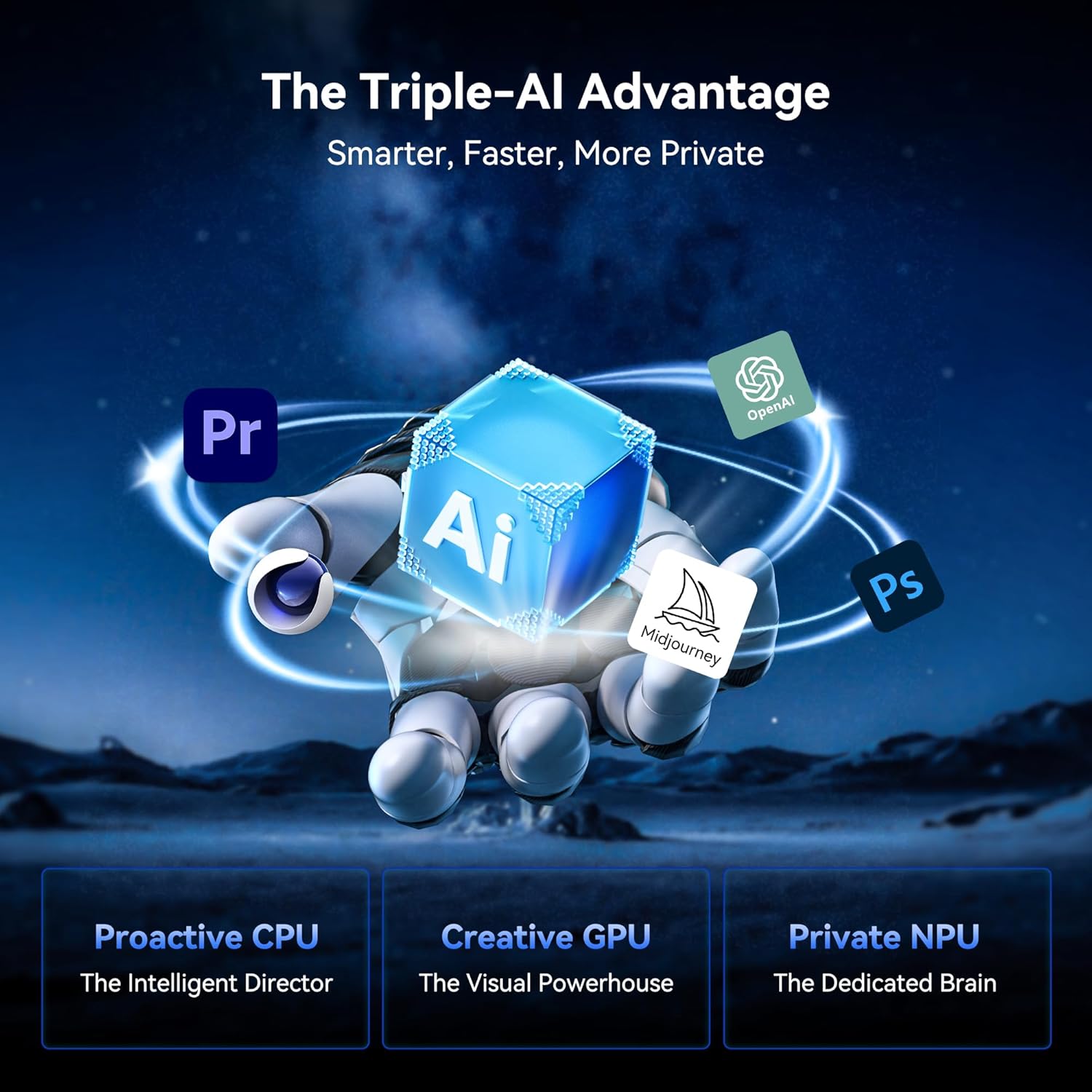
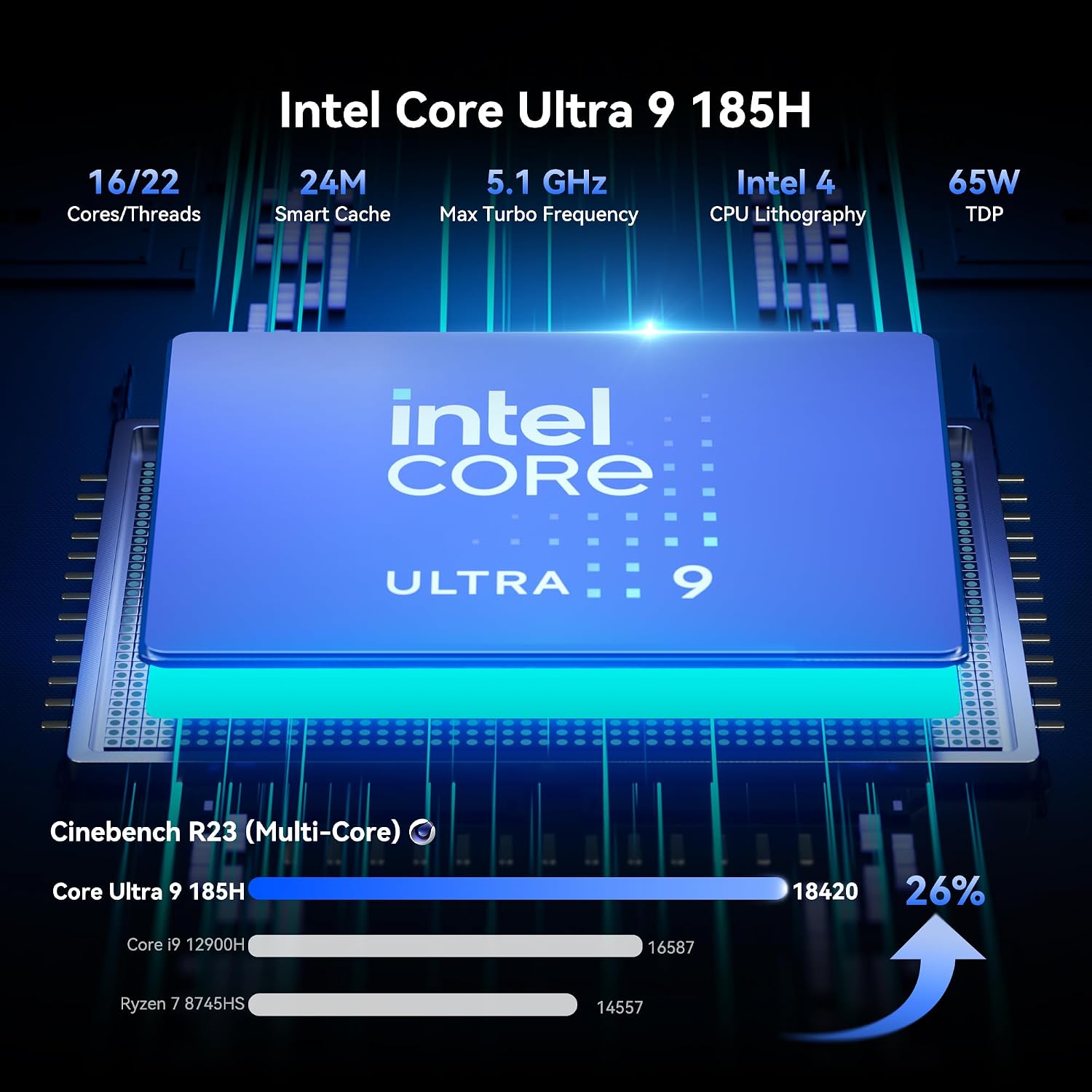
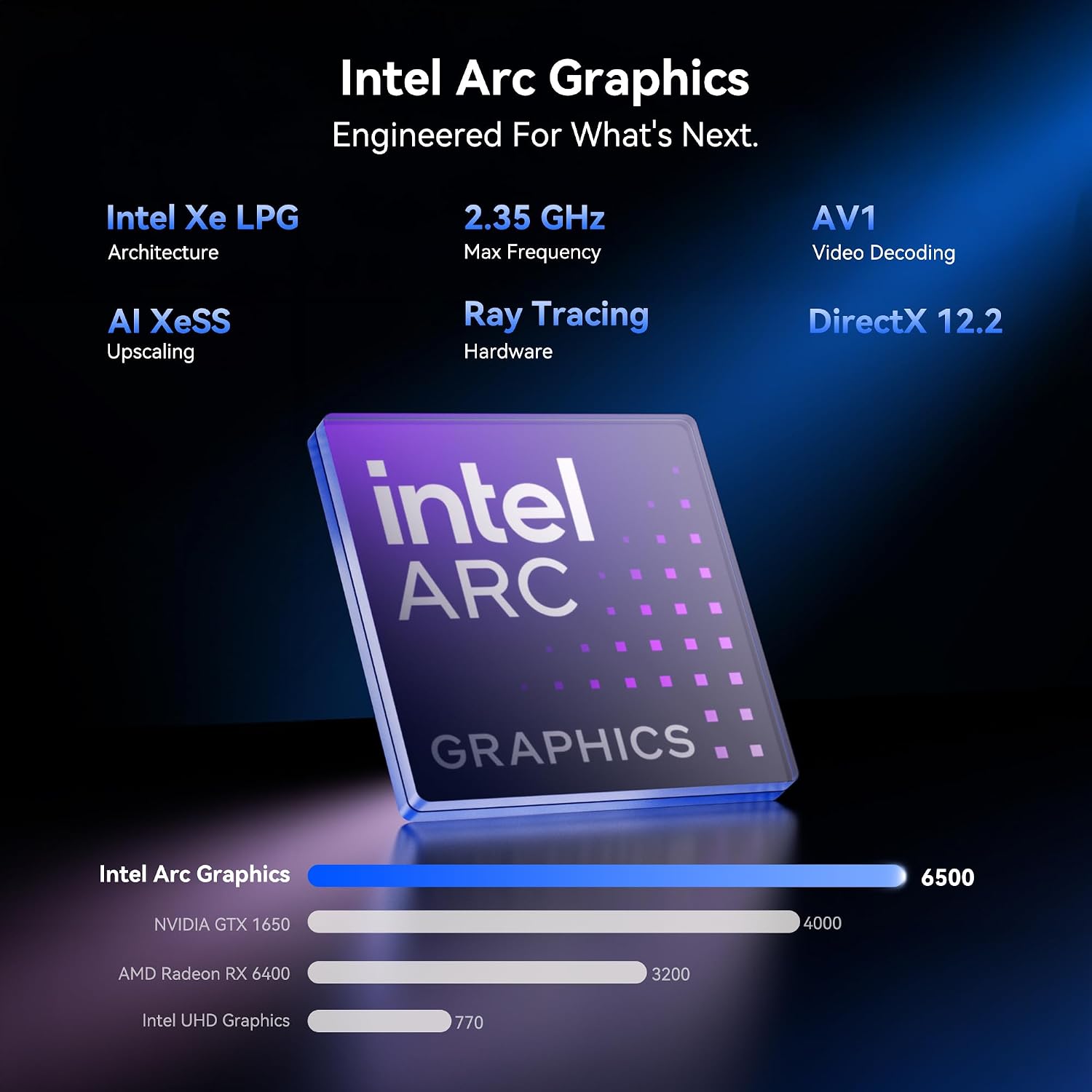
This model leverages Intel’s latest Core U9-185H and a built‑in AI Boost NPU to accelerate over 20 AI categories and 500+ models. With 24GB LPDDR5 RAM and 500GB SSD (with 2 slots for expansion), it aims to keep large projects fluid and workloads continuous. The Windows 11 Pro operating system is standard, and the unit is designed to balance performance with a 65W TDP profile to sustain productivity tasks and heavier apps. The graphics subsystem uses Intel Arc integrated graphics with Xe cores and XeSS upscaling, which can smooth visuals in compatible titles and multimedia projects.
What stands out in everyday use
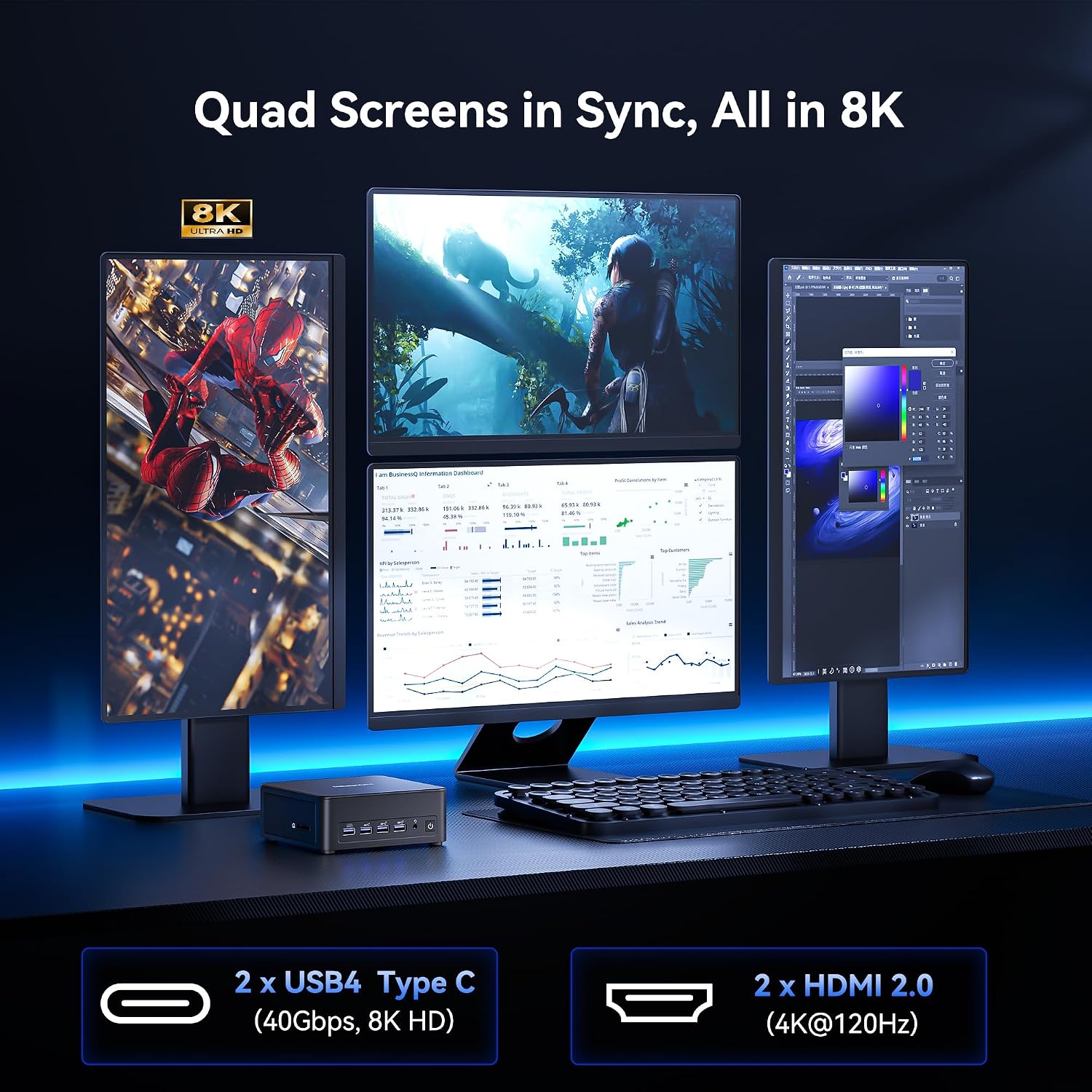
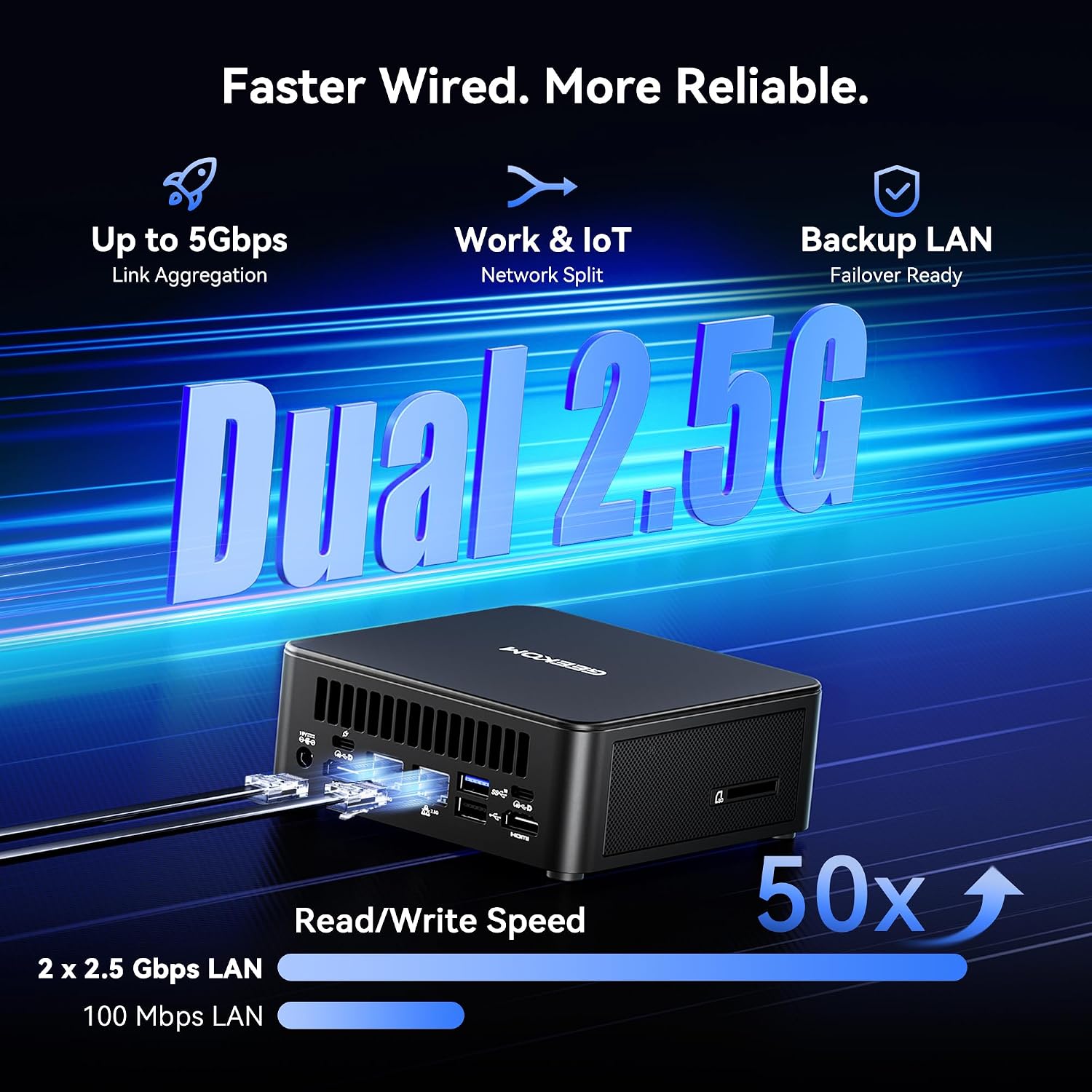
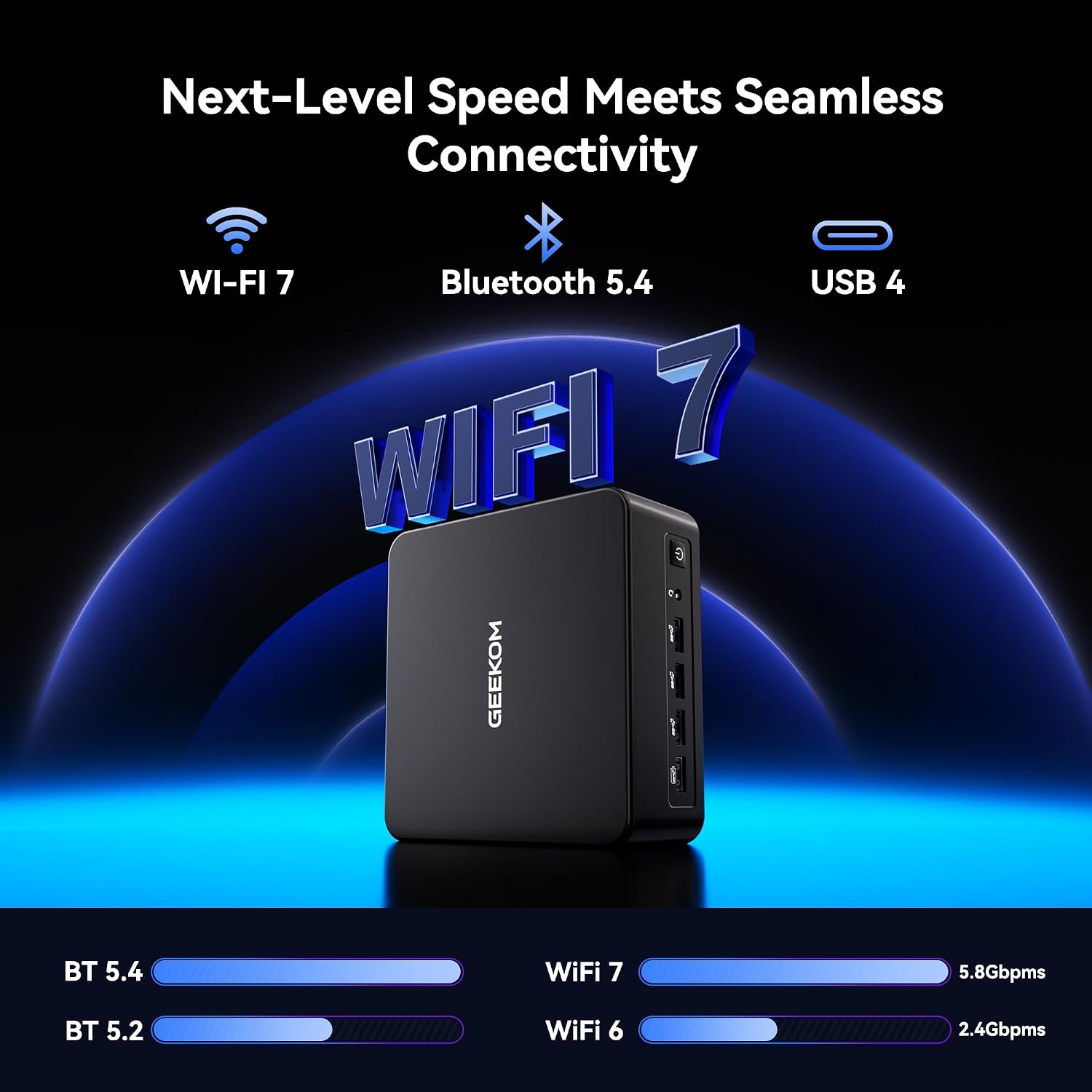
In practice, the IT13MAX is built to support multi‑screen setups at high refresh rates thanks to 4K@120Hz outputs and dual USB4 connections, complemented by a broad USB and Ethernet arsenal (8× USB, 2× 2.5Gb LAN, plus Wi‑Fi 7). If you’re rendering, editing 4K footage, or running AI‑enhanced design software, you’ll notice faster data handling and smoother previews compared with smaller, less feature‑rich machines. The cooling system is emphasised as “Ice Tunnel” with a larger heatsink and fan to curb throttling during sustained workloads, which translates into more consistent performance during long sessions.
Pros and what may give you pause
On the plus side, you’re getting a fairly capable all‑rounder in a compact shell: robust RAM, fast storage, strong connectivity, and AI‑accelerated processing that can help workflows that rely on intelligent features in software. For creators and power users who routinely juggle multiple apps, the AI acceleration and the 4K output capability are meaningful touches. On the downside, a mini PC in this class inevitably depends on the specific software you use, not all programs will automatically leverage the NPU or Arc‑based graphics to the same extent, which means you should manage expectations about “one‑box magic” across every task.
Who it’s best for
If you prioritise a compact machine with substantial memory and storage for AI‑assisted design, video editing, or streaming workloads, the IT13MAX can be appealing. It suits someone looking to replace a mid‑tower for a small office, a creator workspace with multiple displays, or a PC that can handle creative apps with respectable speed without resorting to a full desktop build. It’s not the best option if your priority is raw gaming framerate in the latest AAA titles at ultra settings or if you require ultra‑low noise in a library or shared workspace.
When it makes sense to buy
Consider this mini PC if you need a dense, versatile workstation for multimedia tasks, AI‑enhanced productivity, and respectable 4K output, all in a single compact unit. The combination of 24GB RAM, 500GB SSD, AI NPU, and WiFi 7 is meaningful for workloads that benefit from quick data movement and reduced latency. If your work involves some AI tooling, on‑device inference, or fast content creation, this platform is designed to feel responsive rather than sluggish.
What to check before buying
- Confirm your preferred display setup supports 4K@120Hz and that your cables/monitors are compatible.
- Consider your storage needs beyond 500GB, the second SSD slot is helpful, but plan for the capacity you’ll actually use.
- If gaming is a driver, verify the titles you care about are compatible with Intel Arc graphics and XeSS upscaling.
- Assess ambient noise expectations, the Ice Tunnel cooling promises quiet operation, but real‑world noise can vary with workload.
How it compares to typical approaches
This device sits between compact consumer mini PCs and mid‑range desktop towers. For casual creators or professionals who want a small footprint without sacrificing RAM and storage, it offers a compelling balance. If you primarily work with software that heavily rewards discrete GPUs or want the latest gaming headroom, you might lean toward systems with dedicated GPUs. If you value ultra‑compact size and integrated AI tooling over absolute gaming performance, the IT13MAX earns its keep by delivering steady multi‑tasking and AI‑assisted workflows in a single package.
Quick usage example
Imagine editing a 4K interview with colour grading, while streaming a live feed and running AI‑powered background processing for image tagging. The IT13MAX can manage the timeline, render previews at high quality, and keep background AI tasks humming without forcing you to pause your creative flow.
FAQ snapshot
- Can I upgrade storage easily? The model includes 2 SSD slots, which implies practical expansion options, but verify the exact configurations on arrival.
- Is the AI NPU useful for everyday apps? It tends to be more valuable in software that exposes AI accelerators, some programs will benefit while others may not see a noticeable uplift.
- How noisy is the cooling under load? The Ice Tunnel system is designed for quieter operation, but sustained heavy workloads can still generate audible fan activity depending on ambient temperature.
Final decision
Is it worth it?
Worth considering if you prioritise a compact, AI‑capable workstation with solid RAM, fast storage, and versatile connectivity for demanding creative tasks and multi‑display setups. It may not be the best fit if you demand maximal gaming performance or if you need more straightforward, plug‑and‑play simplicity without weighing AI acceleration benefits. For the right user—the creator or power user who values on‑device AI processing and a capable mini PC—the IT13MAX can be a pragmatic choice.
Bottom line practical example
If you want a space‑saving PC that can handle 4K output, multiple peripherals, and AI‑assisted workflows without cranking up a full desktop, this model aligns with that goal. It’s not perfect, but it answers specific needs for compact power and future‑proofing potential, provided you temper expectations around gaming and absolute maximum single‑task speed.