

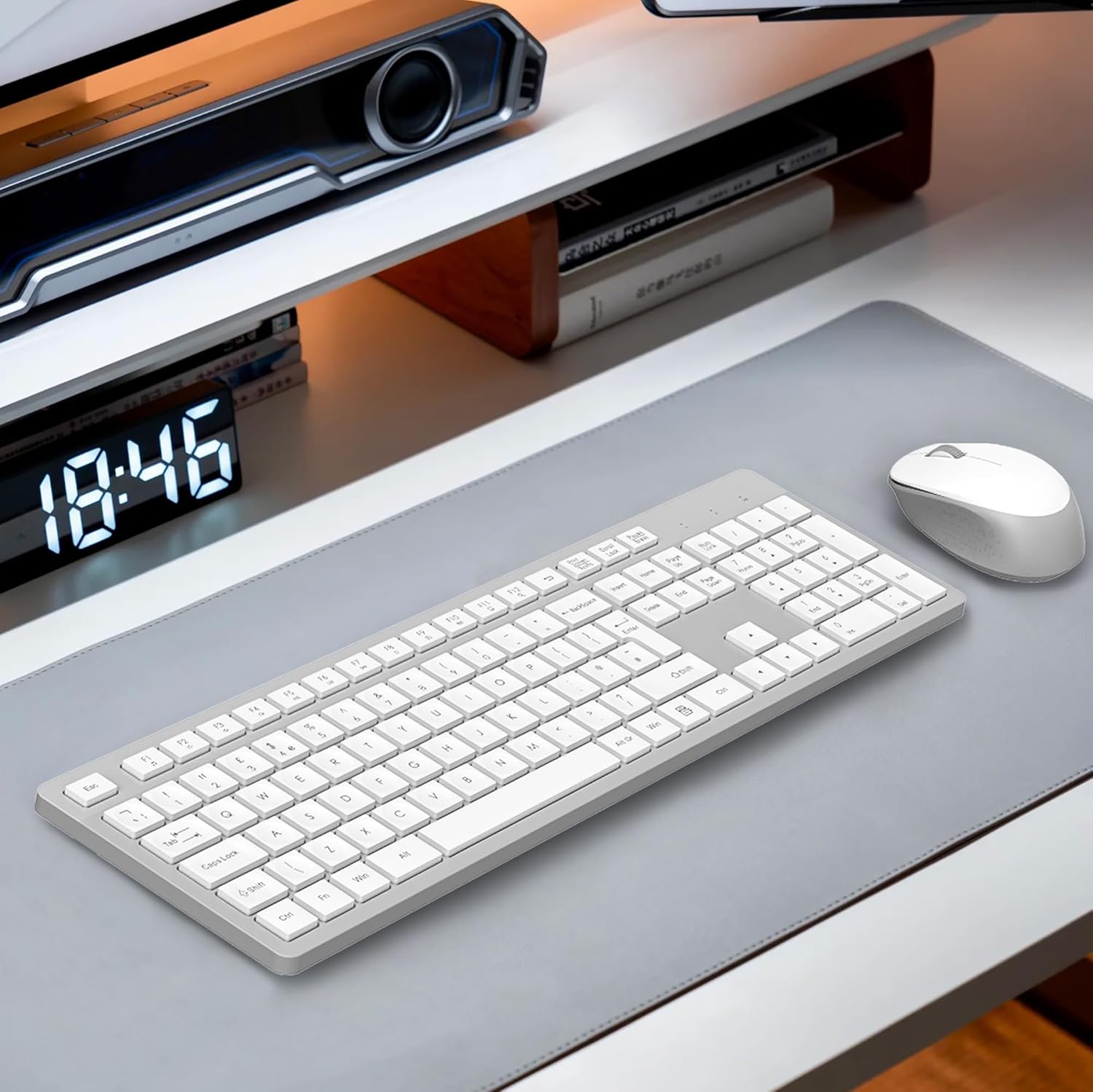
LeadsaiL Wireless Keyboard and Mouse Set (UK layout) – Full Size, Ergonomic Stand, Noiseless Click, 12 Shortcuts, White & Grey
Product description
What it is and what it aims to solve
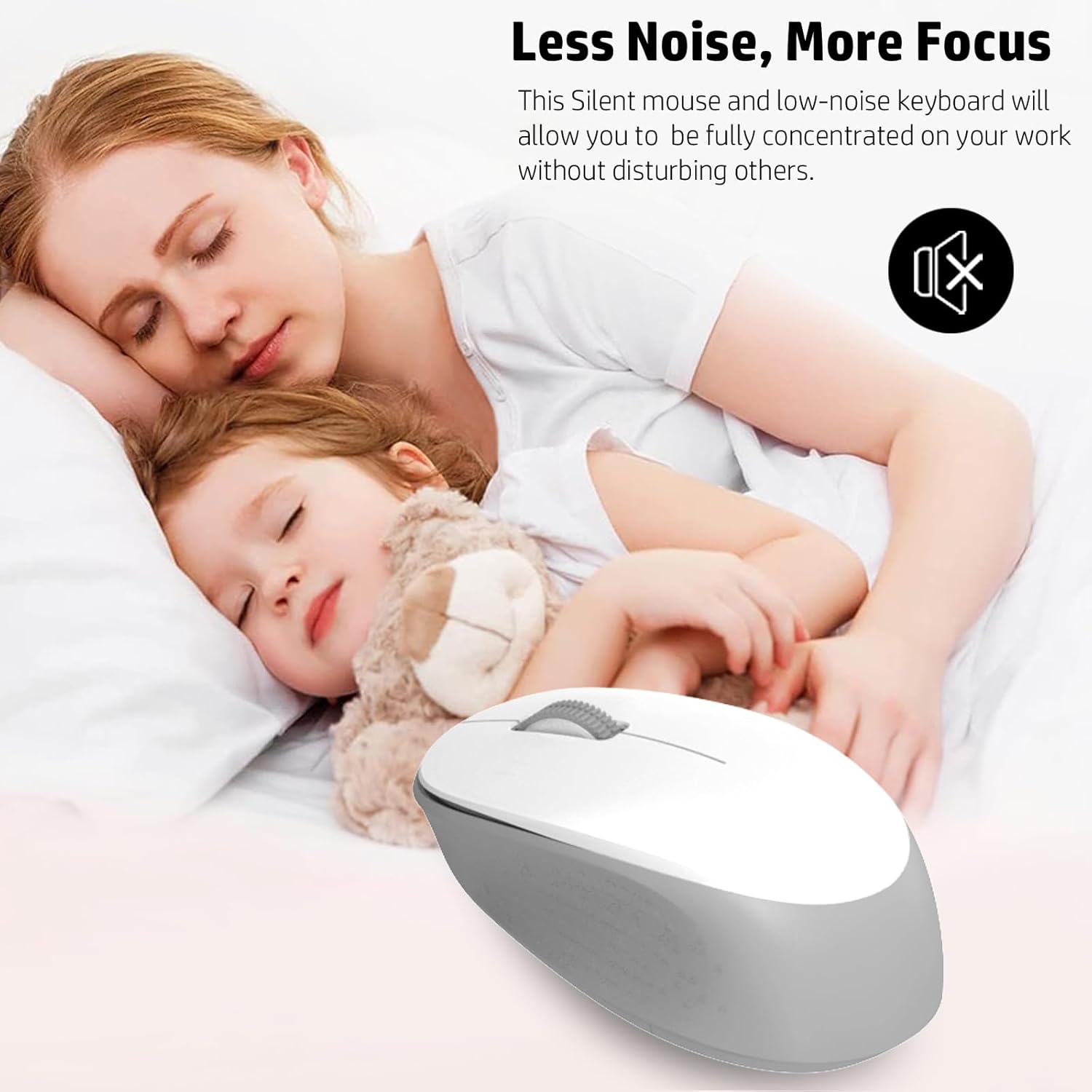
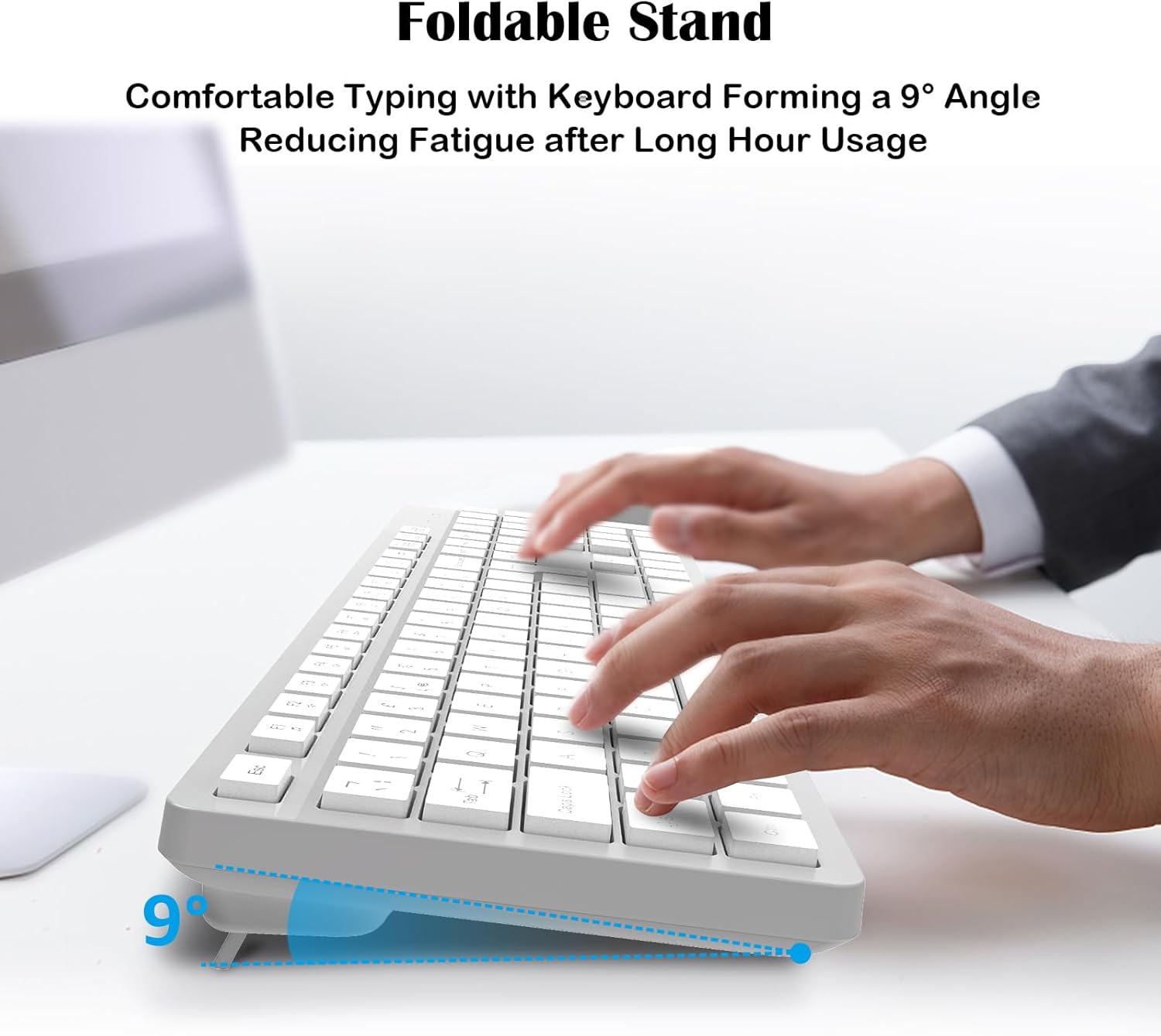
The LeadsaiL Wireless Keyboard and Mouse Set is a full‑size, UK layout wireless pair designed to minimise typing fatigue and boost everyday productivity. With a foldable stand built into the keyboard, it targets longer work or study sessions by offering a more comfortable wrist angle. The silent dome‑switch keys and quiet click mouse are pointers to a calmer, distraction‑free desk setup. If you value a tidy, unobtrusive input solution for a home office or shared workspace, this pair aims to deliver.
How it performs on the key considerations
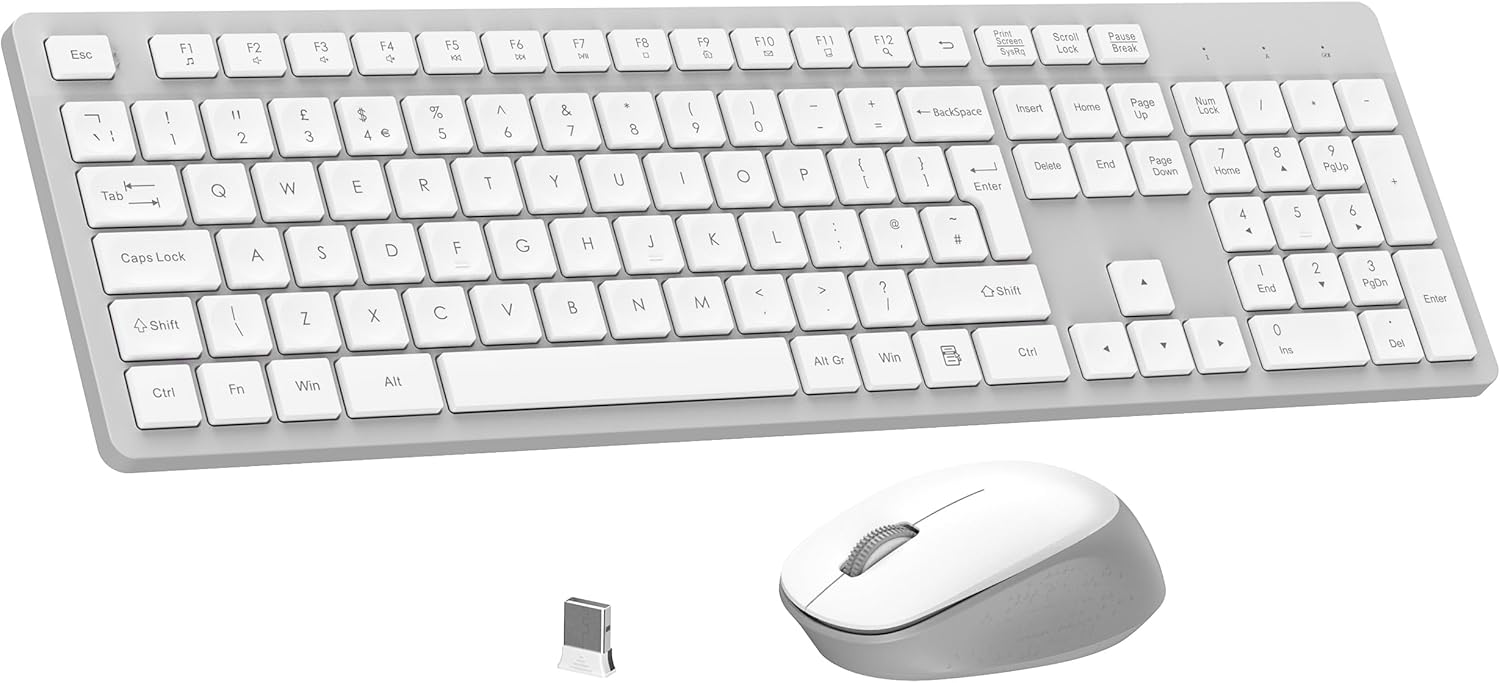
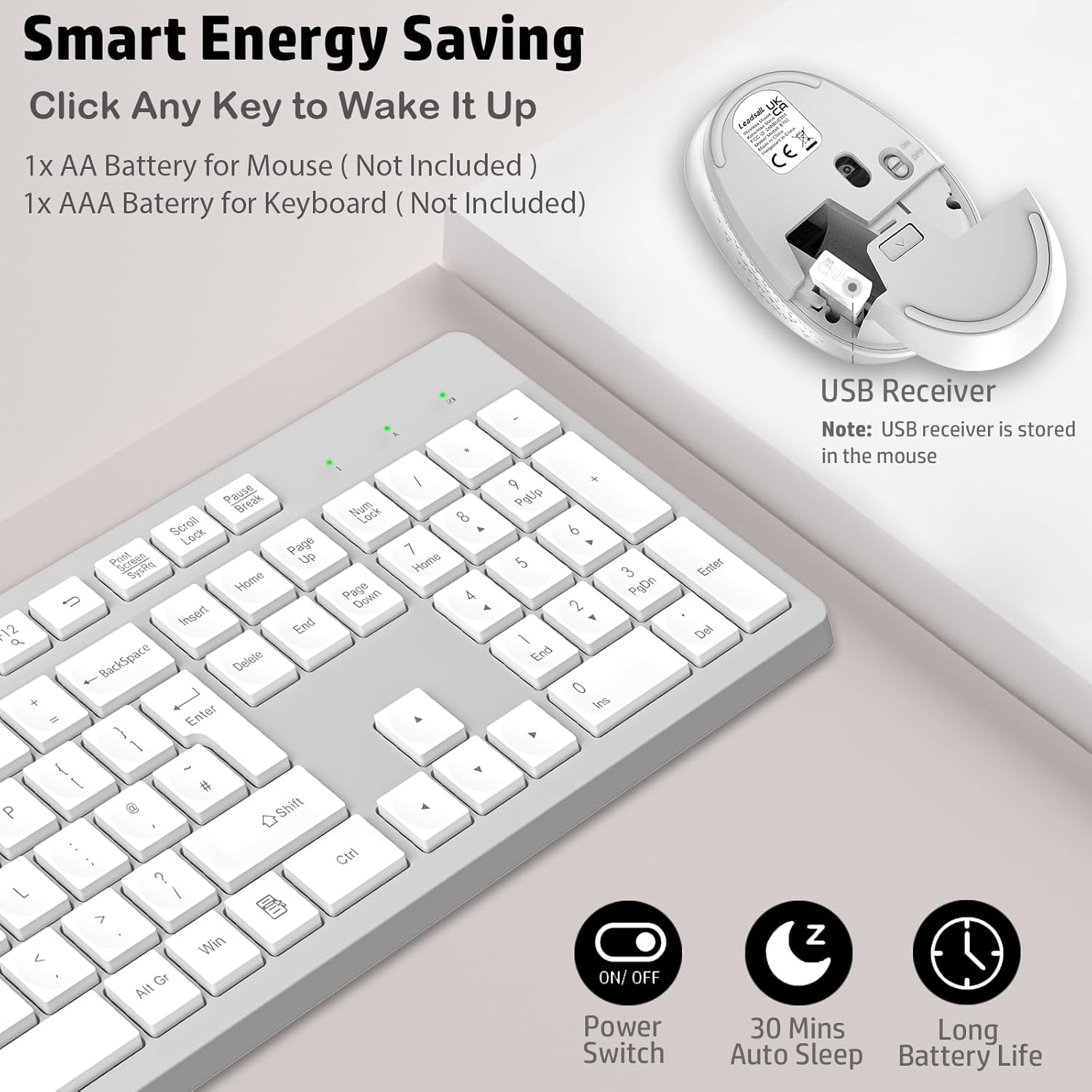
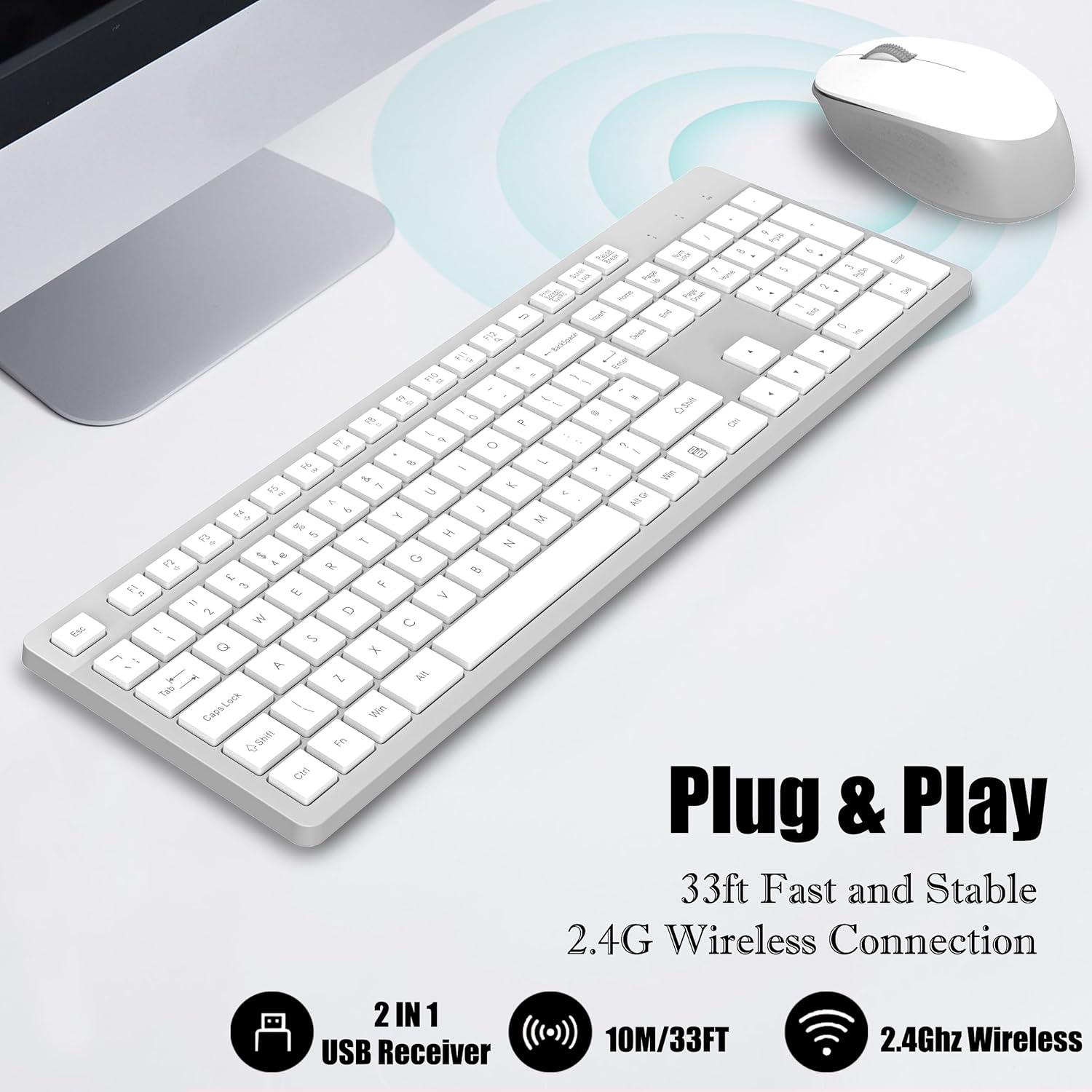
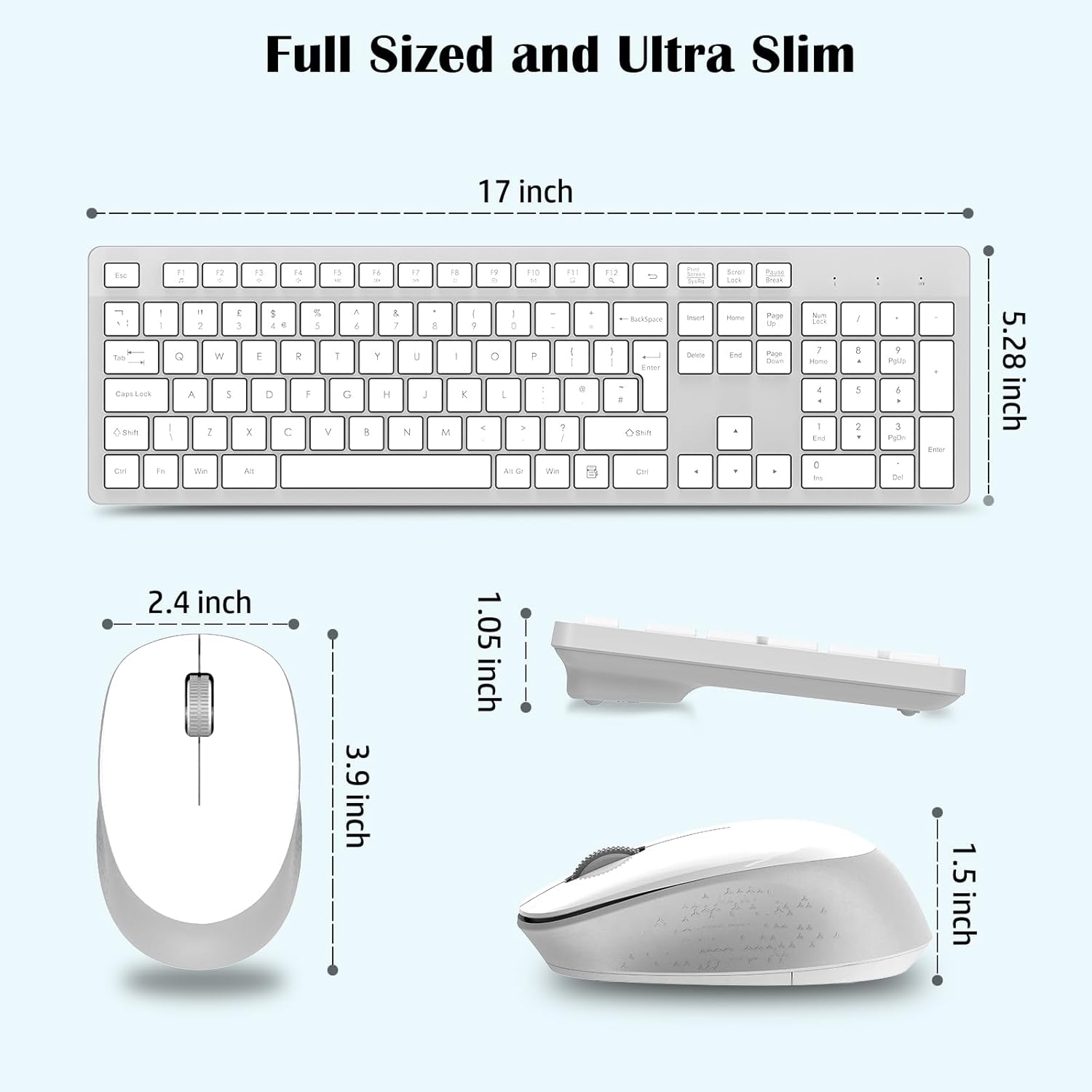
On paper, the combination makes sense for routine typing, light media control and general navigation. The keyboard includes a numeric keypad and 12 FN shortcuts, which allow quick access to media, volume and other common functions. The 2.4GHz connection uses a single USB receiver shared by both devices, stored inside the mouse, and promises a stable range of up to 10 metres. In practical terms, you can position the desk setup away from the computer and still maintain a reliable link without constant re-pairing. The keyboard and mouse are powered by standard batteries (mouse uses 1×AA, keyboard uses 1×AAA), these are not included.
What stands out day to day
The two‑tone white and grey design looks clean and unobtrusive, with a thoughtful ergonomic angle from the foldable stand that aims to reduce wrist strain during long typing sessions. The noiseless clicking is a meaningful perk if you work late or share a room, offering a calmer environment than typical mechanical keyboards. The note about Mac compatibility for the FN shortcuts is important: while the devices work with Windows and Mac PCs, the extra media shortcuts may not function on macOS. If your workflow relies heavily on those keys, this is a point to verify before buying.
What could be less convincing
If you routinely expect Mac‑specific shortcut behaviour, you may find the built‑in shortcuts less useful on Apple systems. Battery life is not stated, and batteries are required, in a busy setup that’s a small ongoing cost and another maintenance item to keep an eye on. The keyboard’s foldable stand is helpful, but it adds a slightly taller footprint on your desk. For high‑intensity gaming or professional photo/video editing, there are other options that prioritise mechanical feel or customisable keys—this set leans more toward general daily use and office tasks.
Who this is for
- Home office users who want a compact, quiet input duo with a full keyboard footprint.
- People seeking a simple, plug‑and‑play wireless setup that shares a single USB receiver.
- Those who appreciate an ergonomic tilt feature to ease wrist posture during extended typing.
Who it isn’t ideal for
- Mac users who rely on macOS‑specific shortcuts, you may not gain full benefit from the 12 FN shortcuts.
- Gamers or power users requiring ultra‑responsive inputs or customisable keymapping.
- Buyers chasing battery‑free designs or particularly long‑life peripherals.
When it makes sense to buy
- You want a straightforward, desk‑friendly wireless pair that works with Windows or Mac and doesn’t require extra software.
- Your priority is a quiet typing experience and a subtle, minimalist aesthetic.
- You prefer a built‑in stand that helps keep your wrists neutral during long typing sessions.
When you might want to look elsewhere
- If you need guaranteed full macOS shortcut support or feature parity with Mac layouts.
- If you want longer battery life claims or rechargeable options.
- If you expect premium mechanical feel or advanced gaming features from a keyboard.
What to check before buying
- Confirm your primary OS and whether you’ll rely on the 12 FN shortcuts, macOS users may not get full functionality.
- Consider desk space: the foldable stand adds height, so measure to ensure it fits your setup.
- Remember the batteries aren’t included, factor in a steady supply of AAs and AAA batteries for ongoing use.
Practical use case example
A typical home office scenario: a laptop on a monitor arm with space to spare. The user types reports in the morning, takes quick media control breaks, then moves to a video call with calmer keyboard sound. The 10‑metre range lets you sit back slightly from the desk without losing connection, and the quiet switches keep the room peaceful during late sessions.
Quick comparison mindset
This set is best viewed as an affordable, practical upgrade for general everyday tasks—office documents, emails, light browsing—where reliability and quiet operation trump extra features. If your focus is high‑end ergonomics, heavy customisation, or macOS‑specific workflows, you may prefer other options.
FAQ (where data allows)
- Do the FN shortcuts work on Mac? Not guaranteed, note the base statement that some functions aren’t compatible with Mac OS.
- Are batteries included? No, batteries are not included, the mouse uses 1×AA and the keyboard uses 1×AAA.
- What is the connection range? Up to 10 metres with the 2.4GHz USB receiver.
Is it worth it?
Worth considering if you prioritise a quiet, full‑size keyboard for daily tasks with a simple, reliable wireless setup and a modest ergonomic tilt. It’s not perfect for macOS shortcut needs or gaming, and you’ll need to watch battery life and desk space.