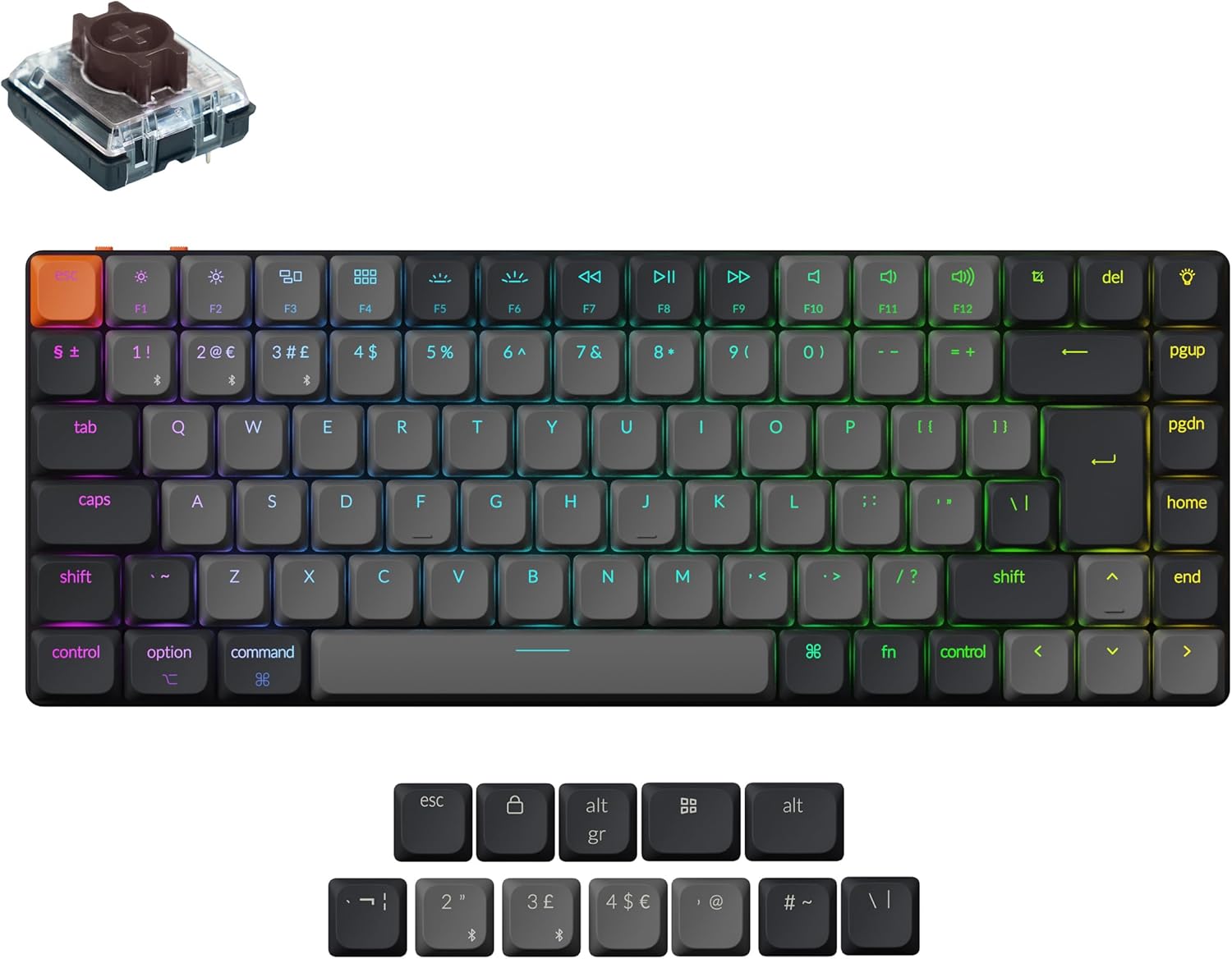
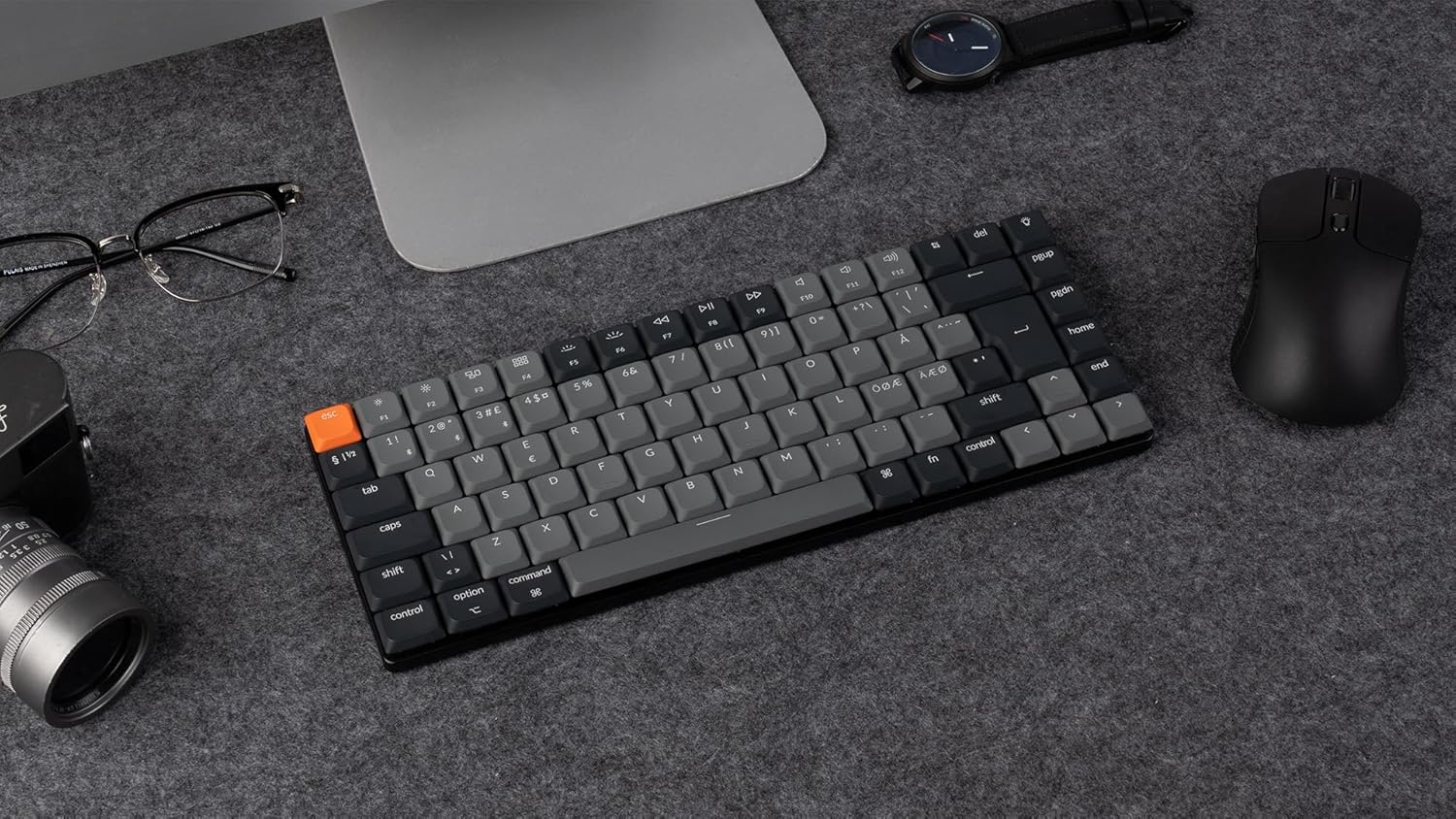
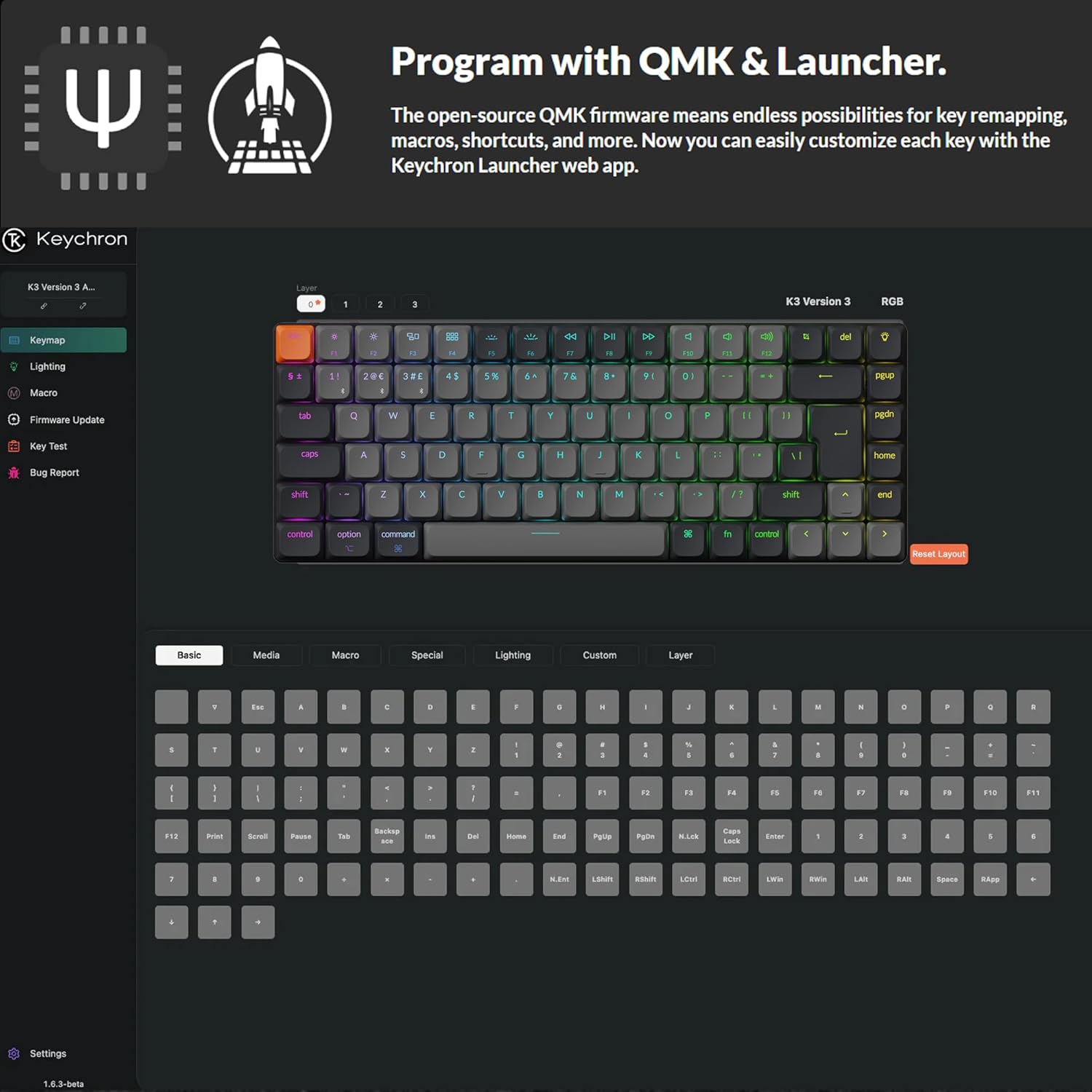
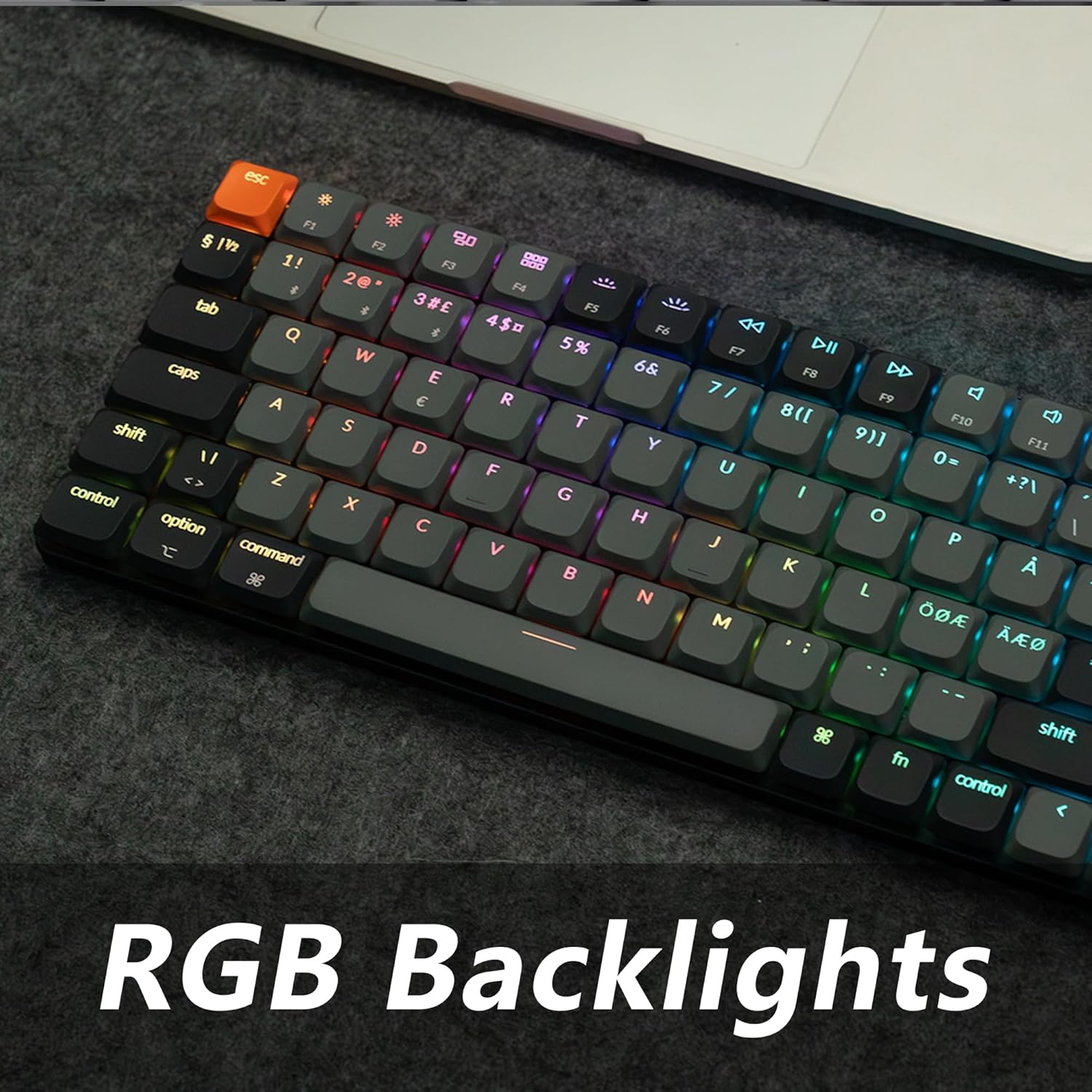
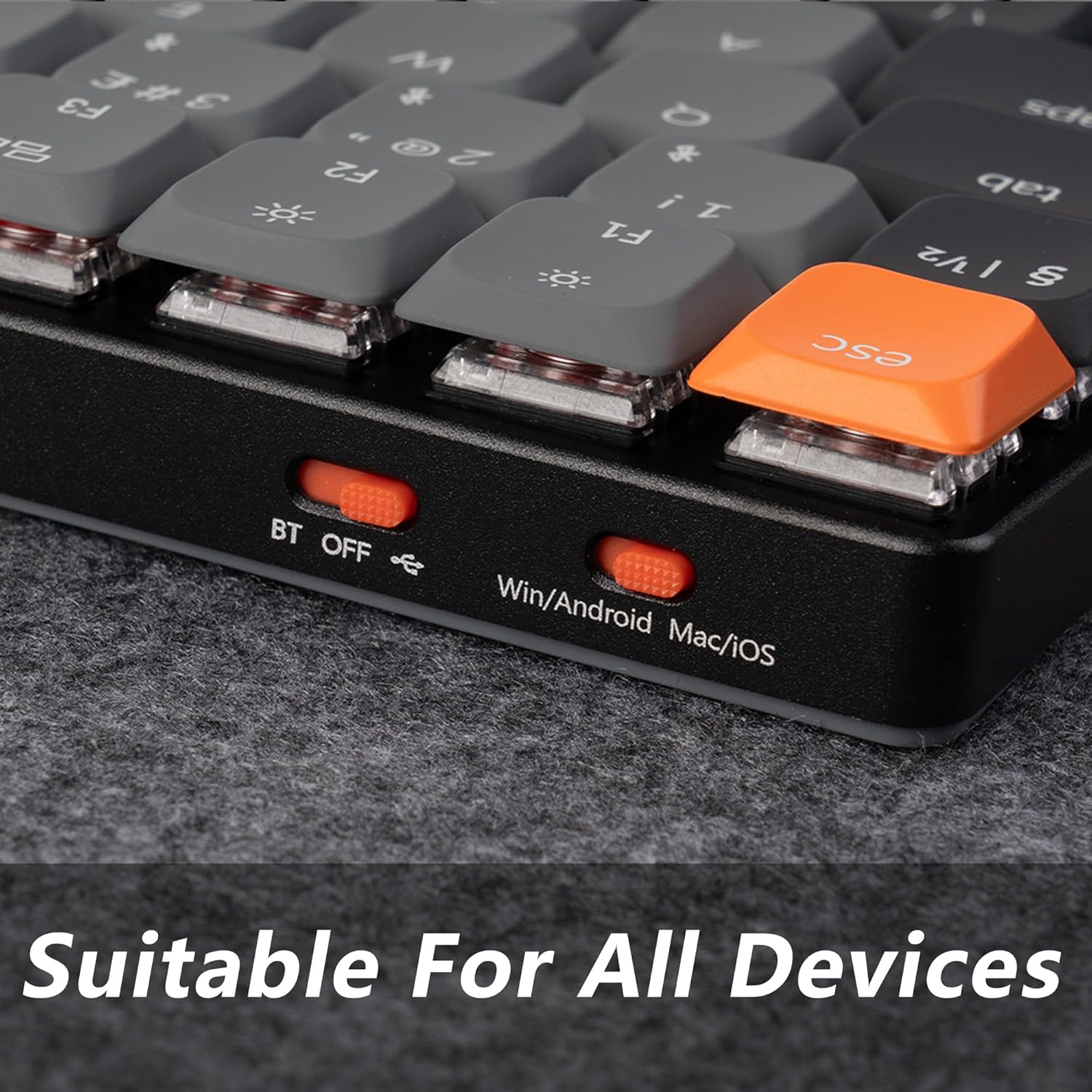
What matters most\n\nThe Keychron K3 Version 3 is a compact, 75% wireless mechanical keyboard aimed at multitaskers who want customisation without sacrificing desk space. It supports both Bluetooth 5.2 and USB-C wired connections, making it easy to switch between devices across Mac, Windows and Linux. Its core appeal is the open‑source QMK firmware paired with the Keychron Launcher web app, which allows remapping and macro setup without soldering. On paper this promises a high degree of personalisation for shortcuts you actually use, whether you’re coding, gaming or juggling work across devices.\n\n## Design and layout\n\nThe keyboard keeps a low-profile form factor with hot‑swappable low‑profile switches, so you can tweak feel and actuation without disassembling or soldering. The 75% layout is a practical compromise between full-sized boards and compact builds, preserving essential functions and macro keys via VIA. The UK layout is paired with Windows/macOS keycaps for easier daily use.\n\n## What stands out in use\n\nIf you prioritise customisation and multi‑device workflows, the K3 Version 3 makes sense. The combination of a wireless bridge across up to three devices and a robust open‑source firmware gives a lot of control for power users. The inclusion of pre‑lubed Keychron Low‑Profile MX 2.0 switches offers a smoother, consistent feel, with brown switches providing a tactile but not overly heavy experience.\n\n## What may fall short\n\nIt’s not perfect for everyone. The QMK support currently covers standard low‑profile switches, but it does not support low‑profile optical switches, which limits some switch options if you’re chasing non‑typical feels. If you’re coming from a large, traditional keyboard, the compact layout can take time to adapt to, especially for long typing sessions.\n\n## Who it’s for\n\nThis board suits keen typists, developers and remote workers who want high customisation and a space‑saving build that still offers strong connectivity. It’s particularly compelling if you work across multiple devices and value a flexible firmware ecosystem.\n\n## When it makes sense to buy\n\nChoose the K3 Version 3 if you value multi‑device convenience, hot‑swap capability, and editable layouts via QMK and Launcher. If you primarily type on one machine and don’t need extensive macros, you might prefer a simpler or non‑hot‑swap option.\n\n## What to check before buying\n\nConfirm you’re happy with the 75% footprint and the UK key layout, and note that only Gateron/Keychron low‑profile switches are officially supported for hot‑swap with QMK. Consider whether you want Bluetooth across three devices and a dependable wired option for latency‑sensitive tasks.\n\n## Alternatives in perspective\n\nThink of this as a middle ground between compact, highly programmable boards and traditional full‑size setups. If you don’t need macro depth or multi‑device juggling, a non‑hot‑swap or wired‑only board could be simpler. If you want more switch variety or optical options, you may need to look at other designs with broader compatibility.\n\n## Final decision\n\nIs it worth it? It depends on how you value compact form, multi‑device workflow and firmware flexibility. If you’ll benefit from custom remaps, macros and the ability to swap switches without soldering, this is a credible choice. If you rarely use macros and prefer a more plug‑and‑play approach, you might aim for a simpler solution.\n\n## FAQ\n\n- Can I use this on Mac and Windows? Yes, the K3 Version 3 is designed to be compatible with both, and ships with Windows/macOS keycaps.\n- What does hot‑swappable mean here? You can change the low‑profile switches without soldering, subject to the supported switch types.\n- Does QMK support all low‑profile switches? Not yet for optical variants, it supports the compatible Gateron/Keychron low‑profile switches.\n- How many devices can it connect to wirelessly? Up to three devices via Bluetooth 5.2, with a wired USB‑C option available when needed.