

EPOMAKER G84 HE Wireless Gaming Keyboard: Hall Effect, 8K Polling and 8000mAh Battery
Product description
What it is
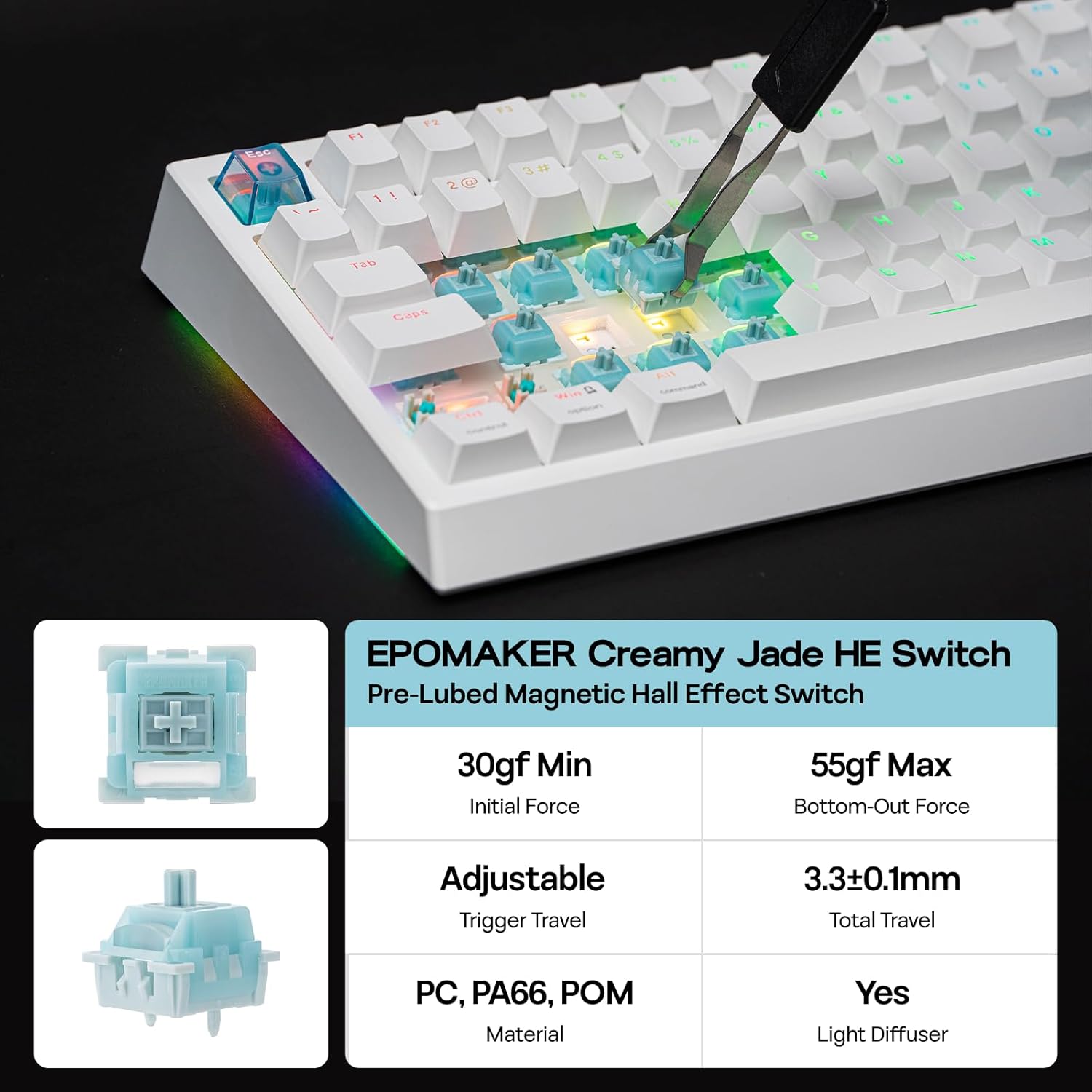
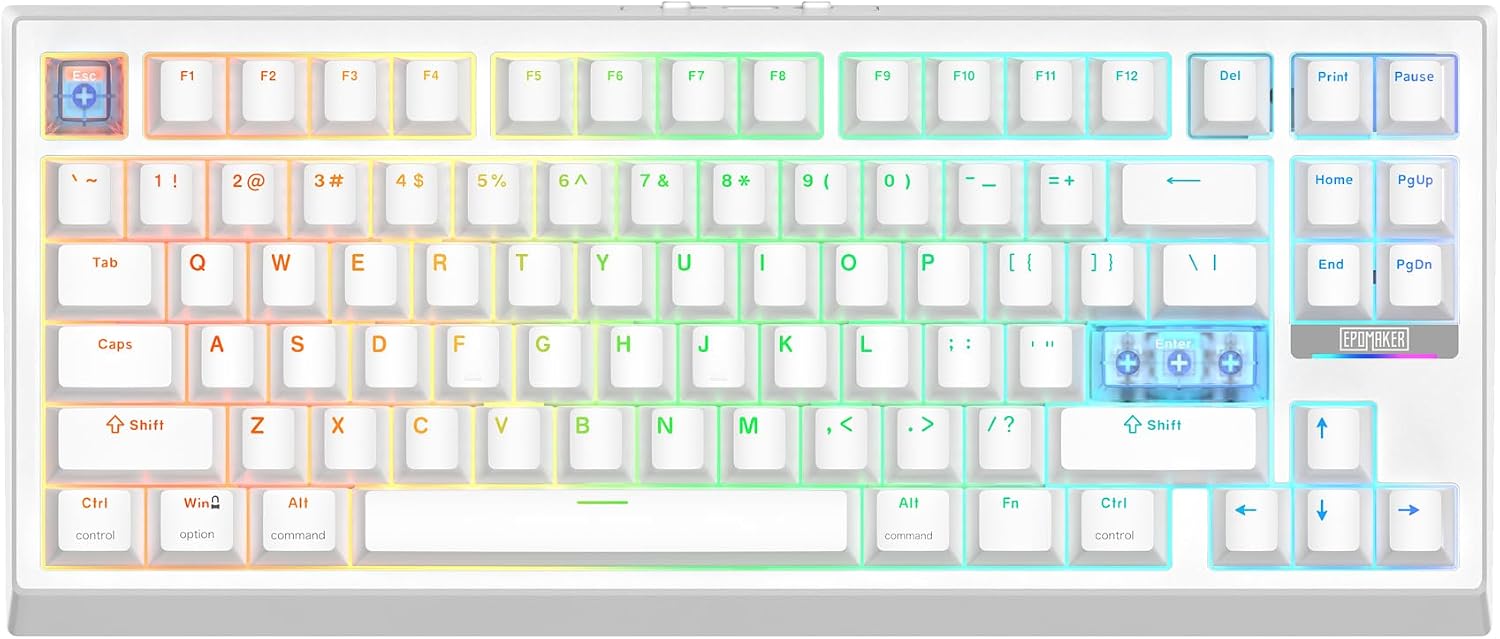
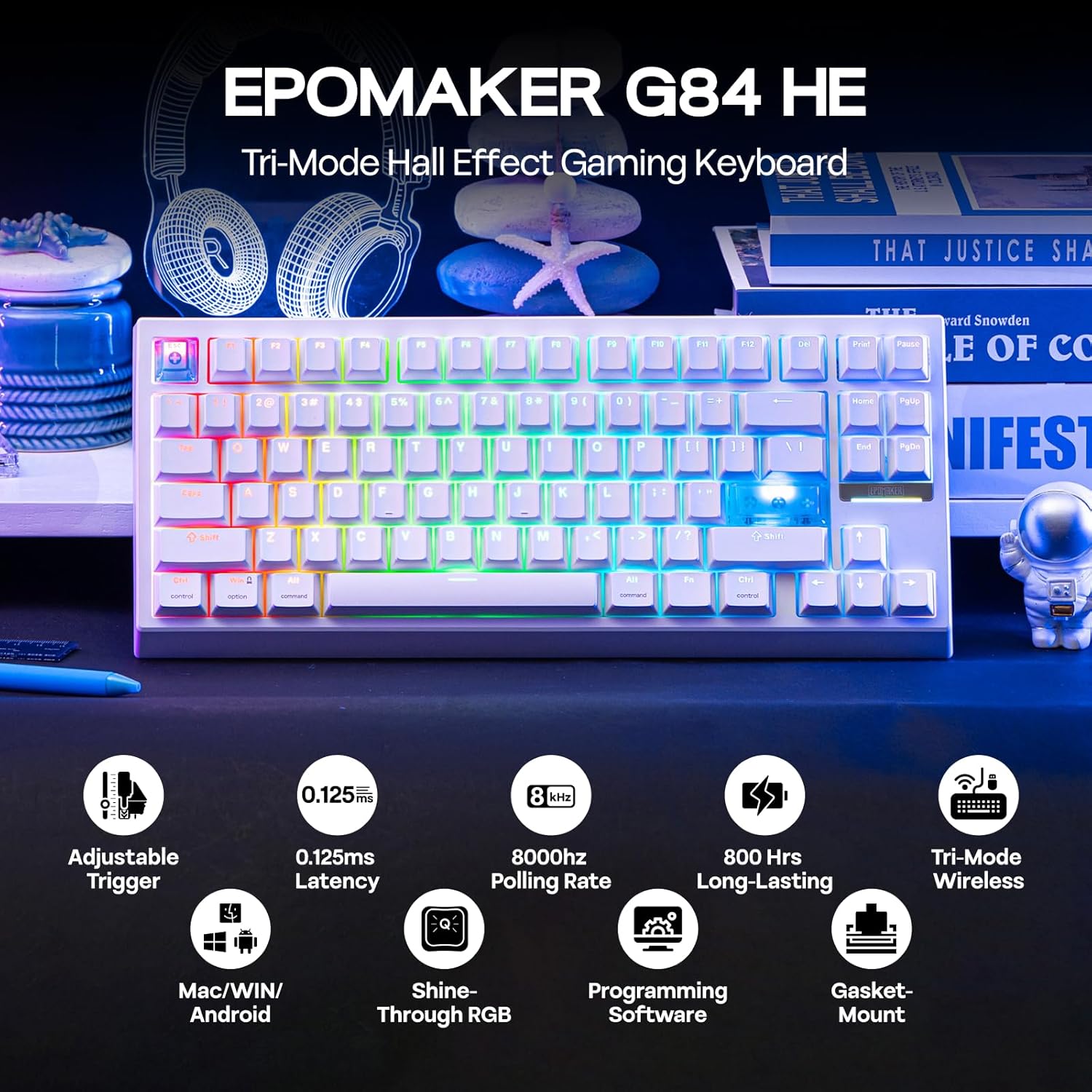
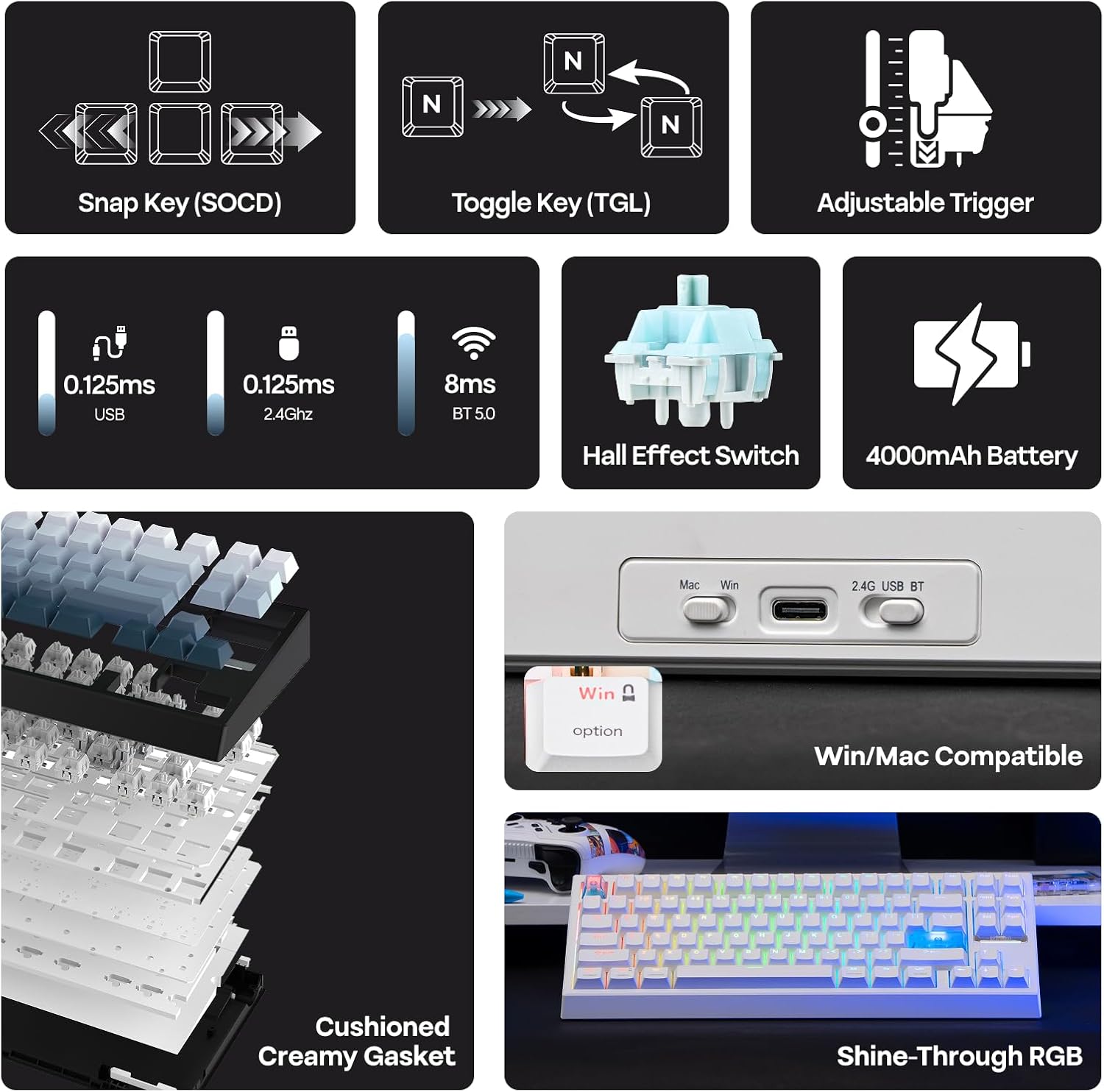
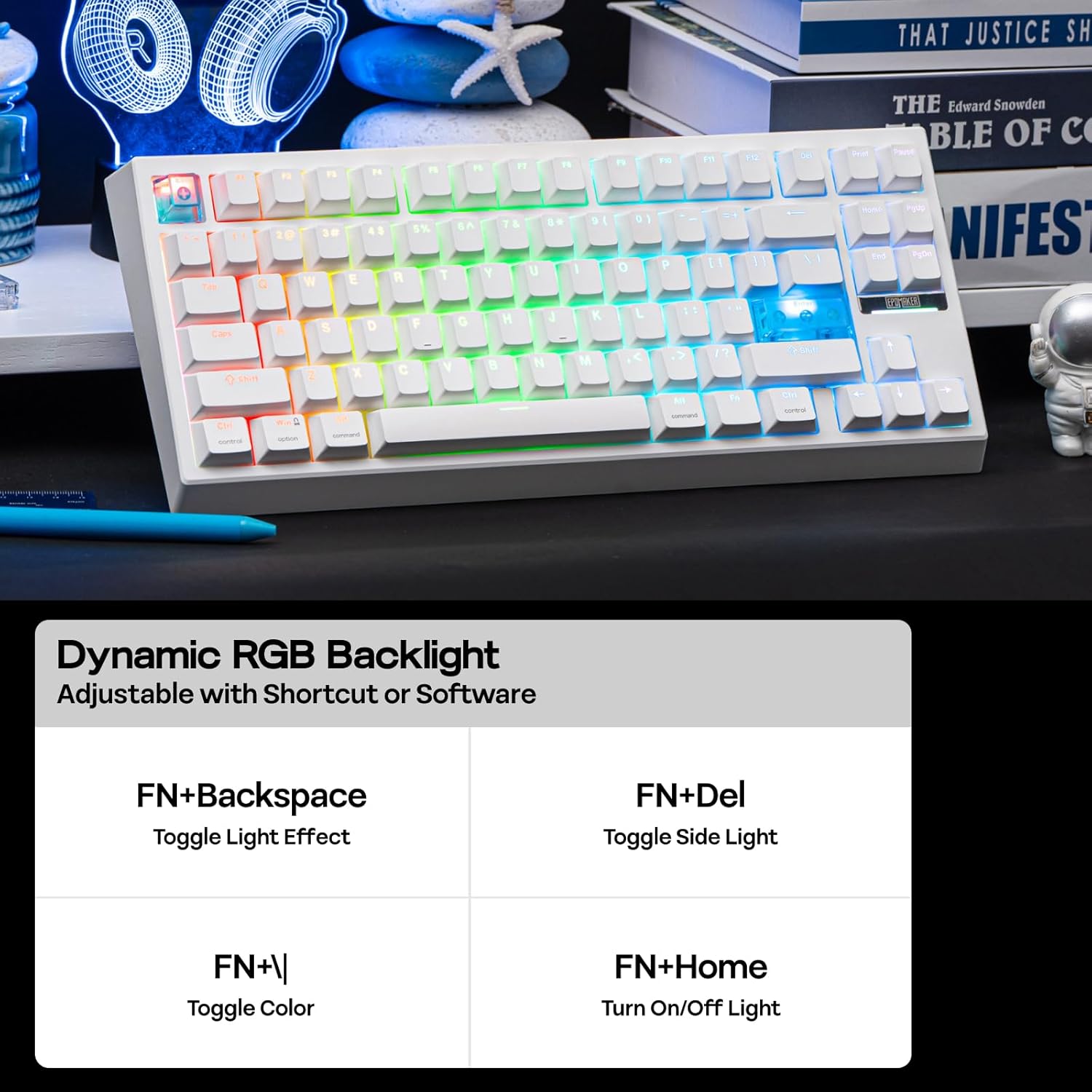
The EPOMAKER G84 HE is a wireless gaming keyboard that uses Hall effect switches and features an adjustable actuation, 8K Hz polling, and a high-capacity 8000mAh battery. It supports SOCD and DKS for more precise input handling, and offers a tri‑mode connection setup for Windows and macOS. The keyboard is built with PBT keycaps and a backlit RGB design, with hot-swappable switches for customisation.
How it helps you in practice
On paper this board aims to reduce input latency and increase keystroke precision, which could be meaningful in fast-paced FPS or MOBA titles, as well as for rapid typing. The actuation travel can be tuned from 0.1 to 3.3mm with a claimed 0.01mm resolution, and the overall latency is described as very low thanks to hall effect switches and the high polling rate. The combination of SOCD (last input priority) and DKS (Dynamic Key Rollover) is geared towards keeping complex inputs reliable during tense moments in games.
What stands out
The hall effect mechanism and the adjustable actuation are notable distinctions from typical mechanical switches. The 8000 Hz polling and 256K scan rate imply a design prioritising speed and responsiveness, while the E‑sport inspired circuit layout supports fast throughput. The keyboard also offers full software customisation for key functions, macros, and backlighting across Windows and Mac, which can help tailor it to specific games or workflows.
Considerations and limitations
If you prioritise simplicity over customisation, this level of configurability may feel overwhelming. The feature set implies a sizeable feature‑rich device that might be more than you need for casual use. Also, the 8000 Hz polling is impressive on paper, but real-world benefits depend on your system and game titles. Another factor is the 80% layout, which could require a short adjustment period if you are accustomed to a full‑size keyboard. It’s not a plug‑and‑play option for everyone.
Who it’s for
This board could suit competitive players who value ultra‑fast input, macro capability, and extensive remapping across platforms. It’s also a sensible pick for power typists who want to experiment with adjustable actuation to optimise speed and accuracy. If you work across Windows and Mac environments, the native software support could simplify personalisation.
Who it isn’t ideal for
If you prefer a straightforward, low‑maintenance setup, or if you rely on a standard 104‑key layout with no need for hot‑swap or unlimited macros, this may feel excessive. It’s also worth noting that a high degree of configuration can require time to learn and enjoy fully.

When it makes sense to buy
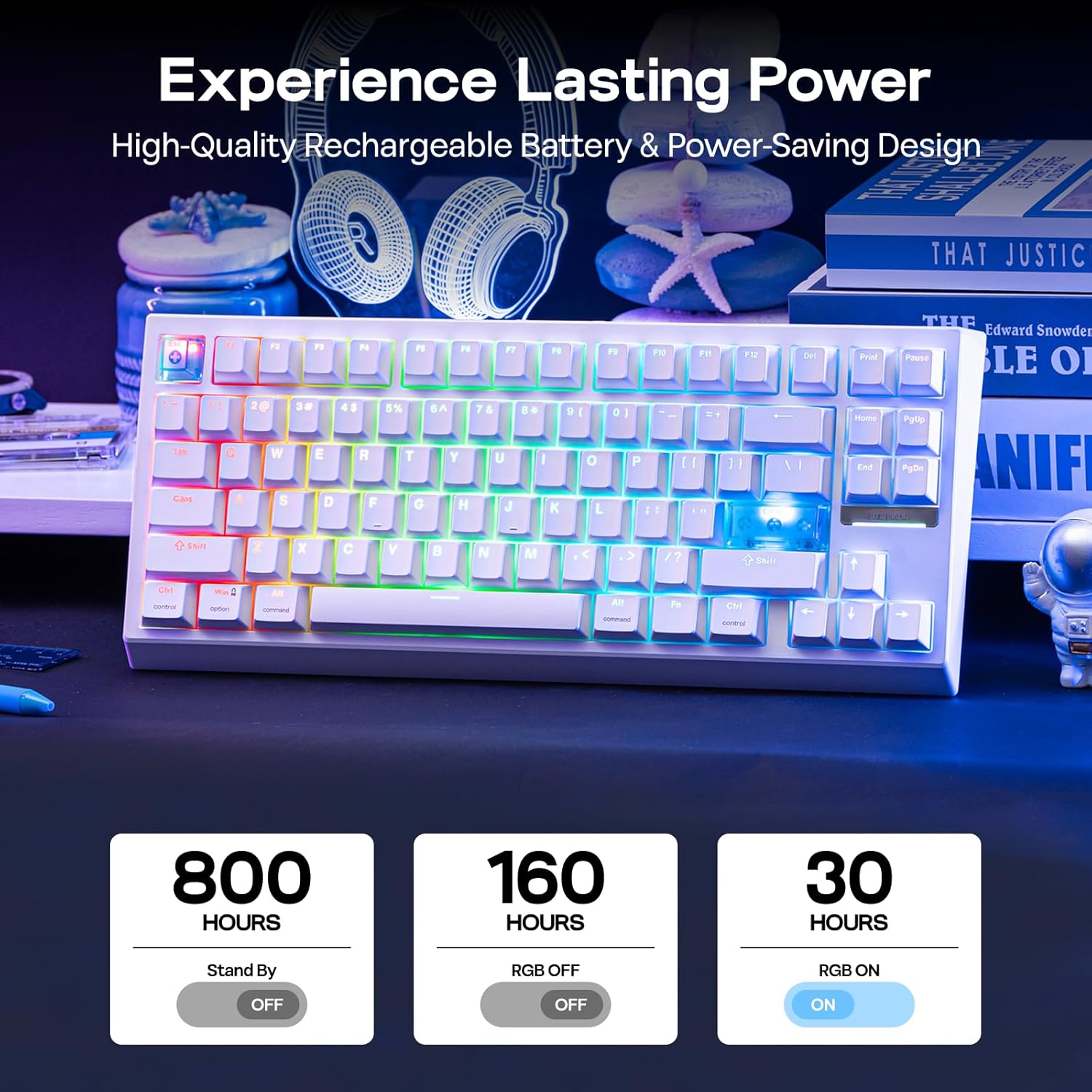
Choose this keyboard if you value fast, precise input with customisable actuation, a long‑lasting wireless experience, and extensive software control for gaming or heavy typing sessions. The tri‑mode wireless option can be a real plus if you switch between devices or need flexibility in different environments.
What to check before you buy
- Confirm compatibility with your operating system and whether you plan to use the 2.4GHz receiver or Bluetooth modes.
- Consider whether you want to invest time in software setup to unlock macros, SOCD, and other advanced features.
- Think about your preferred key layout and whether an 80% form factor fits your desk and workflow.
A view on alternatives and approach
If you’re weighing options, you might compare this with standard wired or wireless keyboards that prioritise reliability over extreme customisation, or other hot‑swap keyboards that offer a similar level of flexibility without hall effect technology. For some users, a mid‑range option with simpler software could be a faster path to a stable gaming setup, for others, the G84 HE’s depth of features justifies the larger upfront investment.