

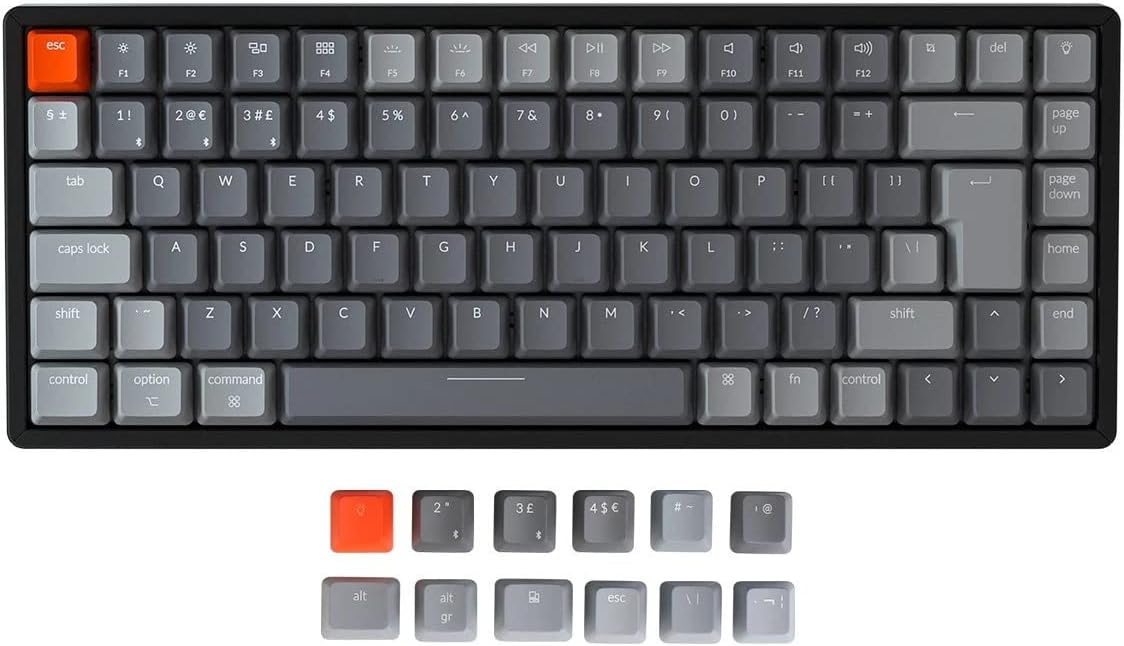
Keychron K2 Wireless Bluetooth/USB Wired Gaming Mechanical Keyboard (84-key ISO-UK) with Gateron Red Switches
Product description
What it is and who it’s for
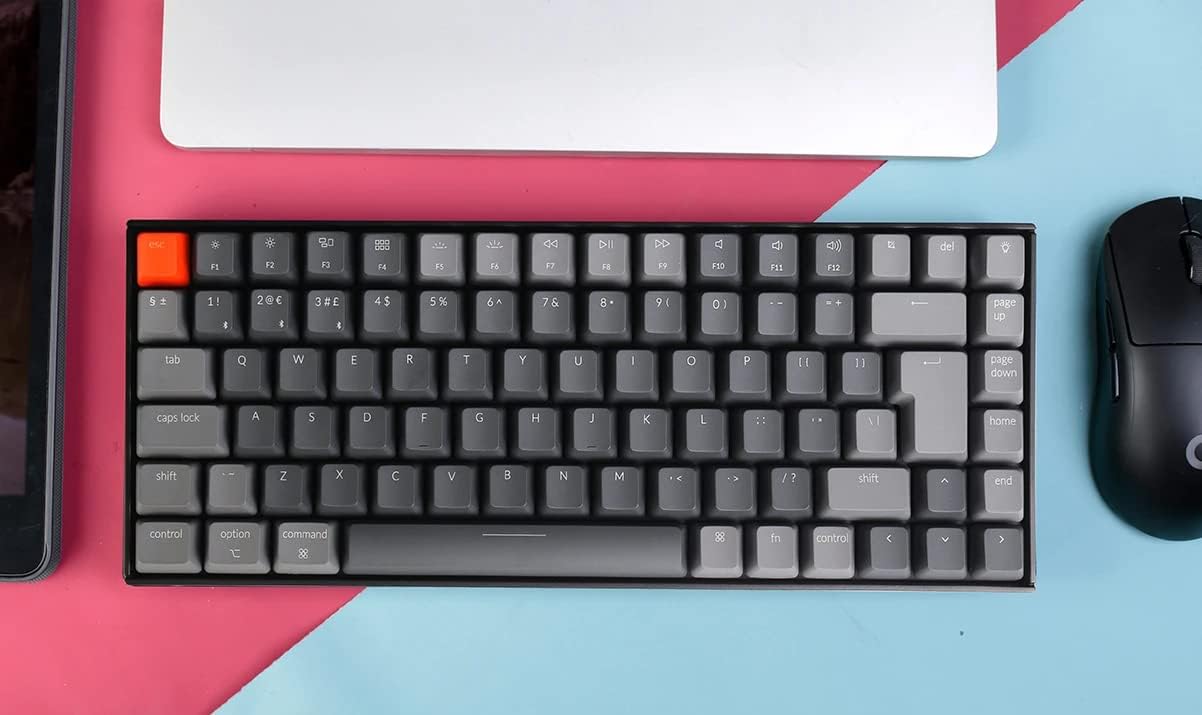
The Keychron K2 is a compact 75% ISO-UK layout gaming keyboard with 84 keys. Its aluminium frame and low-profile design pair a clean look with sturdy feel, aimed at users who want a space-saving keyboard without missing essential function keys, arrows and shortcuts. It’s designed to work across Mac and Windows, and to switch between up to three devices via Bluetooth 5.1, with a wired USB-C option for reliability when you need it. If you type frequently across devices, or want a keyboard that sits nicely on a small desk without sacrificing multi‑device convenience, this model is worth considering.
Design and build quality
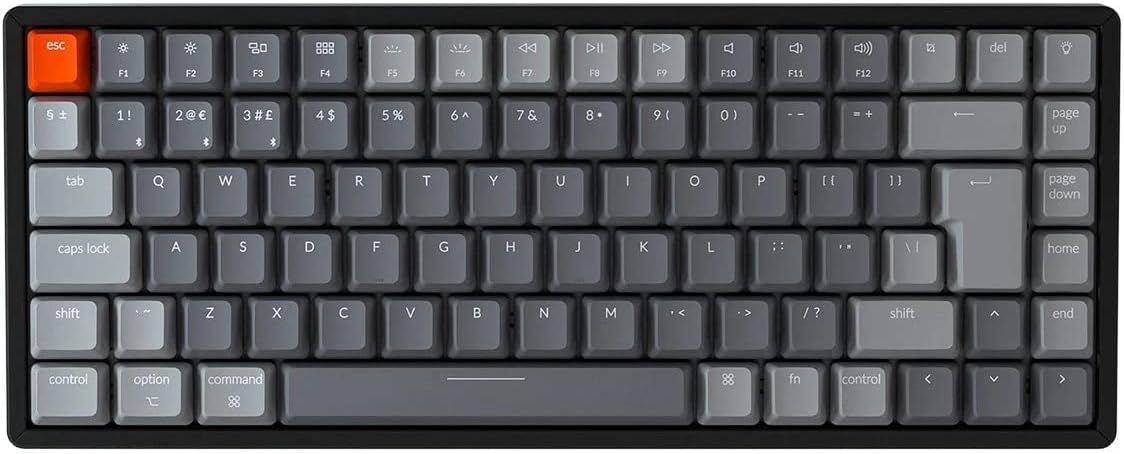
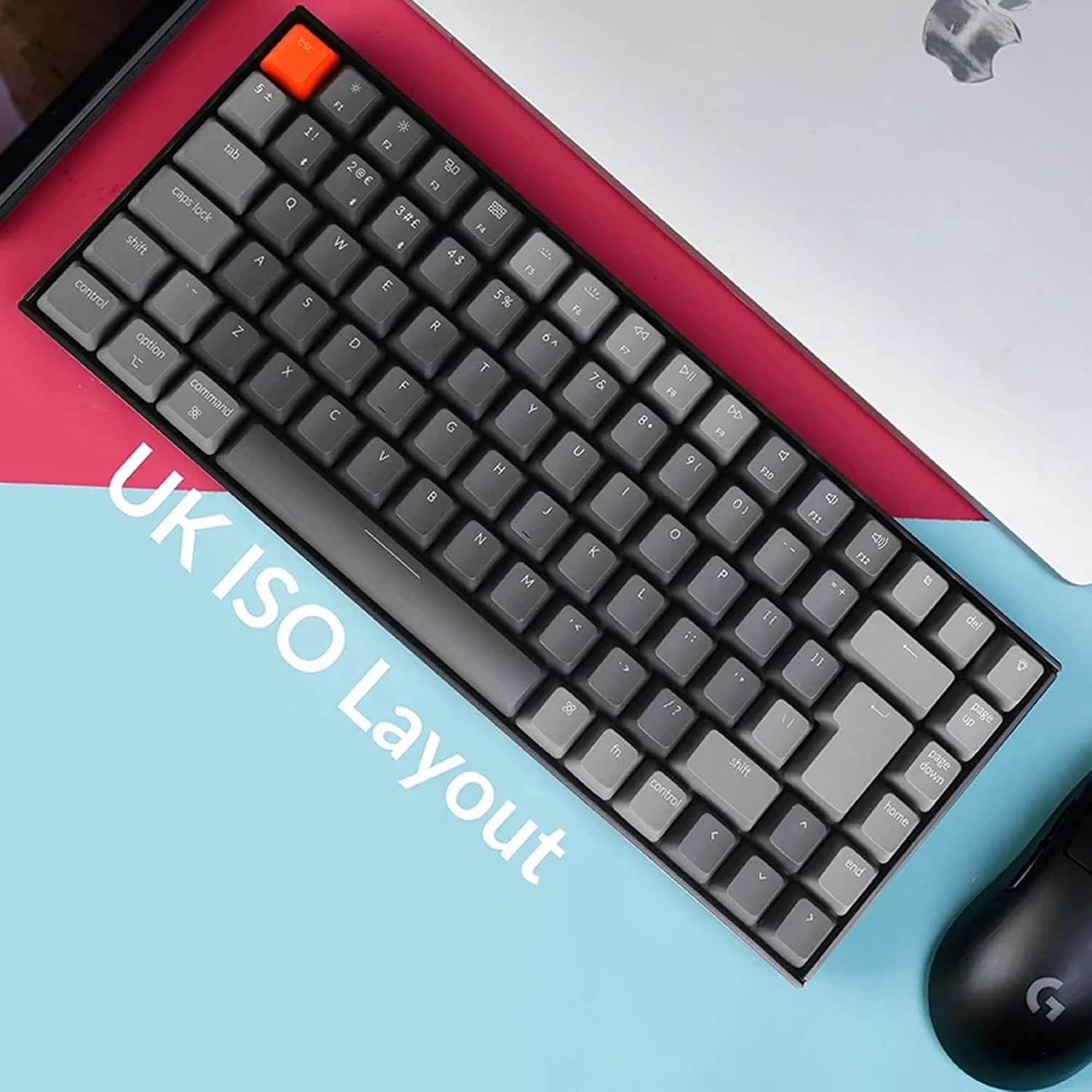
On the bench, the K2 feels solid thanks to its aluminium frame. The compact 84-key layout (ISO-UK) keeps the arrow keys and function keys within reach, which is handy for both work and light gaming. The keycaps feature Mac-friendly legends and a dedicated Mac layout, while still delivering full Windows compatibility. Extra keycaps for both operating systems are included, reducing the guesswork of switching between desktops, laptops and tablets.
What’s under the hood (key specs)
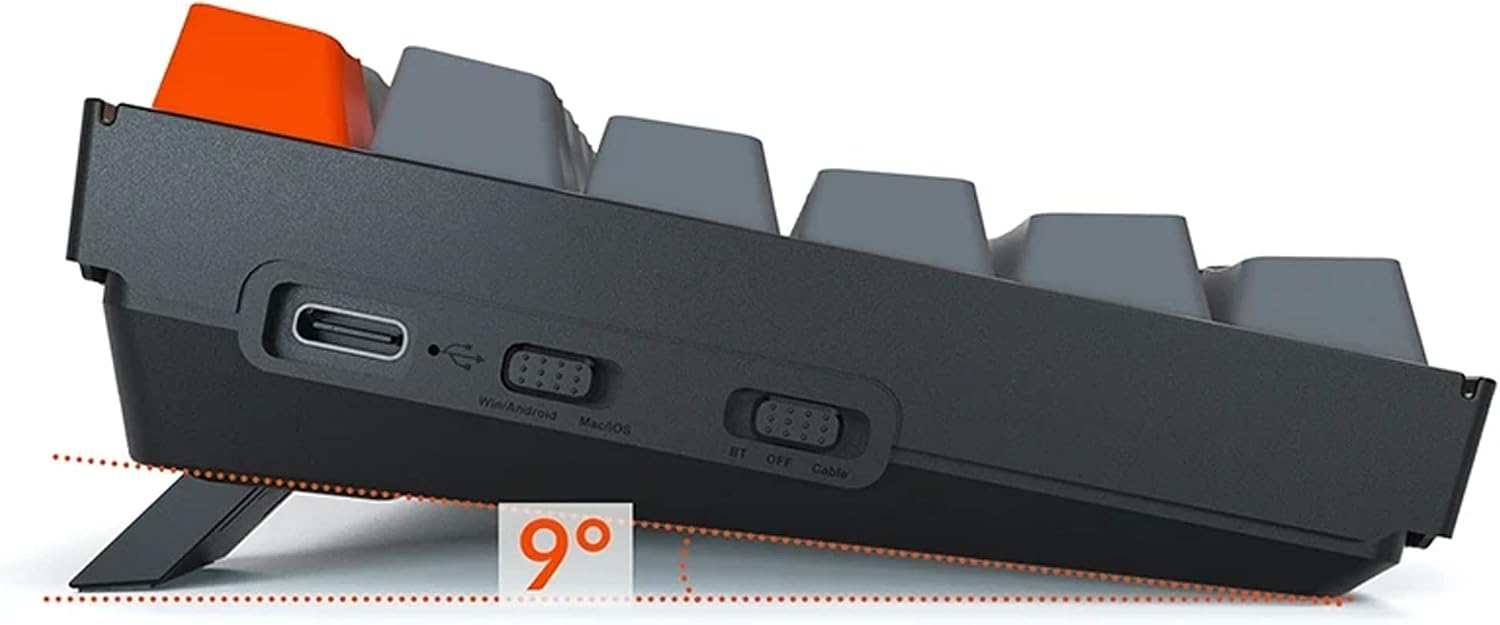
The K2 supports wireless and wired operation. In wireless mode, it can pair with up to three devices and switch among them with a simple key combo, powered by Broadcom’s Bluetooth chipset for broad compatibility. In wired mode, it uses USB Type-C for a dependable connection. The keyboard employs Gateron Red mechanical switches, known for a smooth linear feel and a claimed lifespan of around 50 million keystrokes. RGB backlighting is present, with multiple lighting modes and legible legends to help in dim environments. The 4000 mAh battery is one of the biggest you’ll find in a mechanical keyboard, offering up to about 72 hours of typing on a full charge, or around a week of normal use at 8 hours per day, depending on backlight usage.
How it performs in daily use
On paper, the K2 delivers a good balance of practicality and flexibility. For typing, the Red switches provide a quiet, linear keystroke that’s comfortable for long sessions. The NKRO (N-key rollover) support differs by mode: NKRO on wired, and 6KRO on wireless. That means, in wireless, you’ll want to stay mindful of simultaneous key presses if you’re gaming aggressively, while wired mode should feel responsive for most users. The layout keeps common shortcuts handy, so you won’t feel deprived of essential keys when you’re gaming or editing documents.
Pros and what to watch out for
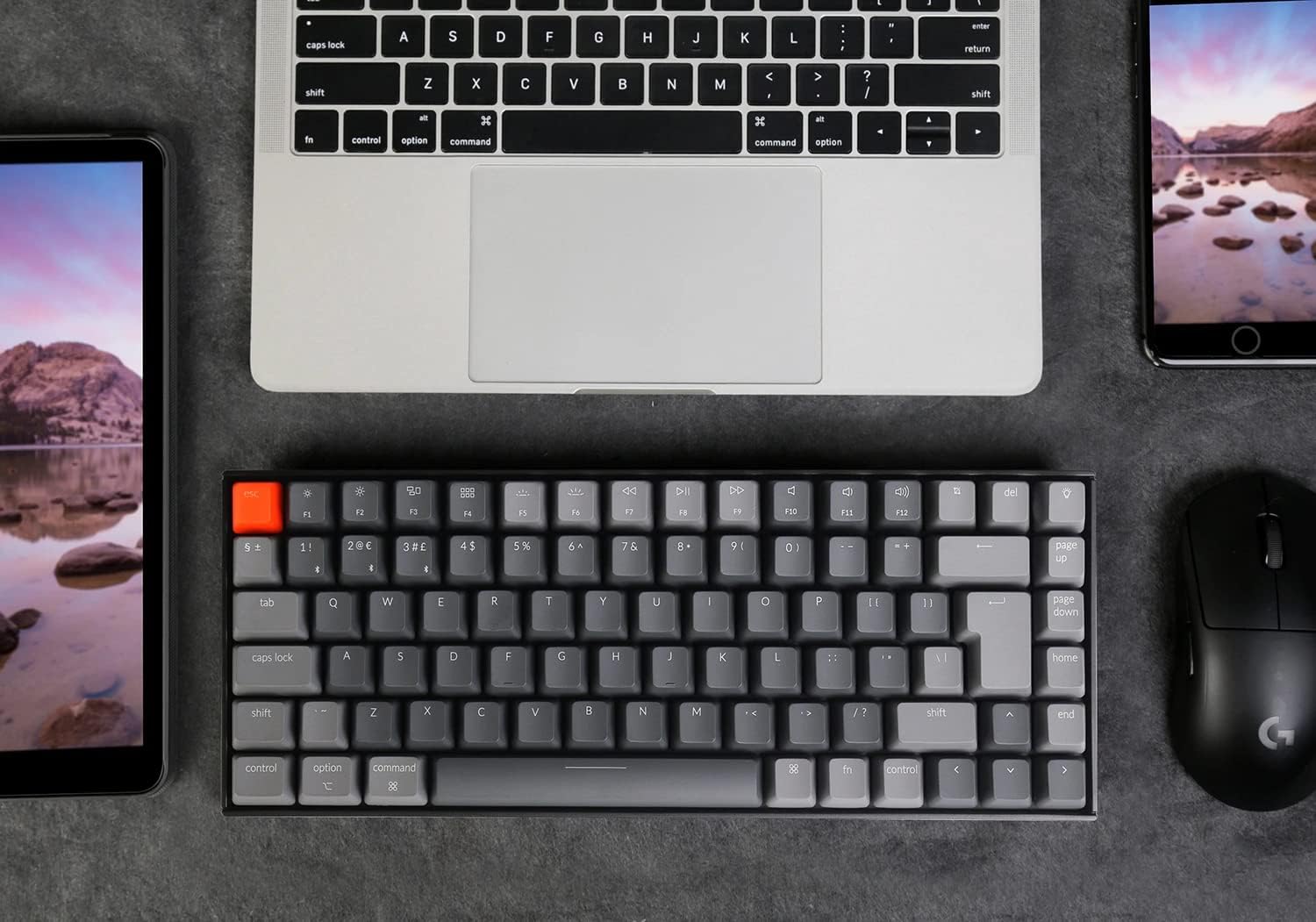
What stands out is the combination of compact form, Mac-friendly layout, and multi-device Bluetooth. The aluminium chassis gives it a premium feel for the price point, and the large battery reduces the need for frequent recharging. However, you may notice the wireless mode has a different key rollover profile than wired mode, which is worth factoring in if you rely on ultra-fast multi-key input in competitive play. If your workspace is small or you move between devices often, this keyboard can feel like a natural hub.
Who it’s best for
- Users who need a compact mechanical keyboard with arrow and function keys intact
- Mac users who want a near‑native Mac layout with Windows compatibility
- People who switch between a laptop, desktop and mobile devices and value easy Bluetooth pairing
- Casual gamers who don’t require extreme NKRO in wireless mode and appreciate long battery life
When it may not be the best choice
- If you are seeking a hardcore gaming keyboard with top-tier wireless NKRO performance for every keystroke, you might prefer a model offering full NKRO in wireless mode.
- If you primarily type on a full-size board or require a dedicated number pad, the 84-key layout may feel cramped.
Before you buy: a quick reality check
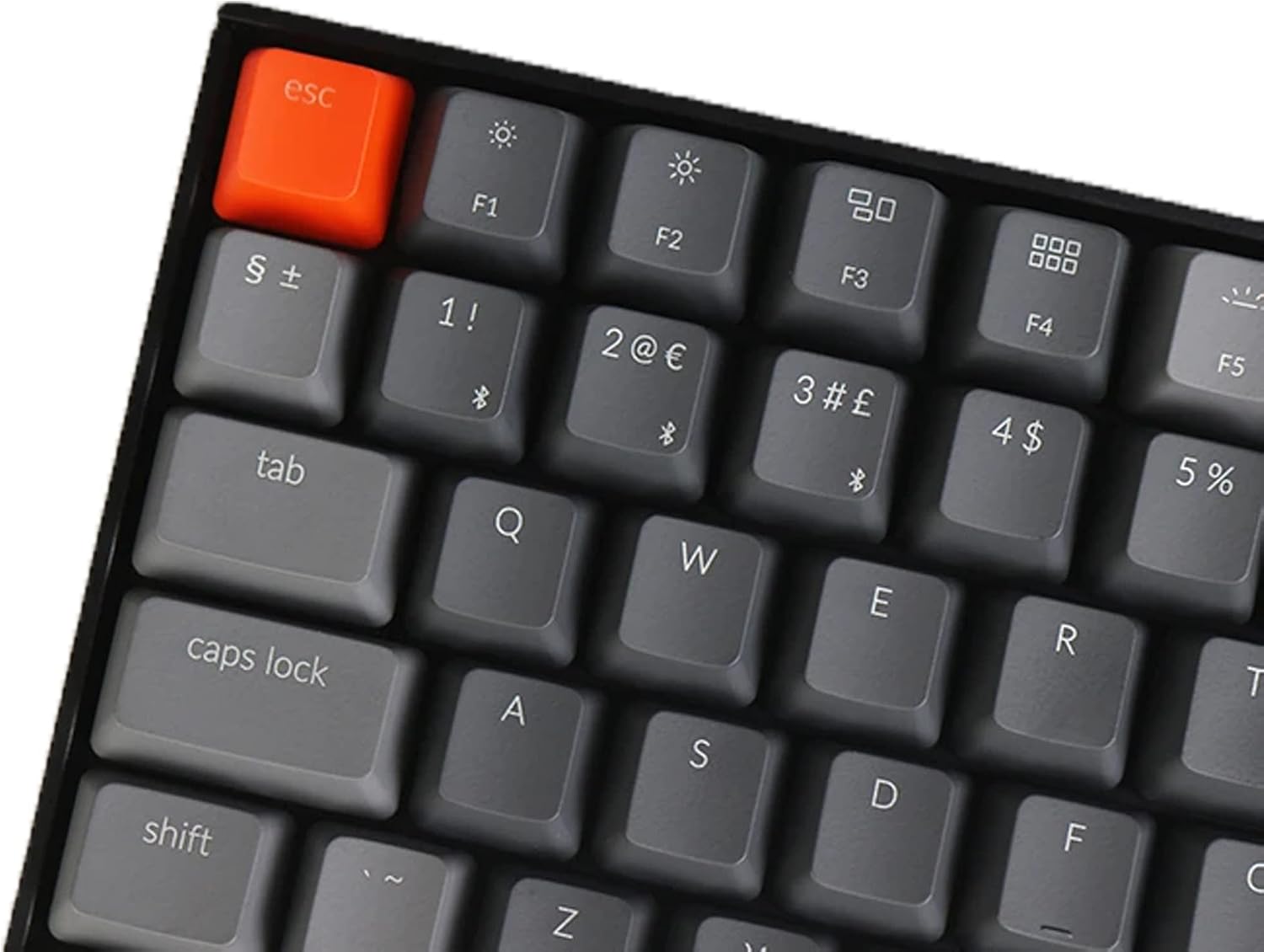
- Check your device ecosystem: Mac‑friendly keys are included, but Windows compatibility remains strong as well.
- Consider how often you’ll use wireless vs. wired. If you frequently game wirelessly, remember the NKRO distinction between modes.
- Look at your desk space: the compact footprint is a definite advantage, but ensure your mouse needs won’t be compromised by the tighter layout.
Practical usage scenario
Imagine coding late into the evening while collaborating with a colleague on a tablet or laptop. You can pair the K2 to your MacBook for typing, switch to your PC for a quick gaming session, and later grab your tablet for note-taking—without swapping keyboards. The backlight helps in dim rooms and the layout keeps the essential keys within reach for quick edits or shortcuts.
Tech overview in brief
- Layout: 84-key, ISO-UK with full arrow and function keys
- Connectivity: Bluetooth 5.1 (up to 3 devices) and USB-C wired
- Switch type: Gateron Red (linear, 50 million keystrokes)
- Backlight: RGB with multiple modes
- Battery: 4000 mAh, up to 72 hours typing, up to 7 days typical use
- NKRO: NKRO on wired, 6KRO on wireless
- Compatibility: Mac layout with included Mac/Windows keycaps
- Frame: Aluminium
FAQ (where data allows)
- Is it truly compatible with Mac and Windows together? Yes, with a dedicated Mac layout and included Mac/Windows keycaps.
- How long does the battery last in wireless use? Up to about 72 hours typing, or around 7 days with typical daily use when backlight is not at full brightness.
- Can I game wirelessly? It supports Bluetooth 5.1 with up to 3 devices connected, though NKRO is limited to 6KRO in wireless mode.
Final decision
Is it worth it?
Worth considering if you value a compact, multi-device keyboard with a solid build and a Mac-friendly layout, especially when desk space is at a premium and you want long battery life. It may not be the optimal pick if you prioritise wireless NKRO performance for aggressive gaming, or if you prefer a full-sized numeric keypad.