

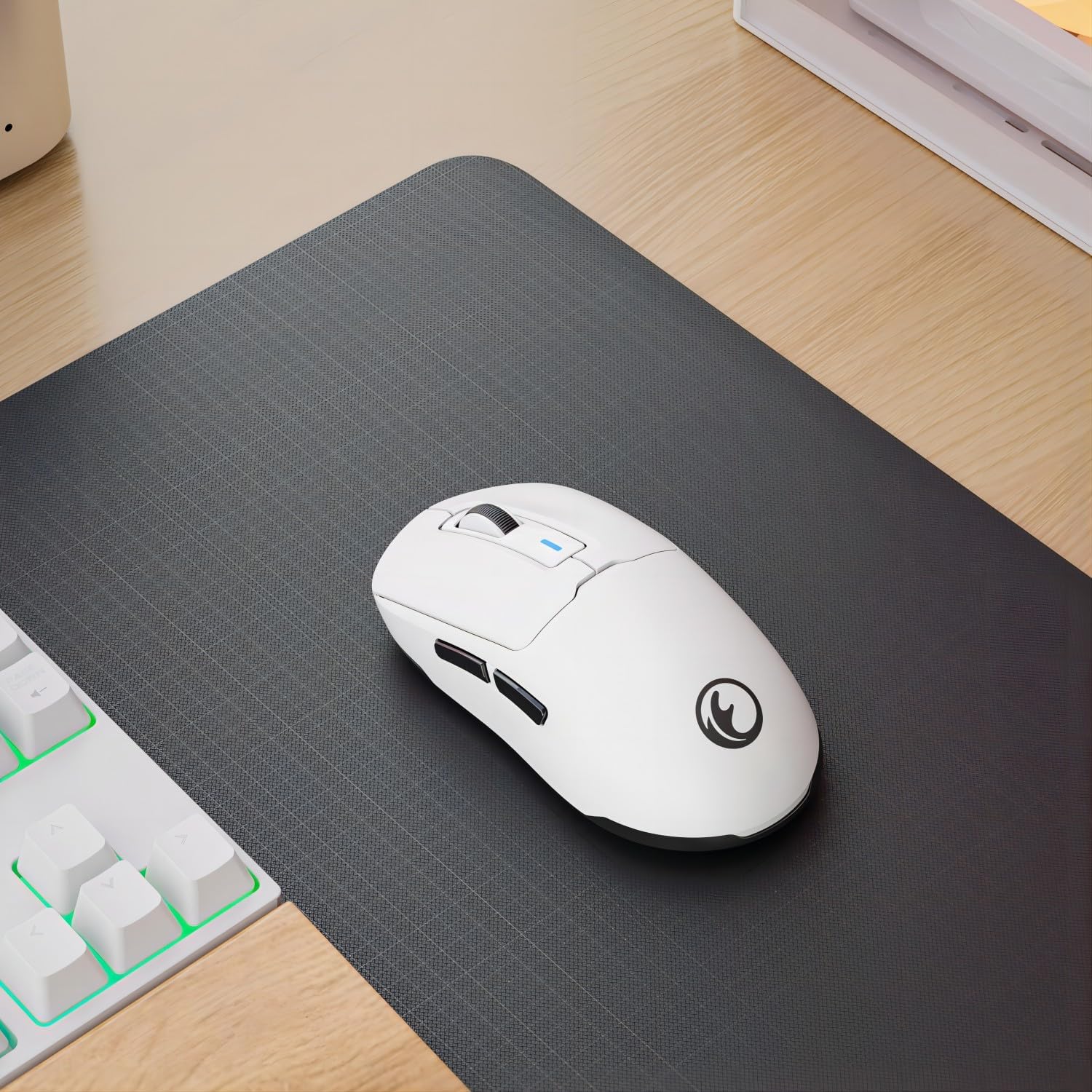
IFYOO G59 Tri-Mode 2.4G/BT/Wired Gaming Mouse with Type-C charging, up to 8000 DPI
Product description
The essentials
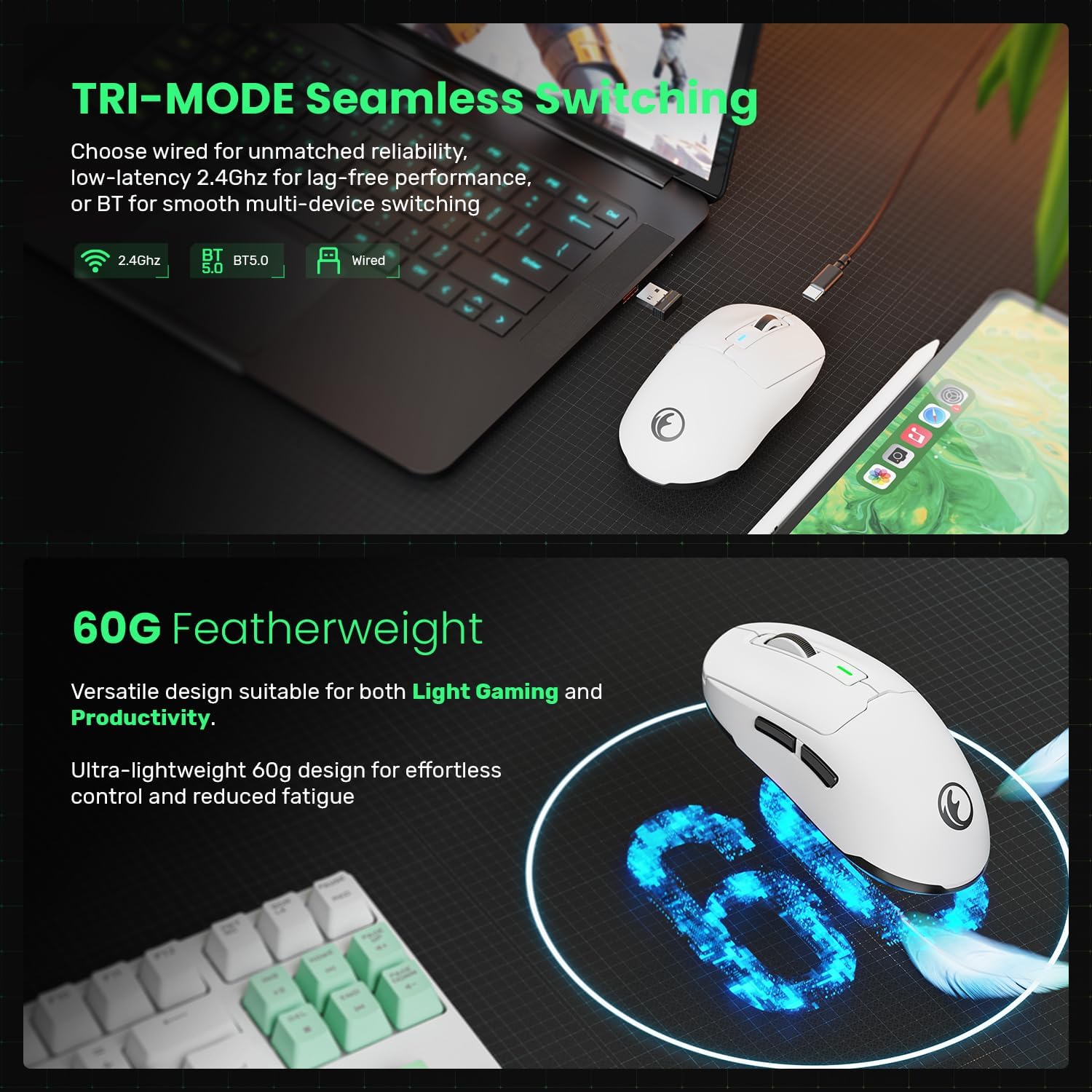
The IFYOO G59 is a tri-mode mouse aimed at people who bounce between work and light gaming, and don’t want to constantly swap peripherals. On paper, it covers three connection styles: 2.4GHz wireless (fast), Bluetooth (useful where you don’t want a receiver), and a wired USB option (for predictable use when you prefer it).
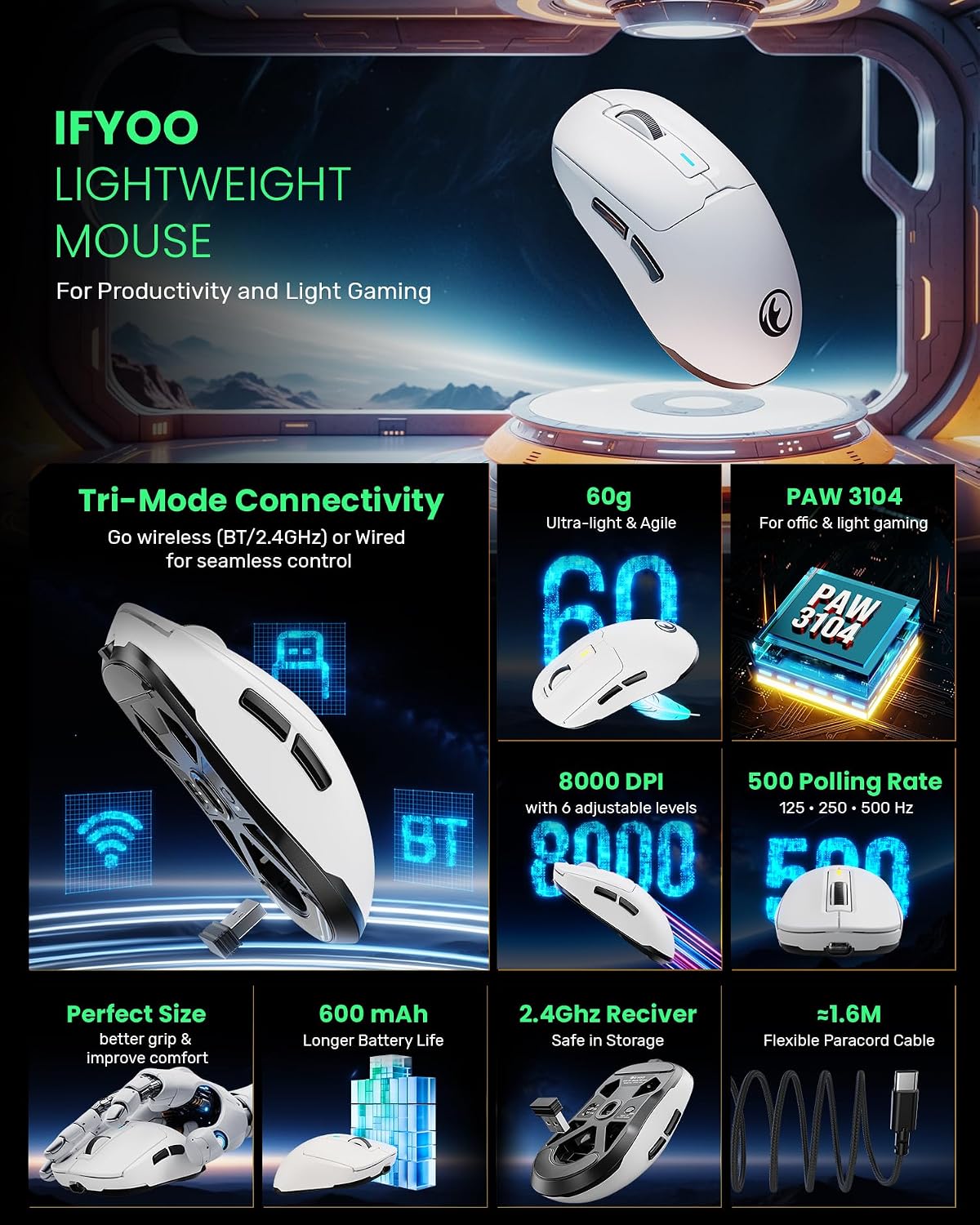
It’s also built around a lightweight, responsive feel: the mouse is listed at 60g, with an adjustable DPI that goes up to 8000 and a stated 500Hz polling rate. The combination of 6 programmable buttons and the ability to adjust settings through a driver makes it more than a basic office mouse, though it’s not positioned like a top-end esports tool either.
If your priorities are flexibility (switching connection types) and comfortable daily use rather than hardcore competition performance, the G59 is the kind of mouse that can slot in and just… work.
Key points
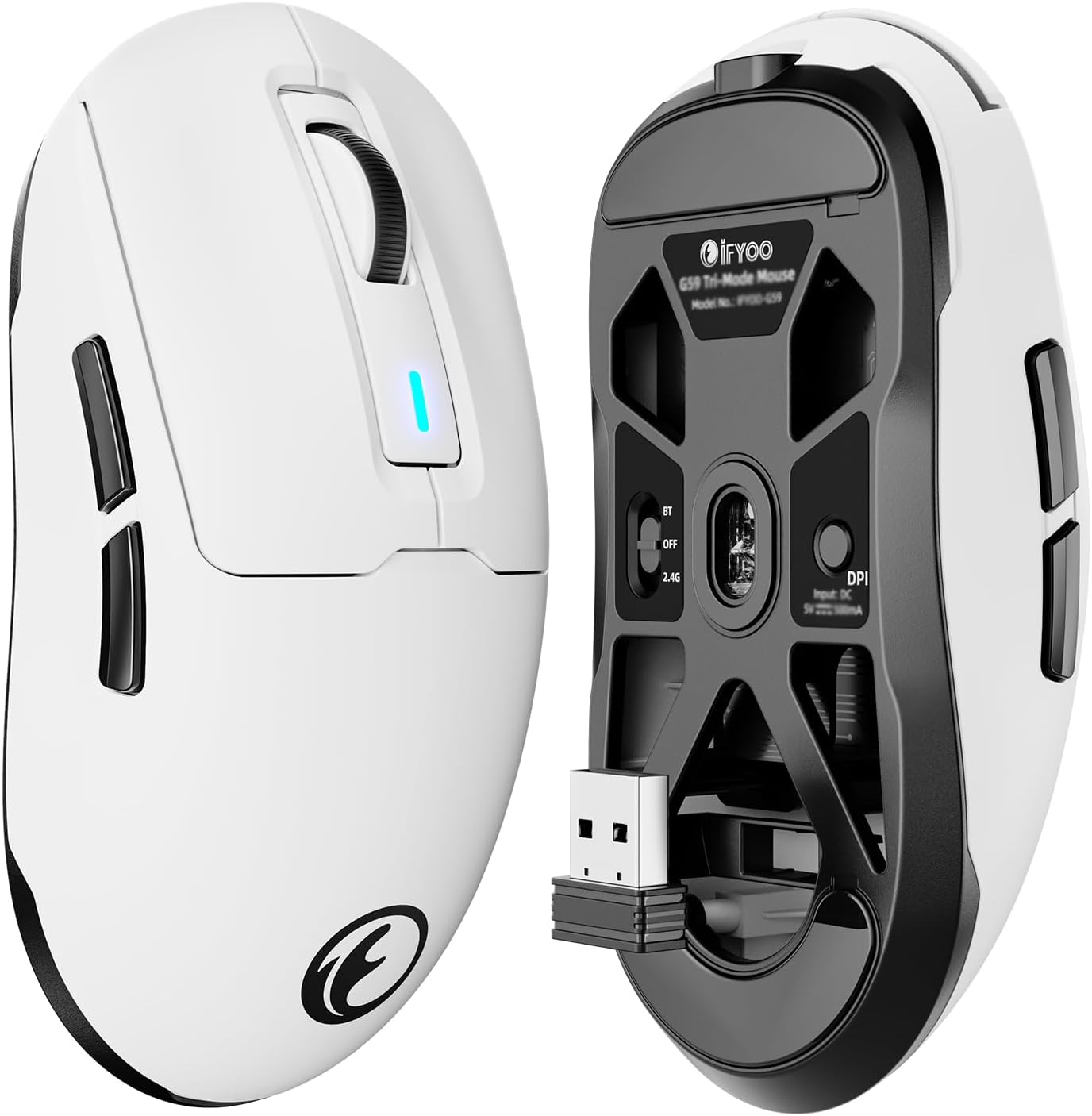
The biggest reason to consider the IFYOO G59 is its tri-mode approach: you get 2.4G for snappy responsiveness, Bluetooth for convenience, and wired USB for a no-fuss fallback. That matters if you use a laptop with varying ports, or if you want the same mouse across different setups.
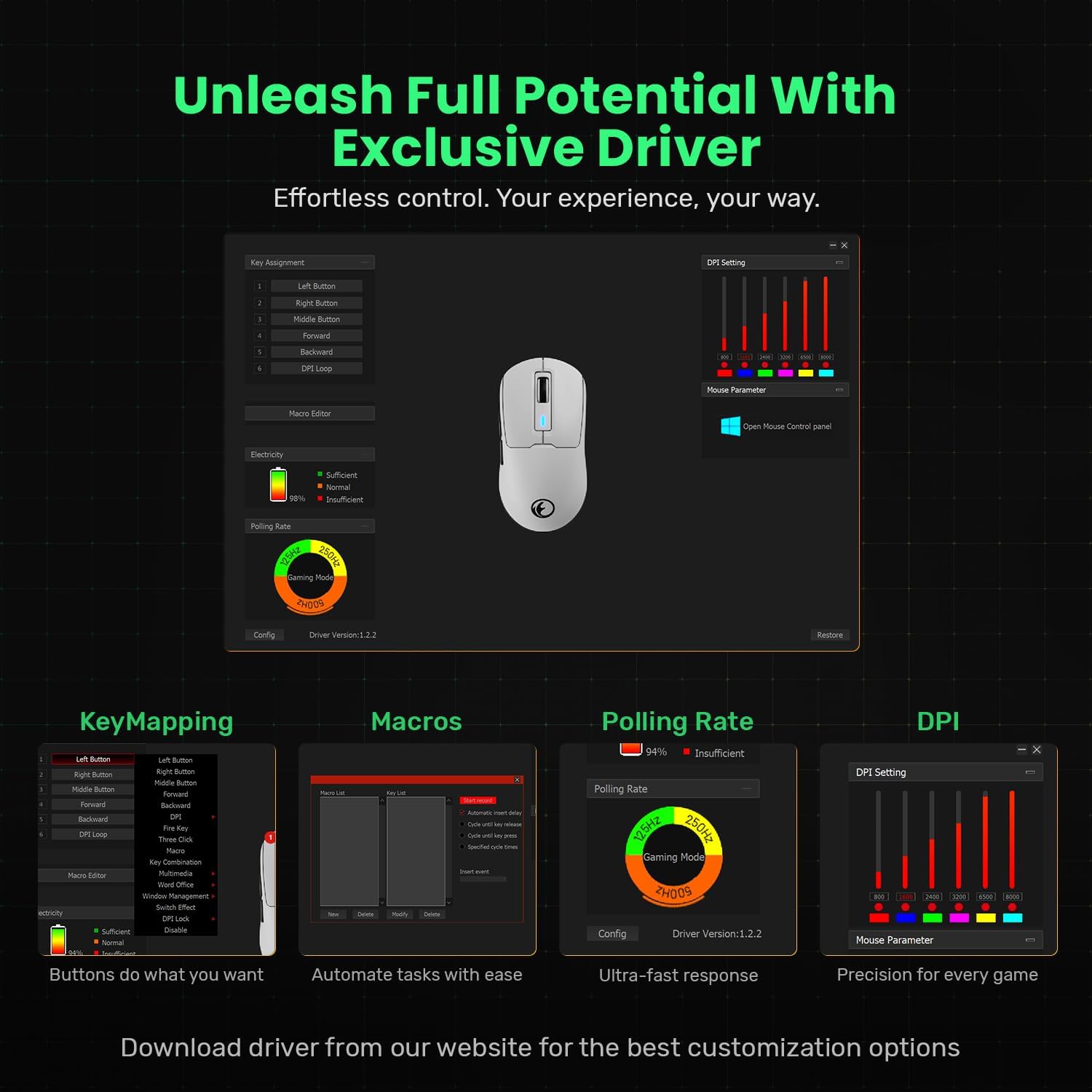
The listed 6 adjustable DPI levels (with a max of 8000 DPI) and 500Hz polling rate suggest it’s designed to reduce input lag for both productivity and light gaming. Add 6 programmable buttons, and you can keep commonly used actions close without constantly reaching for keyboard shortcuts.
One limitation to keep in mind: the description says driver software support is Windows-only. So while you can still use Bluetooth, you won’t have the same customisation experience in BT mode (and it may be more limited on non-Windows systems).
So, it’s a practical “one mouse for many situations” option, rather than a fully platform-agnostic, tweak-everything peripheral.
Where it stands out day to day
In use, this kind of mouse tends to shine for routines where you switch contexts: e.g., quick navigation and scrolling while working, then turning DPI down for precision on documents or design tasks, and back up when you jump into a lighter game.
The 2.4GHz receiver is noted as being storable inside the mouse. That’s a small detail, but it helps if you travel with a laptop and don’t want to lose the dongle. The included 1.6M Type-C cable also makes wired connection straightforward when charging or if you just prefer wired consistency.
The stated rechargeable 600mAh battery is meant to reduce the hassle of replacing batteries. Real-world runtime can vary with usage (especially with polling rate and connection type), but the premise is solid: fewer interruptions during your day.
Tech specs
- Type: Tri-mode wireless gaming mouse (2.4G / Bluetooth / wired USB)
- Max DPI: 8000
- Adjustable DPI: 6 levels
- Polling rate: 500Hz
- Weight: 60g (lightweight)
- Buttons: 6 programmable buttons
- Battery capacity: 600mAh rechargeable
- Receiver storage: 2.4GHz receiver stores inside the mouse
- Charging/connection cable: USB Type-C, 1.6m
Is it a good fit for you?
It’s a good fit if you want one mouse that can connect in multiple ways (2.4G, Bluetooth, or wired USB), and you’ll benefit from having up to 6 programmable buttons for shortcuts. It makes sense if you do office work or design alongside occasional gaming, and you like being able to adjust DPI without changing the whole setup.
You may want to skip it if you’re expecting deep, cross-platform driver-based customisation, because the driver software is described as Windows-only. It might not suit you if you mainly use a non-Windows OS and planned to rely on software customisation for macros and DPI/polling changes.
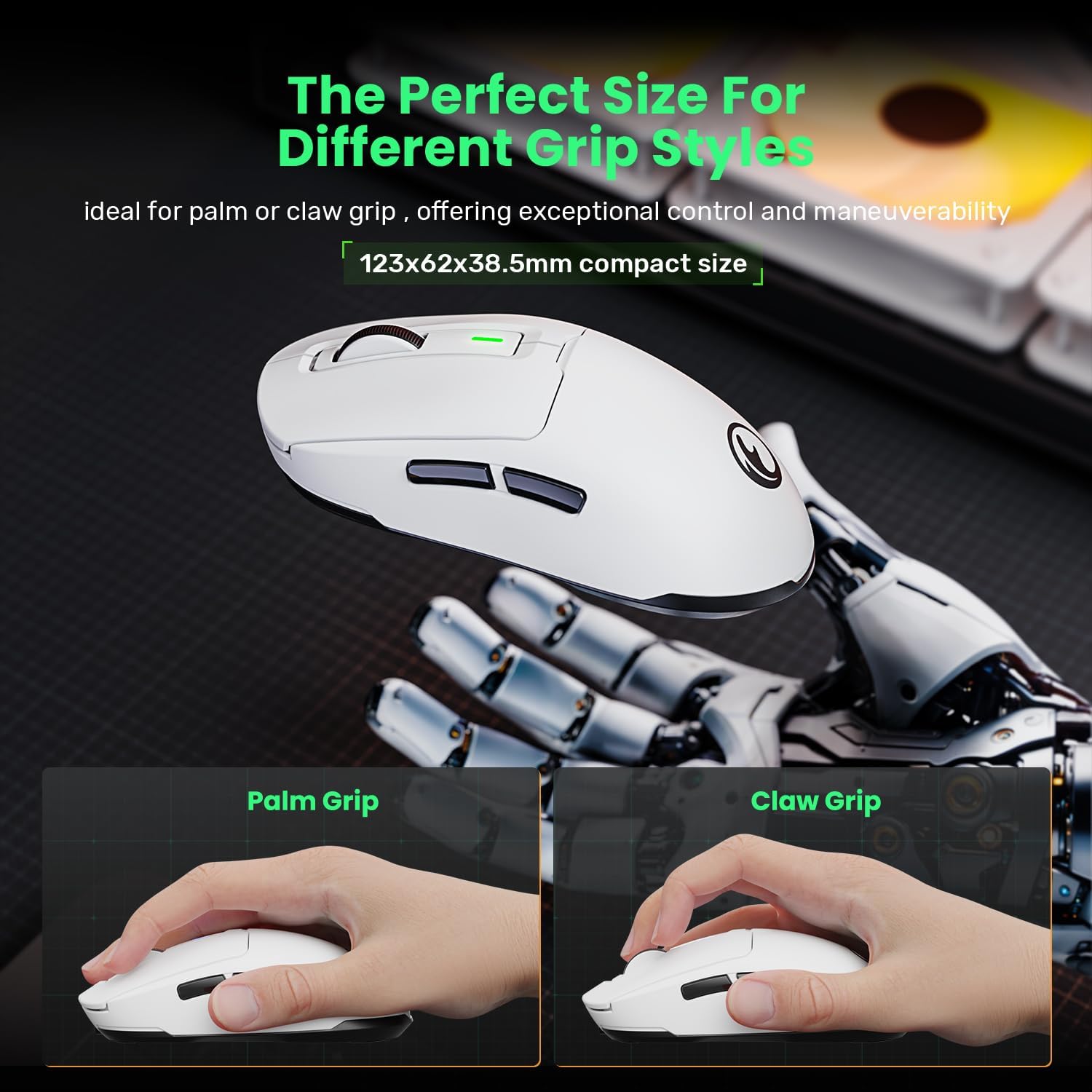
Also, if you’re chasing a purely competitive, ultra-optimised esports mouse experience, this looks more like a capable mid-range style option—good for responsiveness on paper, but the details provided don’t suggest it’s built for that exact niche.
What to check before you buy
Before committing, it’s worth thinking about how you’ll actually connect it:
- If you plan to use Bluetooth and expect driver-level customisation, note the description: in BT mode, you can’t use driver software to customise key functions.
- If you’re on Windows and want macros and fine tuning, the driver support is mentioned for Windows OS.
- If you’re mainly on Mac (or another non-Windows setup), you can use the mouse, but you should assume software-driven customisation may be limited.
It’s also worth checking the size/shape of the mouse for your hand fit, because “60g lightweight” helps comfort, but it doesn’t guarantee suitability if the grip style doesn’t match your preference.
Final verdict
When it makes sense Worth considering if you want a single, tri-mode mouse for laptop use, light gaming, and day-to-day productivity, with the convenience of receiver storage and rechargeable charging via Type-C.

Better avoided if you need fully featured driver customisation across Bluetooth and non-Windows systems, because the description points to Windows-only driver support and restricted BT customisation.
In short: it’s a flexible, good-value idea on paper, but the software/connection limitations are the main thing to get right before you buy.
Mini FAQ
Does the mouse support Bluetooth and 2.4G wireless?
Yes—tri-mode connectivity is listed, covering 2.4GHz wireless, Bluetooth, and wired USB.
Can I customise buttons and DPI in Bluetooth mode?
The description says that in BT mode you can’t use driver software to customise key functions.
Is the driver software available on Windows?
The description indicates the driver software only supports Windows OS.
How does charging work?
It’s described as a rechargeable mouse with a 600mAh battery and a Type-C USB cable included.
What’s in the box?
Listed contents are the G59 gaming mouse with a wireless receiver, a user manual, and a 1.6m Type-C USB cable.