

UGREEN 20197 USB-C Hub (5-in-1) with 4K HDMI and 4× USB-A 3.0 for MacBook, Surface and more
Reviews
Price
Product description
The essentials
If you’ve ever looked at a slim laptop and thought, “Right… where do I plug everything in?”, this UGREEN 20197 USB-C hub is aimed squarely at that problem. On paper, it turns one USB-C port into multiple connections: HDMI for an external display, plus several USB-A 3.0 data ports so you can attach everyday accessories.
It’s positioned as a compact, desk-friendly add-on rather than a workstation replacement. If your setup mainly needs an extra screen and a couple of USB devices (think keyboard, mouse, memory sticks, dongles), it can be a practical way to extend your ports without carrying something bulky.
Where it shines in everyday use
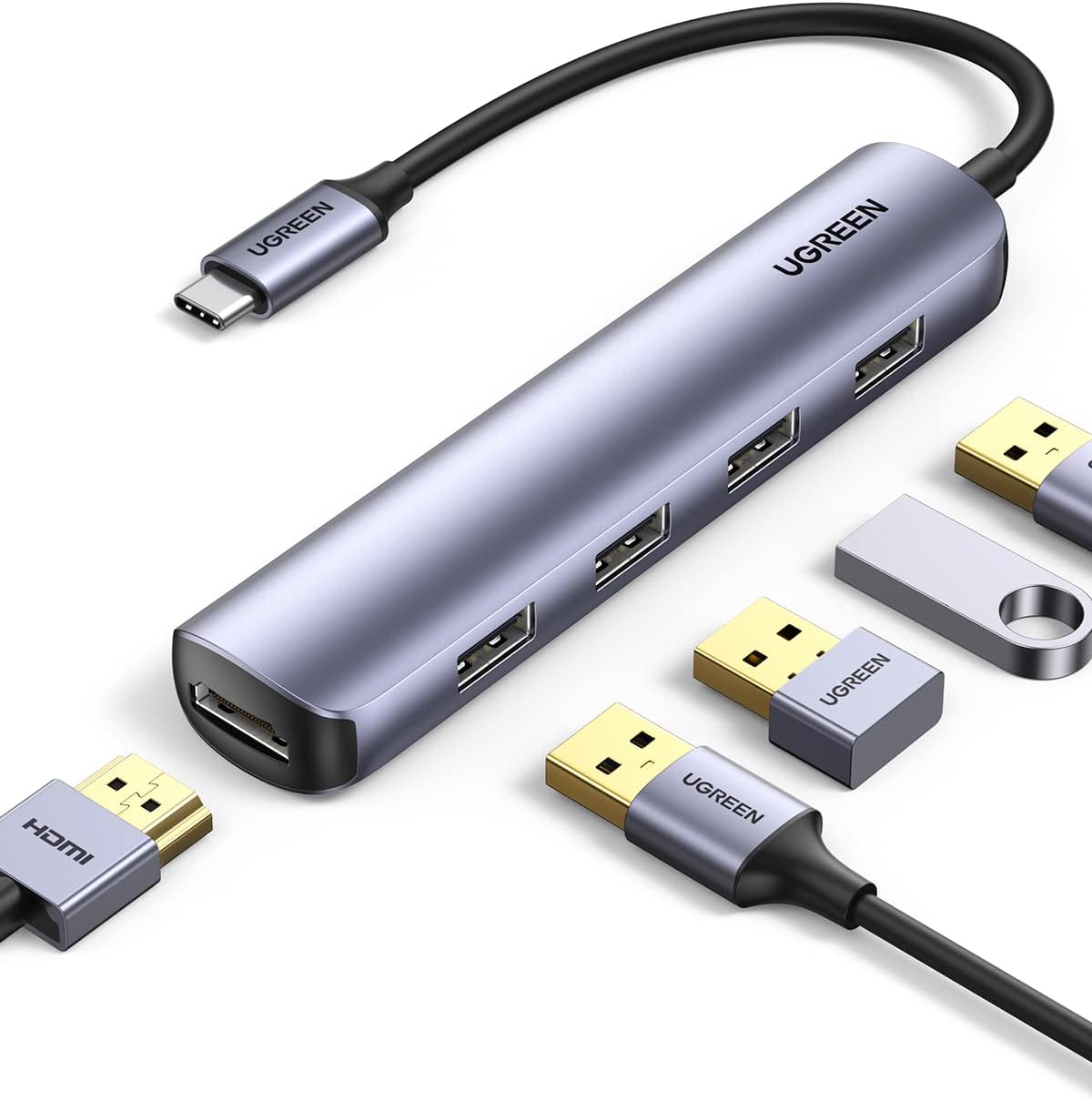
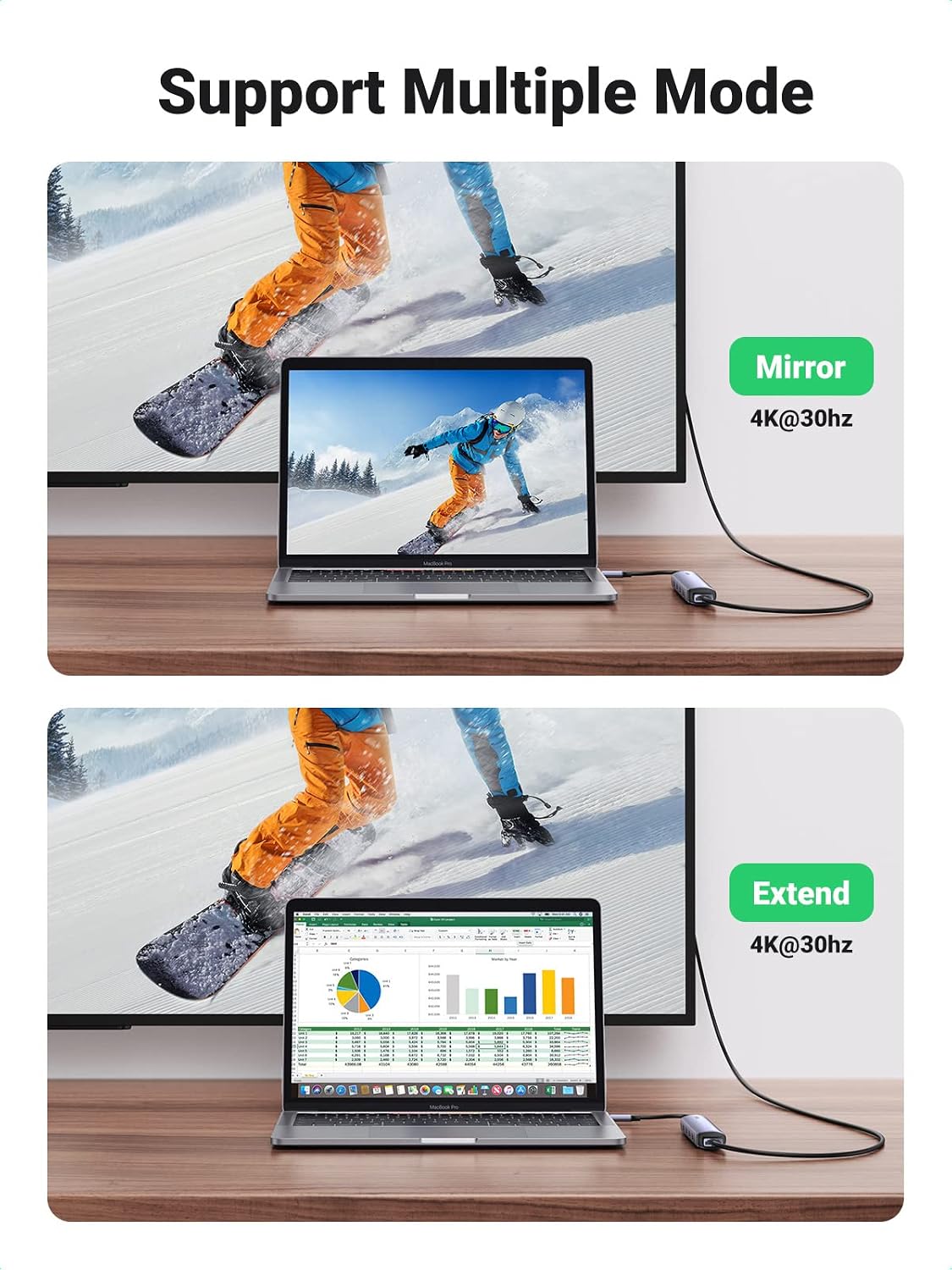
The biggest day-to-day win is the mix of video output and USB-A connectivity. The hub includes an HDMI output described as 4K at 30Hz (and 1080P at 60Hz), which is the kind of spec you’d typically want for presentations, movie watching on a TV/monitor, or showing slides to colleagues and students.
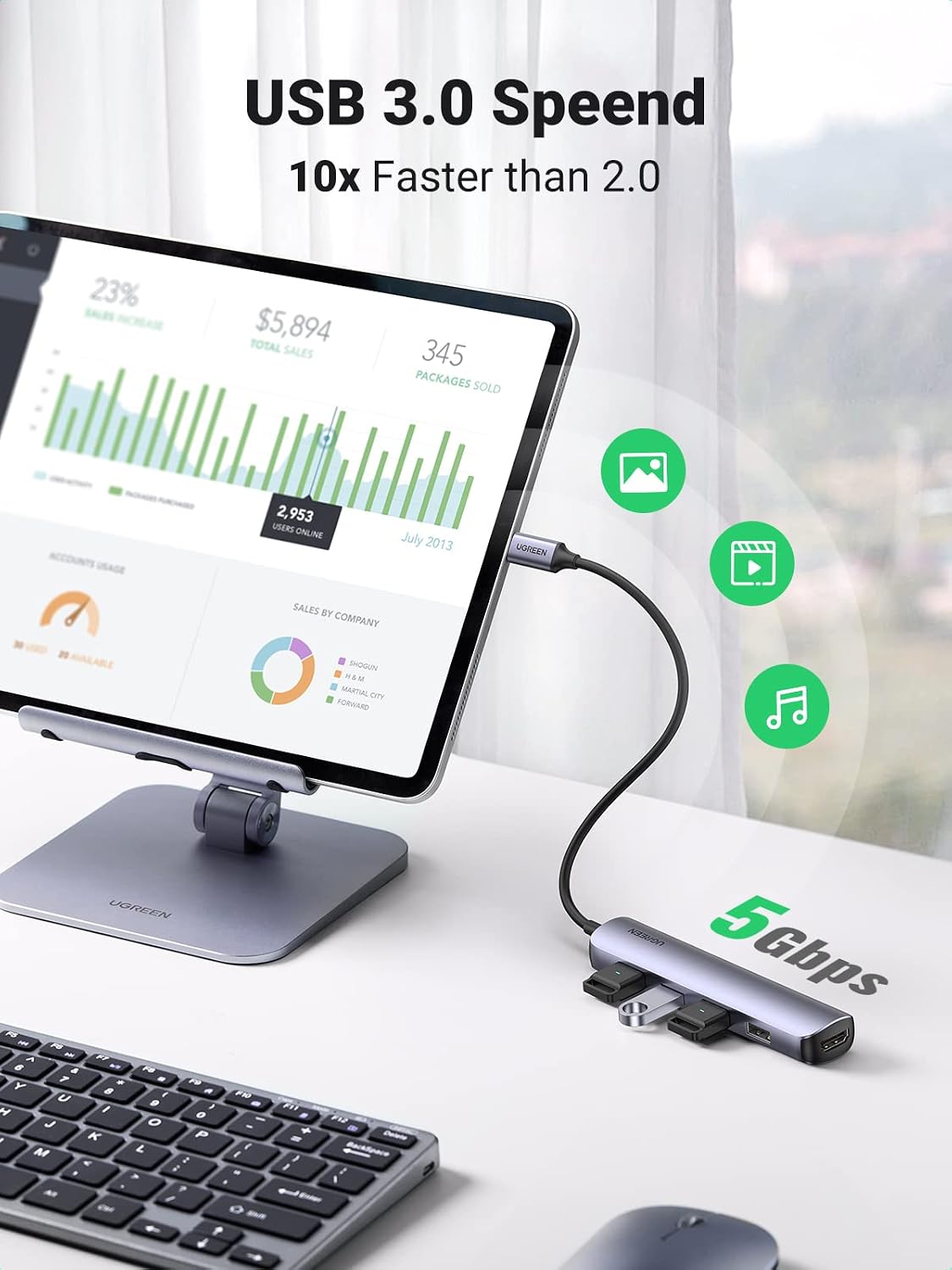
At the same time, it provides 4 USB-A 3.0 data ports described at up to 5Gbps. That makes it suitable for common peripherals and storage, such as: - USB memory sticks and similar drives - keyboards and mice - USB wireless receivers - external USB storage
A small micro-scenario: you’re working on a laptop in a meeting room, plug in the hub, connect HDMI to a TV/monitor for the agenda slides, then keep your mouse and a USB presenter/drive on the remaining USB-A ports. When you pack up, the “ultra slim” form factor should make it easier to tuck away in a bag.
Key points to consider before buying
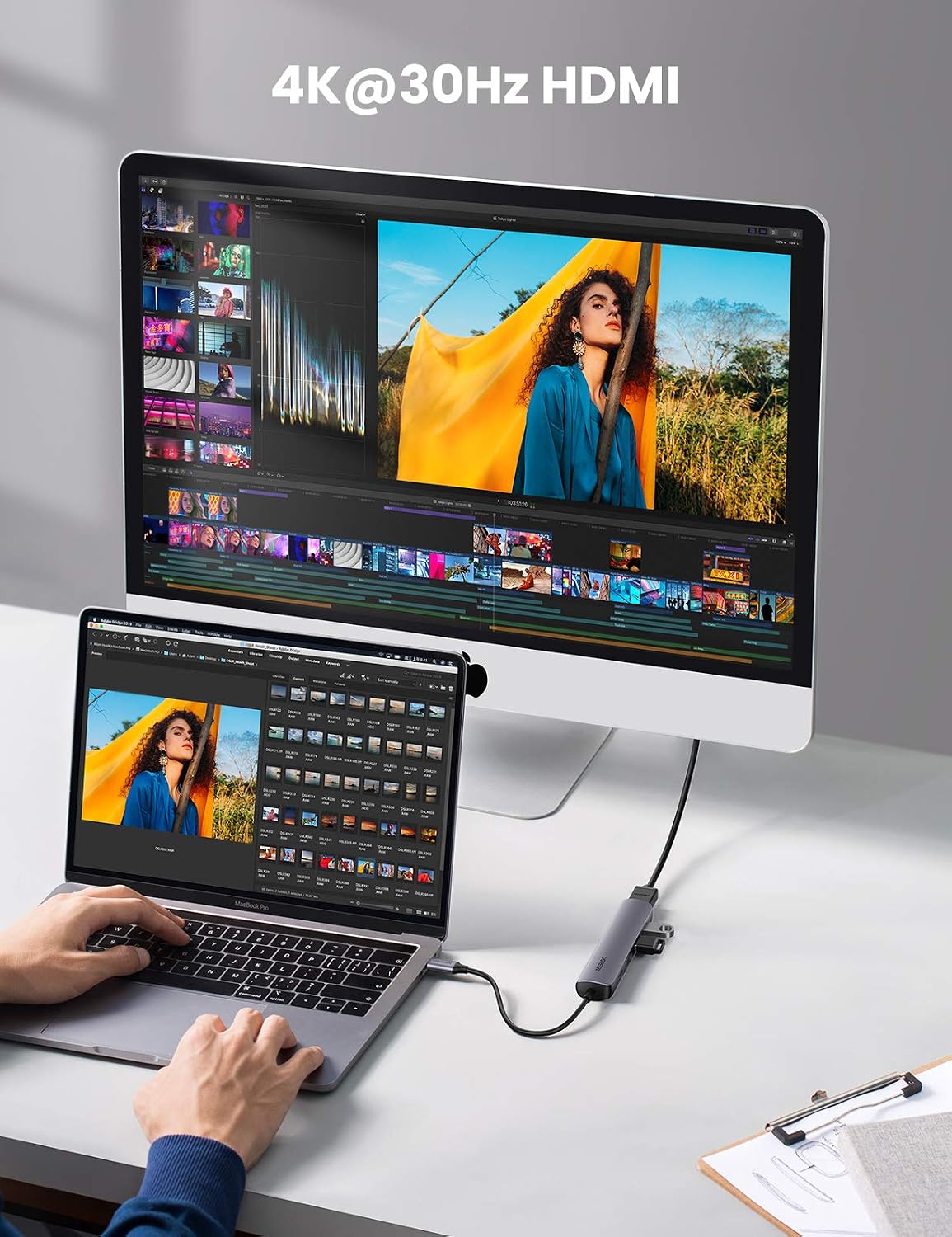
This is where it can get a bit “depends”. The base description specifically advises confirming that your device’s USB-C port supports video output before relying on the HDMI function. In other words, this hub isn’t magic—if the USB-C port doesn’t carry video signals, the HDMI output won’t behave as you expect.
It’s also worth noting the refresh-rate detail: 4K is listed at 30Hz. That’s often fine for content and presentations, but if you’re aiming for high-motion gaming or ultra-smooth 4K workflows, this may feel limited.
Another nuance: while it claims compatibility with a broad list of USB-C/Thunderbolt 3 capable devices, you’ll still want to check your exact laptop/tablet model and, more importantly, what your USB-C port is designed to do (data only versus data + display output).
What the ports are like (and what speed to expect)
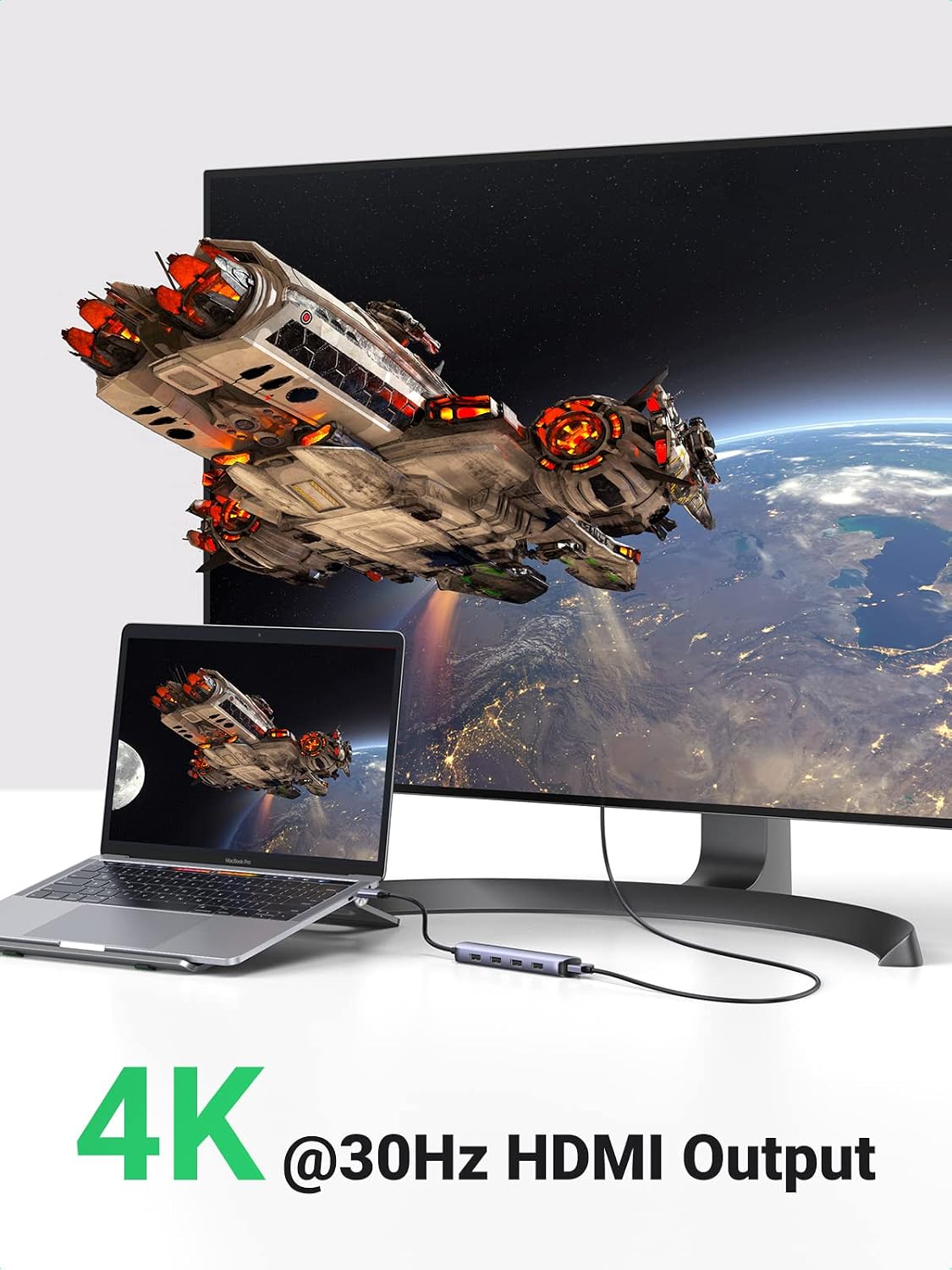
The hub is described as a USB 3.0 multiport adaptor with up to 5Gbps transmission for the USB-A ports. Over the years, different hubs can vary quite a lot in real-world behaviour, but based on the specs given, the intention here is to support typical USB storage and peripherals without turning your setup into a bottleneck.
The description also mentions you can connect two 2.5-inch hard drives at the same time. That’s useful for people who like to keep local backups or carry small storage drives around—though you’ll still want to ensure your laptop provides enough power for the drives you plan to attach.
Compatibility and requirements
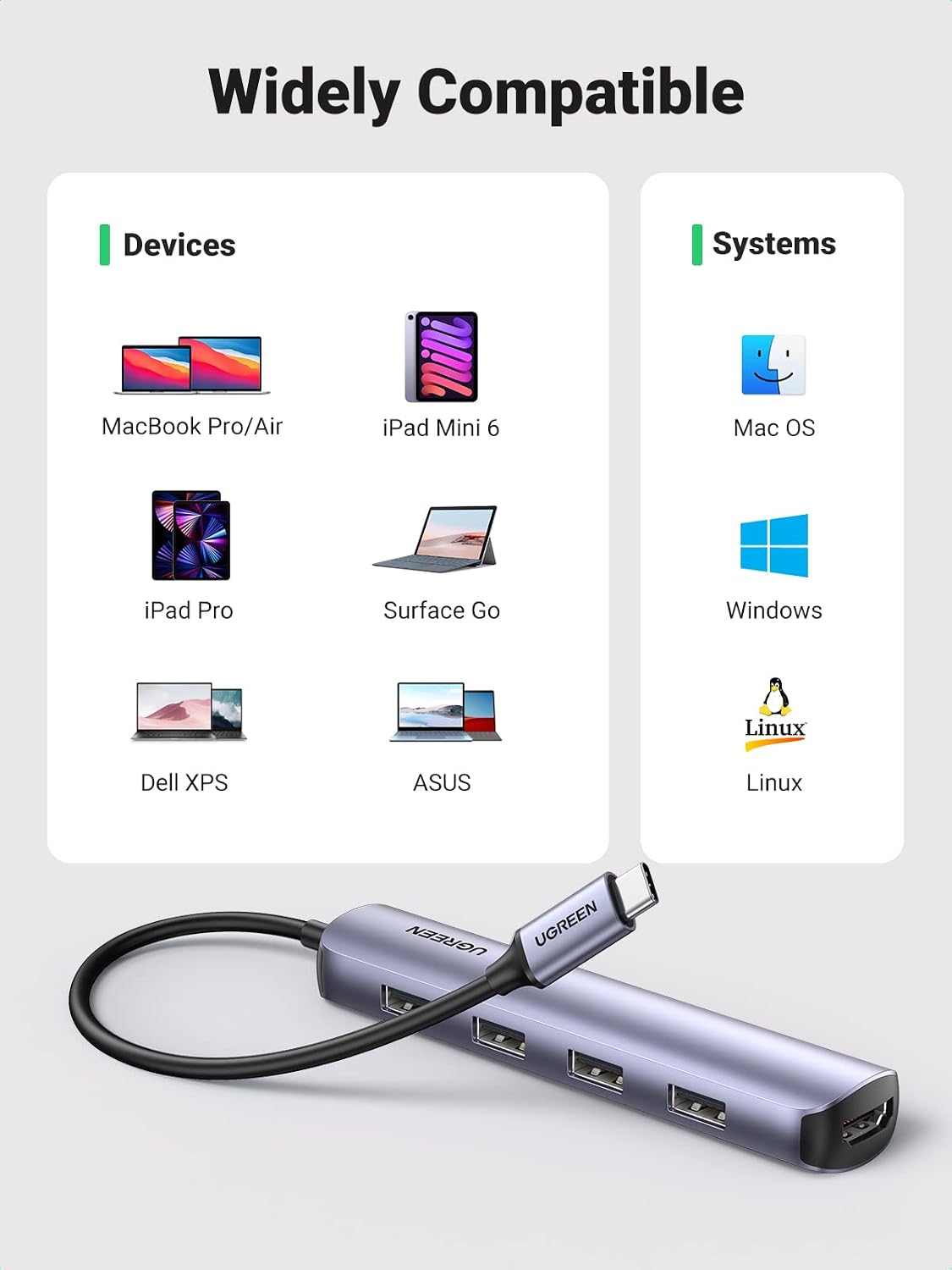
UGREEN states the adapter is compatible with laptops and devices with USB Type-C 3.1 and Thunderbolt 3, and it lists examples including MacBook Pro (various years and M-series models), MacBook Air (M-series models), iPad Pro (listed years), Steam Deck, Surface Pro 8/Go 2/3, Laptop Studio (listed year), and several Windows and Android phone models.
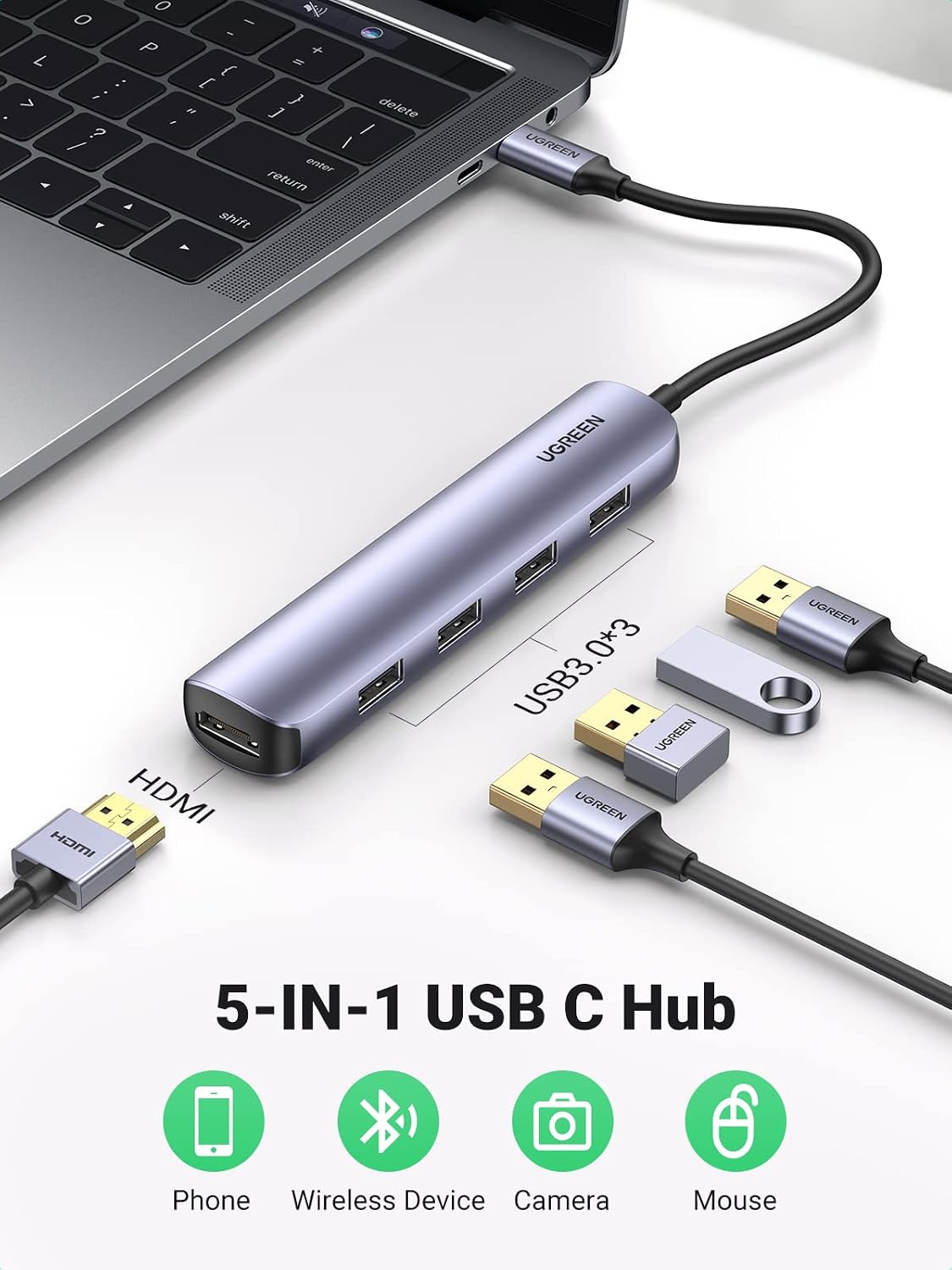
That’s a broad promise, but the key requirement isn’t just “model name”—it’s whether your USB-C port supports video output for HDMI. If you’re buying for a MacBook or iPad, you’ll also want to make sure you’re comfortable with the listed HDMI format and refresh-rate.
If your use is purely USB-A (keyboard, mouse, dongles, storage) and your USB-C port is data-capable, it should still be relevant. If you’re buying specifically to mirror/extend display, video support is the gatekeeper.
Tech specs
- Type: USB-C multiport adapter / hub
- Format: 5-in-1 USB Type-C hub
- Name: UGREEN 20197
- Display output: HDMI up to 4K at 30Hz, 1080P at 60Hz (as stated)
- USB ports: 4× USB-A 3.0 data ports
- USB data speed: up to 5Gbps (as stated)
Should you buy it?
It’s worth considering if you want a slim, carry-friendly USB-C hub that covers two common needs at once: HDMI video output for a TV/monitor and multiple USB-A 3.0 ports for everyday peripherals and USB storage.
It might not be the best choice if you need 4K at higher refresh rates, or if you’re not sure whether your USB-C port actually supports video output. In that situation, you could end up with a hub that only solves the USB-A side, while the HDMI part doesn’t deliver.
You’ll likely get the most value if you’re working with a compatible USB-C/Thunderbolt 3 device and you mostly use the hub for presentations, movie playback, classes, meetings, or general desk expansion.
Mini FAQ
Will the HDMI work on any USB-C laptop?
Not necessarily. The description specifically advises confirming that your device’s USB-C port supports video output.
What resolution and refresh rate does it support?
The hub is described as outputting 4K at 30Hz, and 1080P at 60Hz.
What can I connect to the USB-A ports?
You can use the USB-A 3.0 ports for typical USB peripherals and storage (for example, keyboard, mouse, USB memory, USB receptor, and pendrives), and it also mentions connecting two 2.5-inch hard drives at once.
Is it suitable for travel?
It’s described as “ultra slim” and designed to be portable and easy to store, so yes, it’s aimed at people who move their laptop around.