

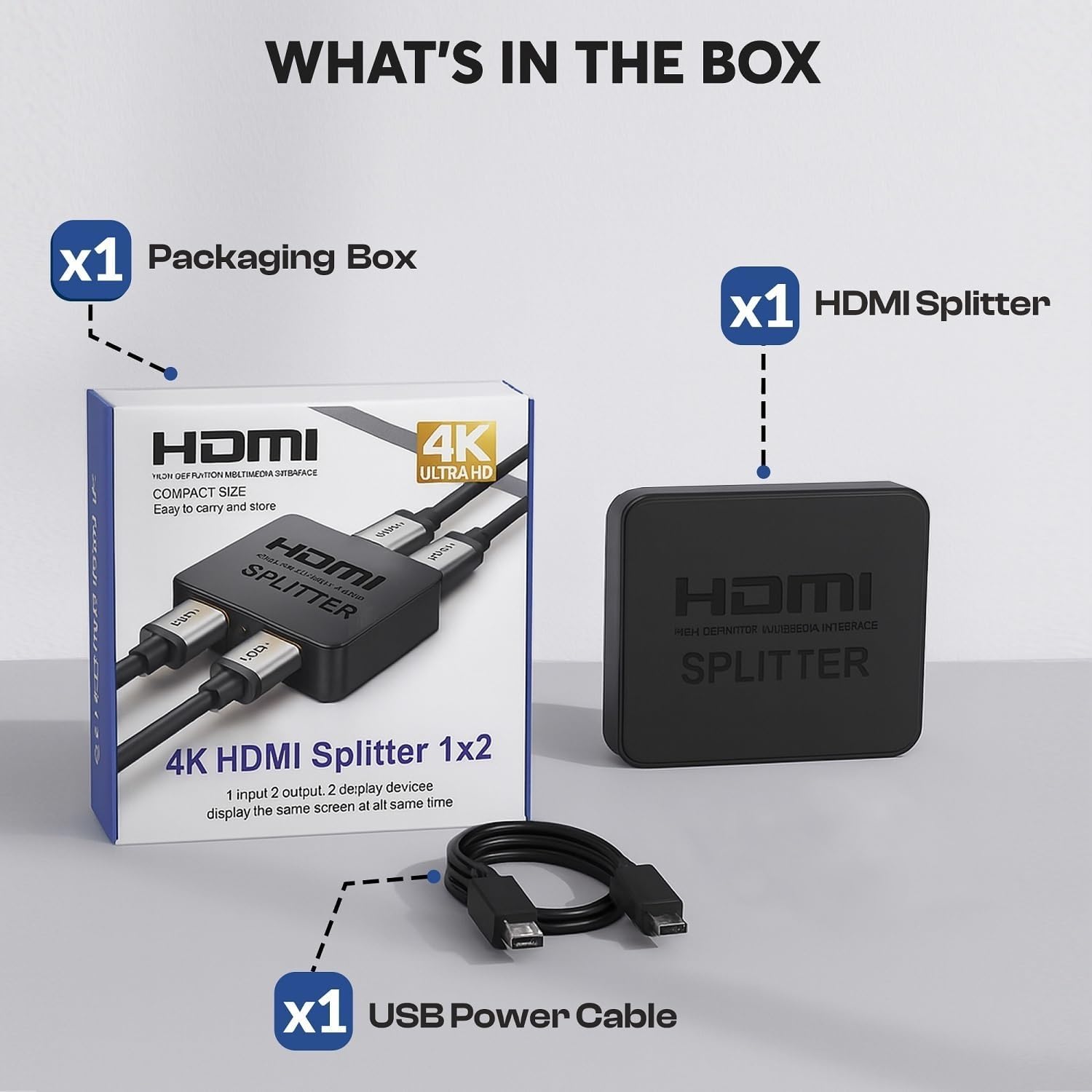
GLOBAL TECH HDMI Splitter 1 in 2 Out – 4K Mirror Splitter for Dual Monitors
Reviews
Price
Product description
What it is
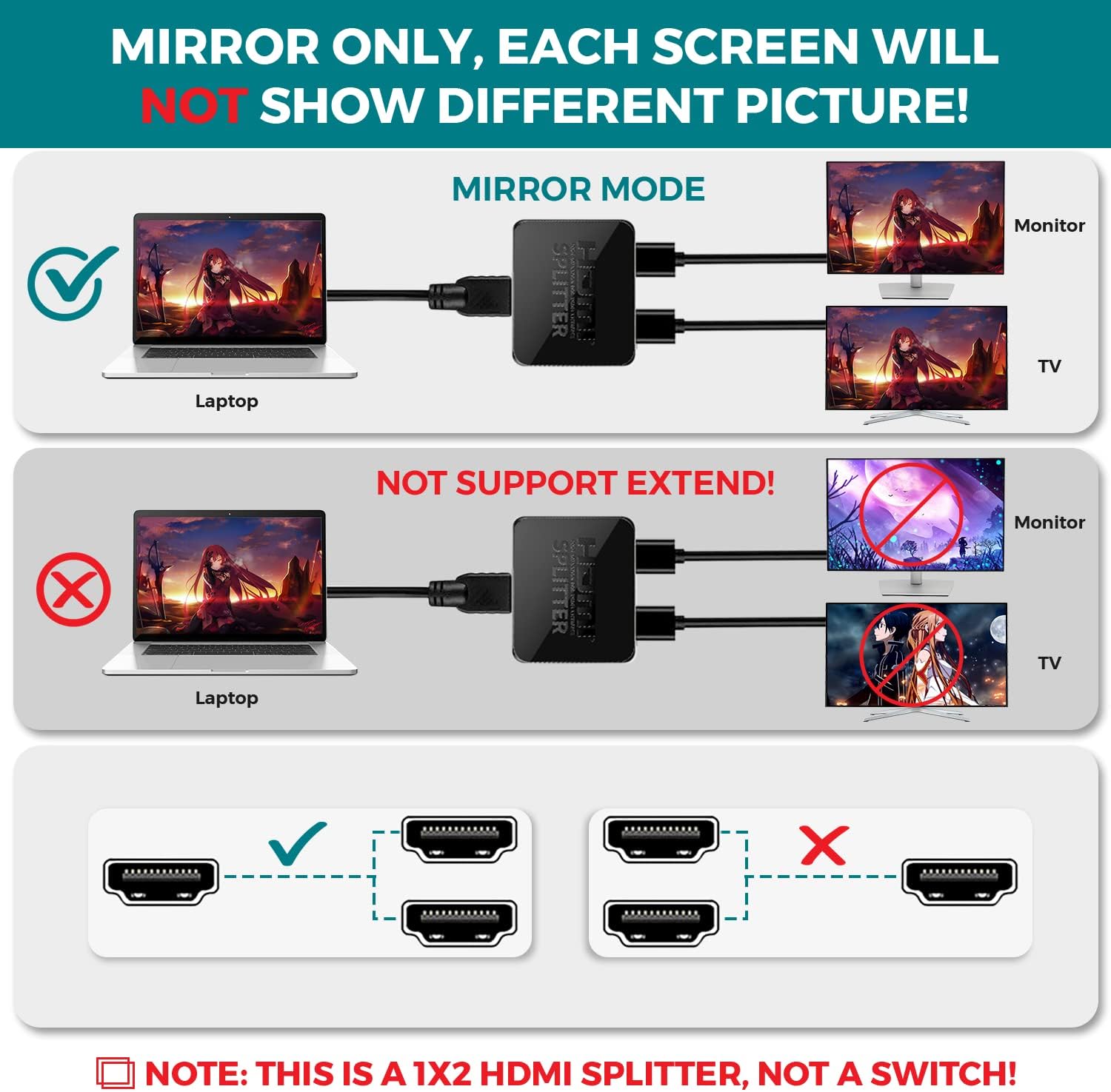
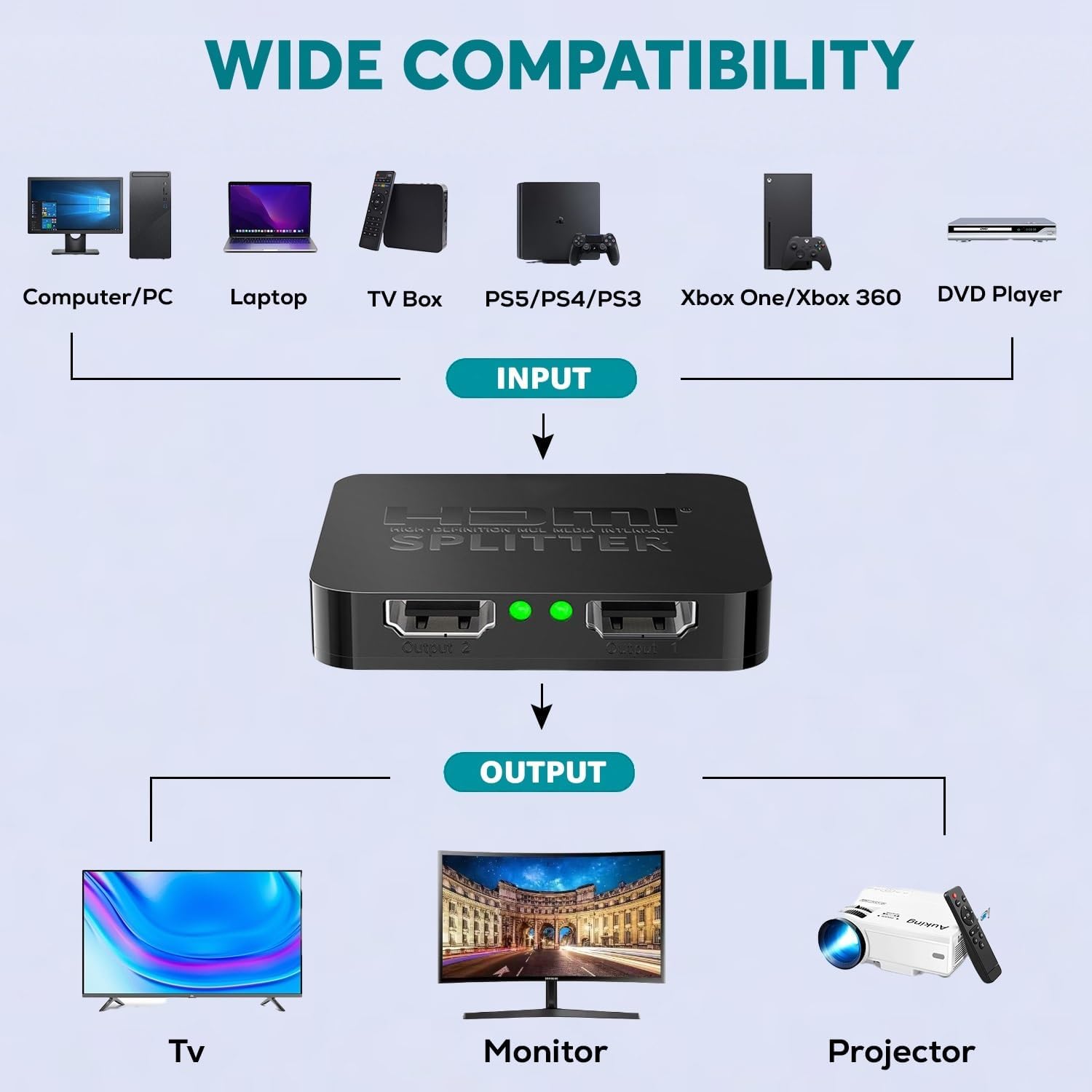
A straightforward HDMI splitter that duplicates a single HDMI source to two displays. The idea is simple: one input, two identical outputs so both screens mirror the same content. It can be used with a laptop, computer, or game console and connects to two TVs, monitors or projectors to show the same image and audio.
What it can do (on paper)
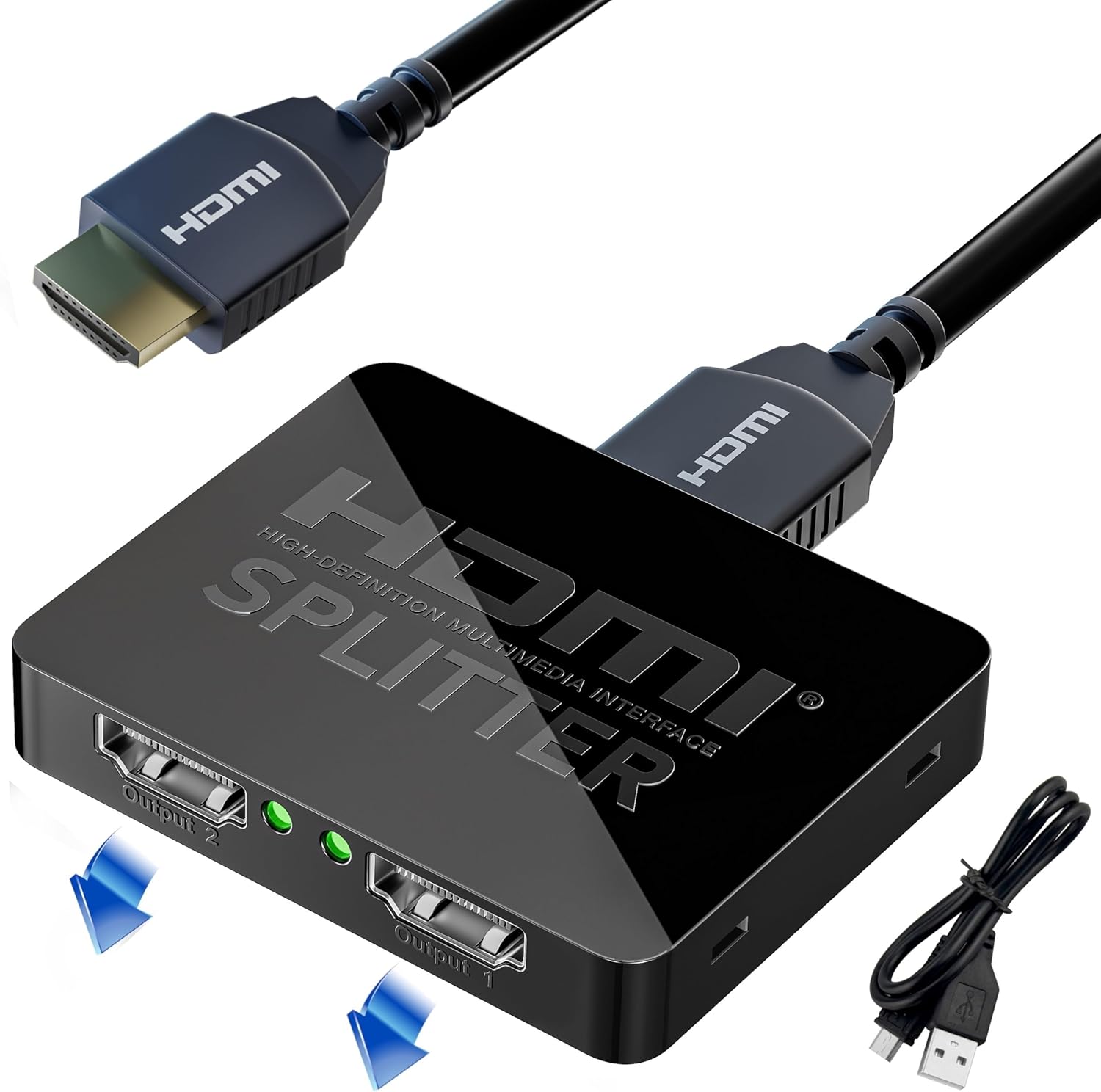
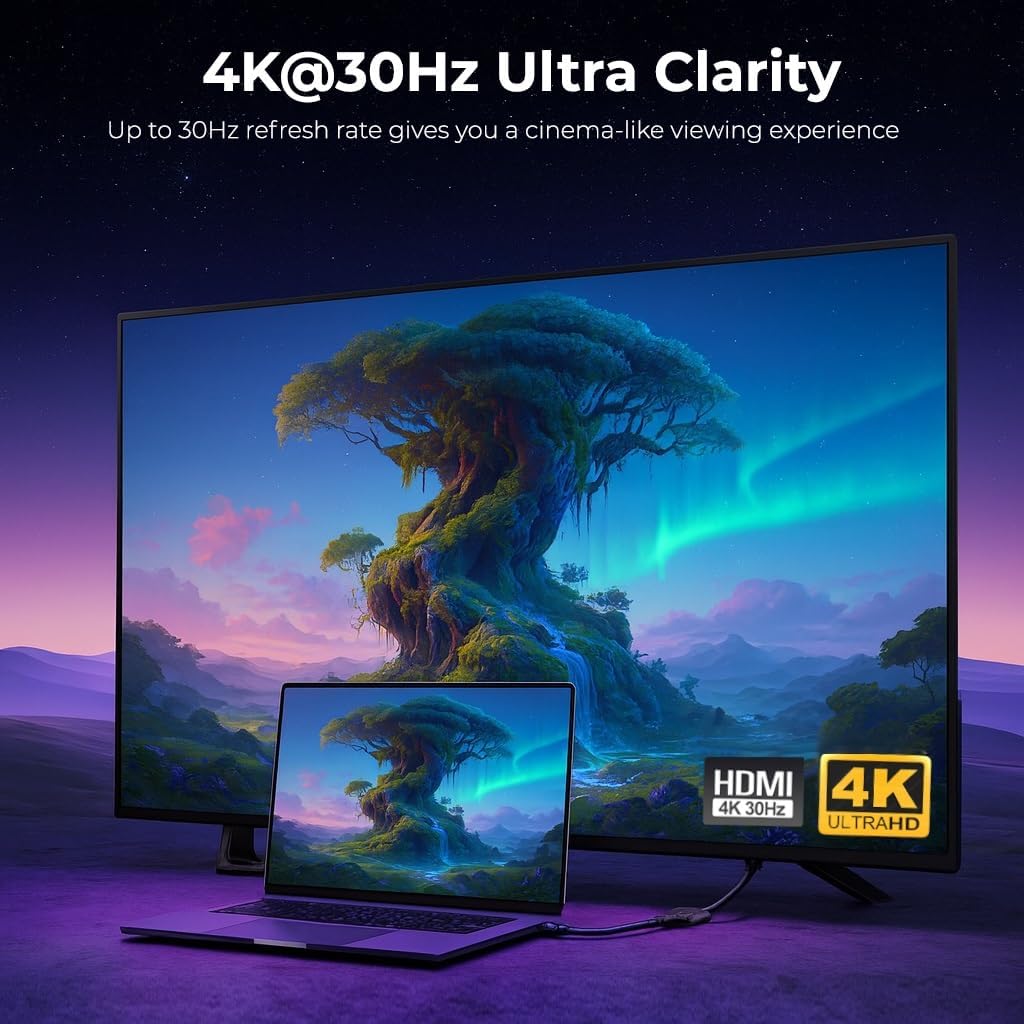
This device supports 4K at 30Hz and 1080p resolutions, including 3D capability. It’s designed for scenarios where you want the same feed across two displays—great for watching a film in another room, giving a presentation to two screens, or mirroring a Fire Stick to multiple rooms. Importantly, it is advertised as mirror-only, meaning it does not extend the desktop across screens.
How it performs in practice
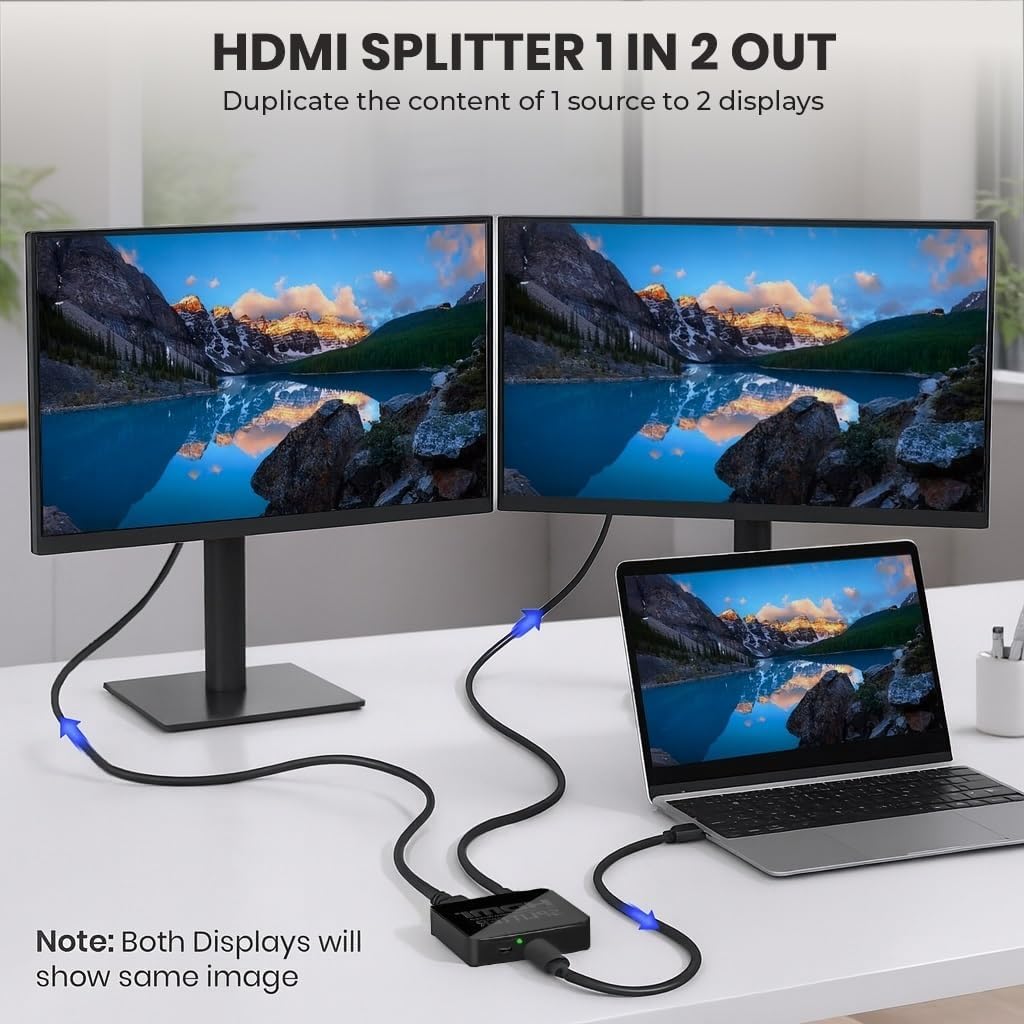
In use, you plug in the HDMI source and connect two displays. Power is supplied via the included micro USB cable from a power source. The setup is simple and plug-and-play, which helps avoid fiddling with settings. If you’re after a seamless duplication with no signal loss and no added lag, this model aims to deliver that experience.
Strengths you’ll notice
- Dual-output mirroring from a single source, which is convenient for multi-room setups or shared viewing experiences.
- Support for 4K at 30Hz and 3D, plus 1080p, covering common high-definition needs.
- Broad compatibility with devices that have HDMI ports, including streaming sticks, consoles, Blu-ray players and more.
- Plug-and-play design with a straightforward power connection, reducing setup complexity.
Limitations and things to watch
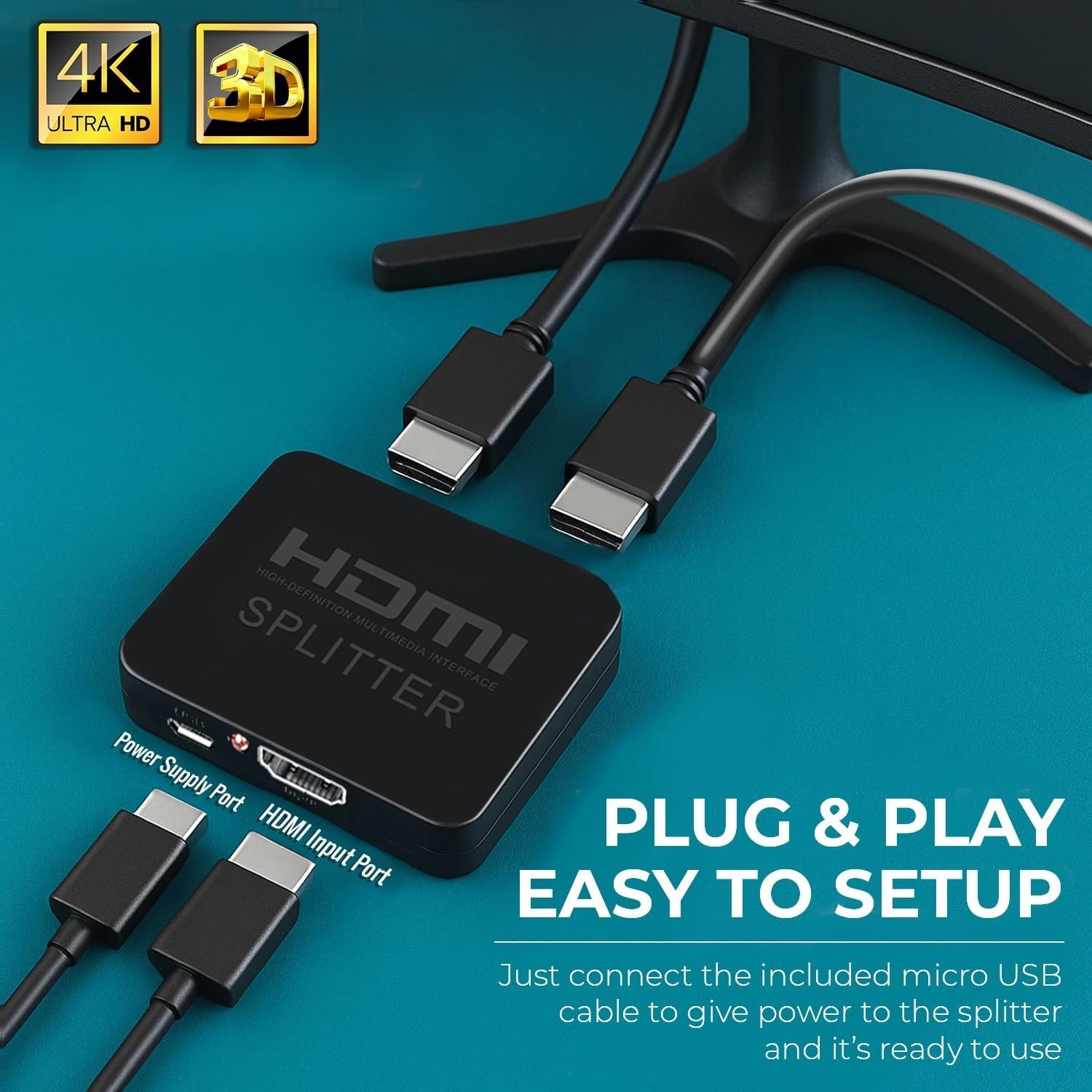
- It is explicitly a mirror splitter, not an extender. If your goal is to have two displays display different content or extend a desktop, this won’t satisfy that need.
- The 4K support is at 30Hz, which is fine for video and basic gaming but not ideal for fast-paced gaming or high-refresh-rate requirements.
- The description notes no signal loss or delay, but in practical setups, long HDMI runs or cheaper cables can still affect performance, ensure high-quality HDMI cables are used.
- The unit relies on external power, if the USB power source isn’t stable, you might encounter intermittence.
Ideal use cases
- Mirroring a media player or Fire Stick to two TVs in a living room and a bedroom.
- Presenting the same content on two projectors or monitors in a small office or classroom.
- Gaming or media scenarios where identical output on two displays is sufficient and you don’t need to extend the desktop.
Who this is for (and who it isn’t)
Conviene tener en cuenta if you prioritise a simple mirror setup across two displays without needing to extend your desktop. It may not be the best fit if you need to run different content on each screen or require higher-than-1080p performance or higher refresh rates for gaming.
What to check before buying
- Confirm you genuinely need mirror output rather than extended display.
- Ensure your HDMI cables are capable of 4K at 30Hz to achieve the advertised resolution.
- Have a reliable USB power source handy to keep the splitter powered during use.
Alternatives and how it compares in approach
If you want two screens showing the same content from one source, this splitter offers a clean, budget-friendly route. If you require different content on each screen or higher frame rates, you might consider an extender or separate video solutions that support multi-output cloning with higher bandwidth across displays.
Decision time: Should you buy it?
Should you buy it? It makes sense if you mainly need a simple, reliable way to mirror one HDMI source to two displays without dealing with software or complex configuration. It’s less ideal if you need to extend desktops or require high-refresh-rate 4K output for gaming.
Frequently asked questions
- Will it work with a laptop and two TVs? Yes, for mirroring the same image on both TVs if you use compatible HDMI cables and provide power to the splitter.
- Can I use this to extend my desktop to two monitors? No, it is a mirror-only splitter.
- Do I need to power it? Yes, power via the included micro USB cable is required for stable operation.
- Is 4K@60Hz supported? No, the stated support is 4K at 30Hz.