

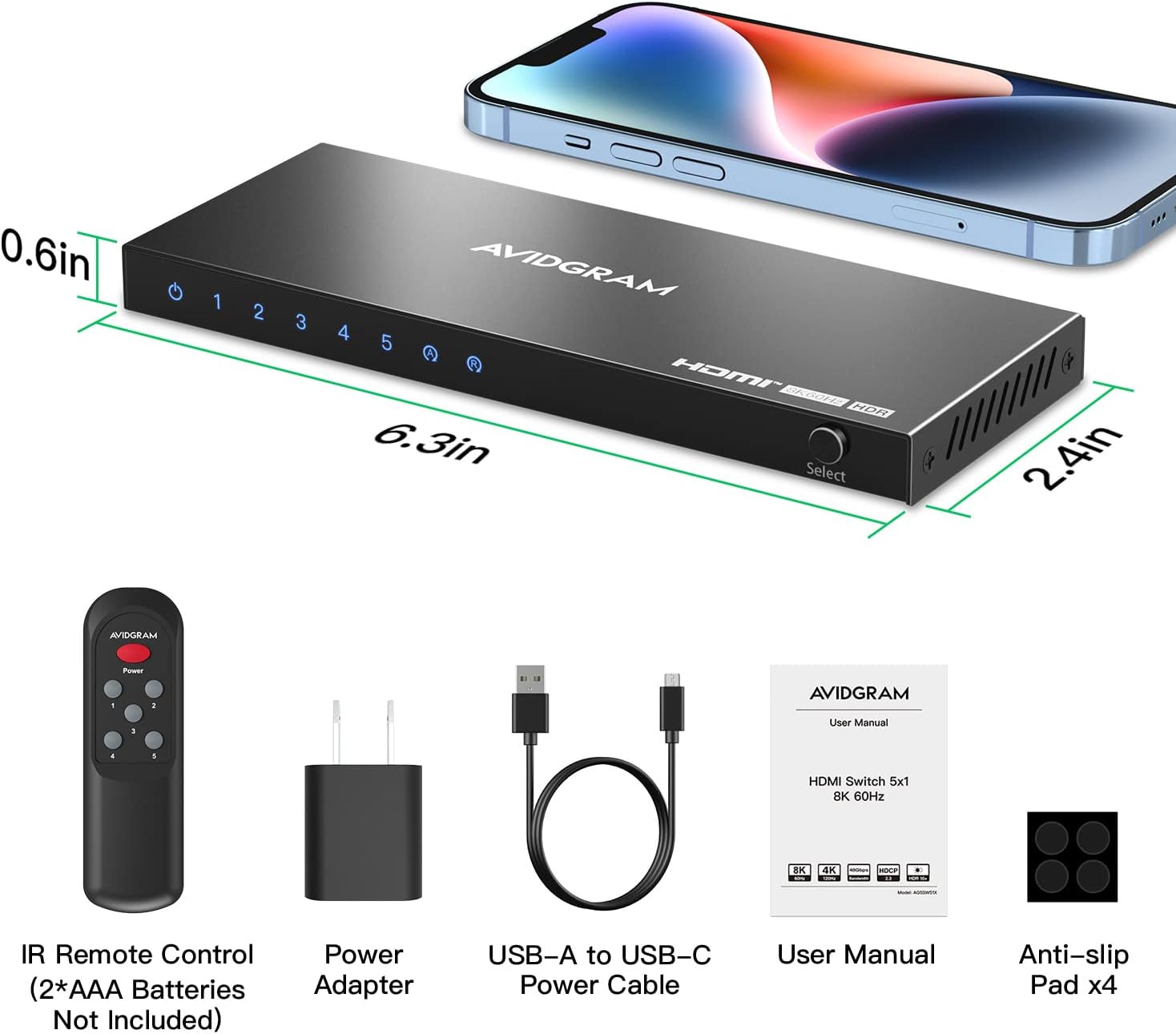
AVIDGRAM HDMI 2.1 Switch 5 In 1 Out (5 Port) with IR Remote for 4K 120Hz & 8K 60Hz
Reviews
Price
Product description
If you’ve got more HDMI devices than ports on your TV or monitor, an HDMI switch is the simplest way to tidy things up—without constantly swapping cables. This AVIDGRAM HDMI 2.1 switch is built around higher-spec 4K 120Hz and 8K 60Hz pass-through support, plus it includes three switching modes (auto, manual, and IR remote).
On paper, it’s aimed at people who care about responsiveness (gaming/fast-motion) and want proper HDMI 2.1-style features, not just basic switching. That said, the real question is whether your setup matches what the switch is designed to handle—especially if you’re relying on particular HDR formats or audio codecs.
Key features at a glance
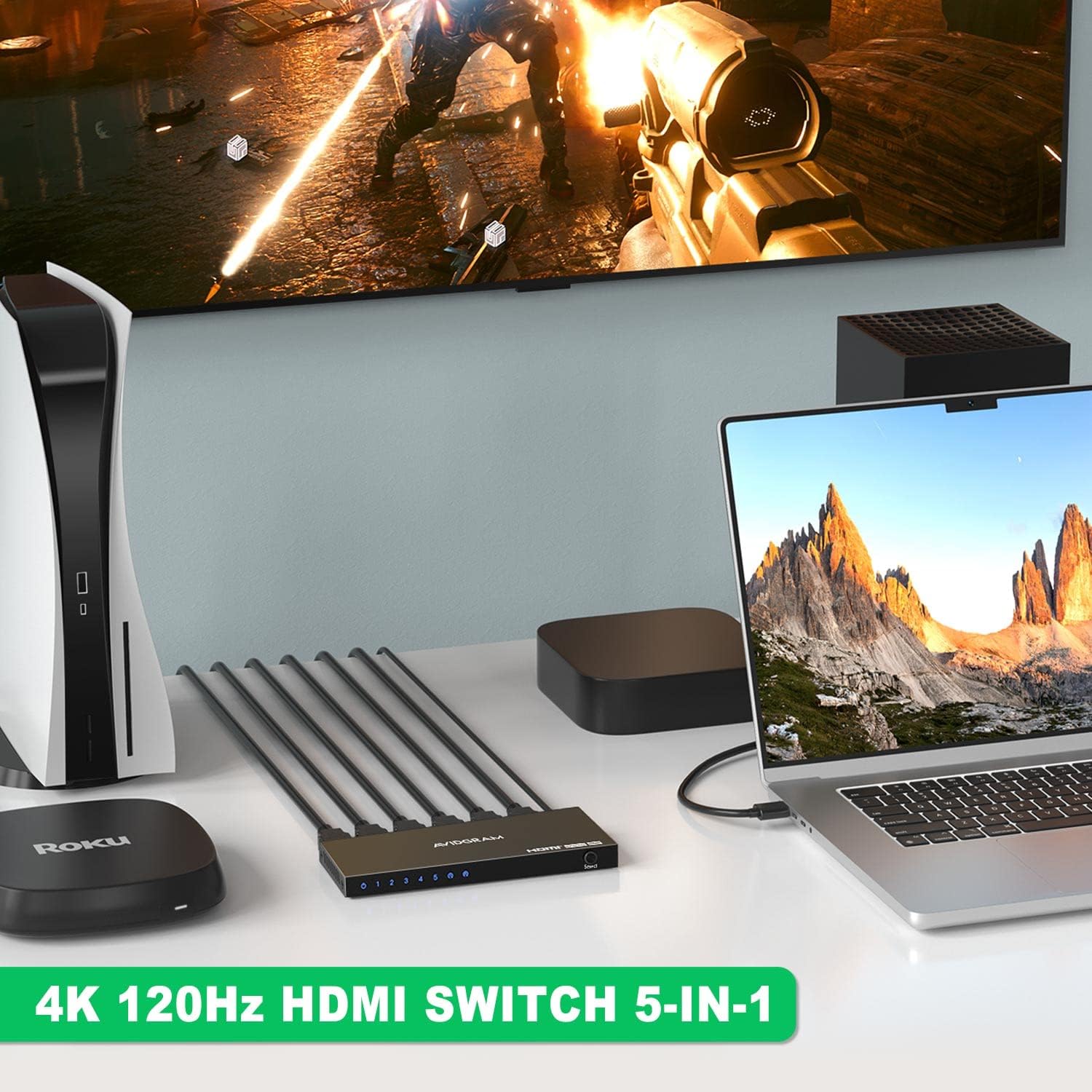
This is a 5-in-1 HDMI switch hub: you connect five HDMI sources (for example consoles, a media box, or a laptop) and select which one goes to a single HDMI display.
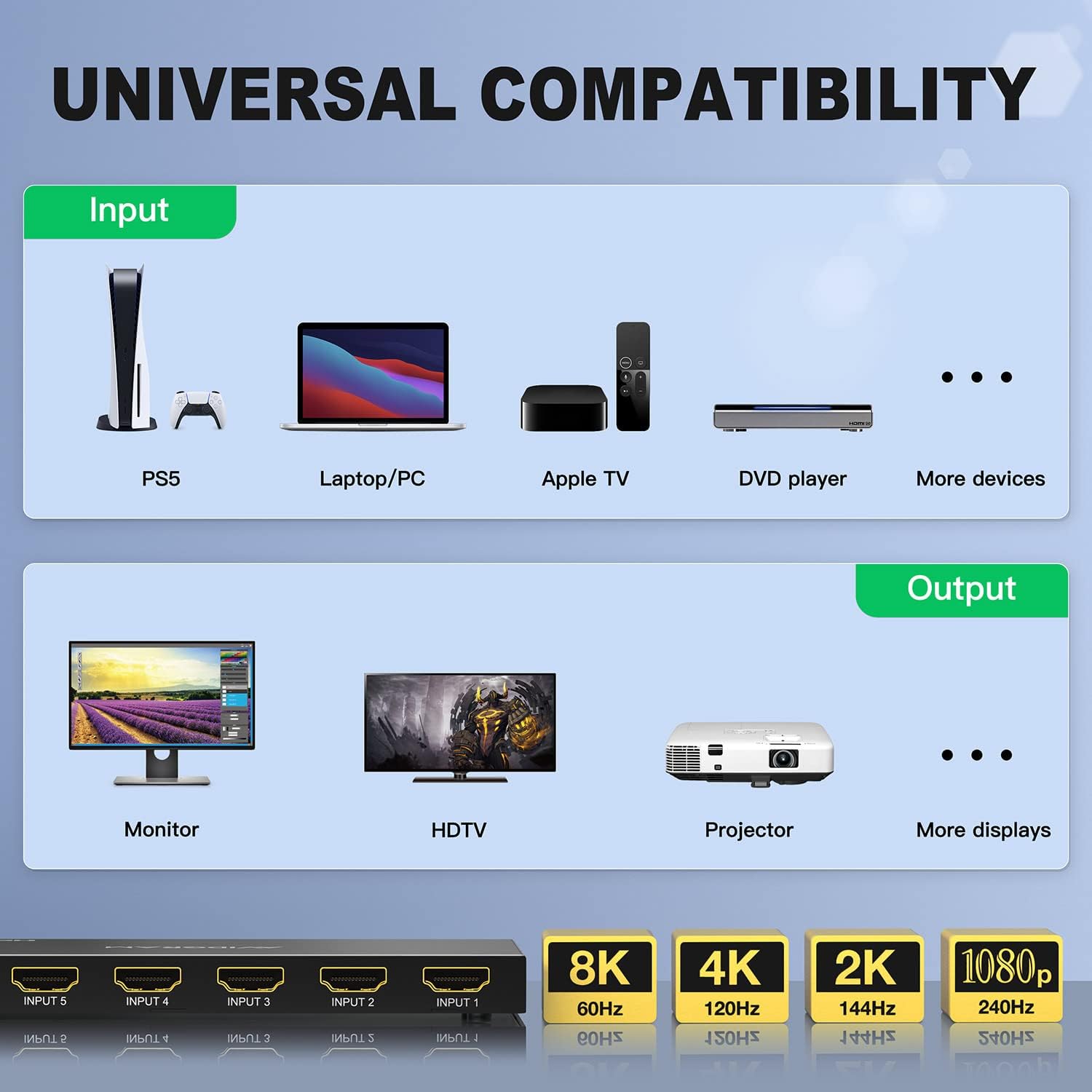
It’s positioned as an HDMI 2.1 compatible switch, with support for 4K 120Hz and up to 8K 60Hz (as described by the manufacturer). It also flags a high-speed video bandwidth figure of 48Gbps, which is the sort of spec you look for if you’re trying to avoid limitations when using modern consoles and high refresh-rate modes.
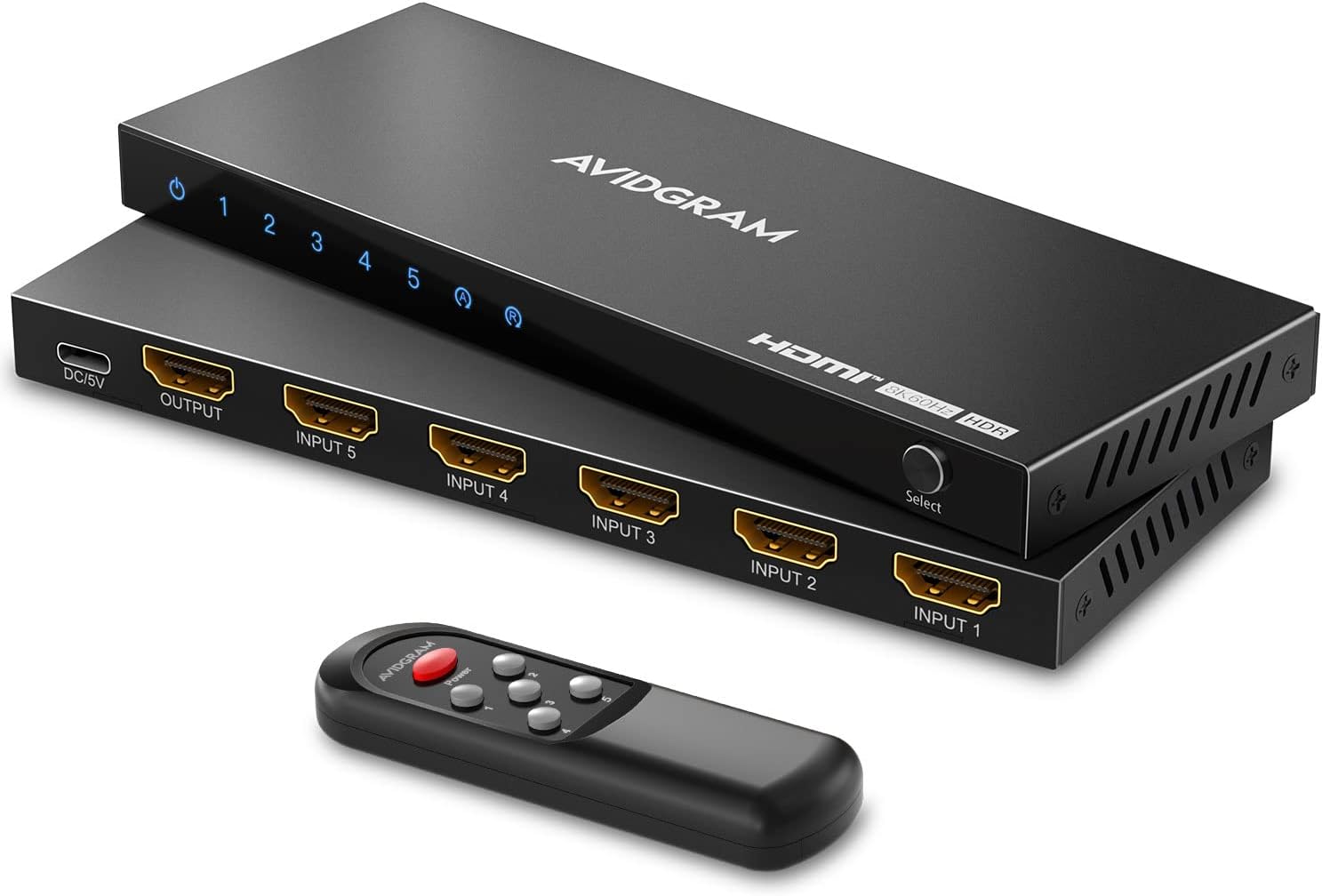
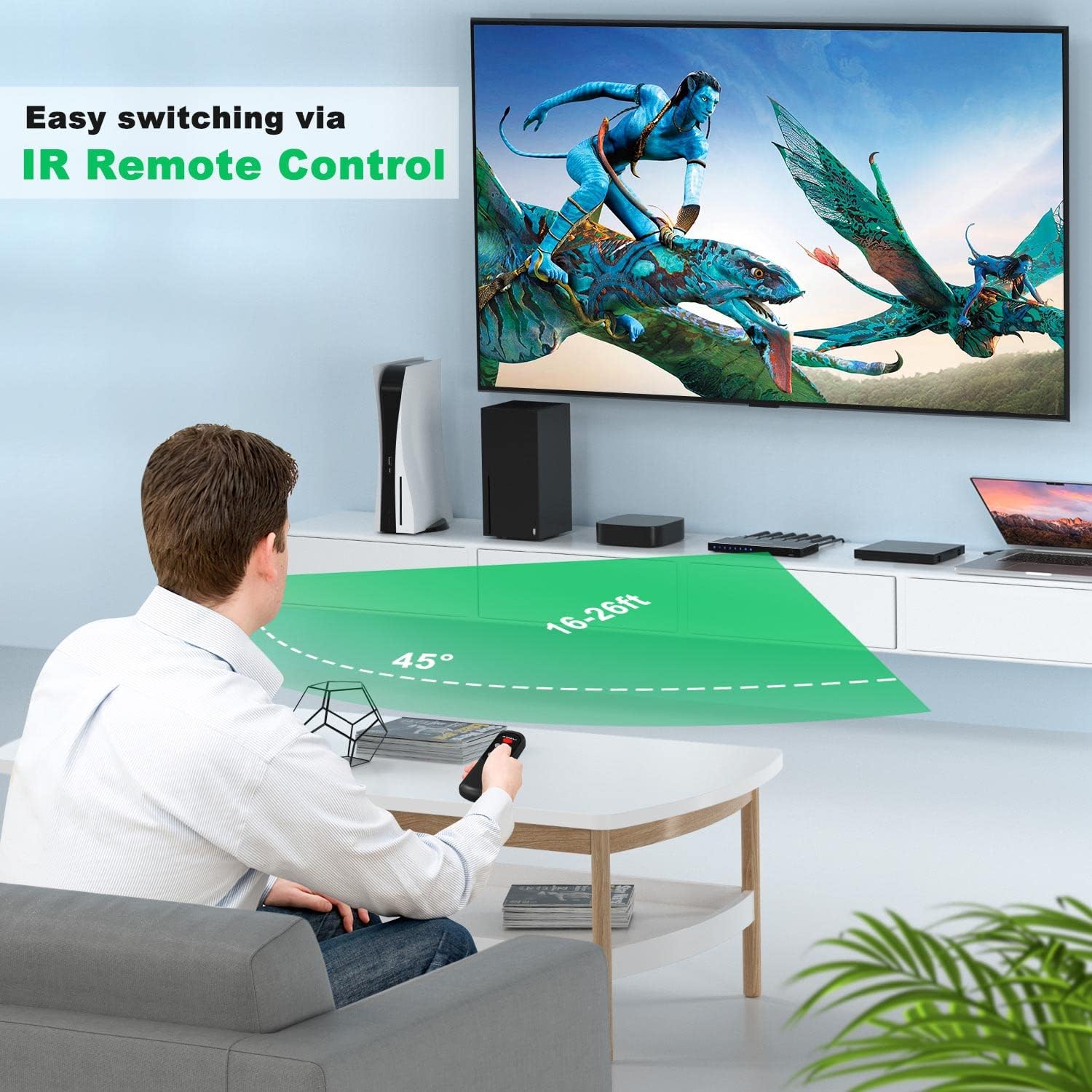
Switching isn’t limited to one method either. You can switch automatically, select manually, or use an IR remote. There’s also a practical note included: you can switch off the auto-switching and IR remote control features, which can help reduce unwanted switching when another device remote is in use.
What it does well in everyday use
In day-to-day terms, the biggest win is convenience. Instead of reaching behind your TV every time you want to play on a console or switch back to a streaming device, you pick the active input.
A micro-example: imagine your living room setup where an Xbox Series X and a streaming box are always connected. With this 5x1 switch, you can keep everything plugged in and simply switch to the input you want, then go back to the other source without cable swapping.
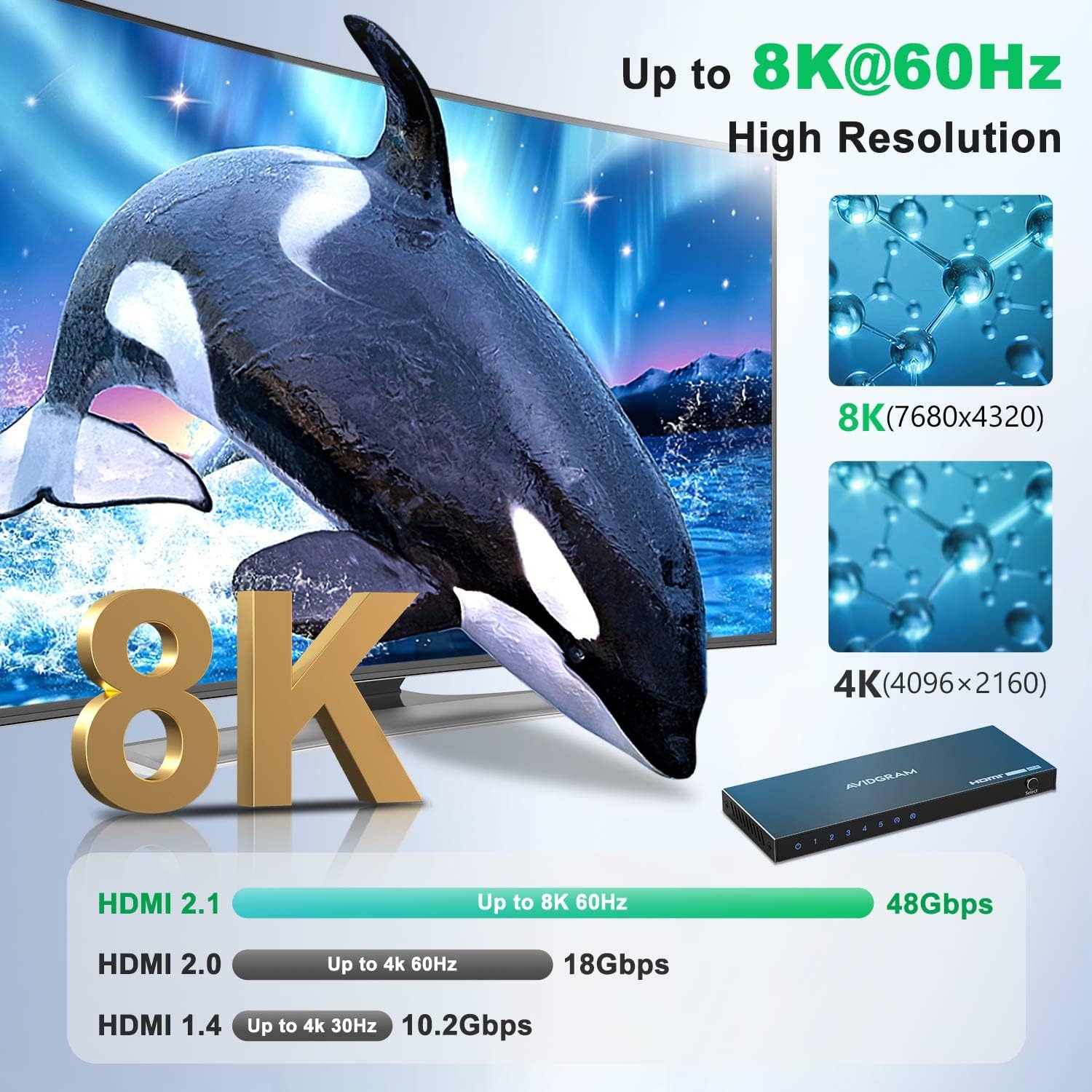
Because it’s designed for HDMI 2.1-style switching and fast refresh rates (not just basic 1080p switching), it makes more sense when you’re using a high refresh display and want smoother gameplay modes. If your usage is mostly standard viewing with older devices, it may be more capability than you strictly need, but it’s still designed to handle a broad range of HDMI sources.
Compatibility: where it’s meant to fit
The manufacturer states compatibility with HDMI 2.1 and mentions HDCP support (HDCP 2.3/2.2/1.4). It also lists support for common HDR formats including HDR10, HDR10+, and Dolby Vision, alongside HDR/3D/CEC support.
It’s also described as compatible with a wide range of HDMI devices. Typical examples given include PC, PS4 Pro, PS5, Xbox Series X, Nintendo Switch, Blu-Ray players, Roku, Chromecast, and MacBook/laptops, with output to UHD TV, projectors, and monitors.
The sound side: audio codecs included (worth checking)
This switch isn’t just about video. The description lists support for several audio formats such as LPCM, Dolby TrueHD and DTS HD Master Audio, Dolby-AC3 and DTS 7.1.
If you’re using a soundbar or AV receiver via your TV/monitor’s audio path, it’s sensible to check that your specific audio chain supports the formats you care about. Even when a switch supports formats on paper, the final audio depends on what your TV, display, or audio system can decode.
Also worth noting: while it’s framed as “better for more than just audio”, that doesn’t automatically mean every setup will behave identically—especially with eARC/ARC considerations and device-specific handshake behaviour.
Limitations and what to verify before buying

There’s a lot here that looks promising, but a couple of practical cautions are worth keeping in mind.
Firstly, high refresh-rate and high-resolution support depends on both source and display agreeing to those modes. If you have a 4K 120Hz console and a 4K 120Hz-capable display, you’re in the target zone, if your TV/monitor can’t do the same refresh rate, the extra capability won’t matter.
Secondly, the switch supports multiple HDR formats (including Dolby Vision as listed), but HDR negotiations can be finicky across devices. If you rely heavily on one specific HDR format, it’s worth double-checking whether your source and your TV both support it in the way you expect.
Finally, the package includes an IR remote and power cable, but IR control requires line-of-sight in many setups—so if the switch ends up hidden behind furniture, auto/manual switching might be the more reliable route.
Should you buy it?
A solid pick if you want a single HDMI hub for several devices and you’re targeting 4K 120Hz and/or 8K 60Hz class performance on a compatible TV or monitor. It also makes sense if you like the idea of multiple switching methods and want the option to disable auto/IR switching to reduce random input changes.
It might not be the best match if your display is unlikely to support the refresh rates and resolutions you’re buying for, or if you’re extremely sensitive to HDR/audio format handshakes and need a guaranteed match for one niche format across every device in the chain. In those cases, you may prefer a simpler setup strategy or fewer intermediaries.
Mini FAQ
Does this HDMI switch support automatic switching?
Yes. The description states it supports automatic switching, plus manual switching and IR remote control.
Can you turn off auto switching and IR remote control?
The listing says you can switch off both auto-switching and IR remote control features, which may help prevent unwanted switching from other IR remotes.
What devices is it listed as compatible with?
It’s described as compatible with a wide range of standard HDMI devices, with examples such as PS4 Pro, PS5, Xbox Series X, Nintendo Switch, Blu-Ray players, Roku, Chromecast, MacBook, and computers.
Is it only for video or does it support audio too?
It supports both video and audio, with the description listing multiple audio formats (including LPCM, Dolby TrueHD, DTS HD Master Audio, Dolby-AC3 and DTS 7.1).
Final verdict
Worth considering if you’re building a multi-device entertainment or gaming setup and want an HDMI 2.1 switch that’s designed for modern resolutions and refresh rates, not just basic HDMI sharing. Just make sure your display and sources can actually use the modes you care about, and be realistic about HDR/audio negotiation—those parts still depend on your end devices.