

JEMDO Switch 2 Dock HDMI Adapter V22.0.0 (USB-C to HDMI 2.1) for 4K 144Hz TV Mode
Product description
What it is and why you might want it
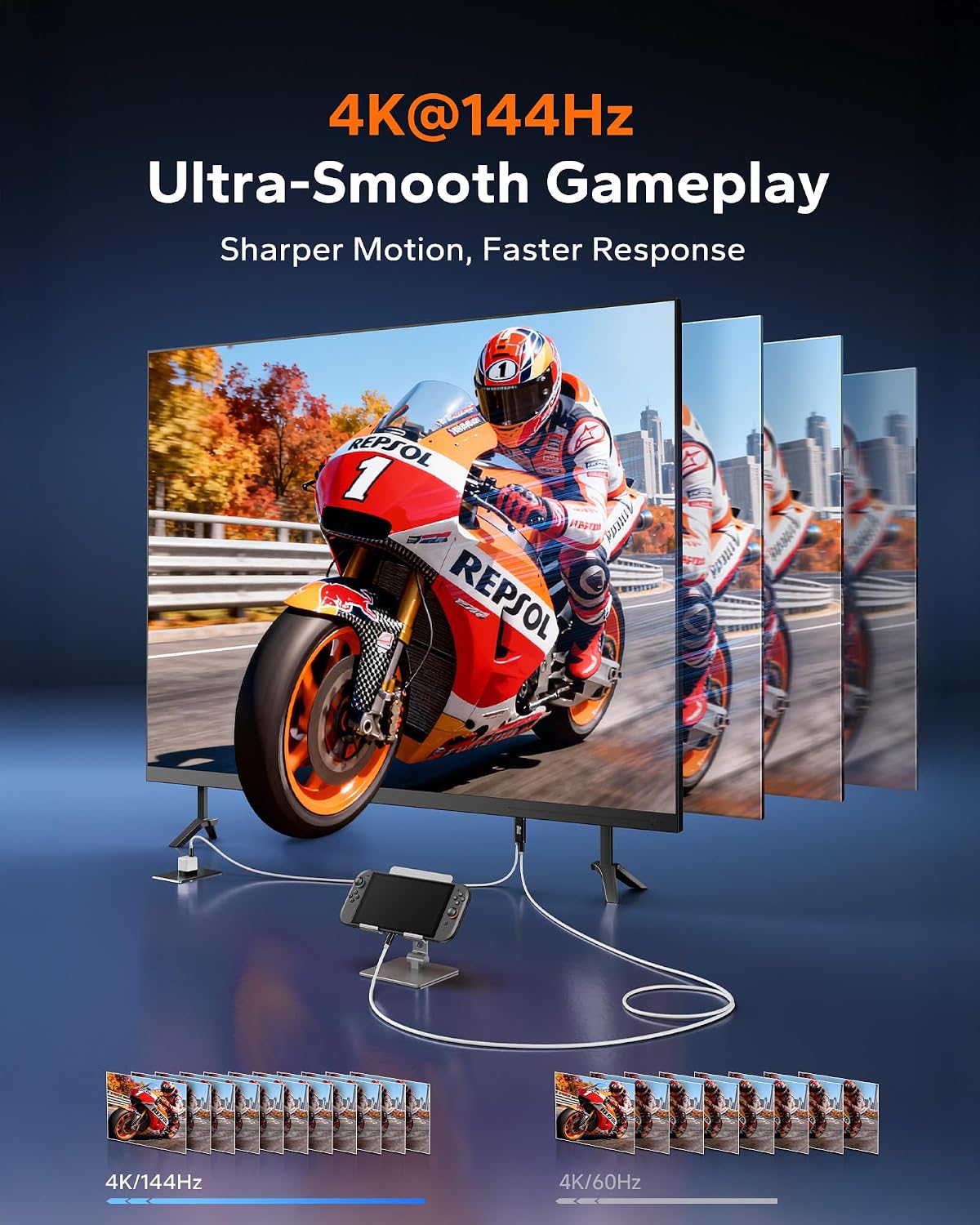
JEMDO’s Switch 2 Dock HDMI Adapter V22.0.0 is a portable USB‑C to HDMI 2.1 cable designed to put your Switch 2 into TV Mode on a bigger screen, without relying on a bulky dock. On paper, it’s built for smooth high-end visuals (it mentions 4K up to 144Hz with HDR support and Dynamic HDR) and for avoiding the frustrating “no signal” / black-screen type interruptions that can make dock-style setups feel unreliable.
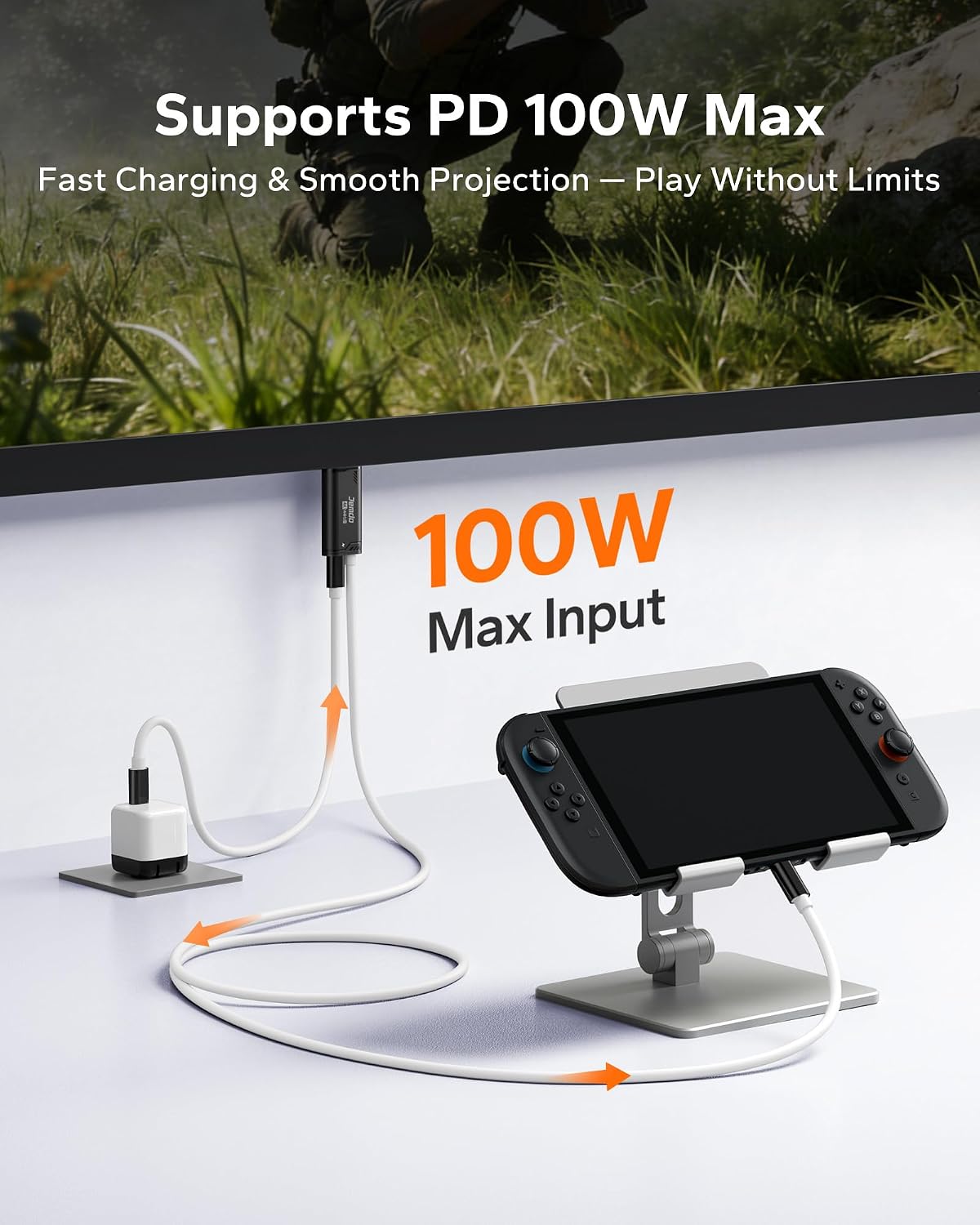
There’s also a practical “play while charging” angle: it supports 100W PD fast-charging pass-through, so you can keep the console powered during longer sessions—useful when you’re playing near a TV that isn’t right next to a charger, or when you’re setting up in hotels, student accommodation, or offices.
The essentials (what you get from the specs)
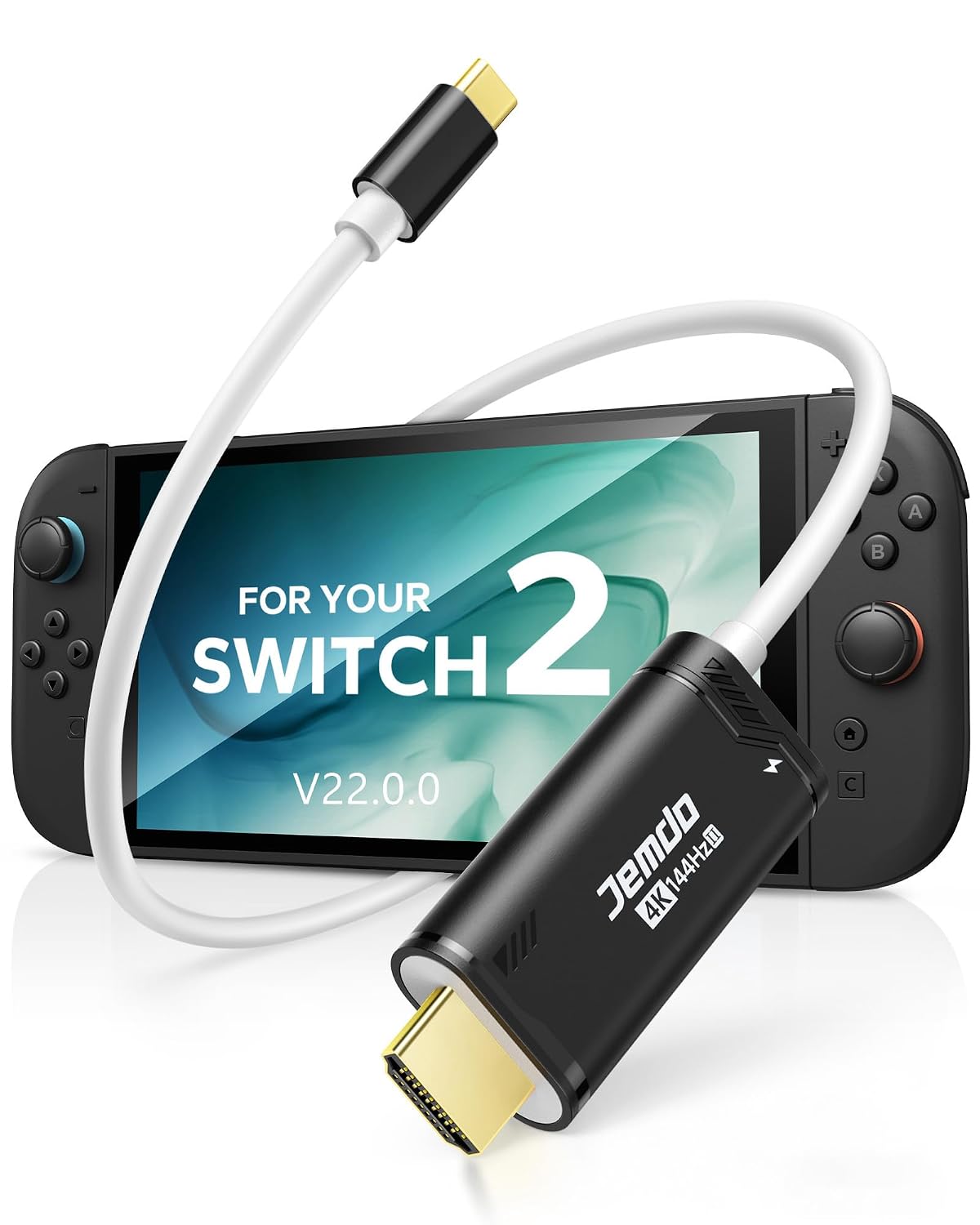
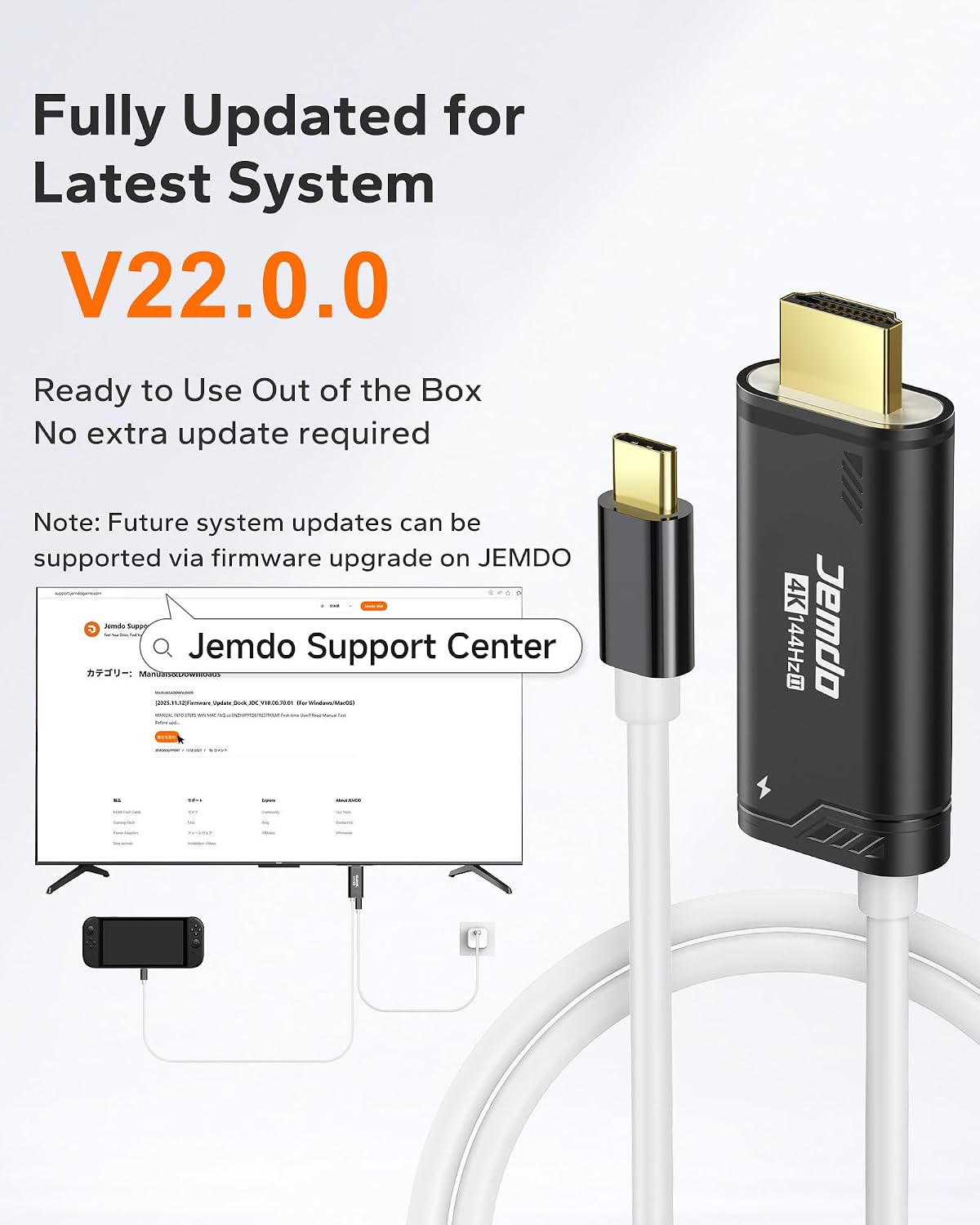
This adapter is positioned as a Switch 2 dock alternative. It’s described as compatible with system update 22.0.0, which matters because dock behaviour can be sensitive to how the console handles video output. The cable is also specified as HDMI 2.1 performance with up to 48Gbps bandwidth, alongside Dynamic HDR and support for 5.1 audio. If you’re after a wired, quick-recognition style setup for TVs, monitors, or projectors, that’s the direction it’s aiming for.
A couple of design details are meant to translate into everyday reliability: triple-layer shielding (foil, metal mesh, and tinned copper) to reduce EMI/RFI interference, plus an aluminium heat-sink shell intended for cooling. Again, that’s “based on its design”, not a lab-tested promise—but it’s the kind of build thinking you’d expect from a travel-friendly cable.
What stands out in real use
If you travel with your Switch 2, the biggest difference versus a traditional dock is simplicity and bulk. Instead of packing a full dock, you’re essentially packing a cable. That tends to make a hotel-TV or dorm-monitor setup far less of a faff: plug in USB‑C, connect HDMI, power via PD, then switch the TV input.
It’s also the kind of adapter that can help when you want consistency in video output. The description specifically mentions stabilising frame output and providing fast display recognition, which is exactly what you want if you’ve ever had to replug cables to get a stable picture.
There’s a travel angle too—lightweight and short-to-medium in length (it states 2.5 oz and 6.6 ft). That’s often enough for typical living-room and desk distances, though you may still want to check how far your seating is from the display.
Where it may fall short (important limitations)
The most obvious limitation is compatibility: it’s stated as not compatible with Switch Lite. So if you own a Lite model, this won’t be the right route.
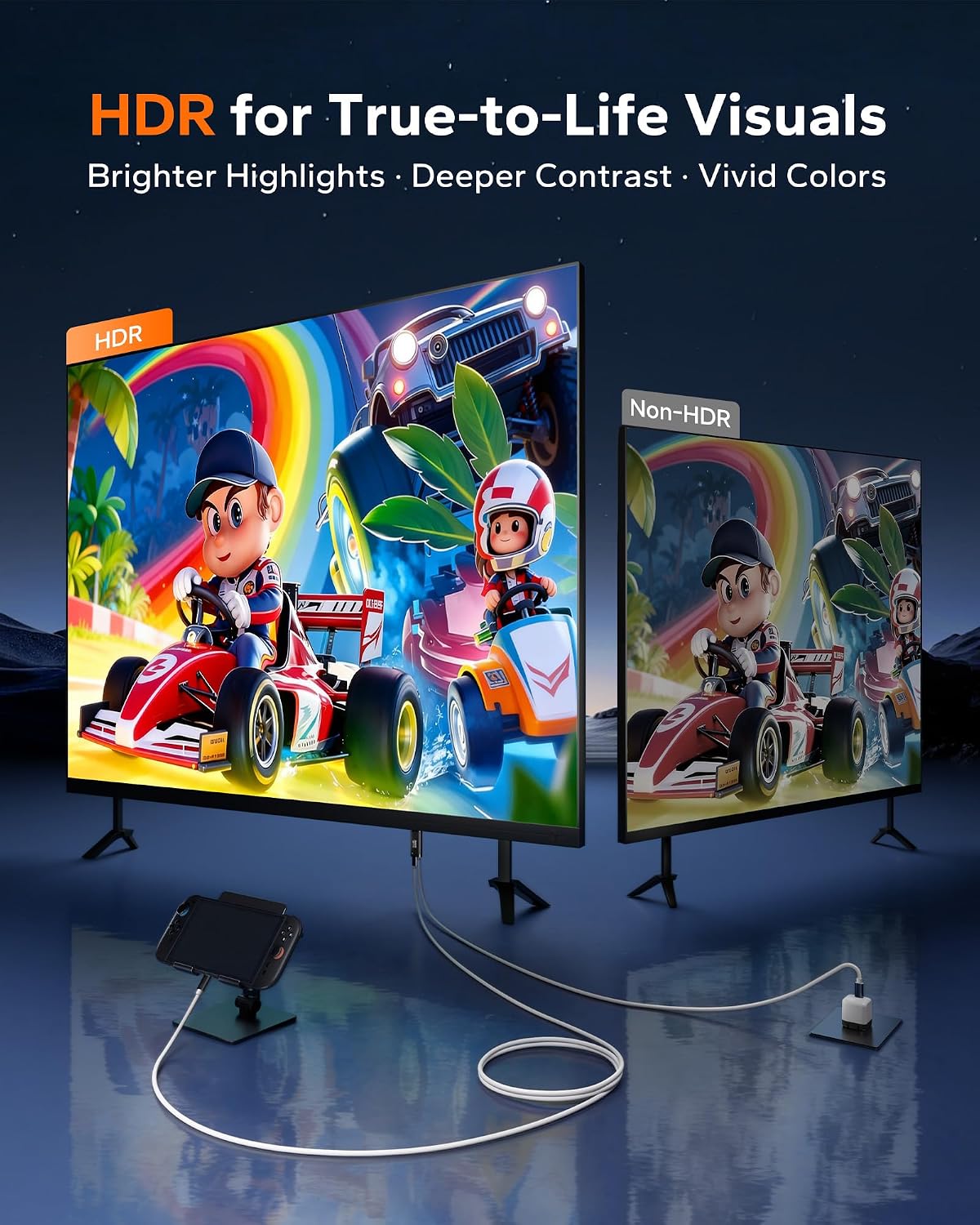
Also, while it claims 4K at up to 144Hz and HDR performance, you should be realistic about outcomes: the actual experience depends heavily on both the TV/monitor’s capabilities and how the console negotiates output at that moment. The cable can only do so much, if your display can’t handle the requested modes, you won’t magically get them.
Technical details that matter for buying
For buying decisions, the headline numbers and compatibility notes are the ones to focus on: - HDMI 2.1 performance with up to 48Gbps bandwidth - Support mentioned for 4K up to 144Hz and Dynamic HDR - 5.1 audio support - 100W PD fast-charging pass-through (for keeping the console powered) - Designed to work with system update 22.0.0 - Triple-shielding and an aluminium heat-sink style shell intended to help with cooling
You’re also told it uses a next-generation signal-control chipset for stabilising frame output and fast display recognition, and it’s presented as “plug-and-play” with a range of USB‑C devices that support video output.
Who it’s for (and who should look elsewhere)
It makes sense if you want a compact Switch 2 HDMI adapter for TV Mode that you can carry easily and use across different screens—home TVs, monitors, and projectors, plus travel and temporary setups. It’s especially appealing if you care about charging continuity while playing, and if you’d rather replace the “dock problem” with a smaller, cable-based setup.
It may not suit you if you want guaranteed compatibility with every Switch model (Switch Lite is specifically excluded), or if you’re expecting this to fully replace a full dock’s ecosystem features without any negotiation—video output behaviour can depend on the display and the console’s handshake.
Is it worth it?
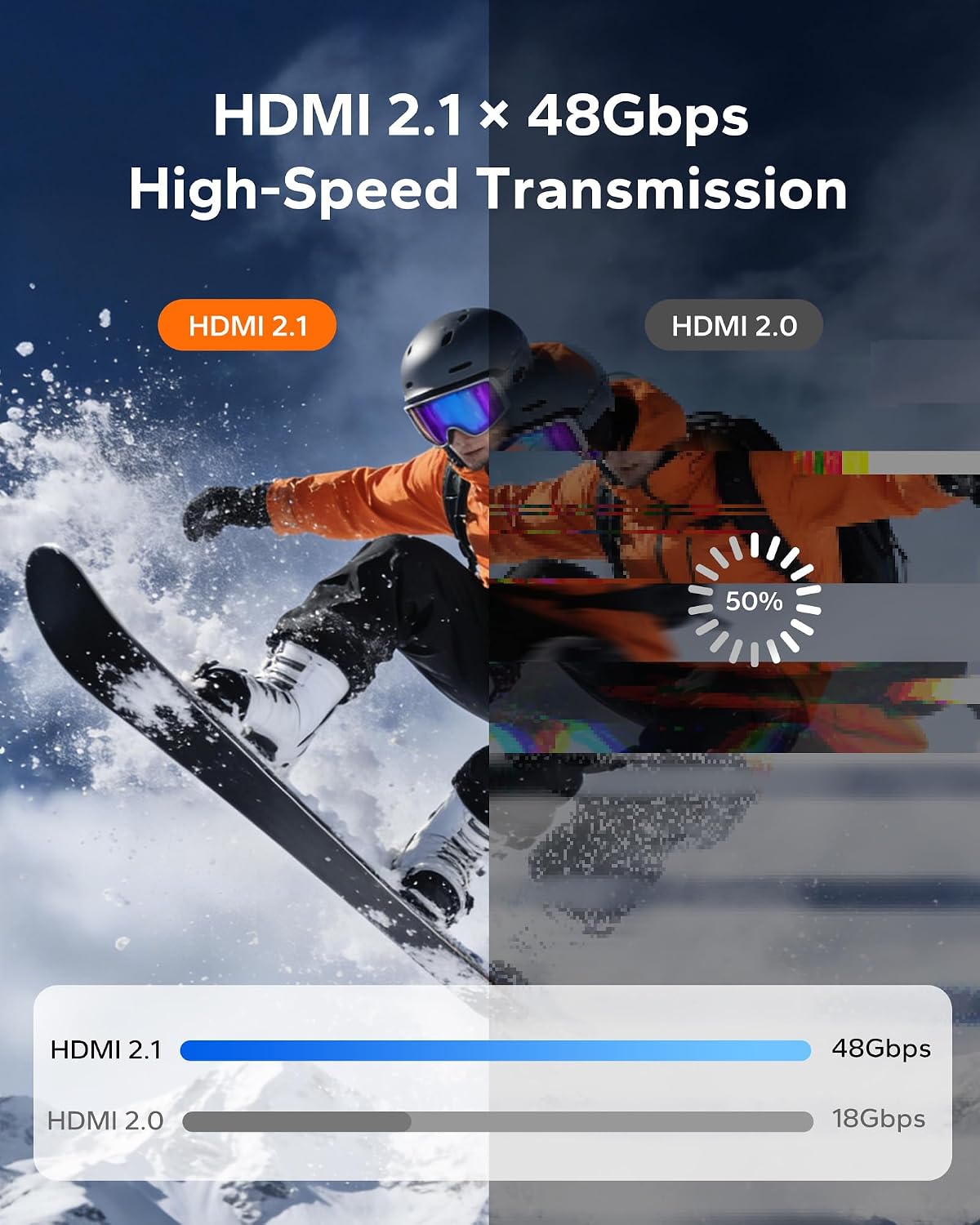
Worth considering if you’re shopping for a Switch 2 dock alternative that prioritises high-spec HDMI 2.1 performance (as claimed), fast screen recognition, and the ability to keep charging via 100W PD while you play. It’s also a sensible pick if you often use TVs or monitors in places where packing a full dock is just annoying.
You may want to skip it if you have a Switch Lite, or if you mainly use very basic displays where the “high refresh/HDR” side of the pitch won’t make much difference. In that case, a simpler approach could be enough.
Mini FAQ
Will it work with Switch Lite?
No—it's stated as not compatible with Switch Lite.
Does it charge the console while outputting to HDMI?
Yes. The description says it supports 100W PD fast-charging pass-through, intended for stable TV Mode gameplay during longer sessions.
What devices is it compatible with?
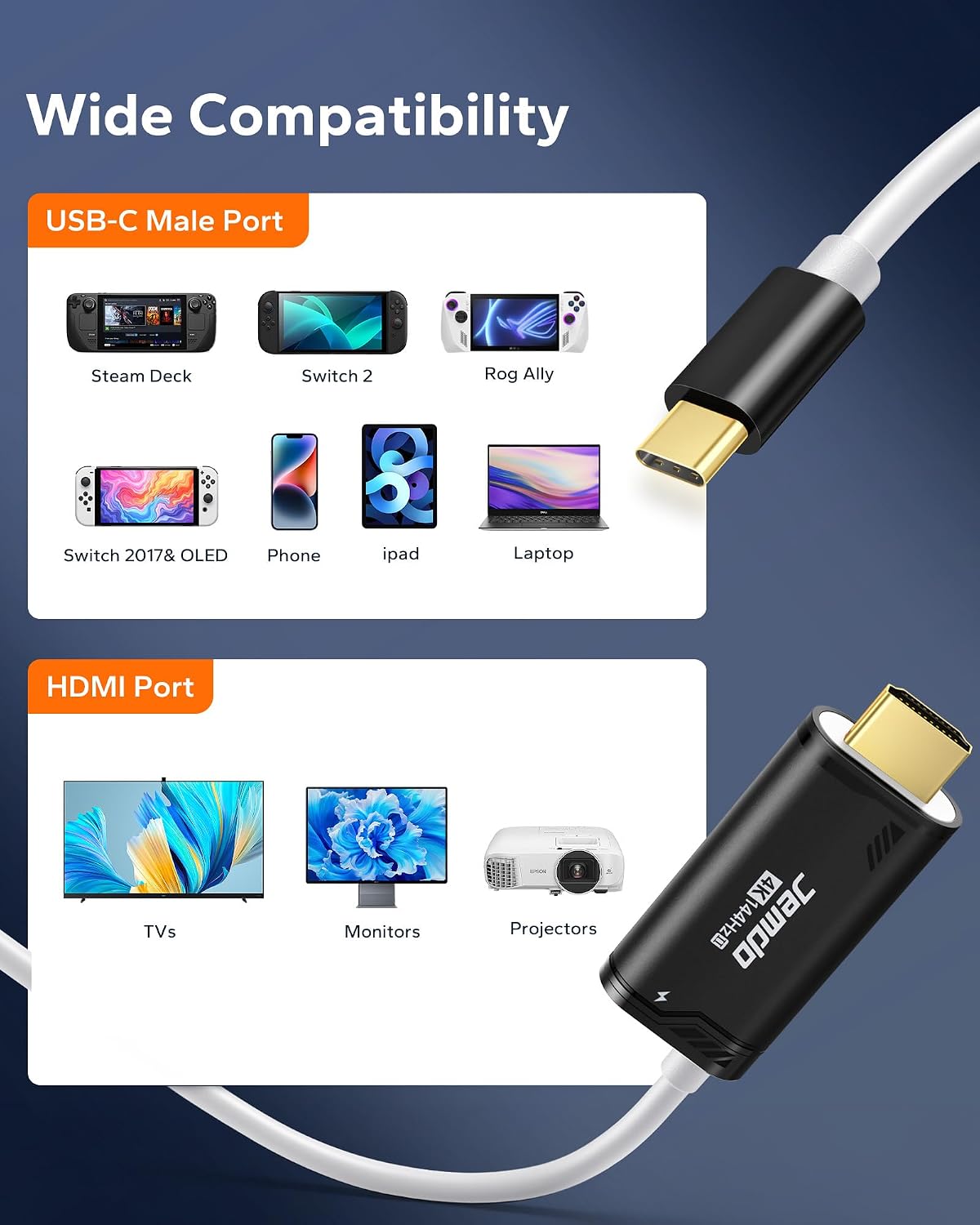
The listing mentions compatibility with Switch 2 and Switch 2017/Switch OLED, plus Steam Deck, ROG Ally, MacBook, and some USB‑C Android smartphones/tablets, provided those devices support video output.
What should I check before buying?
Check that your Switch 2 is on system update 22.0.0 (it’s specifically referenced), and make sure your TV/monitor/projector supports the HDMI mode(s) you want—otherwise you may not see the claimed performance.
Does it help with video dropouts like “no signal”?
The description claims to avoid black-screen interruptions and “no signal” interruptions and to support fast display recognition. As with any cable-based setup, results still depend on your display and the HDMI connection being set up correctly.