

Fokky 4K@60Hz bidirectional HDMI switch, 1 in 2 out or 2 in 1 out (HDMI 2.0, aluminium body)
Reviews
Price
Product description
The essentials
A bidirectional HDMI switch like this Fokky unit is for when you don’t want to keep swapping leads or buying separate setups just to move one HDMI source to a display (or split multiple sources into one output). On paper, it supports 4K at 60Hz and positions itself as a simple, plug-and-play way to manage HDMI devices such as consoles and media players.
It’s also a good reminder that HDMI switching is not magic: you’re choosing which signal path is active, not magically showing two inputs at once. If your ideal workflow involves simultaneous dual-screen output, this type of switch won’t match that expectation.
Key things to know before you buy
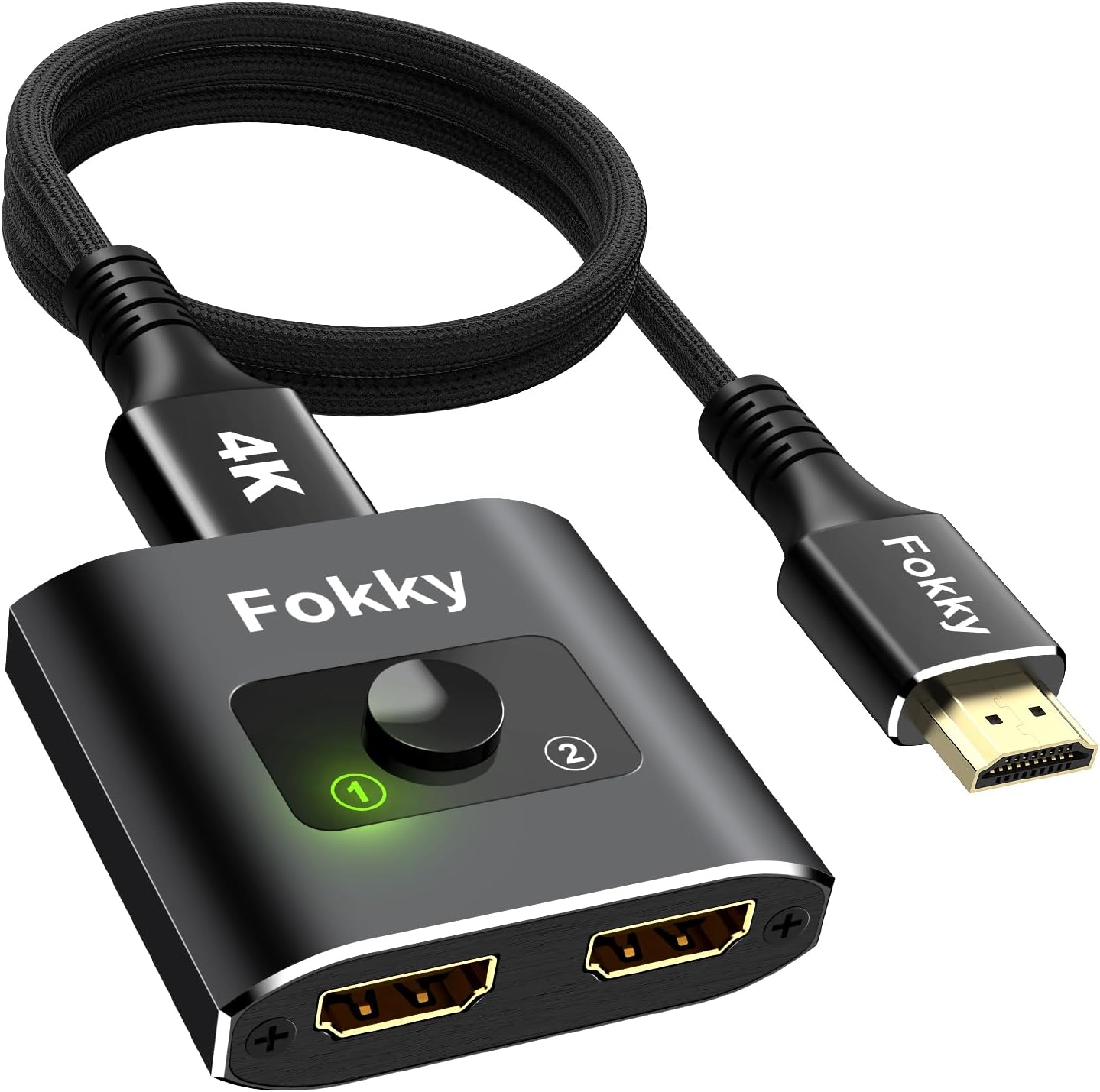
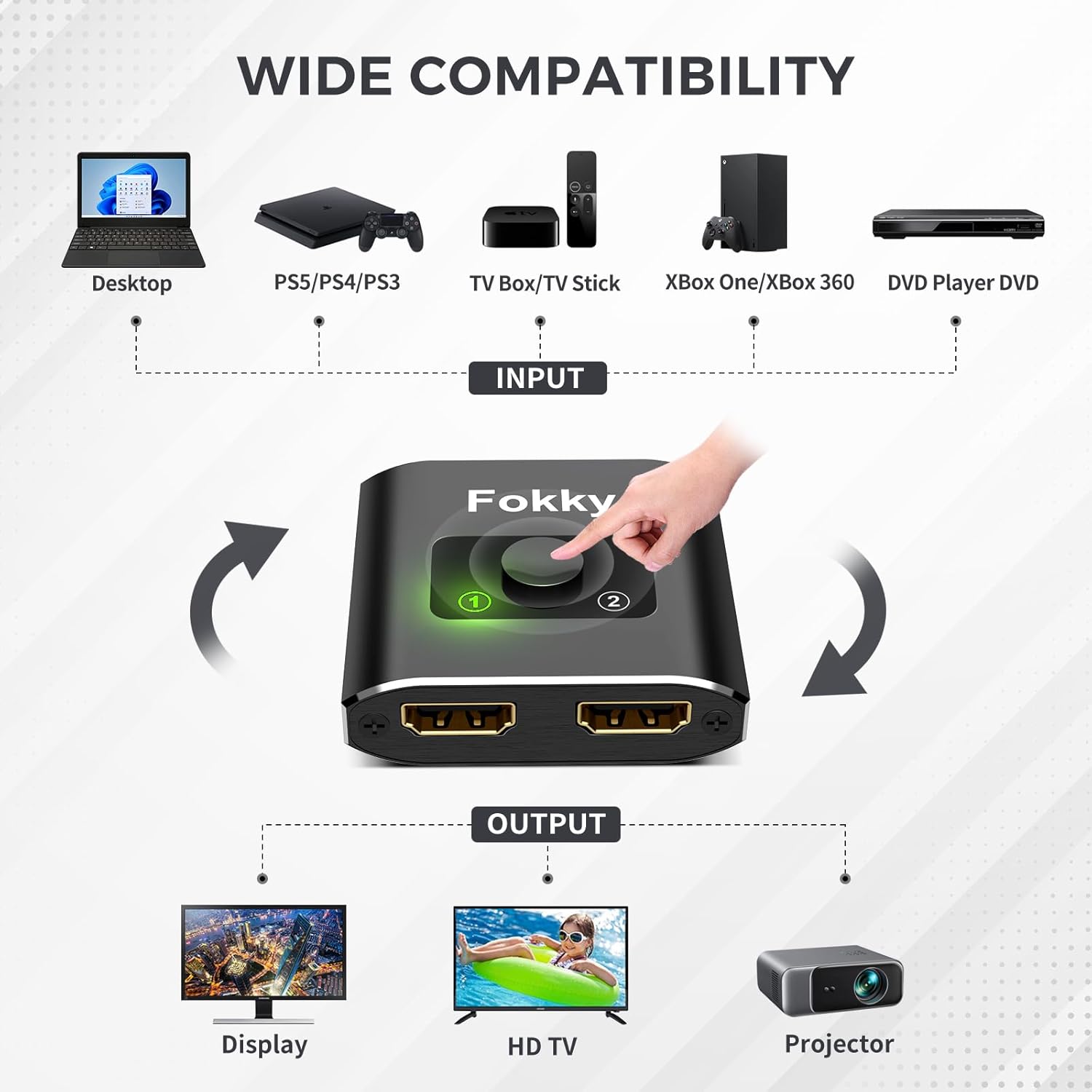
The biggest practical decision is whether you need a “2 devices to 1 screen” setup or “1 device to 2 screens” sharing. This model is described as supporting both 1 in 2 out and 2 in 1 out, switching the direction based on how you wire it.
It also comes with an HDMI 2.0 cable (1m) included, which is handy if you’re assembling a new kit and don’t want to hunt down a compatible cable immediately.
One limitation to keep in mind: it states that you can’t display two screens at the same time. So while the physical switching is convenient, it won’t suit scenarios like “watch one console on TV and another on the second screen simultaneously”.
What stands out in everyday use
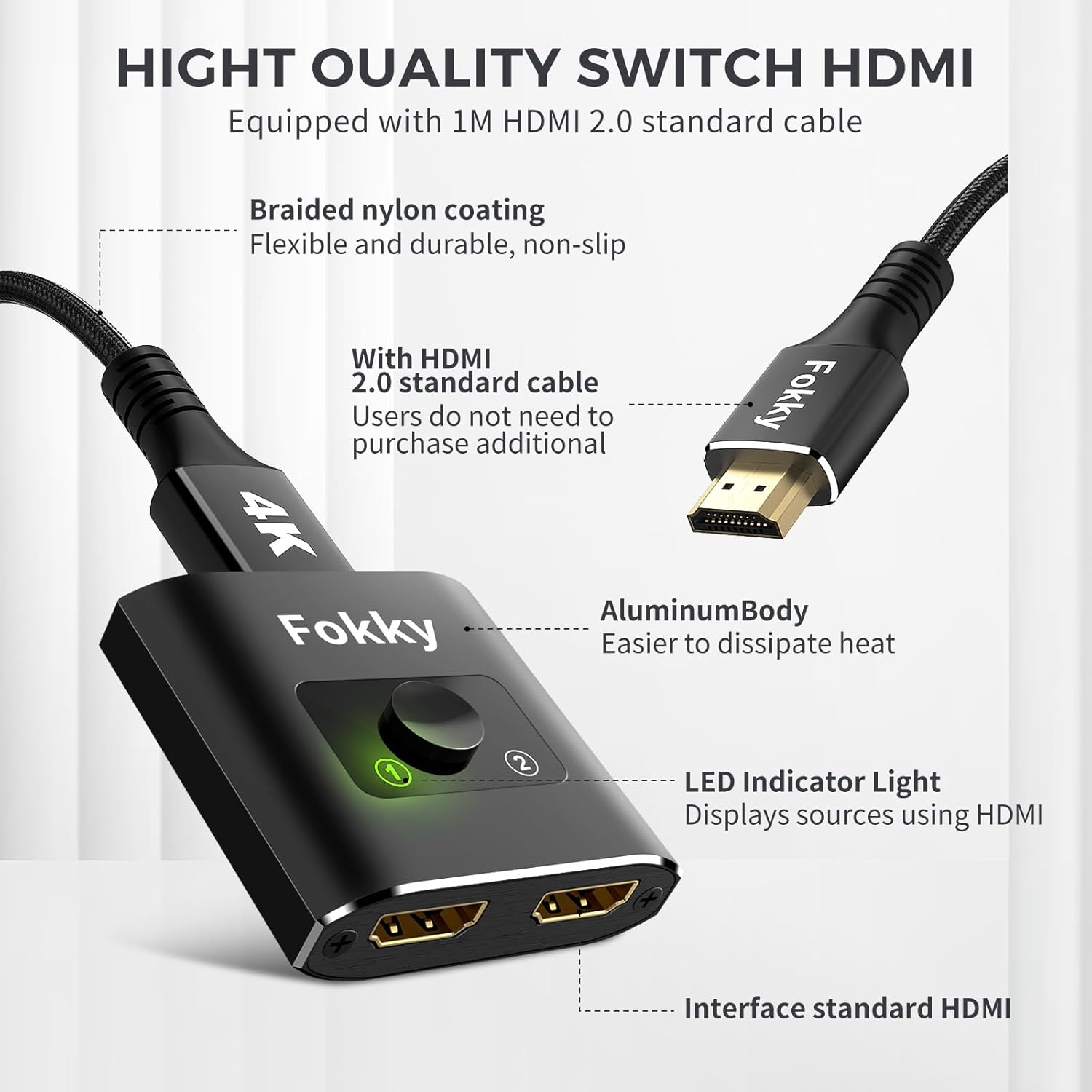
Setup is described as straightforward: no drivers are needed, and the switching is done via a button. There’s also an LED indicator so you can quickly tell which port is active.
In real-world terms, this is the kind of setup that can reduce faff. For example, if you’ve got an Xbox/PlayStation connected to your TV and you also use a Blu-ray/DVD player, you can move between them with a press of a button instead of re-plugging HDMI cables behind the entertainment unit.
4K@60Hz support and formats
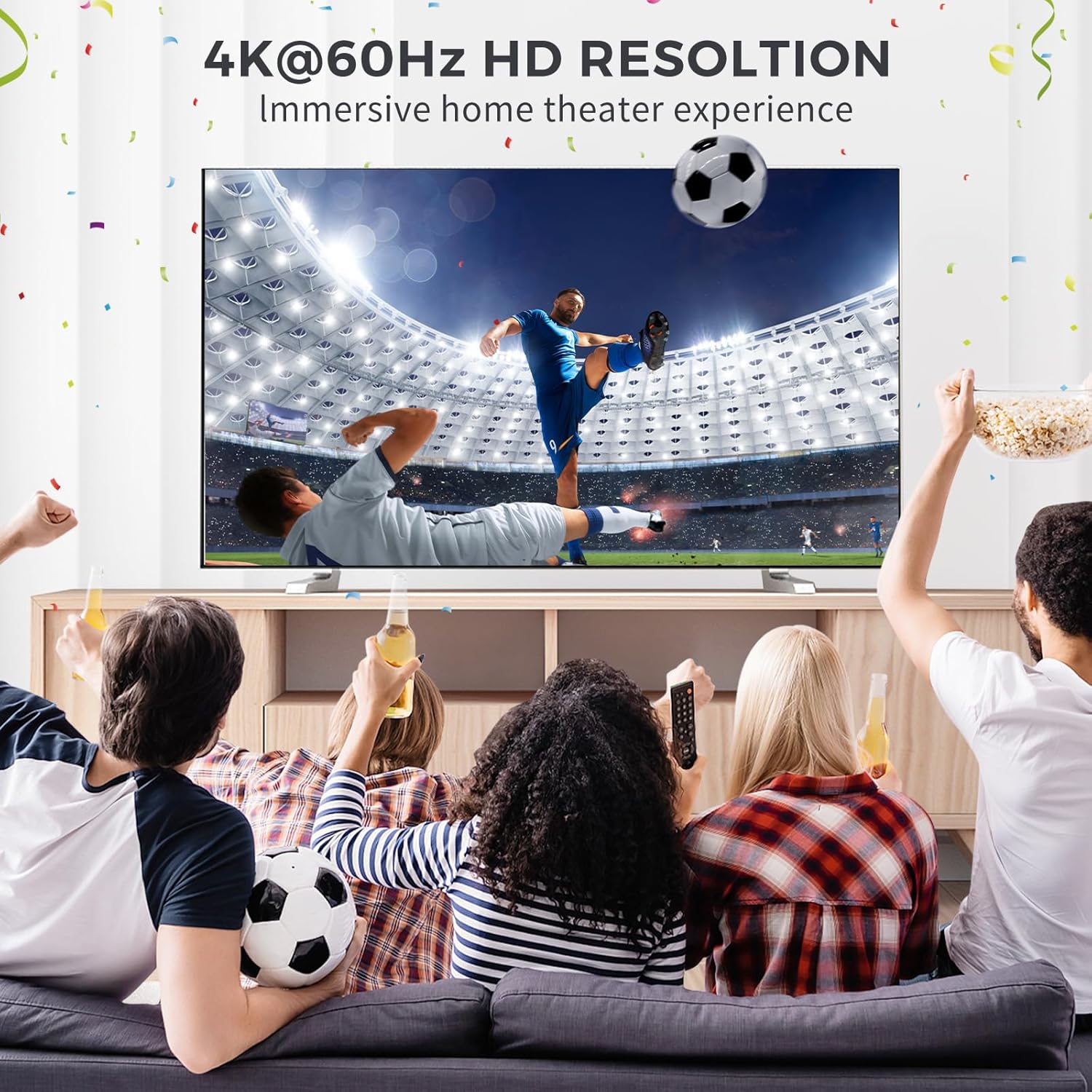
The switch is marketed as a 4K@60Hz HDMI switcher and is said to be backwards compatible with 4K@30Hz and 1080p. It also mentions support for 3D, HDR, HDCP 2.2, and Dolby Vision.
A sensible buying note: the listing itself suggests that if you want particularly intense 4K output, you should use a standard HDMI 2.0 cable. Since this product includes a cable, that may cover basic needs, but if your setup has longer runs or you’re chasing the best possible picture quality, cable choice can still matter.
Compatibility and where it fits best
The product is described as compatible with most devices that use standard HDMI interfaces, including computers, HDTVs, Xbox One, PS3/PS4/PS5, and Blu-ray/DVD players, with typical display targets including TVs, monitors, and projectors.
It’s positioned as useful for a range of environments such as multimedia classrooms, commercial exhibitions, meeting rooms, bedrooms, and living rooms. That “simple switching” angle is exactly where these products tend to make sense—when you want quick routing, without building a full matrix.
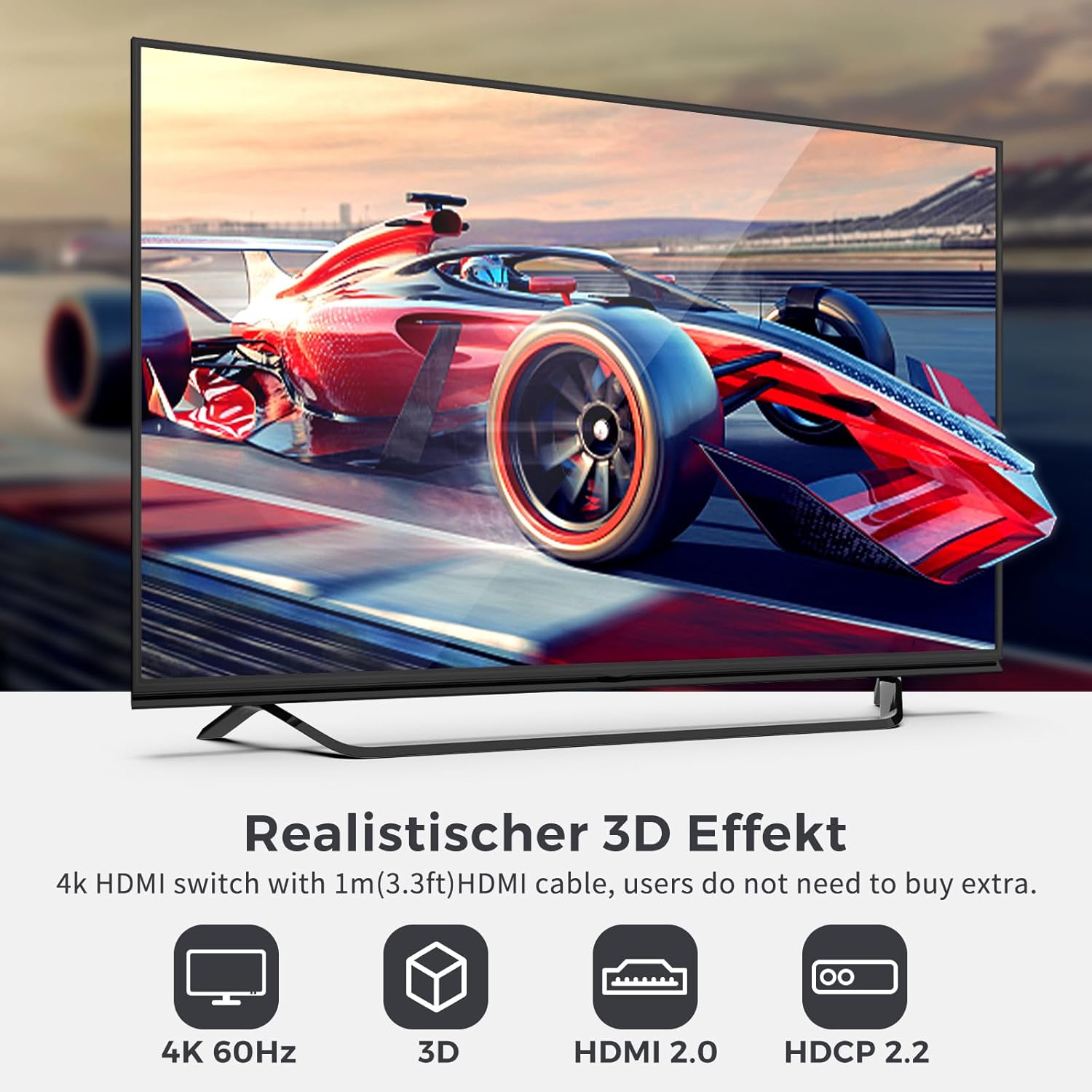
Where it may not be the best match
If your main goal is dual-screen viewing at the same time (two outputs actively showing different sources), the stated “no dual simultaneous display” limitation means you may want to skip this.
Also, if you’re trying to push the highest-end video performance across complex setups, switching devices can be a bit more sensitive to the full chain (sources, displays, and the HDMI cabling). It’s not that it’s guaranteed to fail—just that it may feel more like a mid-range organiser than a “set-and-forget reference” video router.
Final verdict
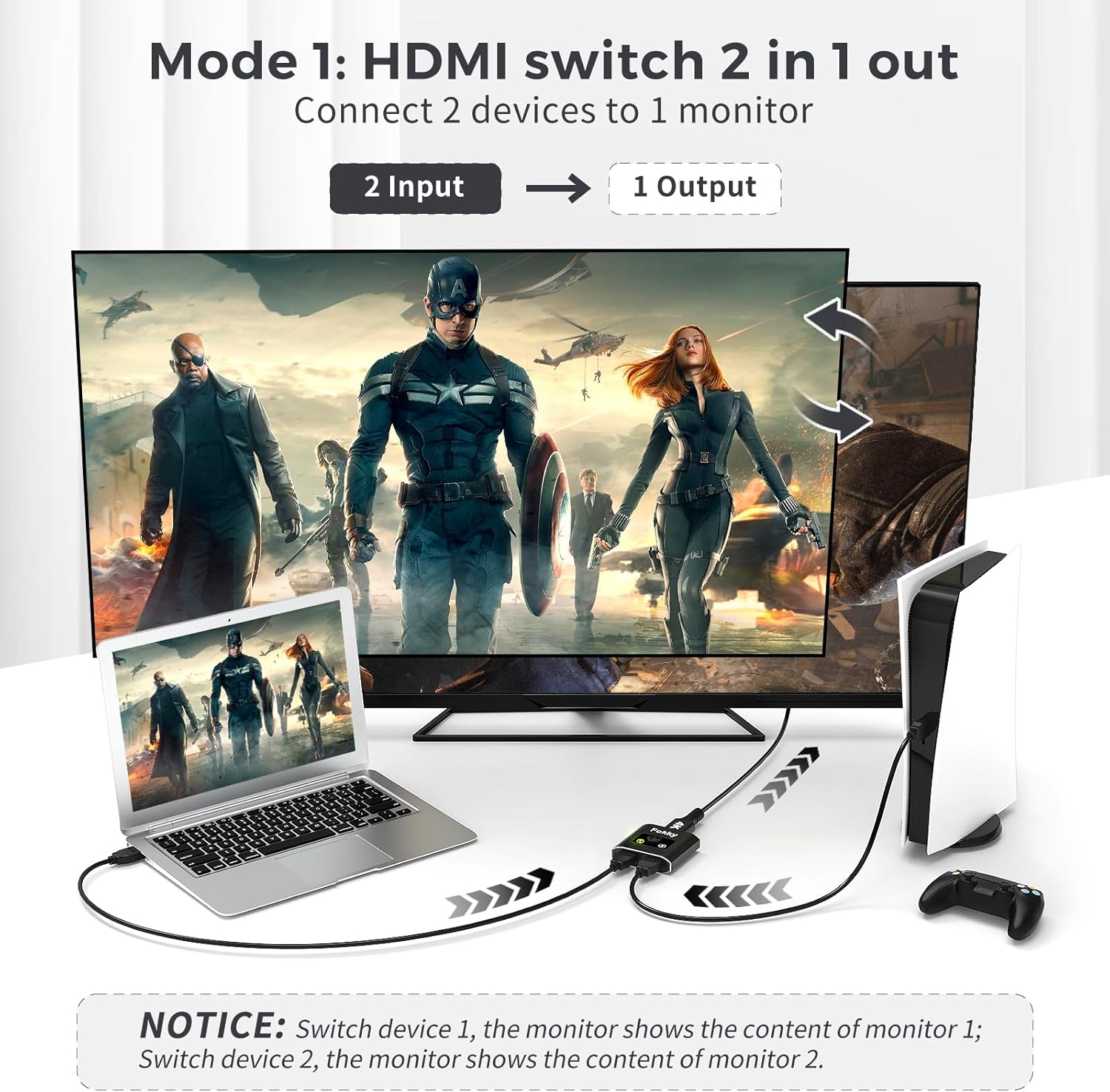
It makes sense if you need a straightforward way to switch between HDMI sources (or route one source to two displays) using a button and LED feedback, and you’re happy with the fact that only one path is active at a time. It’s especially practical for consoles, media players, and everyday home setups where swapping cables is the real annoyance.
You may want to avoid it if simultaneous dual-display output is a hard requirement, or if your use case demands a more advanced multi-display experience than basic switching. Worth considering if you prioritise convenience and a plug-and-play setup, but keep your expectations grounded around switching (not parallel output).
Mini FAQ
Will I be able to show two screens at the same time?
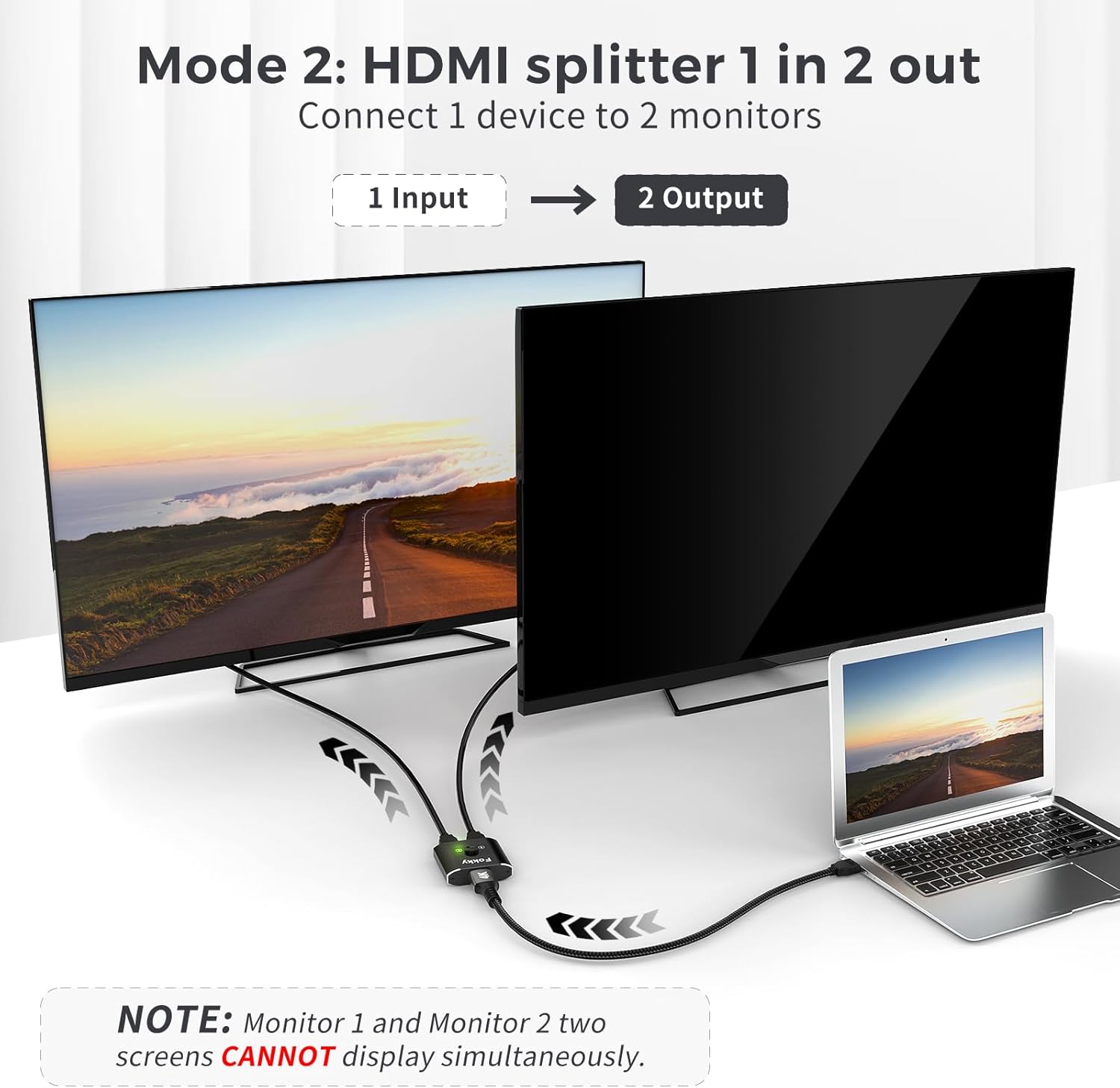
No. The listing explicitly notes that you can’t display two screens simultaneously.
Do I need extra HDMI cables?
The switch includes an HDMI 2.0 cable (1m), so you may not need to buy additional ones for a basic setup, though longer runs can still require your own cabling.
Does it support 4K at 60Hz?
Yes, it’s described as supporting 4K@60Hz and also backwards compatible with 4K@30Hz and 1080p.
Is it hard to set up?
The listing says it’s plug and play, with no drivers required—just connect devices and press the button to switch.
What devices does it work with?
It’s described as compatible with most standard HDMI devices, including Xbox and PlayStation consoles, and HDMI TVs/monitors/projectors.