Unitek USB 3.0 HDMI KVM Switch for 1 Monitor, 2 Computers and 4K@60Hz
Amazon
Reviews
4,2
+687
Reviews
4,2
+687 reviews
Price
£23.91£13.99-41%
View offer
As an Amazon Associate I earn from qualifying purchases.
View offer
As an Amazon Associate I earn from qualifying purchases.
Product description
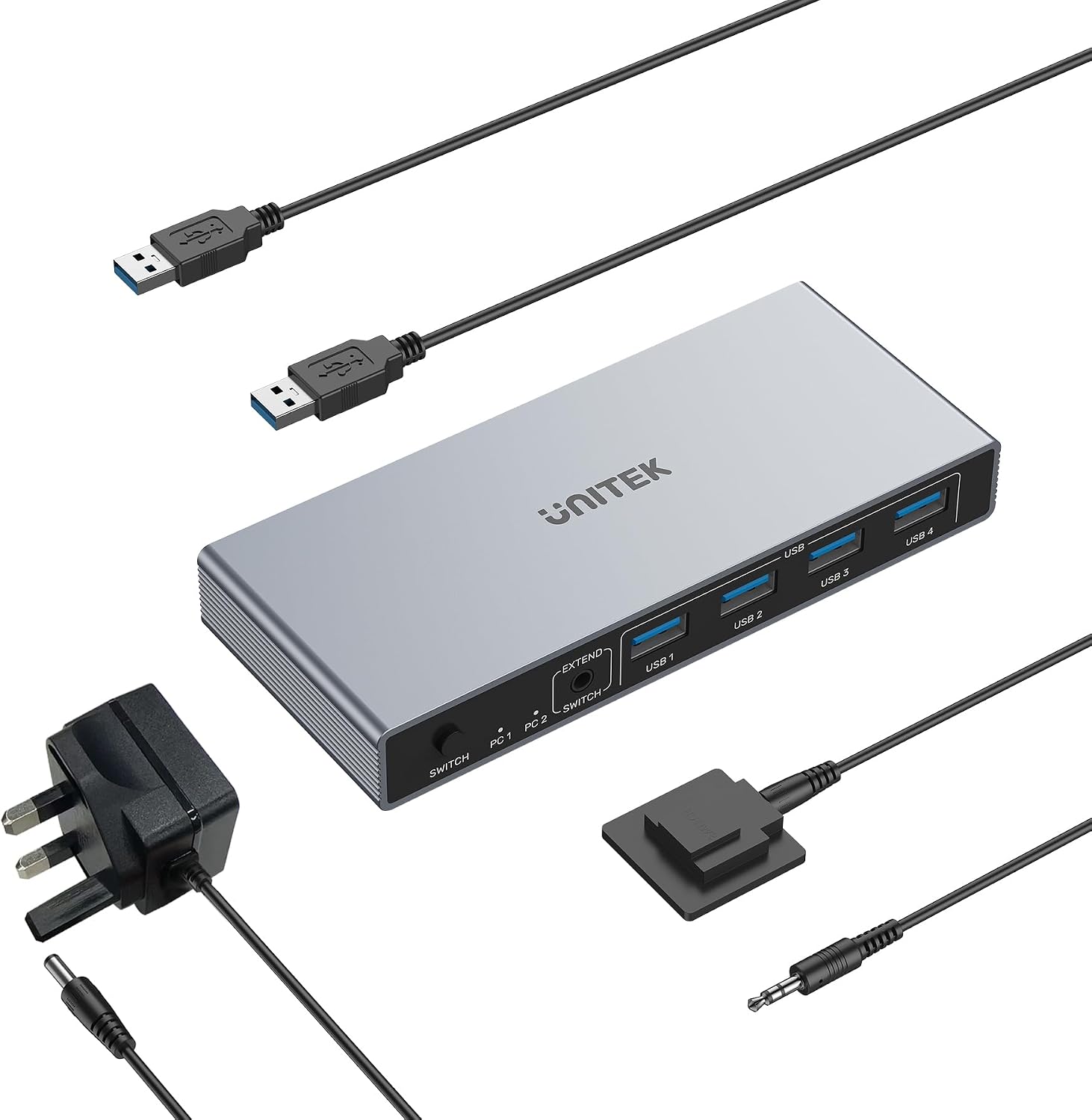
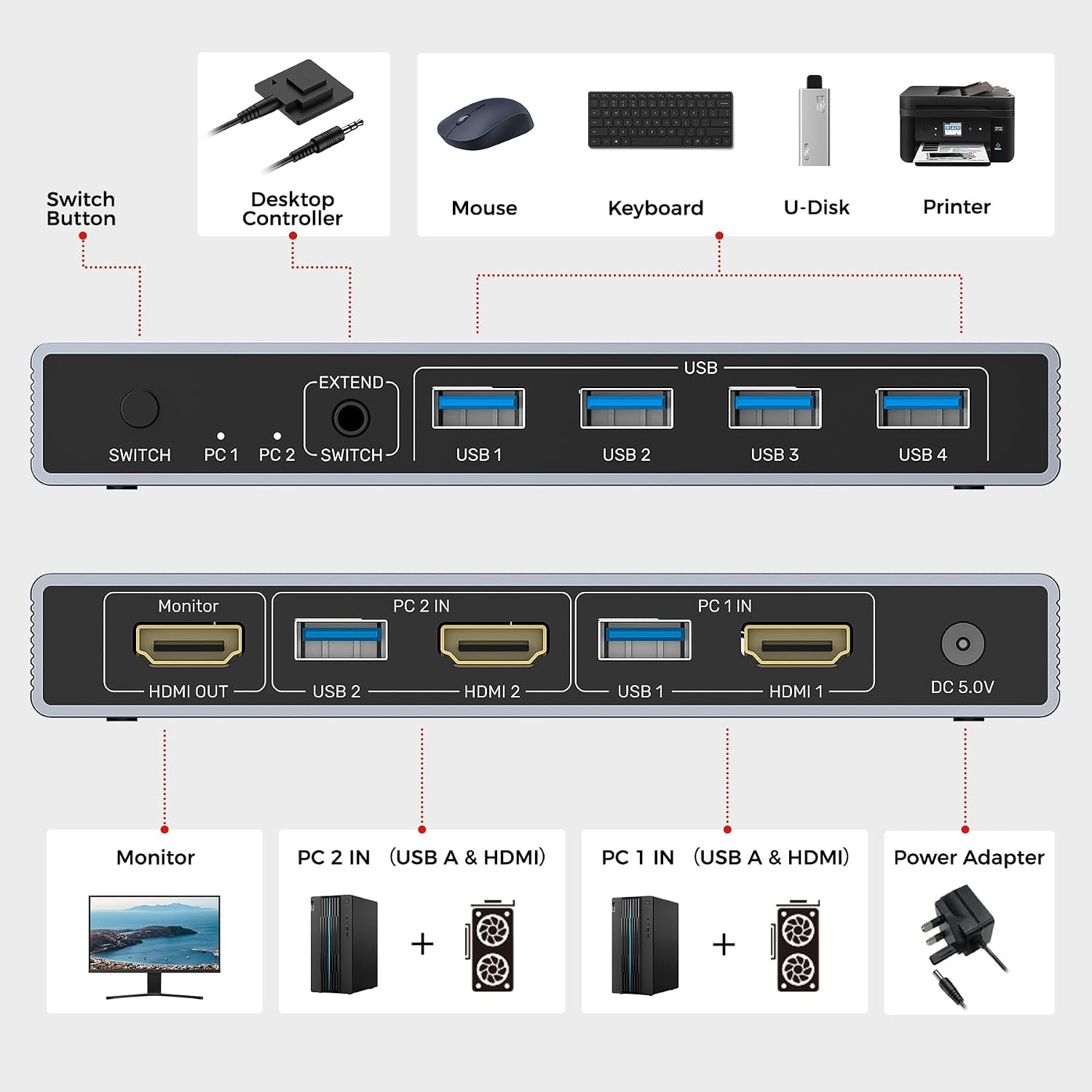
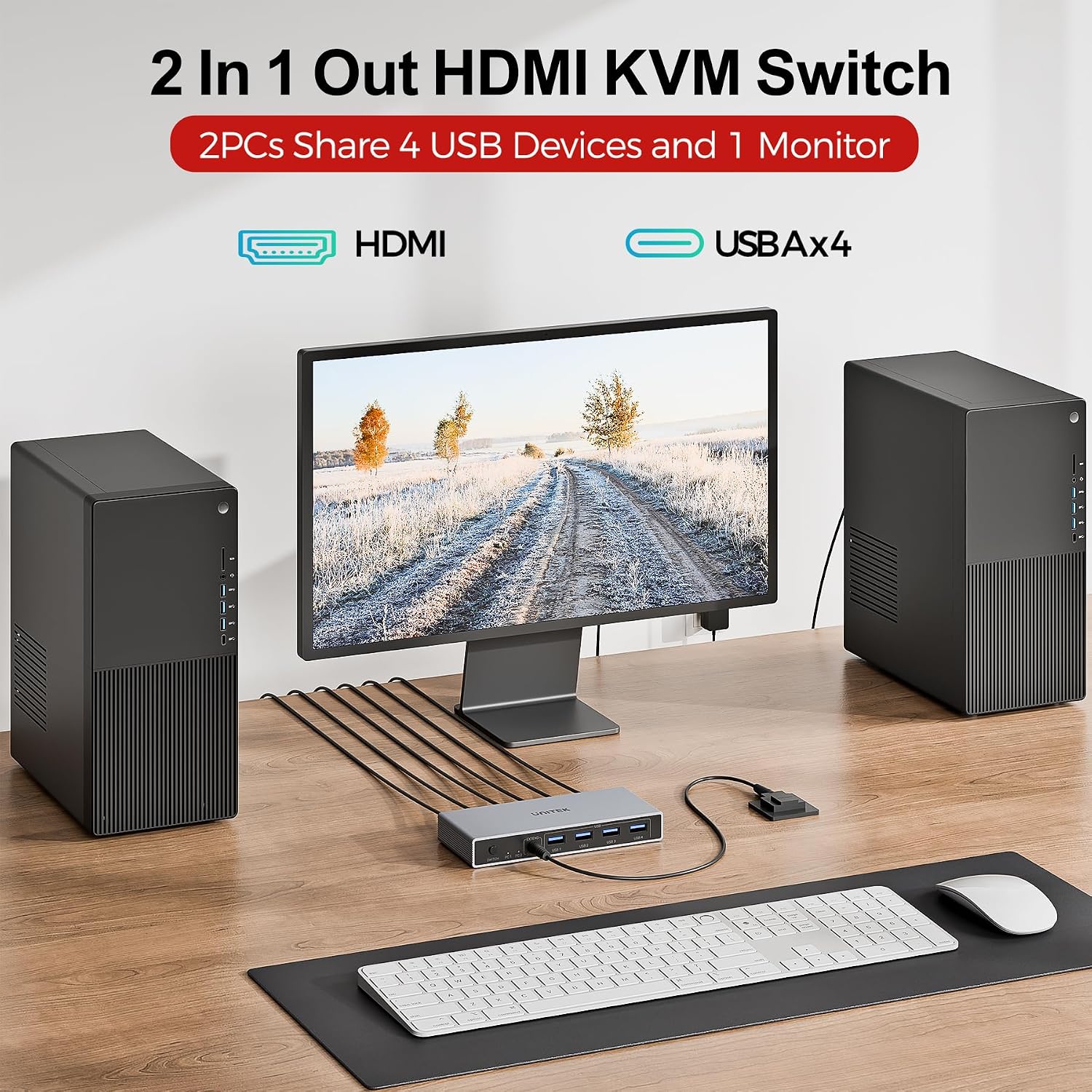
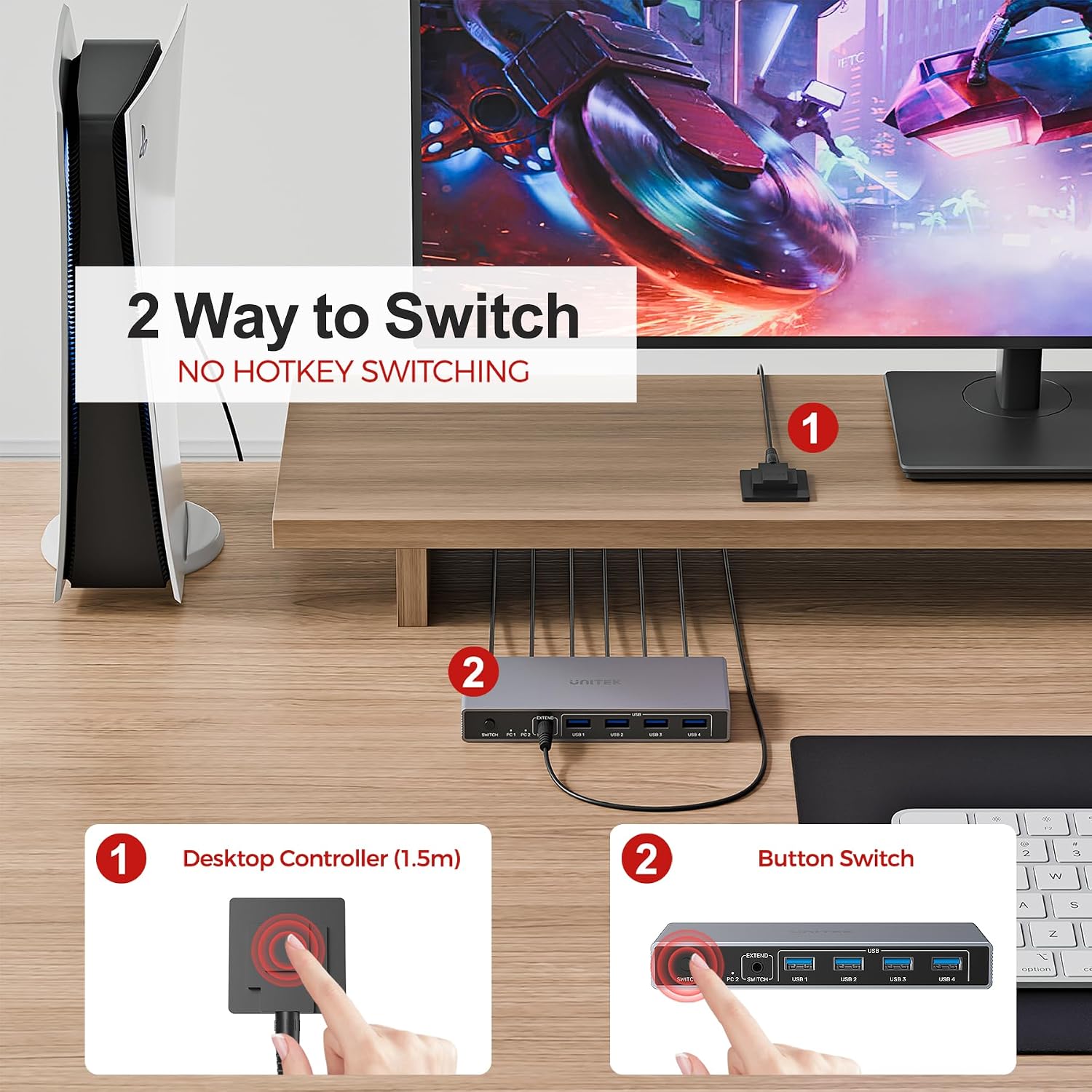
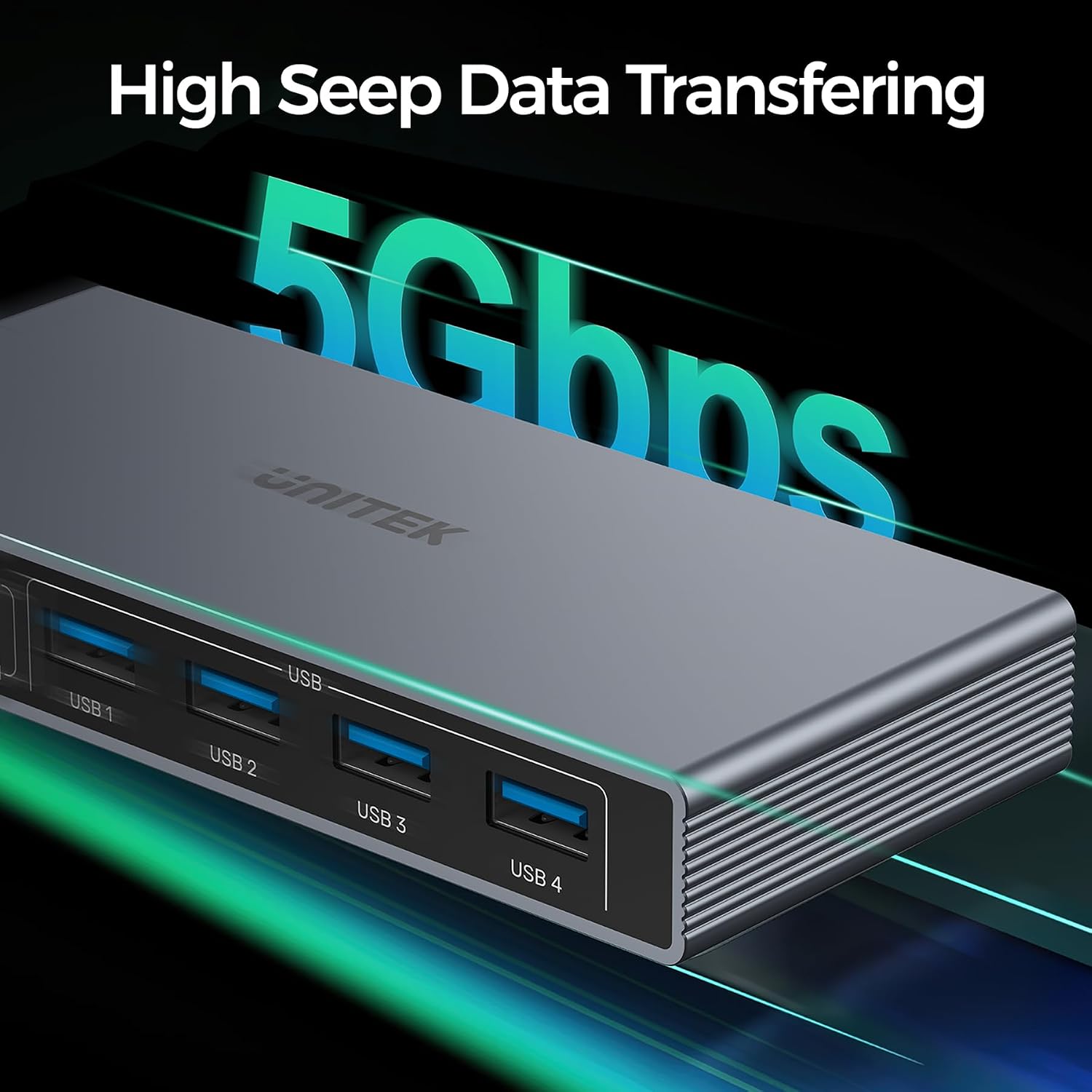
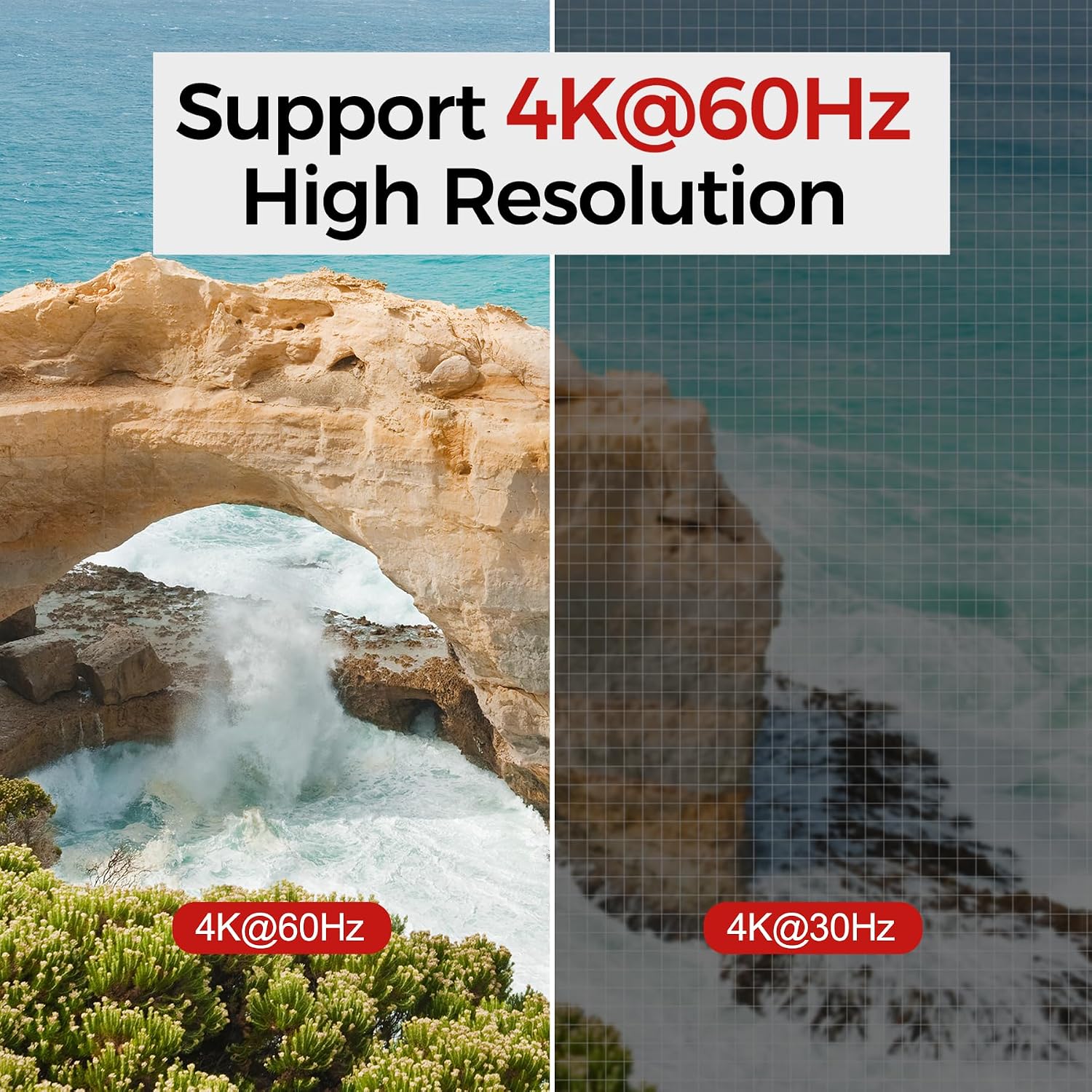
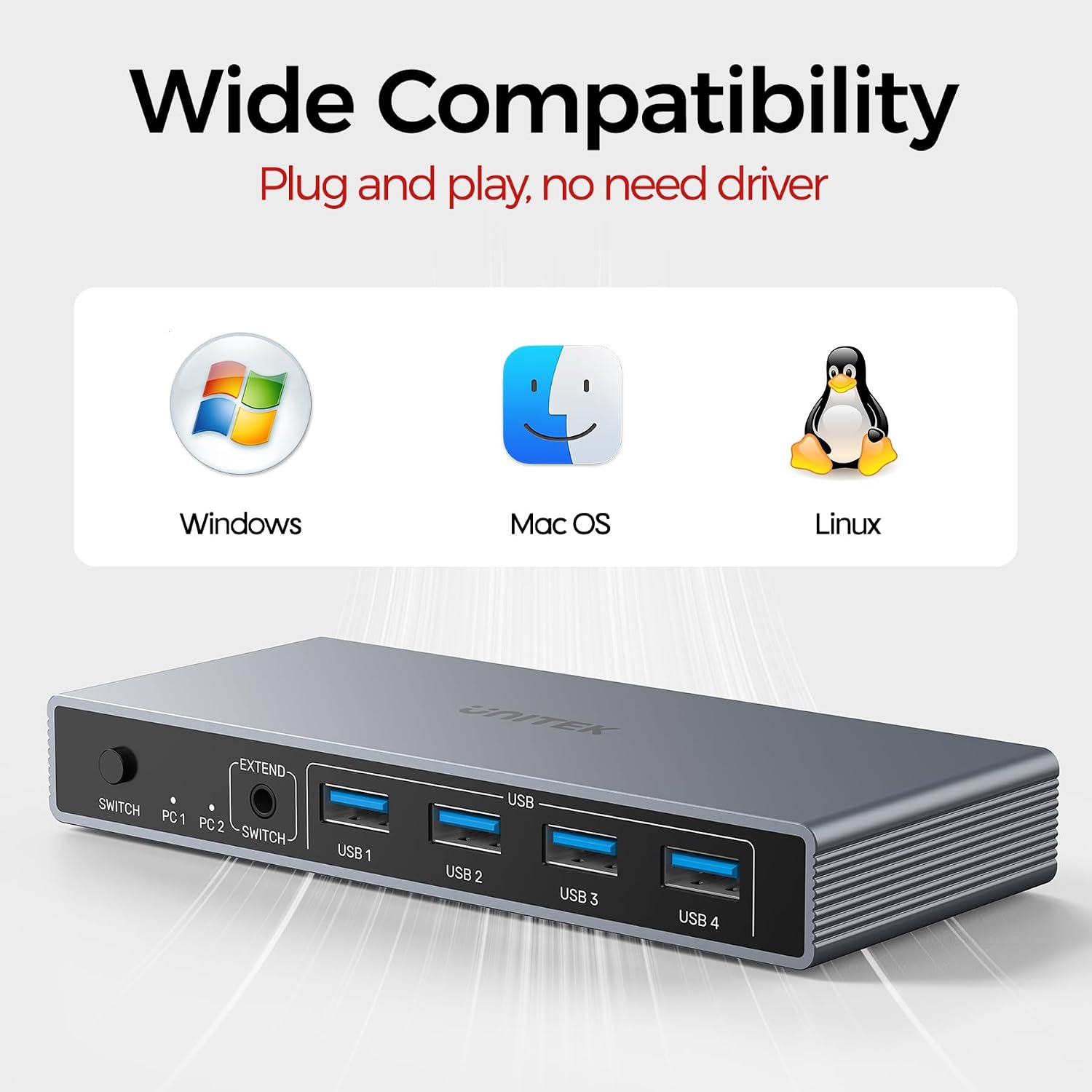
What it is and what it solves\nThe Unitek USB 3.0 HDMI KVM Switch is a compact solution for sharing a single monitor, keyboard and mouse between two computers, while also juggling up to four USB 3.0 devices. On paper it promises a clean desk setup and a straightforward way to switch between machines without swapping cables. If you work with two PCs or consoles and want to keep peripherals centralised, this may help reduce clutter and free up USB ports for external storage or printers.\n\n## How it’s set up and what you can connect\nThe switch provides two HDMI inputs and one HDMI output, plus four USB 3.0 ports for devices such as keyboard, mouse, hard drives or USB sticks. It’s advertised as compatible with a range of operating systems and devices, including PCs and PS4, which broadens its potential use cases. The package includes two USB A to A cables, a desktop controller and a 5V/2A power adapter, which helps when using power-hungry USB devices.\n\n## Visuals and compatibility: what you gain\nSupport for up to 4K@60Hz (and 4K@30Hz) means sharper images when your monitor and source support it. The inclusion of HDCP and HDMI 2.0 compatibility aims to keep things straightforward for modern displays and content. If you’re working with HDR content or higher dynamic range, it’s worth noting that the spec still hinges on the connected devices and monitors.\n\n## Switching methods and desk setup\nYou can switch between the two computers using a dedicated button on the unit or via the optional desktop controller. This dual approach can help keep the KVM accessible even if the switch sits out of arm’s reach. Some users may find the extra controller useful for quiet or distant setups, while others will prefer simple, on-device switching.\n\n## What could be better or where it may fall short\nWhile the USB 3.0 ports offer up to 5 Gbps, real-world speeds depend on the USB devices used. Some USB 3.0 devices will perform well, while older USB 2.0 peripherals will simply run at older speeds. The need for a separate 5V/2A power adapter is a practical reminder that high-powered devices require stable supply, without it, performance may not be as smooth when multiple USB devices are active. If you rely on USB hubs or have complex peripheral setups, you might encounter limitations in peak bandwidth sharing across two computers.\n\n## Who it’s for and who should think again\nThis switch tends to suit home offices or light media setups where a single display is paired with a handful of USB peripherals across two machines. It’s not a universal replacement for every scenario, power users who push PCIe-attached devices or require extensive high-speed USB gating across many devices might prefer more scalable or dedicated KVM solutions. If you prioritise plug-and-play simplicity and a tidy desk, it aligns well.\n\n## Before you buy: quick checks\n- Confirm your monitor supports 4K@60Hz and HDMI 2.0 to maximise the potential of the unit.\n- Check whether your keyboard and mouse are USB 3.0 or USB 2.0 to estimate real-world performance and compatibility.\n- Ensure you have access to a power outlet for the supplied adapter, especially if you connect multiple USB devices.\n- Consider placement: the wired remote switch helps if the main unit isn’t within easy reach.
Practical usage example\nIf you work on two PCs for trading software and a home media PC, you can have the monitor, keyboard and mouse shared between machines while keeping a couple of USB drives near the workspace. When task-switching between computers, you’ll notice a quick transition on screen, provided both machines and the monitor are configured for the chosen resolution.\n