

UGREEN HDMI KVM Switch for 2 PCs 1 Monitor 4K@60Hz
Product description
https://www.example.com/UGREEN-HDMI-KVM-Switch
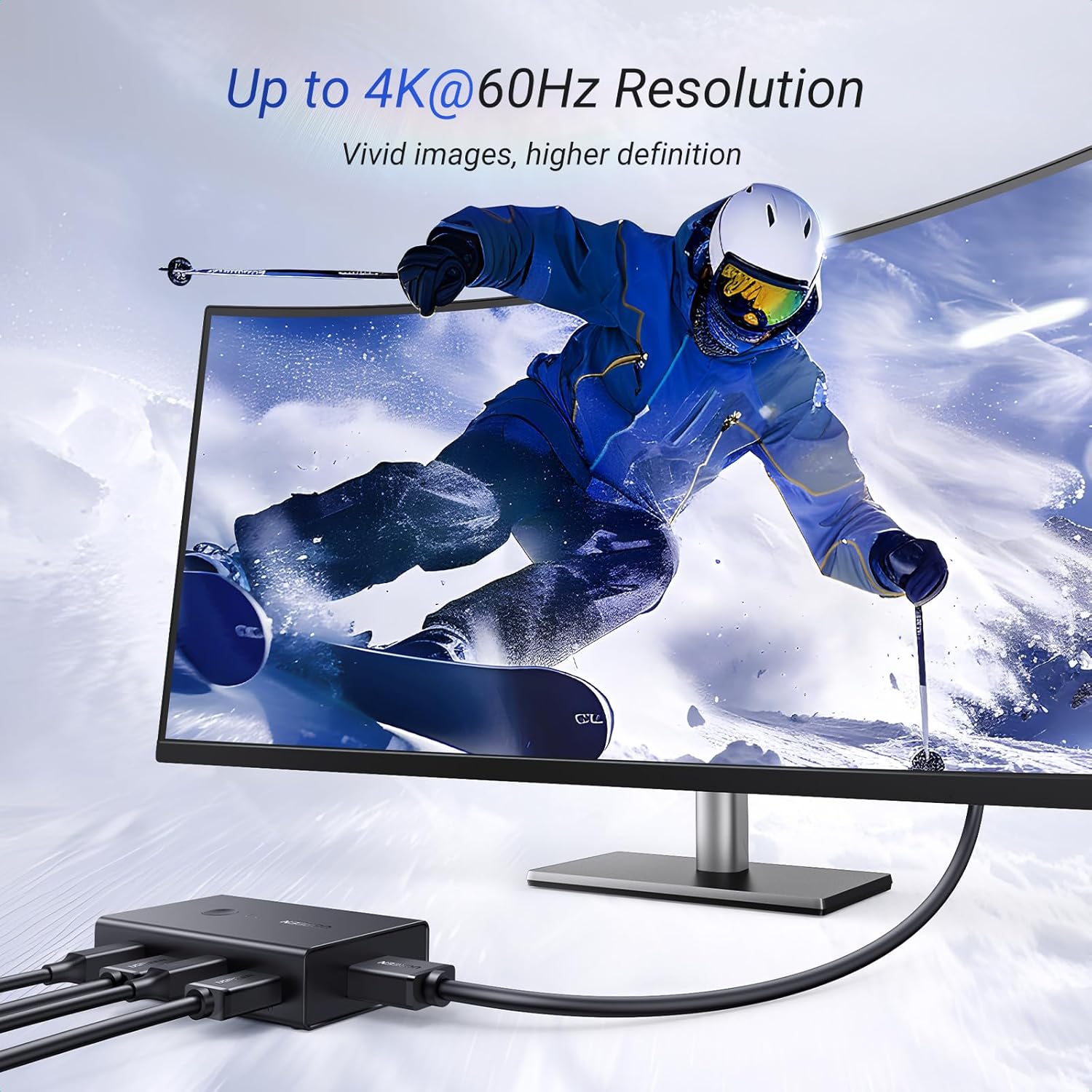
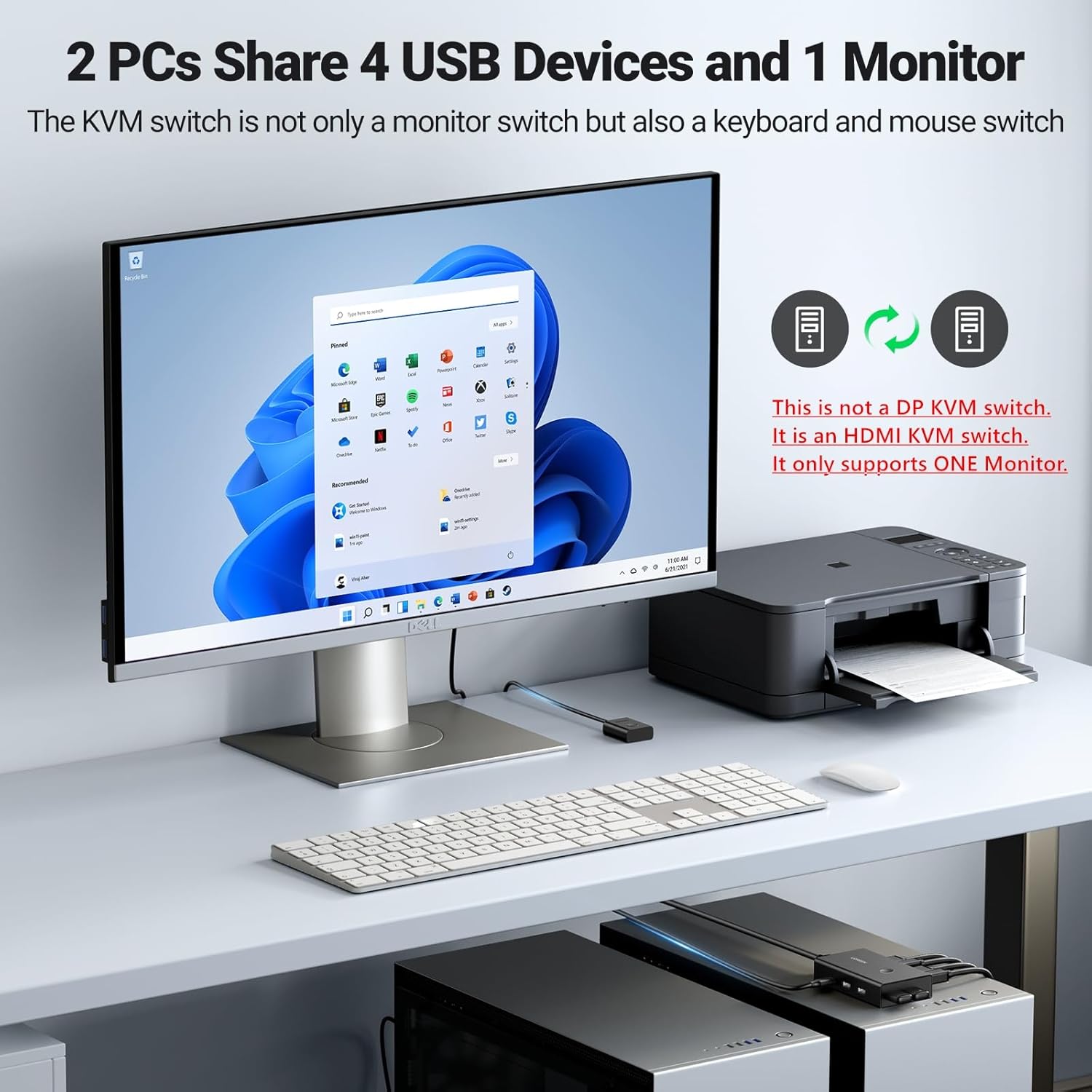
This HDMI KVM switch enables two computers to share one monitor and peripherals with clean, button‑driven switching. It supports 4K at 60 Hertz on HDMI, ensuring sharp images and smooth movement for work, media, and light gaming.
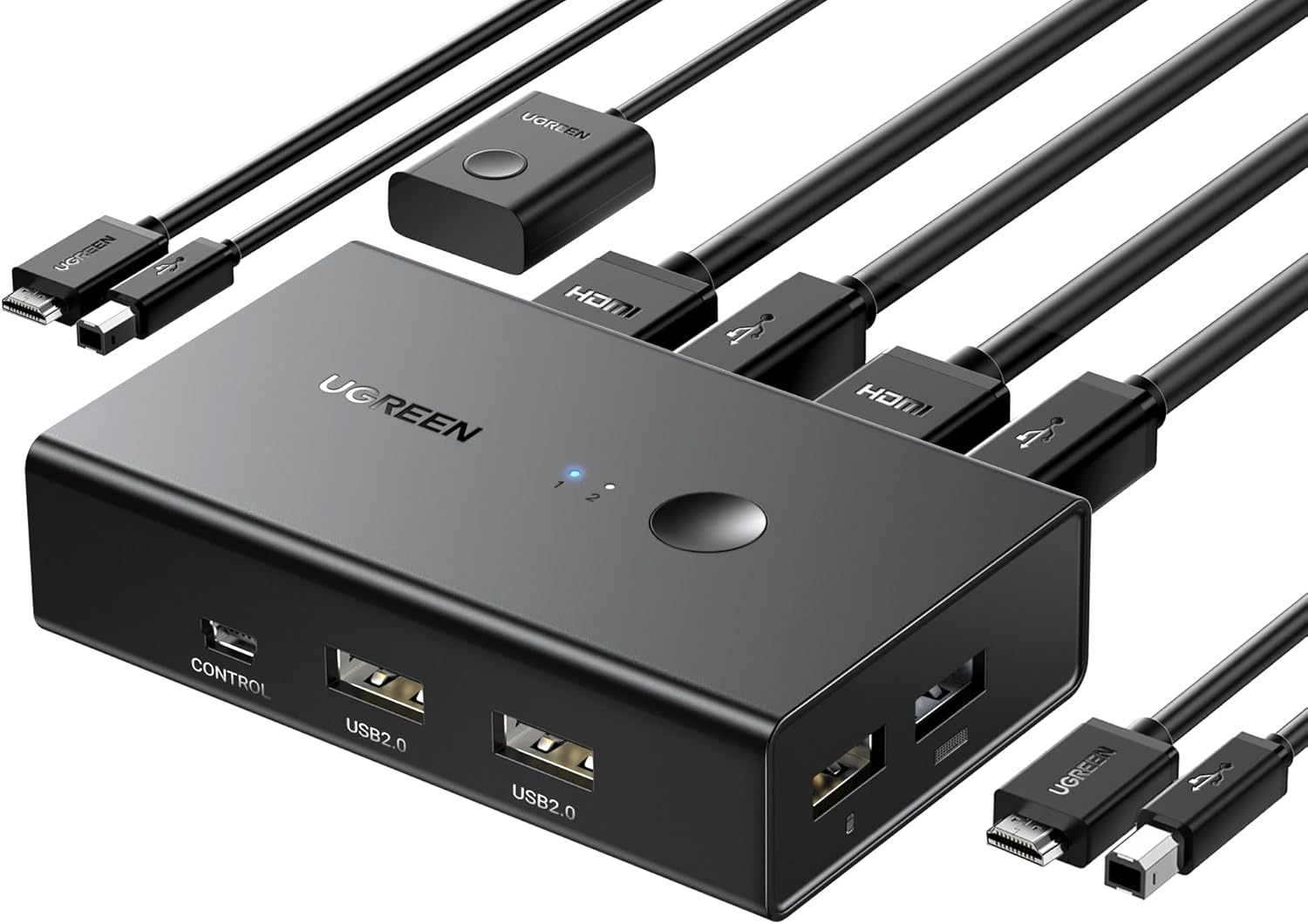
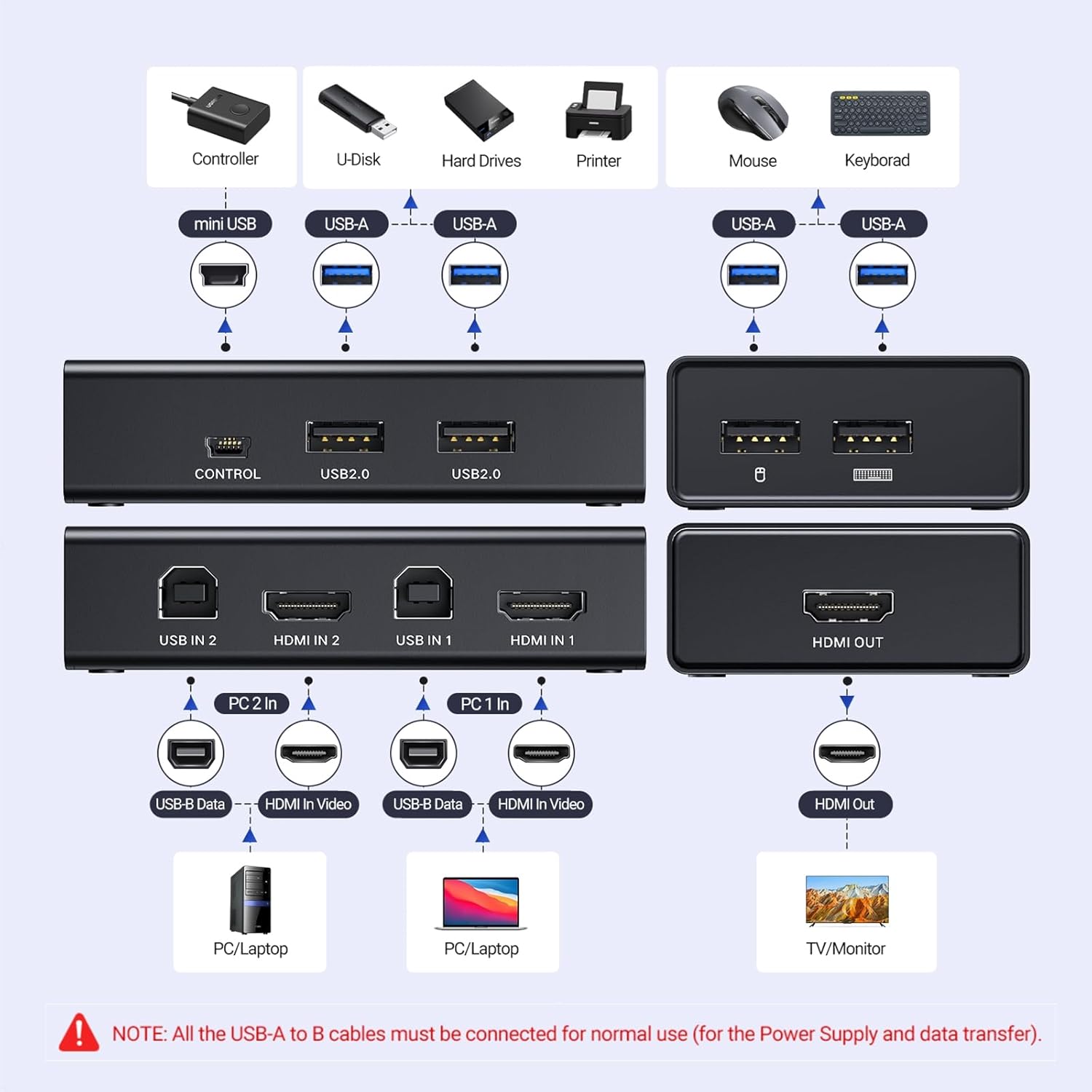
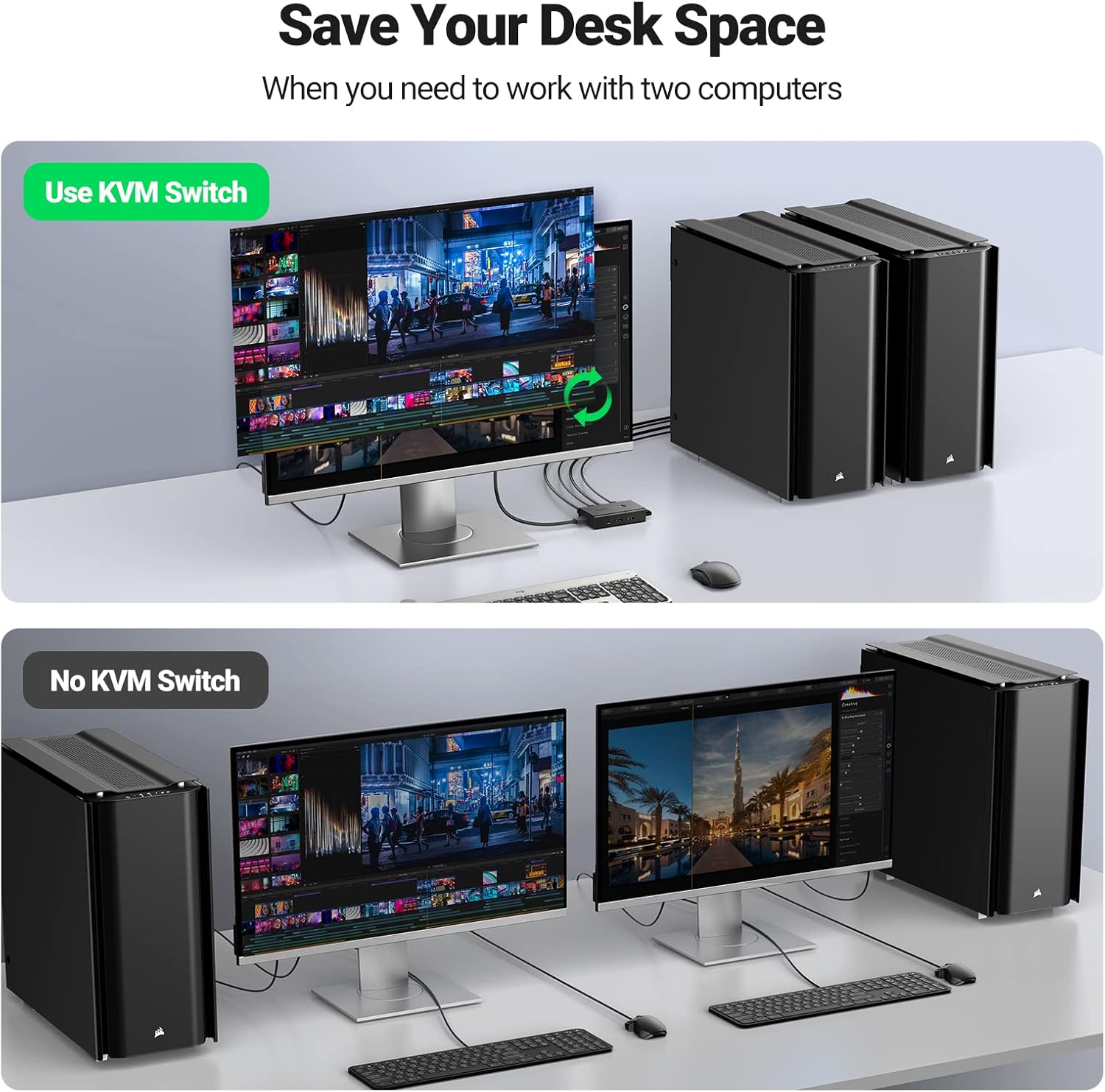
Designed for practical, compact setups, this model lets you connect two sources such as a PC and a laptop and switch between them without swapping keyboards or mice. The four USB ports on the switch let you share a keyboard, a mouse, a USB drive or a printer between two machines, saving workspace and reducing cable clutter. A blue LED indicator clearly shows which computer is active, helping you stay oriented during multitasking. 🖥️🖱️ In practice, you can keep essential devices connected and ready to use without repeatedly reconnecting cables.
Key Points
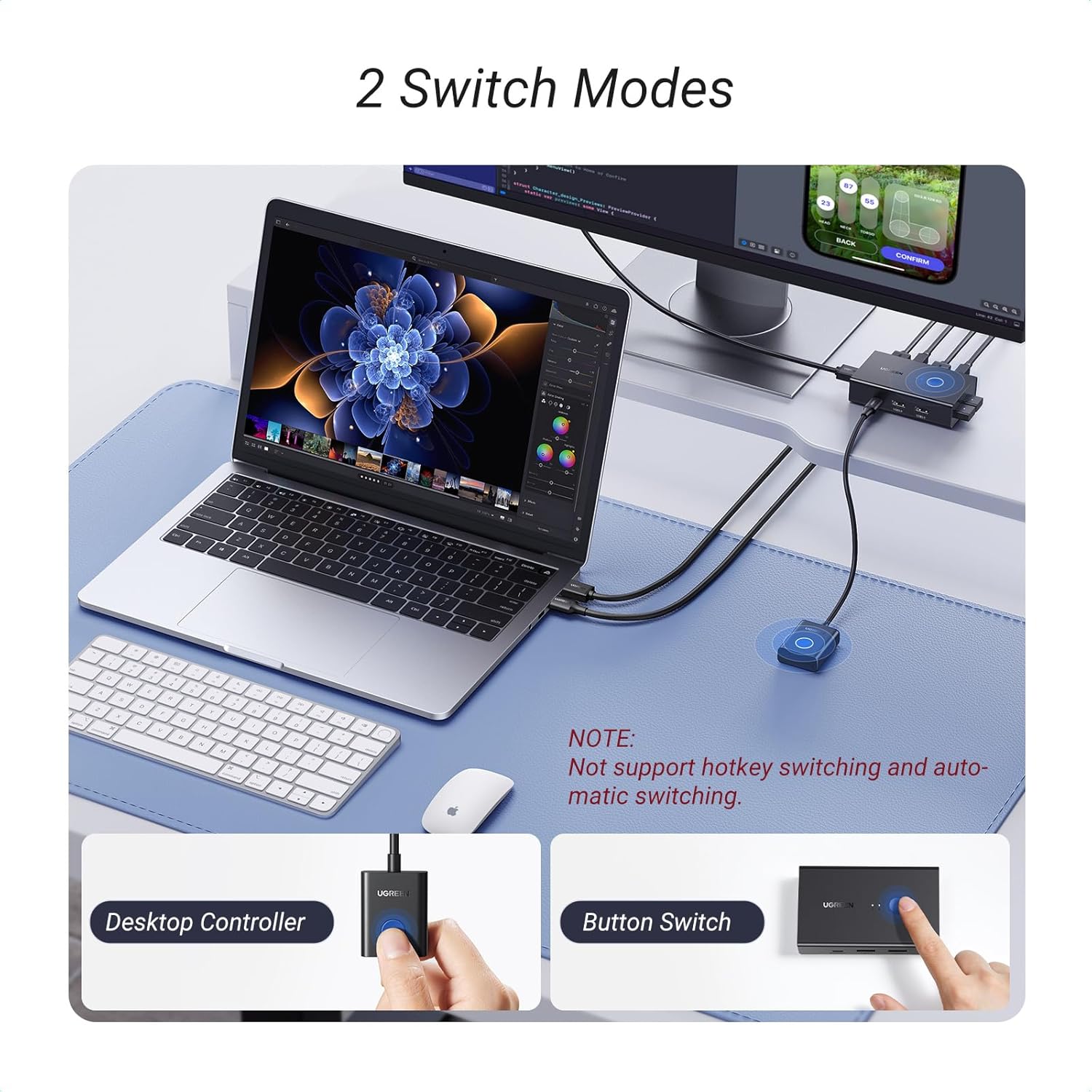
The unit offers two HDMI inputs and one HDMI output, with the ability to run video at up to 4K at 60 Hz or 2560 by 1440 at 120 Hz, depending on the source and display. HDR support enhances colour depth for compatible content, while the USB switch section supports a range of peripherals. The switch is designed for universal compatibility with Windows, macOS and Linux, making it suitable for mixed work environments and home setups. A straightforward change button or remote control provides flexible operation, and the blue indicator light helps you identify the active computer at a glance.
Technical Specifications
- Name: UGREEN HDMI KVM Switch 2 PC 1 Monitor
- HDMI inputs: 2
- HDMI output: 1
- Max resolution: 4K@60Hz, 4K@30Hz, 2560×1440@120Hz, 1920×1080@240Hz
- HDR: Yes
- USB ports (KVM): 4
- USB devices supported: keyboard, mouse, USB drives, printers, scanners and more
- Compatibility: Windows, Mac OS, Linux
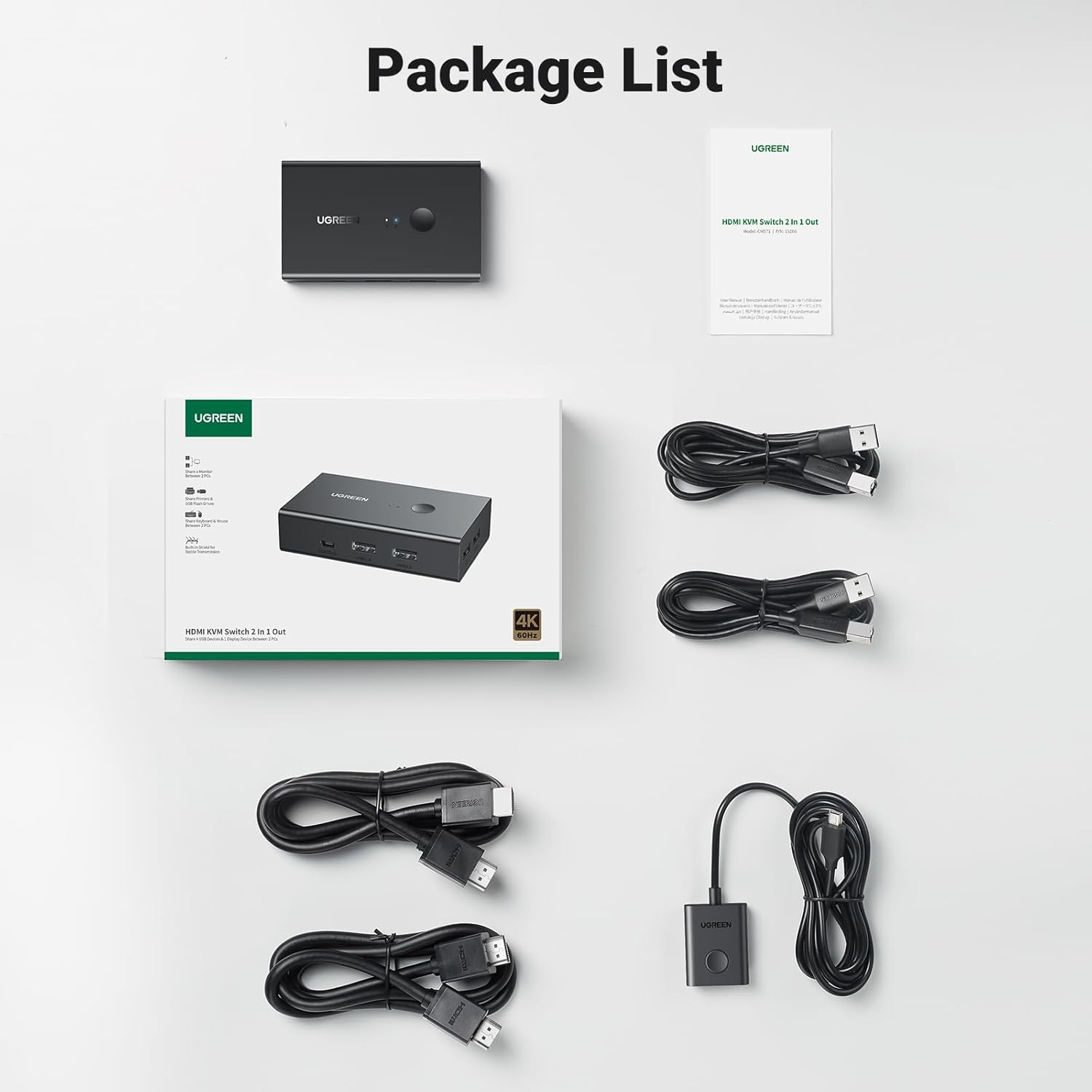
- Cables included: 2 USB cables and 2 HDMI cables
Usage Recommendations
For best results, connect a display that supports 4K at 60 Hz and ensure your GPU or integrated graphics can drive that resolution. Position the two PC hosts so that each has stable USB power for the included cables and avoid high‑power USB devices that could affect switching performance. If you frequently switch between machines, use the remote control for quick changes and rely on the LED indicator to confirm the active source. This setup is well suited to shared workstations, mixed‑OS environments or home media rooms where space and cabling efficiency matter. 😀