

Aceele 1080P@60Hz Wireless HDMI Transmitter and Receiver with LCD Screen
Reviews
Price
Product description
Overview
This is a compact wireless HDMI transmitter and receiver kit designed to mirror or extend HDMI video from a source to a larger display. It supports 1080p at 60Hz, aiming to deliver a stable, clear image with decent colour and sound, without the need for apps or Bluetooth. The built‑in LCD on the receiver gives a straightforward view of connection status, which can help when setting up in busy environments.
What it does
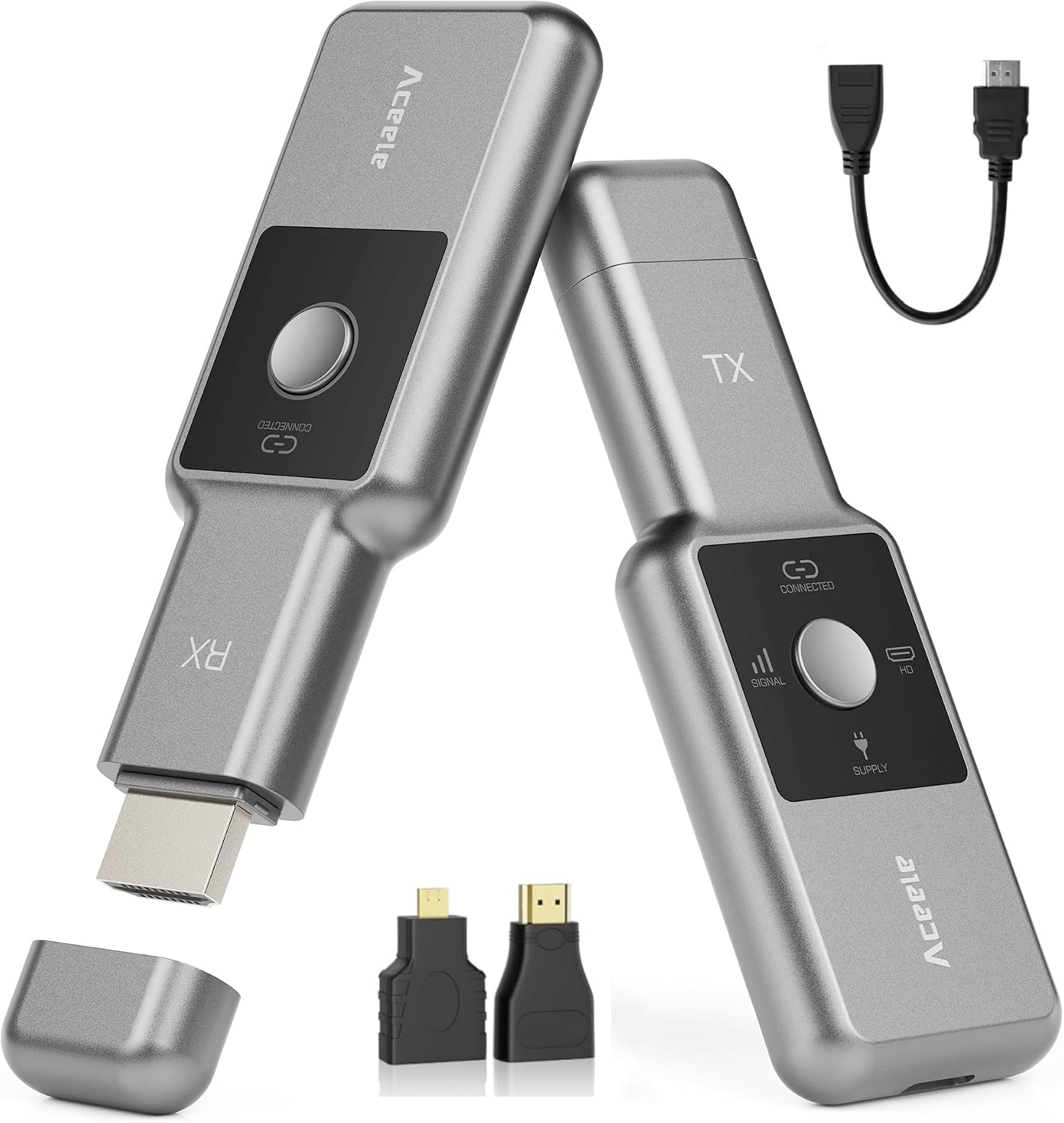
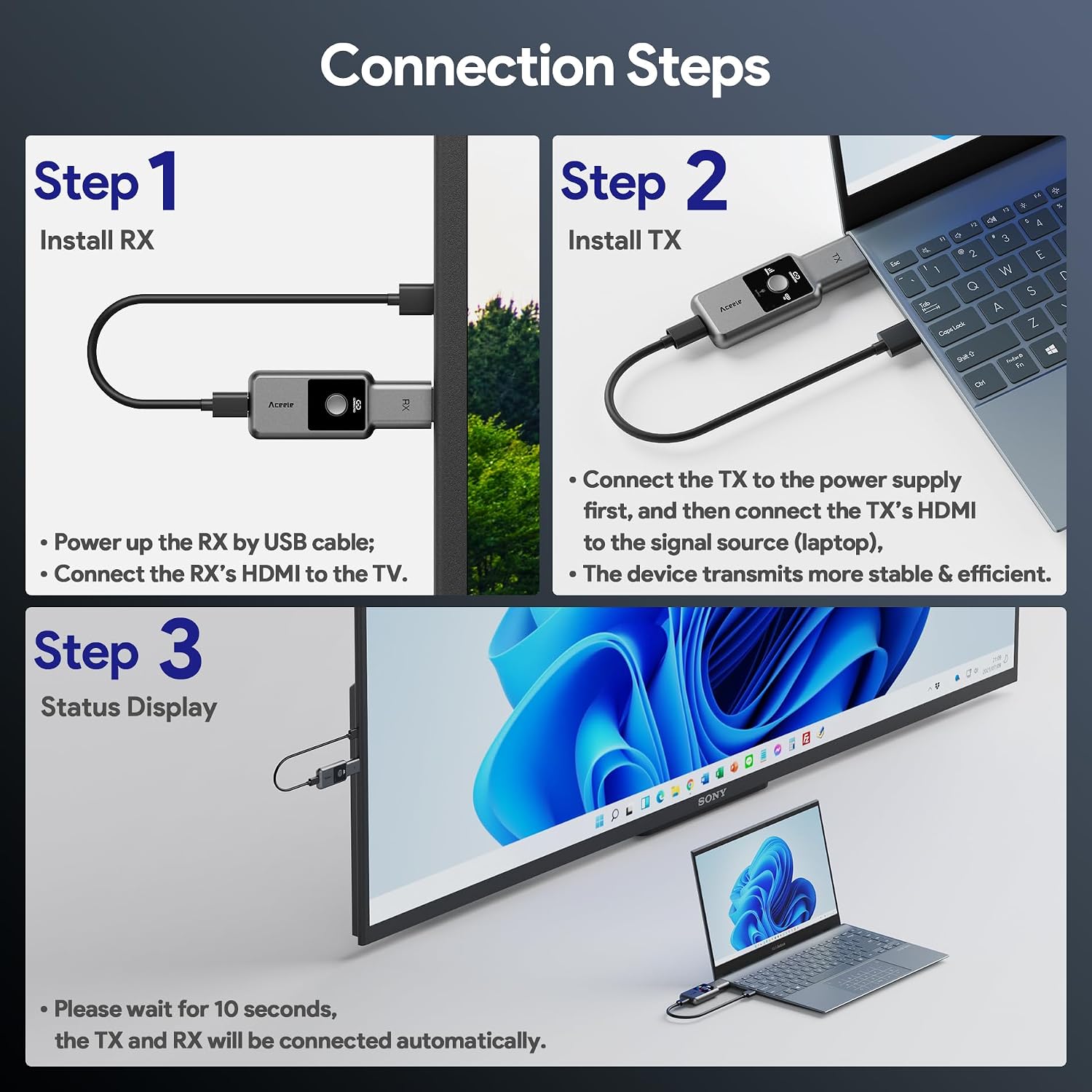
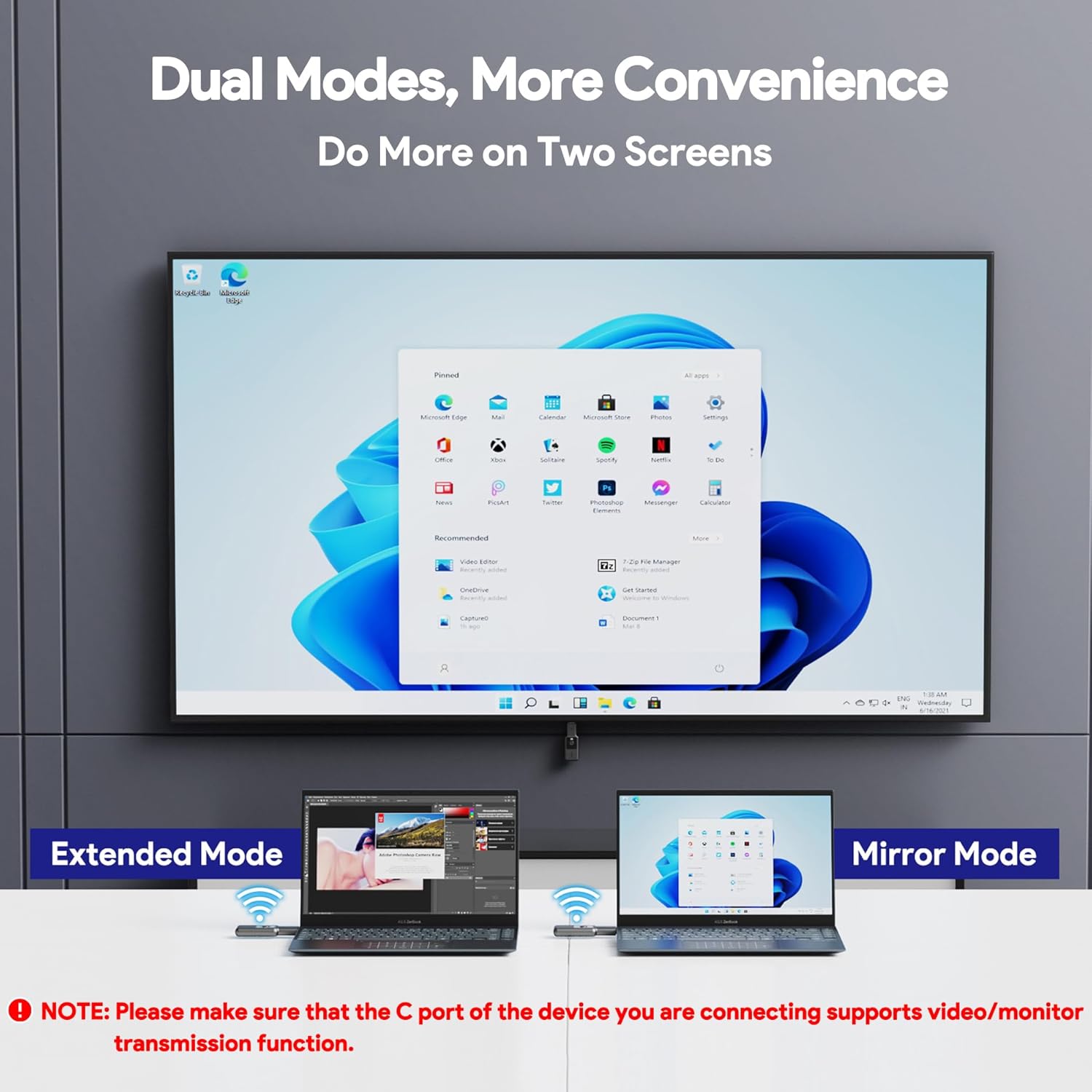
On the surface, the pair acts as a wireless HDMI link: your laptop, PC or other HDMI source can send video to a TV, projector or monitor up to a appreciable distance. It offers two modes—mirroring and extension—so you can either duplicate your screen or use the receiver as a separate display. The setup is described as plug‑and‑play, with claims that connections can be established in about 5–10 seconds, and no external networks or apps are required for operation.
What to know before you buy
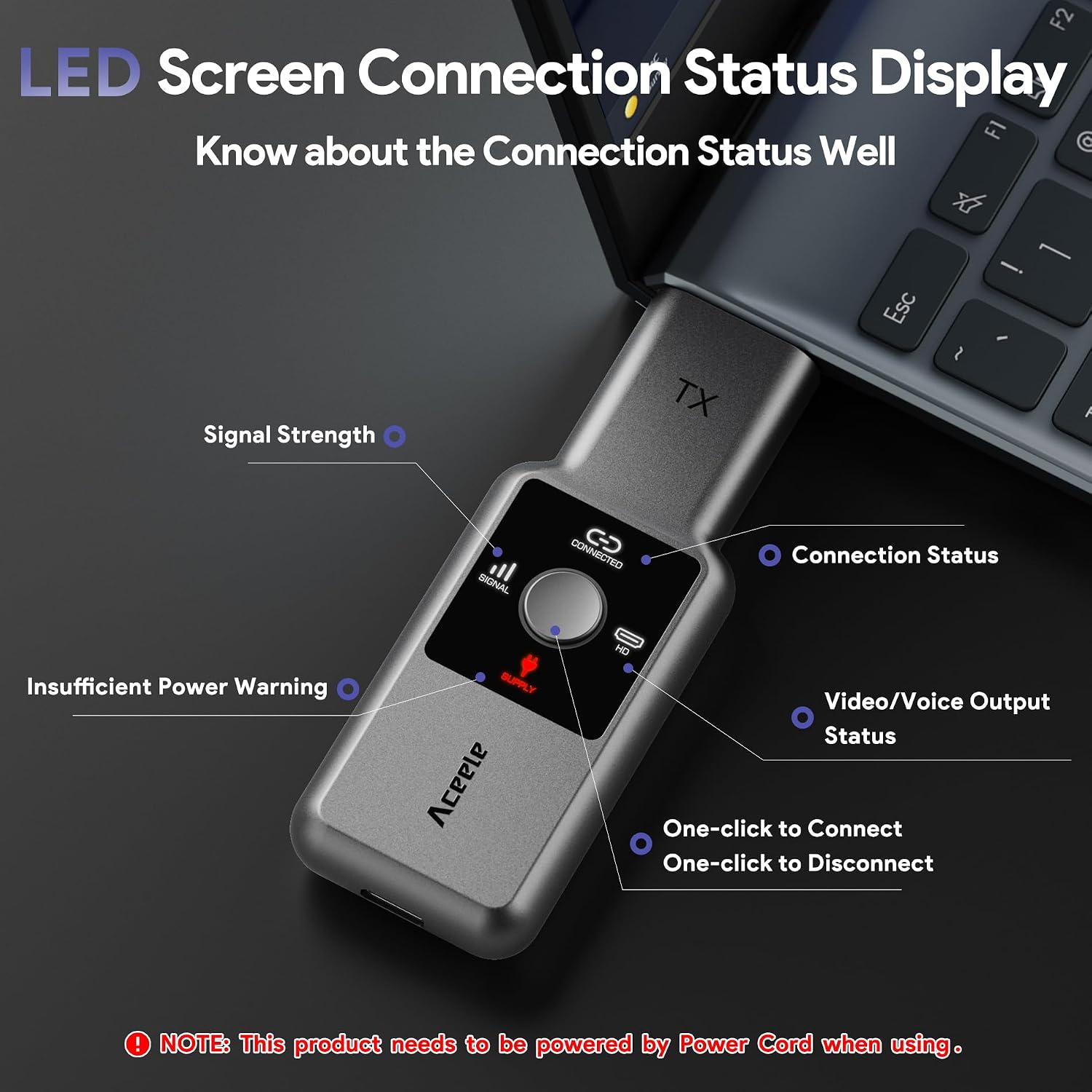
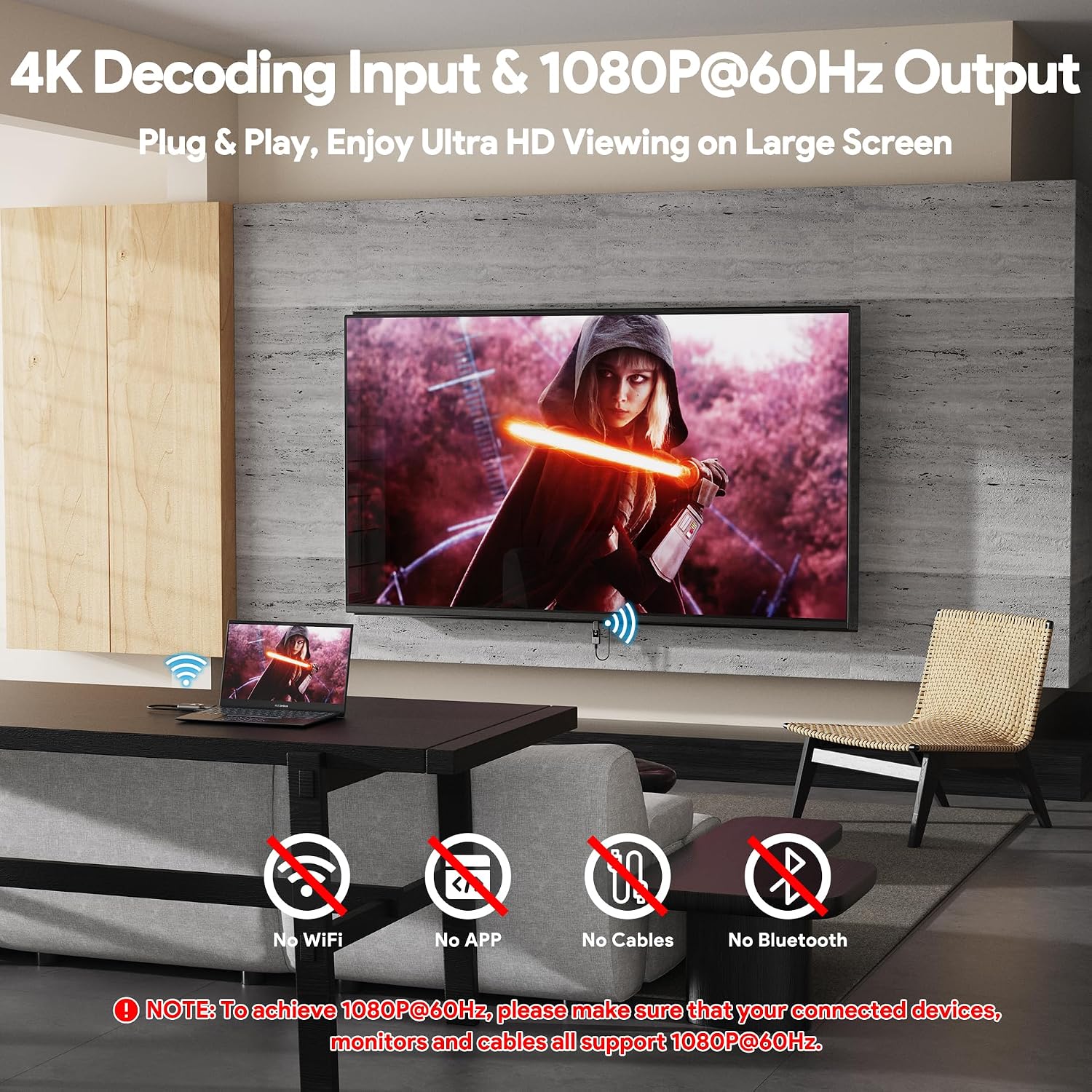
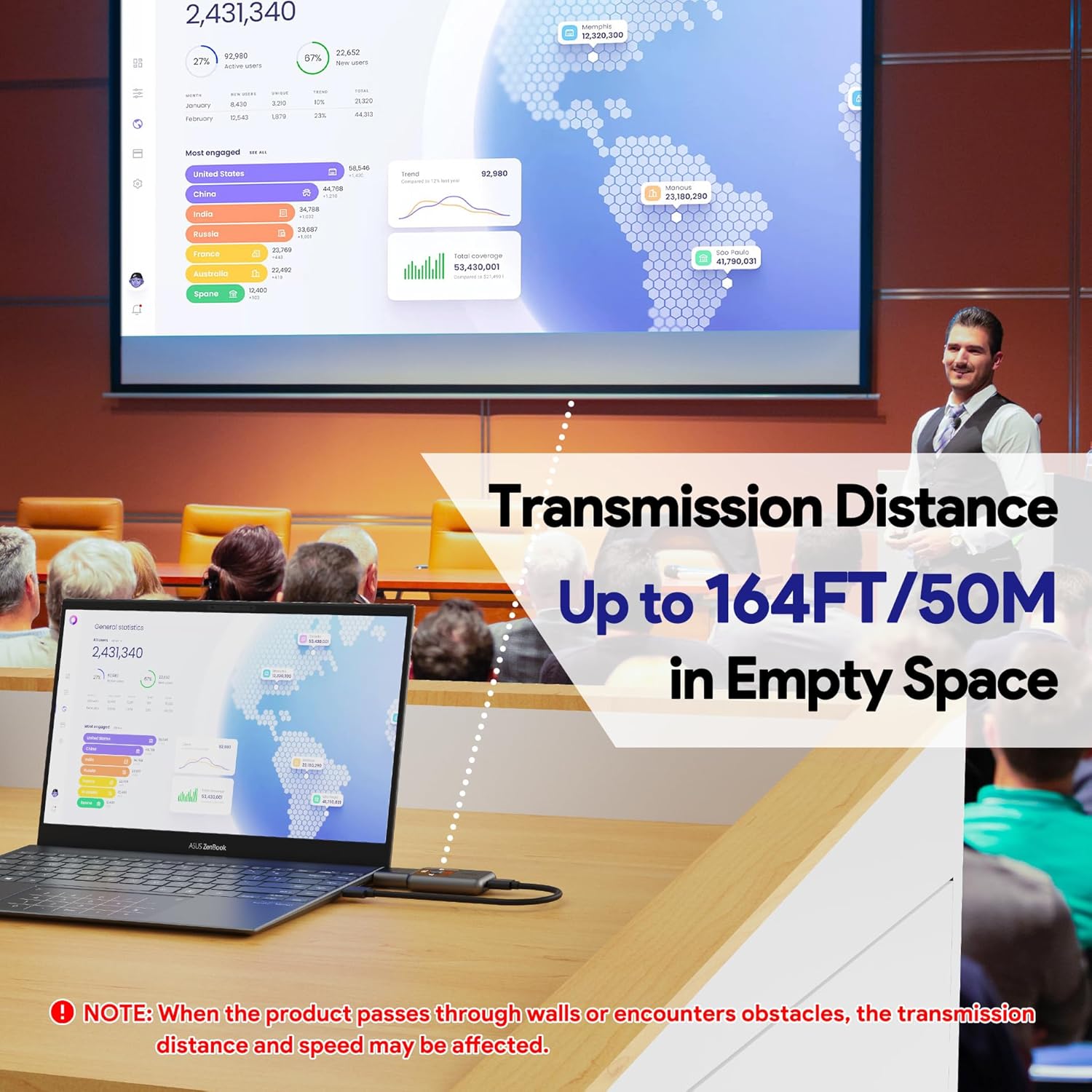
The kit’s stated range is up to 50 metres, using a 2.4G/5.8G protocol with low interference. Real‑world performance, however, will depend on walls, furniture and other obstructions. For best results, both TX and RX should be powered via USB. The product emphasises 1080P/60Hz as a hard limit, so if your source or display cannot support that refresh rate, you’ll be limited accordingly. A C‑port device must support video transmission if you’re using HDMI to Type‑C adapters.
Pros and cons
Pros: straightforward setup with an LCD status display, no apps or Bluetooth required, dual modes (mirror and extend), respectable range on paper, compact and portable for travel or meetings. Cons: performance can drop behind obstacles, network‑free operation is good for privacy but means no network‑based features or updates, you’ll want to ensure all linked devices and cables support 1080P/60Hz to avoid quality drops.
Who it’s for

This kit could suit business travellers, classroom presenters, small offices or home users who want wireless screen sharing without pairing delays or software clutter. It’s also handy for temporary displays in retail or events, where a tidy setup is valued over absolute gaming latency.
Who it isn’t for
If you require higher resolutions or higher frame rates, or you need multi‑receiver support, this solution may fall short. It’s also less attractive if you frequently encounter multiple thick walls or heavy interference in your environment, where the range and stability could be compromised.
Buying guidance: when it makes sense
Consider this if you prioritise a quick, app‑free wireless HDMI link for occasional mirroring or simple extension, and you value a compact form factor with a visible connection status. It’s sensible when you need a tidy, cable‑free workspace for meetings or home cinema setups where 1080P/60Hz is sufficient.
What to check before buying
- Confirm your source and display both support 1080P/60Hz
- Ensure the TX and RX can be powered via USB during use
- Be aware that walls or obstacles may reduce range in real life
- Check that any HDMI to Type‑C adapters you plan to use are capable of video transmission
Practical usage example
Imagine connecting a laptop in a small meeting room to a projector wirelessly. The LCD on the receiver shows the link status, you press a couple of buttons and within seconds the image mirrors or extends to the projector. No apps, no Bluetooth pairing, no extra network setup—just a clean wireless display for the presentation.
FAQ
- Do I need Wi‑Fi or internet to use this device? No. It operates independently of external networks.
- Will it work with my TV box or camcorder? Yes, in theory, as long as the source device outputs HDMI and can be set to 1080P/60Hz.
- Can I use it for gaming? It can be used for casual use, but latency and stability depend on distance and obstacles, it isn’t primarily marketed for competitive gaming.
Is it worth it?
Worth considering if you want a simple, app‑free wireless HDMI link with an on‑screen status check and a compact form factor for everyday use where 1080P/60Hz is enough. It may not be the best option if you need higher fidelity, higher refresh rates, or heavy, obstacle‑dense environments.