

OREI UHDS-102 UltraHD 4K 60Hz 1x2 HDMI Splitter (1 In 2 Out) – 4K HDMI 2.0, EDID Management, Mirror Output
Product description
What it is and who it’s for
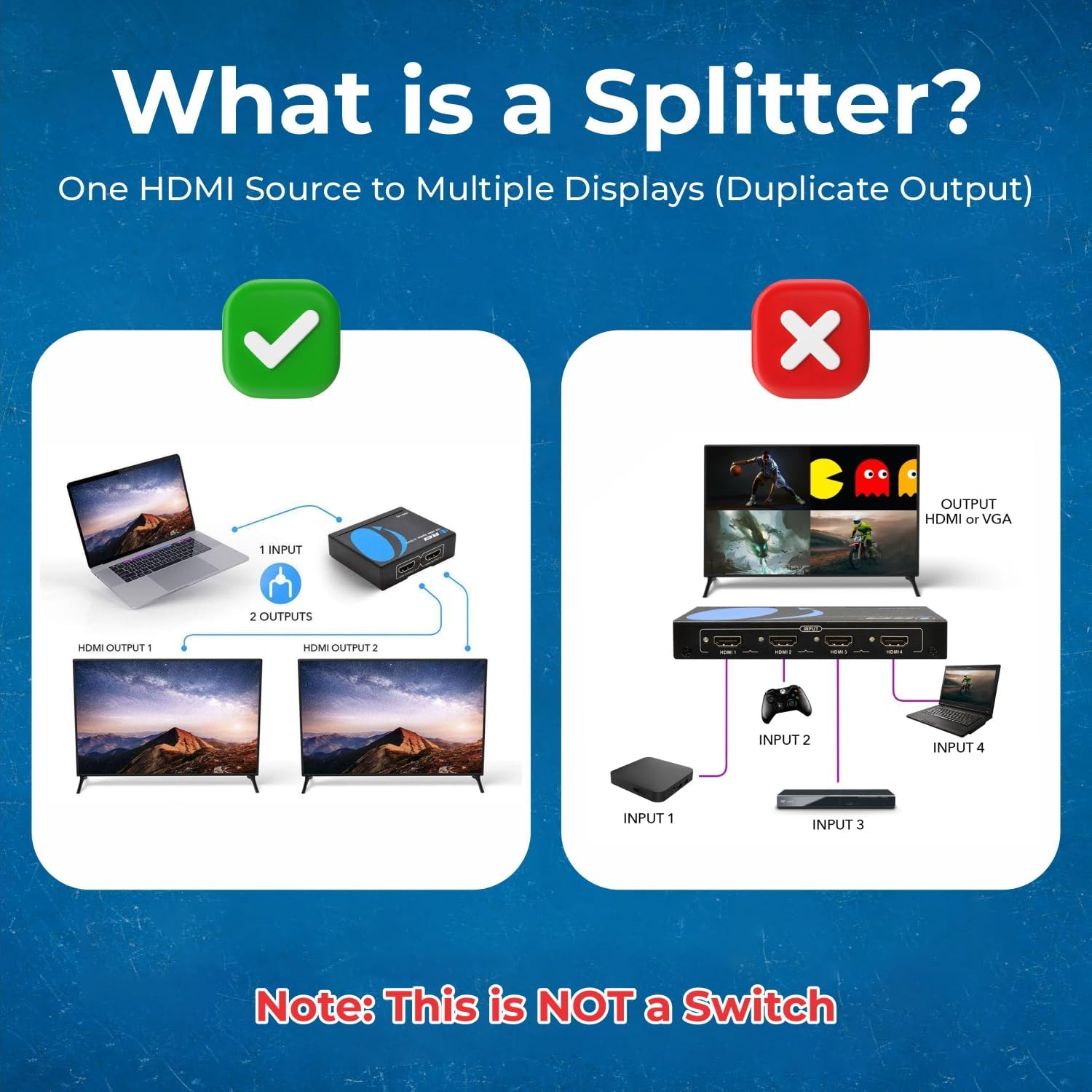
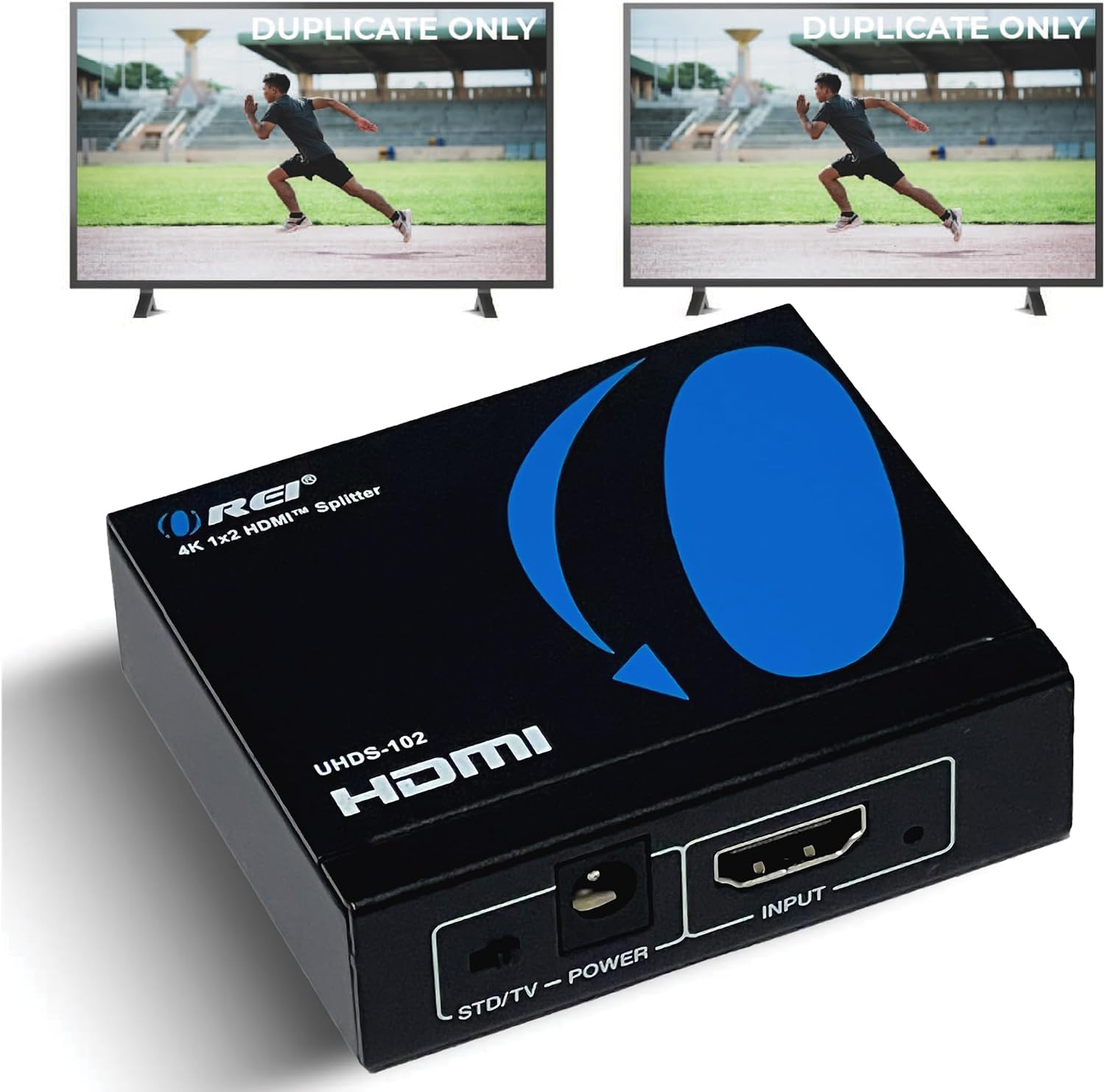
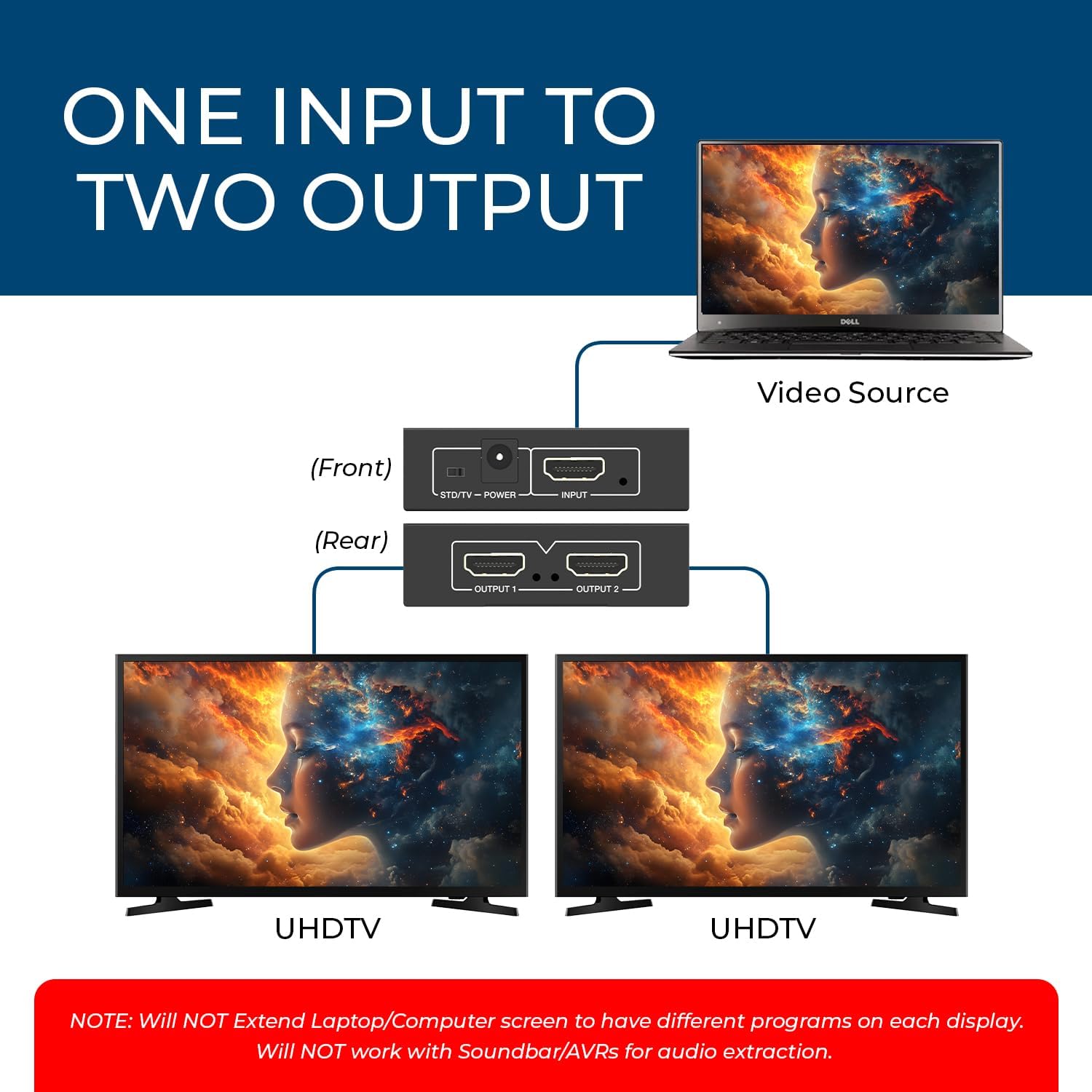
The OREI UHDS-102 is a compact powered HDMI splitter designed to duplicate a single HDMI signal into two identical outputs. It’s aimed at setups where you want the same source shown on two displays without extending the desktop, making it suitable for home entertainment, presentation spaces, or shared media setups where two screens need to stay in sync.
What matters most
On paper, this splitter focuses on faithful signal duplication rather than extending your display area. If your goal is to run two screens with the same picture from a single source, this model provides a simple, plug‑and‑play option with a metal enclosure to help with heat management. It’s worth noting that the device relies on the input’s existing resolution, so you’ll typically get the maximum supported by both the source and the connected displays up to 4K/60Hz. If you need independent displays or to push more than two outputs, you’d need a different approach.
Tech specs
- Name: OREI UHDS-102
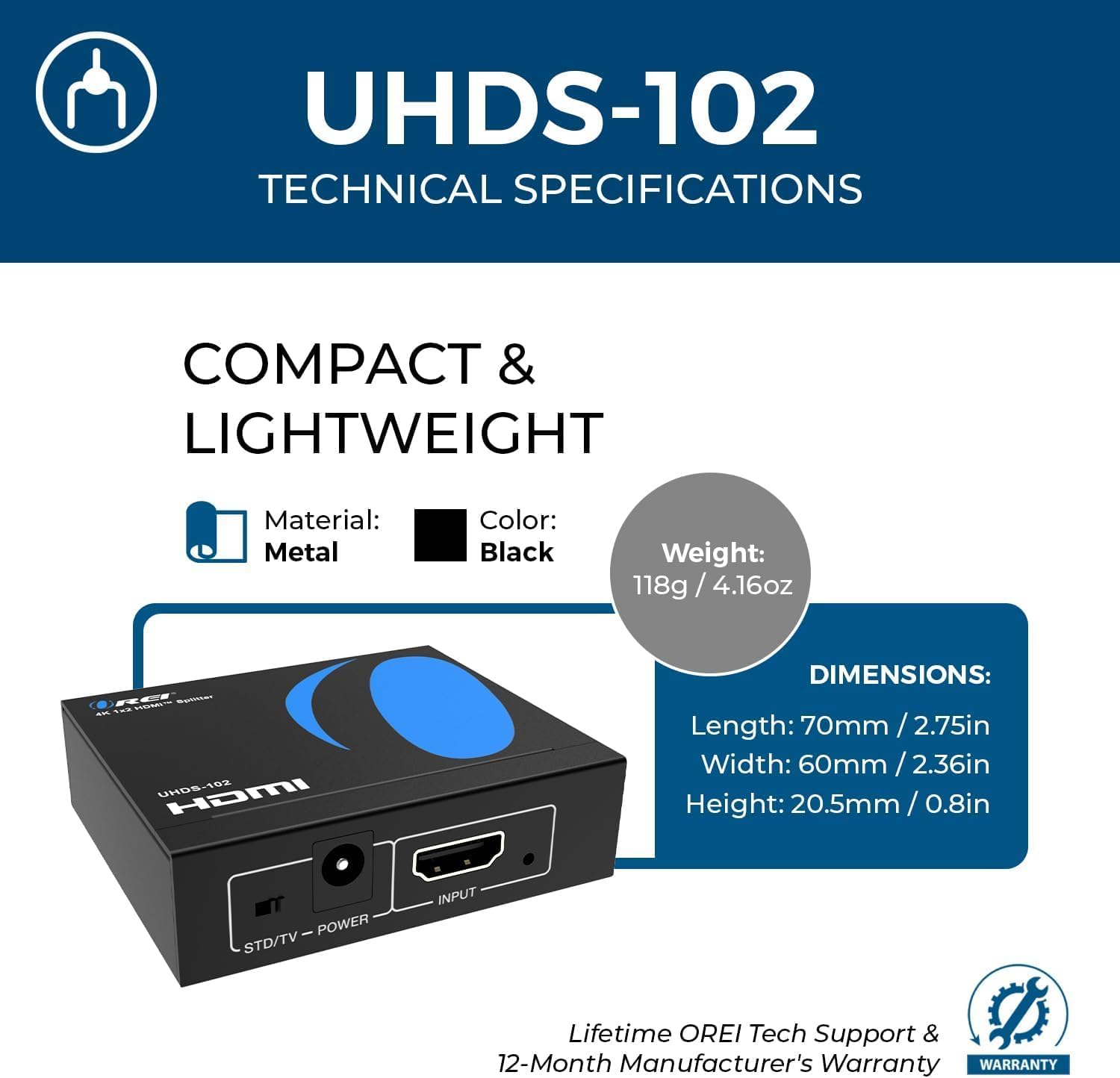
- Type: HDMI Splitter, 1 in 2 out
- Format: HDMI 2.0
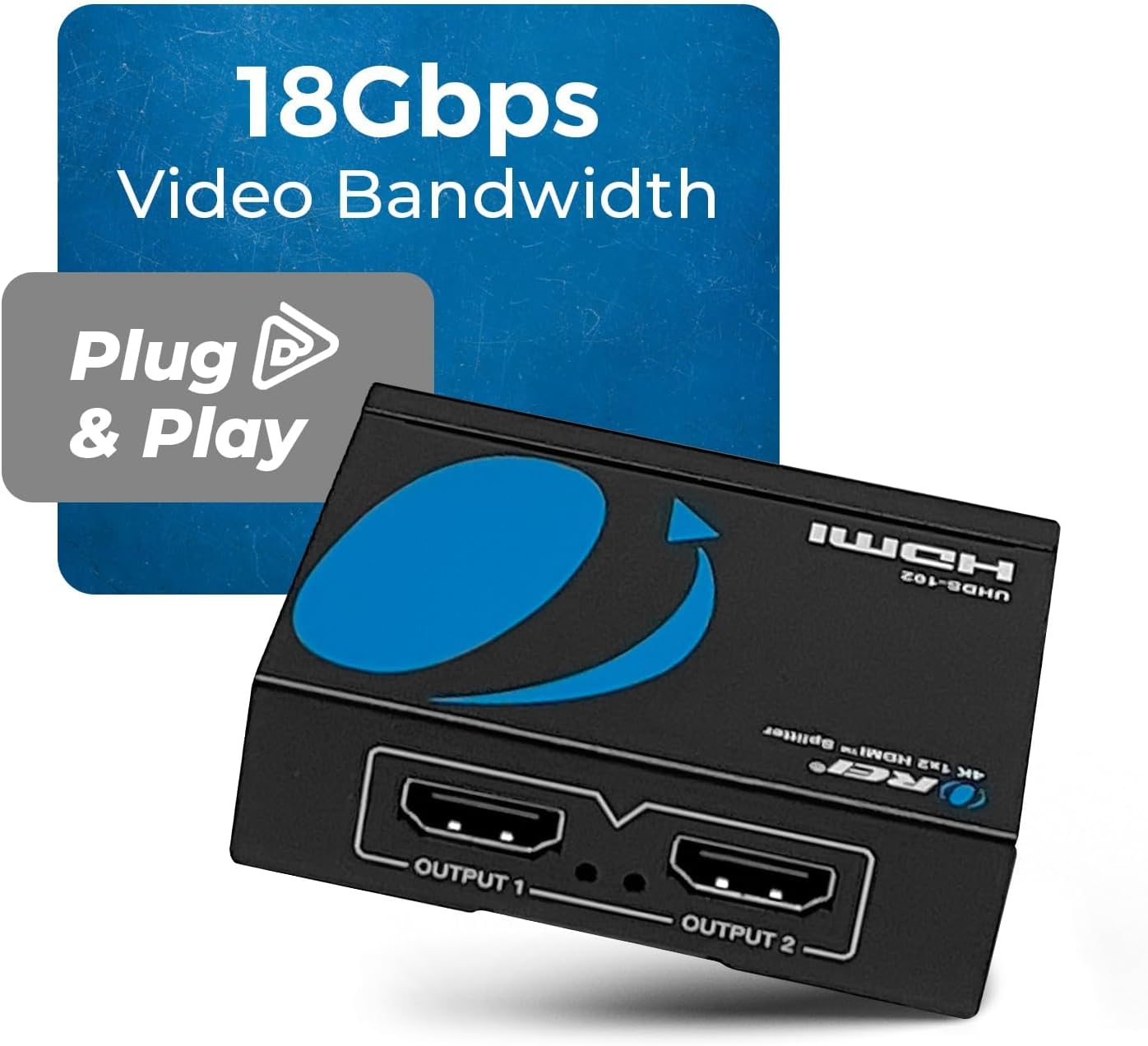
- Bandwidth: 18 Gbps
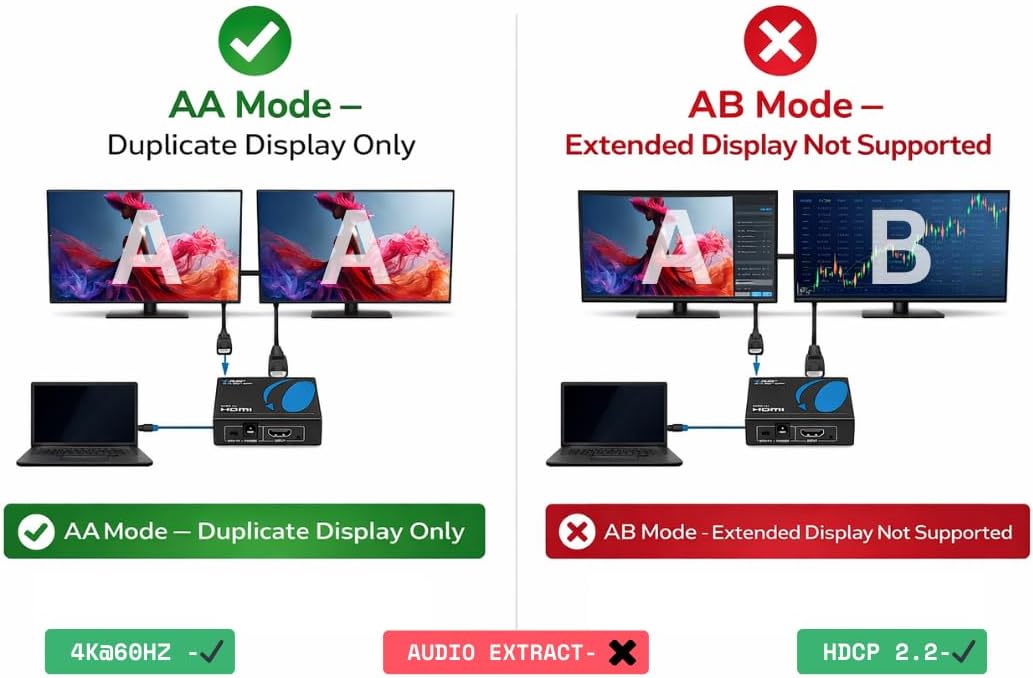
- HDCP: HDCP 2.0/2.2 compliant
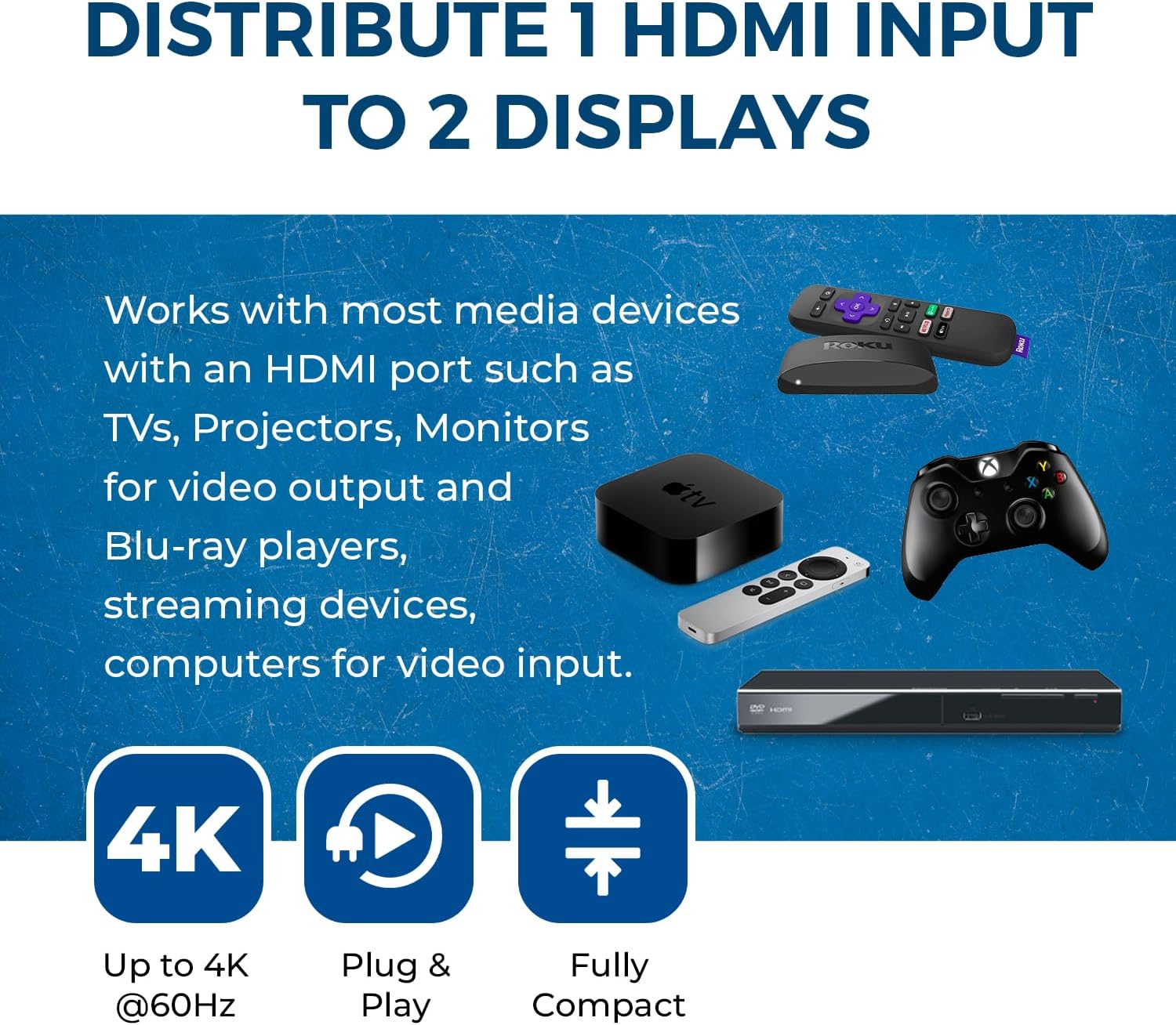
- Resolution support: Up to 4K/60Hz (and downscale options to 1080p, 720p, VGA to WUXGA as appropriate to the source)
- Audio support: LPCM, Dolby-AC3, DTS7.1, DSD/Dolby TrueHD/DTS-HD Master Audio
- EDID: Includes EDID management for better compatibility with different displays
- Enclosure: Heavy‑duty metal case for durability and heat dissipation
- Operating temperature: 0°C to 40°C, Storage: -20°C to 60°C
- Key point: This splitter duplicates the signal, it does not extend the desktop
What you’ll notice in use
For living rooms or classrooms where two screens should mirror a single source, you’ll typically plug in a media player, game console, or computer into the 1× HDMI input and connect two displays to the 2× HDMI outputs. If the source and displays support 4K/60Hz, you should see a sharp, synchronized signal on both screens, with a robust audio pass‑through thanks to the broad codec support. The metal chassis helps keep temperatures reasonable during longer sessions, which can matter if you’re running high‑resolution content.
Pros and where it fits in the range
It’s a pragmatic solution for anyone who needs two mirrored displays from one device. It’s not the best option if you need independent displays or if you want to route the same video to more than two screens. The EDID management is a useful feature when dealing with mixed displays that have different native resolutions, as it can help prevent common handshake issues. If you prioritise a compact, solid‑built unit with straightforward setup and reliable mirror output, this model makes sense.
Limitations and situations to consider
Not all users will find it perfect. If your use requires extending your desktop across multiple monitors or handling very long HDMI cable runs, you may run into bandwidth or handshake quirks—though the 18 Gbps bandwidth and EDID controls aim to mitigate common problems. Also, if you expect independent output for two displays, this splitter won’t deliver that functionality. Finally, the actual perceived performance hinges on the source device capabilities and display compatibility, you might not always hit 4K/60Hz depending on the connected hardware.
How to choose and what to check before buying
- Check your source device’s maximum HDMI version and supported resolutions to align with 4K/60Hz capabilities.
- Confirm both displays can operate well with mirror output at the same resolution to avoid unwanted scaling or timing issues.
- If you anticipate mixed display setups, ensure the EDID management options align with the most demanding display in the chain.
- Consider cable lengths, while the splitter handles the signal, very long runs can introduce attenuation. Keep cables within reasonable length and use good‑quality HDMI cables.
- If you need more than two mirrors or wish to extend, look for different solutions that support multiple outputs or desktop extension.
Practical example
Imagine you’ve got a media PC in the living room and two TVs in adjacent rooms you want to show the same film at the same time. You’d connect the PC to the UHDS‑102 input and run short HDMI cables to both TVs. The EDID management helps the two TVs stay in sync even if they have slightly different native resolutions. You’ll get a clean, shared viewing experience without configuring multiple outputs or dealing with misalignment between screens.
Final verdict
Final verdict: Worth considering if you need a reliable, mirrored 4K signal to two displays from a single source and you don’t require desktop extension. It suits casual gaming or media playback in multi‑screen setups where exact duplication is key, and you want a durable unit with sensible EDID handling.
Quick FAQ (practical, non‑technical)
- Does it extend my desktop? No, it duplicates the input signal to two outputs.
- Will I get 4K at 60Hz on both screens? If your source and displays support it and cables are adequate, yes, up to 4K/60Hz.
- Can I use this with mixed displays? EDID management helps, but results depend on the two displays’ compatibility.
- Is it easy to install? Yes, plug‑and‑play with a solid metal housing that aids heat dissipation.
- What if one screen looks different? Check EDID settings on the unit to align the two outputs with the preferred resolution.