

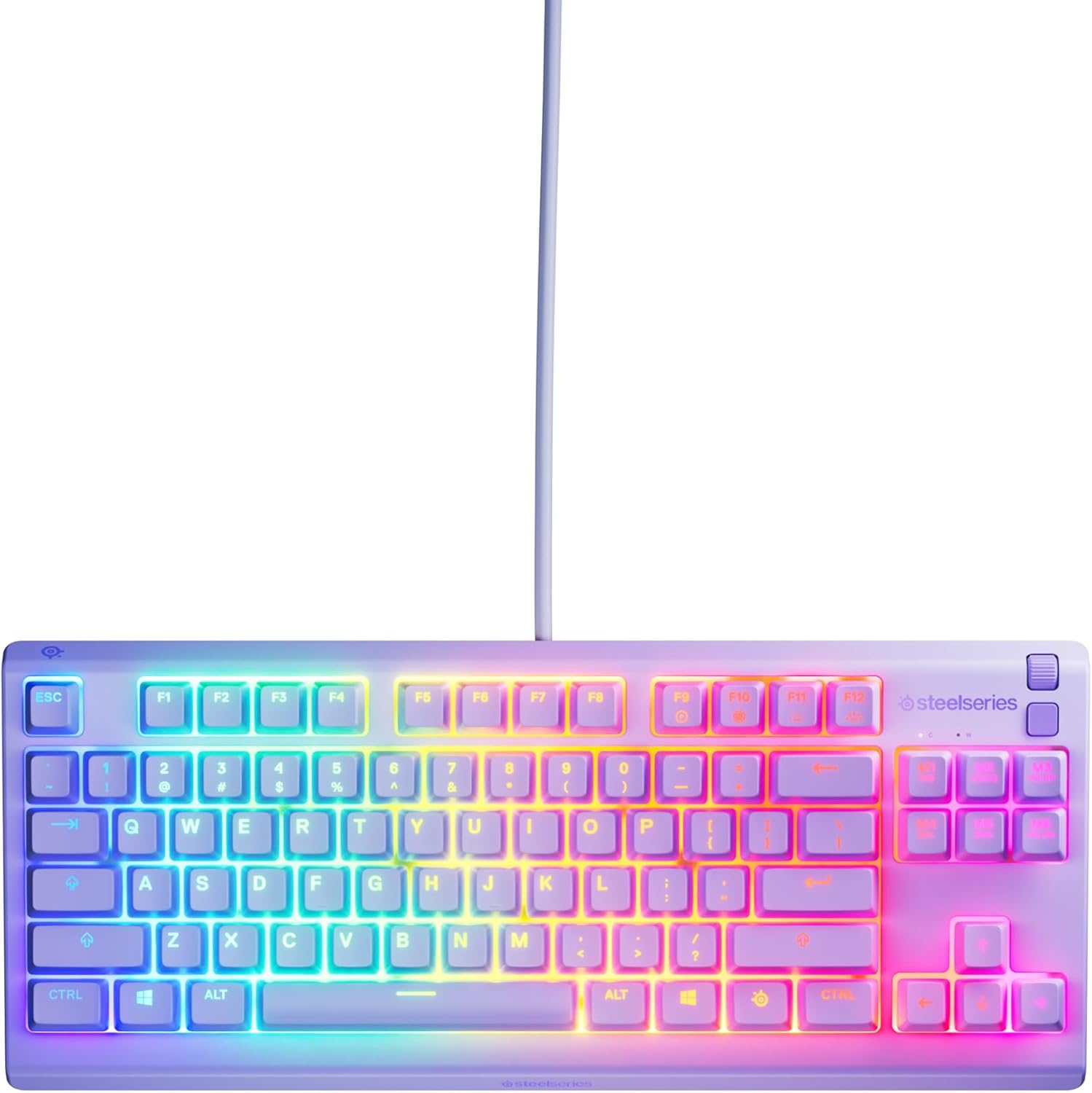
SteelSeries Apex 3 TKL gaming keyboard (Silent) with 8-zone RGB, IP32 protection and American QWERTY, Lavender
Product description
The essentials
The SteelSeries Apex 3 TKL is a tenkeyless (TKL) gaming keyboard that aims to do two jobs at once: keep desk space tidy, and make keypresses feel calmer thanks to its whisper-quiet switches. On paper, it’s positioned as a practical esports-style board in a compact layout, with anti-ghosting keys for reliable input and 8-zone RGB lighting to bring some life to your setup.
If you’re browsing for opinions on what kind of keyboard “makes sense” for gaming without turning your desk into a cockpit, this is the sort of model you’d look at. The TKL design keeps the number pad off the right side, which can help mouse room, especially in smaller spaces or if you use a low-sensitivity setup.
Where it stands out in day-to-day use
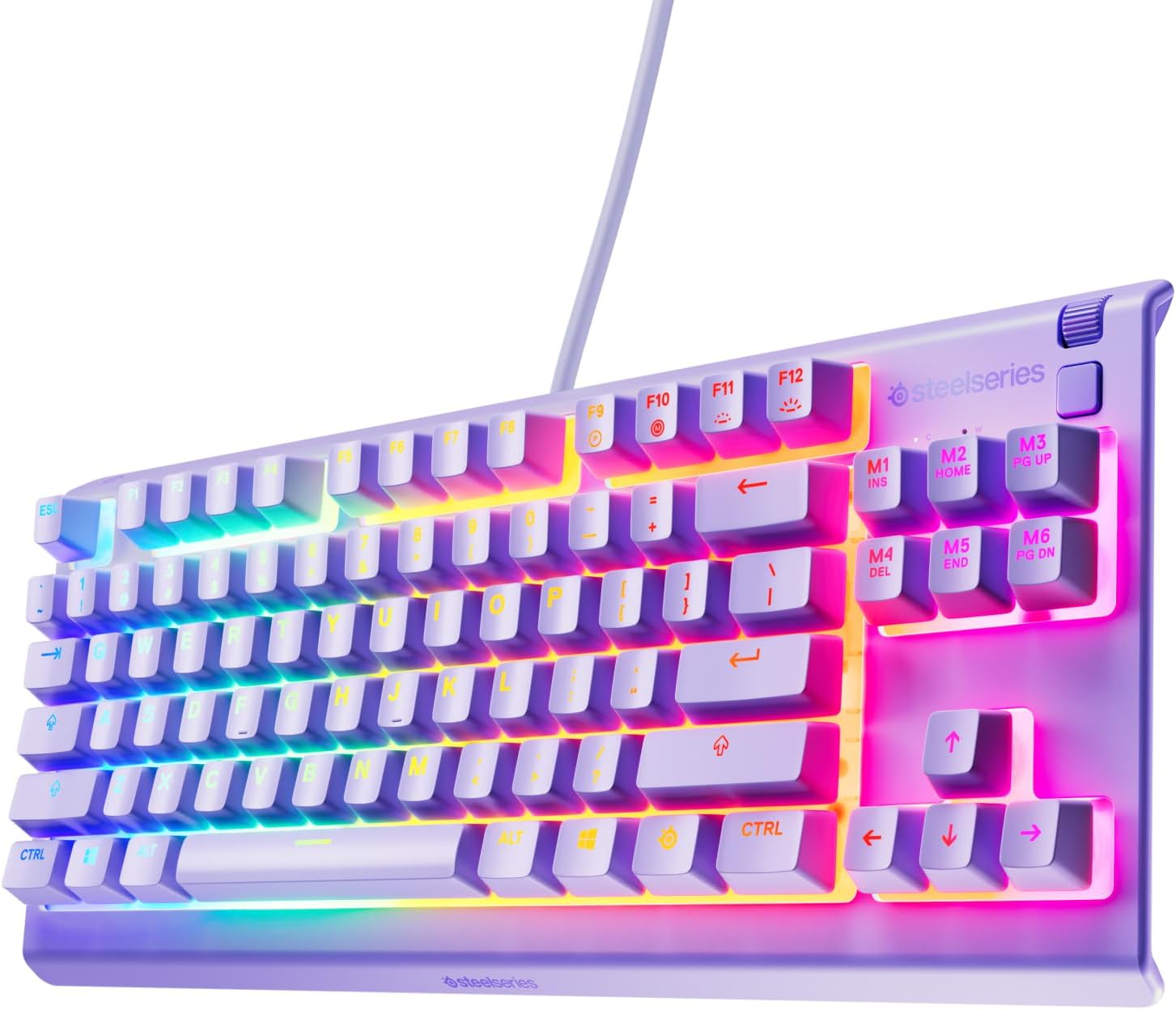
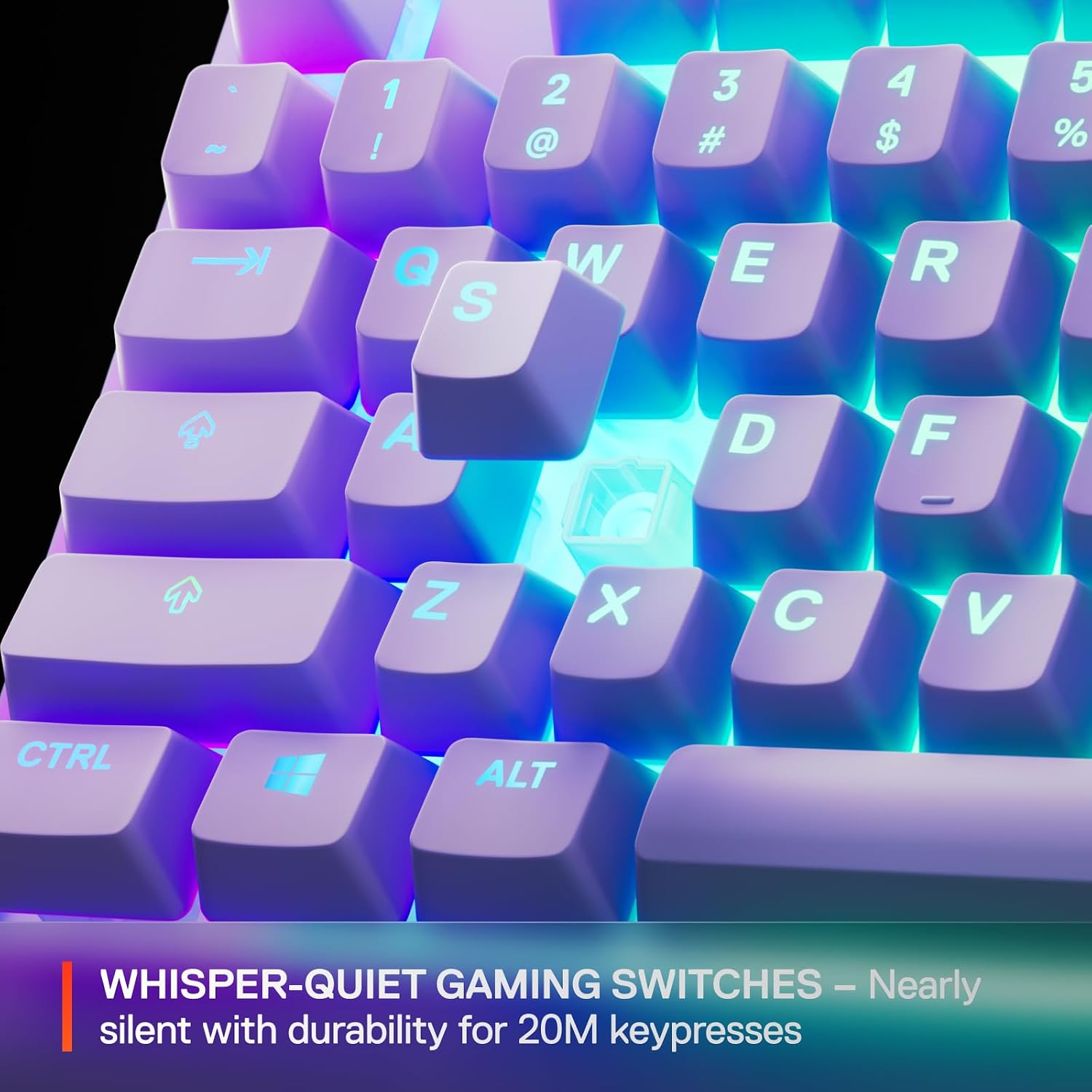
The big, noticeable difference here is the “silent gaming keyboard” angle. Nearly silent keypresses with low-friction actuation are aimed at reducing the sharp, clicky feel some people dislike—handy if you game late, share a room, or just prefer a softer sound profile. It’s not the same as a fully dampened “office silent” keyboard, but the intent is clear: quieter gameplay sessions over noisy ones.
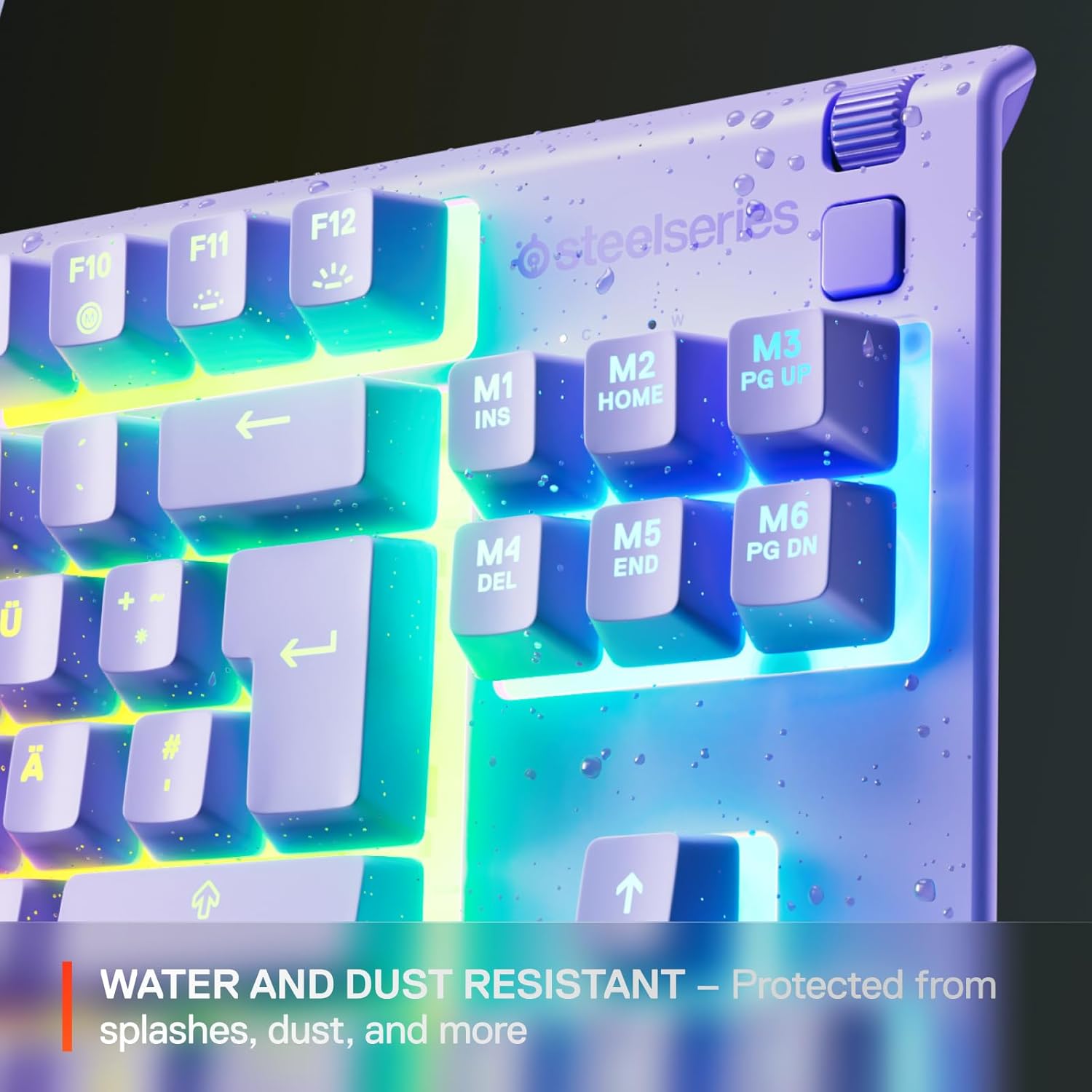
The other practical win is the protection rating. With IP32 water and dust resistant construction, this board is at least designed for real-life desk mess—think the occasional splash or dust that builds up around peripherals. That doesn’t mean “spill-proof”, and it’s worth being sensible with liquids, but it can make day-to-day ownership feel less fragile than cheaper unsealed boards.
Key features to consider before buying
There are a few features that matter more than they sound.
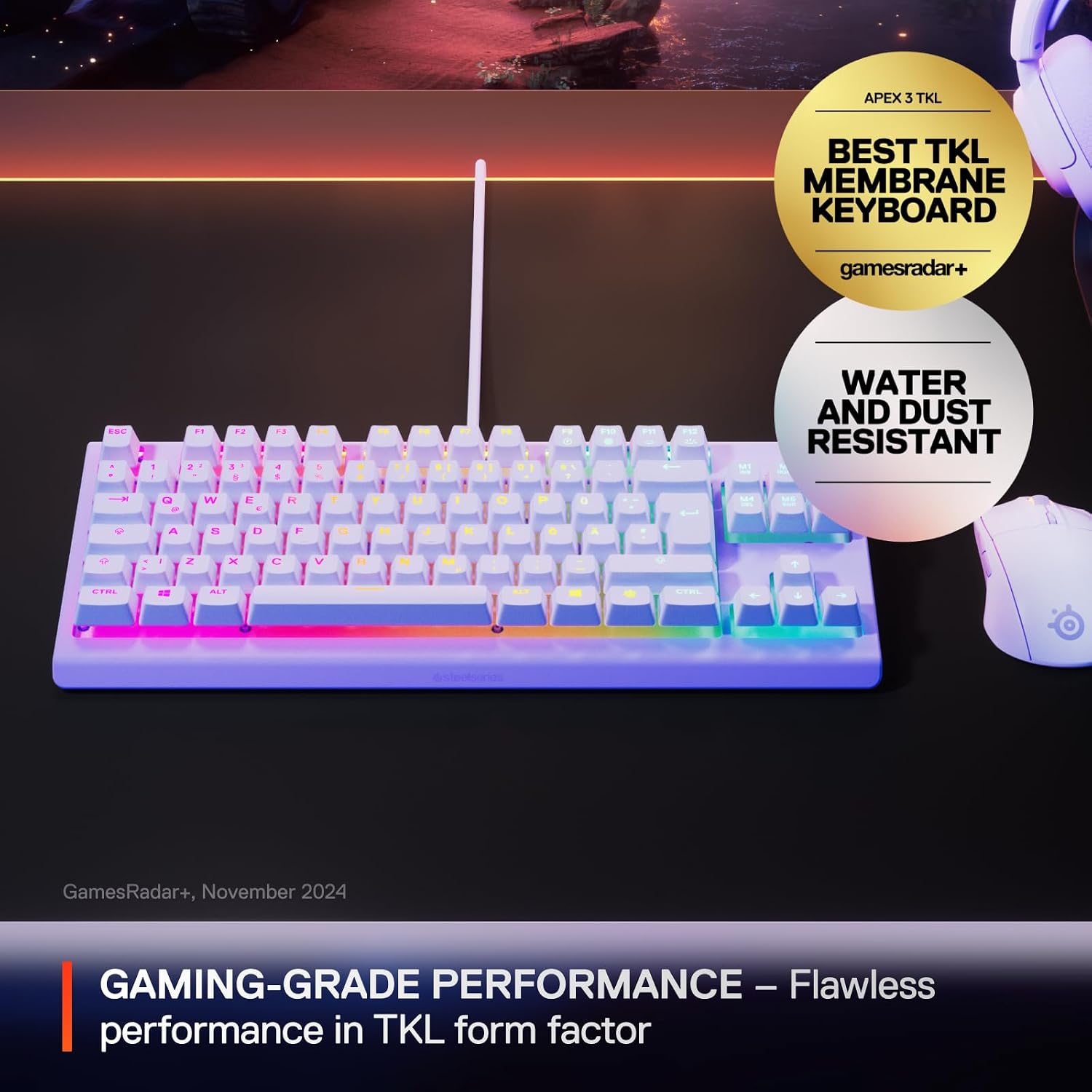
First, the compact TKL layout. It’s “maximizes space” in the sense that you get a full keyboard experience without the extra number pad. For some people, losing the numpad is a deal-breaker, for others, it’s exactly the trade-off that helps with comfort.
Second, anti-ghosting keys. For gamers, this is about ensuring multiple keys register correctly during fast movement—particularly when you’re doing sprint/crouch/strafe combinations. The exact limits aren’t provided here, so it’s smart to treat this as “set up for gaming input” rather than something you’d rely on for highly specialised key testing.
Third, 8-zone RGB illumination with reactive effects. The lighting isn’t just static colour, the “reactive” wording suggests it responds in some way to keyboard activity. If you like subtle lighting, this is the kind of setup that can look good without being overpowering.
What to watch out for (a realistic limitation)
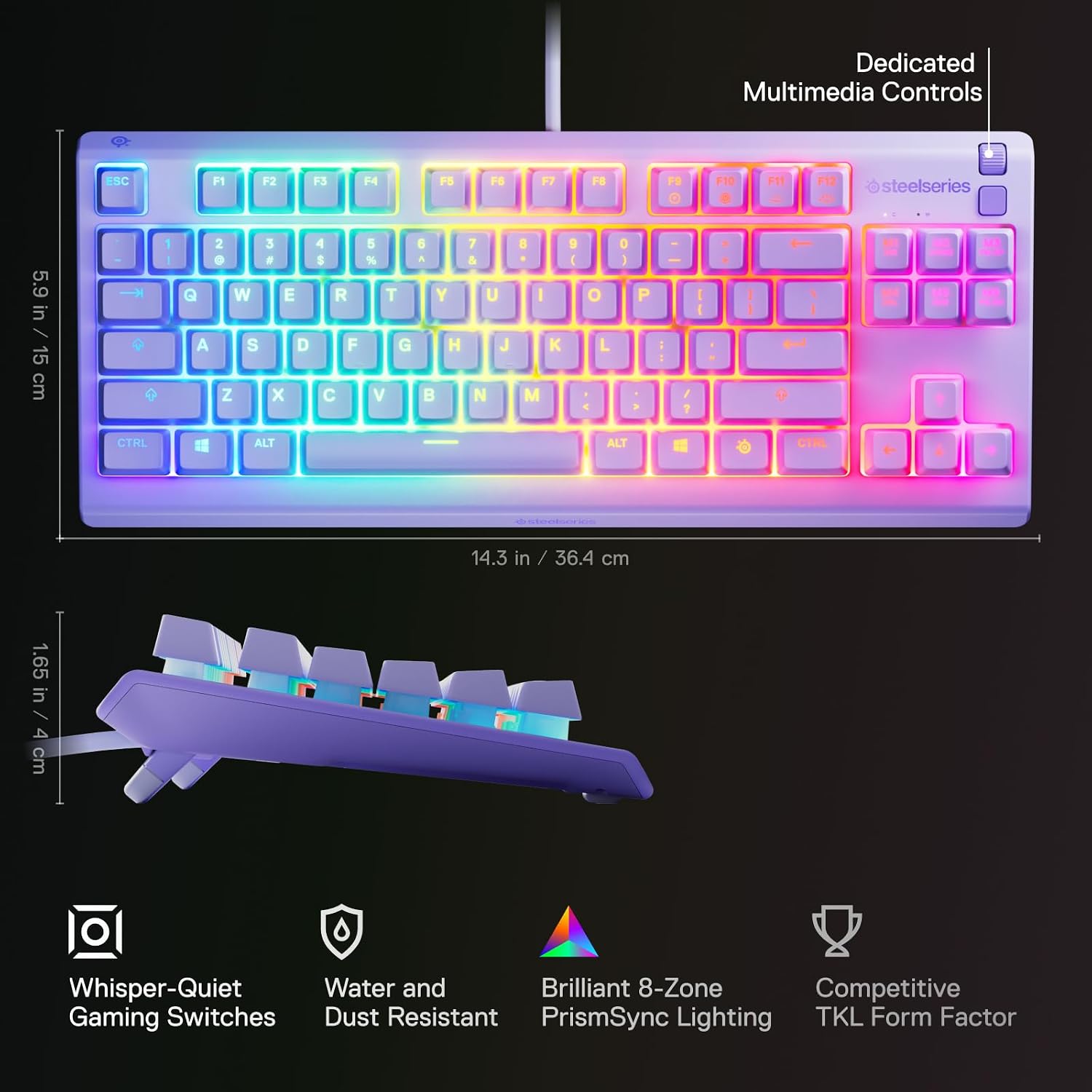
It’s not perfect for everyone. TKL boards can feel like a compromise if you regularly use the number pad for spreadsheets, budgeting, or certain productivity shortcuts. If you rely on those keys daily, you may find yourself missing them.
Also, while IP32 suggests resilience, it’s still a keyboard you’ll want to treat with basic care. If you’re thinking of it as protection against repeated liquids or heavy dust, you may want to consider a more robust approach instead.
Who it’s for (and who should skip it)
It makes sense if you want a compact gaming keyboard with a quieter key feel, anti-ghosting for gaming inputs, and RGB lighting that won’t require you to cram your setup around a full-size board. It’s especially appealing if you game in a shared environment or you’re trying to reduce noise while keeping performance-focused features.
It might not be the best match if you need a full-size layout with a numpad, or if you’re looking for something with very advanced customisation details beyond what’s mentioned here. In those cases, you may be better off looking at keyboards that explicitly match your workflow rather than prioritising the TKL space-saving style.
Tech specs
- Type: Gaming keyboard (TKL / tenkeyless)
- Switch style: Whisper-quiet / nearly silent gaming switches
- Anti-ghosting: Anti-ghosting keys
- RGB lighting: 8-zone RGB illumination with reactive effects
- Protection: IP32 water and dust resistant
- Layout: American QWERTY
- Colour: Lavender
Should you buy it?
Buy the SteelSeries Apex 3 TKL if your priority is a compact tenkeyless layout for better mouse space, quieter keypresses for more comfortable gaming, and an RGB setup with 8-zone effects. The IP32 rating is a reasonable “less anxious ownership” feature for everyday desk life, not a licence to be careless, but a helpful one.
Avoid it if you absolutely need a numpad, or if you’re shopping for something with a more detailed, transparent feature set for the exact kind of key handling you care about. As with any TKL, the layout choice is the biggest fork in the road.
Mini FAQ
Is the Apex 3 TKL actually silent?
It’s described as a silent gaming keyboard with whisper-quiet switches and nearly silent keypresses, aimed at reducing noise. It won’t be the same as total sound isolation, but it should be noticeably calmer than many clickier gaming boards.
What does IP32 protection mean in practice?
IP32 is intended to make the keyboard resistant to water and dust to some degree. That’s useful for splashes and everyday dust, but it’s still worth avoiding spills and keeping cleaning realistic.
Is tenkeyless better for gaming?
For many people, yes—TKL can give more mouse room and a less cramped posture. If you often use the numpad, though, TKL is simply not the layout you want.
What layout is it?
It uses an American QWERTY layout.
Does it have RGB lighting?
Yes, it includes 8-zone RGB illumination with reactive effects.