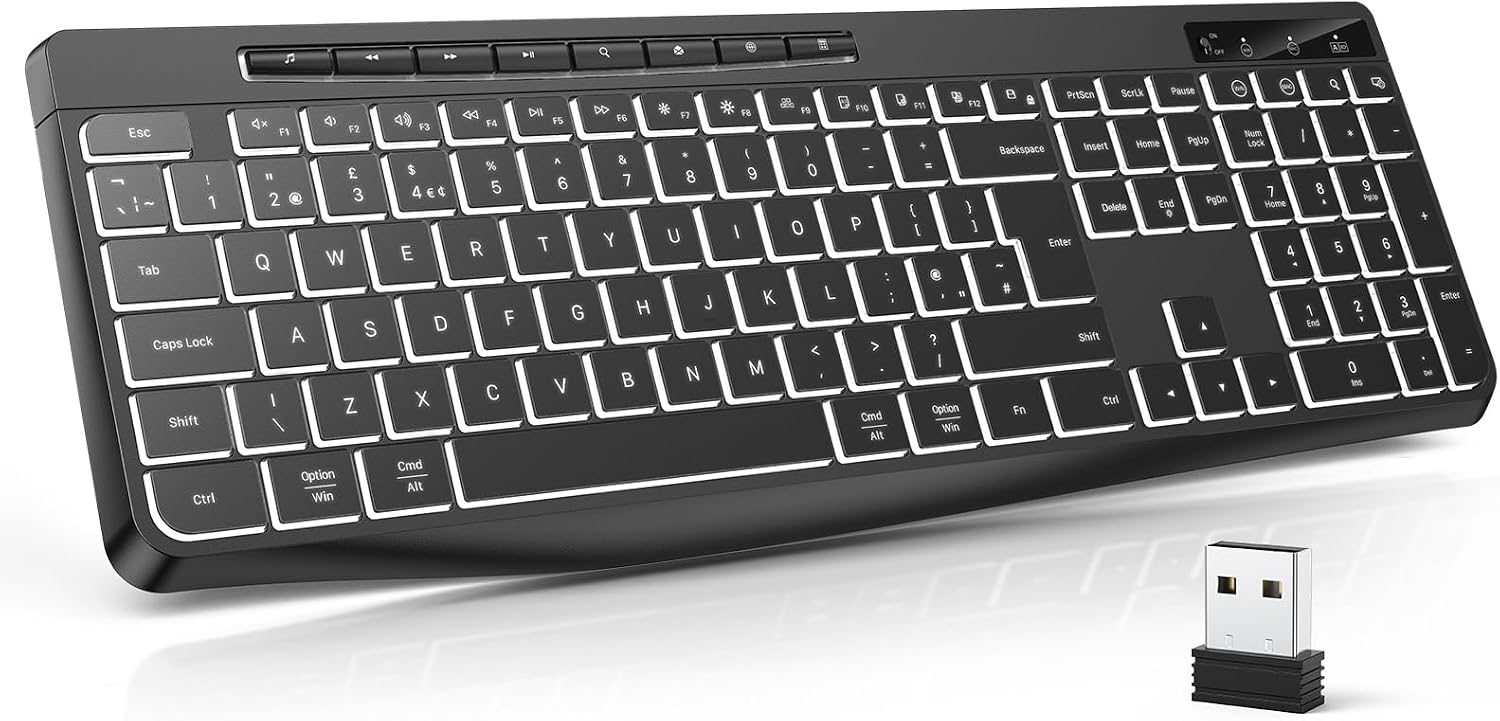
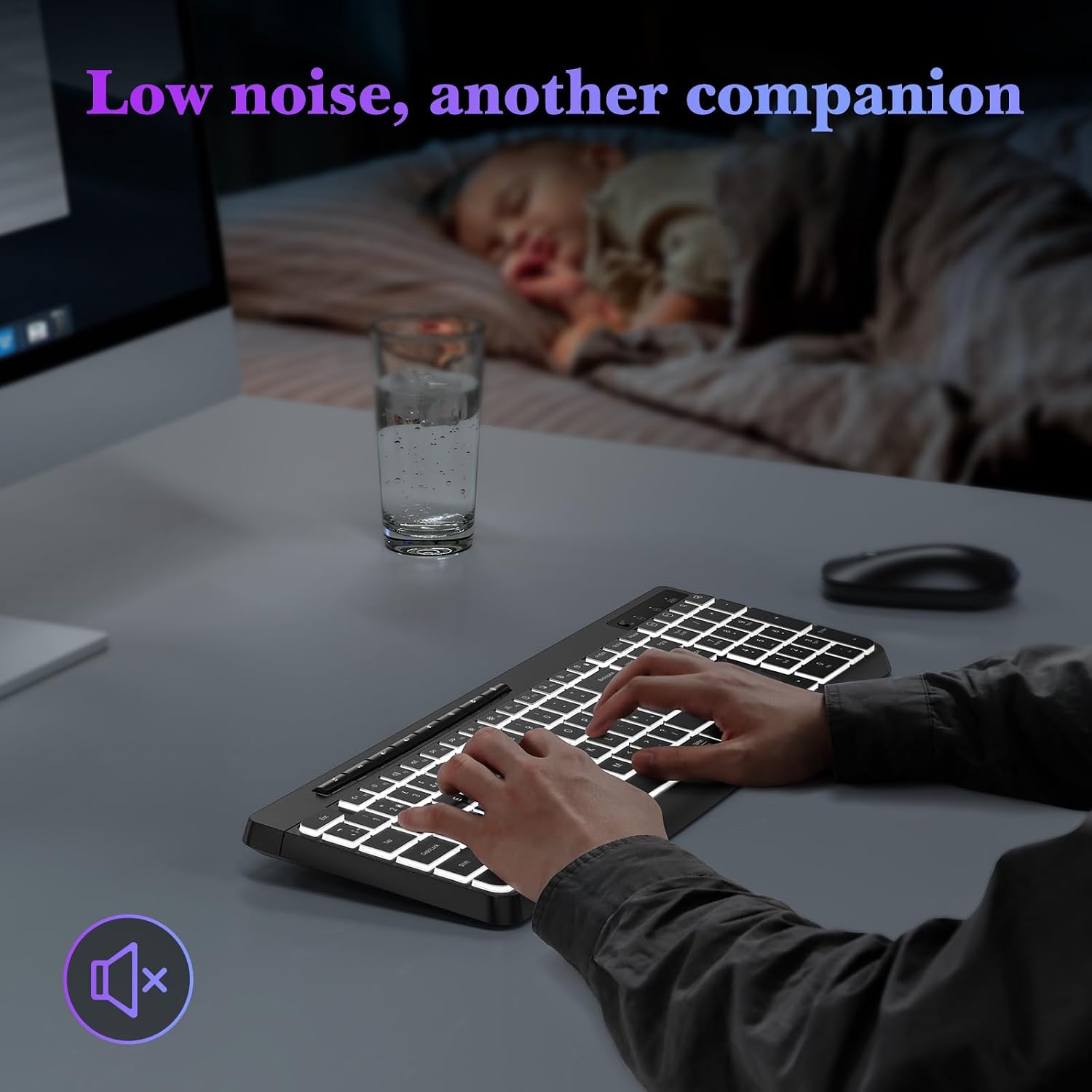
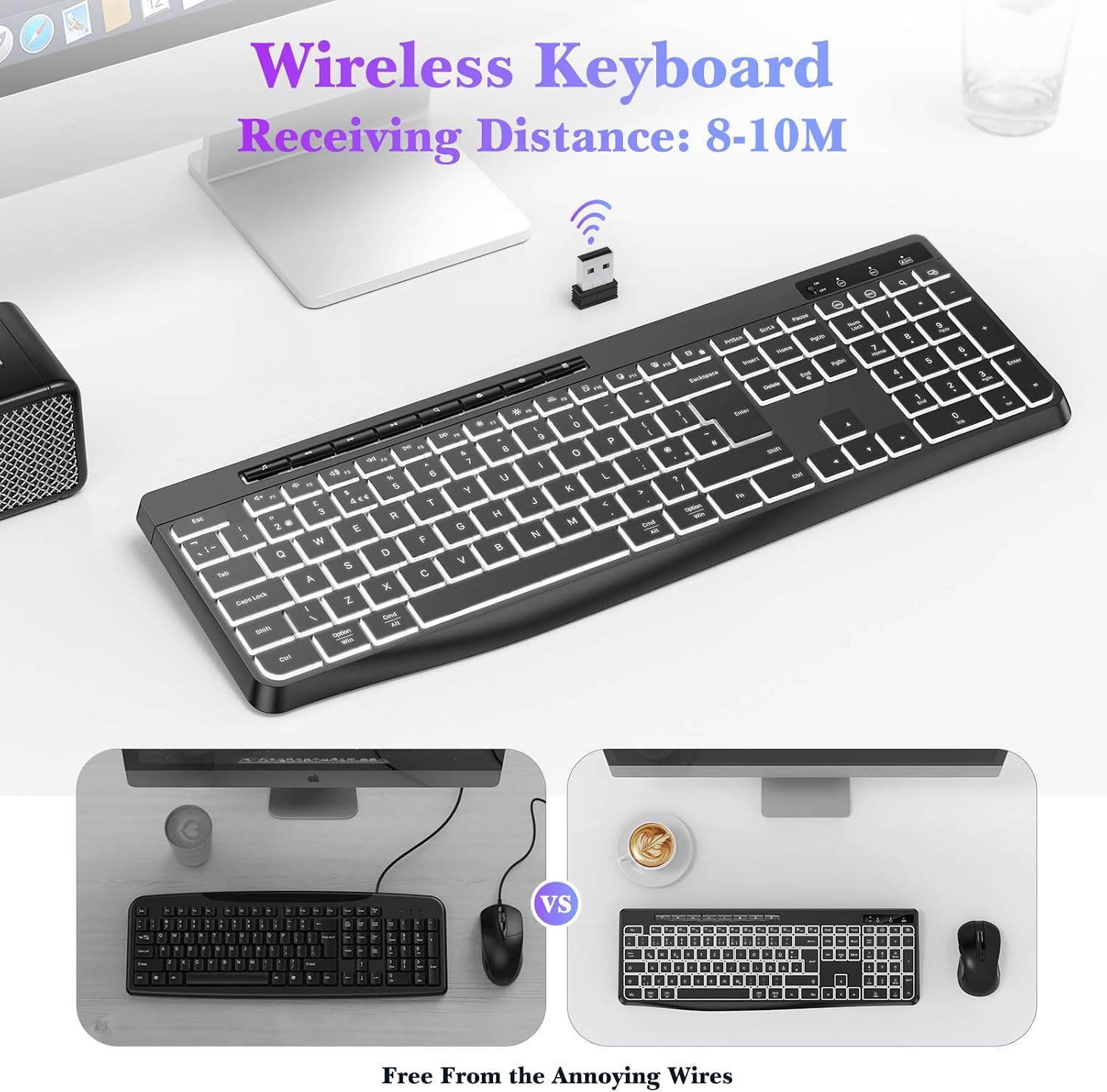
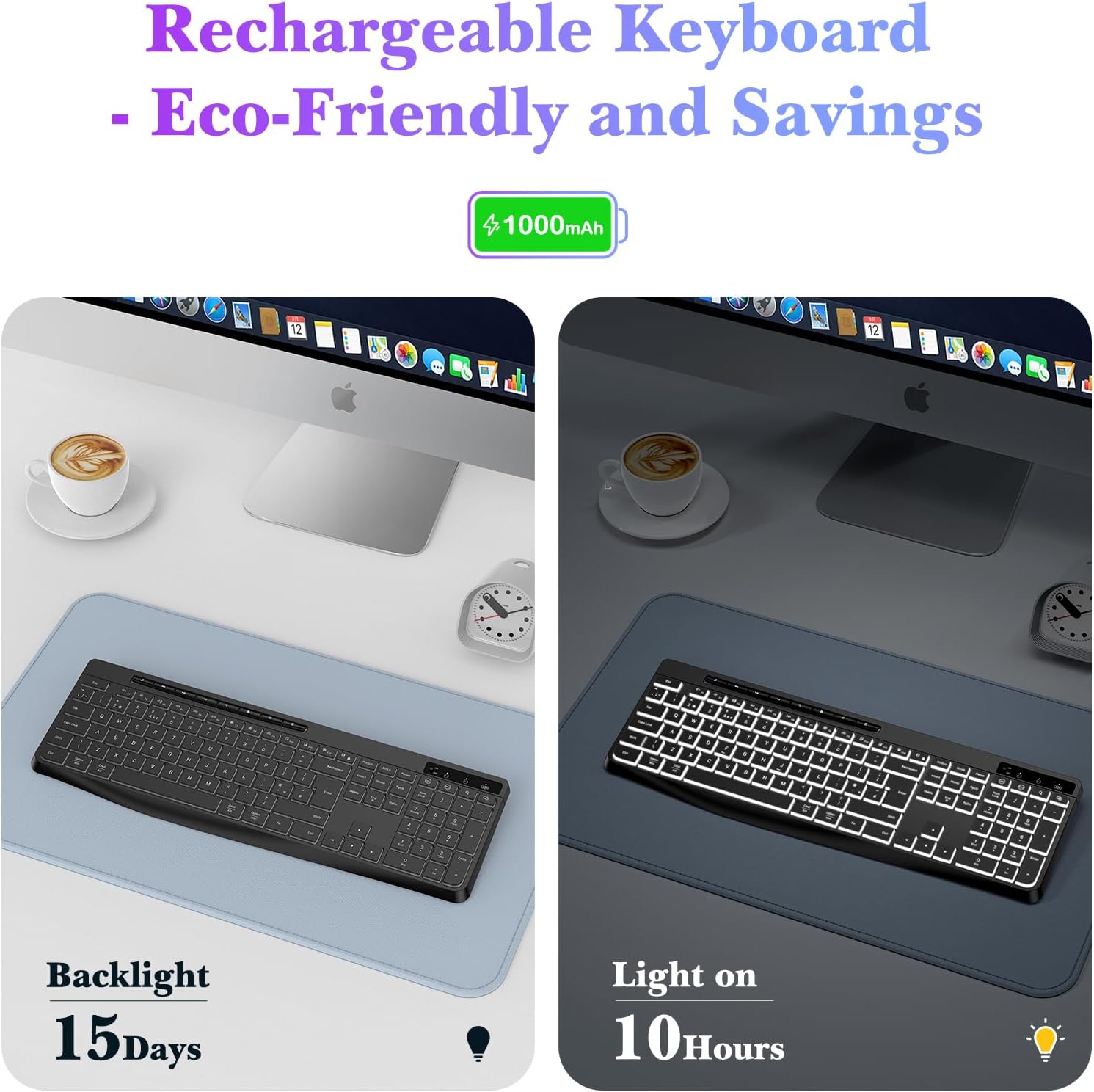
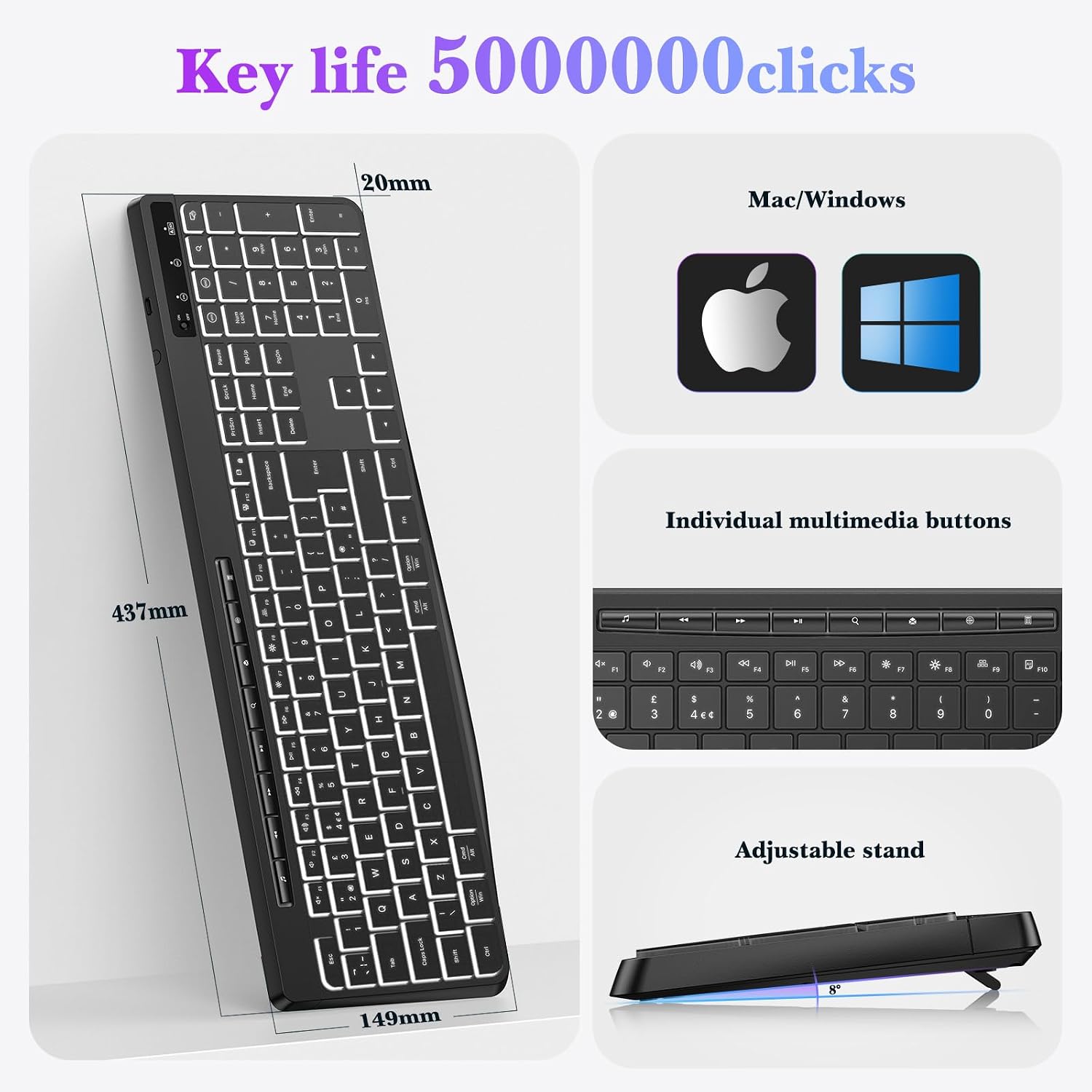
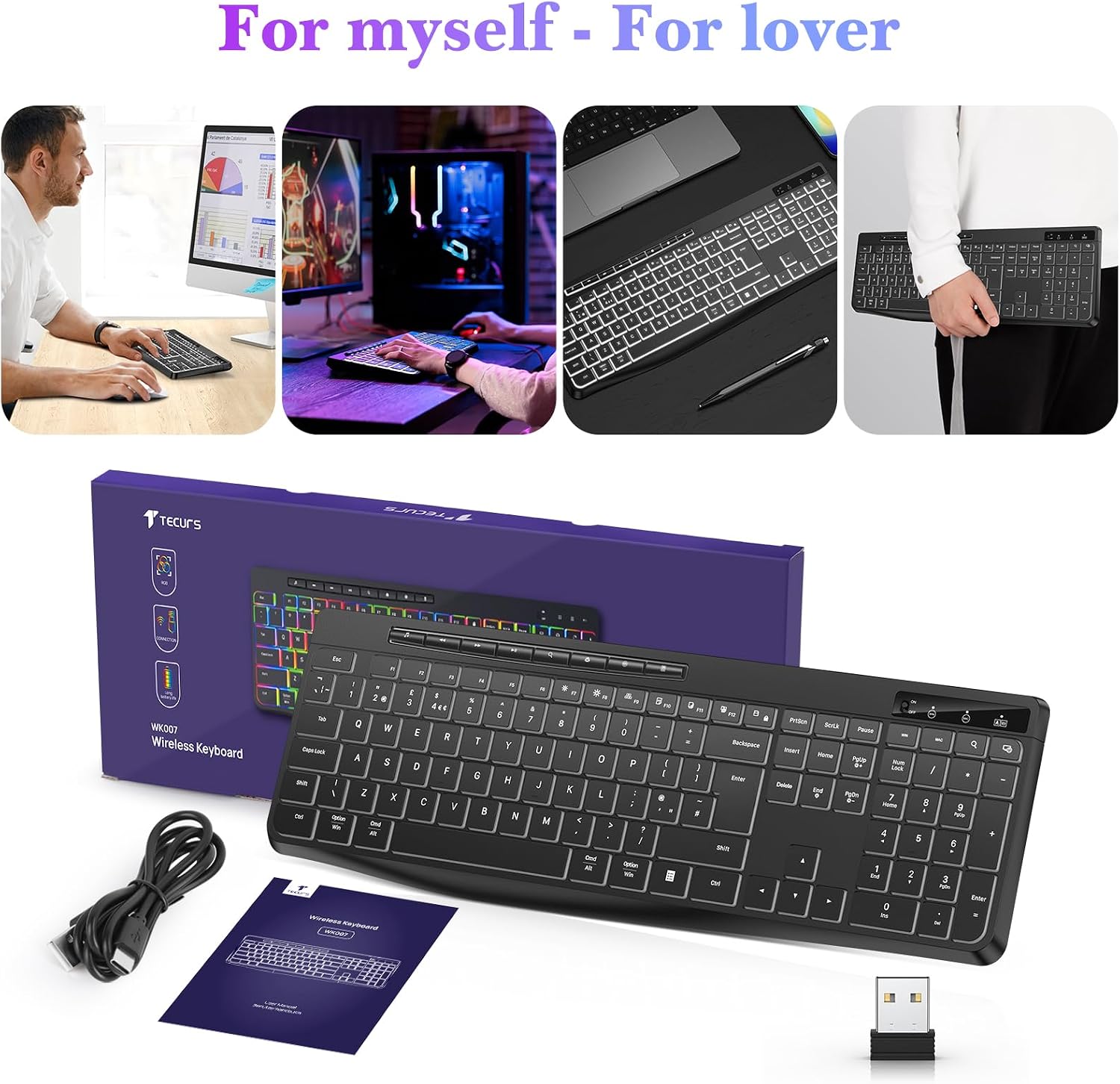
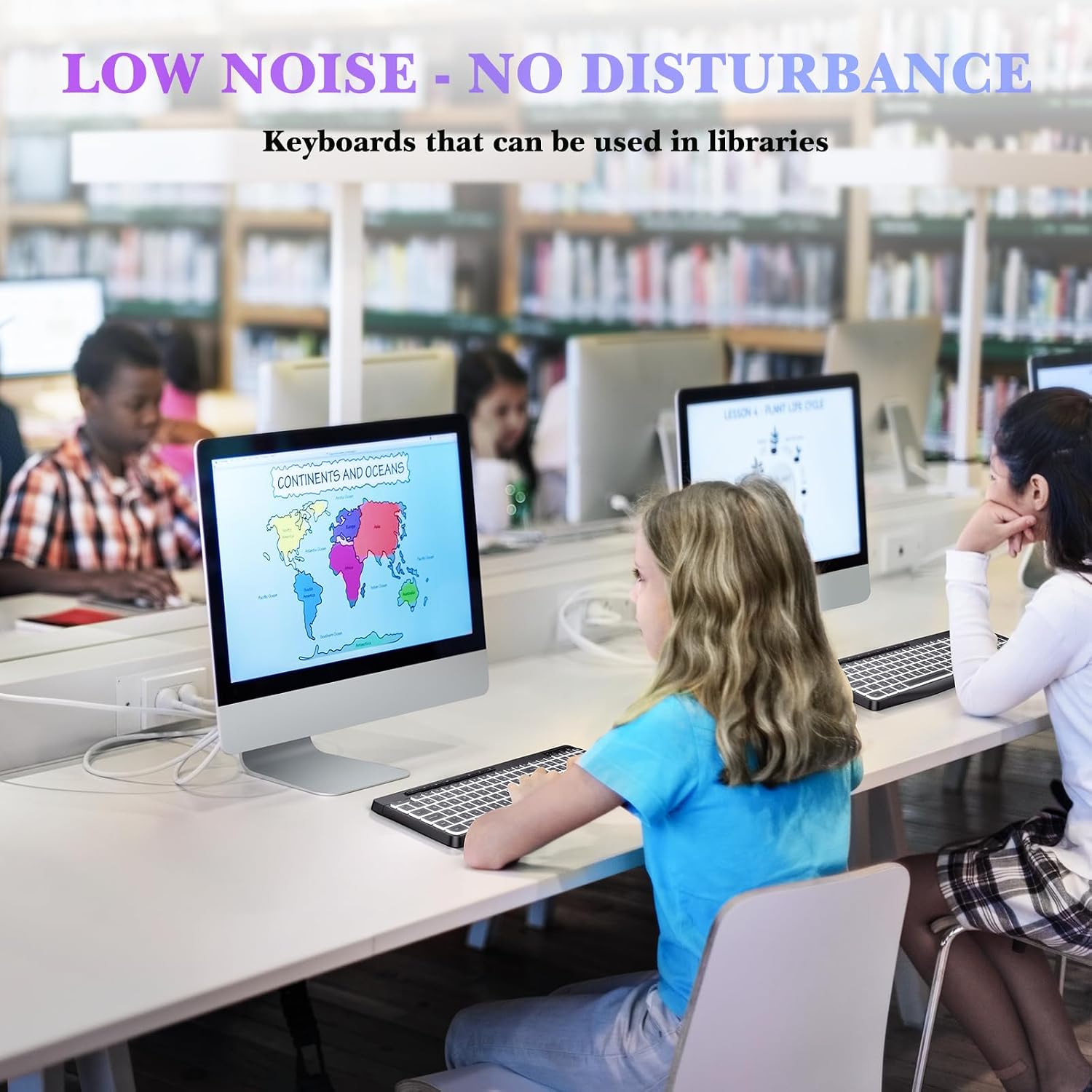
What it is and what it solves\nThe TECURS Wireless Keyboard is a full-size, ergonomically designed keyboard with white backlighting and a rechargeable battery. It uses a stable 2.4G wireless connection and is compatible with Windows and Mac systems, making it suitable for desktops, laptops and mixed-use setups. On paper, it aims to combine quiet, responsive keystrokes with practical multimedia controls, all in a cable-free package that can improve desk organisation and reduce clutter.\n\n## How it performs in daily use\nKey features include low-profile keycaps and an advanced membrane that promises whisper-quiet typing, which can be helpful in shared spaces or late-night gaming. The white backlight is adjustable for comfort, though colour changes aren’t available. A noteworthy detail is the auto-sleep function: the keyboard enters sleep mode when idle and wakes after pressing any key within about three seconds. If you’re planning long periods between uses, turning the power off can extend battery life. The spec sheet notes a built-in rechargeable battery claiming up to 15 days of use with the backlight off.\n\n## What stands out (pros) and what may hold it back (cons)\nPros: full-size layout and ergonomic design support natural hand and wrist posture, dedicated media keys for quick control (play/pause, volume, mute, browser refresh, email, calculator) without Fn-key juggling, and a straightforward wireless setup. Cons: backlight is not colour-changeable and brightness adjustment is the only lighting option, exact battery life depends on usage and backlight level, it’s marketed for ‘2.4G’ wireless, but there’s no wired option stated.\n\n## Who it’s for\nThis keyboard suits those who want a clutter-free desk with reliable wireless connectivity, and who value quiet keystrokes for gaming or office work. It may appeal to users who prioritise an ergonomic, full-size layout with straightforward multimedia controls and a practical battery life figure, all in a neutral black finish. If you rely on frequent backlighting changes or want a programmable keyboard profile, you might look for alternatives with more lighting and macro capabilities.\n\n## When it makes sense to buy\nChoose the TECURS keyboard if you need a wireless, low-noise option that works across Windows and Mac and fits a standard UK layout. It’s sensible for home offices, shared workspaces, or living rooms where cables are a nuisance and you don’t want to disturb others late at night.\n\n## When it may not be the best option\nIf you require multi-colour RGB lighting, highly customisable macro keys, or a compact tenkeyless/ergonomic split design, this model may feel limited. Also, if the auto-sleep feature doesn’t align with your usage pattern (e.g., very long, continuous gameplay sessions), consider a model with user-adjustable wake behaviours.\n\n## What to check before you buy\nConfirm that your devices use Windows or Mac compatibility as stated, and ensure you’re happy with a fixed white backlight (brightness only). Consider whether a full-size keyboard with dedicated media keys aligns with your preferred workflow and desk space.\n\n## Practical usage example\nImagine streaming at night: you can keep the keyboard on your desk, type snappily with muted keystrokes, and quickly adjust volume or switch browser tabs with the dedicated media keys. The wireless connection helps keep your desk tidy, and the auto-sleep feature avoids unnecessary battery drain when you step away for a while.\n\n## Tech a snap (brief)\n- Connection: 2.4G wireless\n- Layout: QWERTY UK\n- Backlight: adjustable white (colour not changeable)\n- Battery: rechargeable, up to 15 days with backlight off (varies by use)\n- Size: full-size, ergonomic design with dedicated media keys\n- Compatibility: Windows and Mac systems, suitable for desktops and laptops\n\n## FAQ (practical answers)\nQ1: Can I use this with a Mac and Windows on the same setup? A: Yes, it’s described as compatible with both Windows and Mac systems. Q2: Will the backlight colour ever change? A: No, only brightness is adjustable, colour cannot be changed. Q3: How do I wake it from sleep? A: Press any key and wait about 3 seconds. Q4: How long does the battery last when the backlight is off? A: Up to 15 days, subject to usage. Q5: Are the media keys customisable? A: The keys are dedicated for quick access and do not require Fn combinations for those actions.\n\n## Is it worth it?\nWorth considering if you prioritise a straightforward, quiet wireless keyboard with a full layout and easy media controls, suited for both work and casual gaming. It makes sense for mixed-use setups where cable management and desk space are factors, and where you don’t require extensive lighting options or programmable macros.