


iDPRT MT610pro Portable Thermal Printer (300DPI) for A4 printing via Bluetooth — Black
Reviews
Price
Product description
The essentials
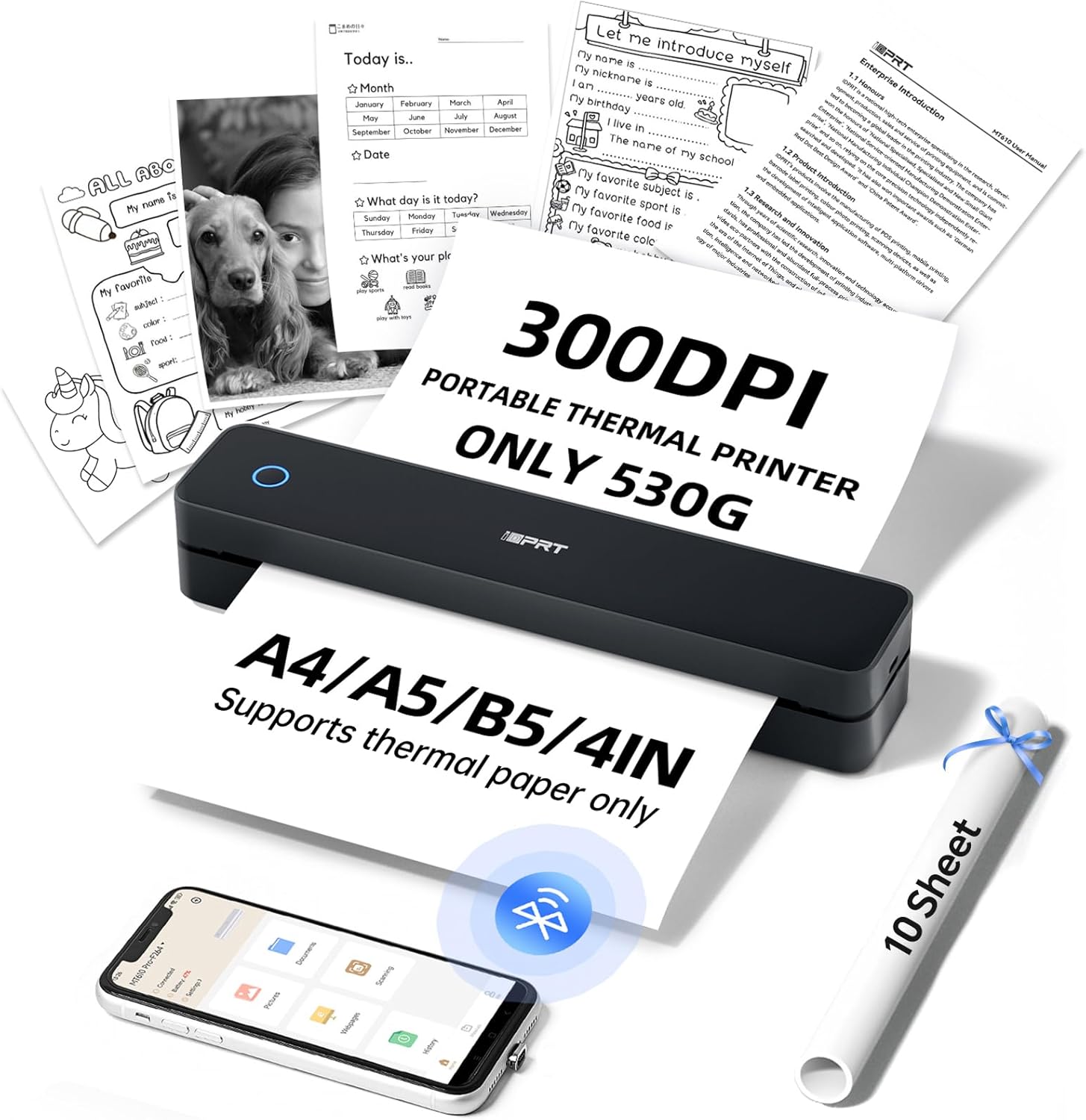
If you need paper outputs on the move, the iDPRT MT610pro is built for exactly that kind of practical, stop-and-go printing. It’s a portable thermal printer that uses no ink, and it’s positioned as a travel-friendly A4 option: quick to start, small enough to live in a bag, and designed around Bluetooth printing from mobile devices.
On paper, the standout is the 300 DPI claim and the “no ink” approach, which can be a big deal if you’ve ever had ink cartridges dry out at the worst possible time. The flip side? It’s a thermal printer, so it only prints on thermal paper, which you’ll need to factor in for day-to-day use.
Key features and what you’ll notice day to day
The MT610pro’s pitch is speed and convenience. The manufacturer states it can produce A4 prints in about 4–6 seconds, and it targets 300 DPI density (with a note that normal density is 203 DPI). In real buying terms, higher DPI can be helpful for text clarity and sharper-looking printouts—especially for receipts, contracts, forms, and document snippets.
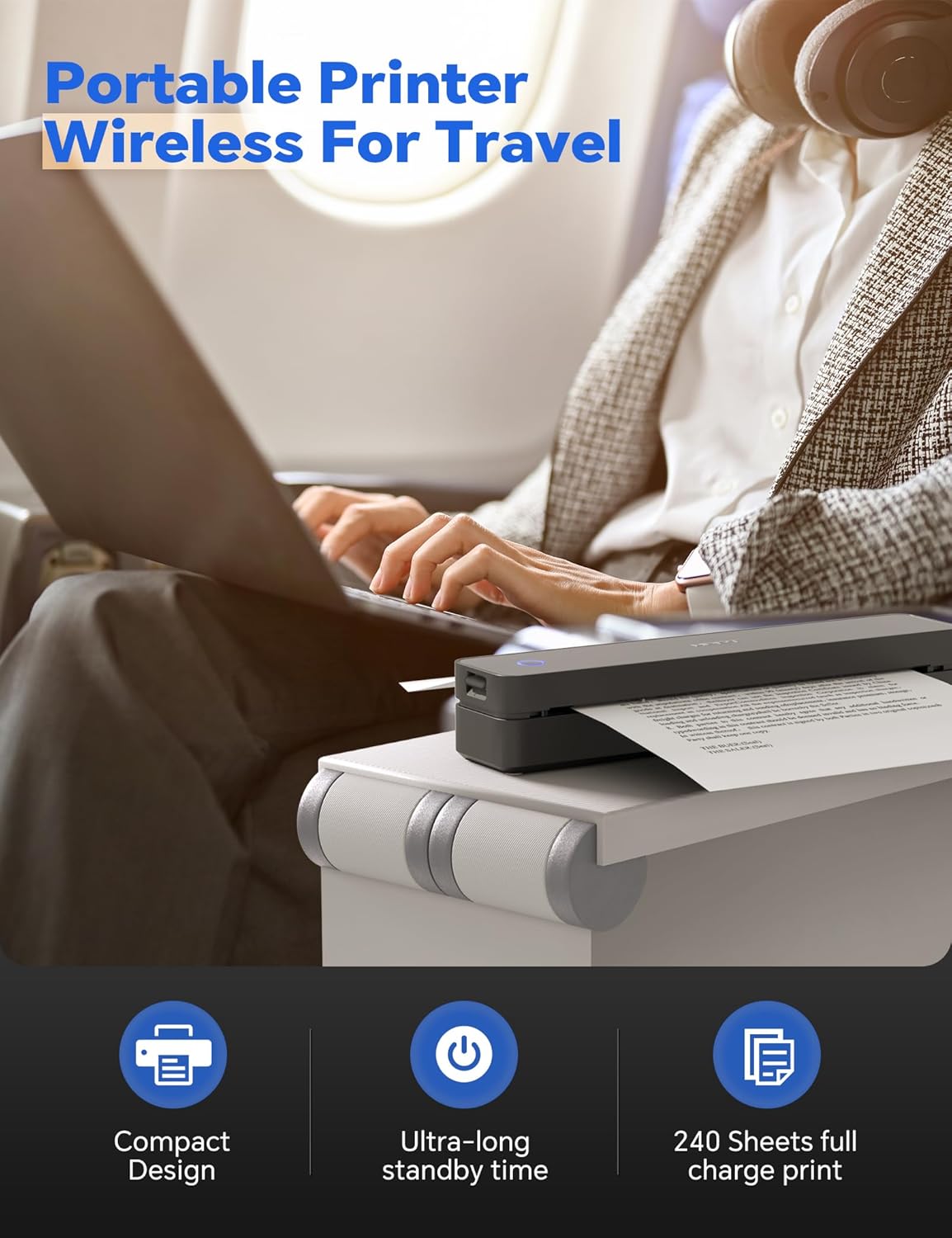
It also includes a built-in battery rated at 2000 mAh. The provided info says up to 4 hours of continuous printing and around 360 sheets from a single charge. That’s the sort of capacity that can genuinely reduce “print anxiety” when you’re away from a power socket.
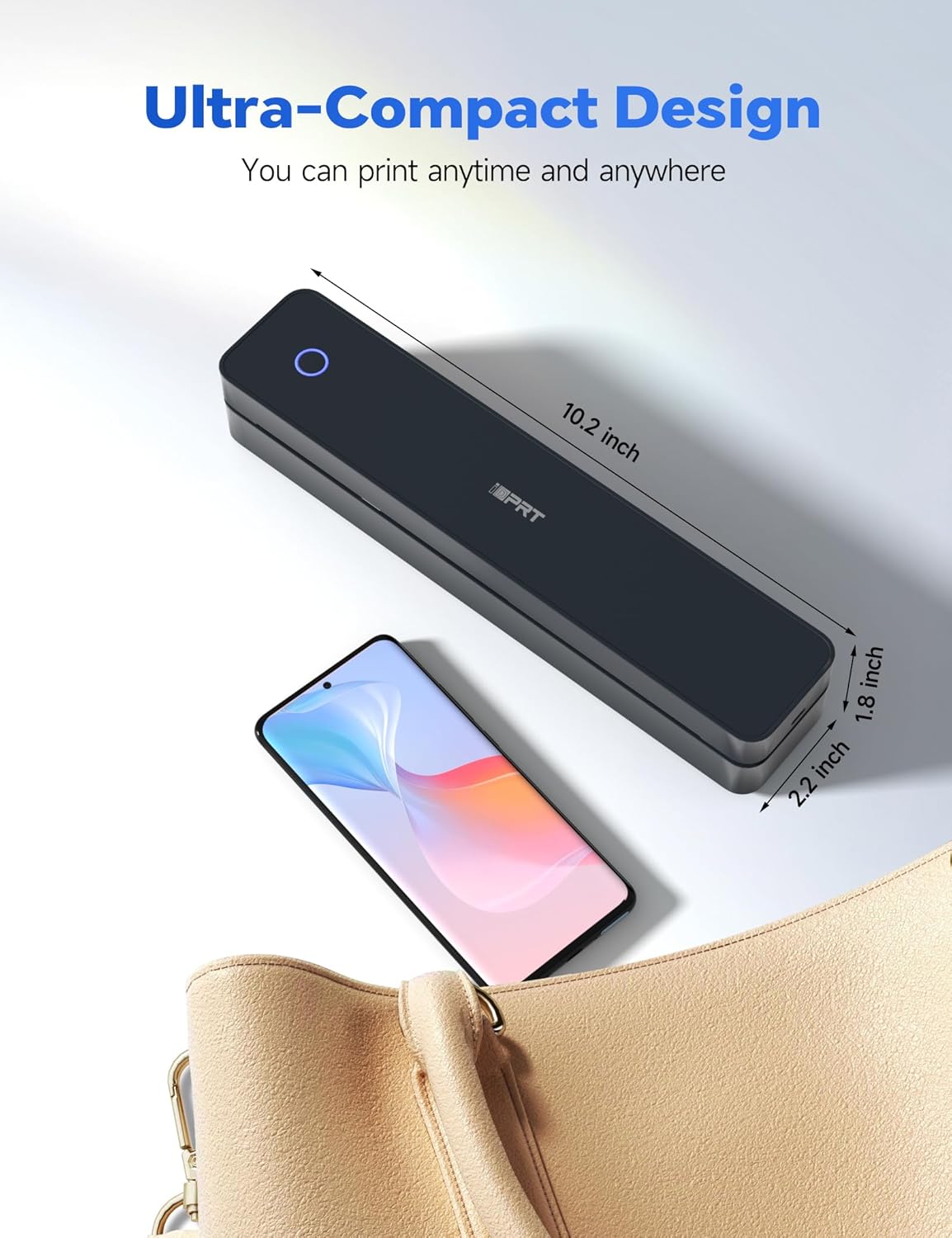
A major practical selling point is portability. At about 498 g and compact dimensions (26 x 5.6 x 4.6 cm), it’s meant to fit into backpacks and briefcases rather than staying as a desk-only gadget.
Finally, the brand emphasises creative and everyday printing via the free “HerePrint” app, plus multiple connection paths depending on what device you’re using.
Connectivity: mobile, tablets, laptops (and how it starts)
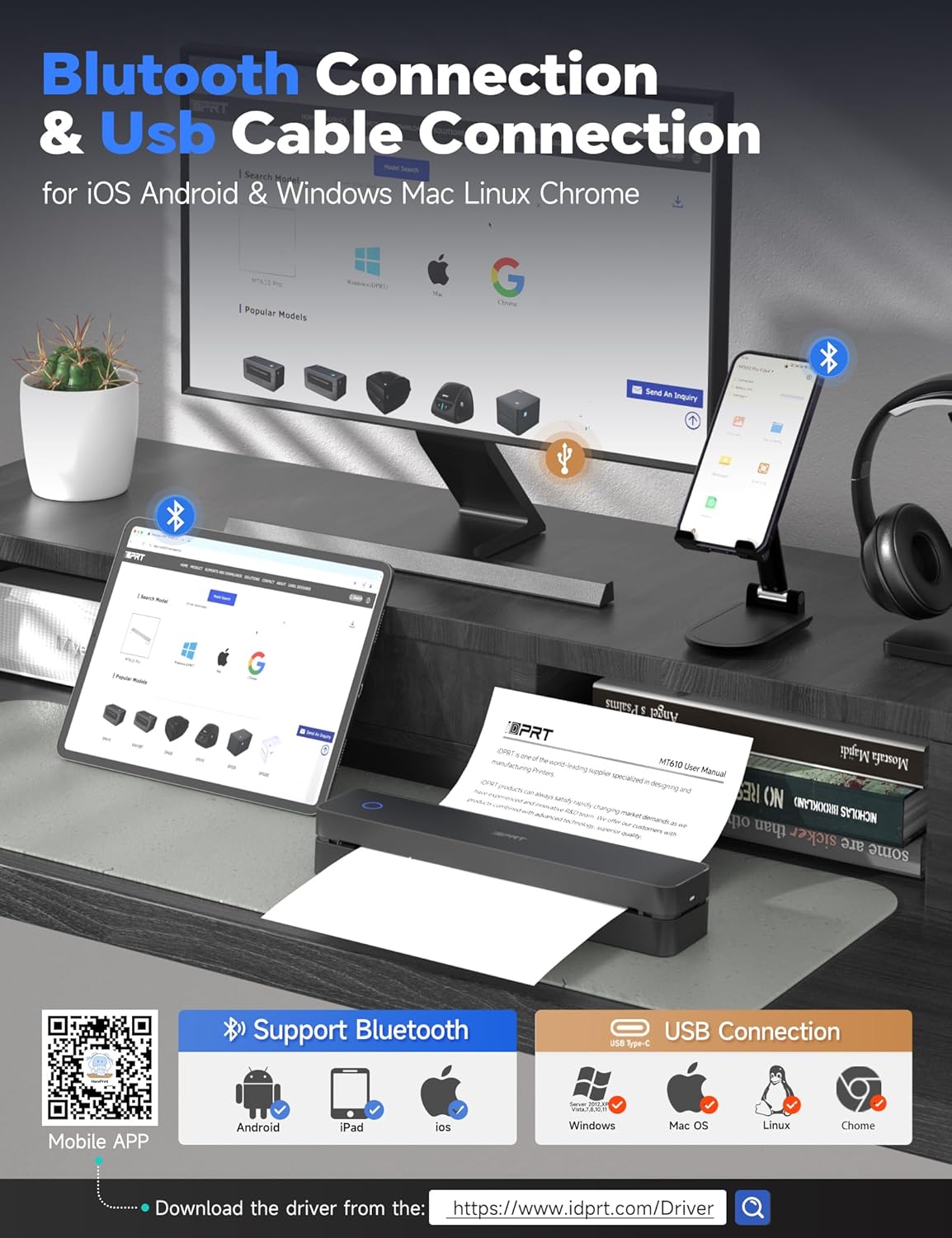
This printer is described as compatible with iOS, Android, tablet, and laptop setups. Bluetooth printing is handled through the HerePrint app. The basic flow described is:
- Download “HerePrint”
- Switch on the MT610 and connect via Bluetooth in the app
- Use the “+” option to complete device pairing, then select your file type and print
If you’re printing from a computer, there’s also a USB route. The steps provided include downloading and installing the MT610 controller from the MT610 site, connecting with a USB cable, and then choosing the iDPRT MT610 Pro-xxx printer entry in your print list.
Worth noting: the input devices supported are broad on paper (iOS, Android, laptops including Mac/Windows/Linux, and Chrome OS). Still, your real-world experience will depend on whether your workflow matches the app/driver steps without friction.
Spec sheet snapshot (only what the listing supports)
The listing points to a few clear technical anchors:
- Print technology: thermal (no ink)
- Resolution: 300 DPI (with a stated comparison to 203 DPI “normal” density)
- Output format: A4 prints
- Battery: 2000 mAh
- Weight: 498 g
- Size: 26 x 5.6 x 4.6 cm
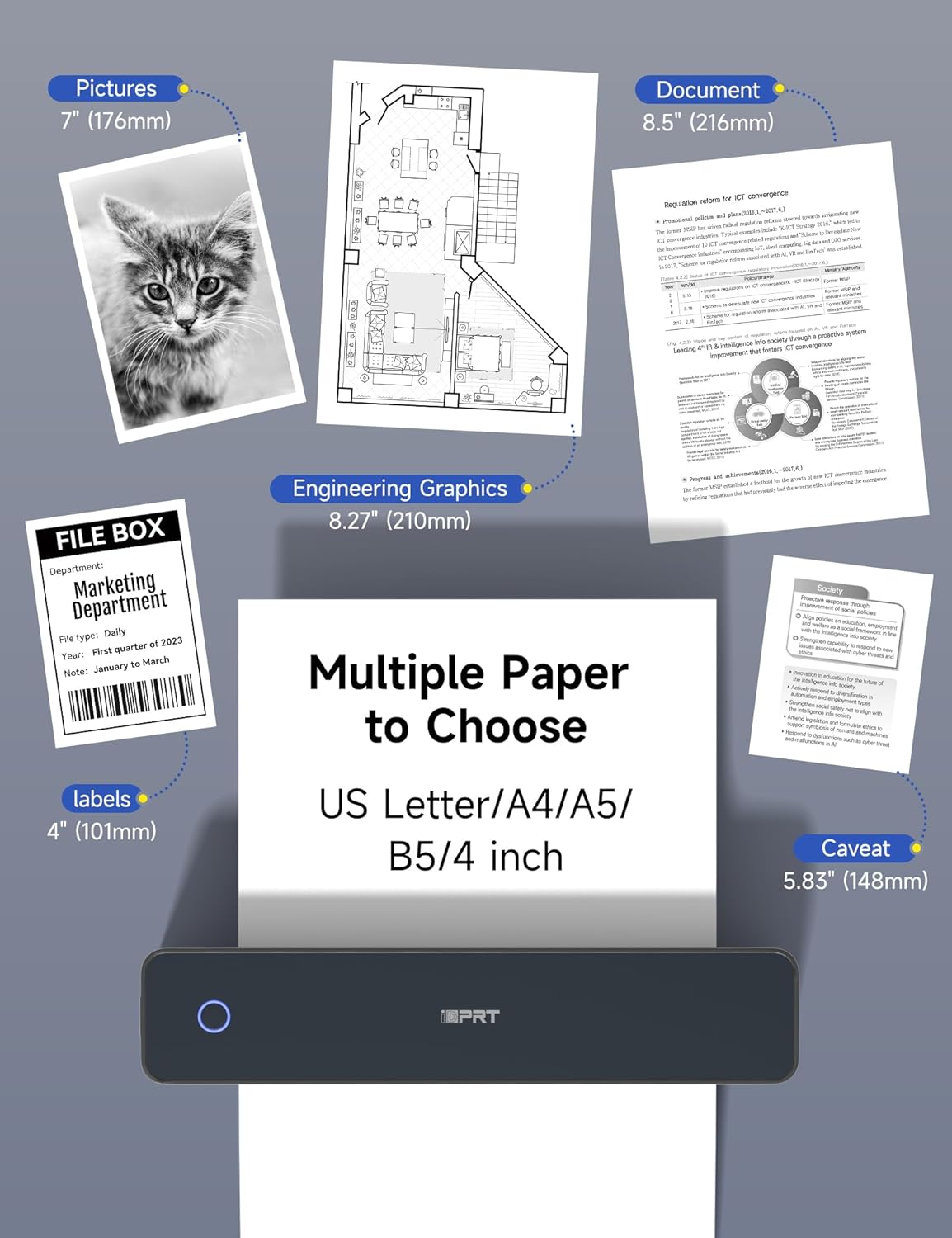
One key limitation is explicitly mentioned: it prints only on thermal paper. If you’re expecting to print on standard paper you already have, you may need to rethink your setup.
Pros, cons, and where it makes sense
What’s likely to work well - You want a portable, ink-free way to print documents while travelling, commuting, or working away from a desk. - You’re printing text-heavy items like contracts, receipts, notes, lists, and similar documents where thermal prints are a practical fit. - Battery life and portability matter more than having a big desktop printer experience.
Where it can feel less convincing - It’s not for you if you don’t want to source thermal paper, because the listing states it prints on thermal paper only. - If you’re expecting photo-quality output like a dedicated photo inkjet workflow, thermal printers can be a bit hit-and-miss depending on paper type and expectations. The listing mentions photos, but it doesn’t provide any colour/quality guarantees. - With a “mobile-first” approach, it’s better thought of as a convenient travel/field printer than a replacement for a high-end office printer you use every day.
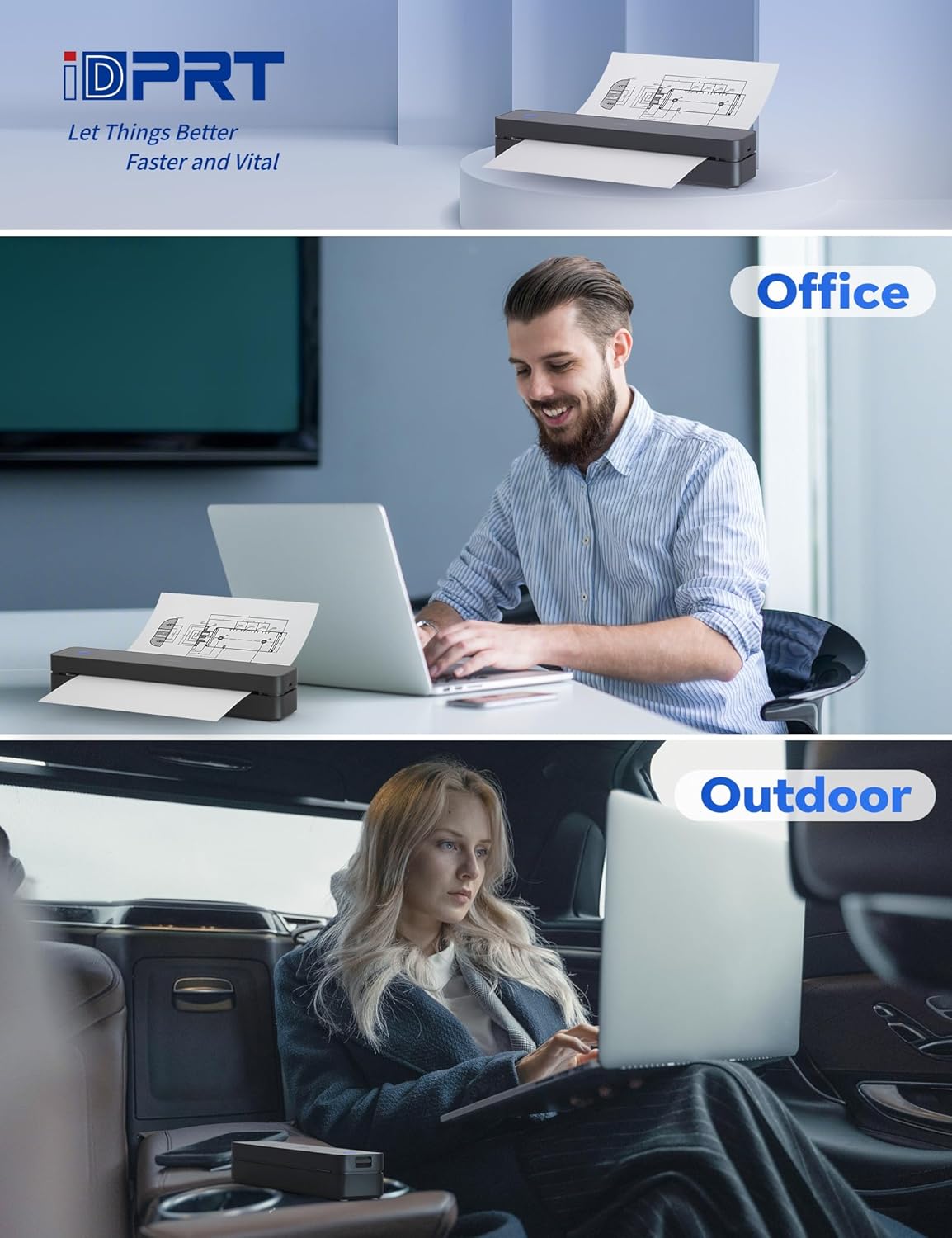
It makes sense if you’re in roles where paper is still needed on-site—vehicle paperwork, home/officer admin tasks, school activities, or occasional office printing when you don’t want to hunt down a printer.
For compatibility and setup, check these first
Before buying, it’s worth double-checking your expected workflow: are you mainly printing from a phone via Bluetooth and HerePrint, or from a laptop using USB and the driver/controller? The listing provides both methods, but mixing setups can add a little friction.
Also, plan for consumables: thermal paper is the one “non-negotiable” here. If you already have a thermal paper plan (storage, availability, and the right size), the printer becomes a lot more appealing.
Is it worth it?
A solid pick if you need ink-free, portable A4 thermal printing with a 300 DPI focus and you’re happy to work around thermal paper. The battery capacity and lightweight design suggest it’s aimed at people who print away from home or want a printer that doesn’t feel like a bulky spare appliance.
You may want to skip it if you only have non-thermal paper on hand, or if you’re chasing a traditional office printer experience where ink choice, paper flexibility, and long-term print consistency are key.
Mini FAQ
How do I print from a phone?
According to the steps provided, you download the HerePrint app, turn on the MT610 and pair over Bluetooth inside the app, then add/connect the device using the “+” option before selecting your file type to print.
Can I print from a laptop?
Yes. The listing describes using a USB cable, installing the MT610 controller, and then selecting the iDPRT MT610 Pro-xxx printer entry in your print menu.
Does it use ink cartridges?
No. It’s described as inkless thermal printing, but it does require thermal paper.
What paper does it work with?
The listing states it prints only on thermal paper, so you’ll need to use thermal paper that matches your intended output.
How portable is it?
It’s listed at about 498 g with compact dimensions (26 x 5.6 x 4.6 cm), which is designed for travel and on-the-go use rather than desk-only printing.