

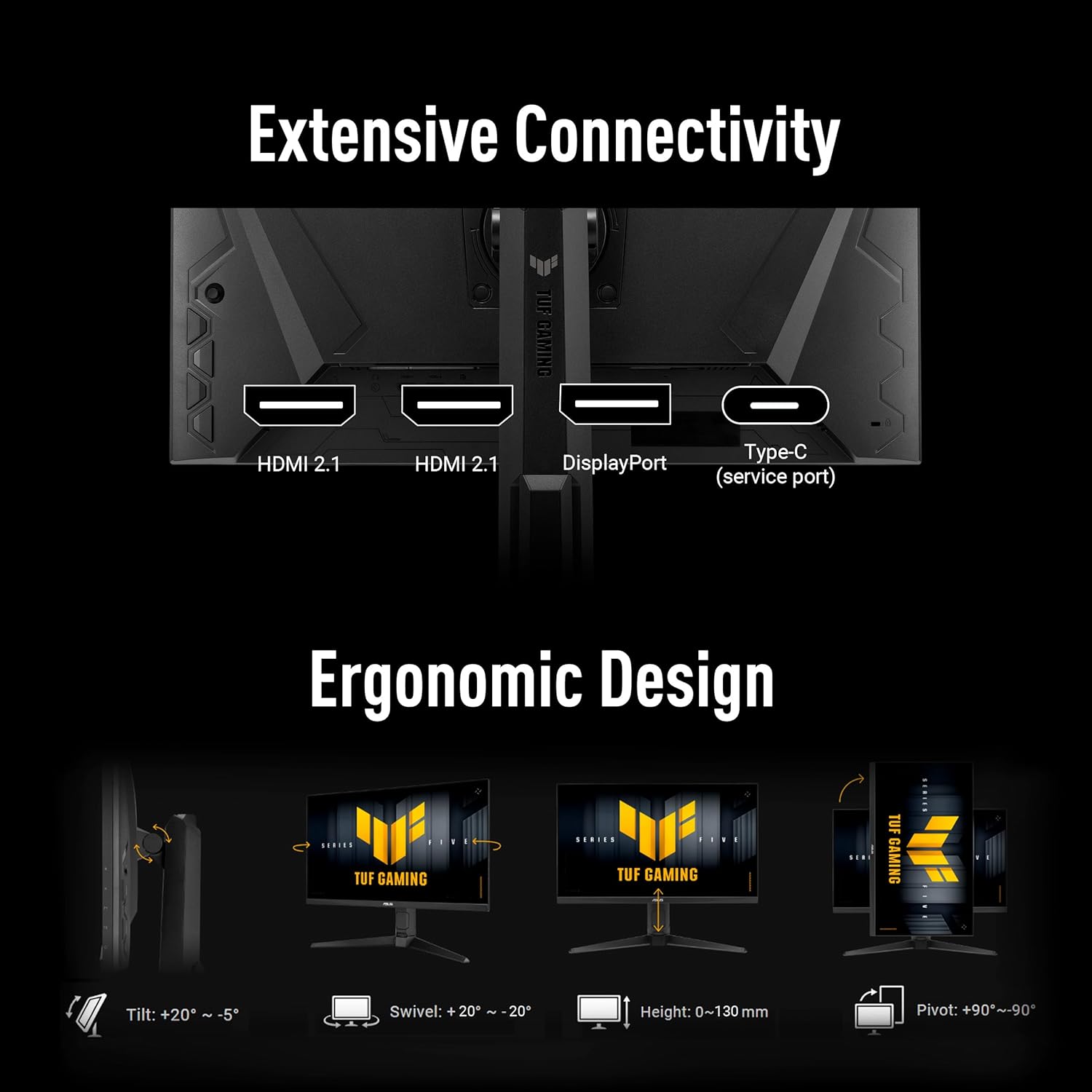
ASUS TUF Gaming VG27AQML5A 27-inch QHD Fast-IPS 300Hz G-SYNC & FreeSync Premium gaming monitor
Reviews
Price
Product description
If your goal is smooth, high-frame-rate gaming in QHD, the ASUS TUF Gaming VG27AQML5A is built around that idea. It pairs a 27-inch Fast-IPS panel with a 300Hz refresh rate, plus variable refresh support (FreeSync Premium and G-SYNC compatible). On paper it reads like a serious esports-first display rather than a general office monitor.
That said, this is still a specific kind of monitor: it’s designed to chase responsiveness and motion clarity. If you mainly play slower, cinematic games or you don’t need top-end refresh rates, you might find better value elsewhere. But for people who care about reducing blur/tearing and want modern HDR features, it’s a compelling spec stack.
The essentials
The VG27AQML5A uses a 27-inch QHD (2560 x 1440) Fast-IPS panel aimed at fast paced gameplay. The headline is a 300Hz refresh rate, alongside a claimed 0.3ms (minimum) response time. The practical promise here is sharper motion when games are running high FPS, especially compared with standard 60Hz or even typical mid-range gaming panels.
It also includes adaptive sync options—FreeSync Premium and G-SYNC compatibility—so it’s meant to help keep gameplay feeling consistent and reduce tearing when frame rates fluctuate.
What stands out in everyday gaming
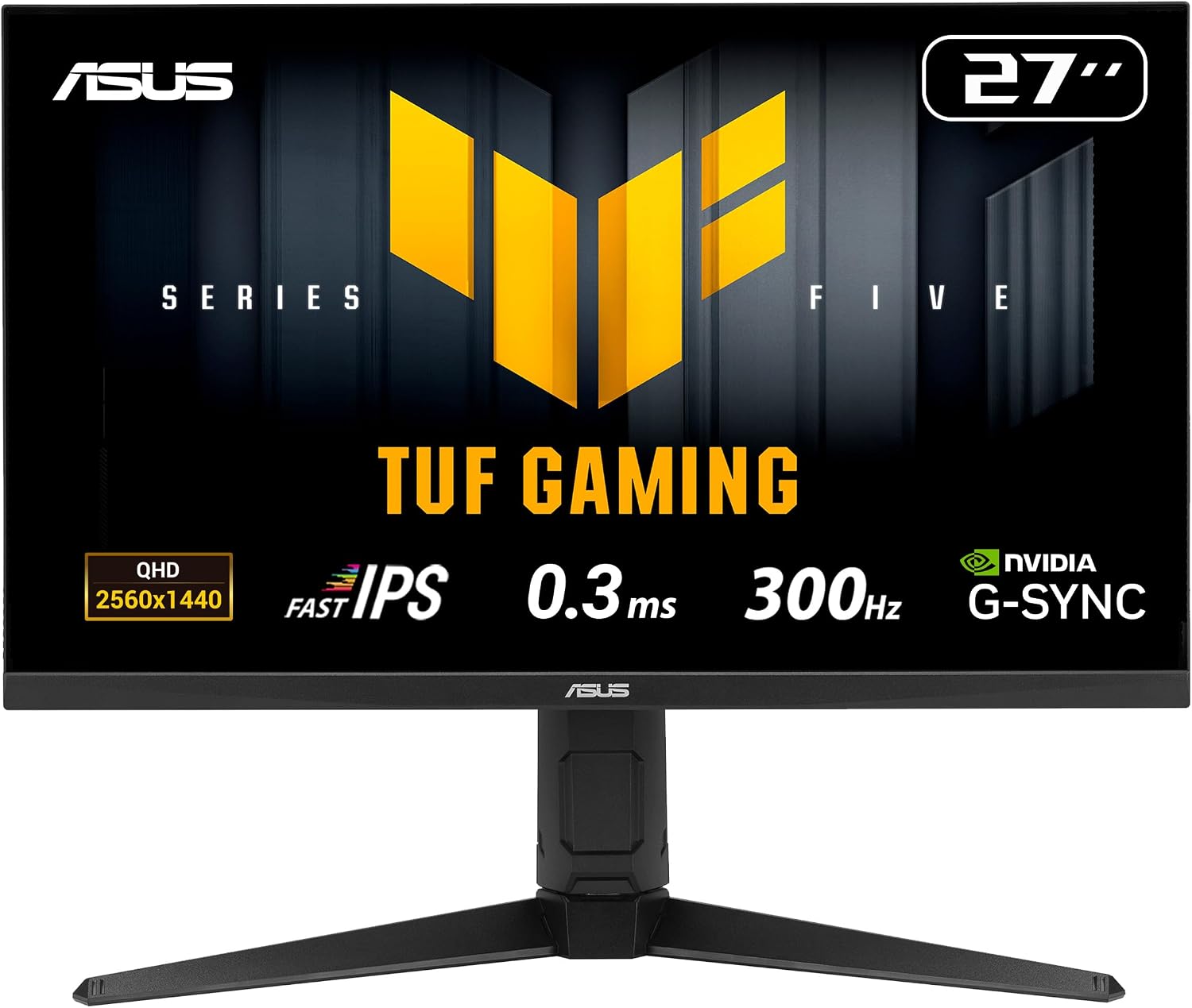
A big part of this monitor’s appeal is the combination of speed and motion control. ASUS mentions Extreme Low Motion Blur Sync (ELMB SYNC), described as enabling ELMB together with variable refresh rate to help eliminate ghosting and tearing for sharp gaming visuals at high frame rates.
In use, this tends to matter most in fast shooters and movement-heavy titles: when you’re tracking targets, flicking angles, or responding to sudden enemy motion, a higher refresh rate with the right motion settings can make a noticeable difference. It’s not magic—no display removes all motion blur in every scenario—but this one is clearly trying hard in that direction.
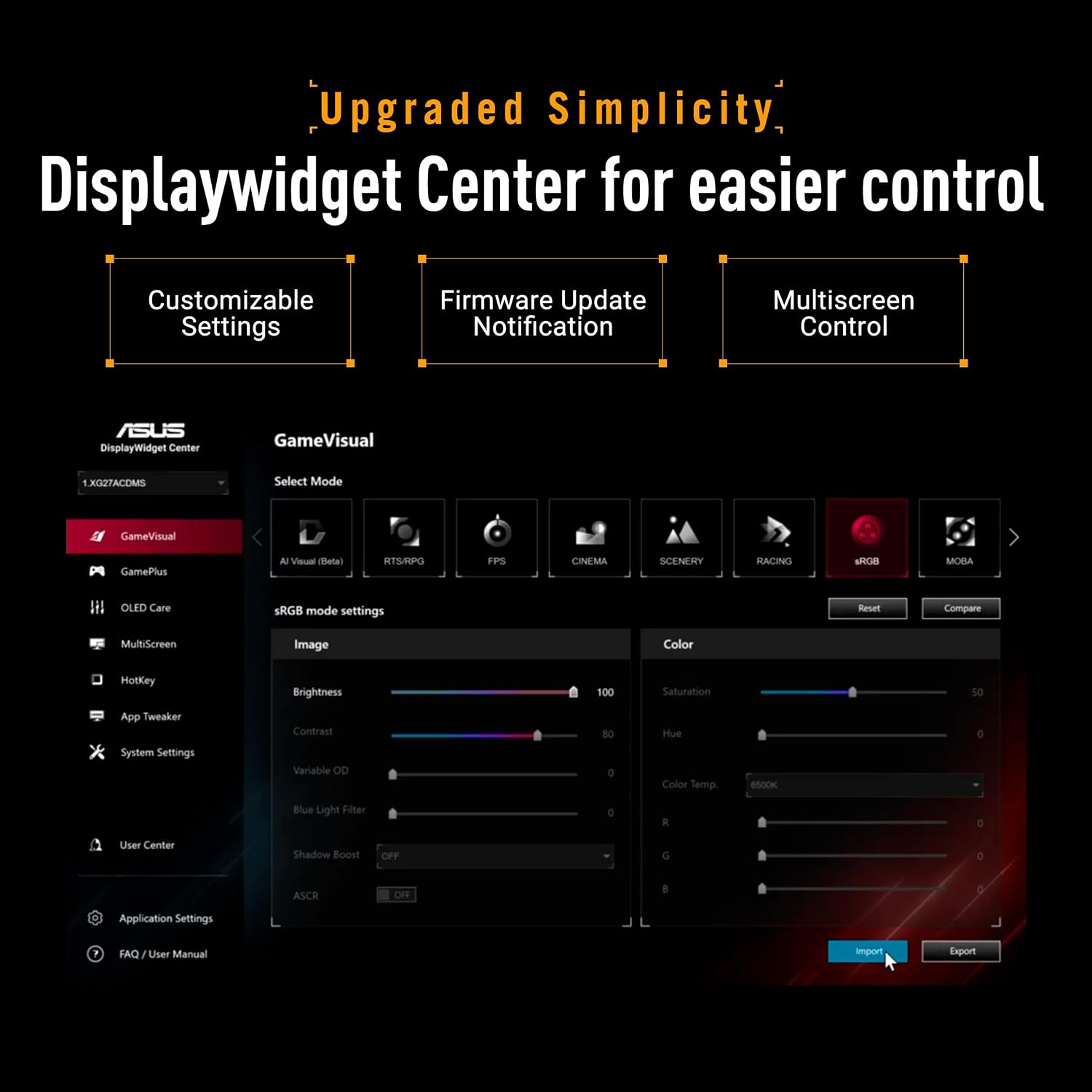
There’s also a DisplayWidget Center feature intended to make on-screen display (OSD) access and monitor setting adjustments easier using a mouse. If you’re the sort of person who tweaks brightness, colour modes, or gaming presets between games, that convenience is genuinely useful.
HDR that’s “good enough” for brighter moments
The VG27AQML5A includes HDR support with DisplayHDR 400 compliance and support for the HDR-10 format to enhance bright and dark areas. This is the sort of spec you look at when you want HDR features without buying into the higher-end, top-tier HDR category.
Keep a realistic expectation: DisplayHDR 400 is a baseline tier. It can still improve contrast perception and highlight brightness in supported games, but it may not deliver the deep, punchy HDR look you get from more ambitious HDR implementations.
Connectivity and sync: where your setup fits
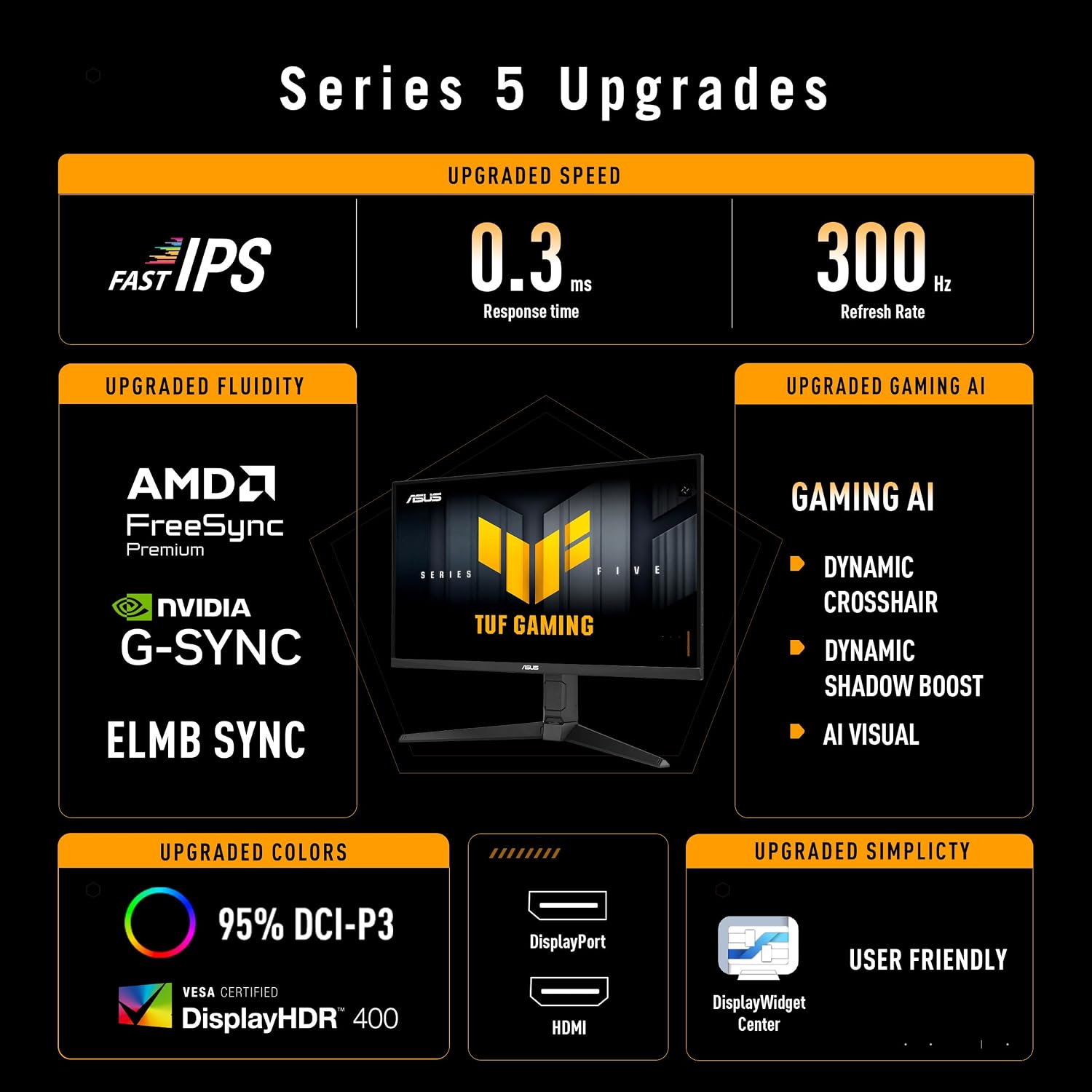
The listing specifies HDMI 2.1, which is helpful if you’re connecting modern consoles or devices that support it. For PC gaming, the key point is variable refresh support: FreeSync Premium and G-SYNC compatible are both called out.
Whether it “just works” perfectly depends on your PC/GPU settings and the game’s frame-rate behaviour, but the intent is clear: you’re meant to get smoother visuals when performance isn’t perfectly locked.
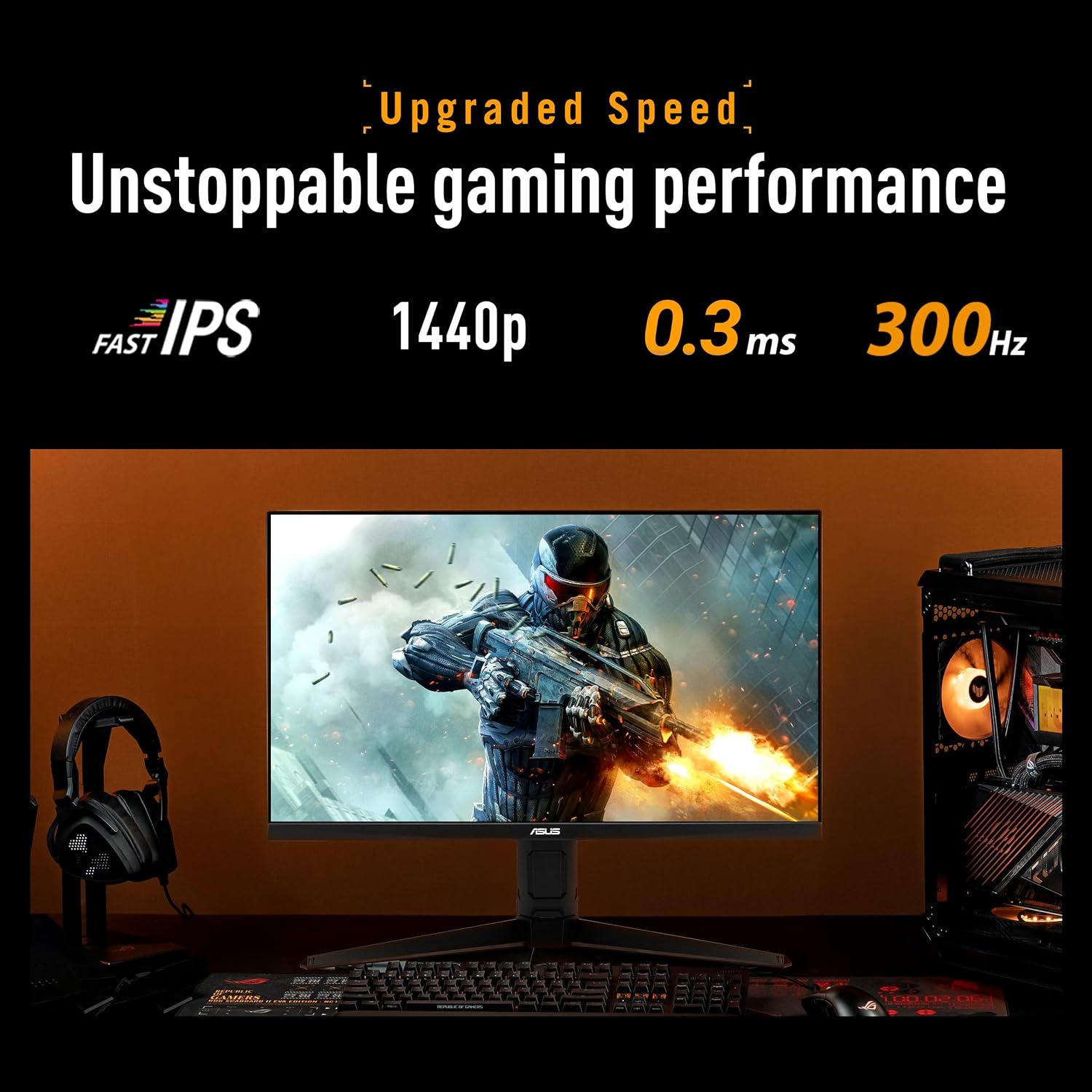
One more practical note: extremely high refresh rates are best enjoyed when your system can drive the relevant frame rates in the games you play. If your FPS often sits far below 300Hz, you may not fully benefit from the top end.
The things you should consider before buying
This monitor is positioned as a performance-focused choice, not a pure productivity screen. If your main use is browsing, spreadsheets, or long office sessions, you may want to check whether the gaming-heavy feature set matches your priorities.
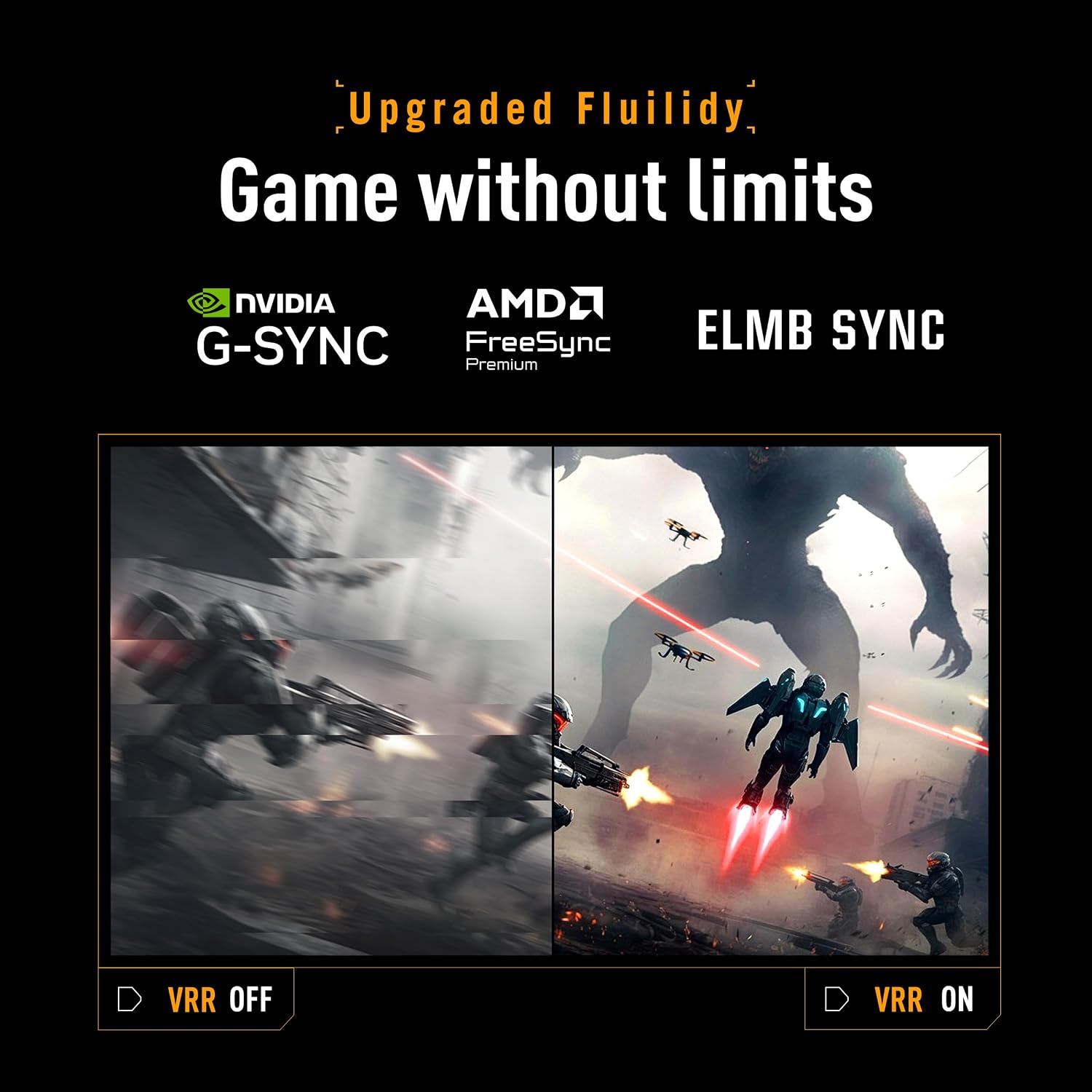
Also, fast-IPS and high refresh can be great for gaming, but the “best” experience usually comes down to tuning and the way motion settings interact with variable refresh modes. The ELMB SYNC approach is designed to reduce tearing/ghosting, but you’ll still want to explore the on-screen settings for your specific games.
On the colour side, the spec mentions 95% DCI-P3, which suggests a wider-than-average colour coverage for a gaming panel. If you do any photo/video work or care about richer colour in games, that’s a plus, even though the monitor is clearly aimed at gaming first.
Who it’s for, and who should look elsewhere
It suits you if you want a 27-inch QHD monitor with a high refresh rate for fast, responsive gameplay, and you care about adaptive sync (FreeSync Premium and G-SYNC compatible). The combination of 300Hz, Fast-IPS, and ELMB SYNC makes it feel like a monitor for people who spend time tweaking settings and playing genres where motion clarity matters.
It may not be a great match if you mostly play single-player story games at lower frame rates, or if you’re simply after a basic QHD display for everyday tasks. In those cases, the extra performance features could be more than you need, and you might prefer a simpler, cheaper screen.
Final verdict
It’s not a “one-size-fits-all” monitor, but the ASUS TUF Gaming VG27AQML5A makes strong sense for gamers targeting high FPS in QHD. The 300Hz Fast-IPS panel, adaptive sync support, and the ELMB SYNC motion approach are built for smoother, clearer motion when the action gets quick.
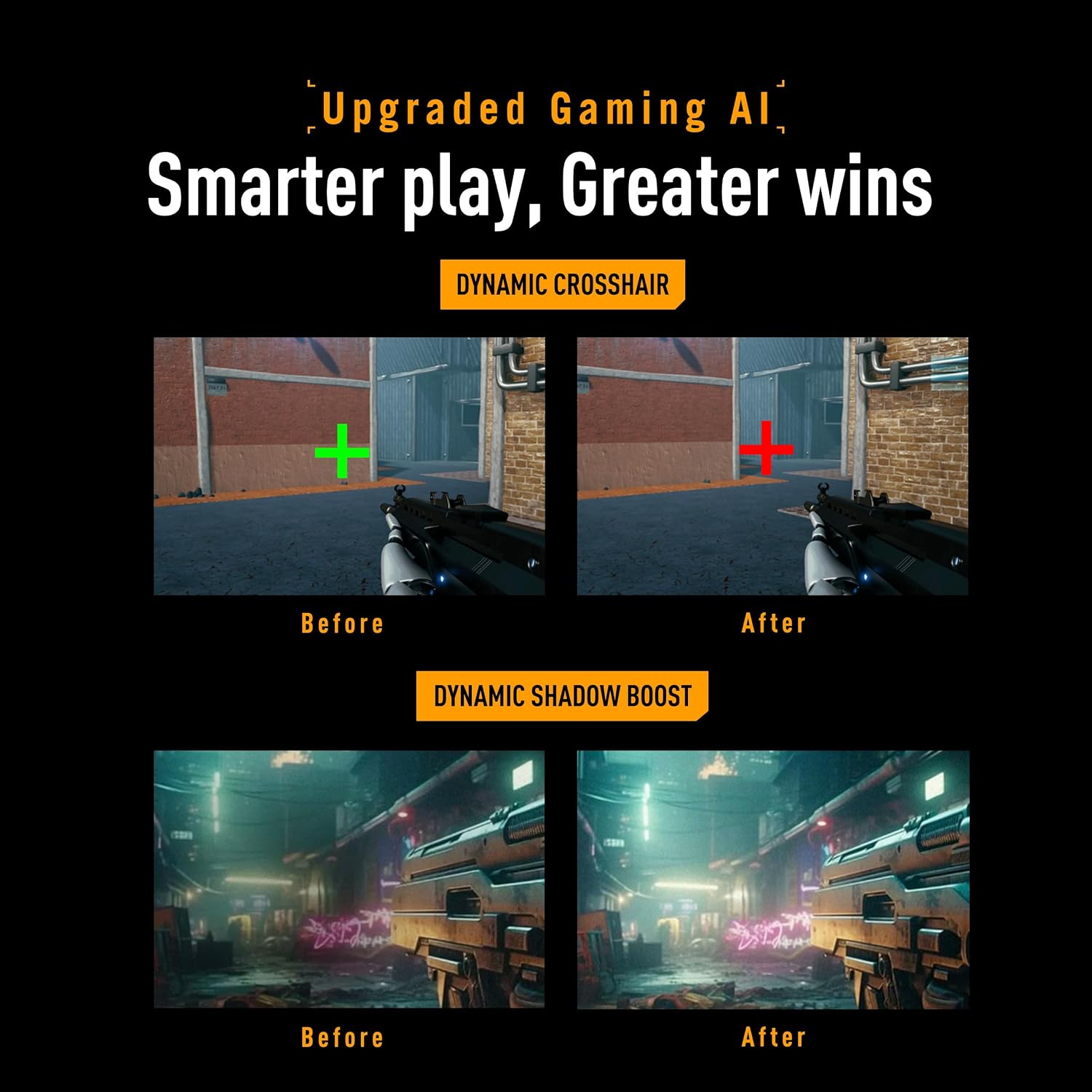
Buy it if you value high refresh gaming and you’ll actually run games at frame rates that benefit from it. Skip it if your setup and playtime lean more towards lower-FPS titles or general office use—then you may not get much real-world payoff from the top-end specs.
Mini FAQ
What resolution and refresh rate does the VG27AQML5A use?
It’s a 27-inch QHD display (2560 x 1440) with a 300Hz refresh rate.
Does it support variable refresh and tearing reduction?
Yes. The listing specifies FreeSync Premium and G-SYNC compatibility, and it also references ELMB SYNC to help address ghosting and tearing.
Is DisplayHDR 400 “proper HDR”?
It’s HDR at the DisplayHDR 400 tier level. It supports HDR-10 and is designed to enhance bright and dark areas, but it’s best treated as mainstream HDR rather than flagship-level.
Is HDMI 2.1 included?
The product details mention HDMI 2.1.
Is it aimed at competitive gaming or casual use?
The feature set (300Hz, Fast-IPS, motion blur/tearing focus, variable refresh) reads as competitive-first, even if you can of course use it for everyday games too.