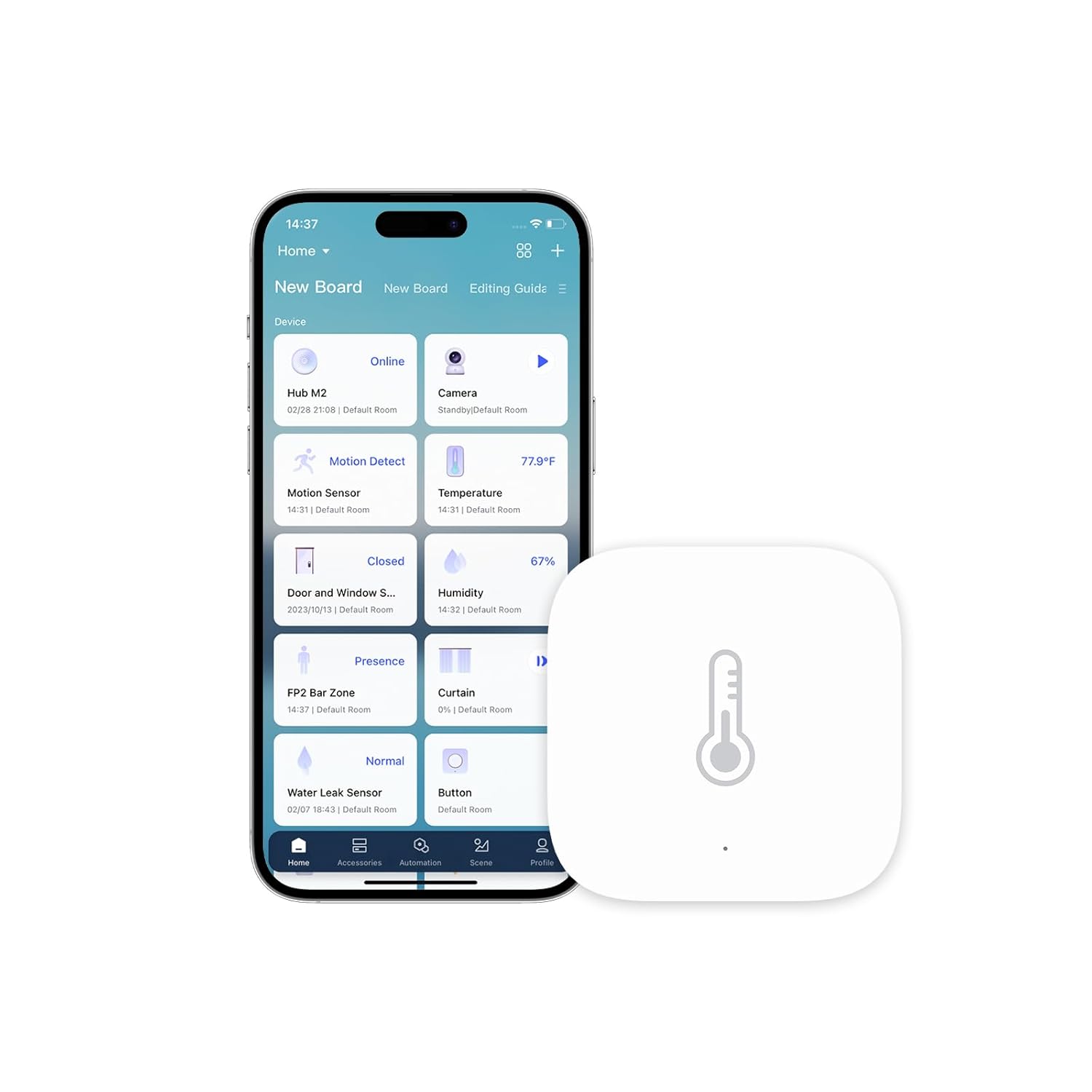
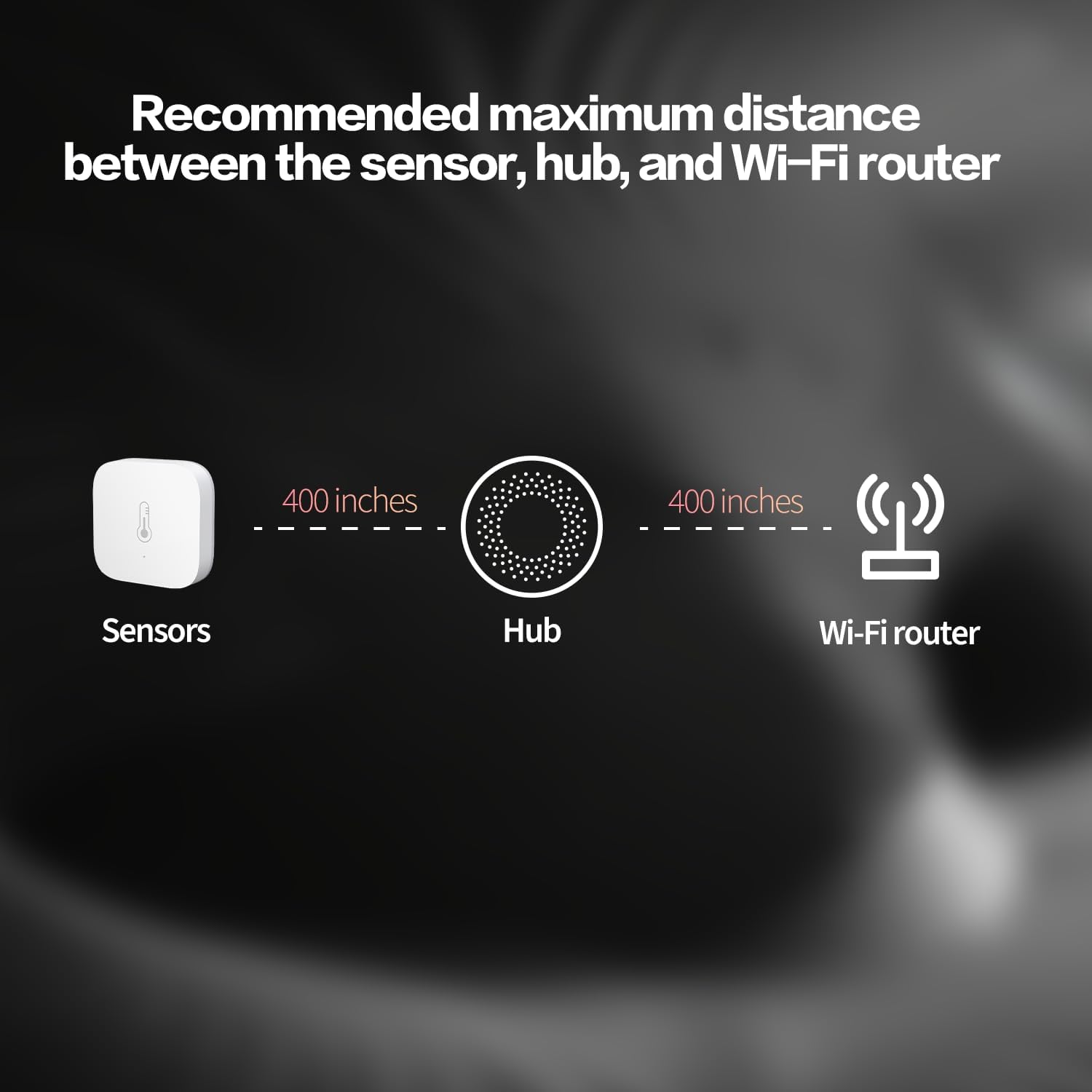
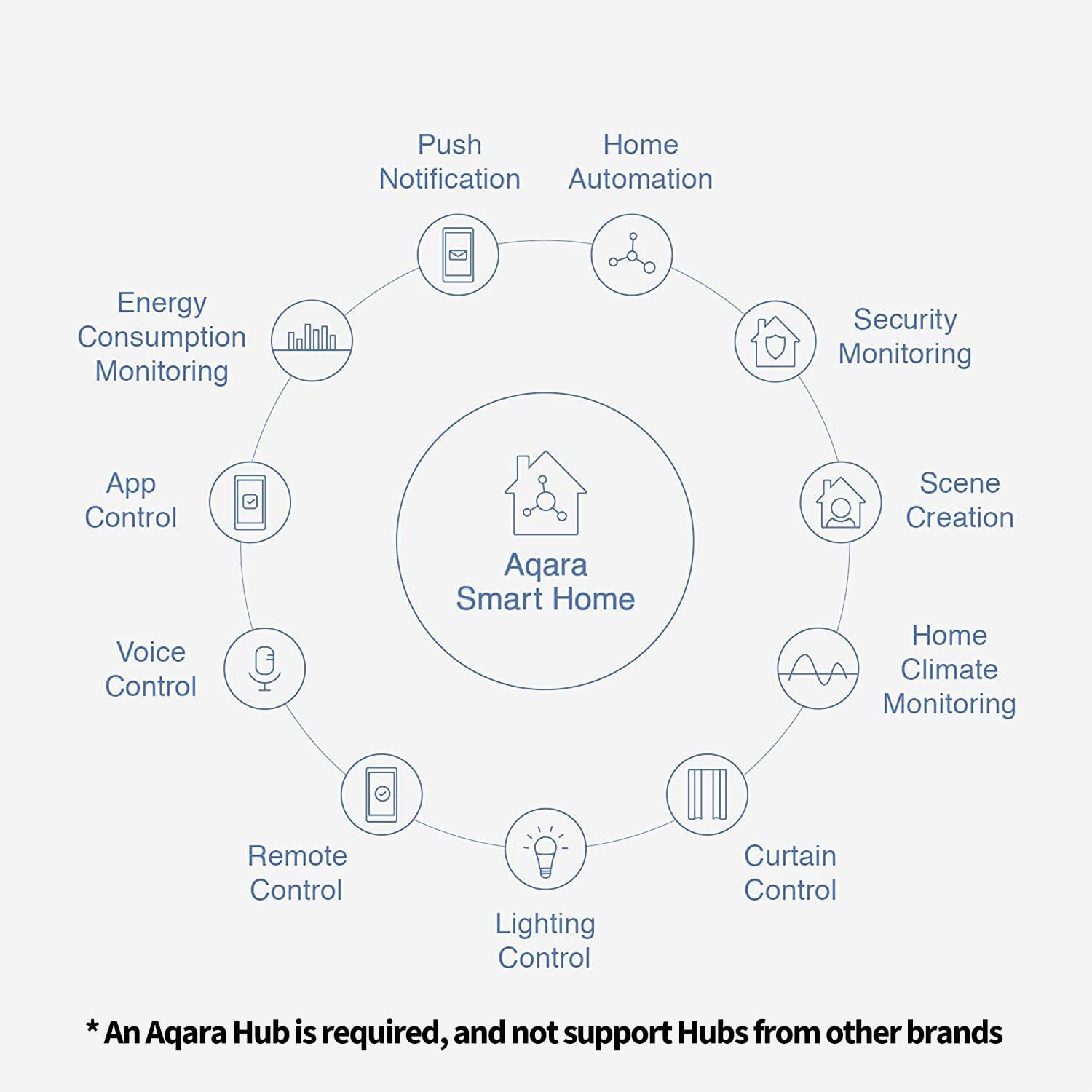
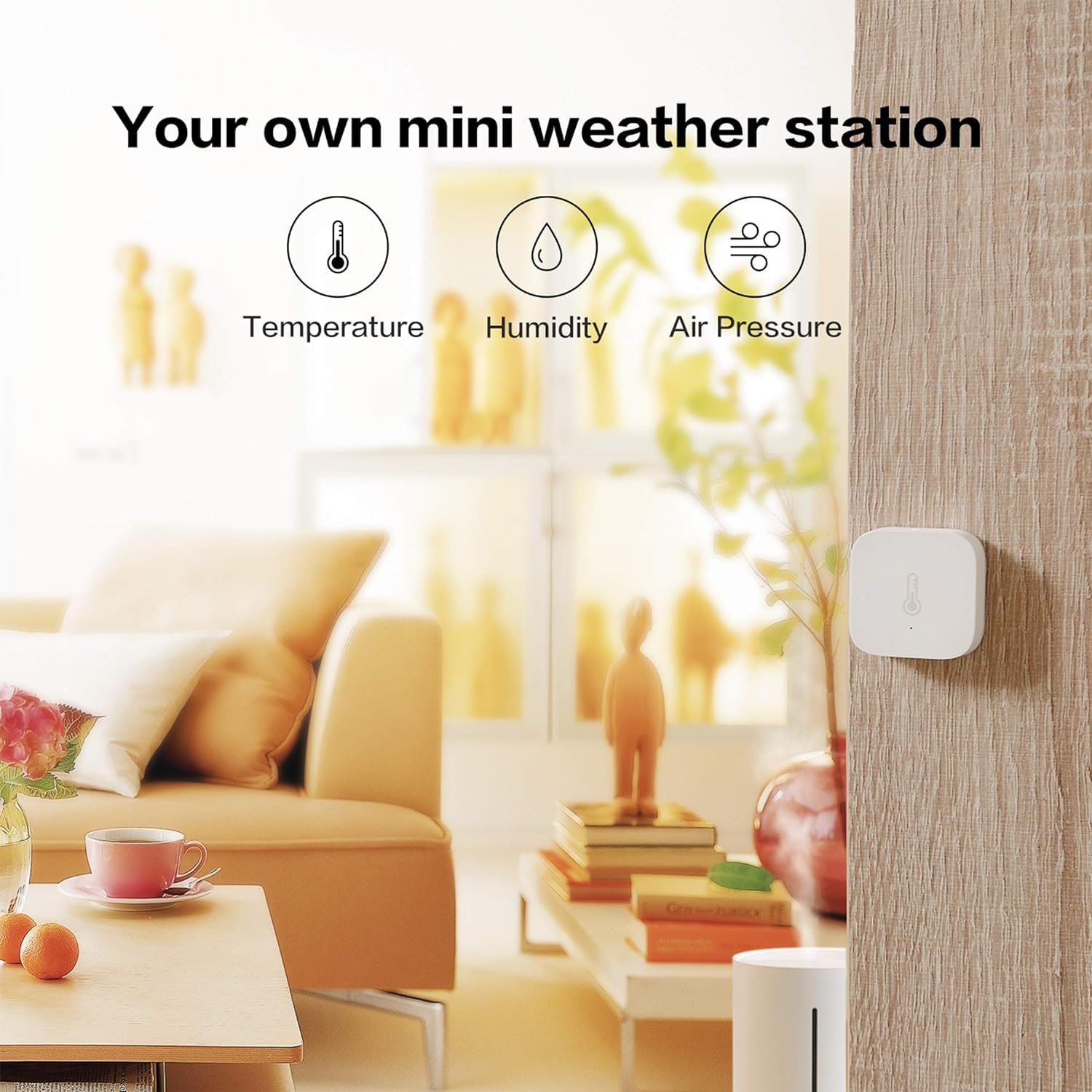
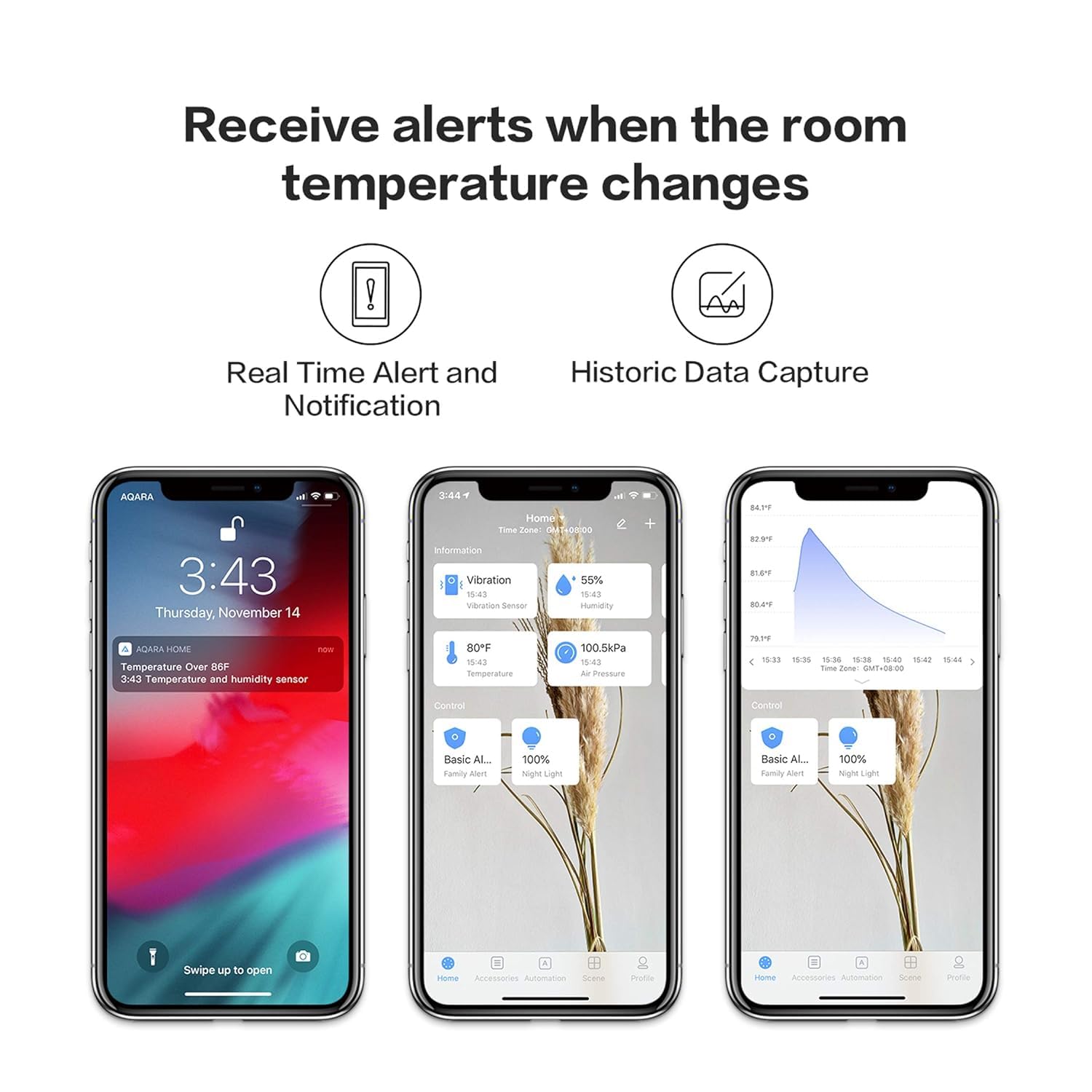
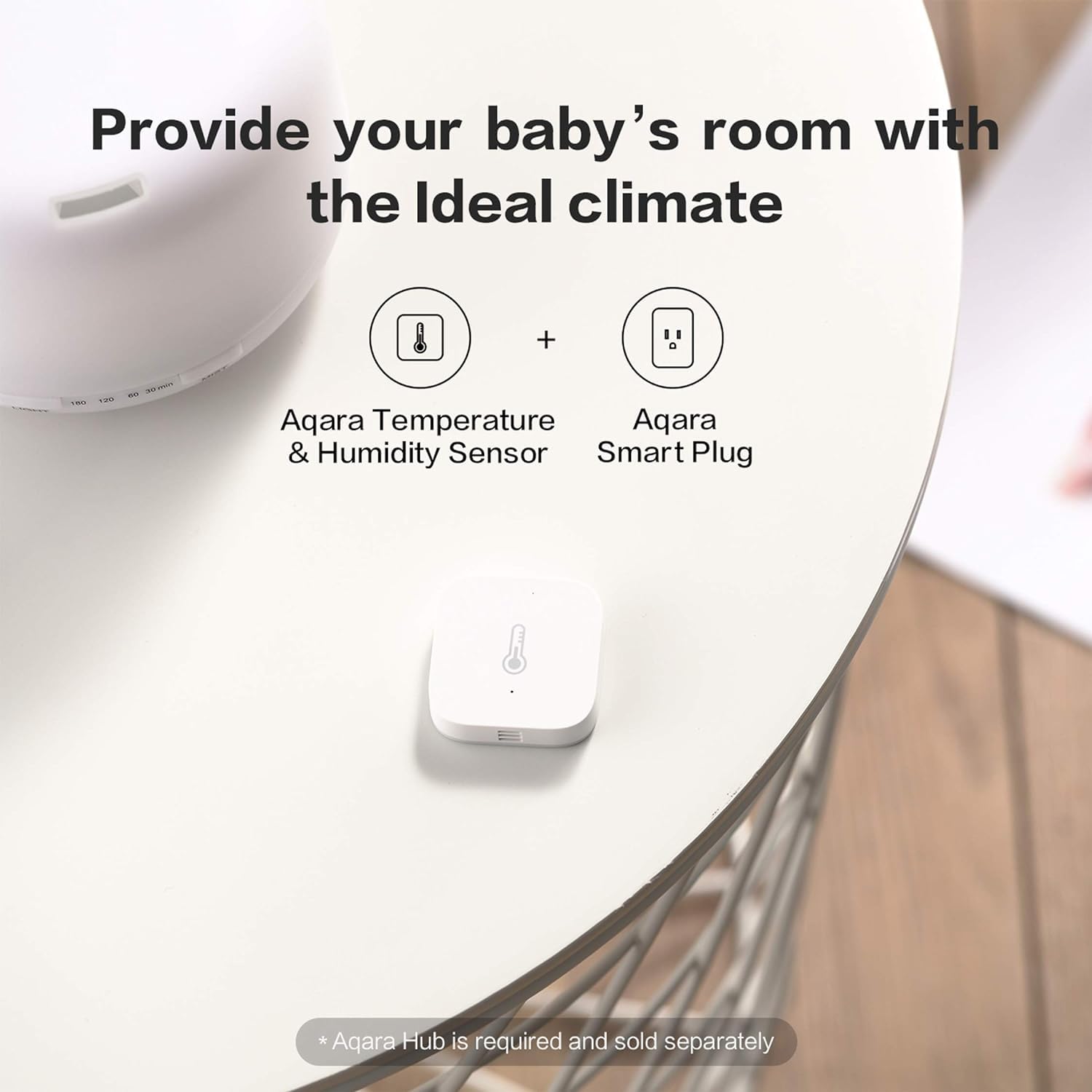
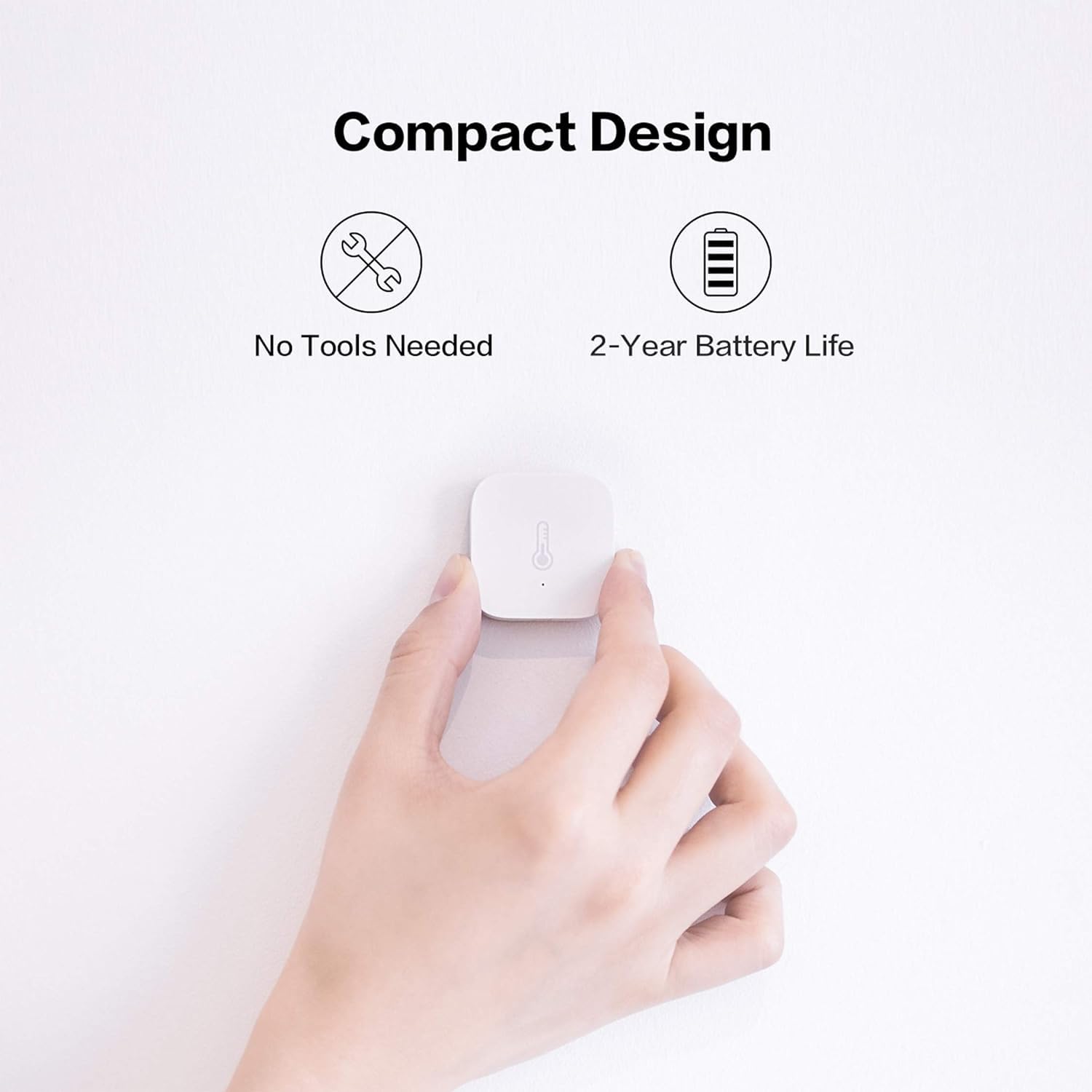
What it is and what it does\nThe Aqara Temperature and Humidity Sensor is a 3-in-1 environmental monitor designed to track temperature, humidity and atmospheric pressure. It works in conjunction with an Aqara Hub and Zigbee to feed data into the Aqara app and compatible smart home systems. On paper, this setup aims to offer real-time readings and automation potential for home comfort, especially when paired with Aqara’s ecosystem.\n\n## How it fits into a smart home\nIf you’re building or expanding an Aqara-centric setup, this sensor can help you observe changes in room conditions and trigger actions. For example, you can push alerts when temperatures swing outside your preferred range or automate a connected fan or humidifier to maintain a steady environment. It also integrates with Apple HomeKit, Alexa and IFTTT through the Aqara Hub, which is sold separately.\n\n## What stands out in use\nThe sensor uses a reputable Sensirion core for measurements, which suggests reliable data capture under normal household conditions. It streams readings to the Aqara app in real time, offering trend visibility to inform adjustments. A practical note: to keep a stable connection, place the sensor within about 400 inches of the Zigbee hub and ensure both hub and router are on the same LAN. This will help reduce intermittent drops in data.\n\n## Limitations to consider\nOn the not-insignificant side, you must own an Aqara Hub (sold separately) to access HomeKit bindings and Alexa skills. The base note also highlights several network constraints: some hubs require 2.4 GHz Wi‑Fi, others support 2.4/5 GHz, and there isn’t support for Wi‑Fi 6. Wired Ethernet is available for certain hubs, but that adds extra wiring. Importantly, the sensor isn’t intended for extreme environments like refrigerators, so placement should be sensible.\n\n## Who it’s for\nThis is a sensible choice if you’re already invested in Aqara’s ecosystem or want straightforward integration with HomeKit, Alexa or IFTTT through a dedicated hub. It’s useful for households aiming to monitor room conditions and automate basic climate control. It’s less compelling if you don’t plan to use the Aqara Hub or if you require a standalone, hub-free device.\n\n## What to check before buying\n- Confirm you have an Aqara Hub compatible with your setup (Hub M2, M1S, E1, M1S Gen2, or G2H Pro/G2H).\n- Verify your network supports the hub’s Wi‑Fi requirements (2.4 GHz, and for some setups 5 GHz).\n- Decide where to place the sensor so the 400‑inch proximity guideline to the hub is met, and avoid placing it in extreme temperatures.\n- Consider whether you need atmospheric pressure data in addition to temperature and humidity.\n\n## In the broader context of options\nCompared with standalone sensors, this Aqara unit emphasises multi‑sense data and ecosystem automation. If you prefer a non‑hub dependent device or a broader platform, you might look at alternatives that don’t rely on Aqara hubs. If you value tight HomeKit and Alexa integration through a single brand, this approach can be efficient, provided you’re prepared to manage the hub and network prerequisites.\n\n## Buying decision: Is it worth it?\nIs it worth it? The sensor makes sense if you already use Aqara’s hub and want integrated monitoring with automation. If your priority is a hub‑free setup or you’re not tied to Apple or Alexa ecosystems, you may want to explore other options. Overall, it’s a practical choice for a quantified view of your home environment, with the caveats noted above.\n\n## Quick practical use case\nImagine a living room where you monitor humidity to prevent mould and keep the air comfortable. The Aqara sensor would feed data to the Aqara app, alert you if the air grows too humid, and could trigger a connected humidifier or exhaust fan to respond automatically.\n\n## FAQ\n- Do I need an Aqara Hub to use this sensor with HomeKit? Yes. The notes specify that an Aqara Hub is required to bind with HomeKit and enable Alexa skills.\n- Can I place the sensor anywhere? It’s designed for indoor use in typical living spaces, avoid extreme environments like fridges.\n- How close must the sensor be to the hub? Aim for within 400 inches, with both hub and router on the same LAN for best reliability.\n