

MERCUSYS MS108GP 8-Port Gigabit PoE Switch with 7 PoE+ Ports and 250 m Extend Mode
Product description
What this product is and what it’s for
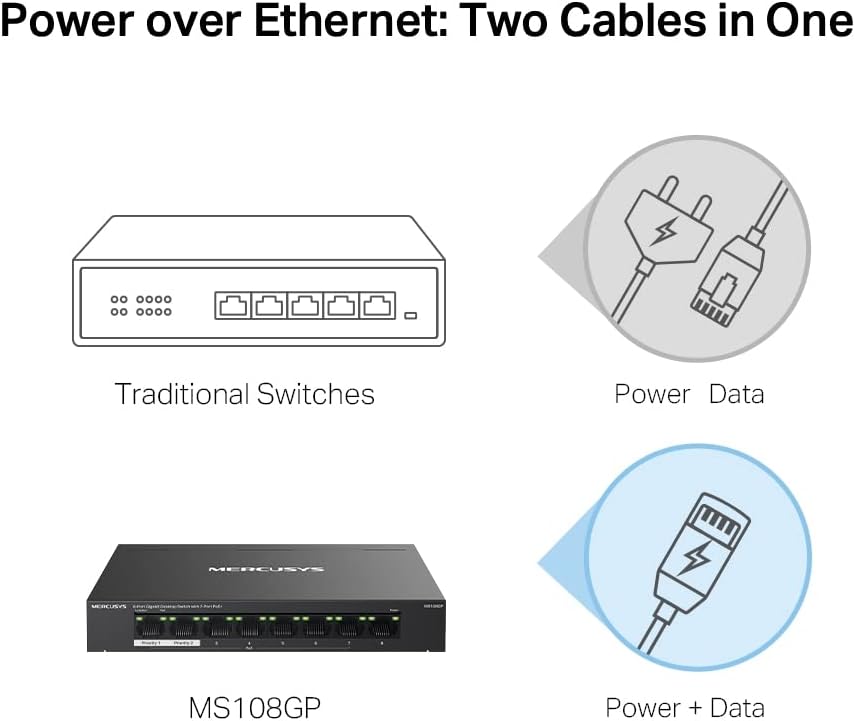
The MERCUSYS MS108GP is an 8-port desktop Gigabit switch with seven PoE+ ports, designed to power compatible devices such as cameras, access points, and other IEEE 802.3af/at PDs. It combines standard data throughput with PoE capability in a compact metal chassis, aimed at small to medium deployments where power over Ethernet simplifies cabling and reduces wall power adapters.
How it performs on paper
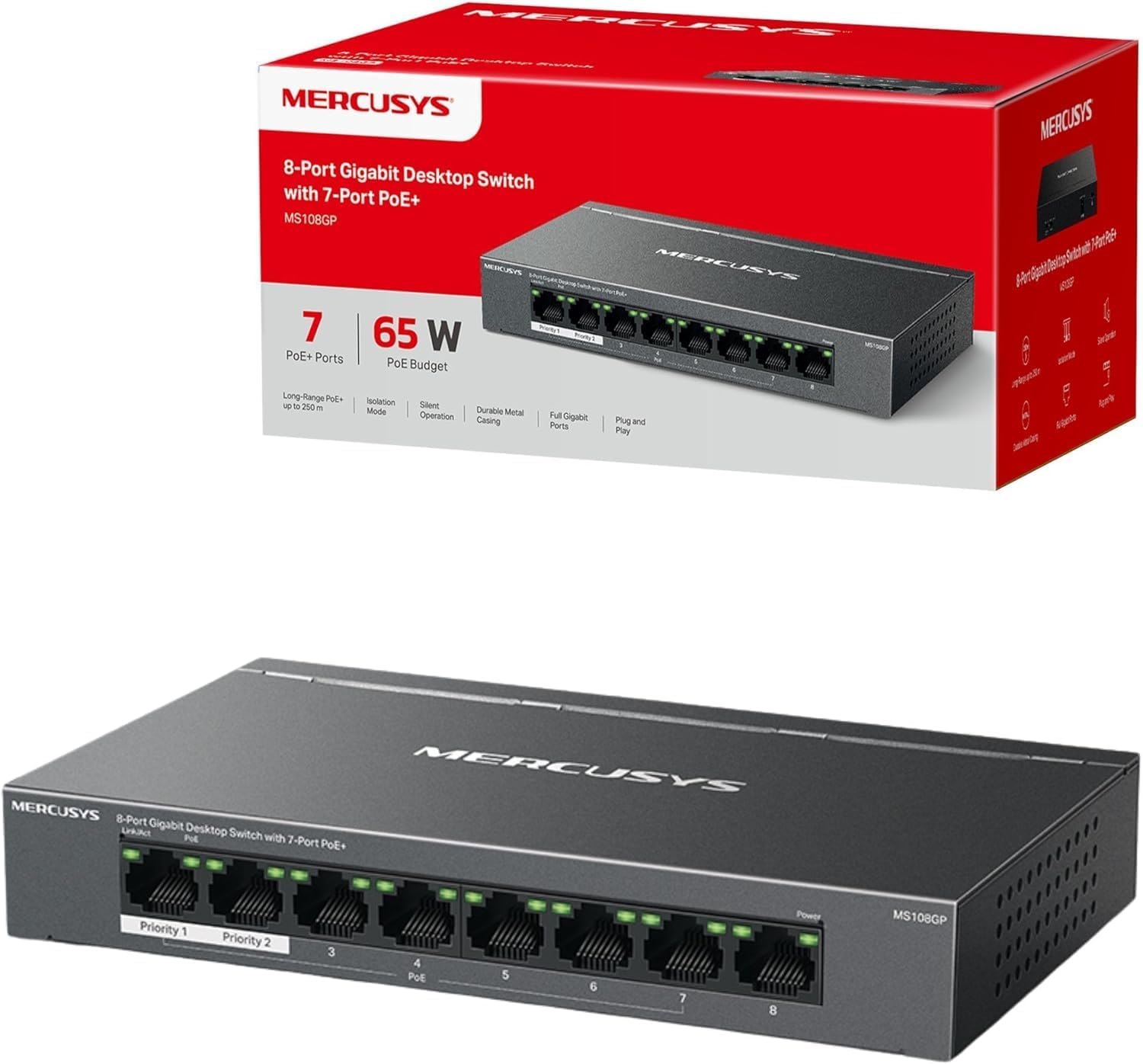
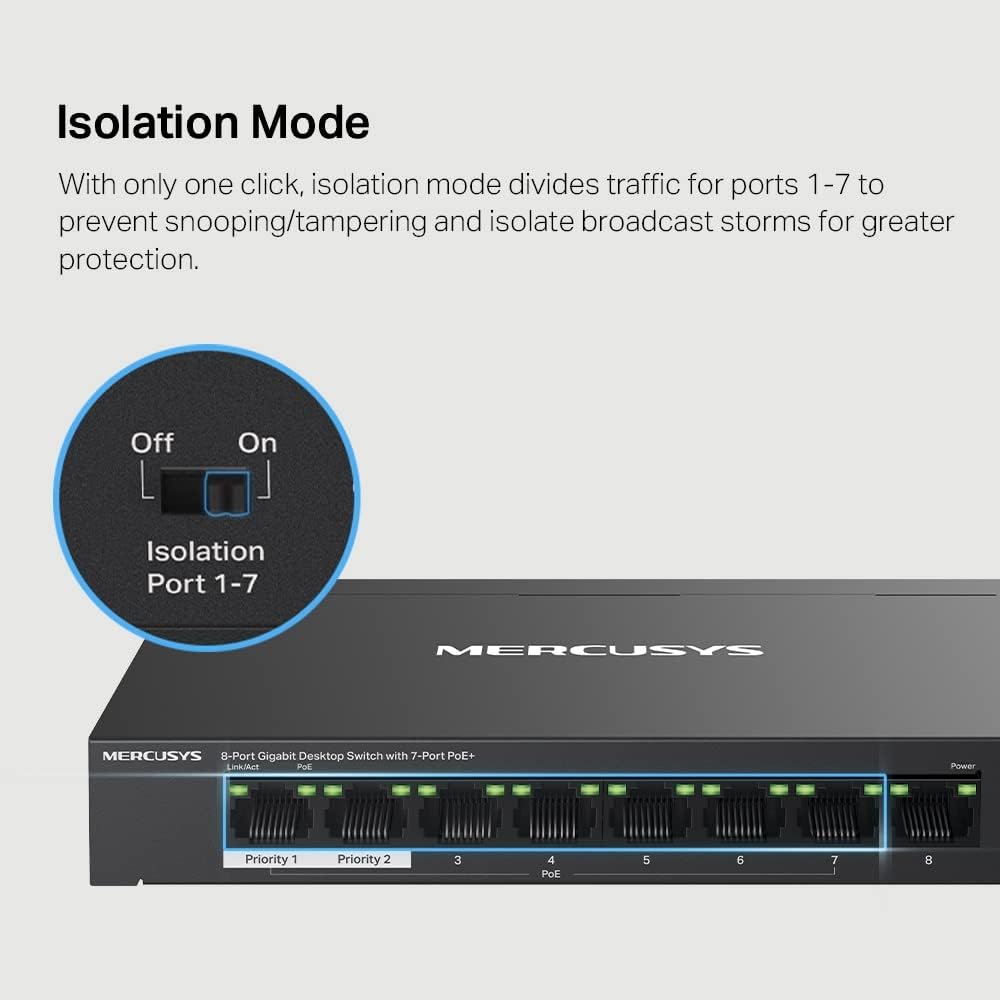
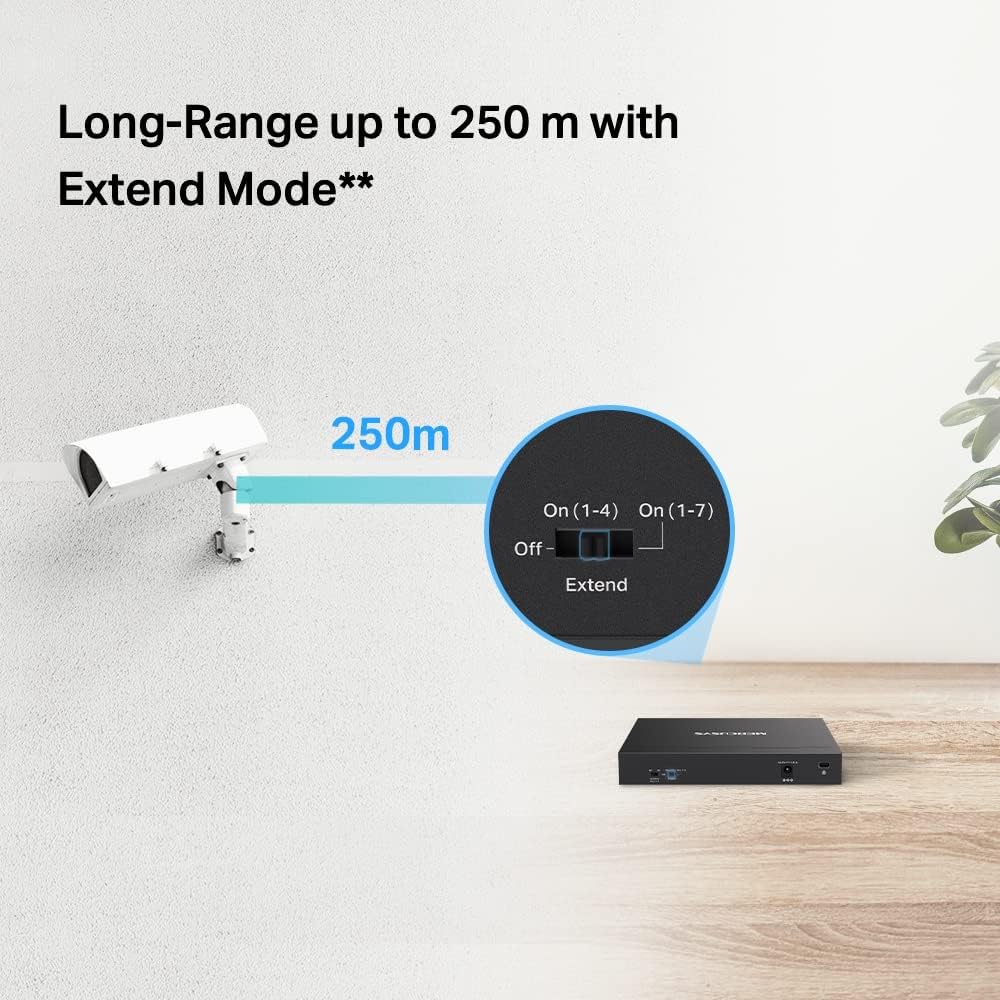
You’ll find six non-PoE/PoE ports plus seven PoE+ capable ports. Each PoE port can deliver up to 30 W, with a total PoE budget of up to 40 W across all PoE ports, which covers several typical PoE devices. The switch supports a Extend Mode that extends PoE transmission up to 250 m, which can be handy for devices placed far from the main switch. A dedicated Isolation Mode is included to separate traffic for selected ports, which can improve stability and security in mixed networks. The unit ships in a durable metal case that aids heat dissipation and longevity, and it is designed for plug-and-play setup.
Strengths you’ll notice in use
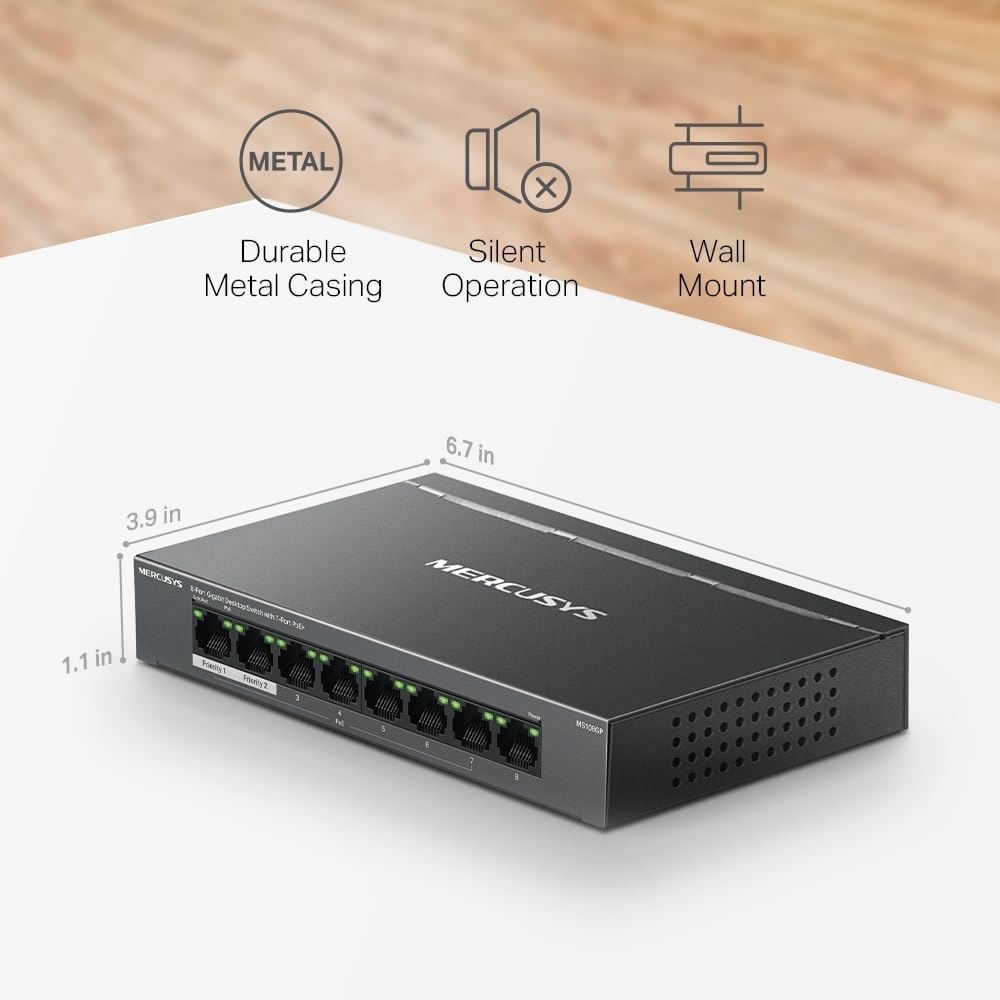
If you’re wiring a small office or a campus-style area with several PoE devices, this model offers a straightforward way to eliminate extra power bricks and run a cleaner cable tree. The 250 m Extend Mode can simplify deployments where devices aren’t close to power or network hubs. The metal enclosure helps with heat and durability, which matters in compact, desk-level installations. For straightforward setups, the Plug and Play nature reduces configuration time.
Limitations and things to watch
It may not be ideal if you need a large number of high‑wattage PoE devices on a single switch—the 40 W total PoE budget means you’ll need to plan power usage carefully. The 7 PoE+ ports are great for a small number of cameras or access points, but heavier deployments could require a larger PoE switch or a separate power budget management plan. If your environment requires advanced Layer 2 features or more comprehensive management, you may find this model lacks those capabilities.
Who it’s best suited for
This switch is well suited for small offices, retail setups, or classrooms where several PoE devices are used and cabling simplicity is valued. It’s a practical choice if you want to extend PoE reach without installing additional power supplies and you don’t need extensive network management features.
Who might want to consider alternatives
If your needs include many high‑power PoE devices, or you require sophisticated management, monitoring, or VLAN features beyond basic isolation, you may prefer a larger PoE switch or a different model with a higher PoE budget and more advanced capabilities. For projects that prioritise purely Ethernet connectivity without PoE, a non-PoE 8-port switch could be more cost-efficient.
What to check before buying
- Confirm the PoE budget aligns with the devices you plan to power, especially if you have several high‑wattage PoE devices on the same switch.
- Verify whether Extend Mode suits the physical layout and cable length in your space.
- Consider whether you require Isolation Mode to segment traffic and how that affects your current network policy.
- Ensure the devices you intend to power are IEEE 802.3af/at compliant.
Practical usage example
In a small office with three IP cameras and two wireless access points, you could connect the cameras and APs to PoE+ ports, saving separate power adapters and reducing clutter. The remaining ports can serve desktop PCs or network printers. If a device sits farther away from the main switch, Extend Mode helps reach it without extra bridging devices, though you’ll want to keep an eye on the total PoE budget as you scale.
Quick comparison of approaches
If you prioritise cable simplicity and a modest PoE footprint, this MS108GP makes sense over a standard non‑PoE switch or over a larger, more feature‑rich model that may be more expensive. If your priority is performance headroom for many PoE devices or advanced network features, a higher‑end PoE switch or a stackable option could be a better long‑term fit.
FAQ
- What is Extend Mode good for? It extends PoE reach up to 250 m, which helps in larger rooms or campuses where devices are far from the main switch.
- Can I power high-wattage devices on every PoE+ port? The total PoE budget is up to 40 W across all PoE ports, so plan usage accordingly.
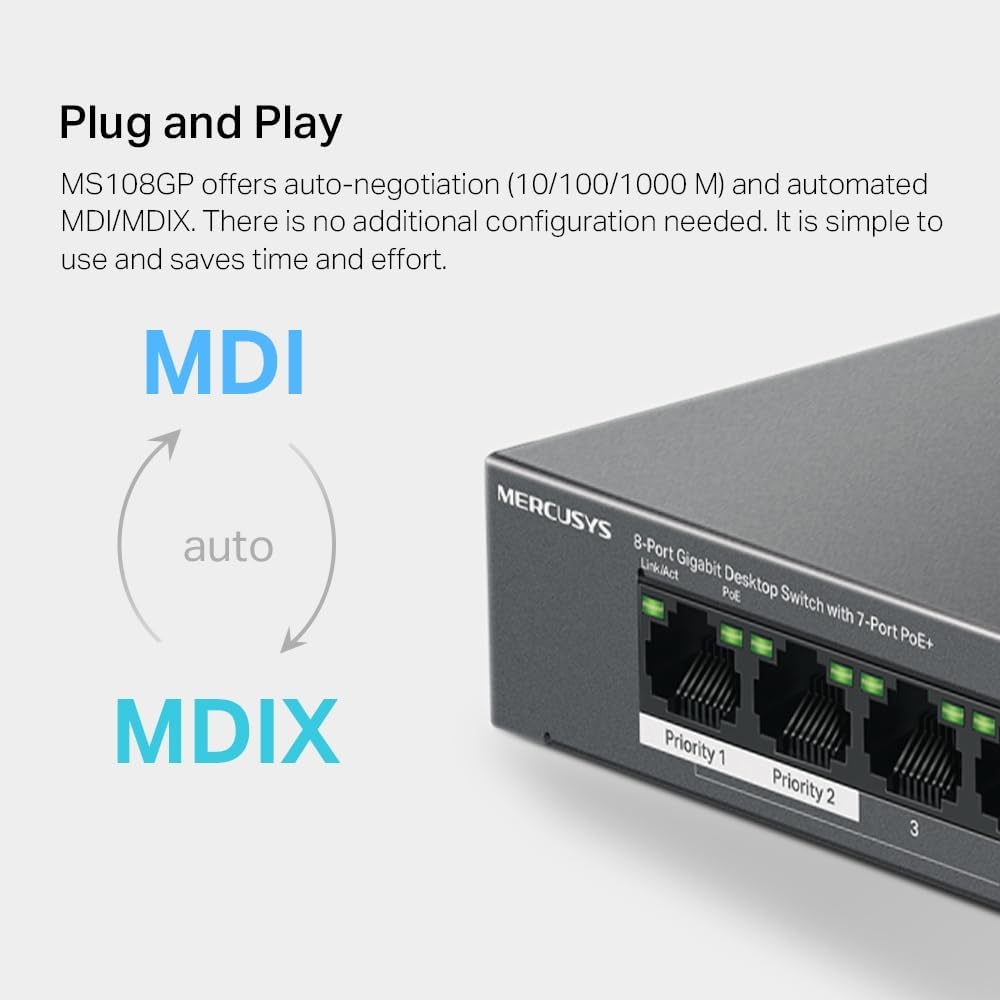
- Is it easy to set up? Yes, the device is designed for plug‑and‑play use with basic Ethernet connections and minimal configuration.
Is it worth it?
Worth considering if you need a compact, budget-conscious PoE switch to power a handful of PoE devices and you value a straightforward, low-maintenance setup. It may not be the best match if you expect heavy PoE use or advanced network features, in that case, assess higher‑end options that offer more headroom and management features.