

ASUS VU249CFE 24" FHD 100 Hz gaming monitor
Reviews
Price
Product description
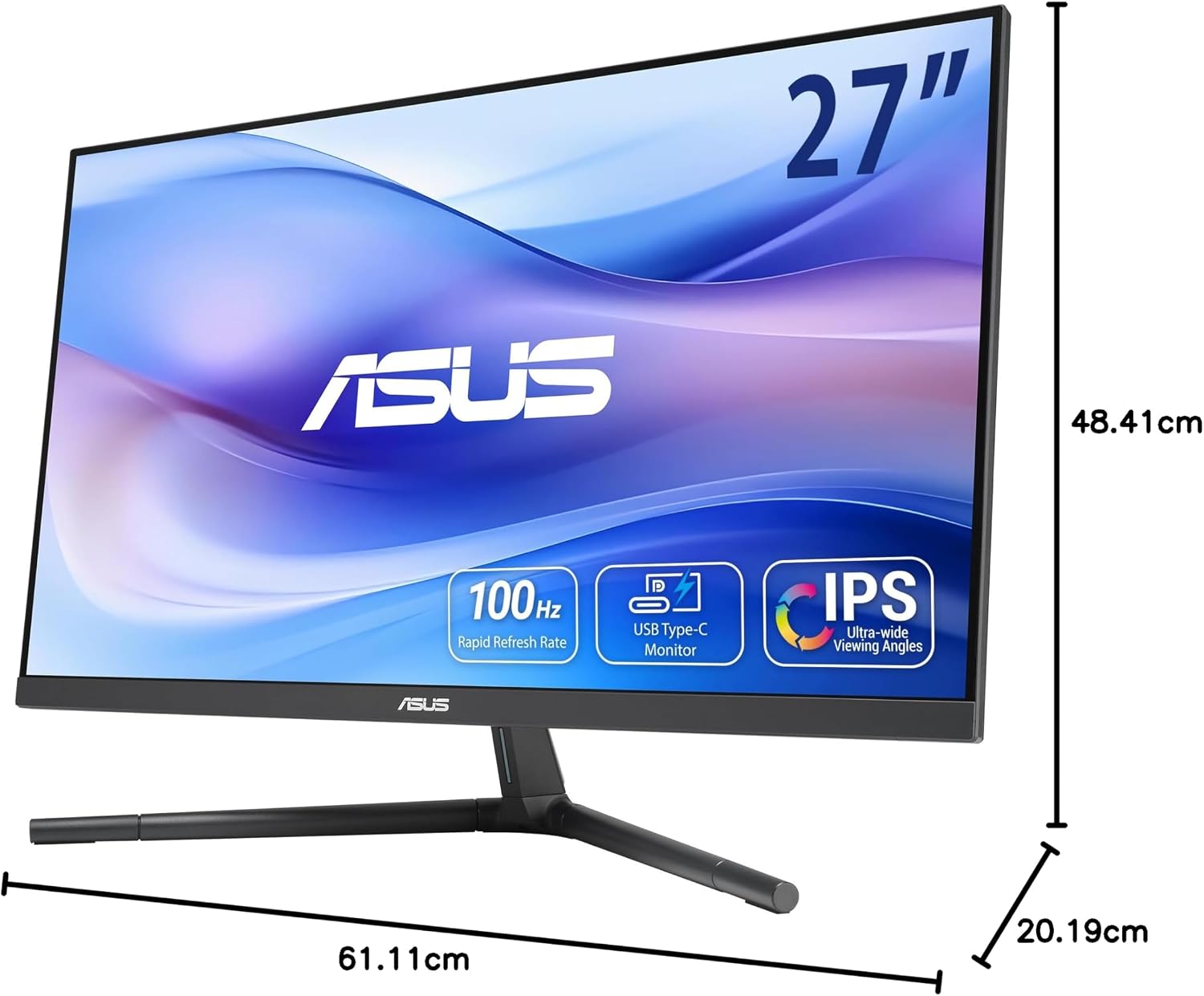
This compact gaming monitor combines everyday productivity and casual play in a slim 24-inch design, offering an accessible balance between image clarity and eye comfort. If you need a 24-inch gaming monitor with USB-C for a tidy desk setup and occasional gaming, this model delivers a 100 Hz panel, USB Type-C power delivery and adaptive sync for fewer visual artefacts.
Key Points
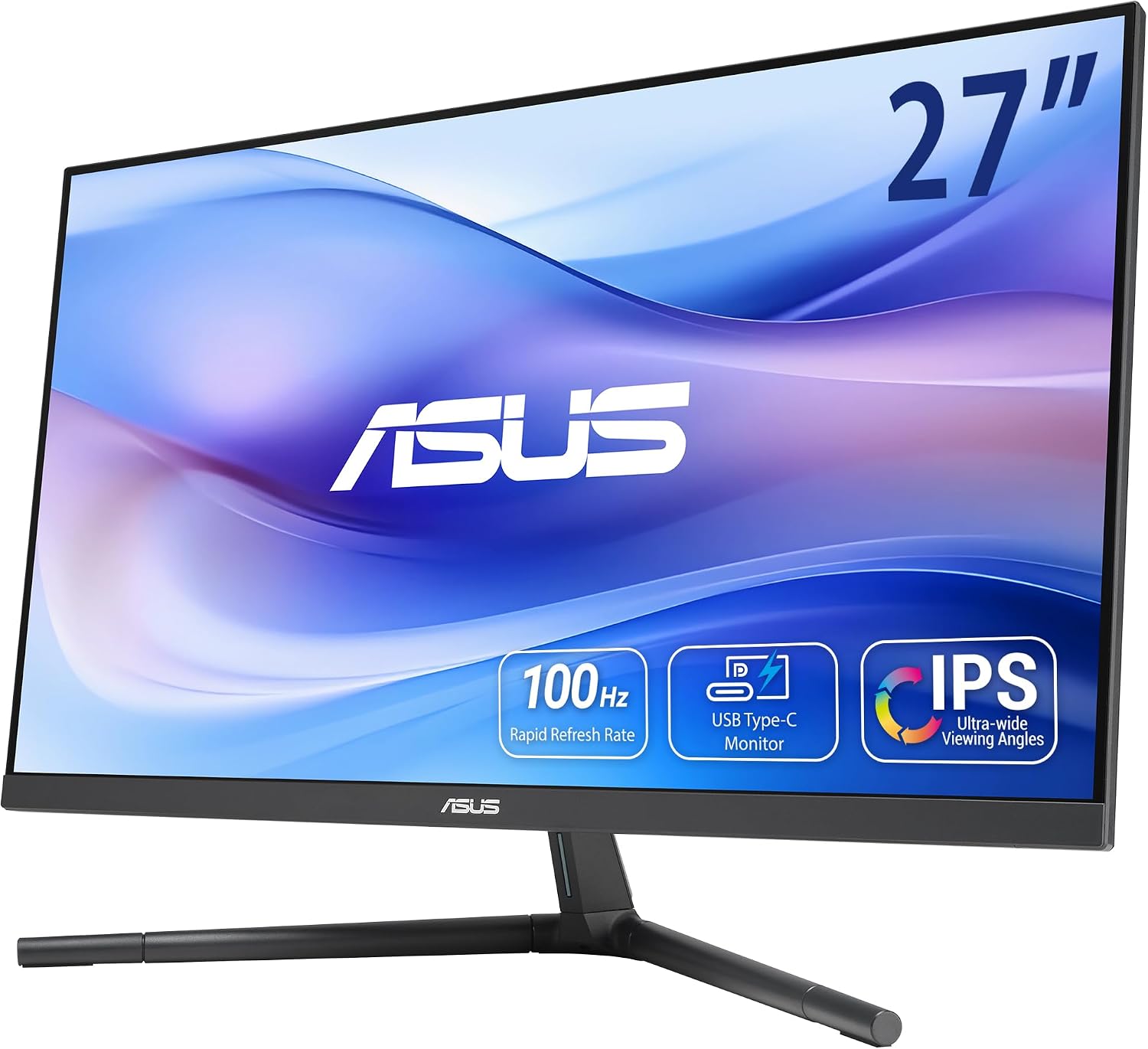
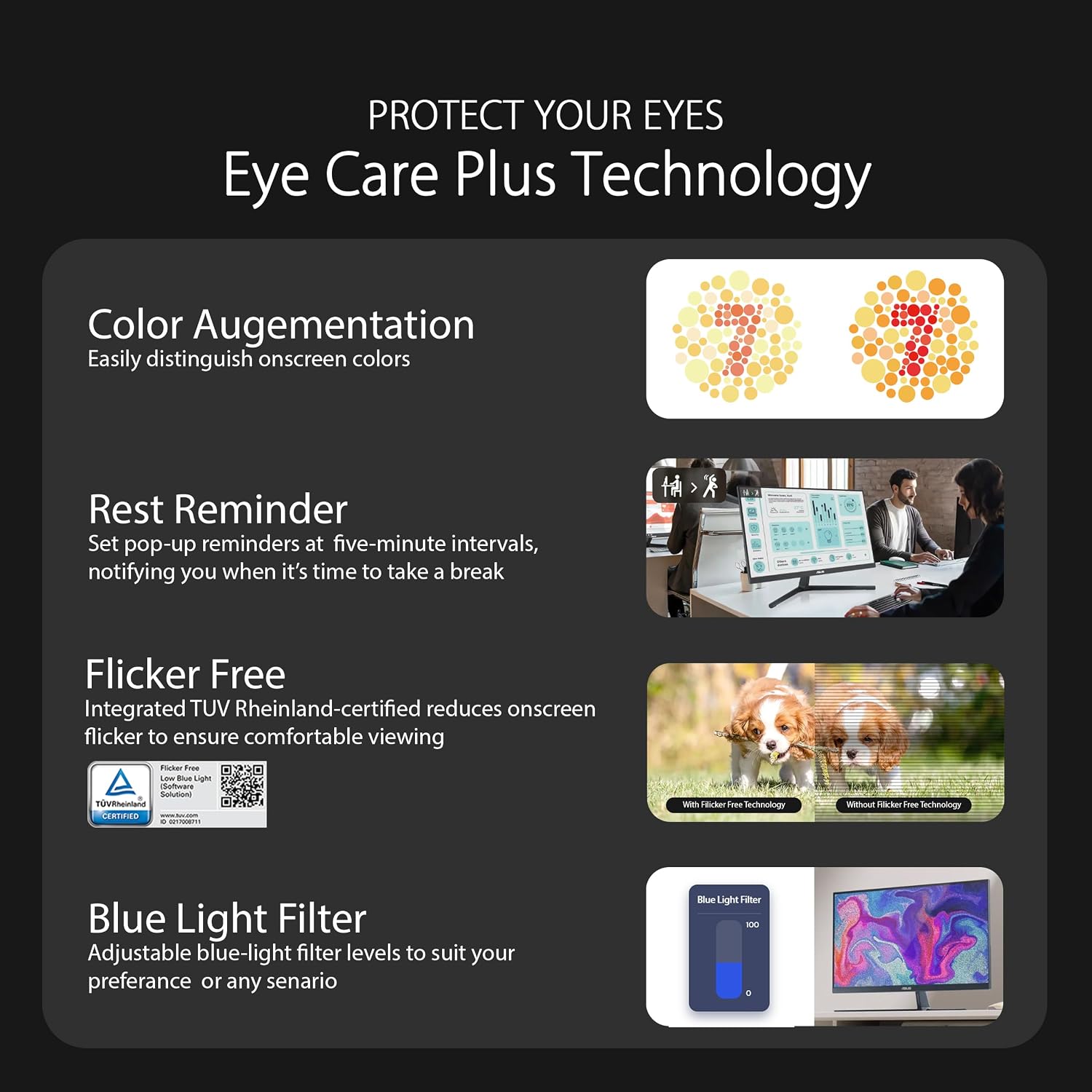
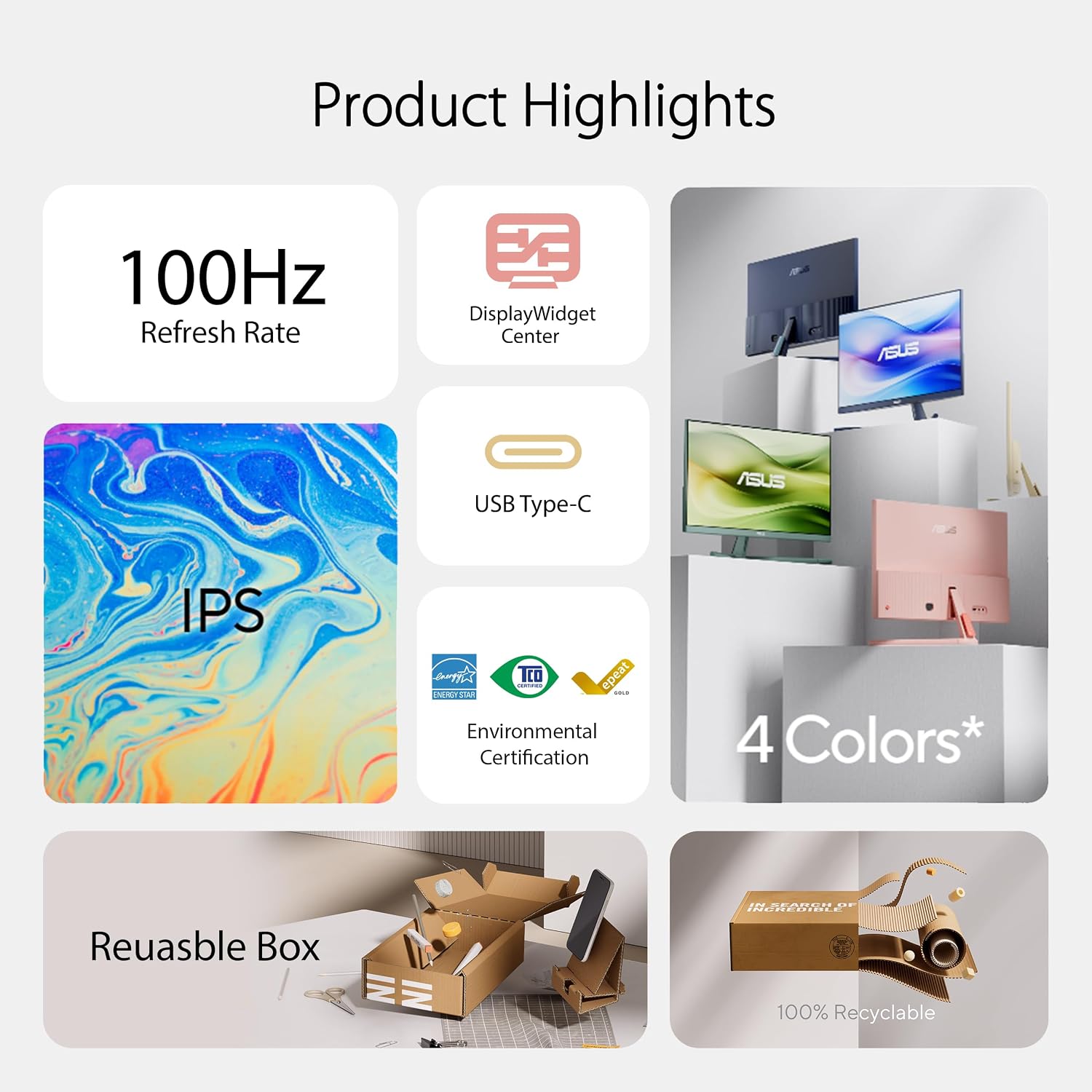
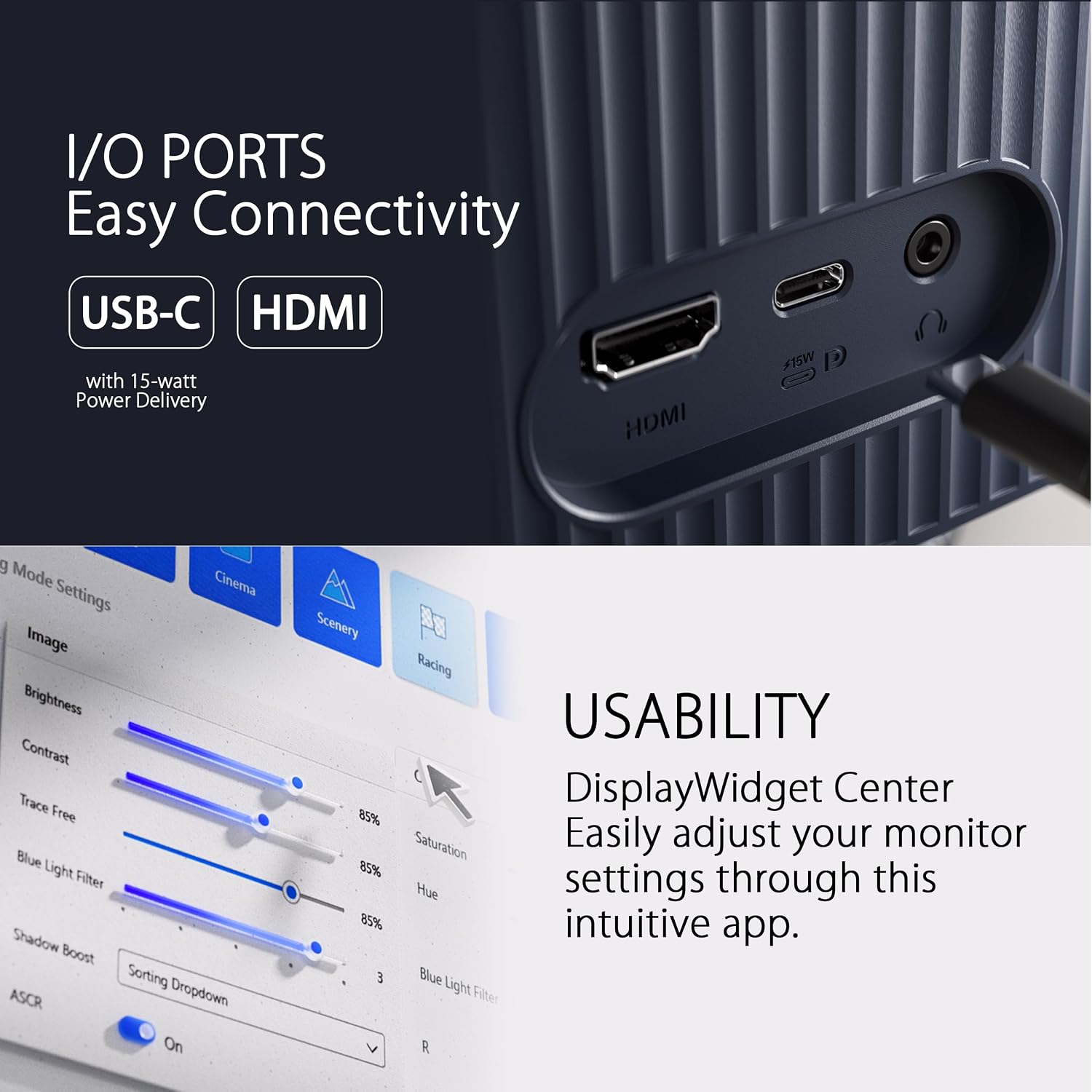
The screen uses an IPS panel that maintains consistent colours across wide viewing angles, making video work and browsing more reliable. Refreshing at 100 Hz, motion appears smoother than standard 60 Hz displays, which helps in fast-moving scenes and light gaming sessions. Connectivity covers modern needs with DisplayPort over USB-C that supplies 15-watt Power Delivery, a DisplayPort input and an HDMI port for easy connection to laptops, consoles and desktops. EyeCare Plus technology and TÜV Rheinland certification for low blue light and flicker reduction aim to reduce visual fatigue during extended use 😊. The design is finished in black and keeps a modest footprint on the desk while including energy-efficient features and recyclable paper packaging.
Technical Specifications
- Name: ASUS VU249CFE
- Screen size: 24 inches
- Resolution: 1920 x 1080 (FHD)
- Panel type: IPS, 100 Hz refresh rate
- Connectivity: USB Type-C with 15-watt Power Delivery, DisplayPort, HDMI
Benefits
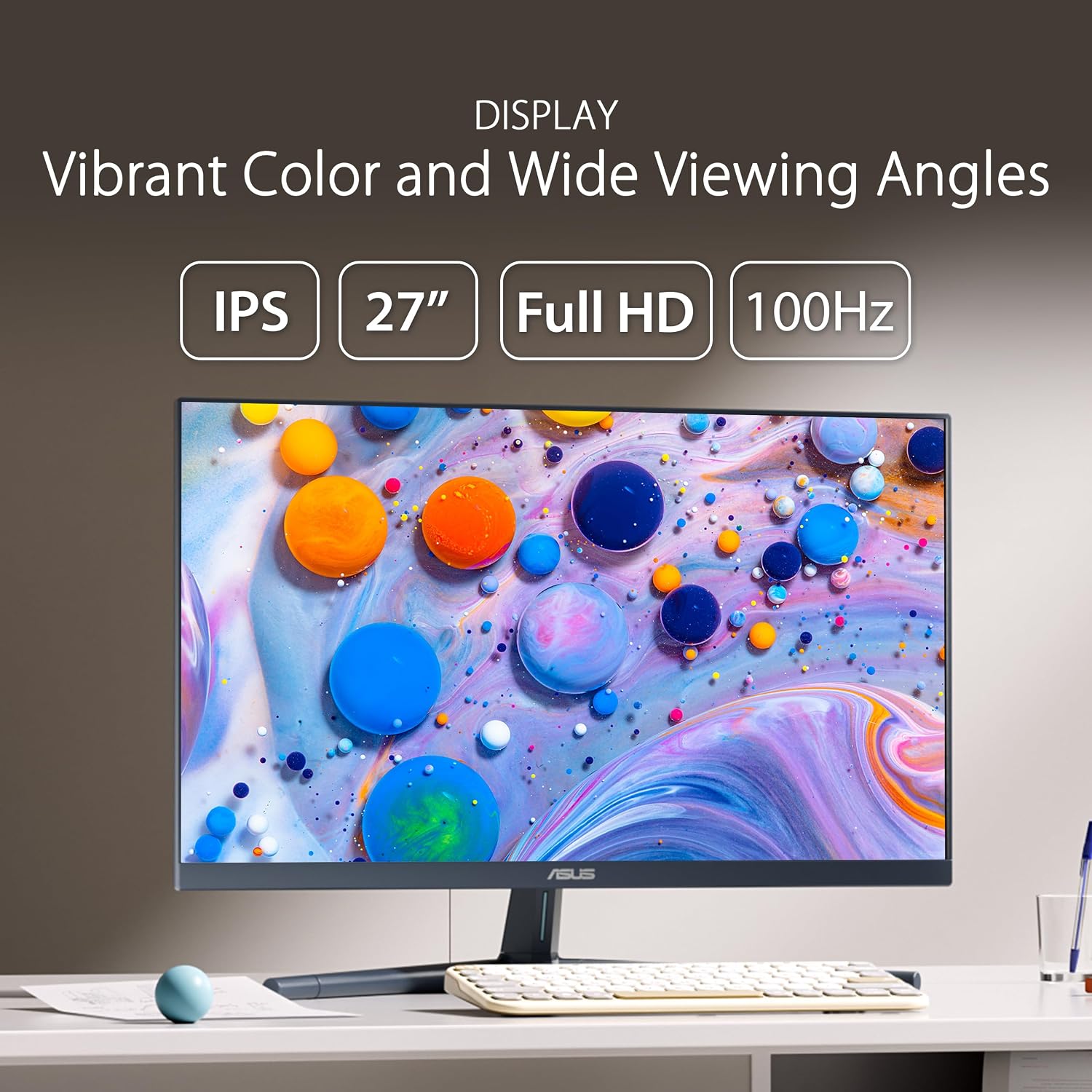
Colour consistency and viewing angles are advantages of the IPS technology, which also helps when several people view the screen at once. The 100 Hz refresh rate reduces motion blur compared with basic displays, so both movies and casual gaming feel more fluid. Adaptive-Sync is included to help minimise tearing when frame rates vary, which is useful for gaming on mid-range PCs and consoles. Energy-efficient operation and minimal packaging reflect a reduced environmental footprint, according to the manufacturer, which may appeal to users paying attention to sustainability 🌱.
Usage Recommendations
For a neat workspace, use the USB-C connection to pass video and supply power from a compatible laptop, reducing cable clutter. Adjust the ASUS EyeCare Plus settings using the on-screen menu to select the blue light filter level that suits long sessions, particularly in evenings. Bear in mind that while the FHD resolution is fine on a 24-inch panel, users who need very high pixel density for detailed photo editing or competitive esports may prefer a higher-resolution or faster-refresh option. Regular breaks and adjusted brightness help make longer work or play sessions more comfortable.